TrustFire H7GR Dual Beam Sensor Headlamp Review
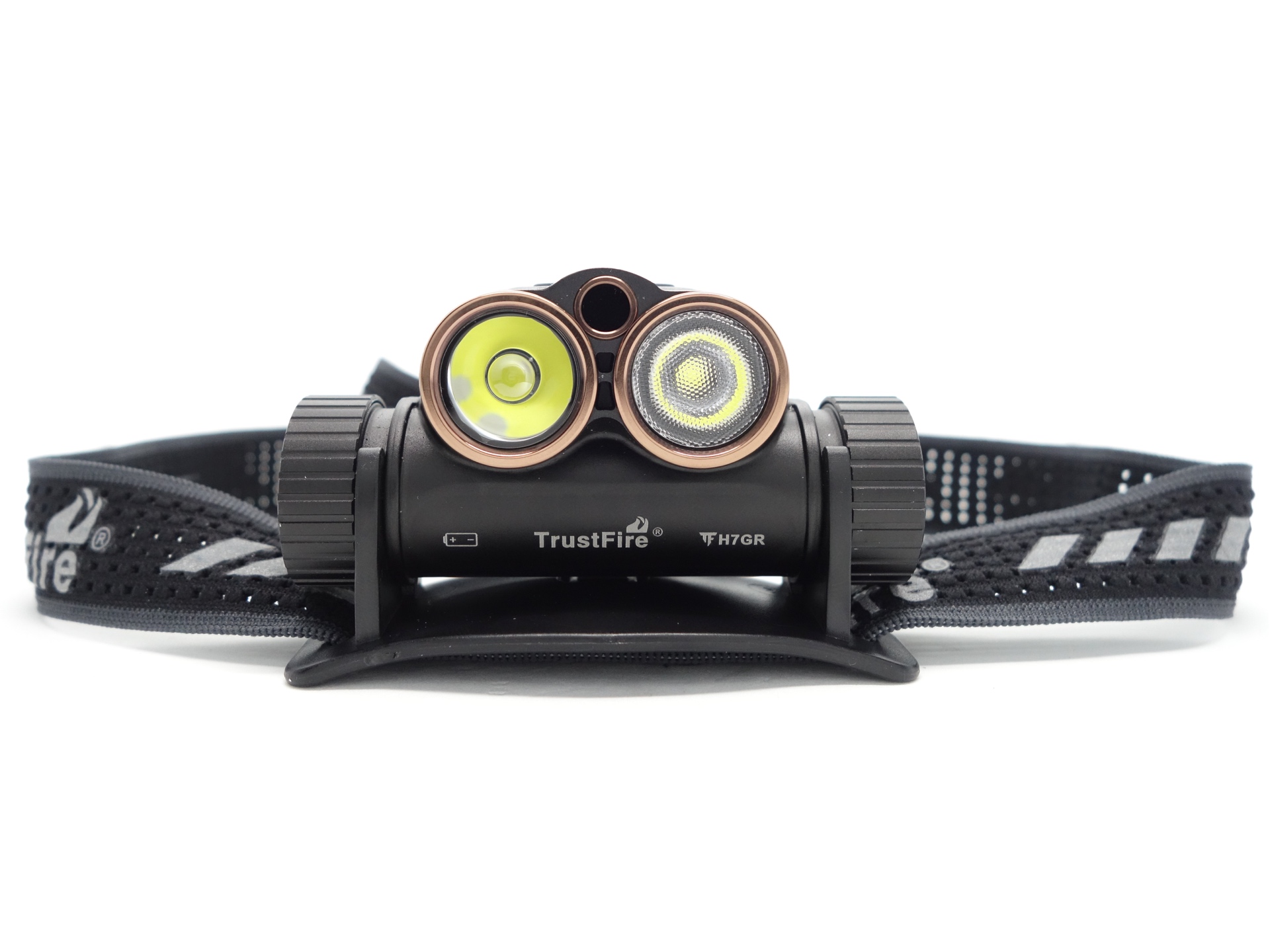
TrustFire H7GR#
- Specifications
- Introduction
- Torch in use
- Build quality
- LED, bezel, lens, reflector and beam
- Size and comparison
- User interface
- Batteries and charging
- Performance
- Thermal Images
- Beamshots
- Conclusion
- Price
- Product page
Specifications#
| Brand/model | TrustFire H7GR |
|---|---|
| LED | Cool White Spotlight and Floodlight |
| Maximum lumens | 1,800 lm |
| Maximum beam intensity | 6,400 cd |
| Maximum throw | 160 m |
| Battery | 1*21700 |
| Onboard charging | Yes (USB-C) |
| Material | Aluminium |
| Modes | 2 |
| Blinkies | - |
| Reflector | TIR |
| Waterproof | IPX6 |
| Review date | December 2025 |
Introduction#
The TrustFire H7GR is a 21700-sized headlamp featuring a Spotlight, a Floodlight and an infrared sensor.
TrustFire sent this torch for review. I have not been paid for this review nor have I held back my opinions of this torch.
Packaging#
The torch comes in a white and blue TrustFire branded box with an image of the torch on the front and details on the back.
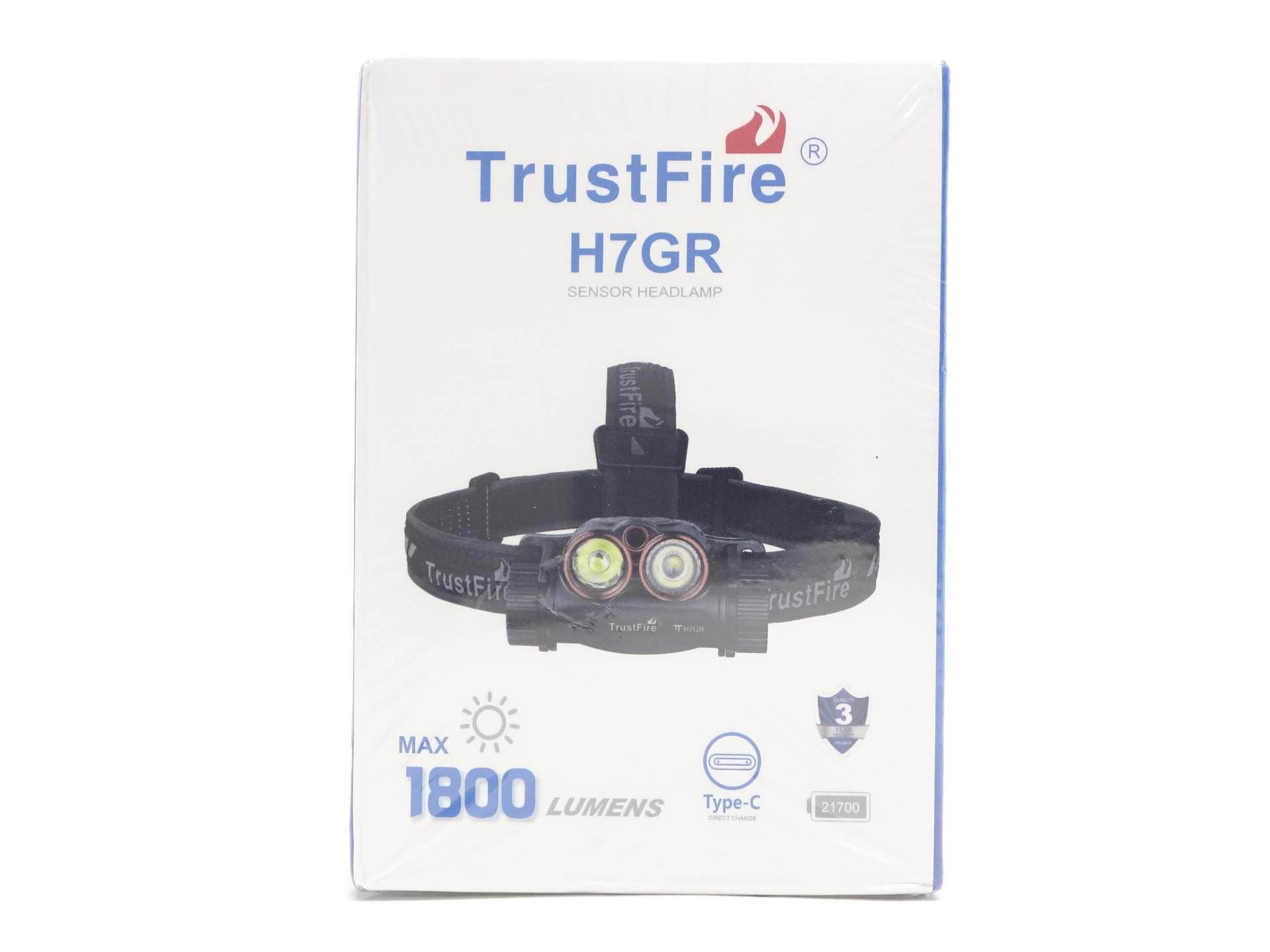
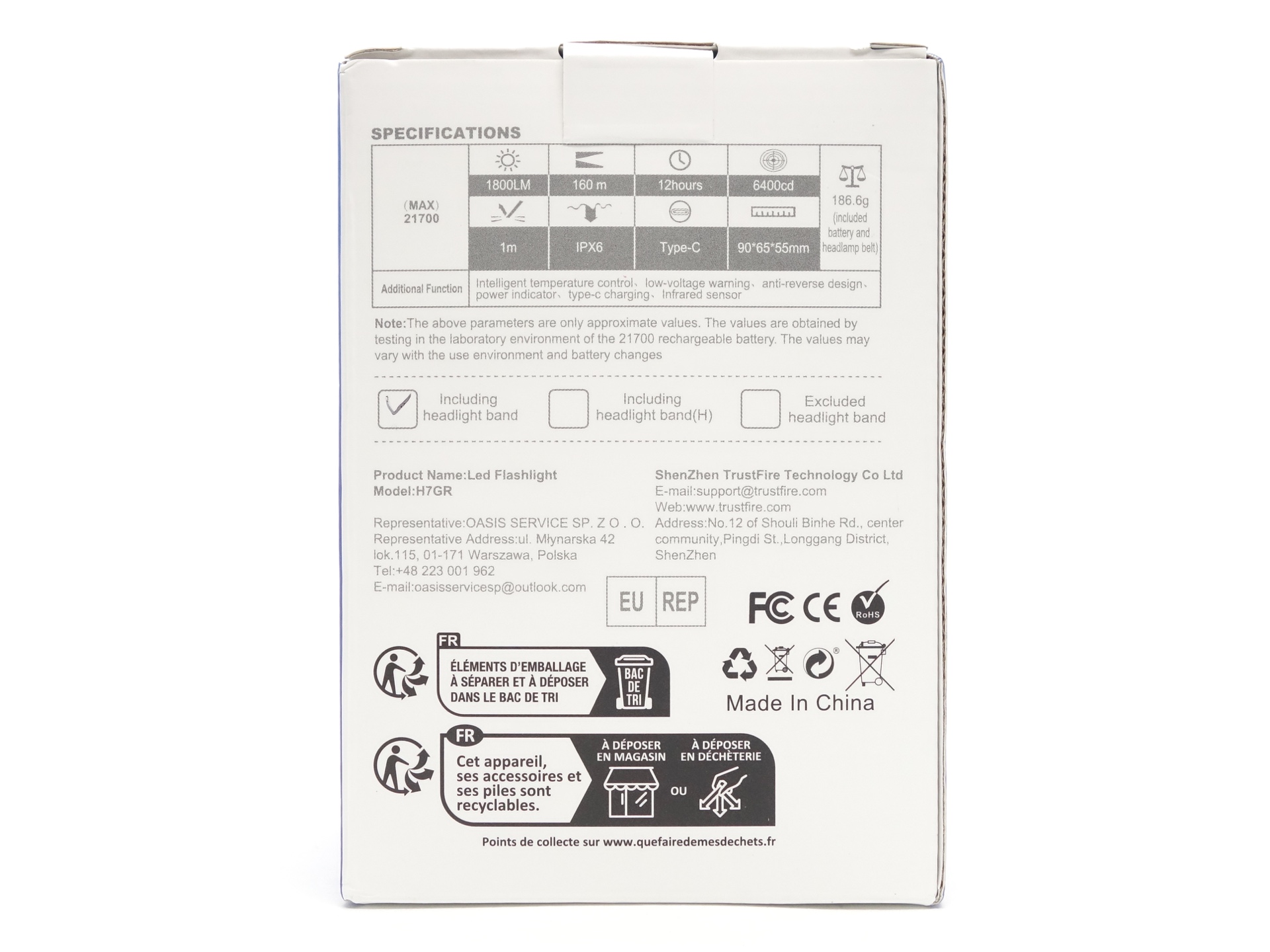
The following was included in the box:
- TrustFire H7GR.
- TrustFire 21700 3.7V Li-ion 4000mAh cell.
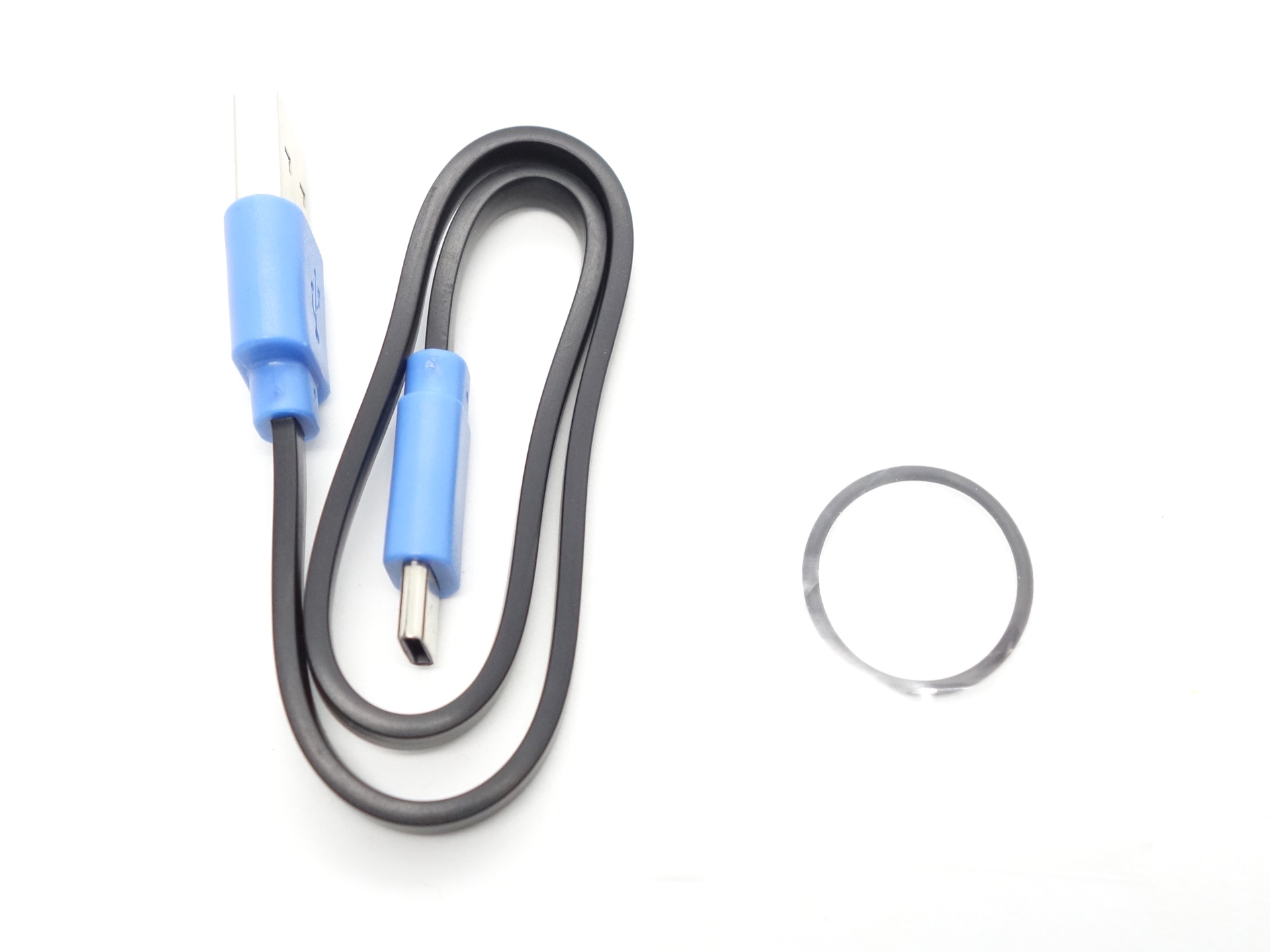
- USB-A to USB-C cable.
- Spare o-ring.
- User manual.
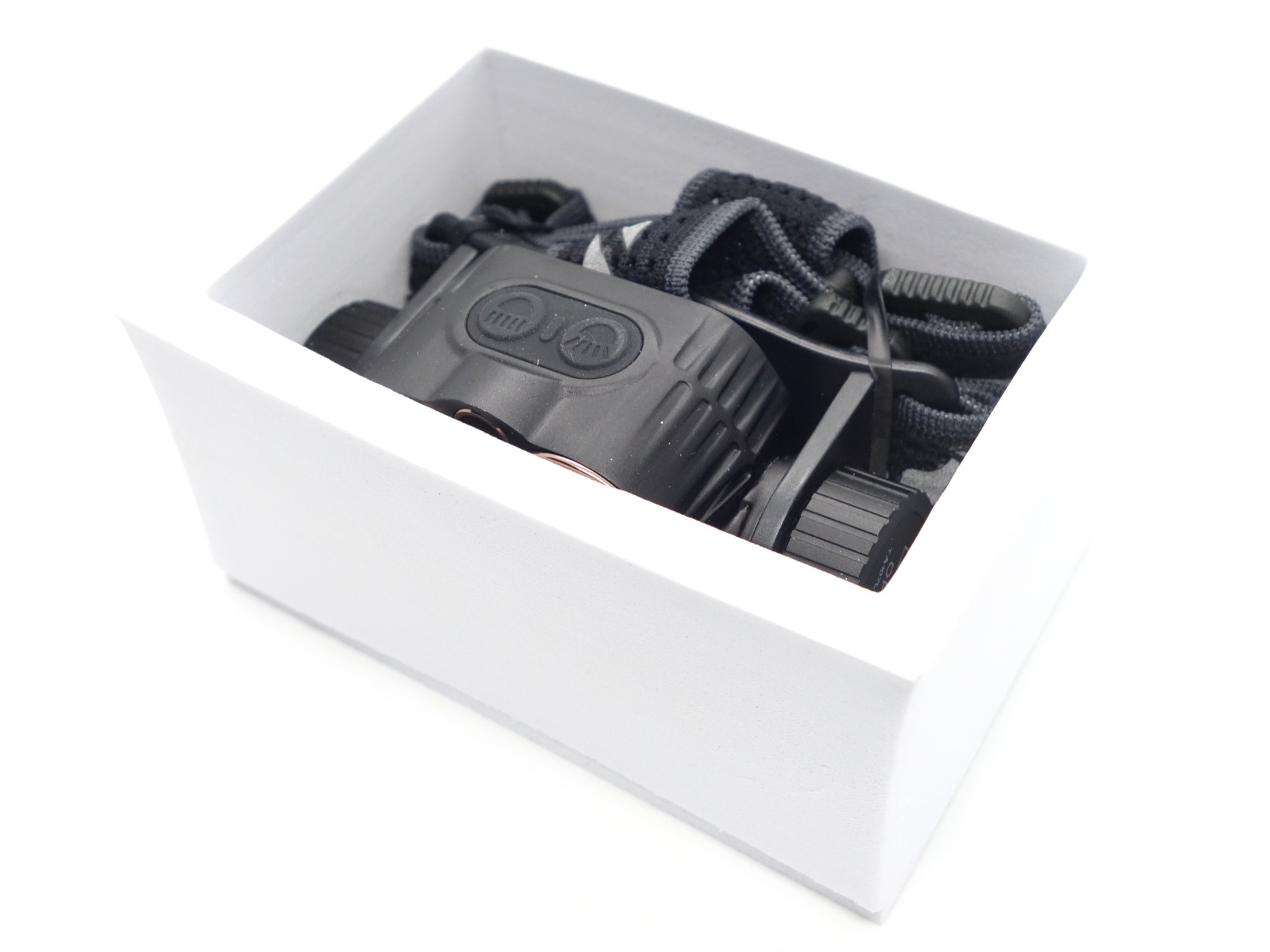
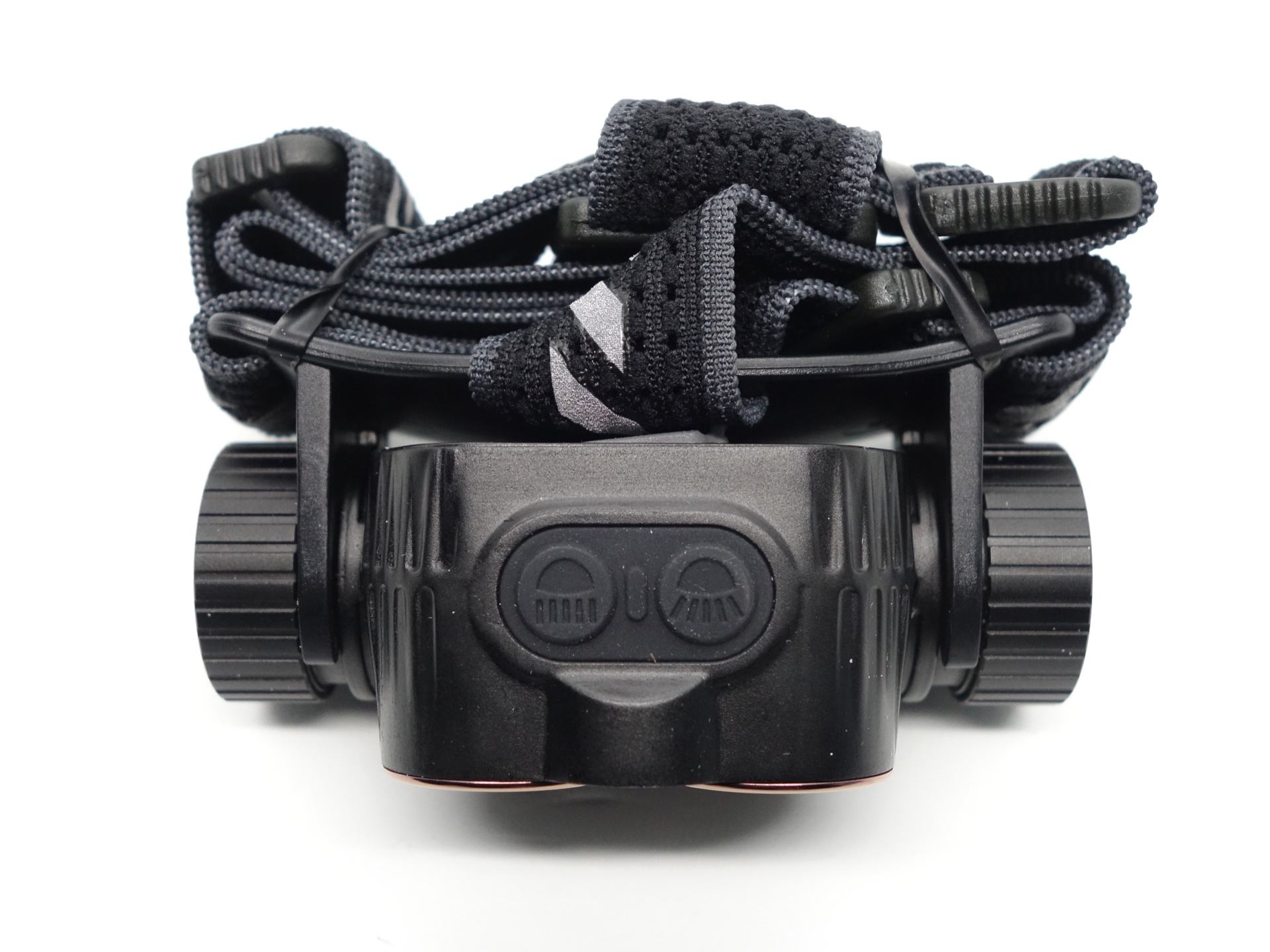
The headlamp came fully assembled. The headband is already threaded through the bracket. And the headlamp is already clipped into the bracket.
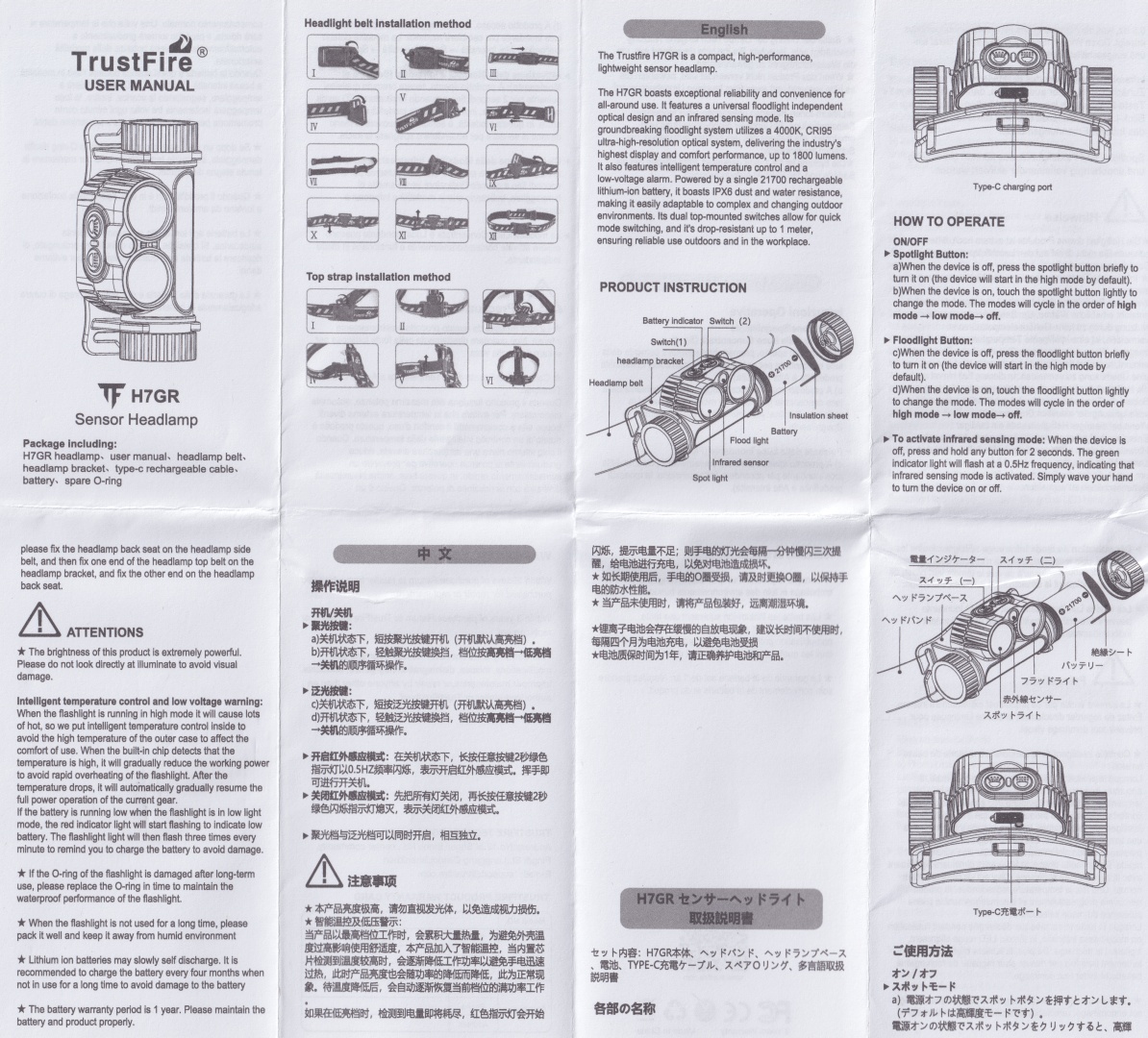
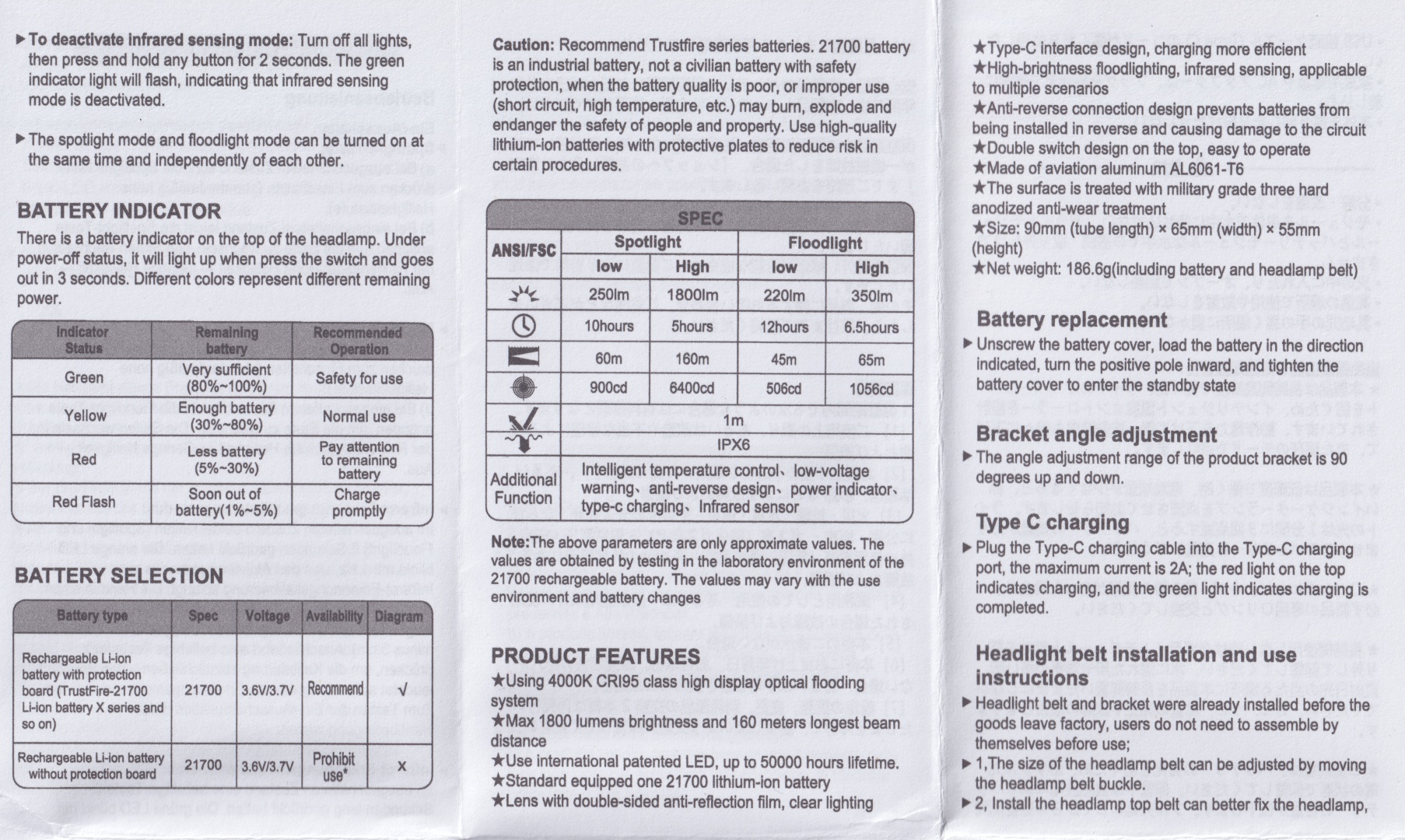
User Manual#
Torch in use#
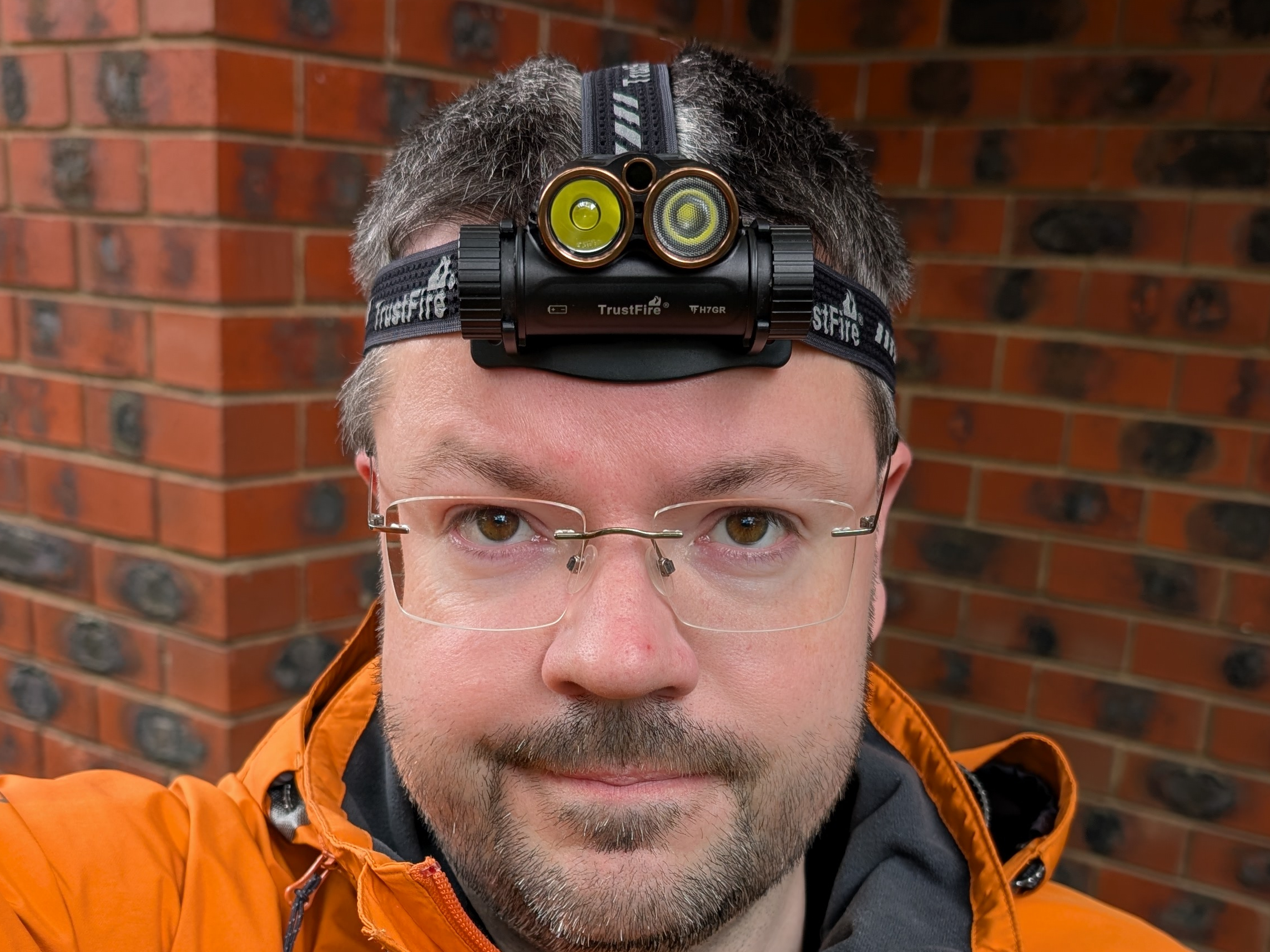
The headband feels comfortable on my head. It fits well but the overhead strap might be to short if you have a big head or if you want the headband to sit lower on your head.
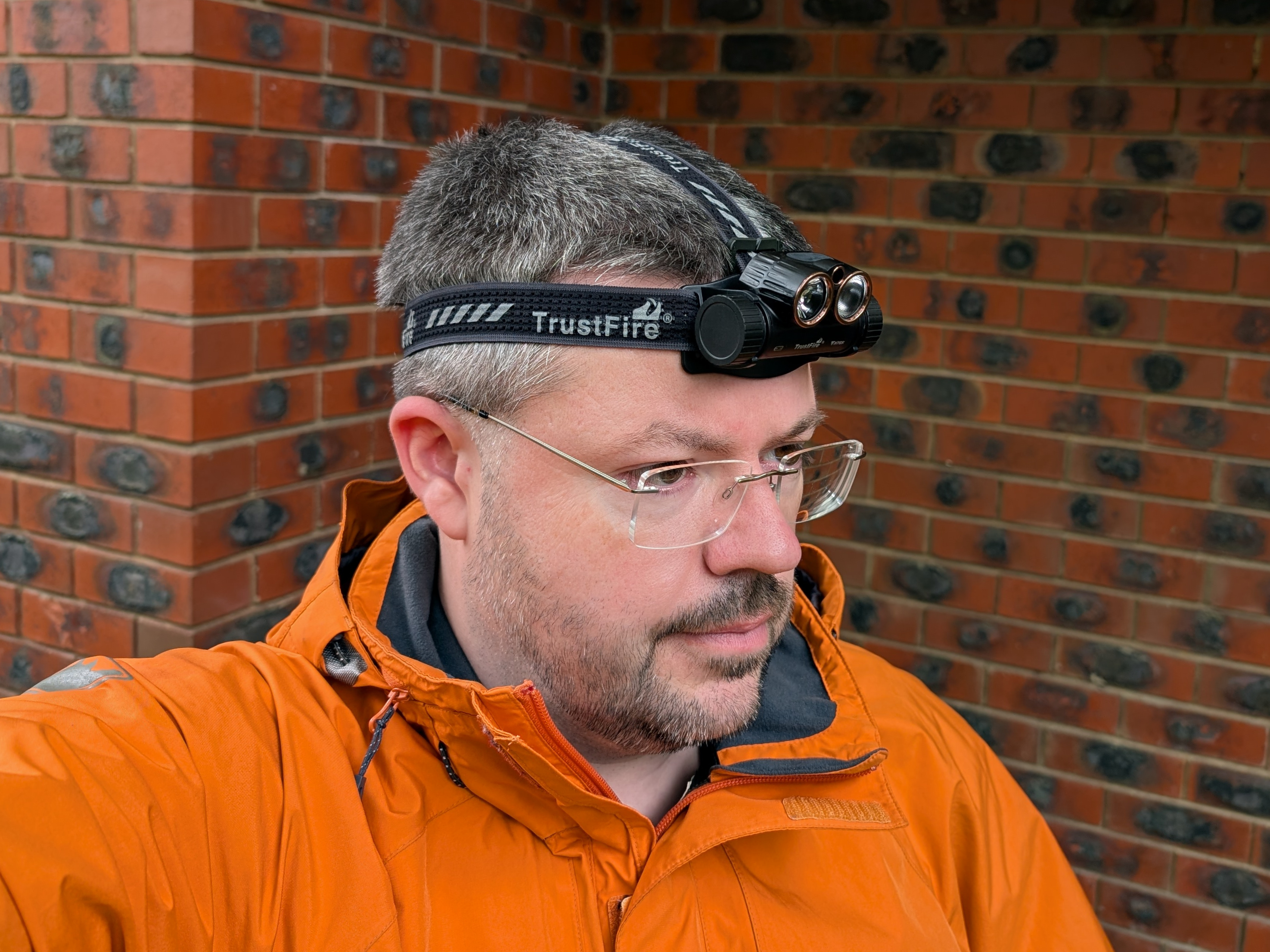
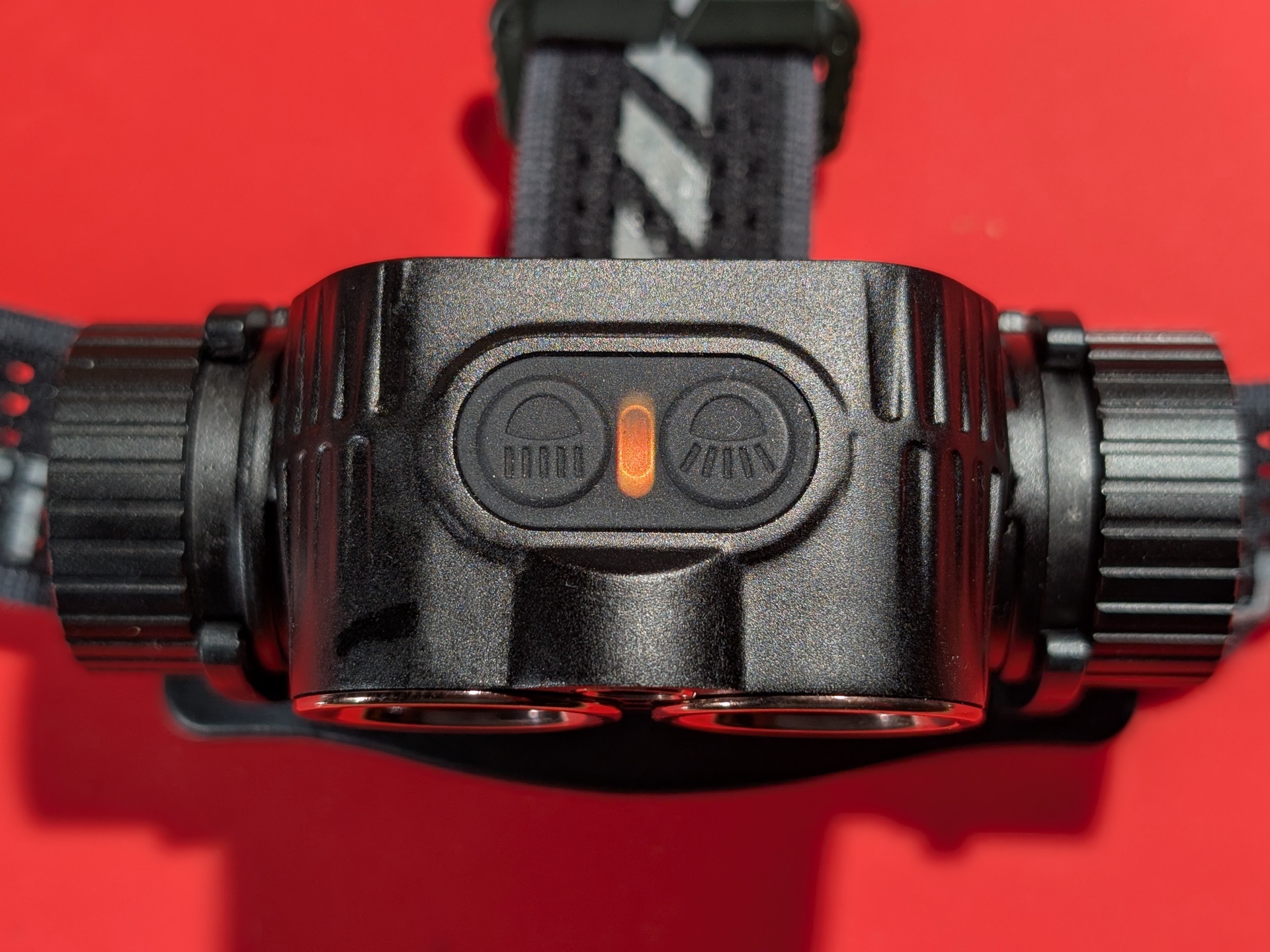
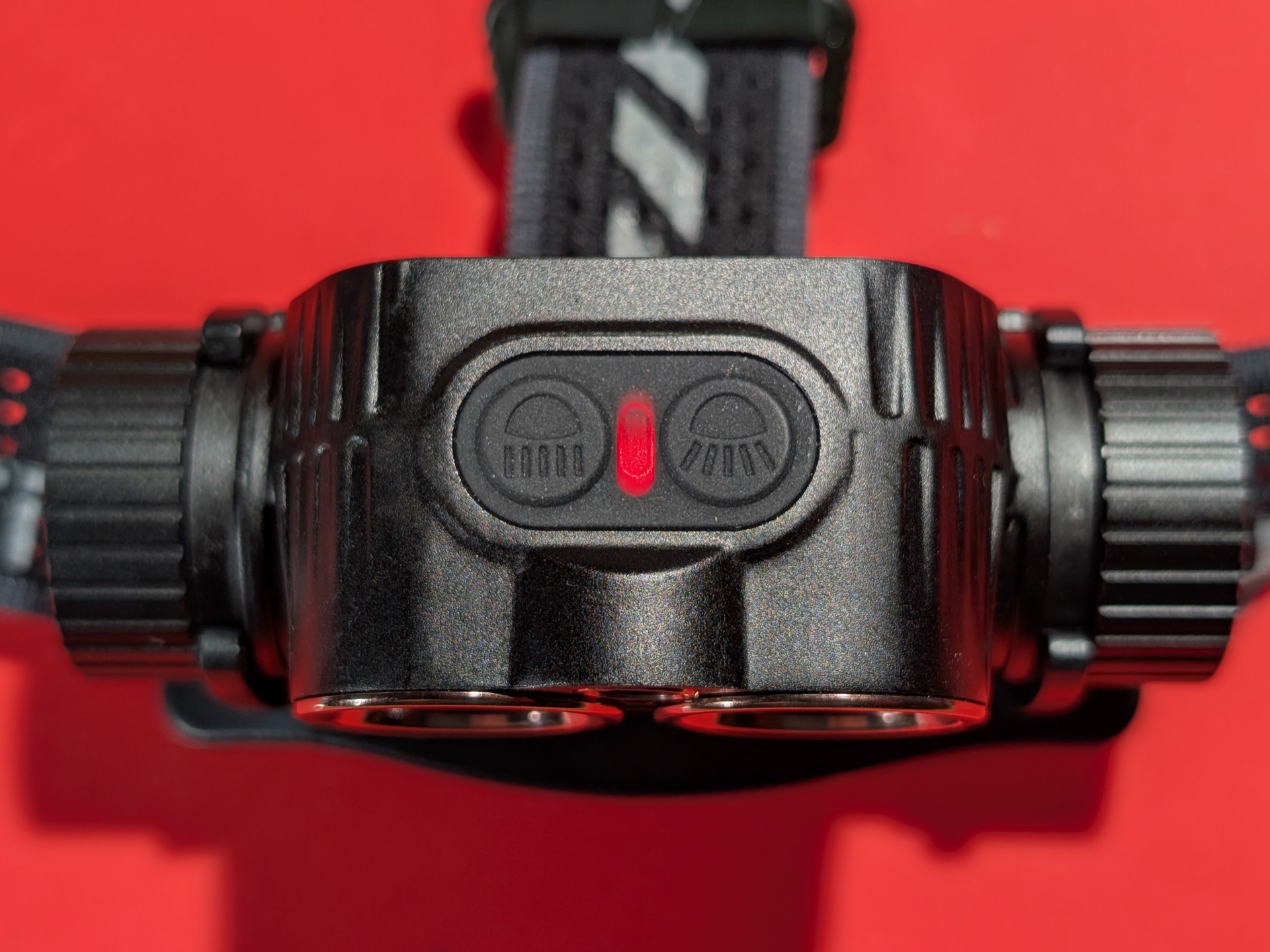
The torch has a Spotlight button and a Floodlight button. Between the two buttons is a status indicator light.
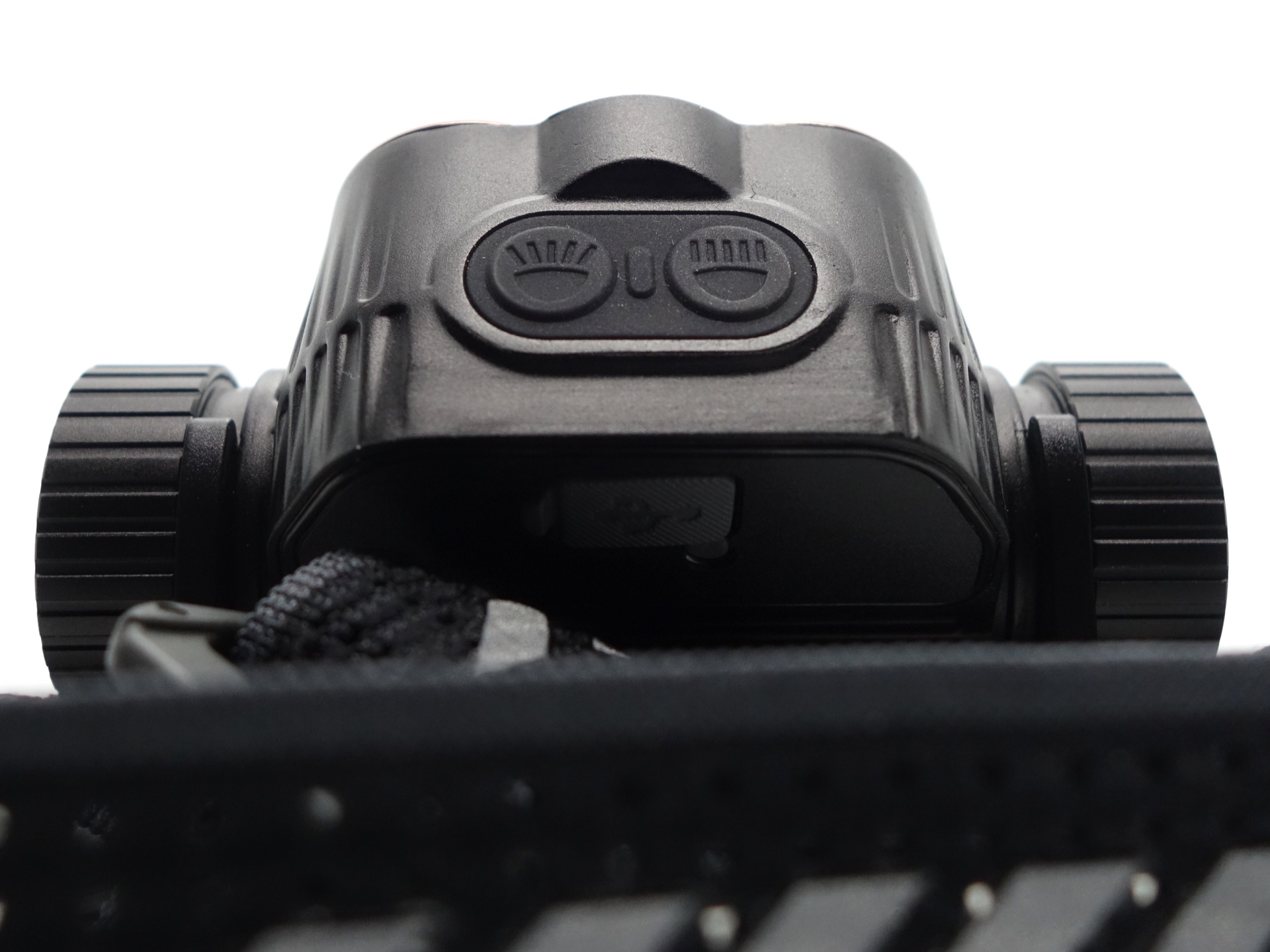
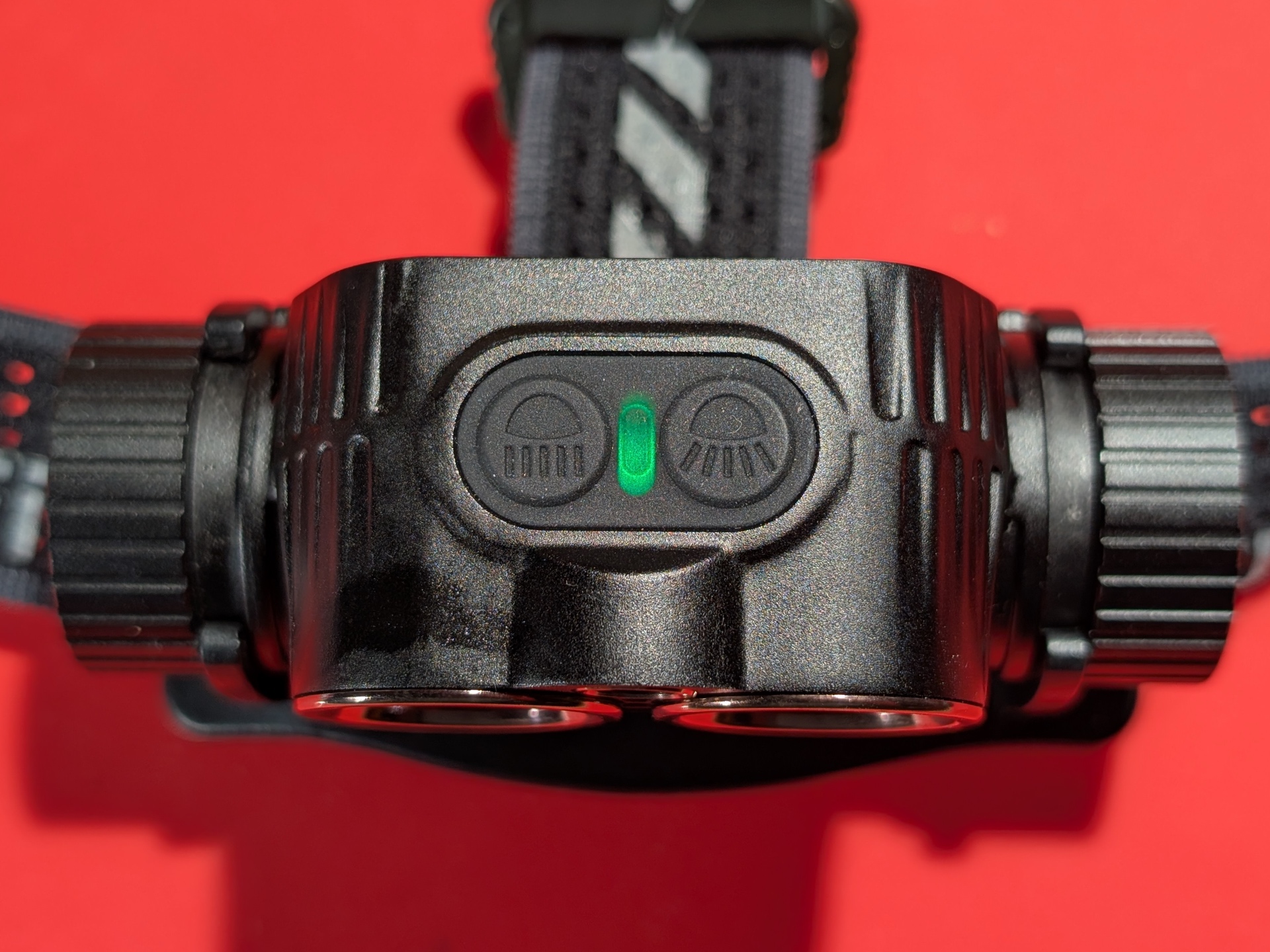
There is an infrared sensor that can be used to turn the light on and off.
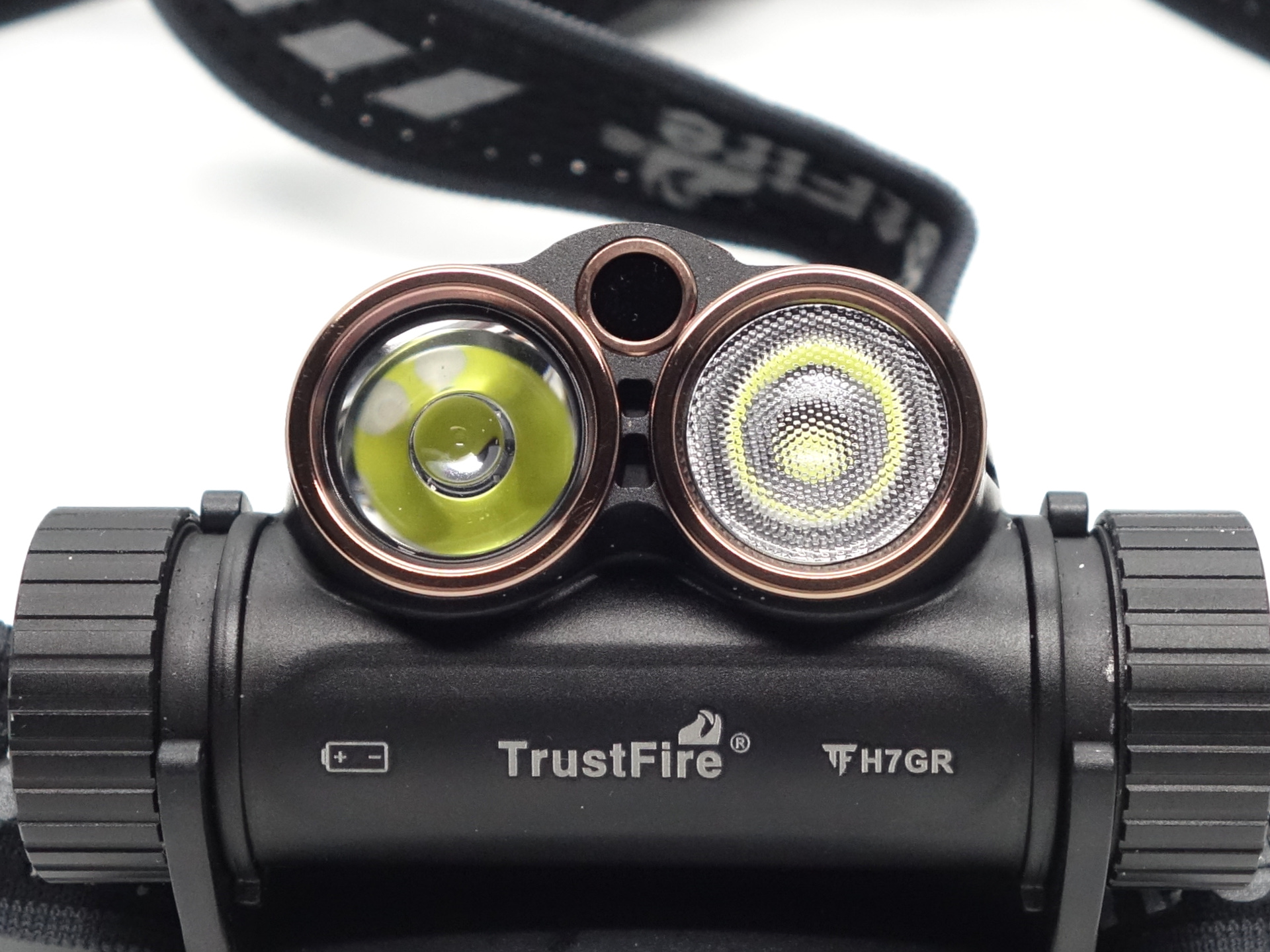
The Low modes for the Spotlight and the Floodlight make the headlamp suitable for close up work. High modes are better for looking in the distance.
Build quality#
The torch is made of aluminium and it has a matte black anodised finish. The bezels have a rose gold colour.
The inner side of the headband has a rubber strip for grip and comfort while the outer side has reflective strips and reflective TrustFire branding.
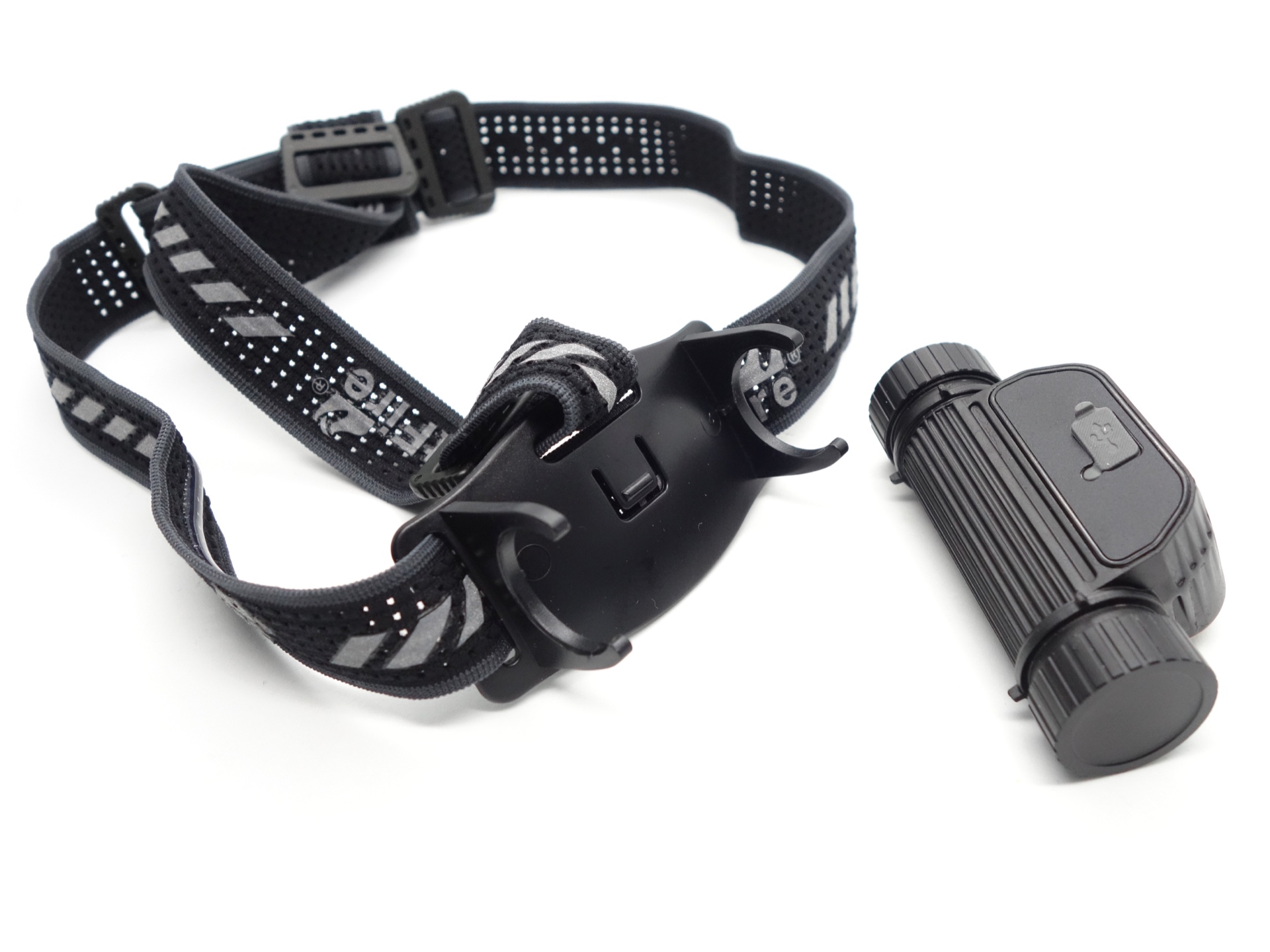
The bracket for the headlamp has a little notch to help the headlamp click into multiple positions.
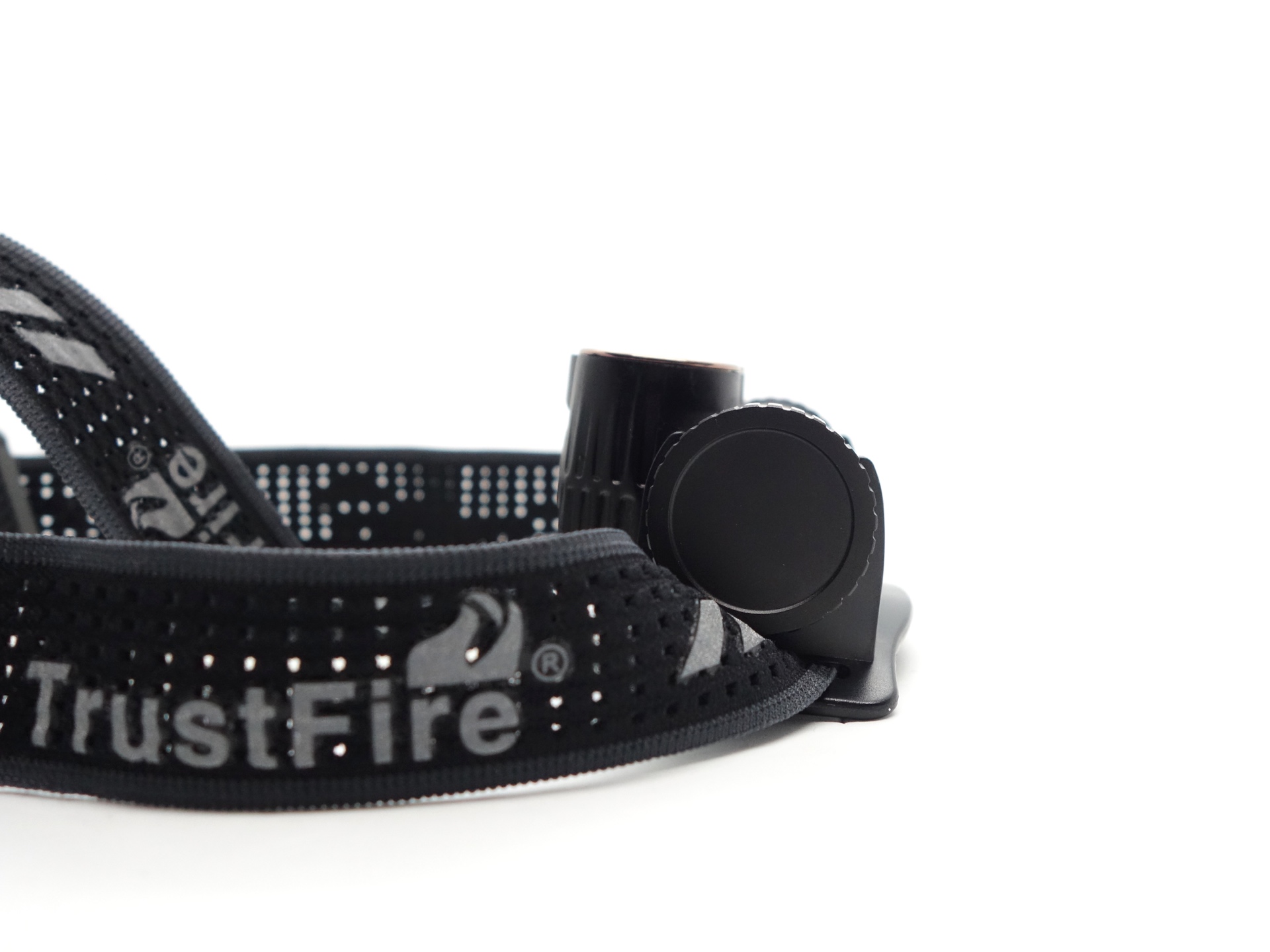
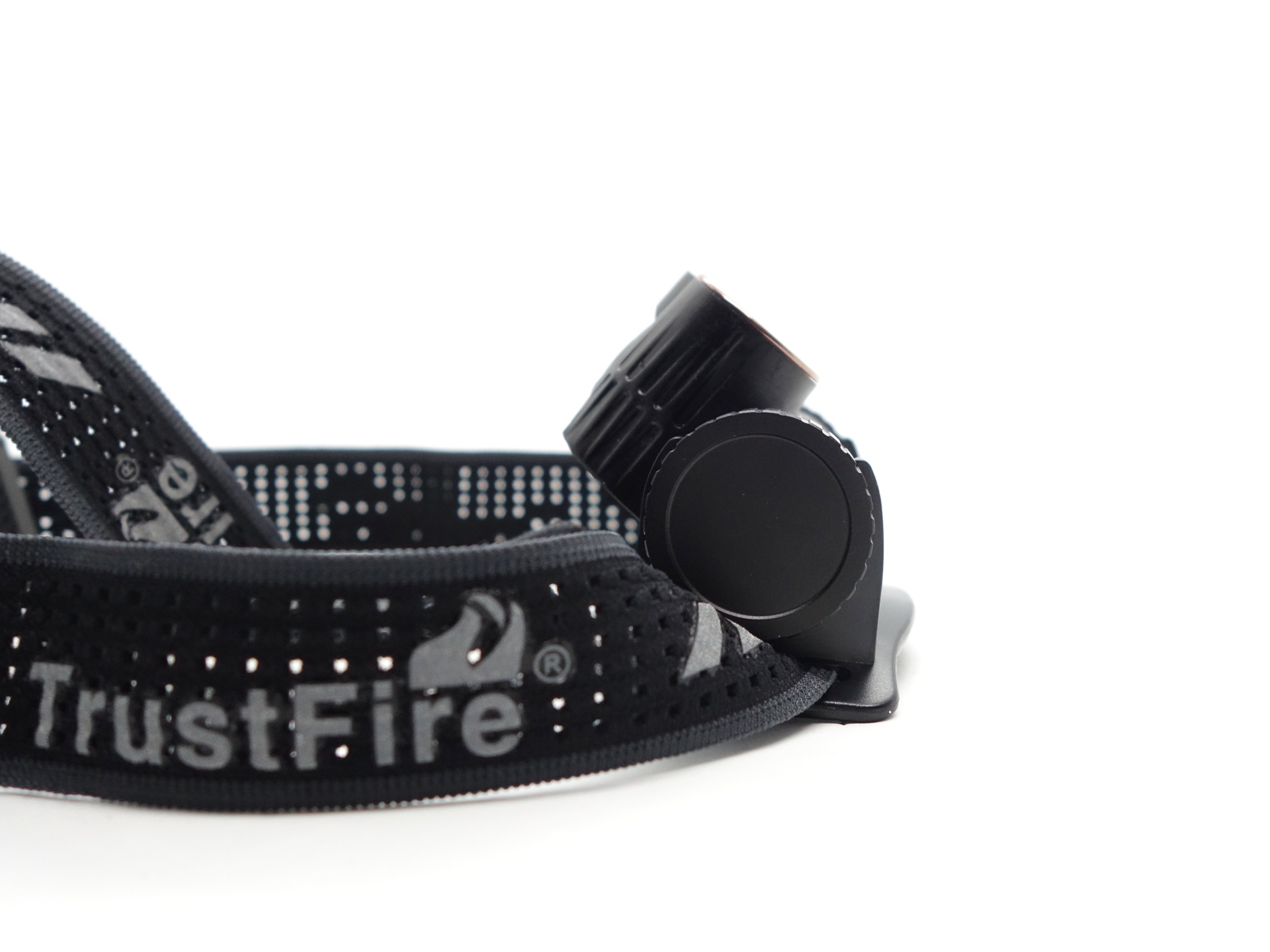
The headlamp can rotate about 90 degrees between shining a light straight ahead or down. It does not point up unless you move your head up.
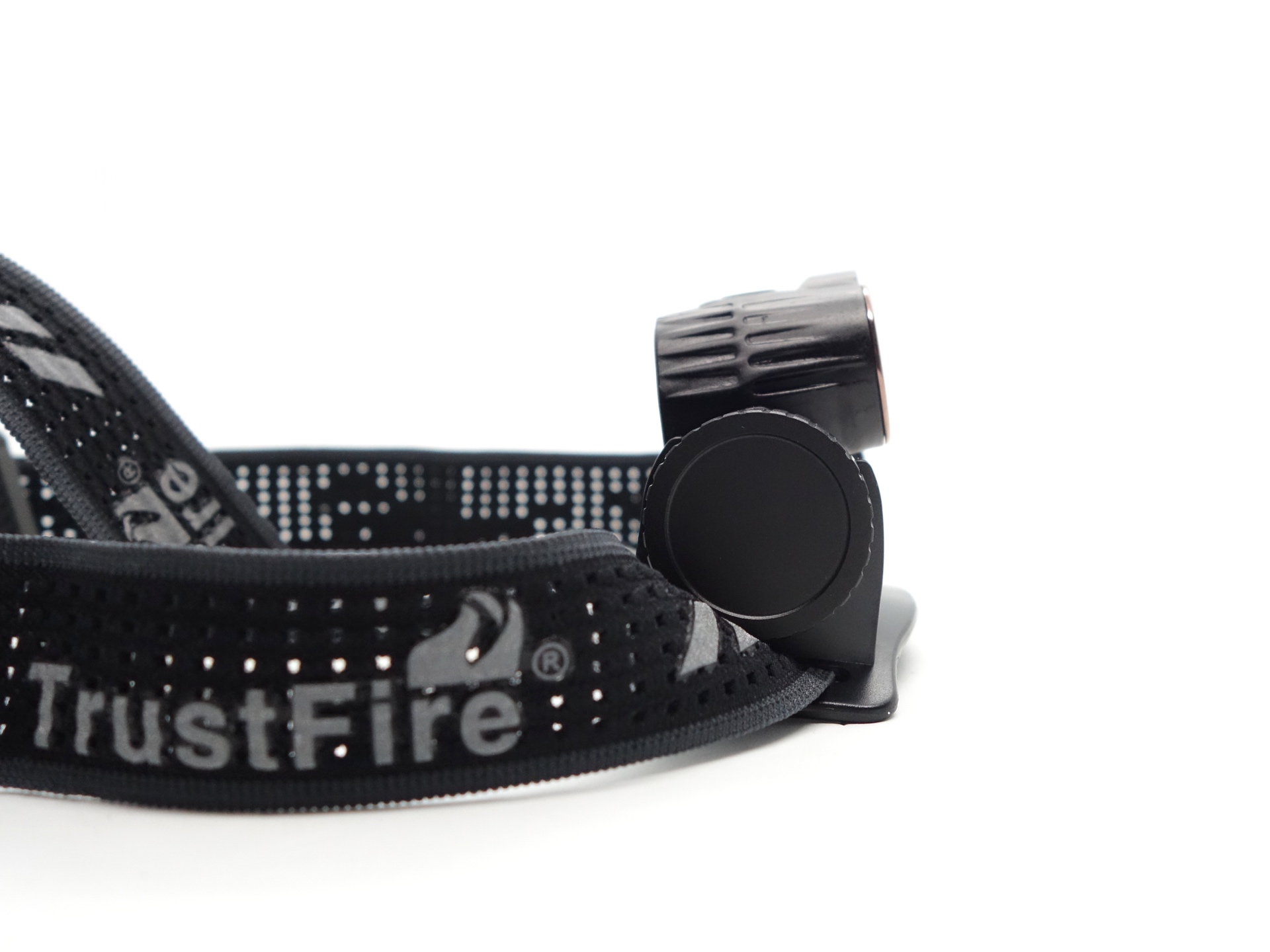
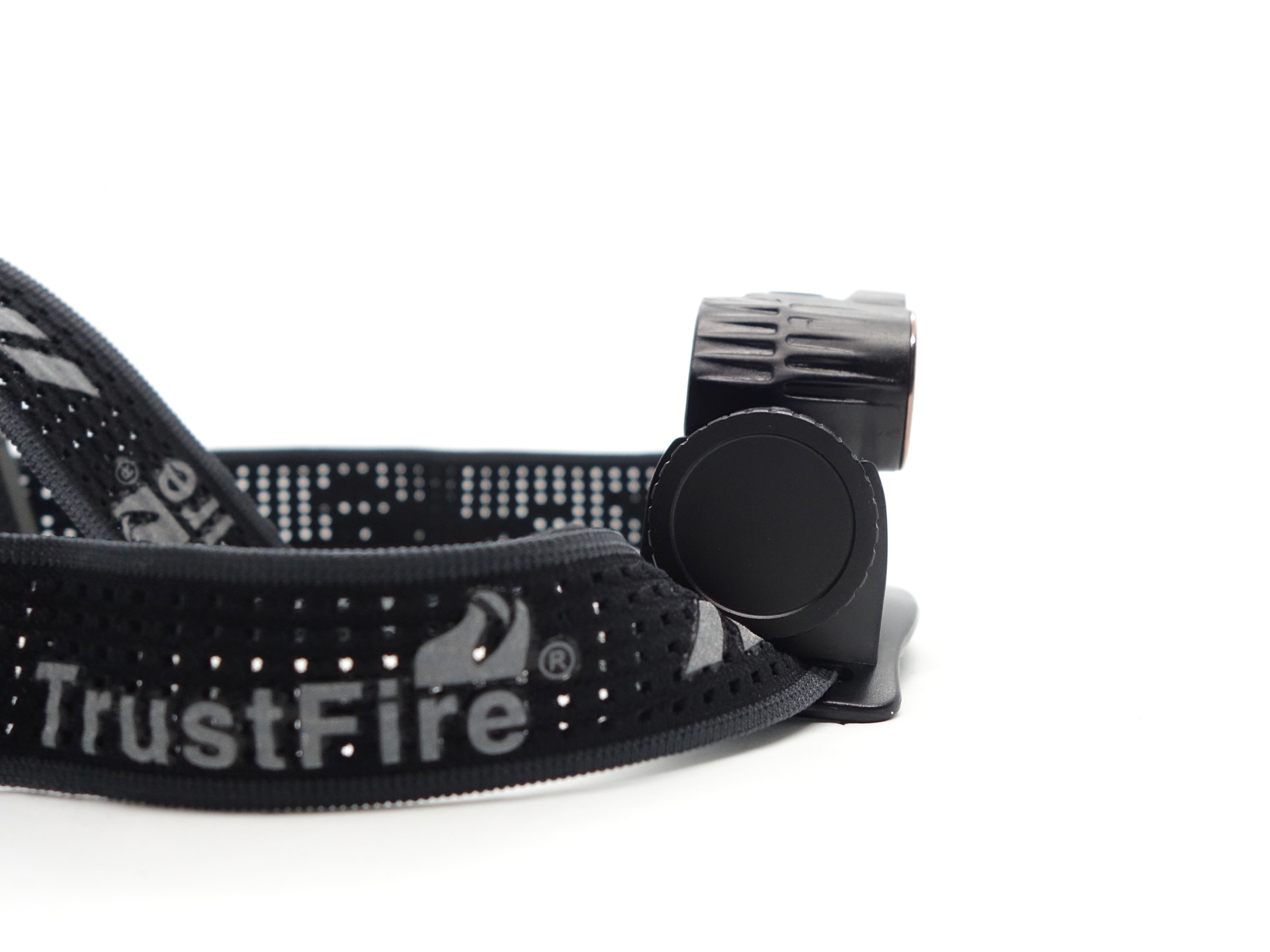
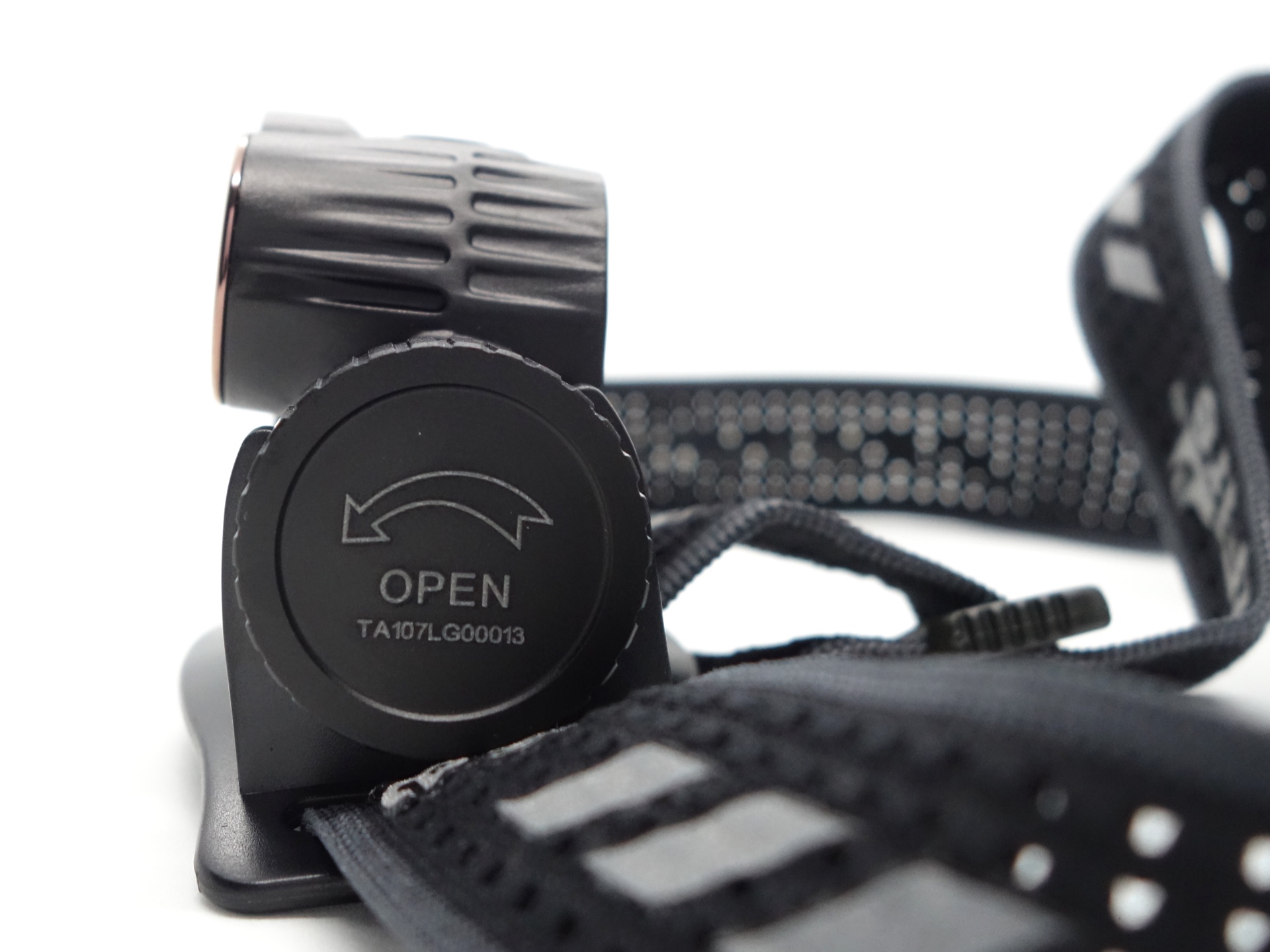
The tailcap has been laser etched with “OPEN” and an arrow to show you how to unscrew it to access the battery.
The raw threads turn smoothly but the torch cannot be mechnically locked out by slightly unscrewing the tailcap.
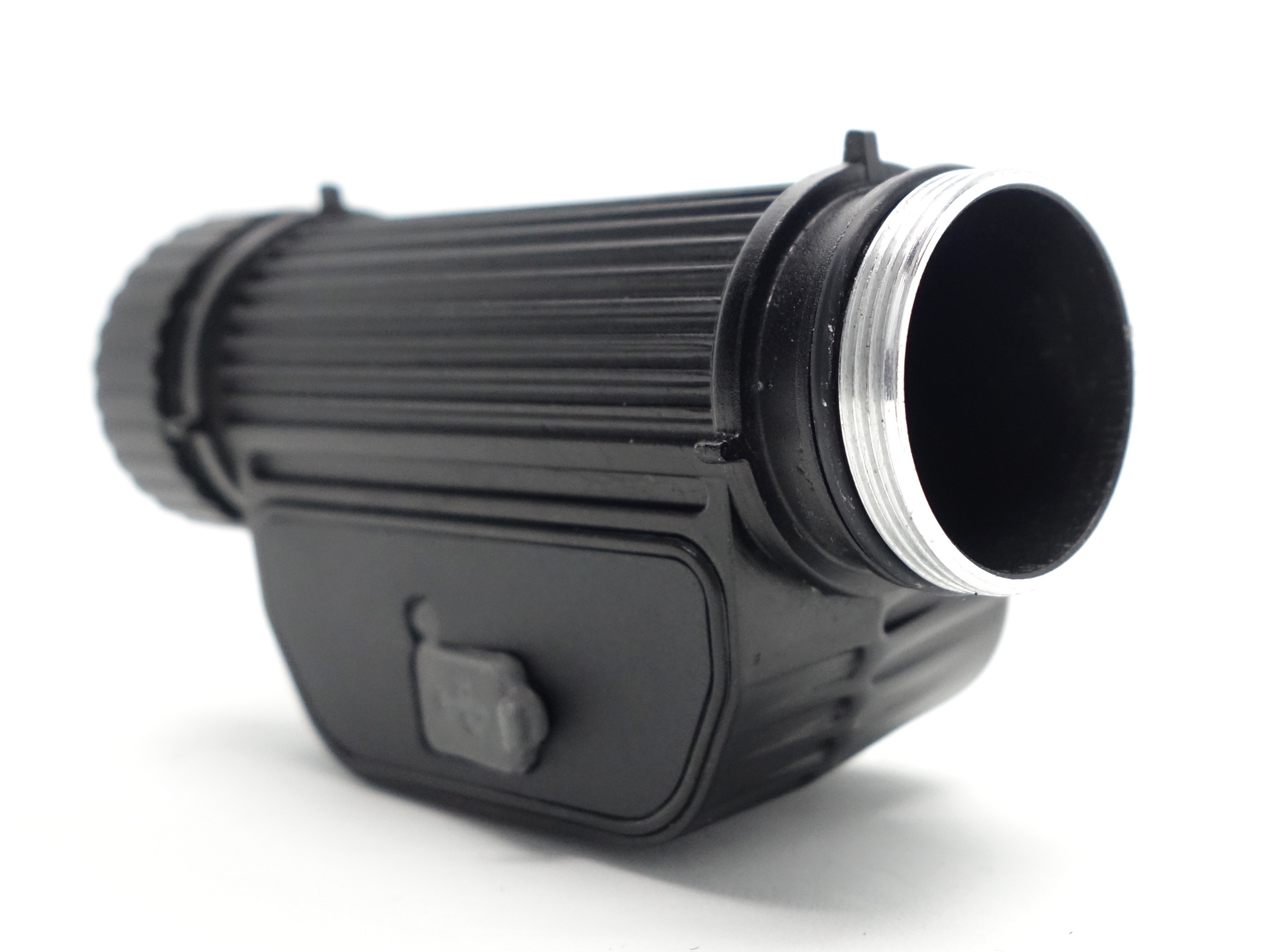
There is a notch for the positive terminal and a slightly raised ring surrounding it near the head of the battery tube to allow button 21700 cells. Flat top cells may not work.
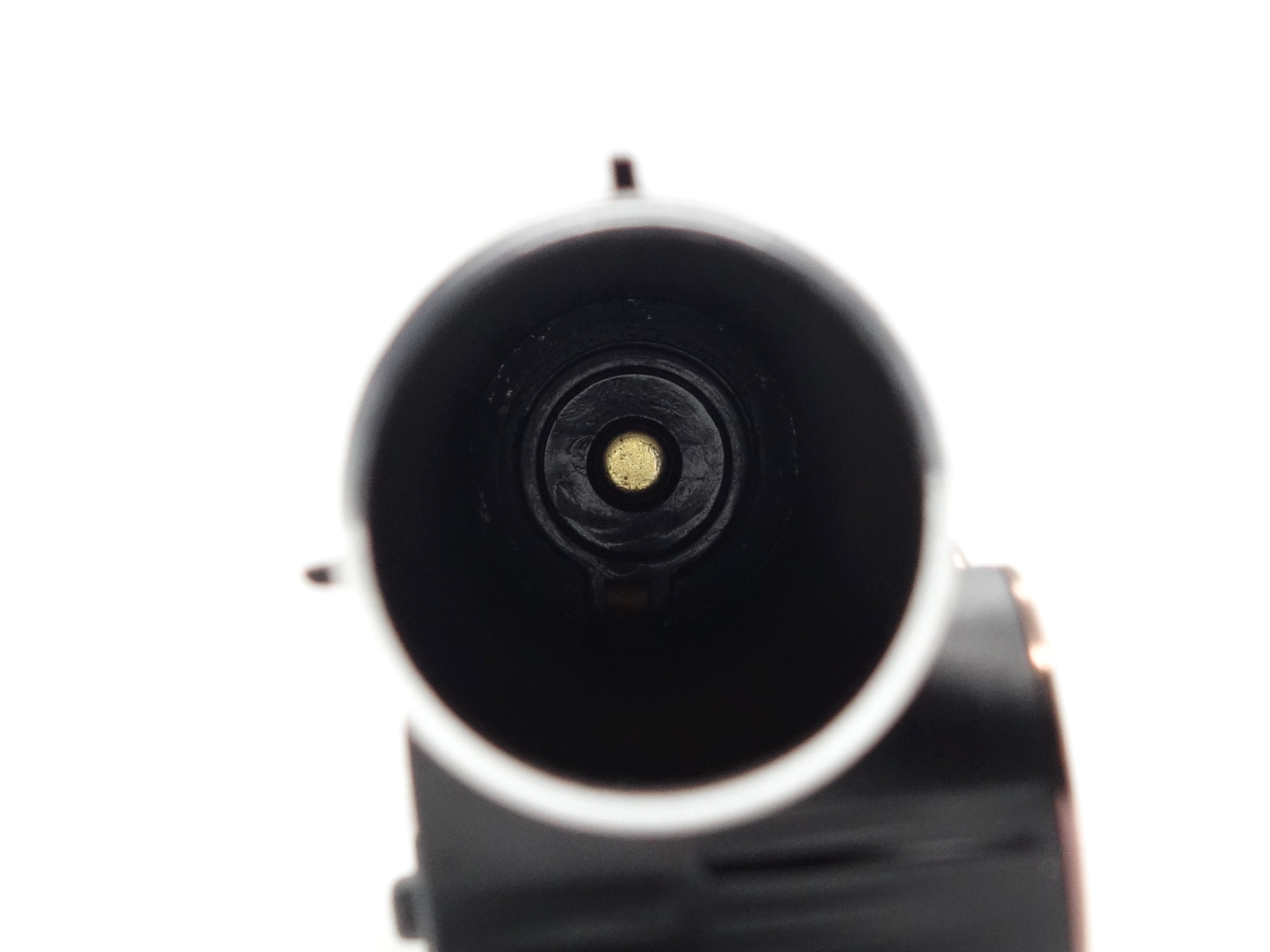
The tailcap design is pretty good. It has lines cut out in the aluminium to help with grip.
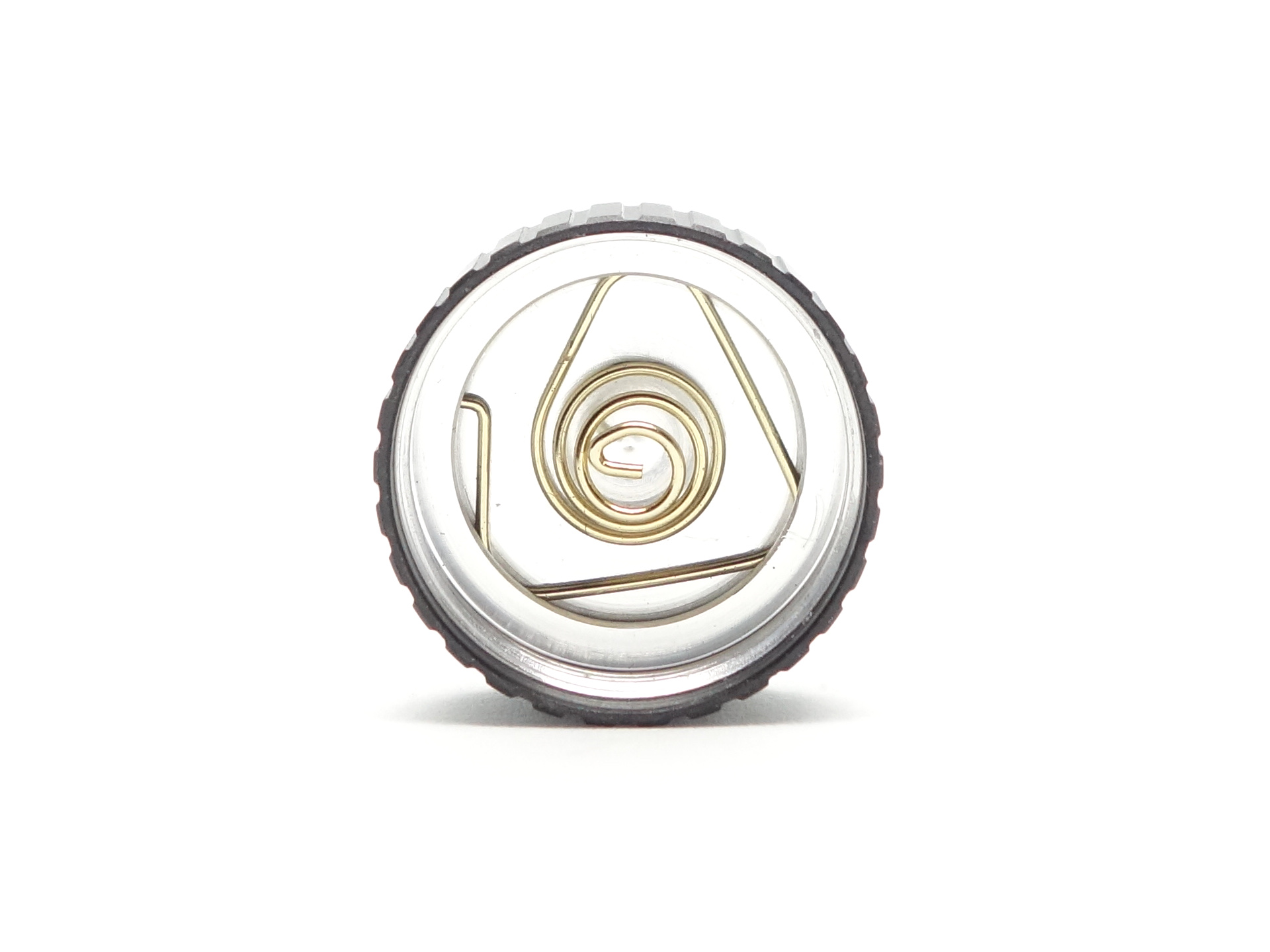
LED, bezel, lens, reflector and beam#
The torch has a Spotlight with a Cool White LED and a transparent TIR optic to produce a throwy beam, and it has a Floodlight with a Cool White LED and pebble TIR optic to produce a floody beam.
The user manual mentions that the Floodlight is using a 4000K 95 CRI LED but that is not what I found. It appears to be closer to 5600K and 64 CRI.
Both TIR optics appear to be held down by press-fit bezels. There is no glass lens between the bezel and the TIR optics.
CCT, CRI, and duv#
I have taken Correlated Colour Temperature (CCT) and Colour Rendering Index (CRI, RA of R1-R8) measurements with the torch positioned half a metre away from an Opple Light Master Pro III (G3).
The CCT is around 6000K, the CRI is around 69 and the Delta u, v is slightly positive (green) for the Spotlight.
The beam produced by the Spotlight has an intense white hot spot surrounded by a slightly green corona and a spill.
The CCT is around 5600K, the CRI is around 64 and the Delta u, v is positive (green) for the Floodlight.
The beam produced by the Floodlight is very floody. It has a slightly intense hot spot with a bit of green blended in.
| LED | Mode | CCT (K) | CRI (Ra) | x | y | Duv |
|---|---|---|---|---|---|---|
| Spotlight | Low | 5888 | 68.9 | 0.3234 | 0.3495 | 0.0083 |
| Spotlight | High | 6190 | 71.0 | 0.3179 | 0.3368 | 0.0046 |
| Floodlight | Low | 5543 | 65.0 | 0.3314 | 0.3617 | 0.0107 |
| Floodlight | High | 5646 | 64.6 | 0.3288 | 0.3595 | 0.0108 |
Calculate Duv from CIE 1931 xy coordinates
Dimensions and size comparison#
Dimensions#
I took the following measurements using a digital caliper.
| Measurement | Unit (mm) |
|---|---|
| Length | 85.66 |
| Height | 45.20 |
| Depth | 33.79 |
Weight#
I took the following measurements using a digital scale.
| Weight | Unit (g) |
|---|---|
| TrustFire H7GR | 68.10 |
| Battery | 71.78 |
| Headband | 38.00 |
| TrustFire H7GR with battery | 139.88 |
| TrustFire H7GR with headband and battery | 177.88 |
Size comparison with its competition#
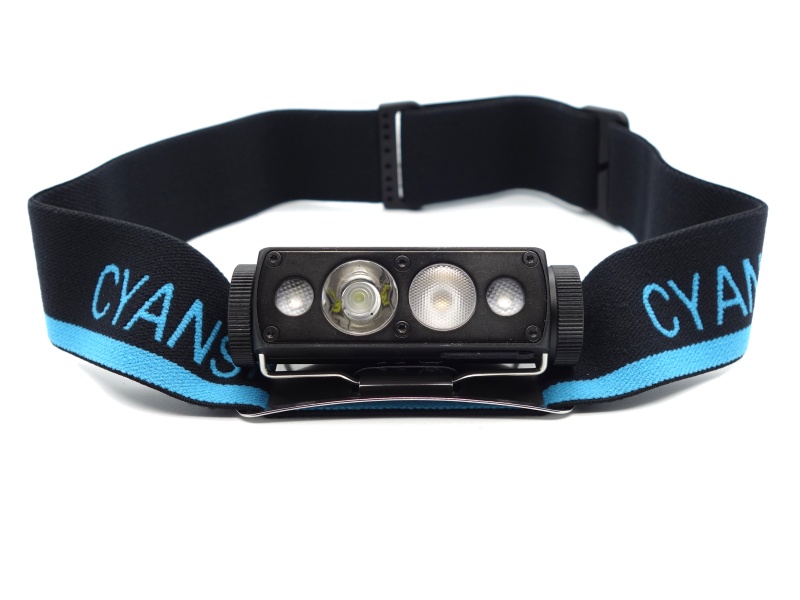
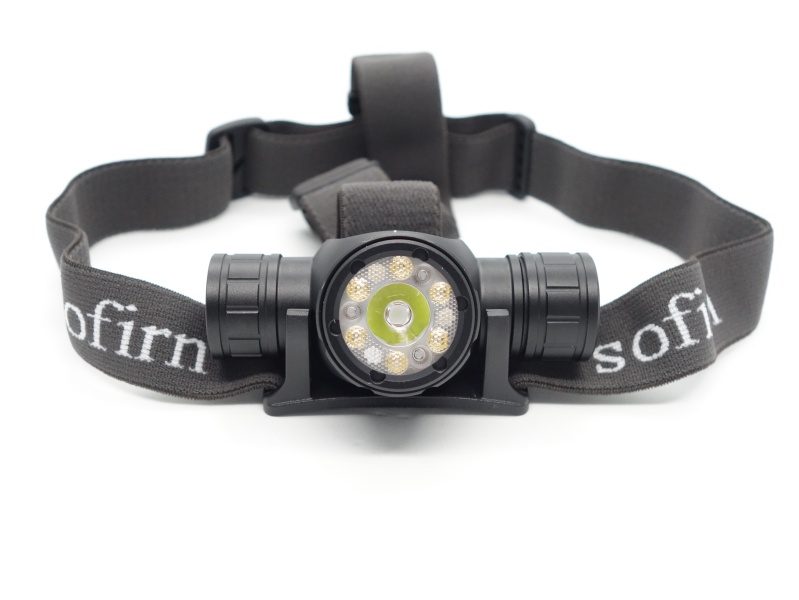
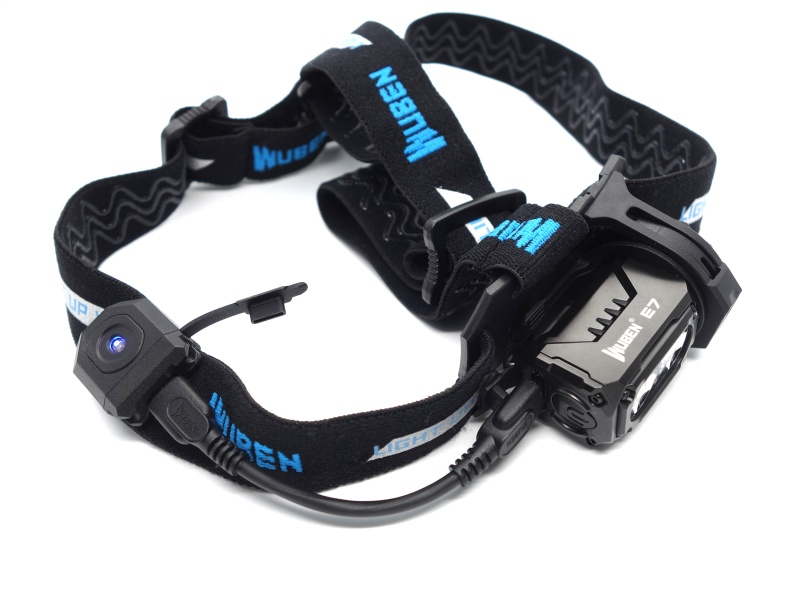
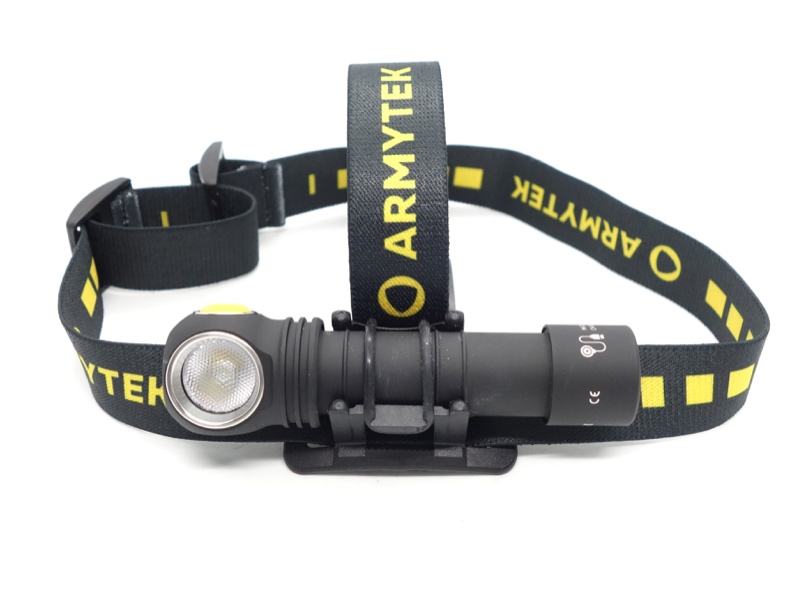
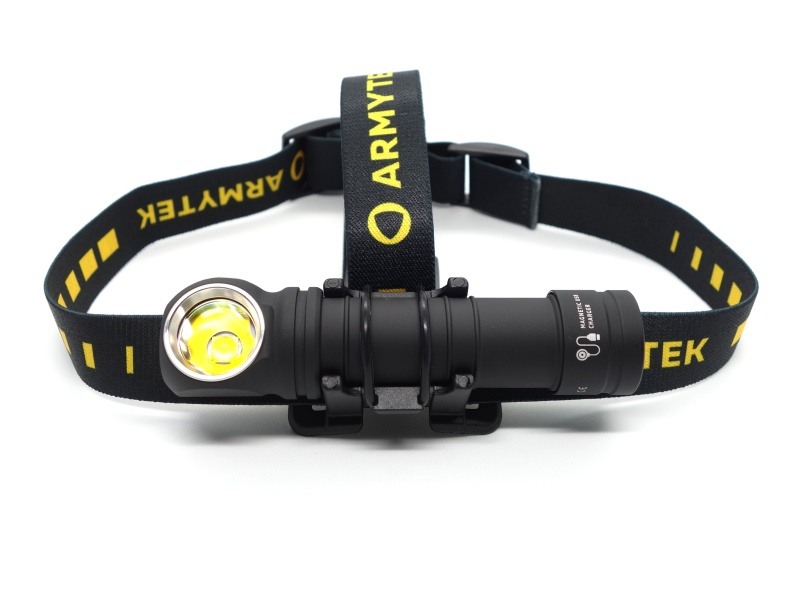
Armytek Wizard C2 WG, Armytek Wizard C2 Pro Max LR Warm
User interface#
The TrustFire H7GR has two buttons:
- A Spotlight button and;
- A Floodlight button.
Each button controls each light independently.
There is an infrared sensor (above the two LEDs) that can be activated by holding down either button for 2 seconds until the status indicator light between the two buttons flashes. Once activated, you can wave your hand in front of the sensor to turn the light on or off. The buttons need to be used to select whether or not the Spotlight or Floodlight are each or both on in High or Low modes (you could have Spotlight on High and Floodlight on Low).
| State | Action | Result |
|---|---|---|
| Spotlight off | Press the Spotlight button | Spotlight High |
| Spotlight High | Press the Spotlight button | Spotlight Low |
| Spotlight Low | Press the Spotlight button | Off |
| Floodlight off | Press the Floodlight button | Floodlight High |
| Floodlight High | Press the Floodlight button | Floodlight Low |
| Floodlight Low | Press the Floodlight button | Off |
| Lights off | Press and hold either for 2 seconds | Toggle sensor on or off |
| Lights off and sensor on | Wave hand in front of sensor | Mode Memory (Spotlight and/or Floodlight) |
| Lights on and sensor on | Wave hand in front of sensor | Off |
Mode memory#
The Spotlight and the Floodlight will default to High when using the buttons to turn the torch on.
The infrared sensor will remember the last used mode before using the sensor to turn the light off. For example: If you use the buttons to select Low for the Spotlight and High for the Floodlight and then wave your hand in front of the sensor, the light will turn off. When you wave your hand in front of the sensor again, the Spotlight will turn on in the Low mode and the Floodlight will turn on in the High mode.
Strobe#
There is no Strobe mode.
Battery status indicator#
The battery status LED will display for 3 seconds after turning the torch on.
| Colour | Battery level |
|---|---|
| Green | 80% - 100% |
| Orange | 30% - 80% |
| Red | 5% - 30% |
| Red flash | 1% - 5% |
Low voltage protection#
There is low voltage protection. The light flashes around 2.97V and it turns off around 2.71V.
I tested low voltage protection by connecting the driver of the torch to a bench power supply and then by lowering the voltage from 4.2V to 0V.
Pulse Width Modulation#
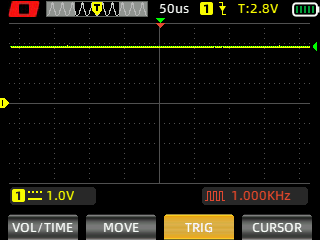
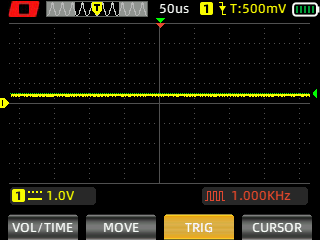
There is PWM but I did not notice any visible PWM (flickering).
I measured the PWM of the light with a Zoyi ZT-703S oscilloscope.
Spotlight (High, Low)
Floodlight (High, Low)
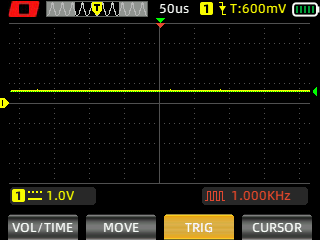
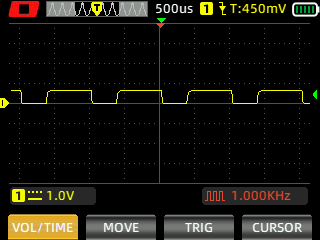
The PWM for the Floodlight on Low was fast enough to not be visible while recording a video at night.
What I like about the UI#
- Both the Spotlight and the Floodlight can be turned on at the same time independently.
What could be improved#
- A shortcut to Low from off would be nice.
- A Moonlight mode would be nice.
The infrared sensor can be used to turn the light on in Low mode but it requires a bit of setting up.
Batteries and charging#
Battery#
A button top TrustFire 21700 3.7V Li-ion 4000mAh cell was included inside the torch and it arrived with a voltage of 4.12V.
TrustFire recommends using a 21700 cell with a protection circuit built-in.
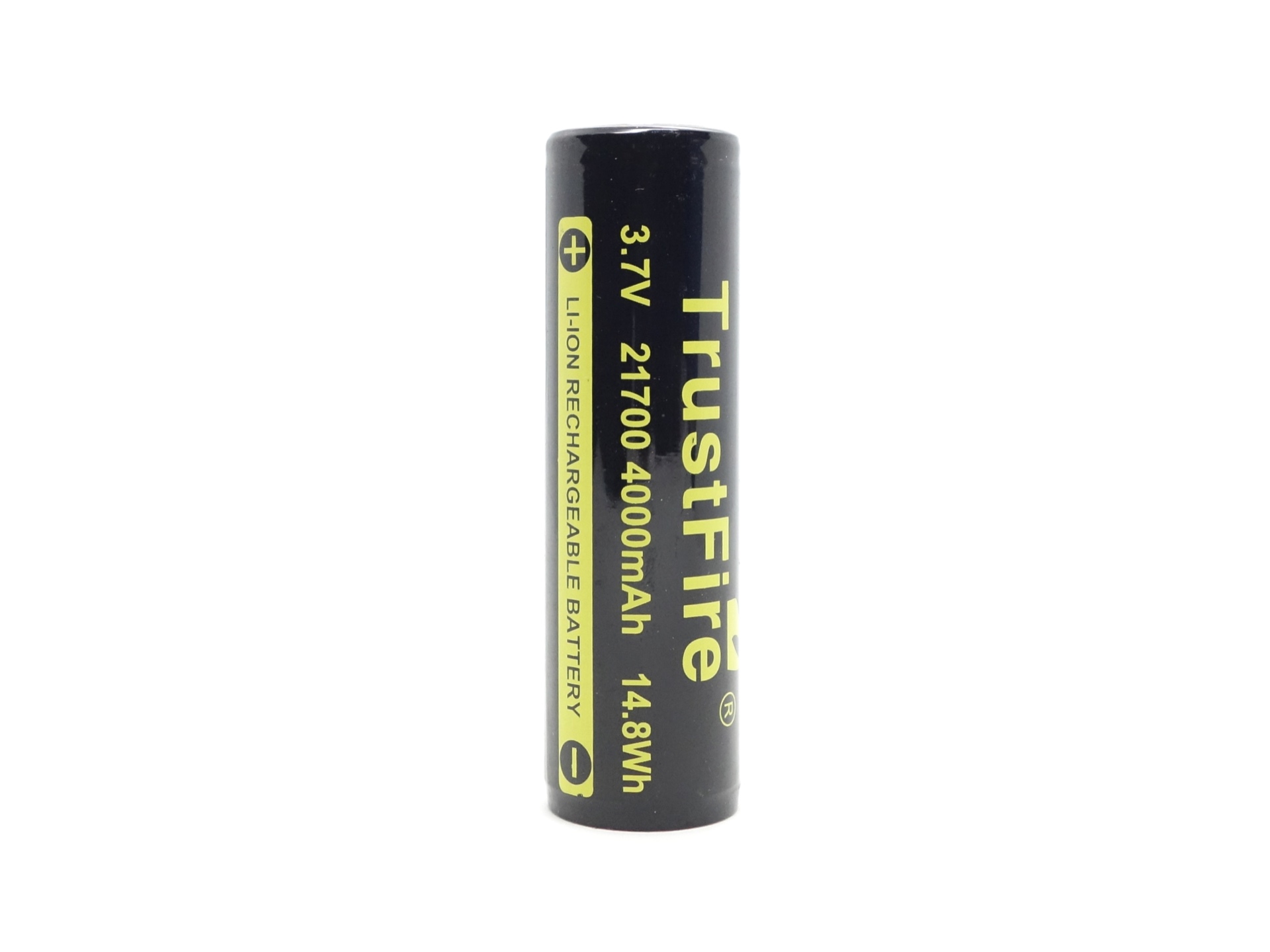
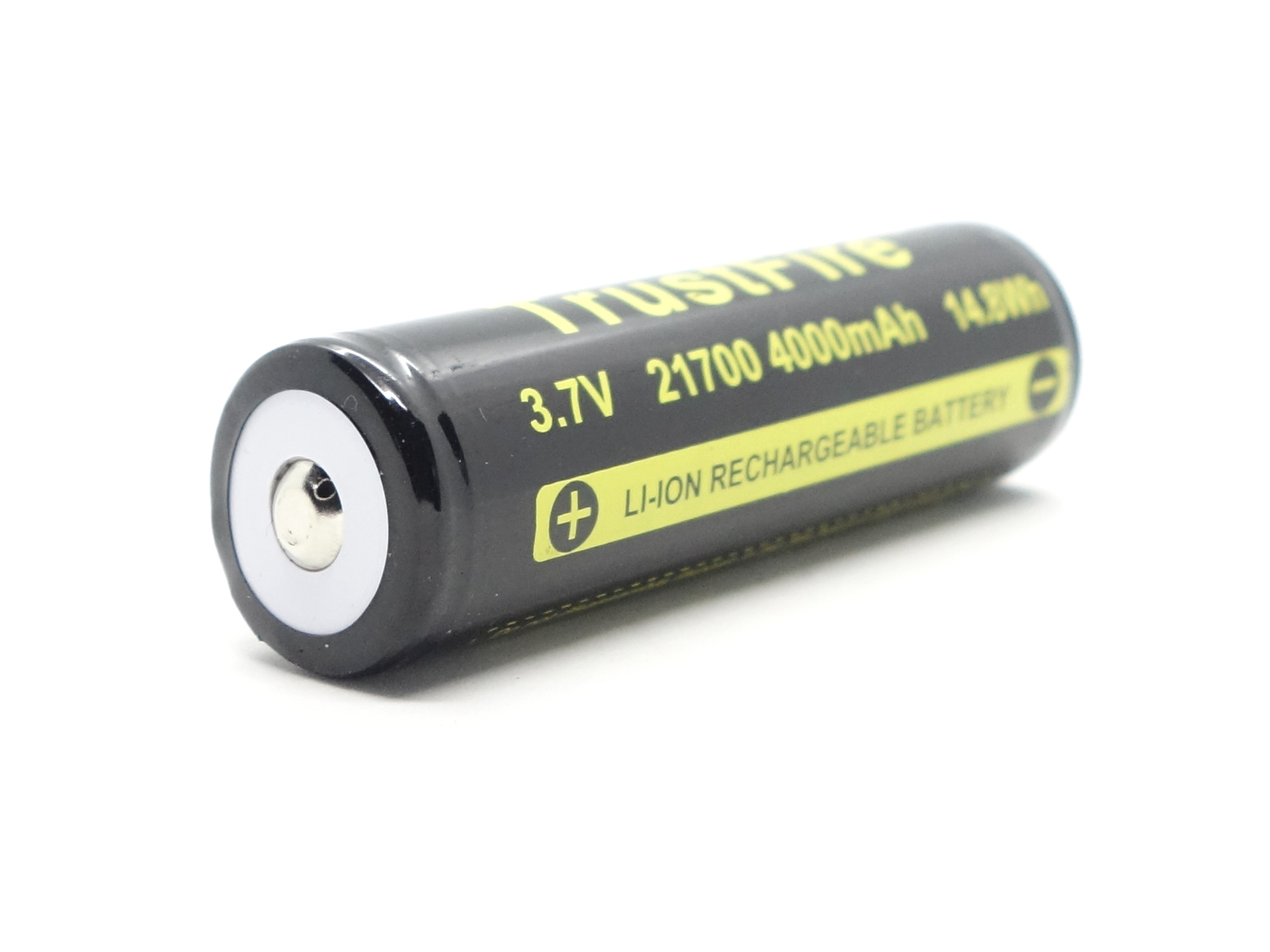
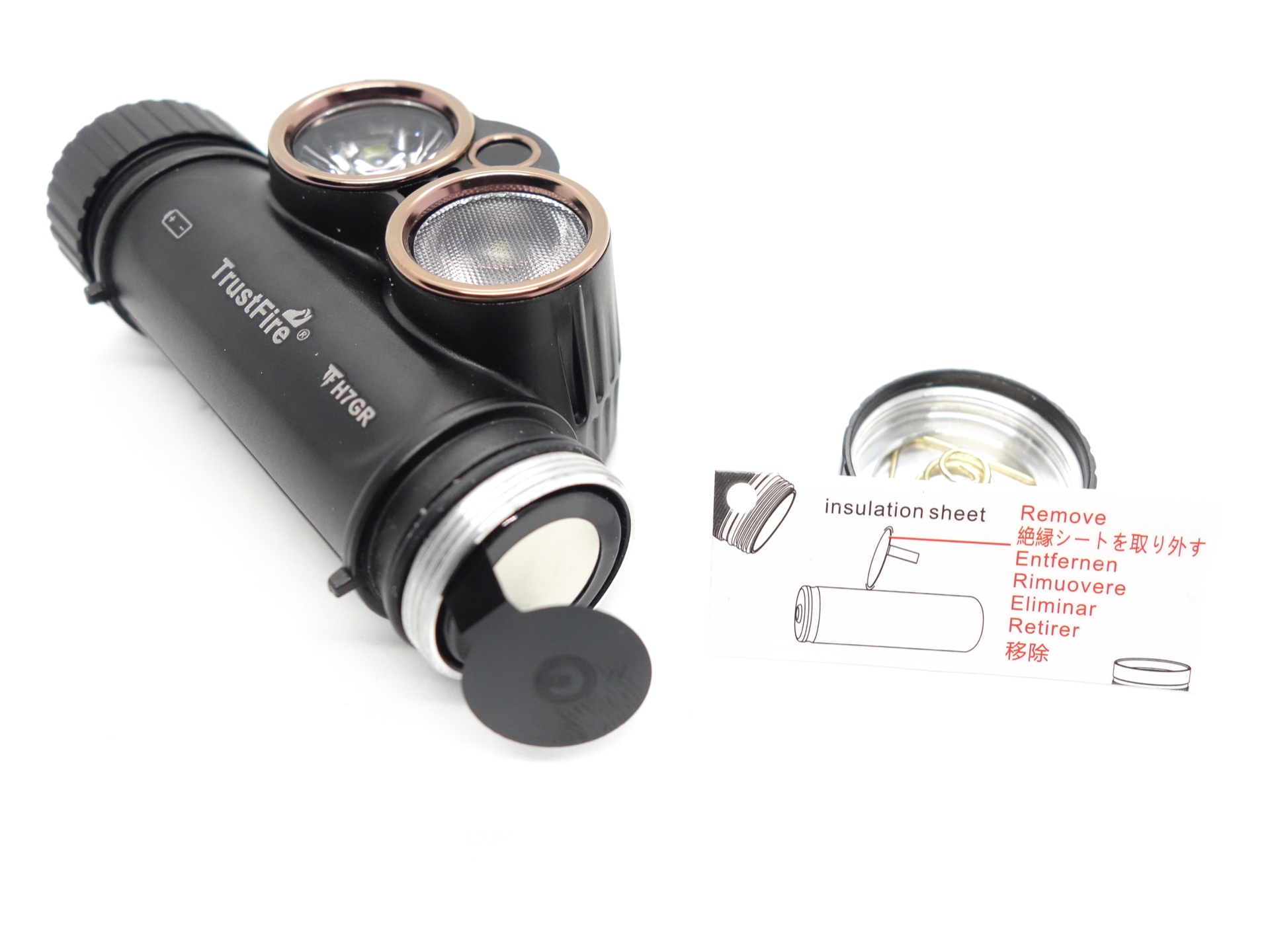
The cell was isolated with a piece of plastic to prevent accidentally turning the torch on.
I tried the following cells:
| Cell | Top | Compatible? | Comment |
|---|---|---|---|
| Armytek 21700 3.7V Li-ion 5000mAh | Flat | No | Too short. |
| Molicel P42A 21700 4200mAh | Flat | No | Too short. |
| NEXTORCH 21700 5000mAh USB-C | Button | Yes | Too long. |
| XTAR 21700 3.7V Li-ion 5000mAh | Button | Yes | |
| TrustFire 21700 3.7V Li-ion 4000mAh | Button | Yes |
Flat top cells may not work. There is a raised ring around the positive terminal in the torch that appears to be preventing flat top cells from working.
Flat top cells with a little button added will work but if you rattle the torch then the cell will disconnect and the torch will turn off.
Long 21700 cells with USB-C charging built-in will fit but the tube might not be water tight because the tailcap does not fully close when the cell is too long.
Charging#
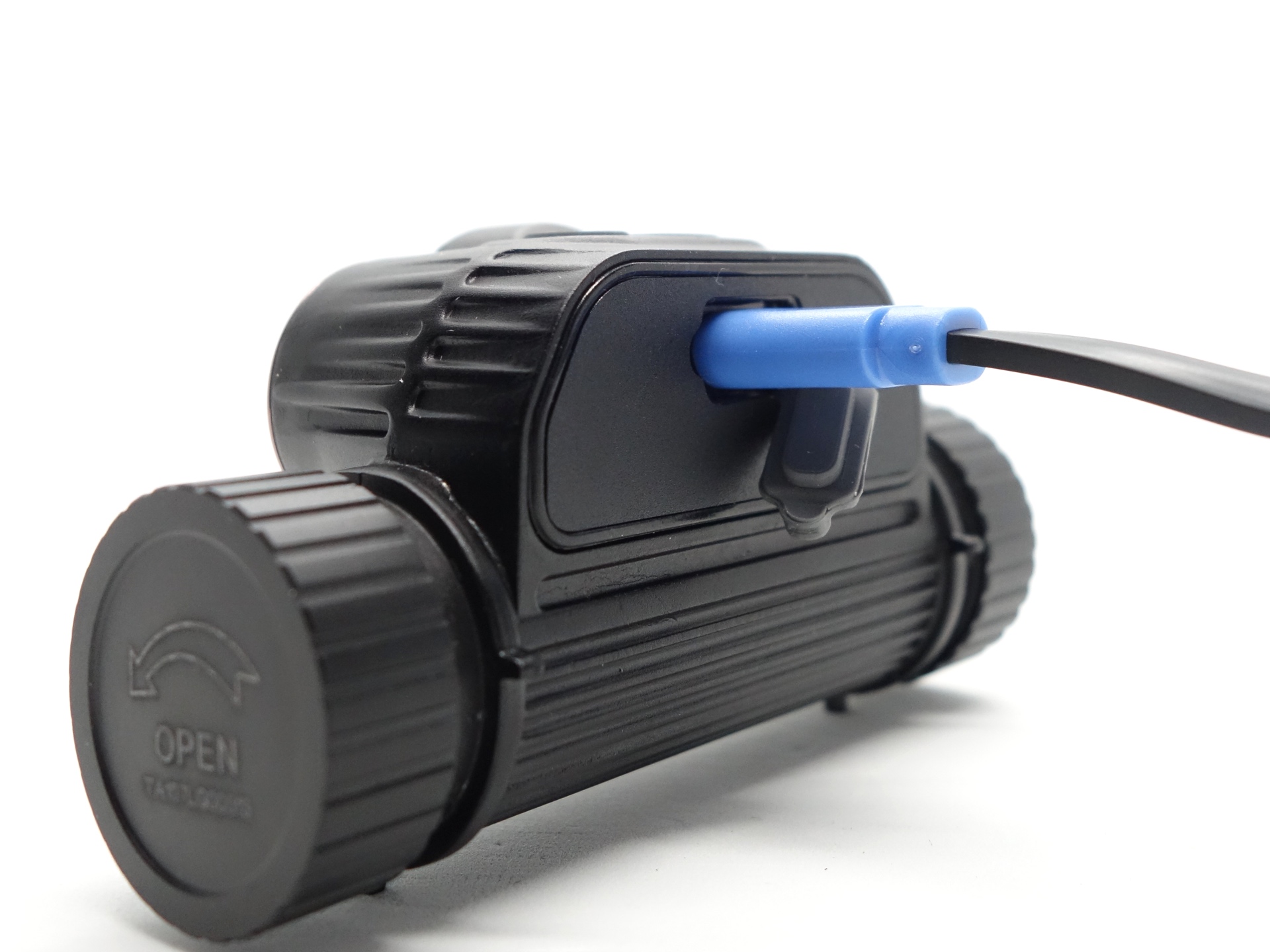
Power supply: PinePower Desktop USB-C
USB Meter: ChargerLAB Power-Z KM003C Amazon Australia
Room temperature: 21 C
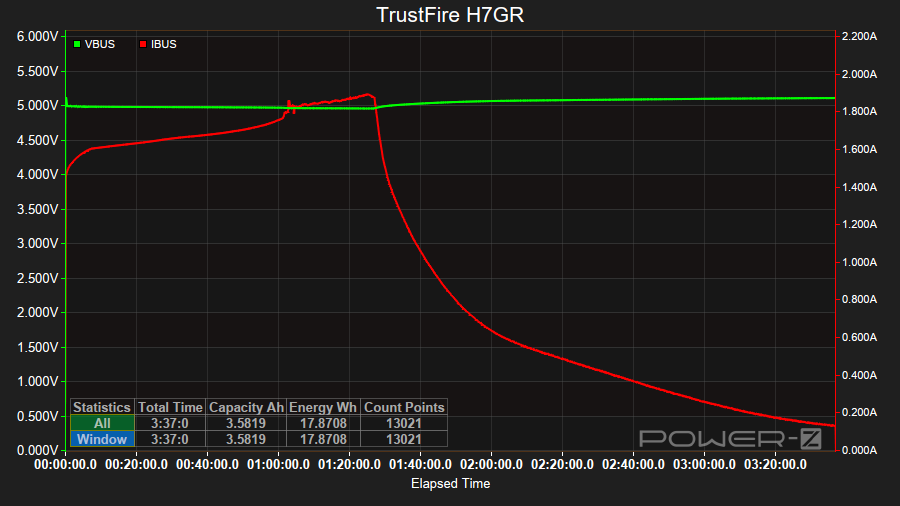
It took 3 hours 37 minutes to charge the 21700 cell from 3.05V to 4.14V at a rate of 5V/1.8A.
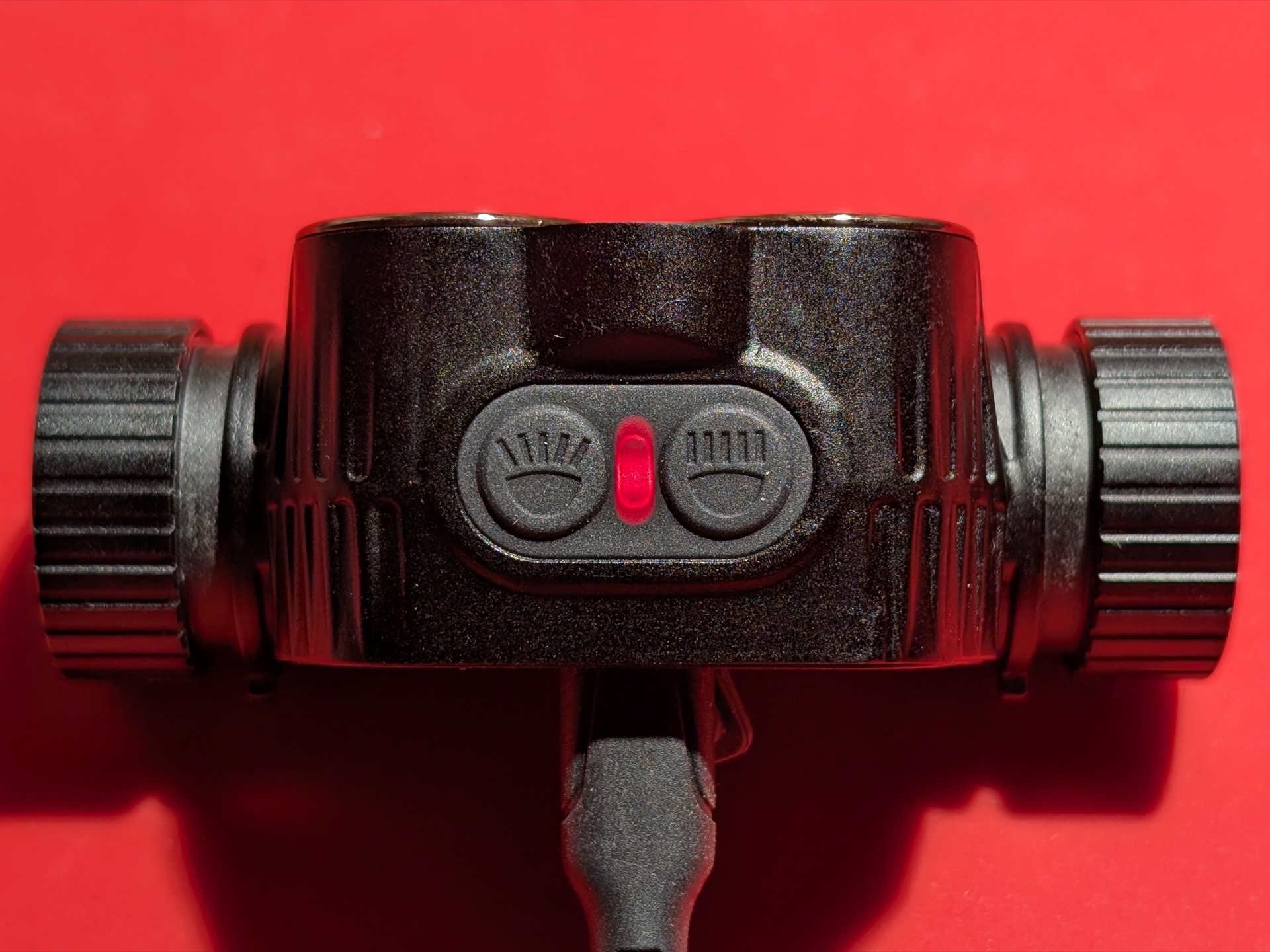
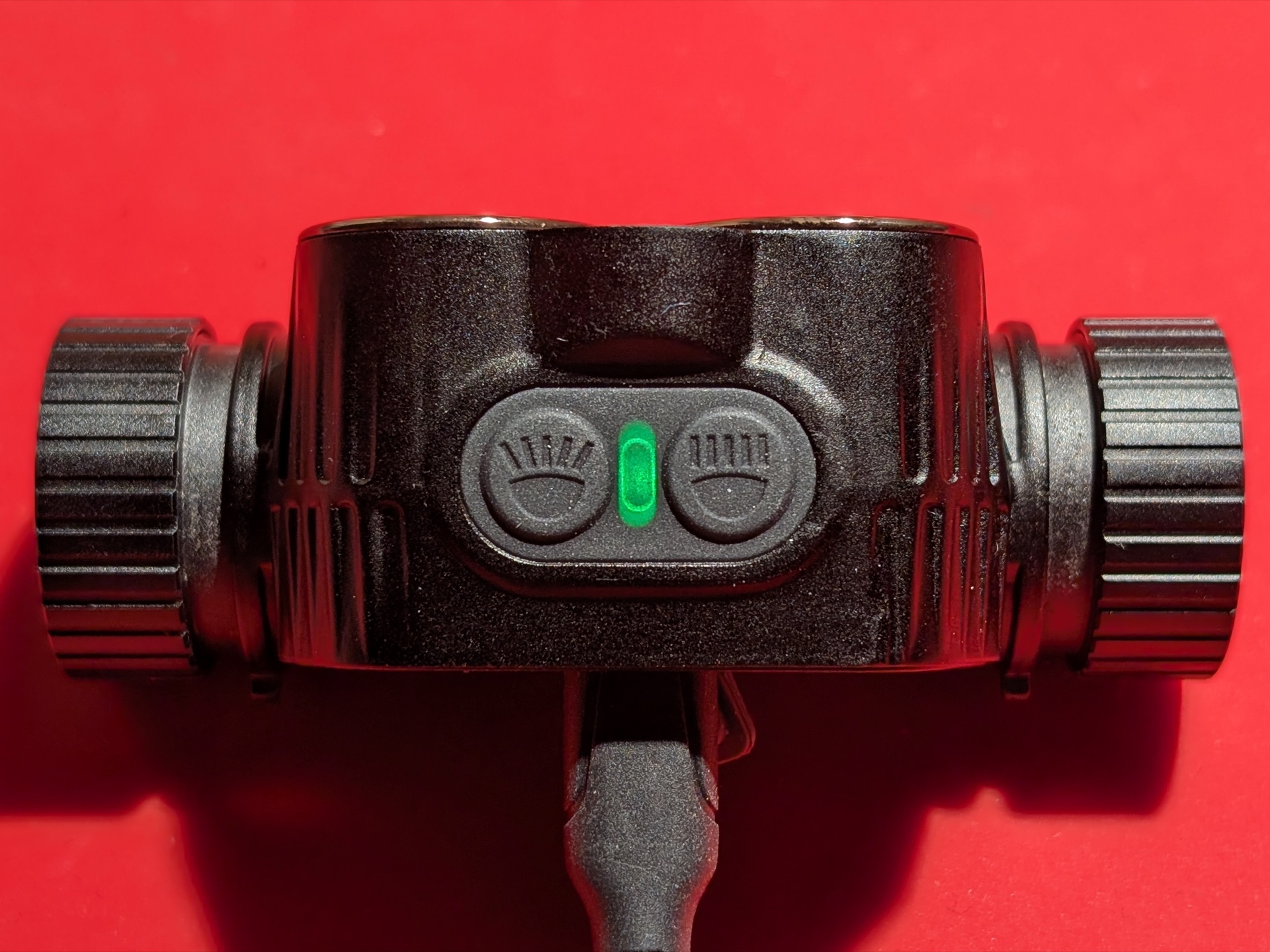
The battery status indicator changes from red to green when charging is complete.
Power supply compatibility#
I tried the following power supplies with the built-in USB-C charger:
| Power supply | USB Type | Protocol | Does it charge? |
|---|---|---|---|
| Apple 61W Power Adapter | USB-C | PD | Yes |
| PinePower Desktop | USB-C | PD | Yes |
| PinePower Desktop | USB-A | QC | Yes |
| PinePower Desktop | USB-A | Yes |
USB-C to USB-C charging works.
Performance#
Specifications from the manual:
Spotlight
| ANSI/FSC | Low | High |
|---|---|---|
| Output (lumens) | 250 | 1,800 |
| Runtime | 10h | 5h |
| Beam Distance (metres) | 60 | 160 |
| Beam Intensity (cd) | 900 | 6,400 |
Floodlight
| ANSI/FSC | Low | High |
|---|---|---|
| Output (lumens) | 220 | 350 |
| Runtime | 12h | 6h 30min |
| Beam Distance (metres) | 45 | 65 |
| Beam Intensity (cd) | 506 | 1,056 |
I tested the torch while using the included cell.
Lumen measurements#
I used a bench power supply to measure the current at turn on.
| LED | Mode | Amps at start | Specs | Lumens @turn on | Lumens @30 sec | Lumens @10 min |
|---|---|---|---|---|---|---|
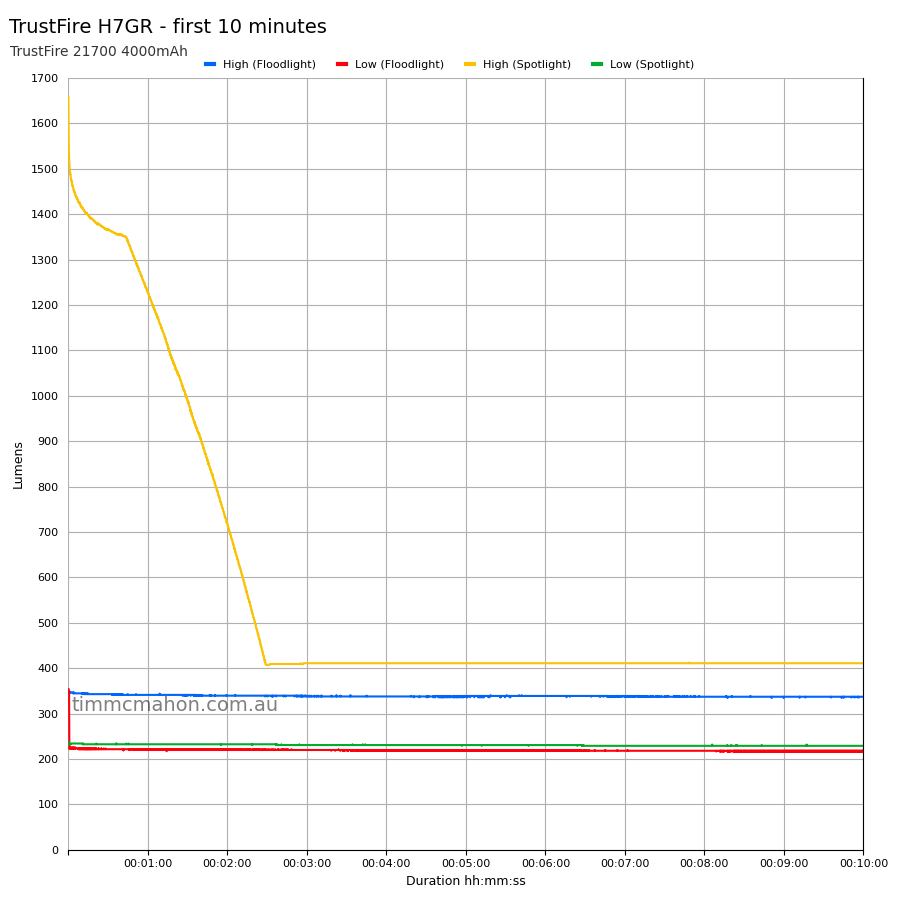
| Spotlight | Low | 0.40 A | 250 | 237 | 232 | 228 |
| Spotlight | High | 4.60 A | 1,800 | 1,657 | 1,367 | 410 |
| Floodlight | Low | 0.46 A | 220 | 353 | 219 | 217 |
| Floodlight | High | 0.74 A | 350 | 353 | 342 | 337 |
| Both | High | 5.13 A |
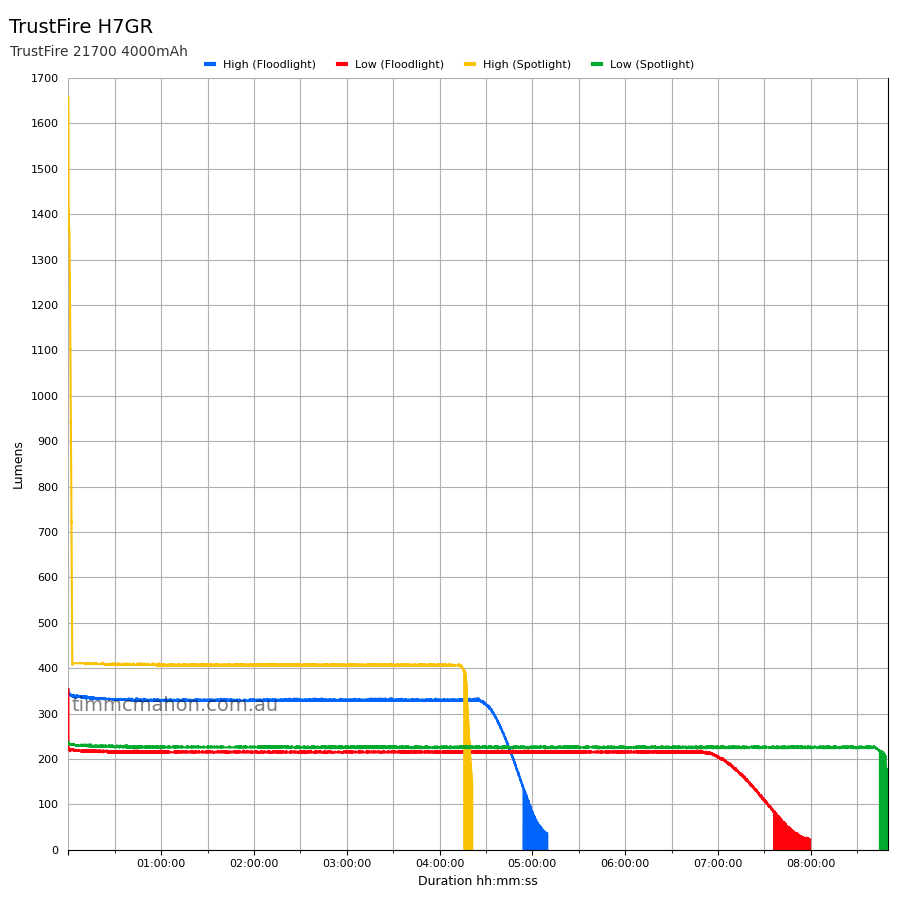
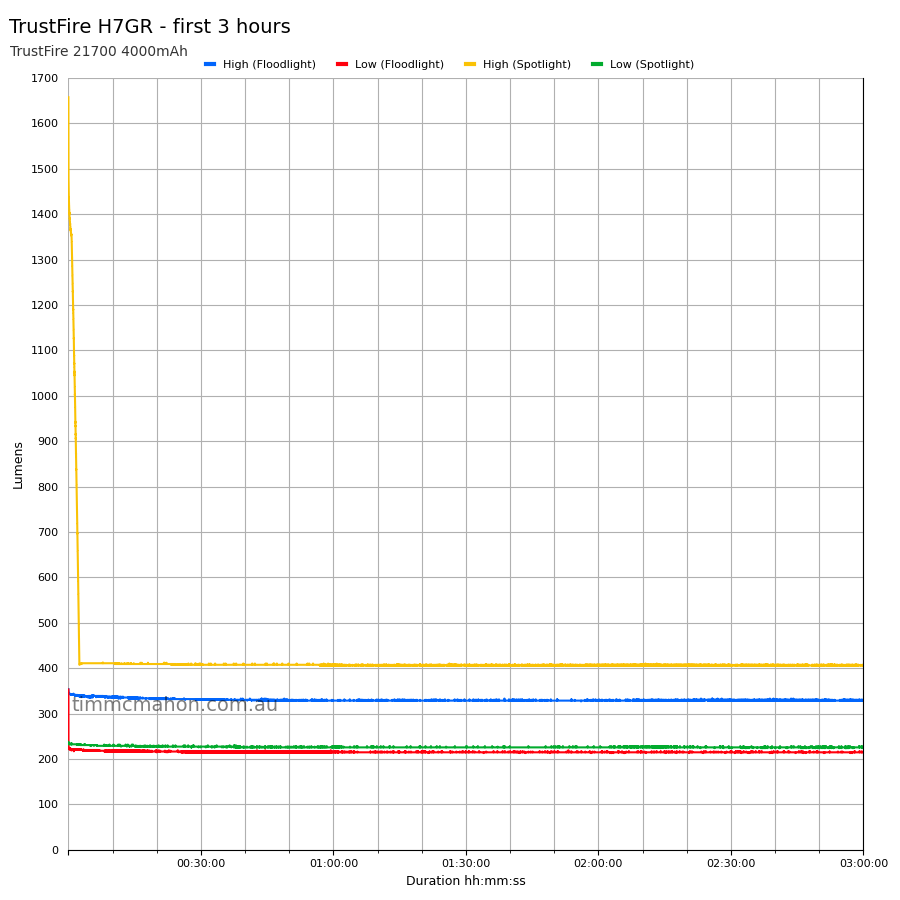
The lumen output was a bit lower than expected for the Spotlight on High (1,367 lumens at 30 seconds instead of 1,800 lumens).
Note: Lumen measurements may be off by 10% with my DIY lumen tube.
Runtime graphs#
I used my own DIY lumen tube with a TSL2591 sensor and forked bmengineer’s project RuTiTe to record runtimes.
The room temperature was approximately 13 C.
Runtime#
Here is a summary of the runtime results:
| LED | Mode | User manual | Runtime | Turn off | Final voltage |
|---|---|---|---|---|---|
| Spotlight | High | 5h | 4h 16min 13s | 4h 21min 9s | 3.05 |
| Spotlight | Low | 10h | 8h 44min 47s | 8h 49min 43s | 3.01 |
| Floodlight | High | 6h 30min | 4h 54min 26s | 5h 9min 41s | 2.99 |
| Floodlight | Low | 12h | 7h 36min 26s | 7h 59min 39s | 2.83 |
“Runtime” is the time until the output reduces to 10% of the output at 30 seconds (as per the ANSI/PLATO FL1 2019 Standard).
“Turn off” is the time until my DIY lumen tube no longer detects more than one lumen.
“+” indicates that the light remained on after recording had stopped.
The runtime fell short by an hour or two for each mode. TrustFire mentions that the values in the user manual are approximate.
You could probably get a longer runtime by using a higher capacity 21700 cell (e.g. 5000mAh) instead of the included cell where it has a capacity of 4000mAh.
The output is well regulated.
Throw#
I took lux measurements with a UNI-T UT383BT at 30 seconds. Each mode was measured at five metres.
| LED | Mode | Specs (cd) | Specs (m) | Candela measured (cd) | Distance (m) |
|---|---|---|---|---|---|
| Floodlight | Low | 506 | 45 | 625 | 50 |
| Floodlight | High | 1,056 | 65 | 1,050 | 64 |
| Spotlight | Low | 900 | 60 | 950 | 61 |
| Spotlight | High | 6,400 | 160 | 6,625 | 162 |
Beamshots#
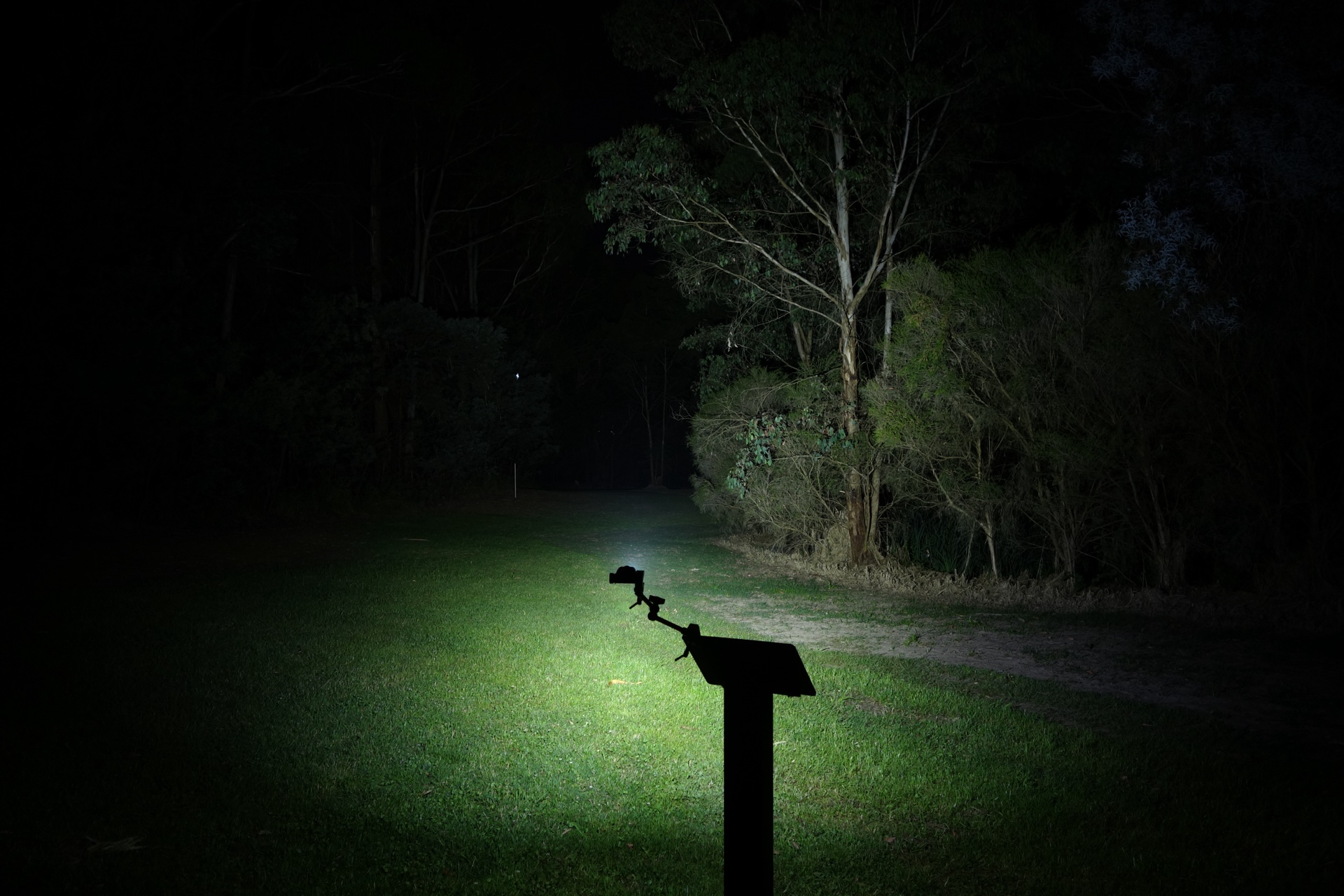
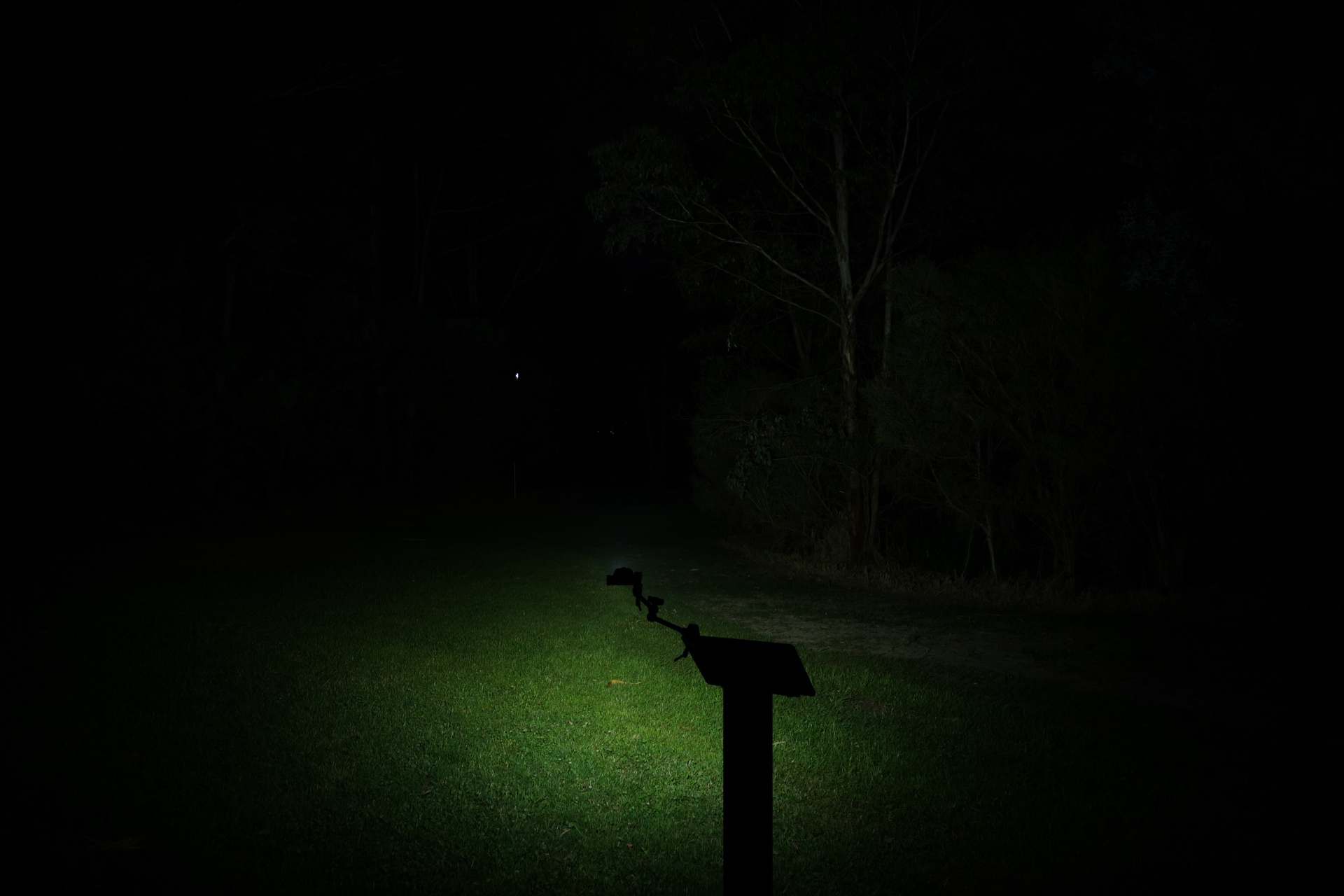
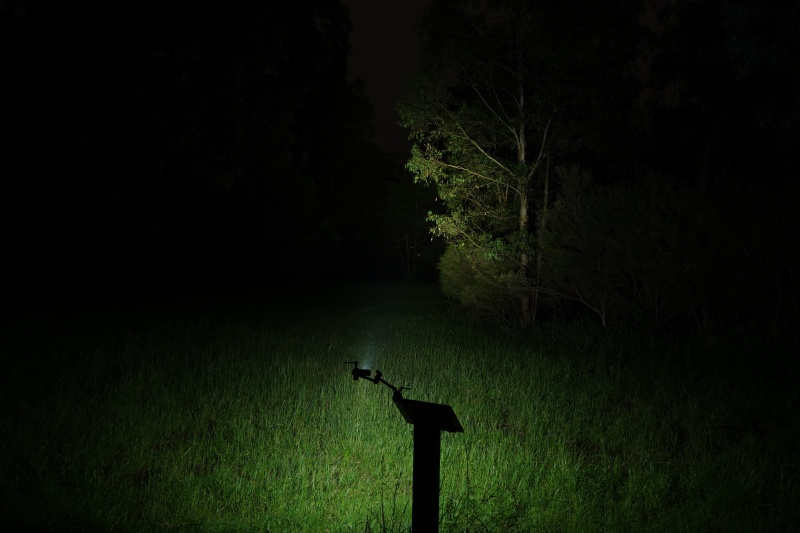
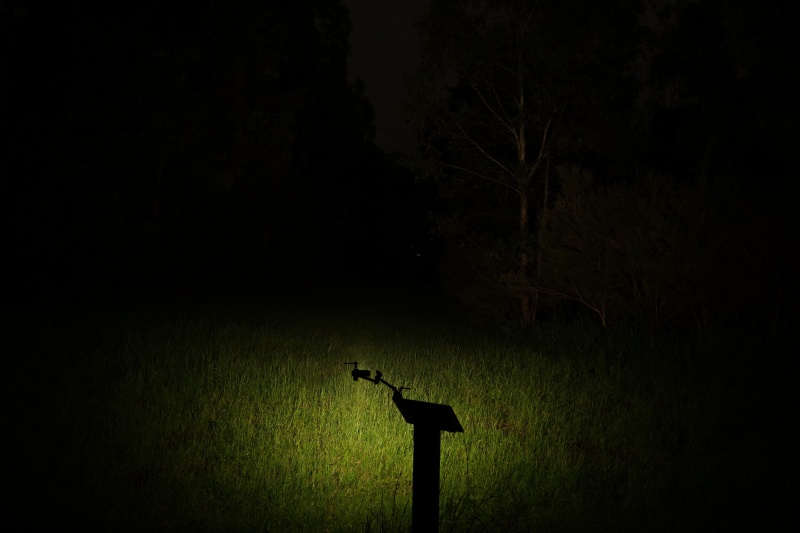
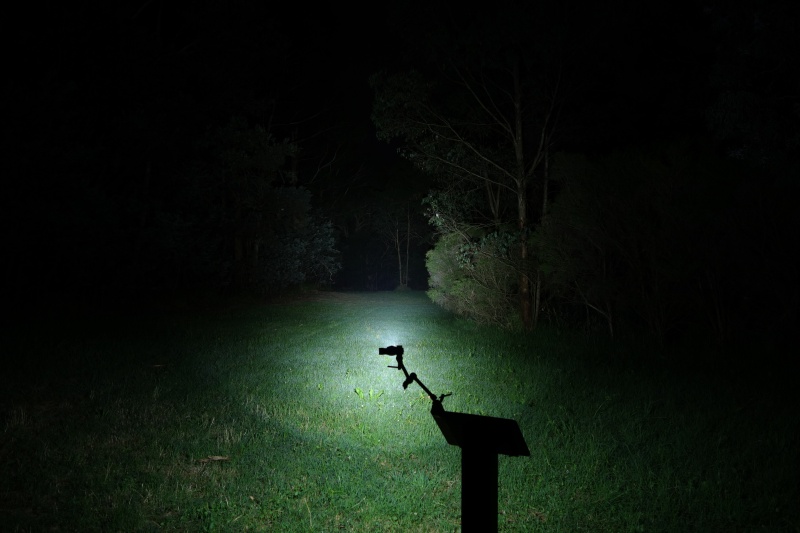
I went to a local park and aimed the torch at a tree 70 metres away while using High.
Beamshots were taken using a Sony RX100M2 using 3.2", f3.2, ISO 100, 5000K WB.
TrustFire H7GR Spotlight (High)#
TrustFire H7GR Floodlight (High)#
Cyansky HS6R Spot (Turbo)#
Cyansky HS6R Flood (High)#
Sofirn HS21 Spotlight (Turbo)#
Sofirn HS21 Floodlight (Turbo)#
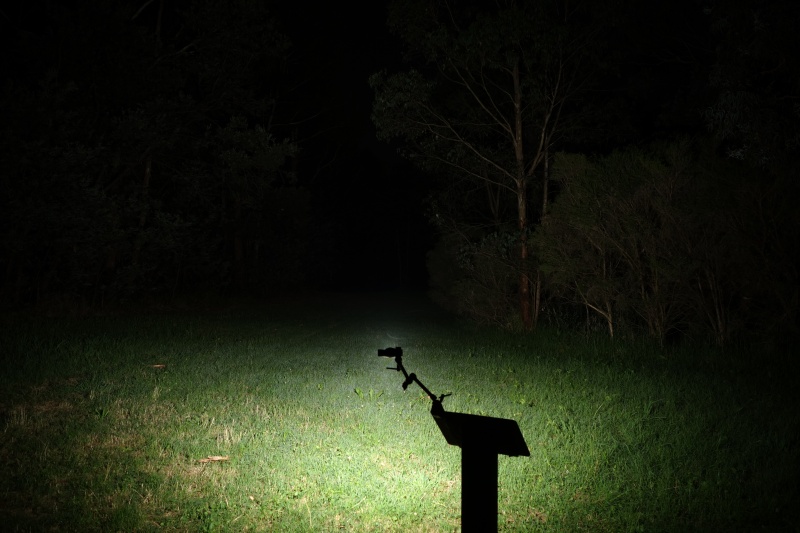
Armytek Wizard C2 Pro Max LR Warm (Turbo2)#
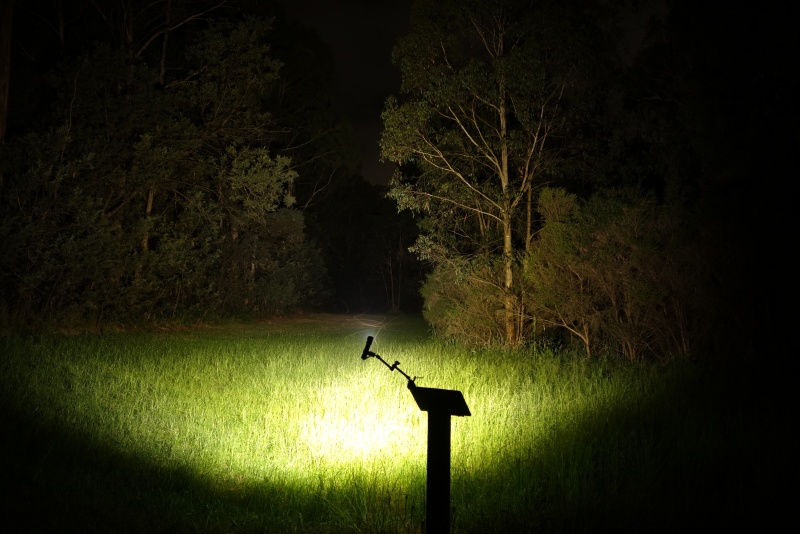
Armytek Wizard C2 WR Warm (Turbo)#
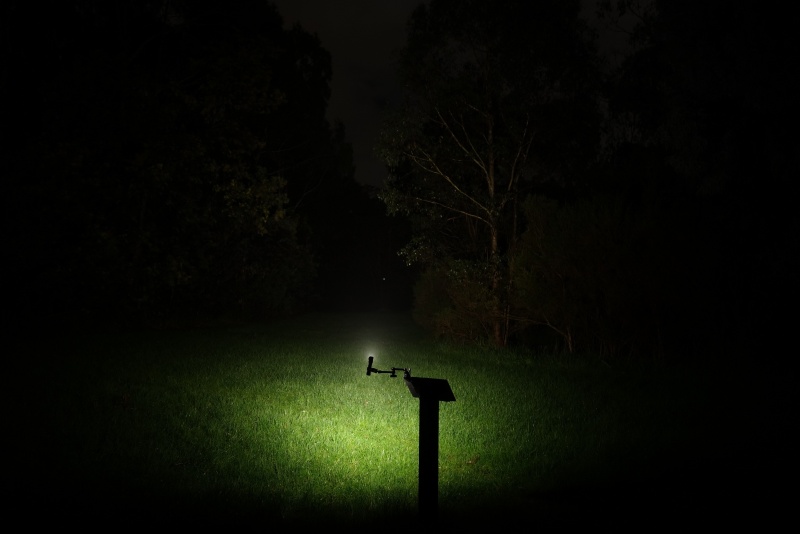
Armytek Wizard C2 Pro Nichia (Turbo)#
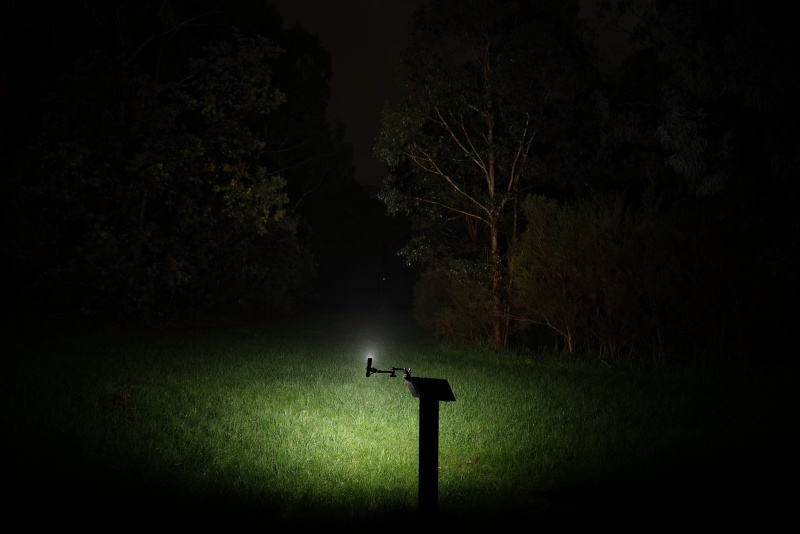
Thermal Images#
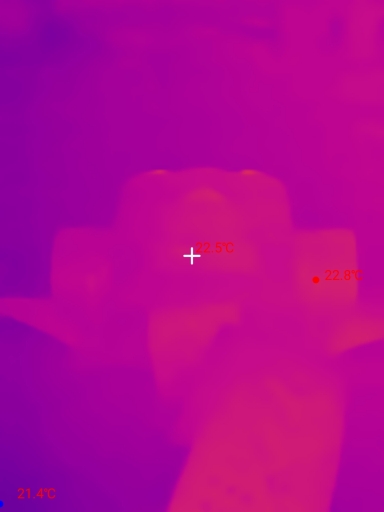
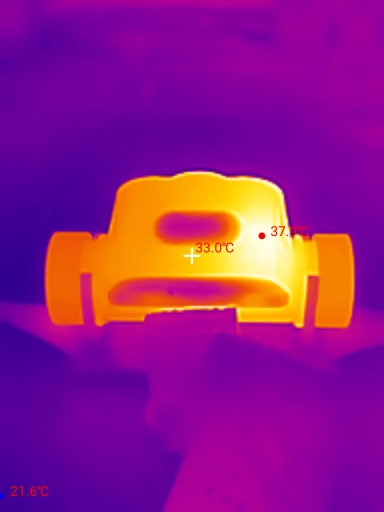
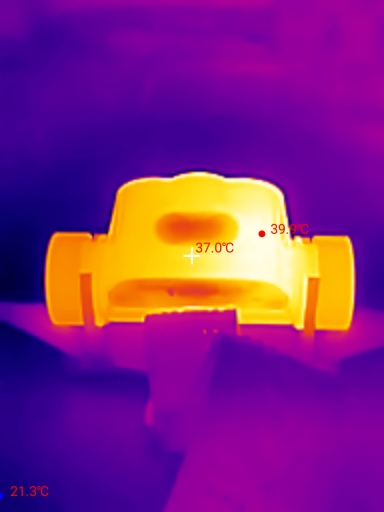
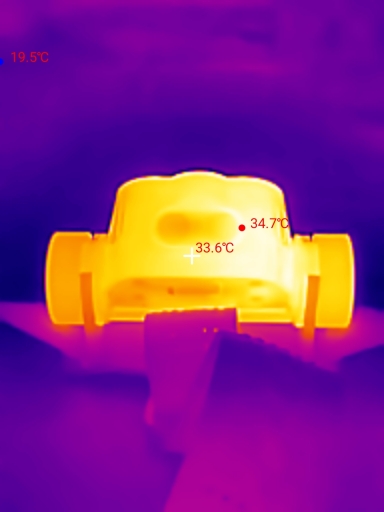
I used a Thermal Master P3 to take thermal images of the torch while using the Spotlight in High mode. Get 10% off the Thermal Master P3 with code Mcmahon10
Room temperature: 20 C
| Time (mm:ss) | Max Temperature |
|---|---|
| 00:00 | 22.8 C |
| 01:00 | 37.9 C |
| 02:00 | 39.9 C |
| 03:00 | 34.7 C |
The torch reached 39.9 C within the first few minutes and then the temperature dropped as the output dropped.
Conclusion#
The TrustFire H7GR a decent 21700-sized headlamp with a comfortable headband and an infrared sensor.
The design looks nice.
The user interface is pretty simple. It could be improved by adding a moonlight mode. And it would be even better if the infrared sensor could be used to change the mode (it just turns the light on and off).
The runtimes fell short and the lumen output was lower than expected for the Spotlight on High.
The sample that I tested did not have a 4000K 95 CRI LED for the floodlight. It is closer to 5600K 64 CRI.
The output is well regulated and the beam distance is good.
If you are looking for a slightly smaller headlamp with a sensor, floodlight, spotlight and red light then I would probably recommend the Sofirn HS21.
If you want something simpler with a longer runtime then I can recommend TrustFire H7GR.
Pros:#
- Good build quality.
- Good beam distance.
- Comfortable headband.
- Simple UI.
- Output is well regulated.
- Infrared sensor.
- Built-in USB-C charging.
Cons:#
- Lumen output is lower than expected for the Spotlight on High.
- Runtime is shorter than expected.
- Headband is slightly small.
- Low CRI.
Price#
The TrustFire H7GR is US$97 from trustfire.com. It is about US$77.60 after using a promo code.
Product page#
Promo code: TIMMC21
TrustFire H7GR at trustfire.com (affiliate link)
I may earn a commission if you use an affiliate link or a promo code. This will help fund future torch reviews and tutorials.