Olight ArkPro Ultra Review
Olight ArkPro Ultra#
- Specifications
- Introduction
- Torch in use
- Build quality
- LED, bezel, lens and reflector
- Size and comparison
- User interface
- Batteries and charging
- Performance
- Thermal Images
- Beamshots
- Conclusion
- Price
- Product page
Specifications#
| Brand/model | Olight ArkPro Ultra |
|---|---|
| LED | Cool White Pure Flood, Cool White Spotlight, green laser, 365nm UV light |
| Maximum lumens | 1,700 lm |
| Maximum beam intensity | 10,640 cd |
| Maximum throw | 205 m |
| Battery | Built-in 2000mAh 3.7V LiPo |
| Onboard charging | Yes (magnetic charging and USB-C) |
| Material | Olight Aluminium |
| Modes | 5 |
| Blinkies | Strobe |
| Reflector | TIR (Pure Flood), Smooth (Spotlight) |
| Waterproof | IPX7 |
| Review date | February 2026 |
Introduction#
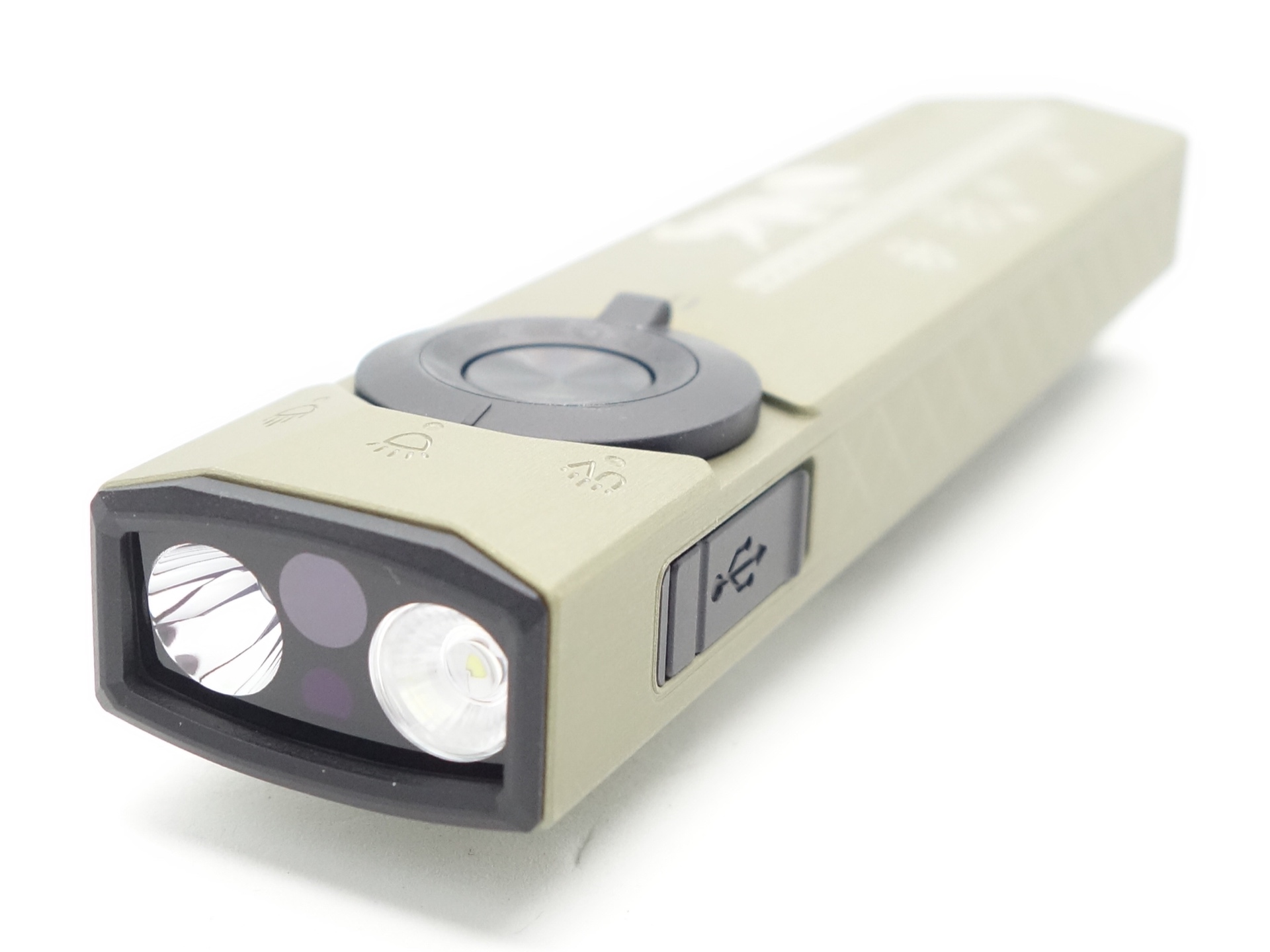
The Olight ArkPro Ultra is a flat-style EDC torch with a spotlight, a floodlight, a green laser pointer, a 365nm UV light and it has both magnetic charging and USB-C charging.
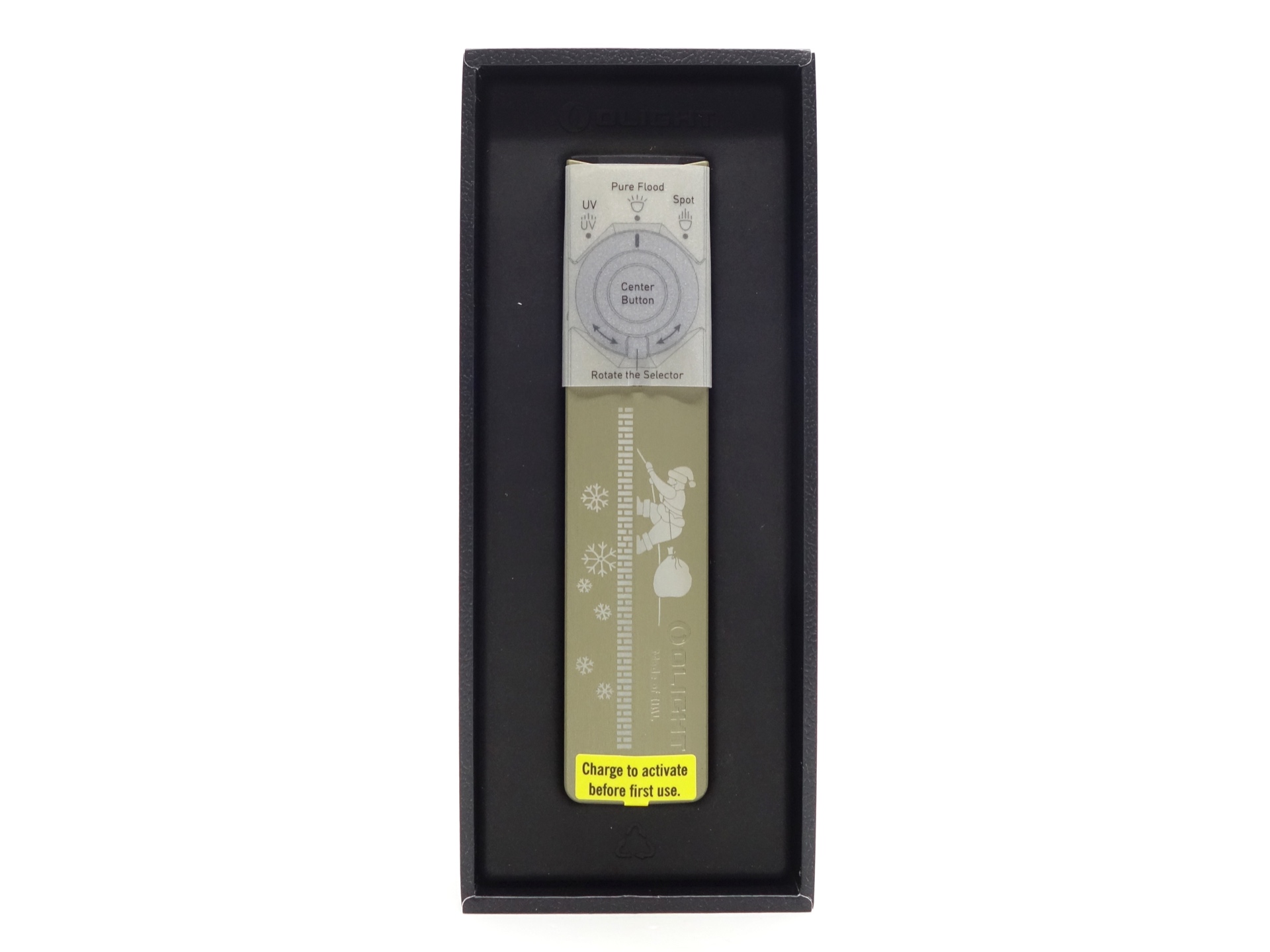
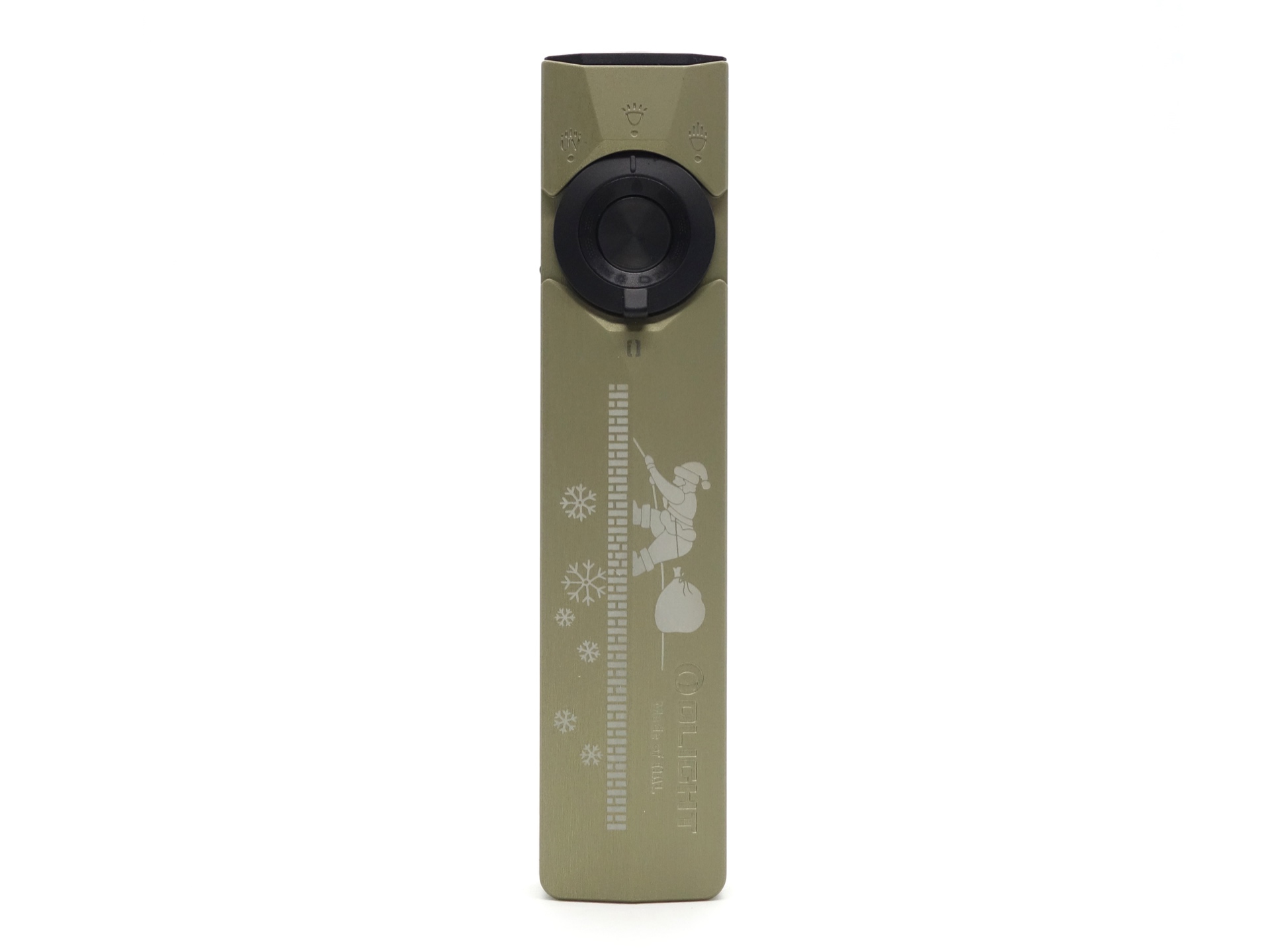
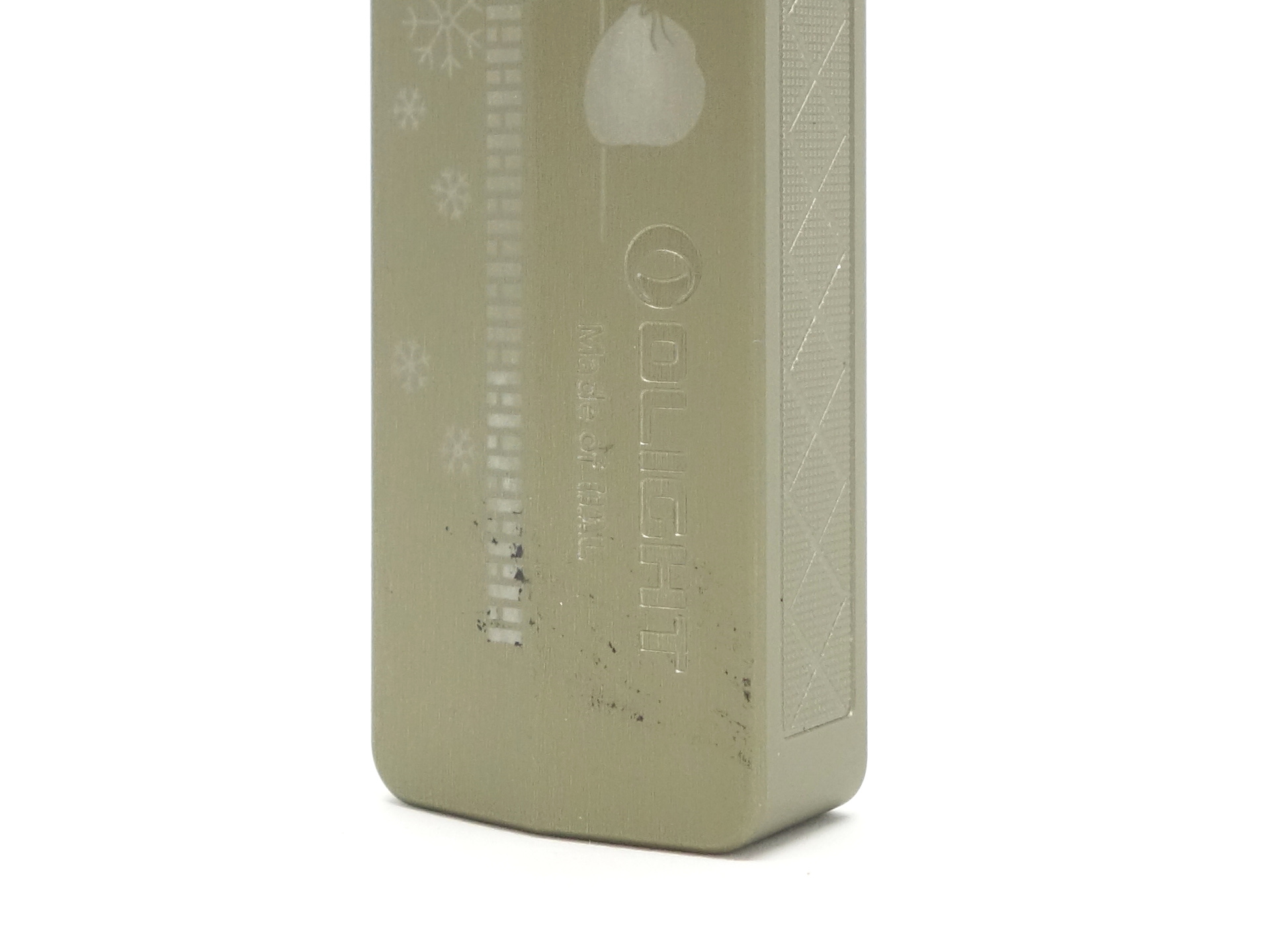
This is a special Christmas edition featuring Santa climbing up a ladder.
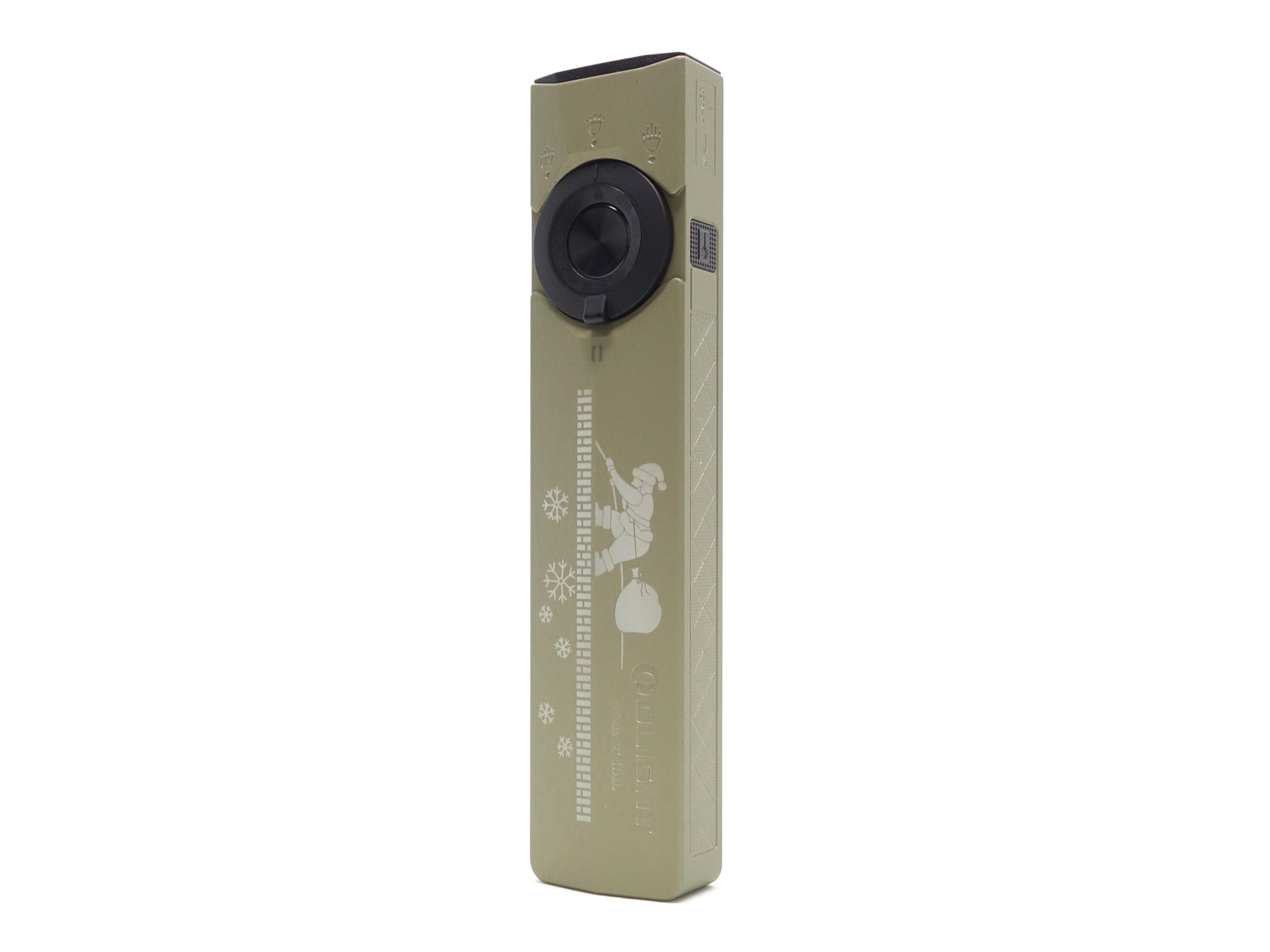
I previously bought and reviewed Olight Arkfeld Ultra. Let’s see what improvements have been made!
Olight kindly gave me this ArkPro Ultra in a Christmas giveaway. I have not been paid for this review nor have I held back my opinions of this torch.
Packaging#
The ArkPro Ultra comes in black box with a leather feel. There is an image of the torch on the front and Olight ArkPro Ultra text on the side.
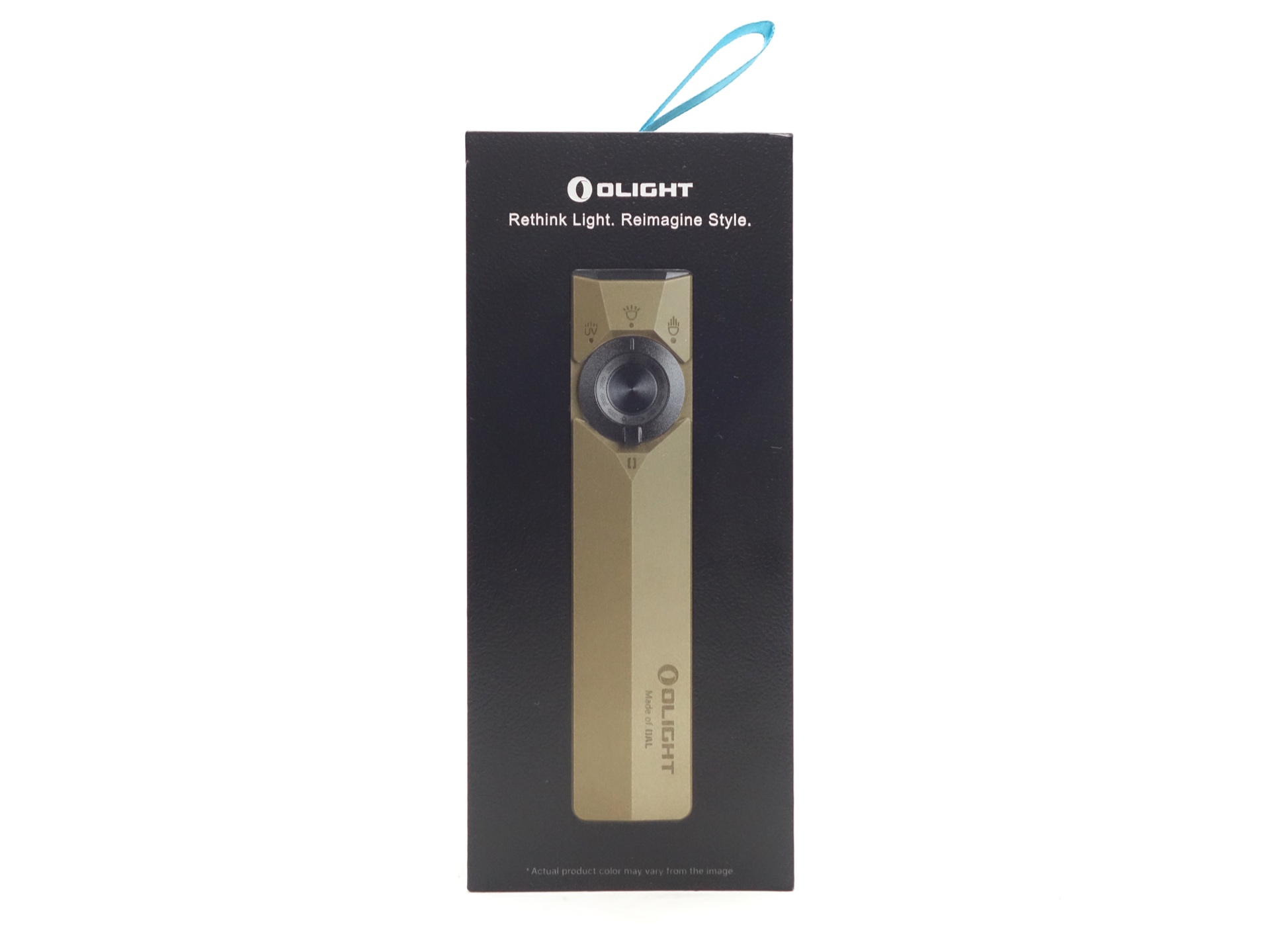
The following was included in the box:
- Olight ArkPro Ultra.
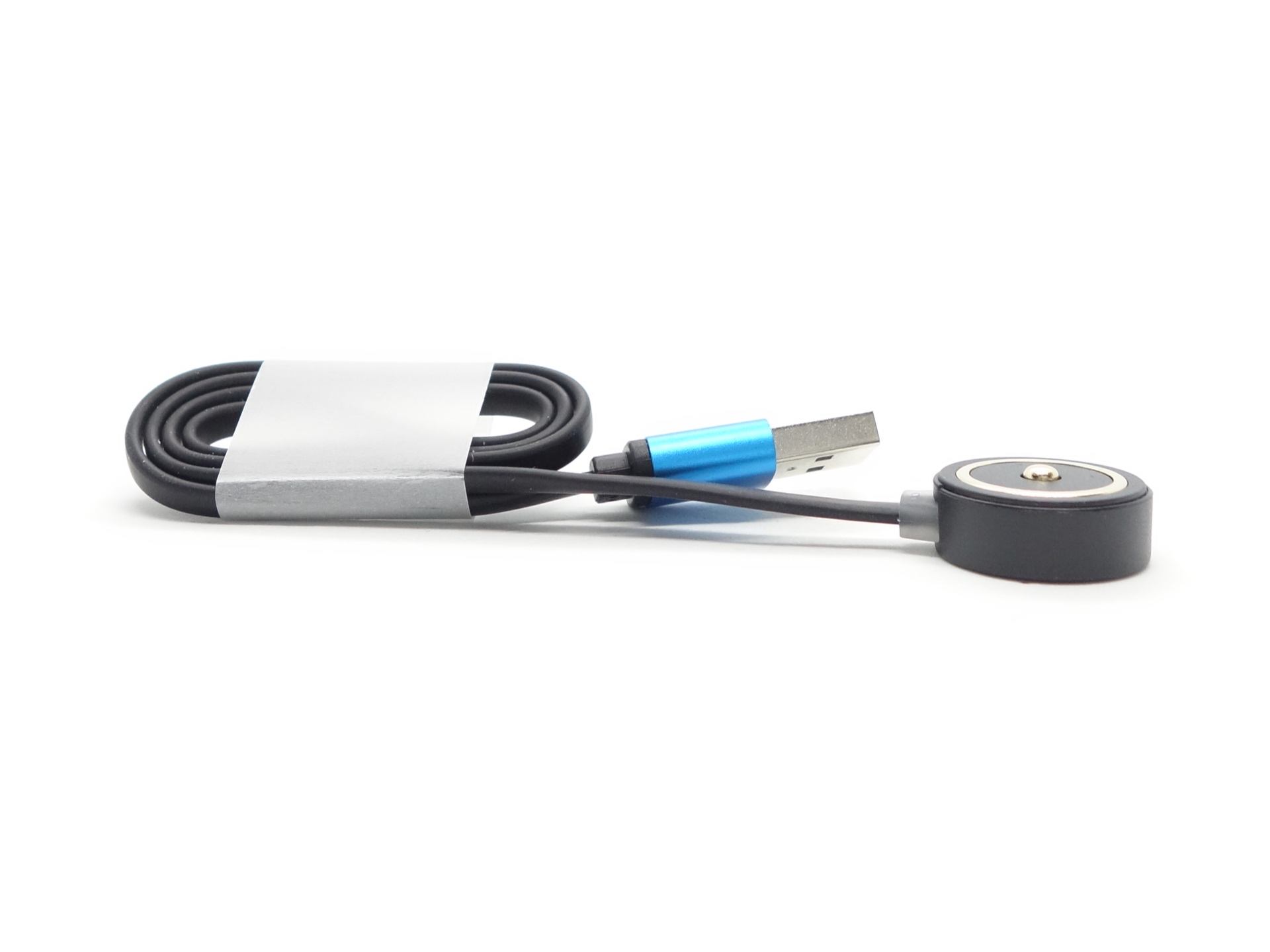
- Olight MCC-1A Magnetic Charging Cable.
- User manual.
User manual#
Torch in use#
The Olight ArkPro Ultra feels comfortable in my hand.
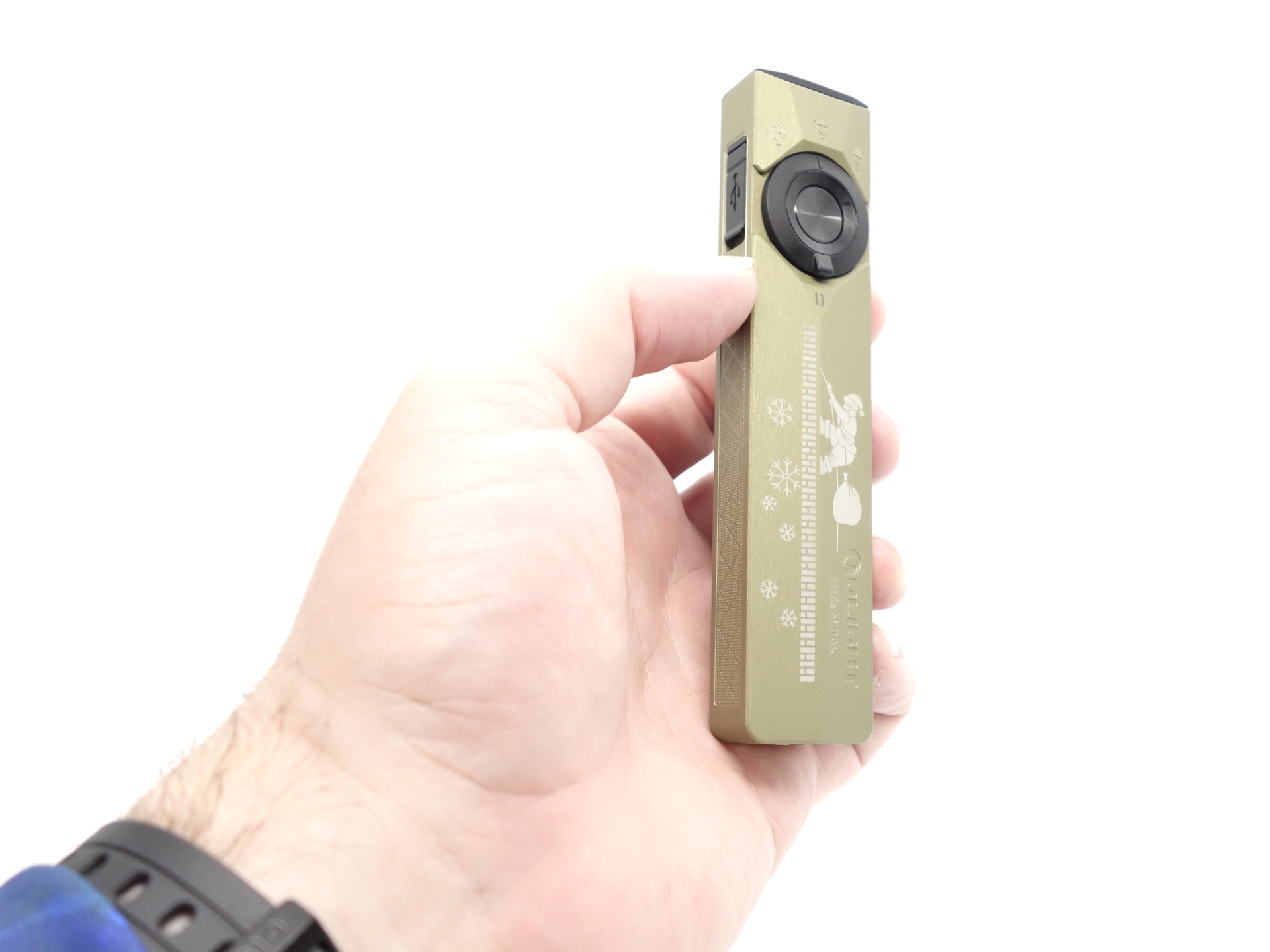
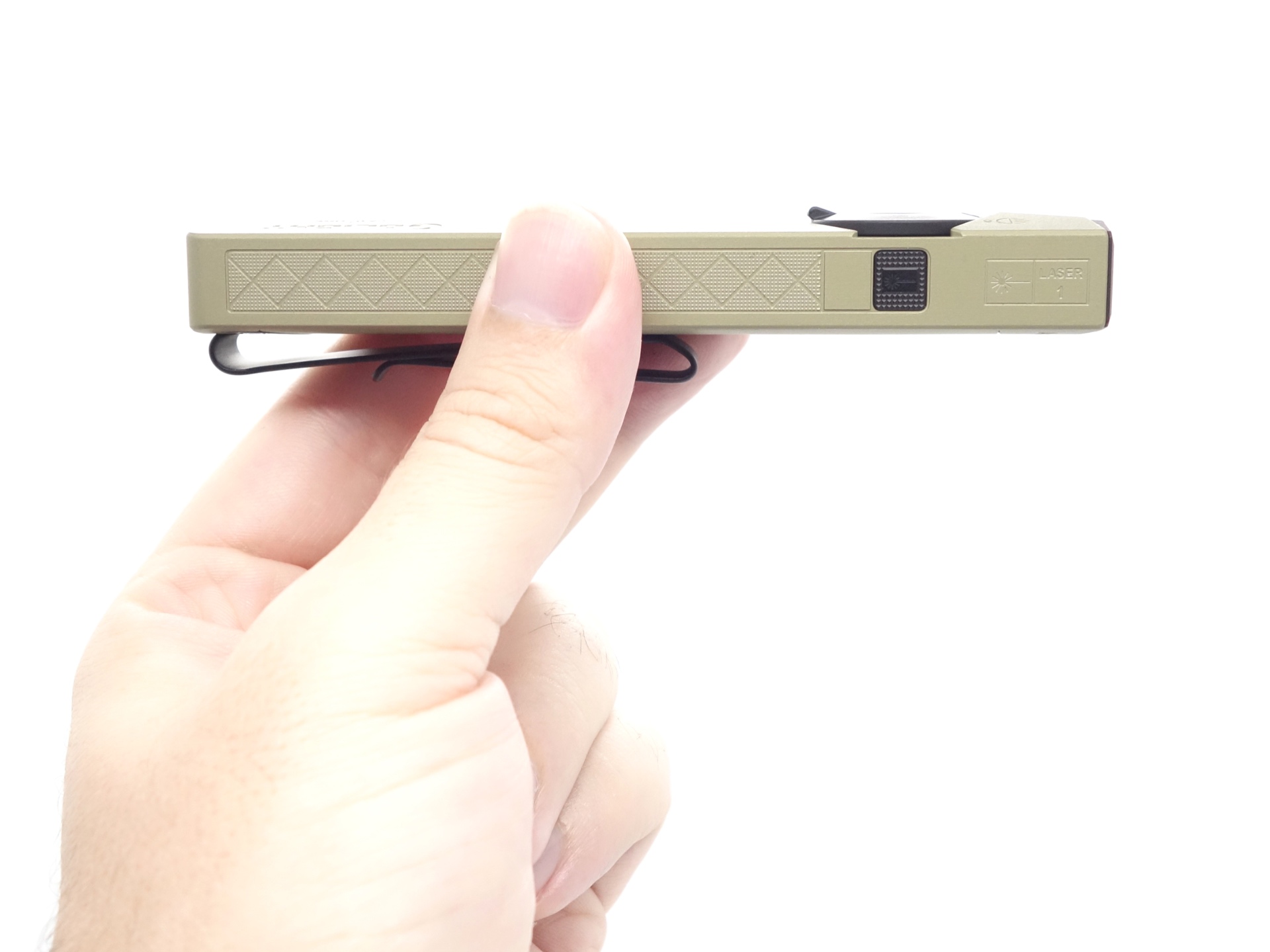
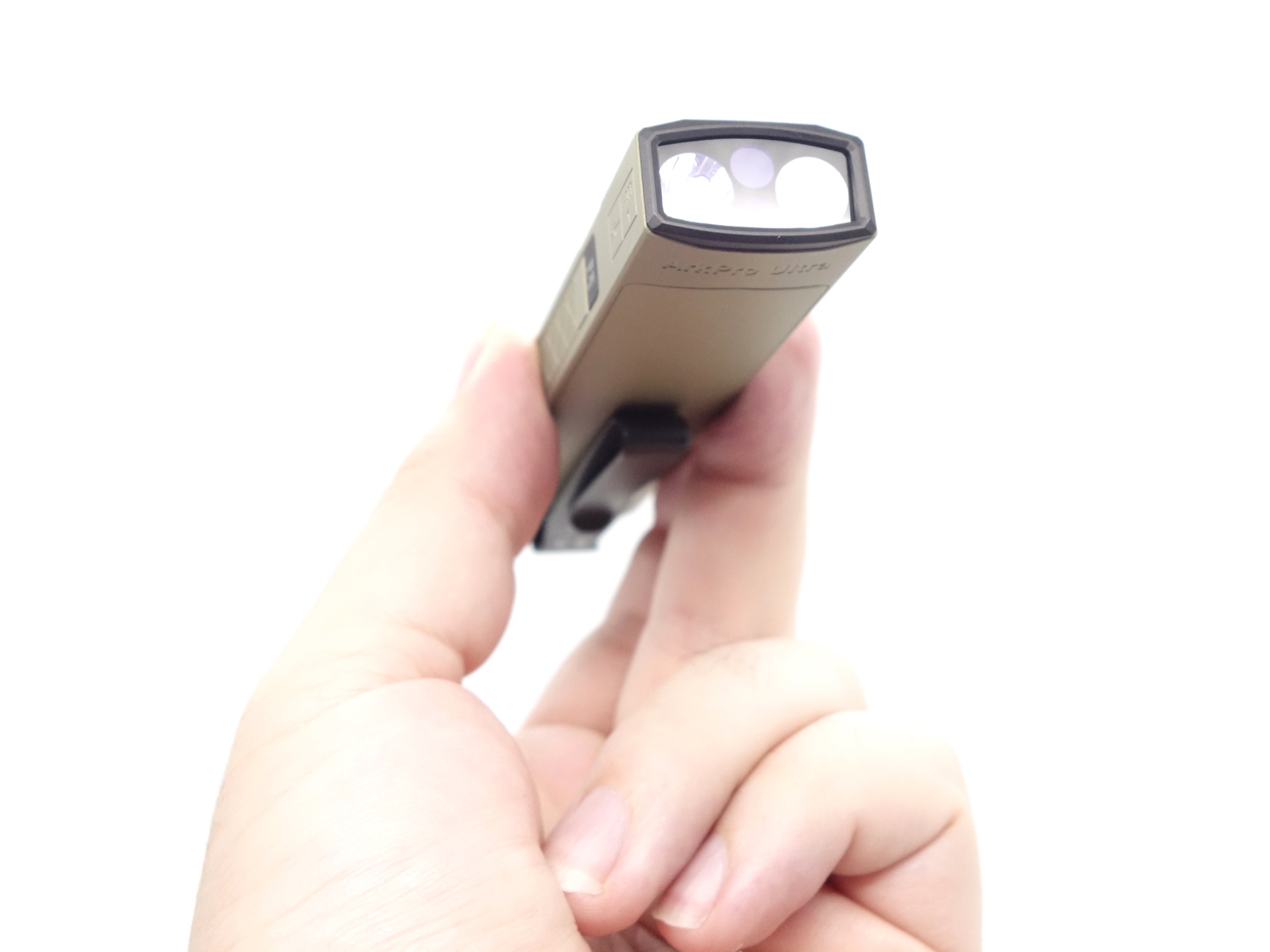
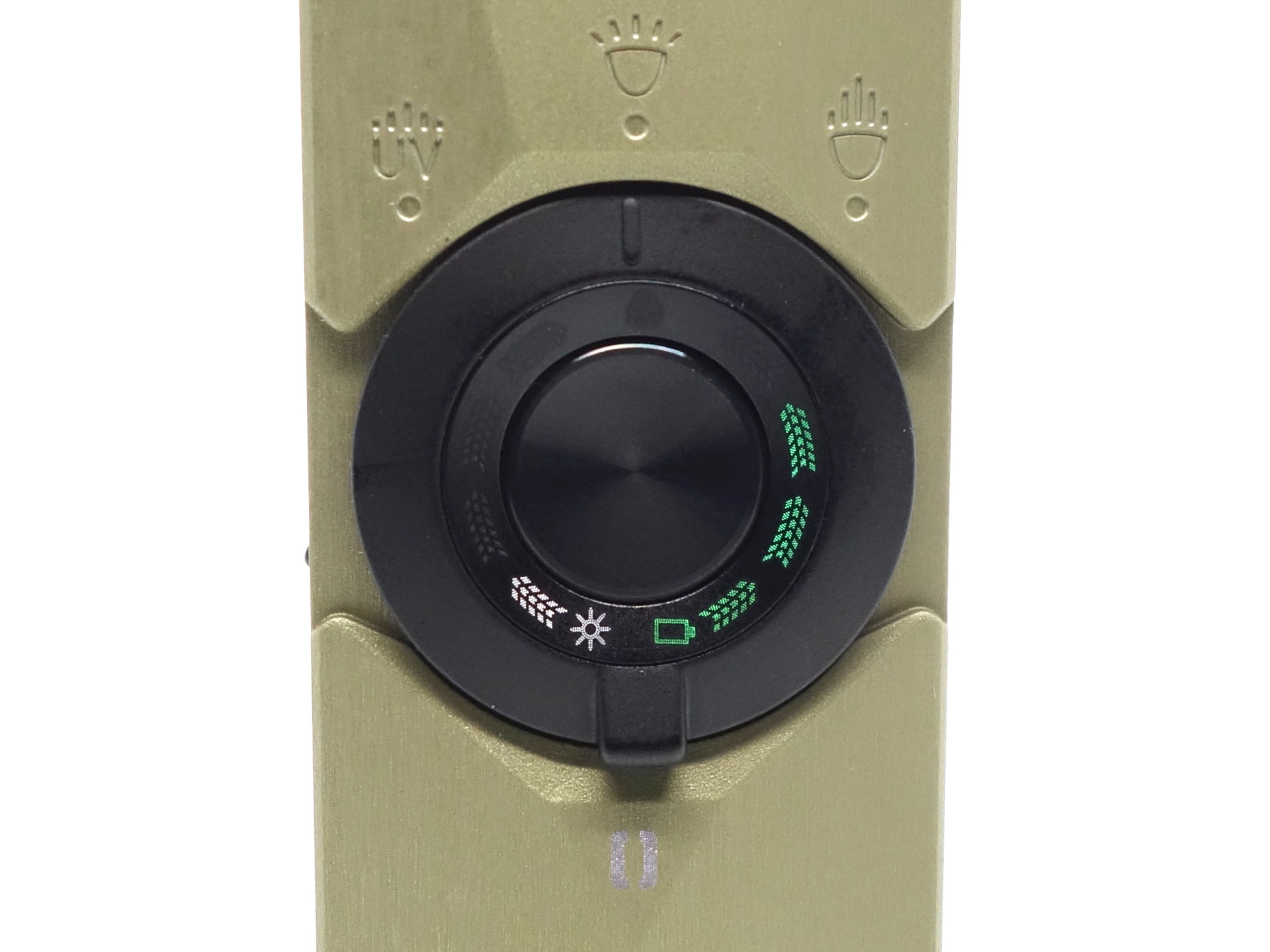
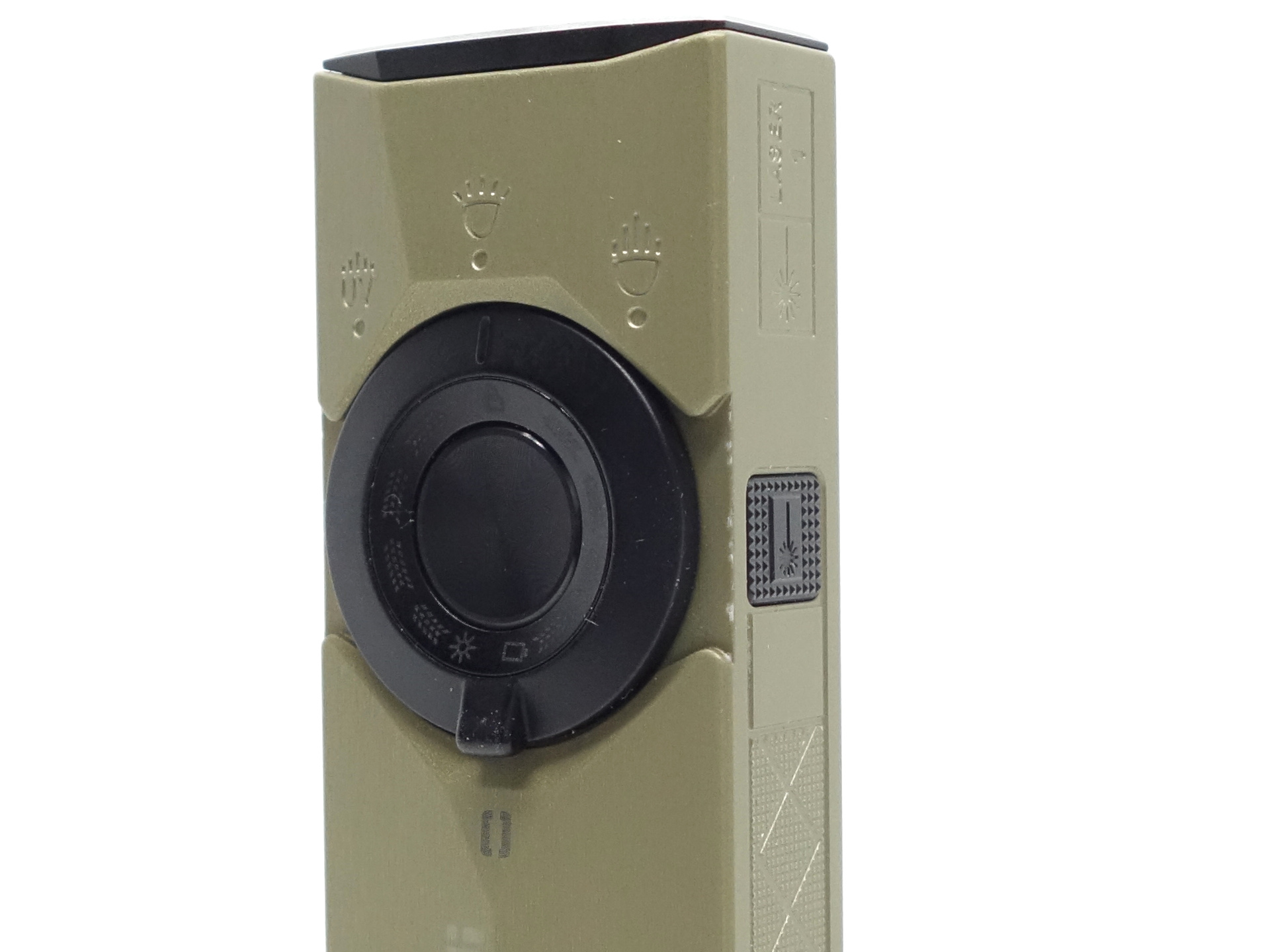
The rotary switch has had an upgrade! It now has white and green status indicator LEDs to indicate the brightness and the battery status.
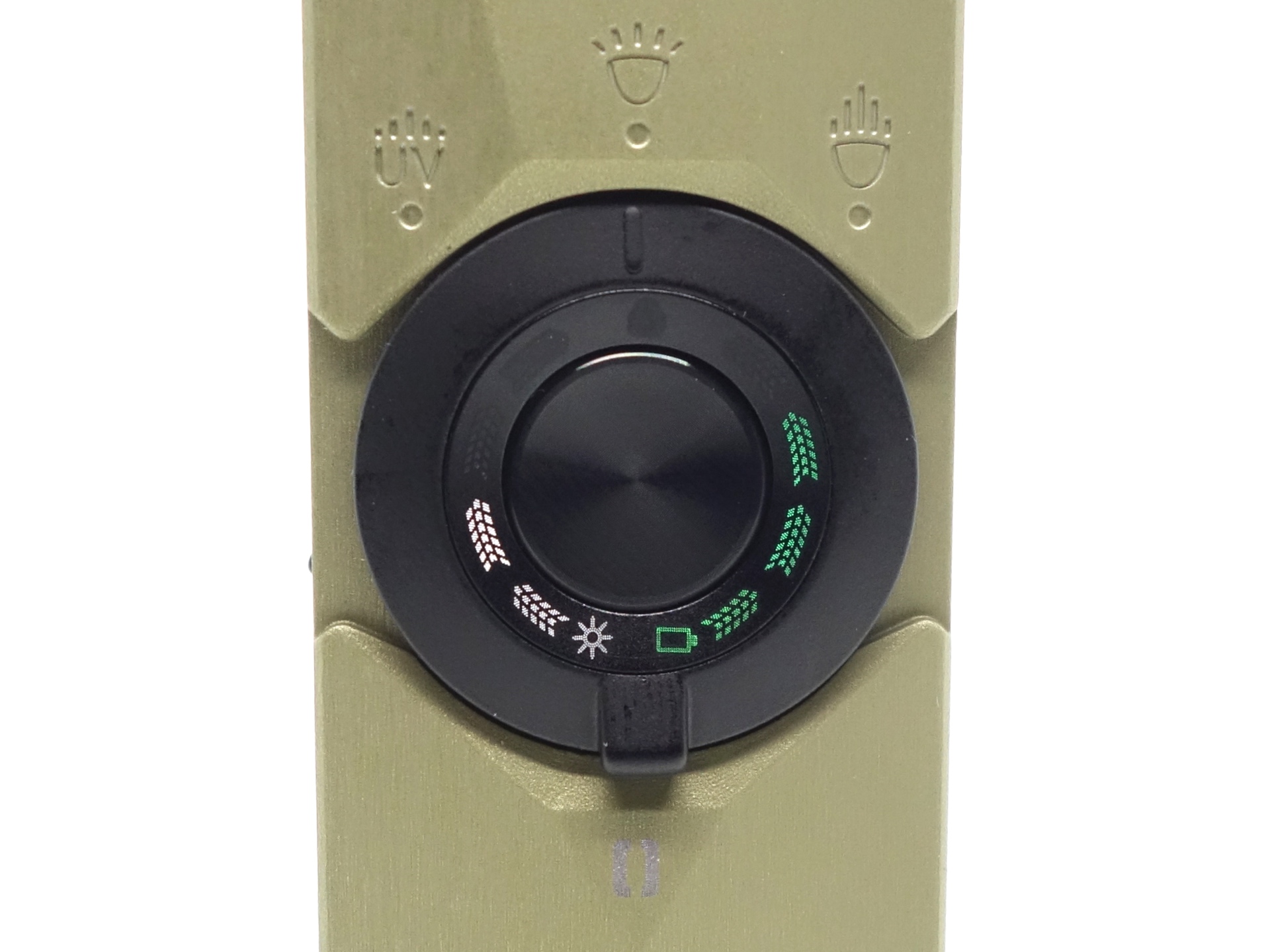
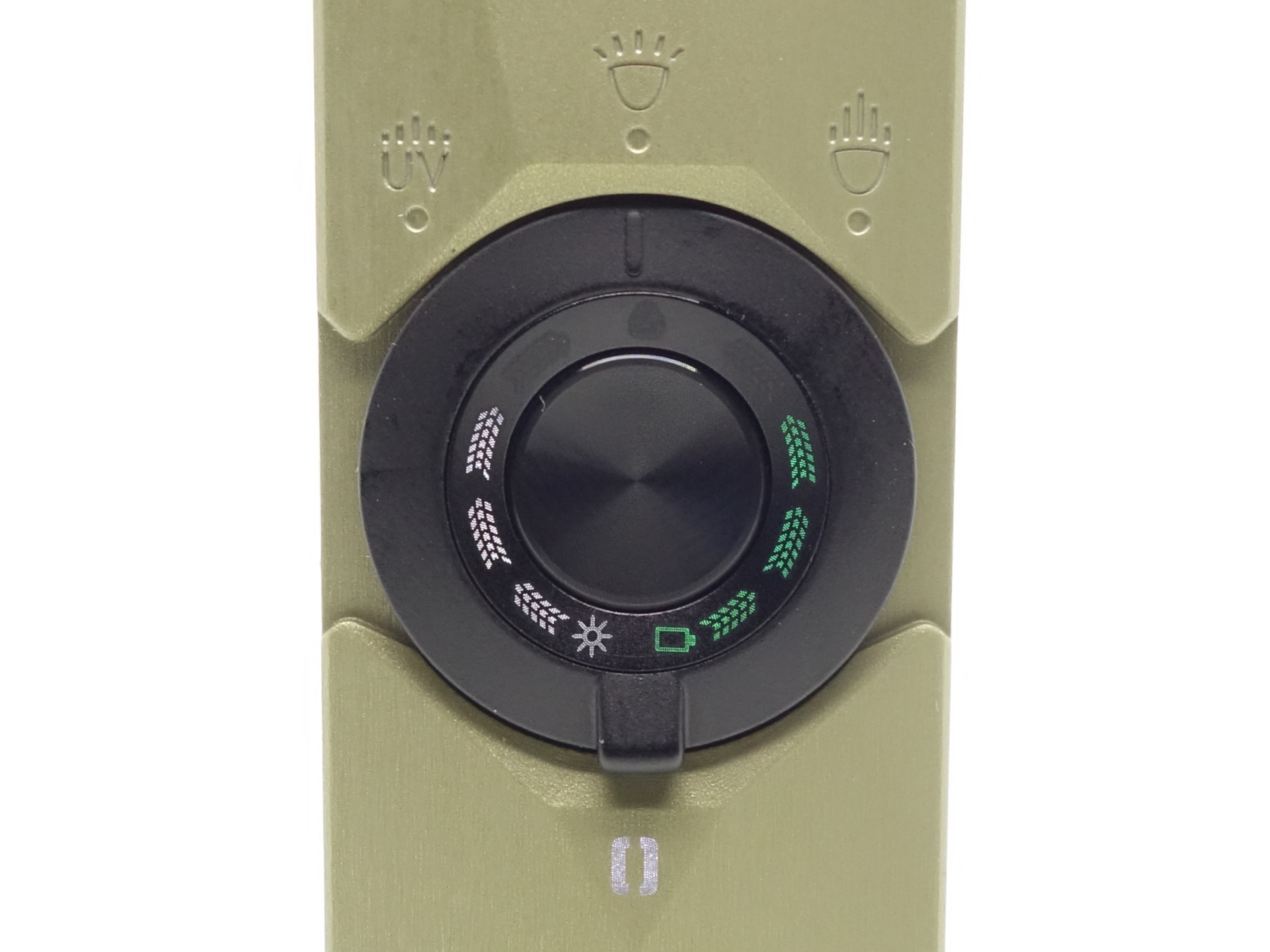
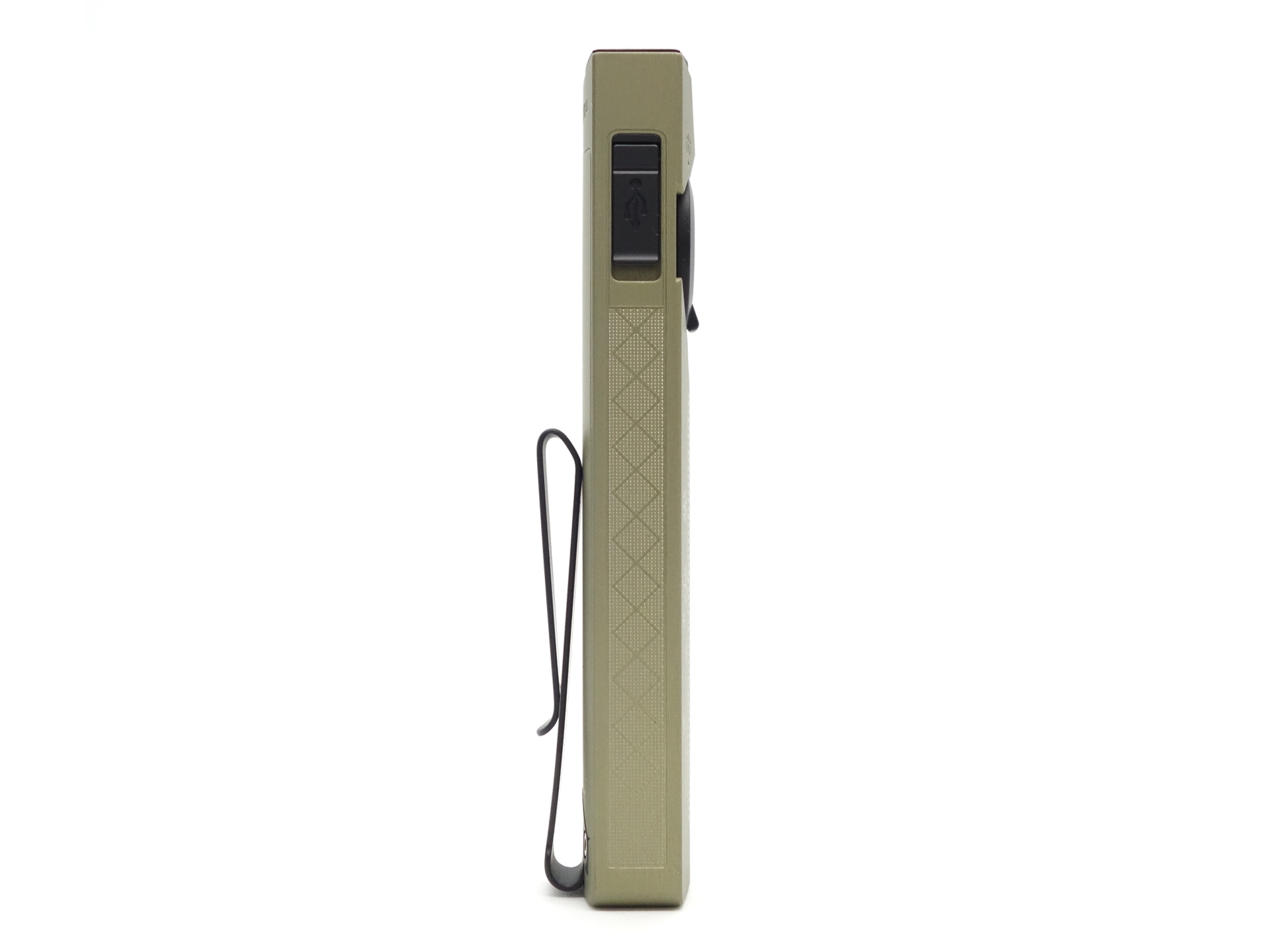
The two-way pocket clip is deep carry and it feels pretty stiff.
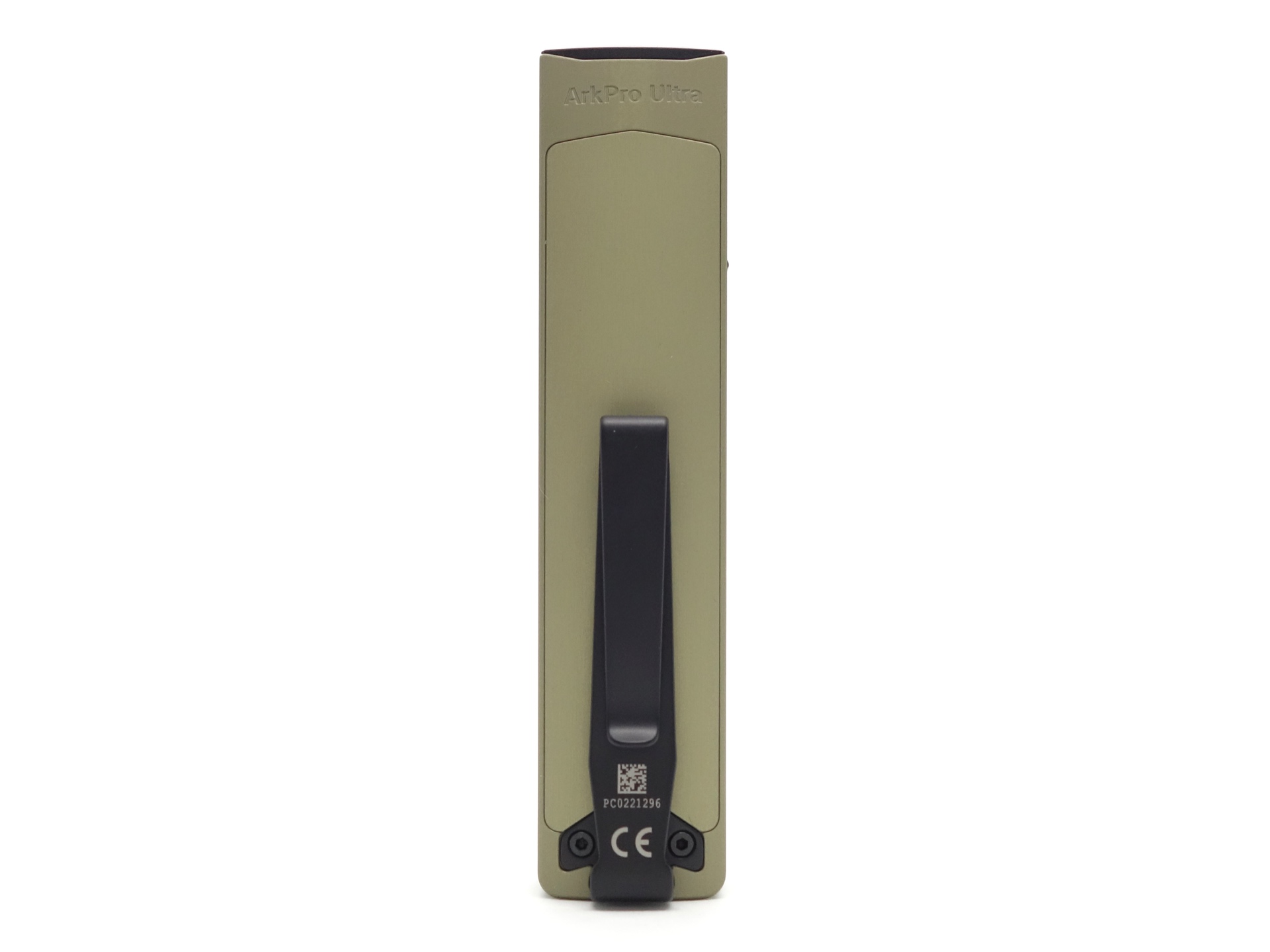
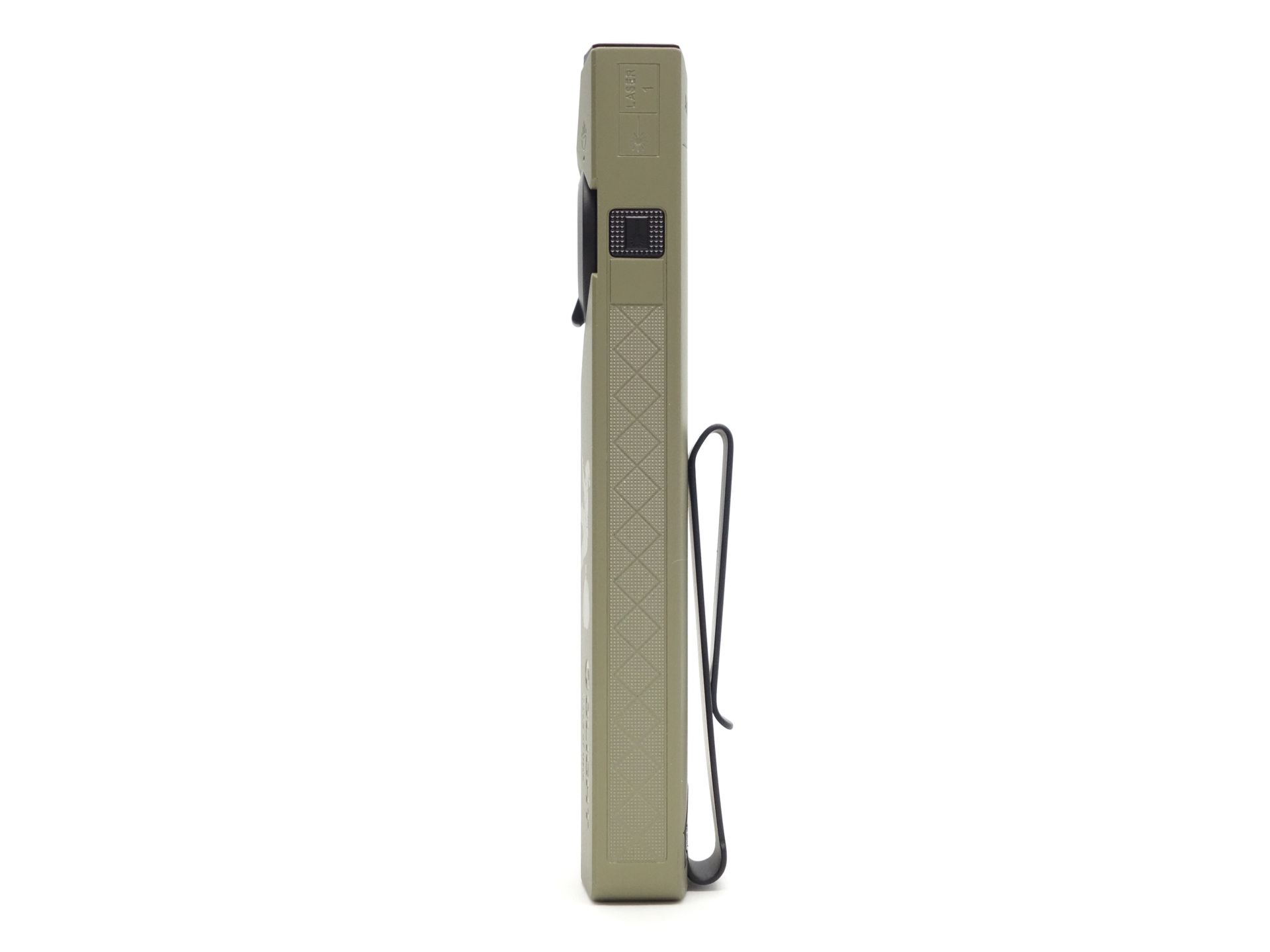
The torch can easily tail stand.
ArkBeat#
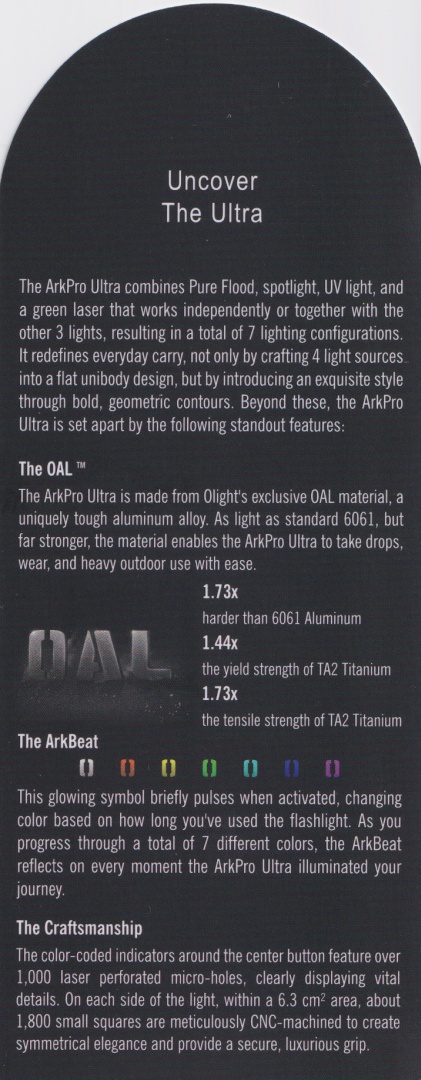
“This glowing symbol briefly pulses when activated, changing color based on how long you’ve used the flashlight. As you progress through a total of 7 different colors, the ArkBeat reflects on every moment the ArkPro Ultra illuminated your Journey.”
The ArkBeat emitter will display for 15 seconds after turning the torch on.
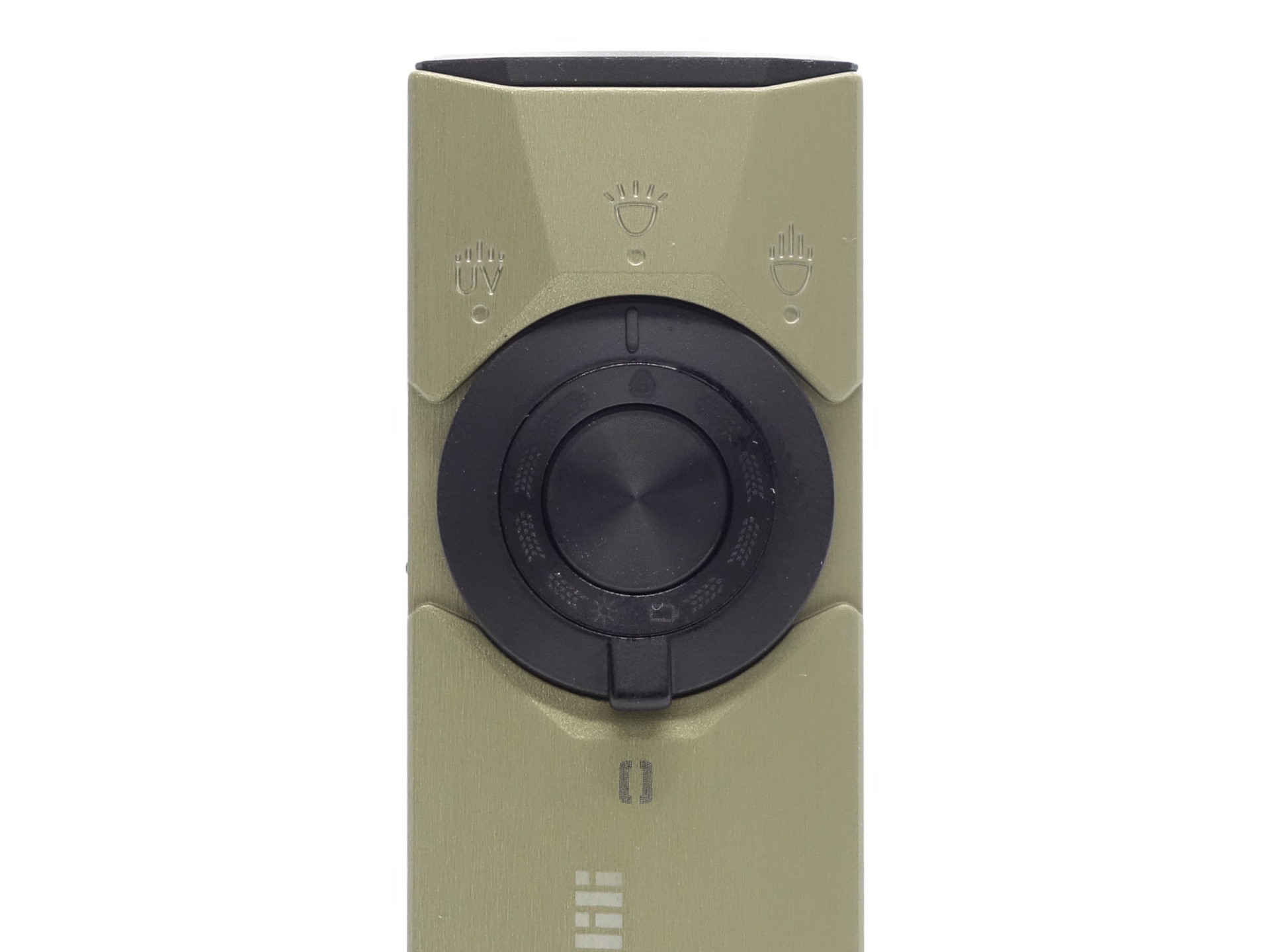
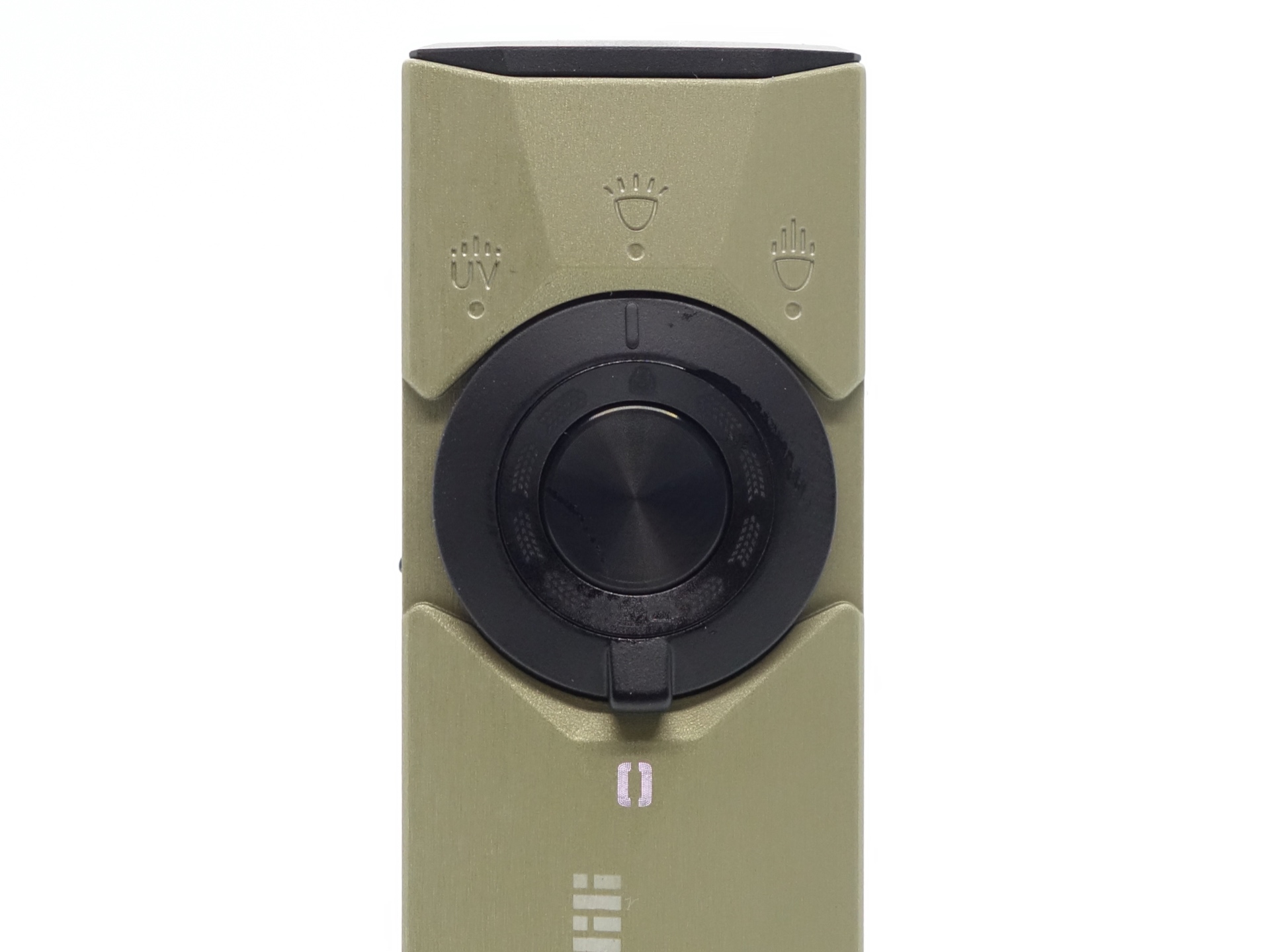
It will change colour depending on how long you have used the torch for.
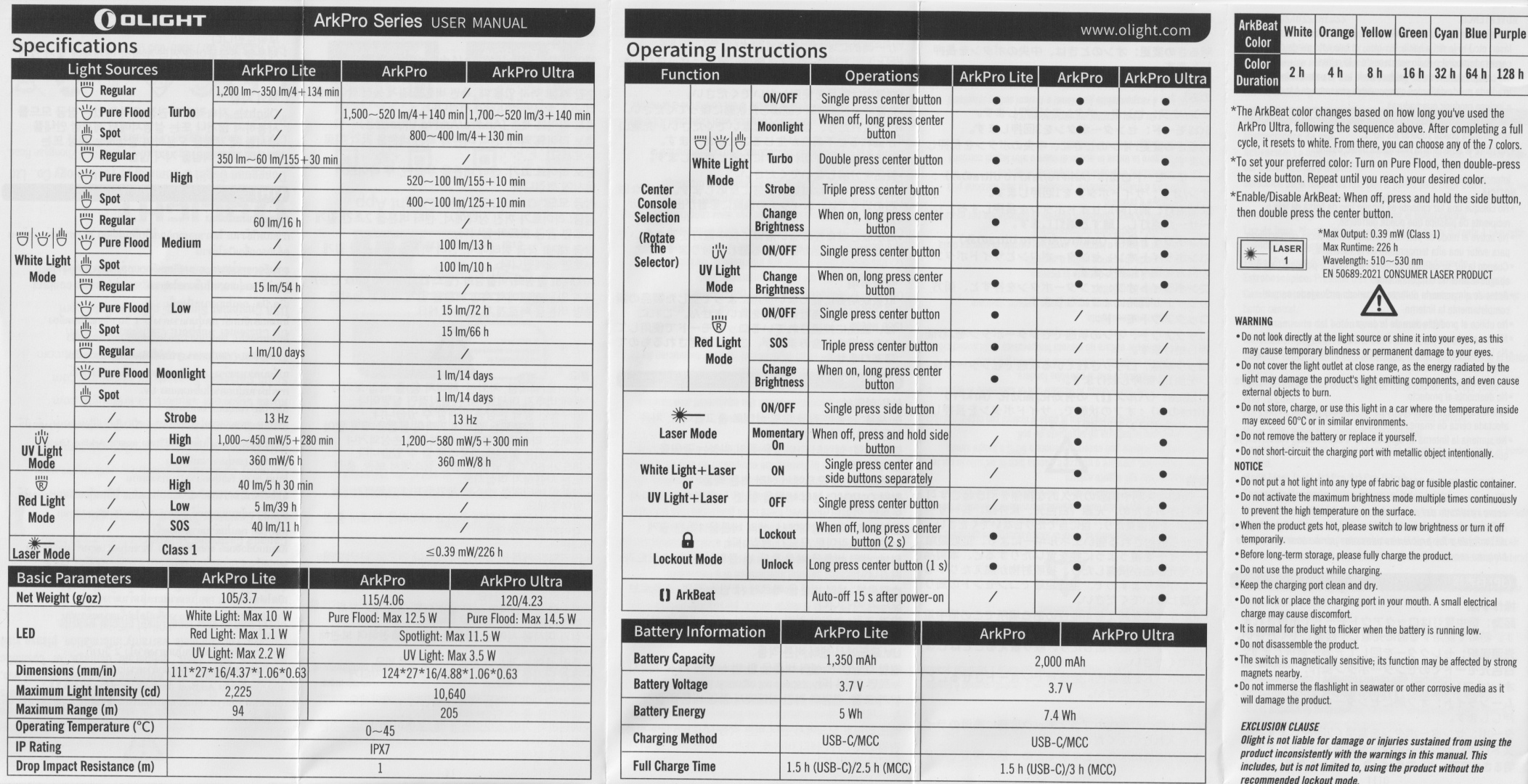
| Colour | Duration |
|---|---|
| White | 2h |
| Orange | 4h |
| Yellow | 8h |
| Green | 16h |
| Cyan | 32h |
| Blue | 64h |
| Purple | 128h |
The colour will go back to white.
Once the colour goes back to white, you can choose one of the seven colours.
“To set your preferred color: Turn on Pure Flood, then double-press the side button. Repeat until you reach your desired color.”
Build quality#
This Olight ArkPro Ultra is made of Olight Aluminium (OAL) and it has an Olive Green anodised finish.
The build quality is pretty good.
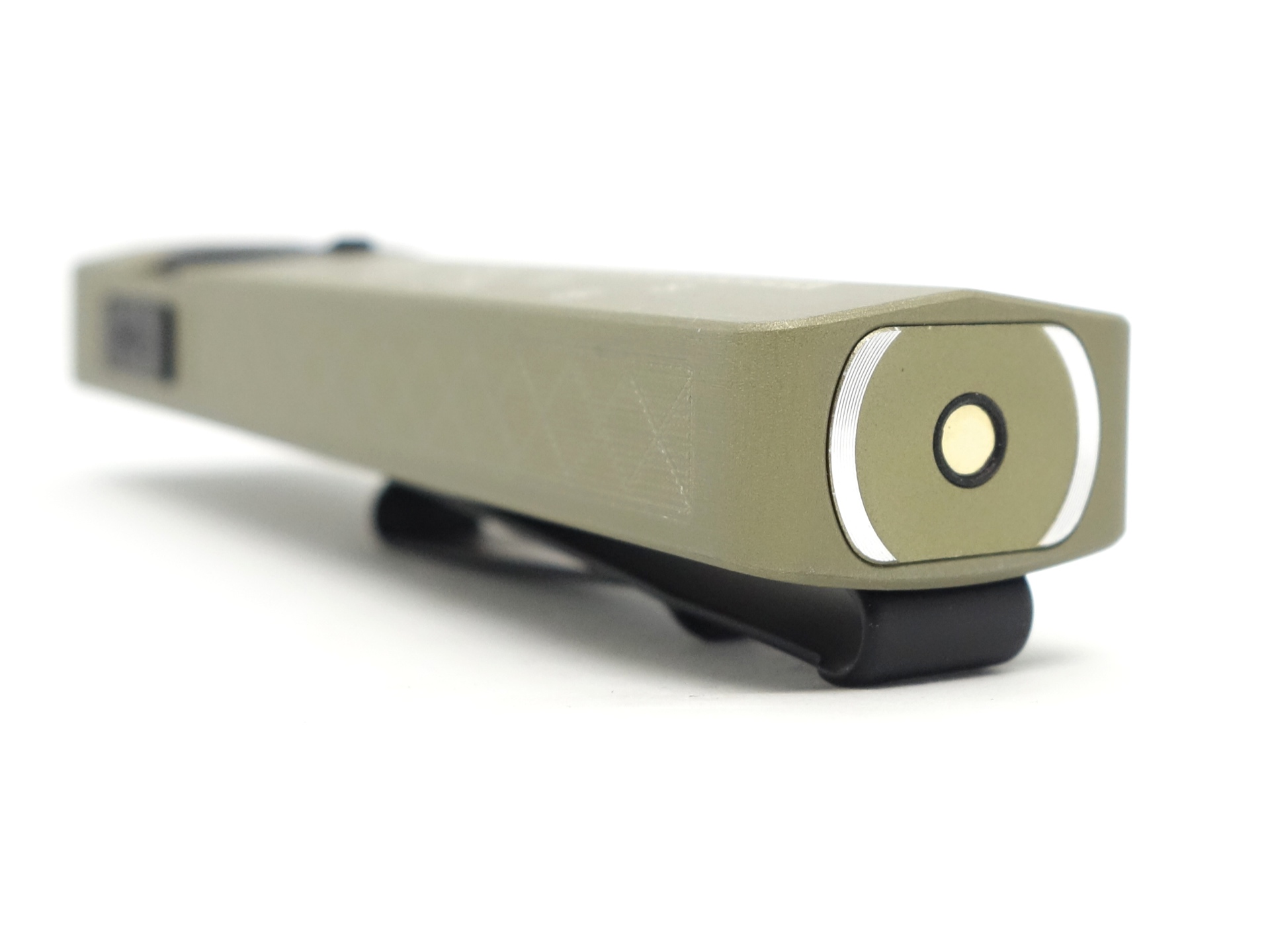
I was worried about the raised edge down the middle of the torch. But now that I have actually used the torch, the edge is pretty smooth and does not dig into my leg when in my pocket.
I love the tactile feel of the rotary switch. It clicks into place with a ball bearing while rotating it into one of three positions. It is a little less pronounced when clicking into place compared to the Olight Arkfeld Ultra.
The recessed metal button gives a satisfying click. It feels a bit like putting your thumb into a spoon.
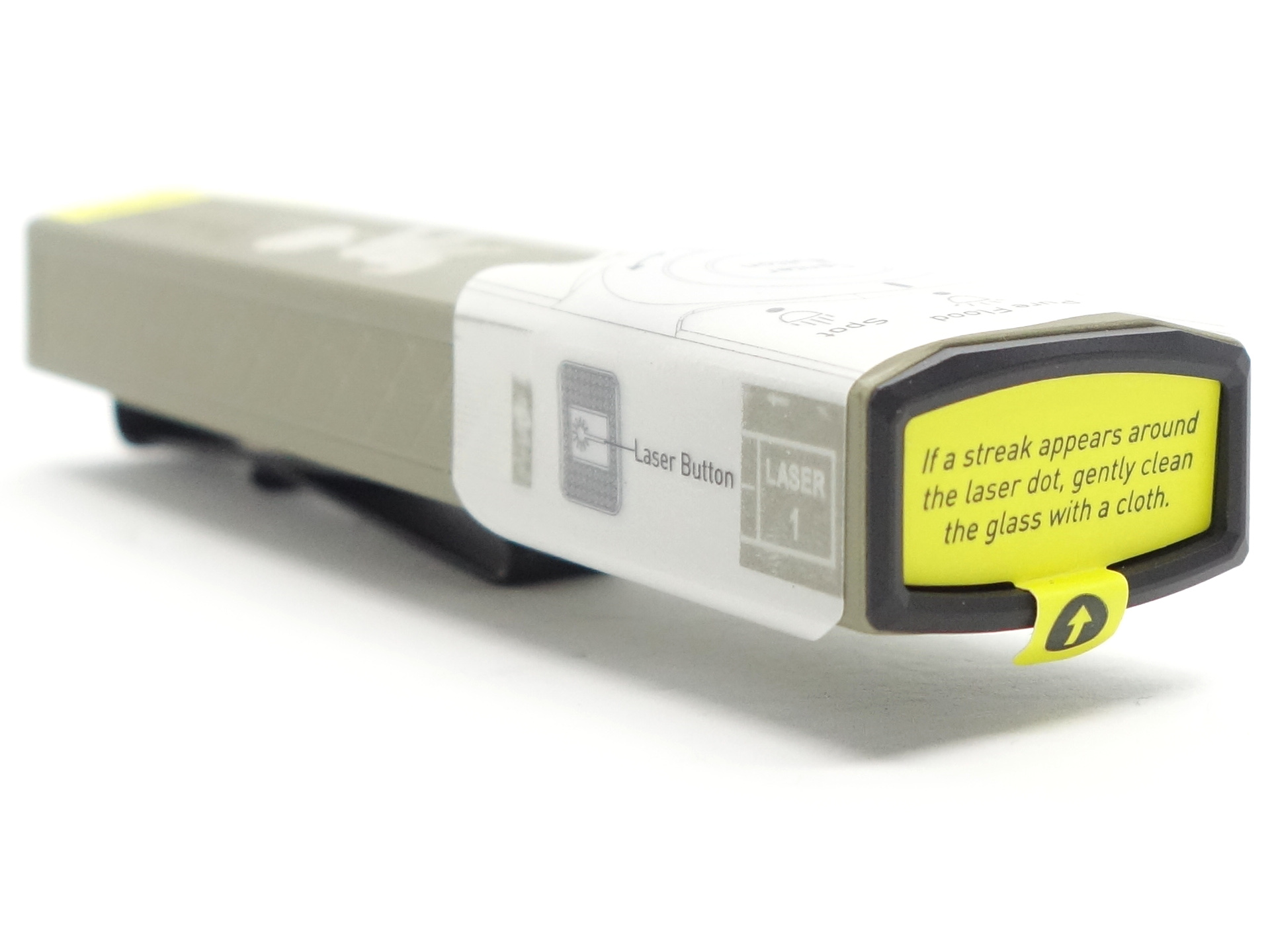
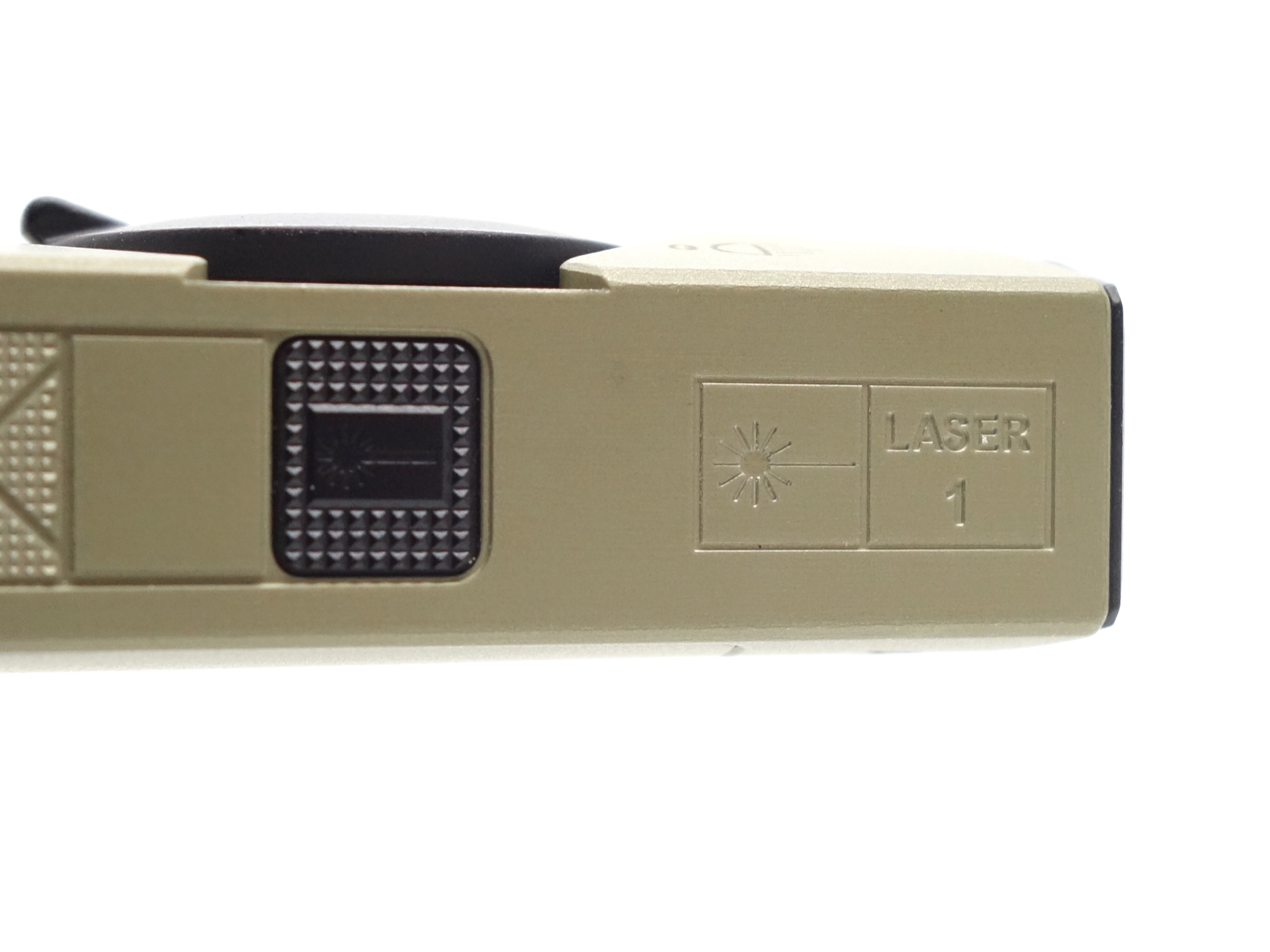
The laser pointer button on the side has some grip. It feels very clicky.
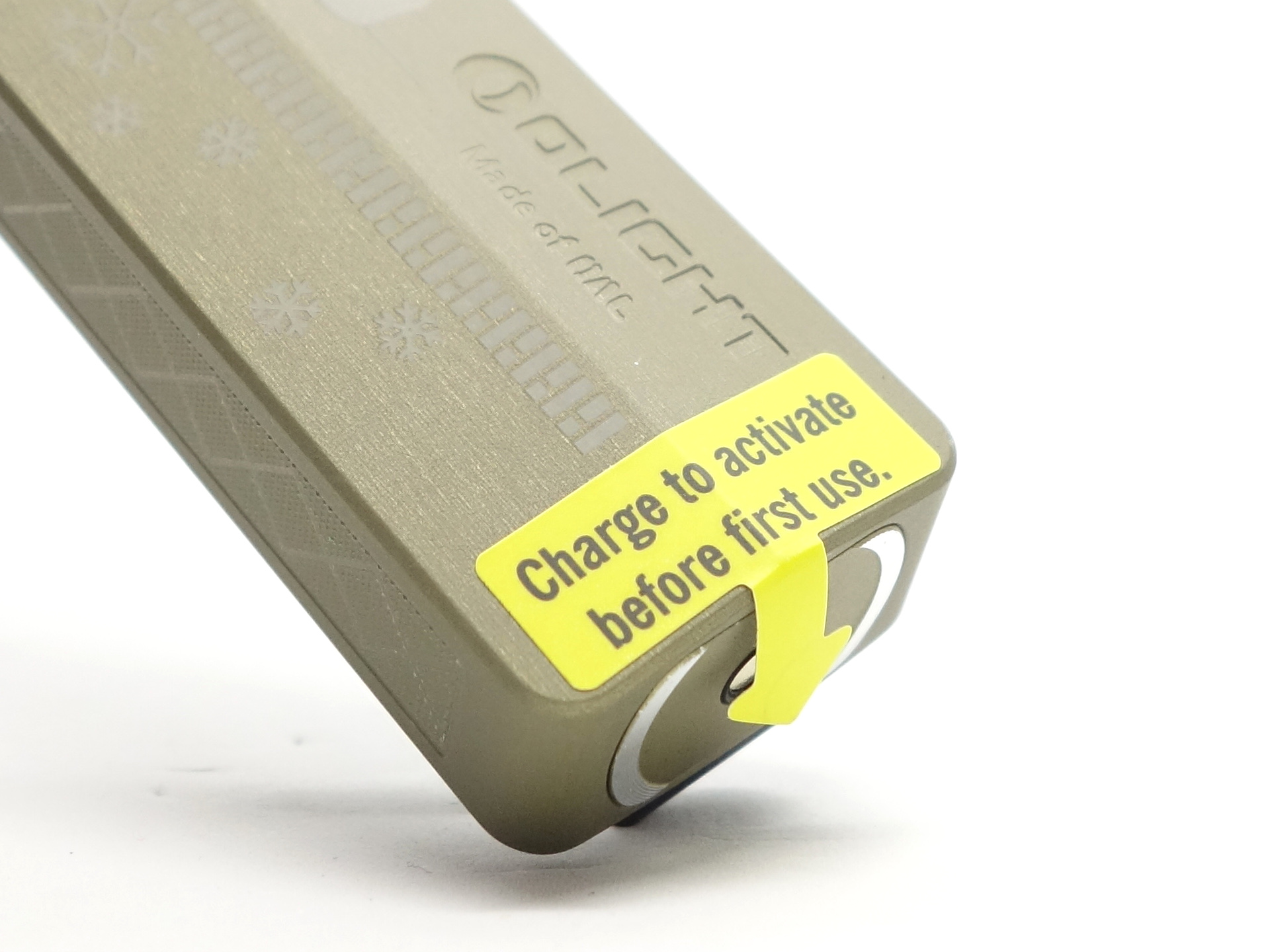
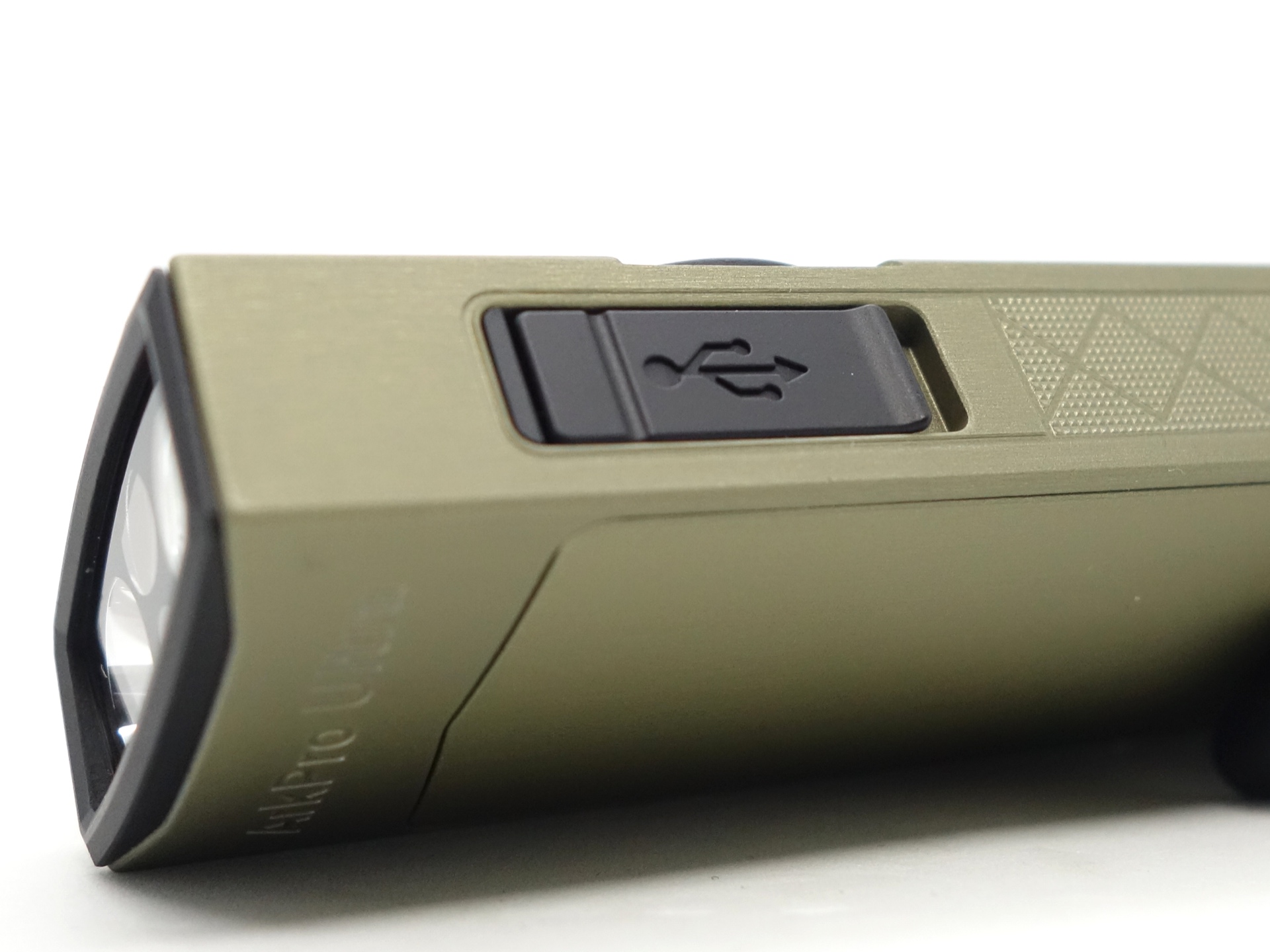
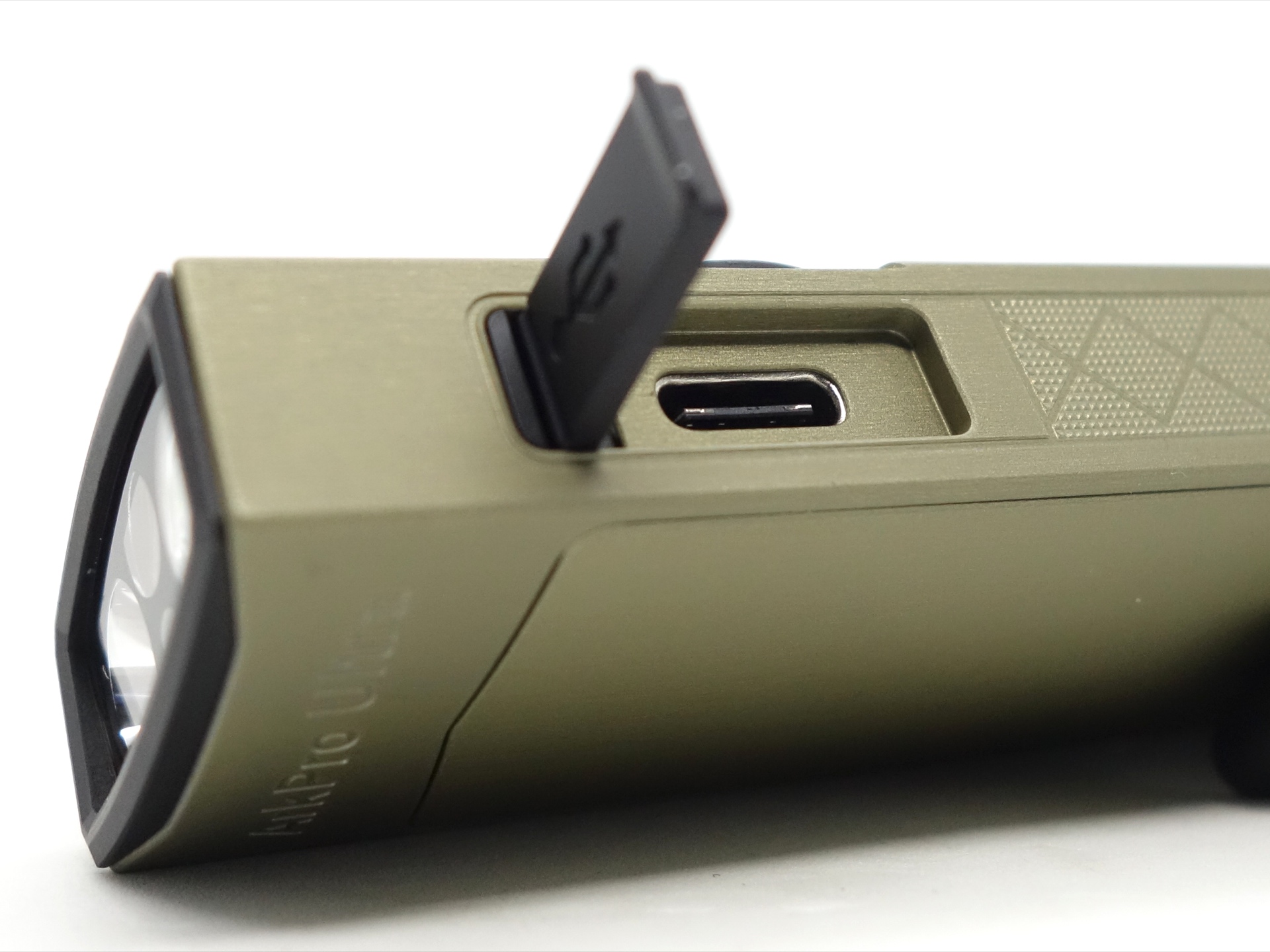
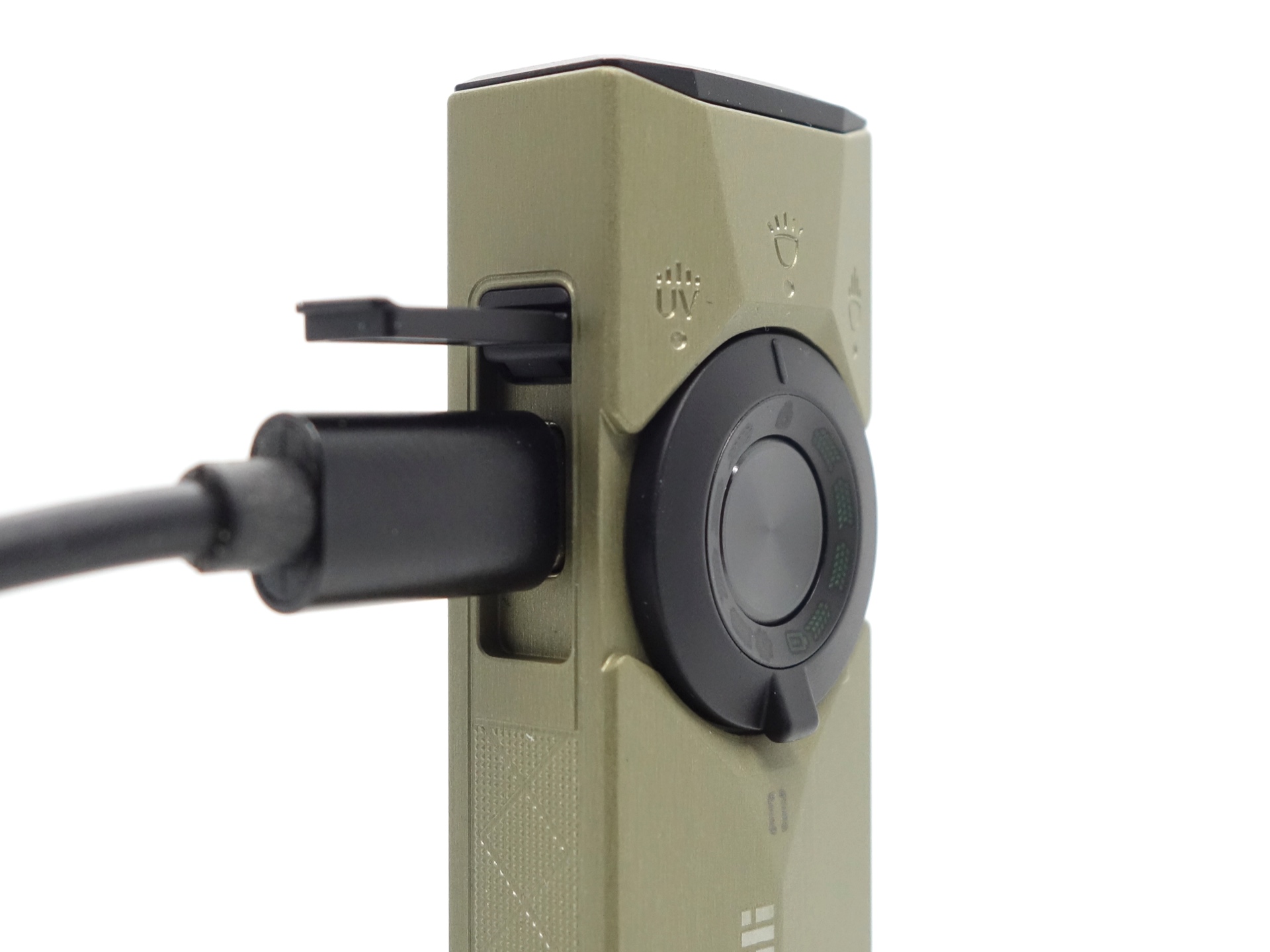
The USB-C charging port cover is really nice! It is metal instead of rubber so it is much more durable.
The cover has been designed so that you can open it by either lifting it or by pushing the top in.
After using the torch for a month, I managed to chip the OAL and stain it. I am not so sure about the durability of the aluminium finish.
My older blue Olight Arkfeld Ultra was sold with a massive discount due to quality issues with the finish but I have not really scuffed it or chipped the finish.
LED, bezel, lens and reflector#
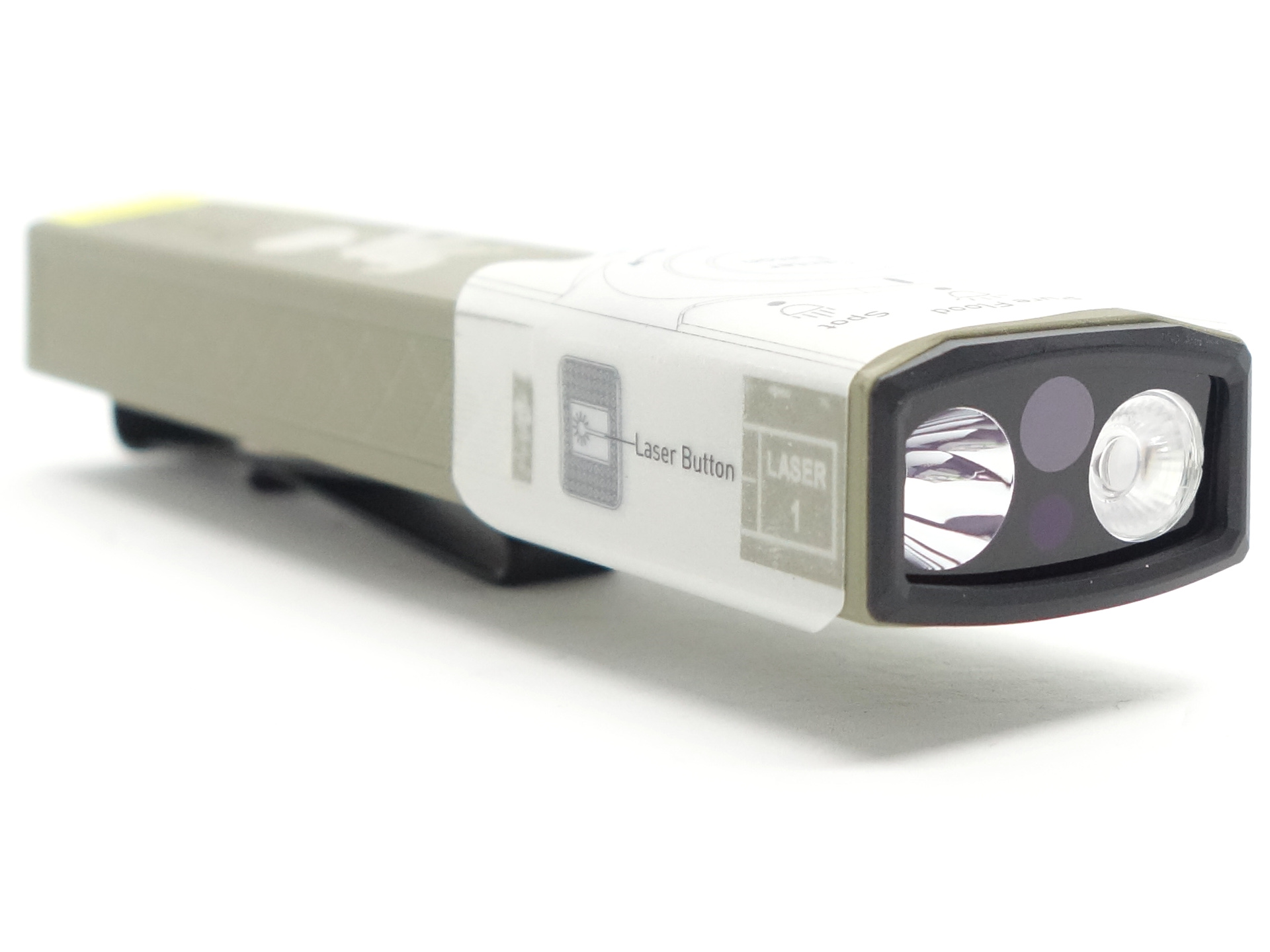
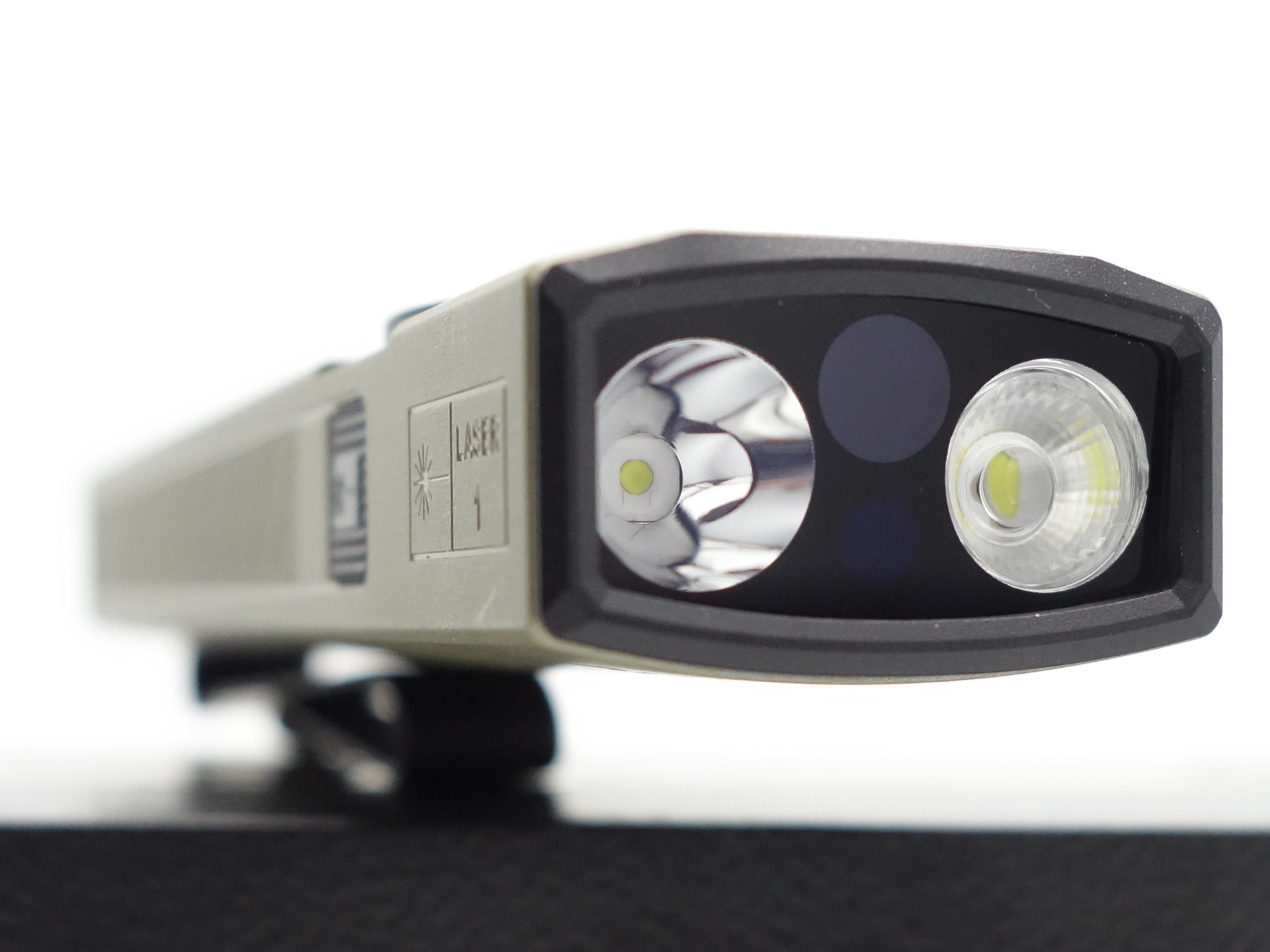
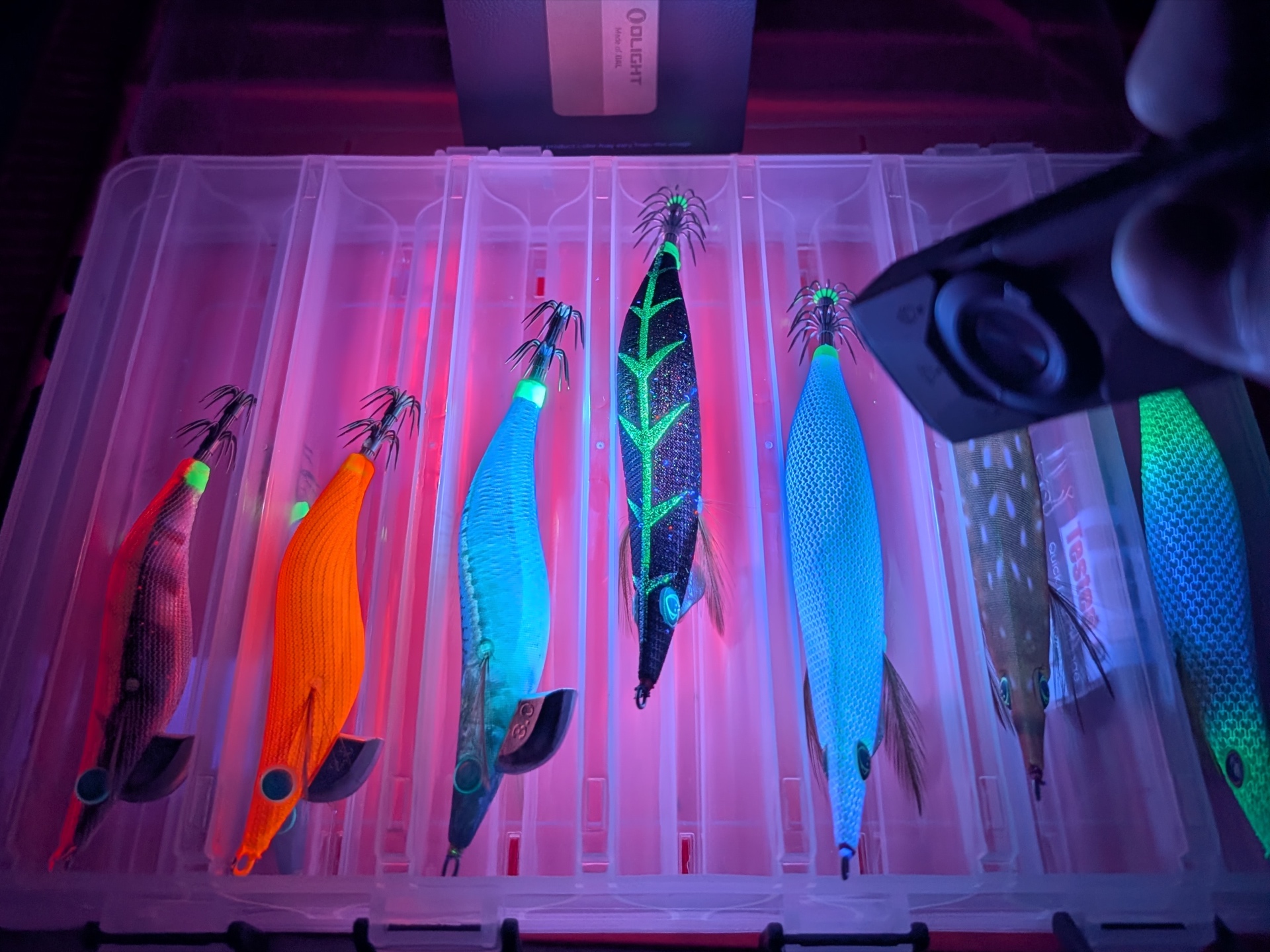
This Olight ArkPro Ultra has a Cool White Pure Flood light with a TIR optic, a Cool White Spotlight with a smooth reflector, a 510-530nm 0.39mW (Class 1) green laser pointer and a 365nm 1,200 mW UV light with a filter.
Olight developed their own EIP1 emitter for Pure Flood. They published some charts on the product page showing how the delta u, v drops from around +0.005 down to -0.005 when increasing the power. So it may have a hint of green on Moonlight and look closer to pure white on Turbo.
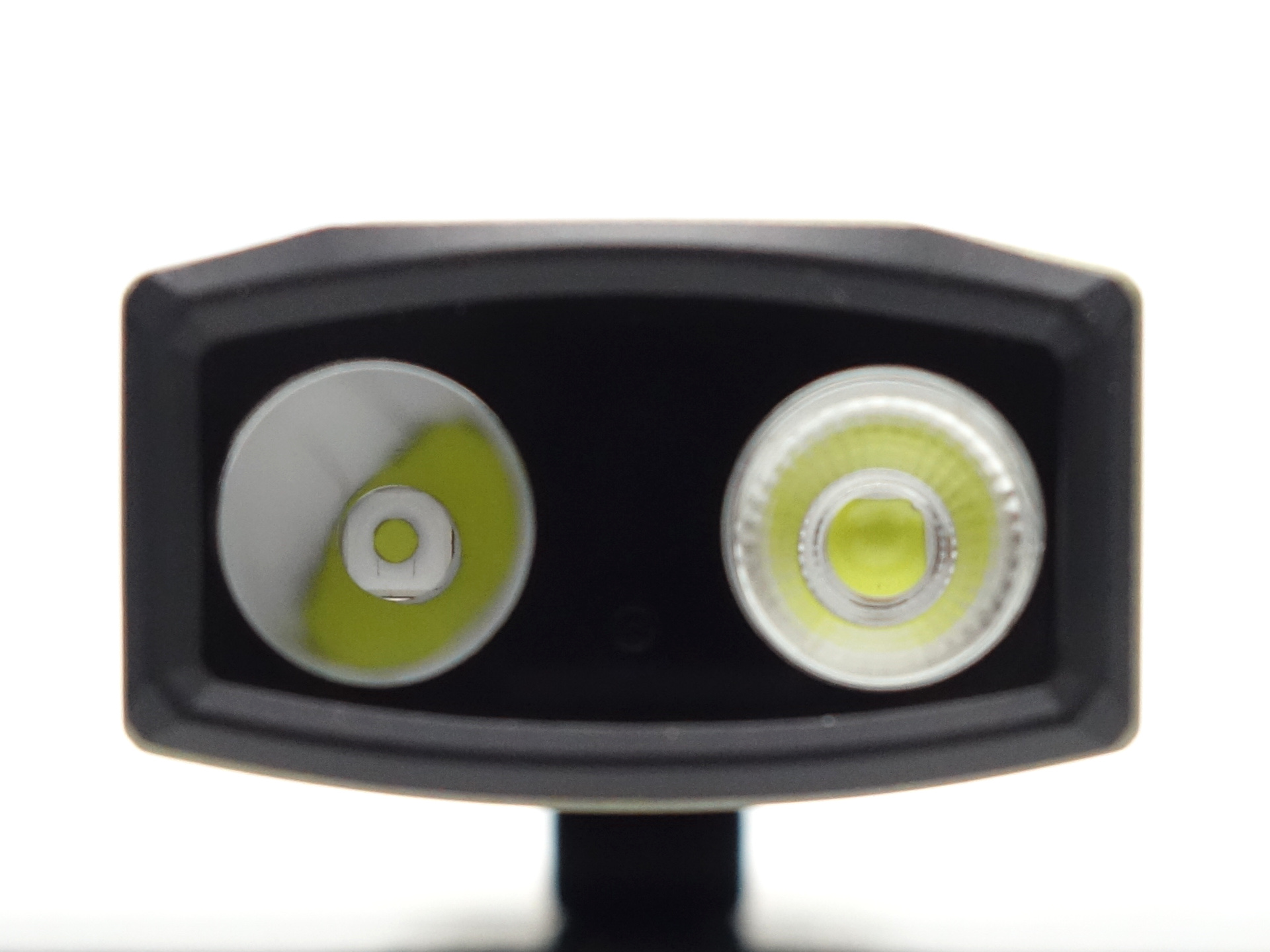
The lens in front of the reflector and the TIR optic will have marks if you scratch it with a utility knife.
CCT, CRI, and duv#
I have taken Correlated Colour Temperature (CCT) and Colour Rendering Index (CRI, RA of R1-R8) measurements with the torch positioned one metre away from an Opple Light Master Pro III (G3).
The CCT is around 5900K, the CRI is around 65 and the Delta u, v is positive (green) for the Spotlight.
The beam produced by the Spotlight has an intense white hot spot surrounded by a slightly green corona and a spill.
The bezel gets in the way of the Spotlight beam. It causes the beam to have a right angle at one side and a semi-circle on the other.
The CCT is around 5700K, the CRI is around 66 and the Delta u, v is slightly positive (green) for Pure Flood.
The beam produced by the Pure Flood is very floody. It has a slightly intense hot spot with a bit of green blended in.
The bezel also gets in the way of the Pure Flood beam but it is less obvious than the Spotlight beam.
Olight claim a duv of less than +/- 0.006. It looks pretty close to that with my basic test equipment! My Opple Light Master Pro III cost about $50. Olight have Everfine test equipment worth hundreds of thousands of dollars (you can see their equipment here).
Spotlight#
| Mode | CCT (K) | CRI (Ra) | x | y | Duv |
|---|---|---|---|---|---|
| Moonlight | 5481 | 62.4 | 0.3330 | 0.3678 | 0.0129 |
| Low | 5631 | 64.6 | 0.3292 | 0.3604 | 0.0110 |
| Medium | 5759 | 65.4 | 0.3262 | 0.3541 | 0.0093 |
| High | 6078 | 67.3 | 0.3198 | 0.3410 | 0.0058 |
| Turbo | 6529 | 69.5 | 0.3126 | 0.3265 | 0.0020 |
Pure Flood#
| Mode | CCT (K) | CRI (Ra) | x | y | Duv |
|---|---|---|---|---|---|
| Low | 5541 | 65.5 | 0.3315 | 0.3564 | 0.0081 |
| Medium | 5633 | 65.6 | 0.3292 | 0.3536 | 0.0077 |
| High | 5762 | 66.1 | 0.3263 | 0.3482 | 0.0064 |
| Turbo | 6047 | 67.8 | 0.3207 | 0.3372 | 0.0035 |
Calculate Duv from CIE 1931 xy coordinates
Dimensions and size comparison#
Dimensions#
I took the following measurements using a digital caliper.
| Measurement | Unit (mm) |
|---|---|
| Length | 124.31 |
| Width | 27.55 |
| Height | 23.17 |
Weight#
I took the following measurements using a digital scale.
| Weight | Unit (g) |
|---|---|
| Olight ArkPro Ultra | 122.12 |
Size comparison with its competition#
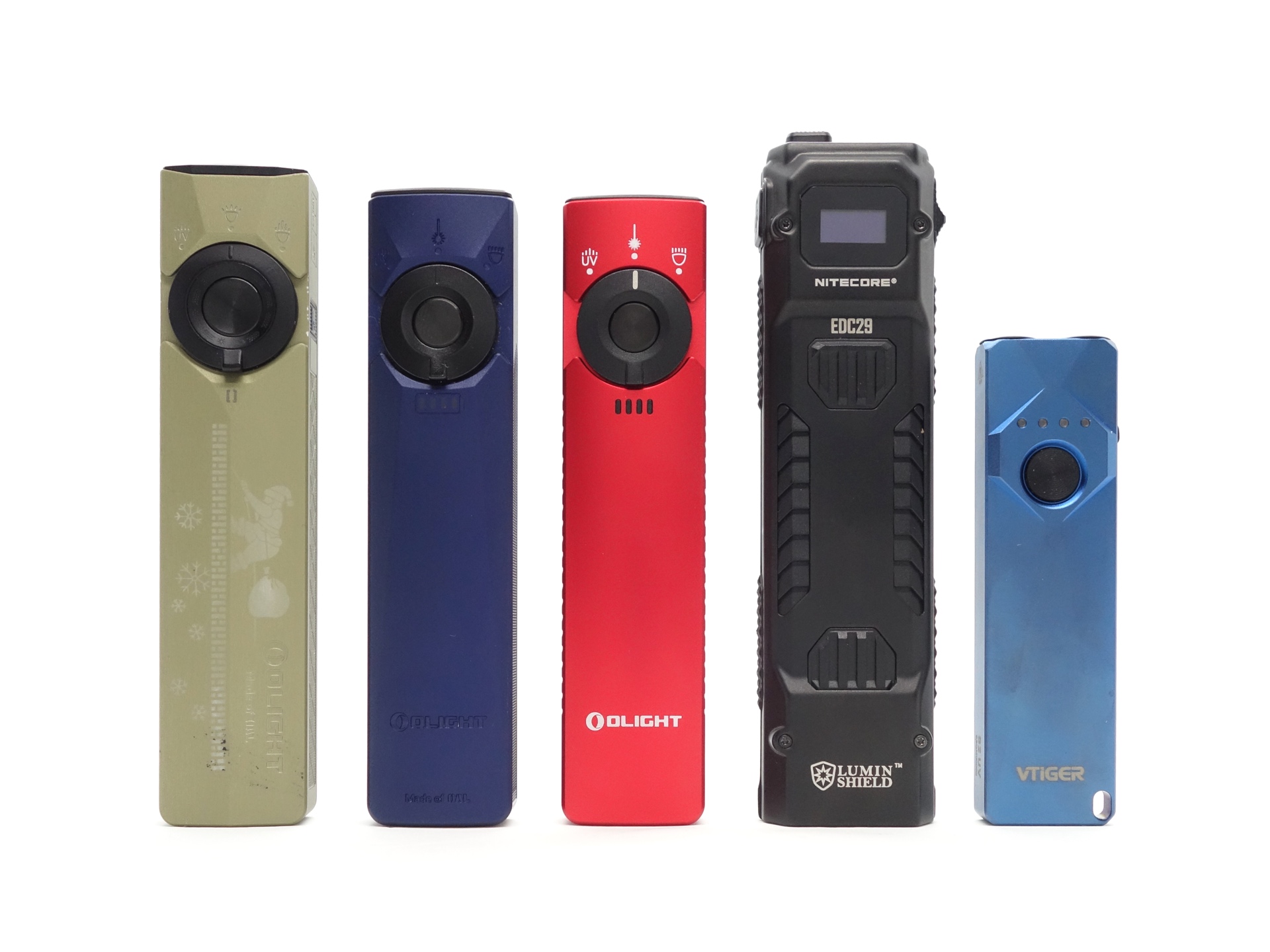
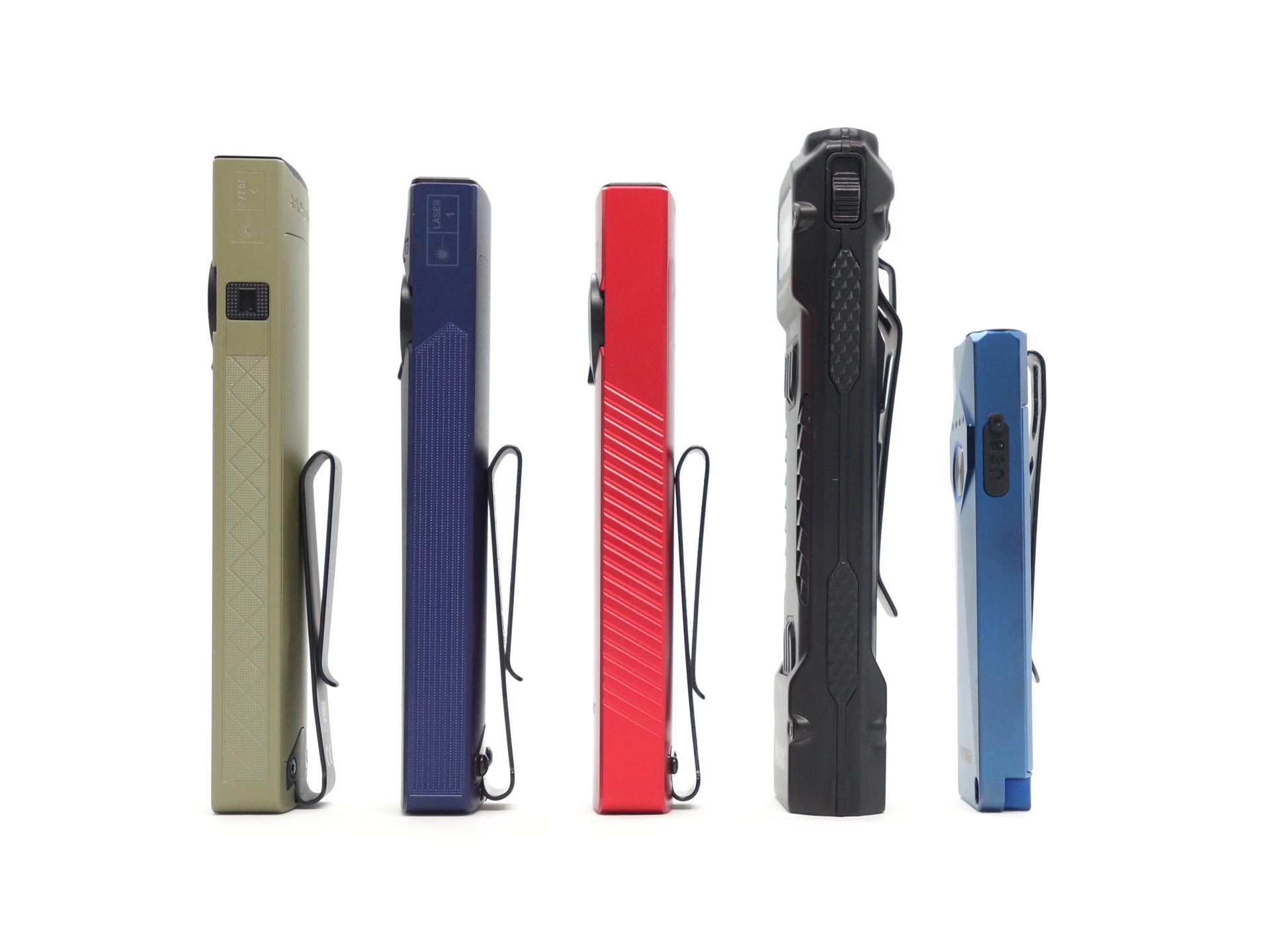
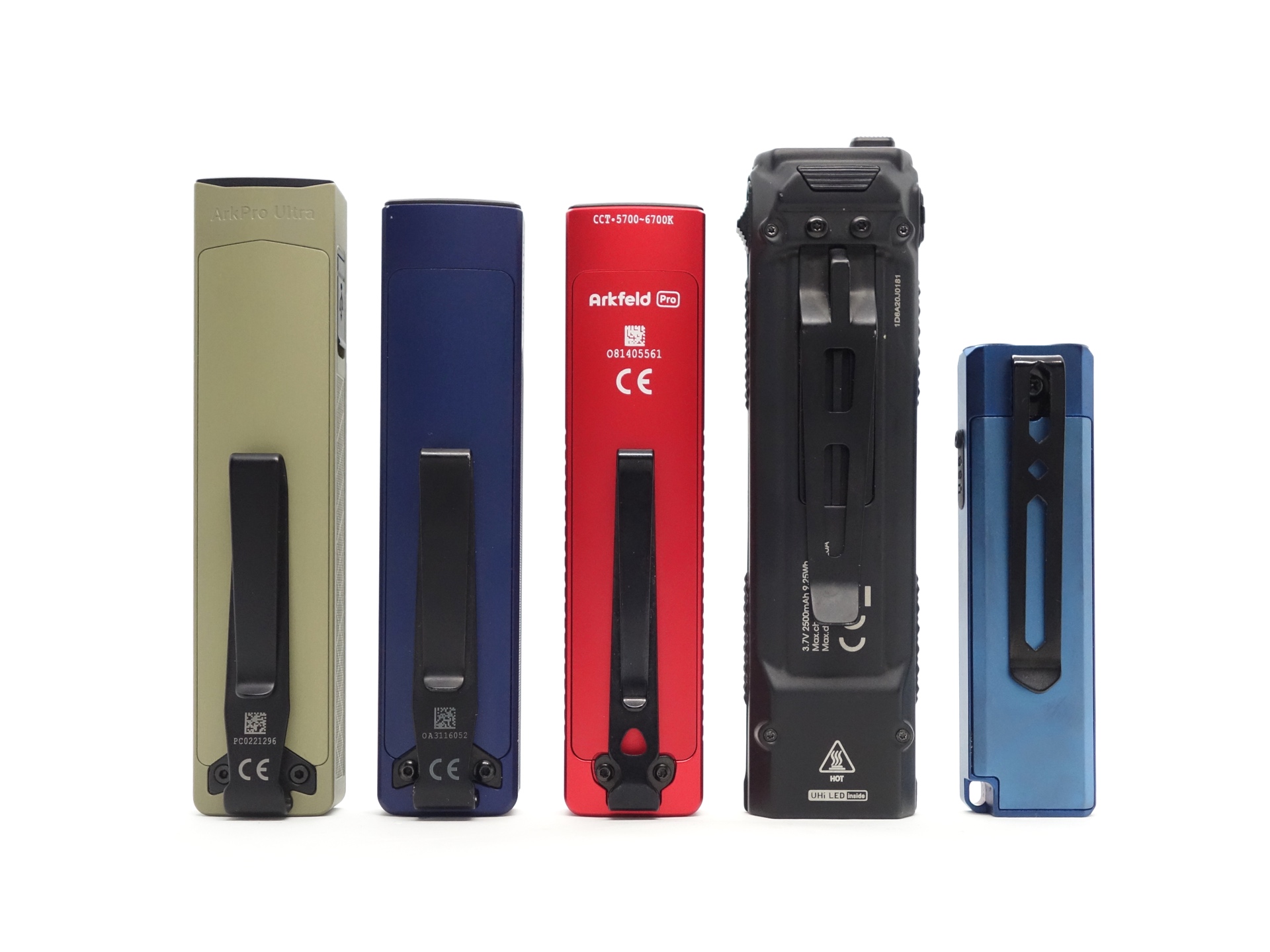
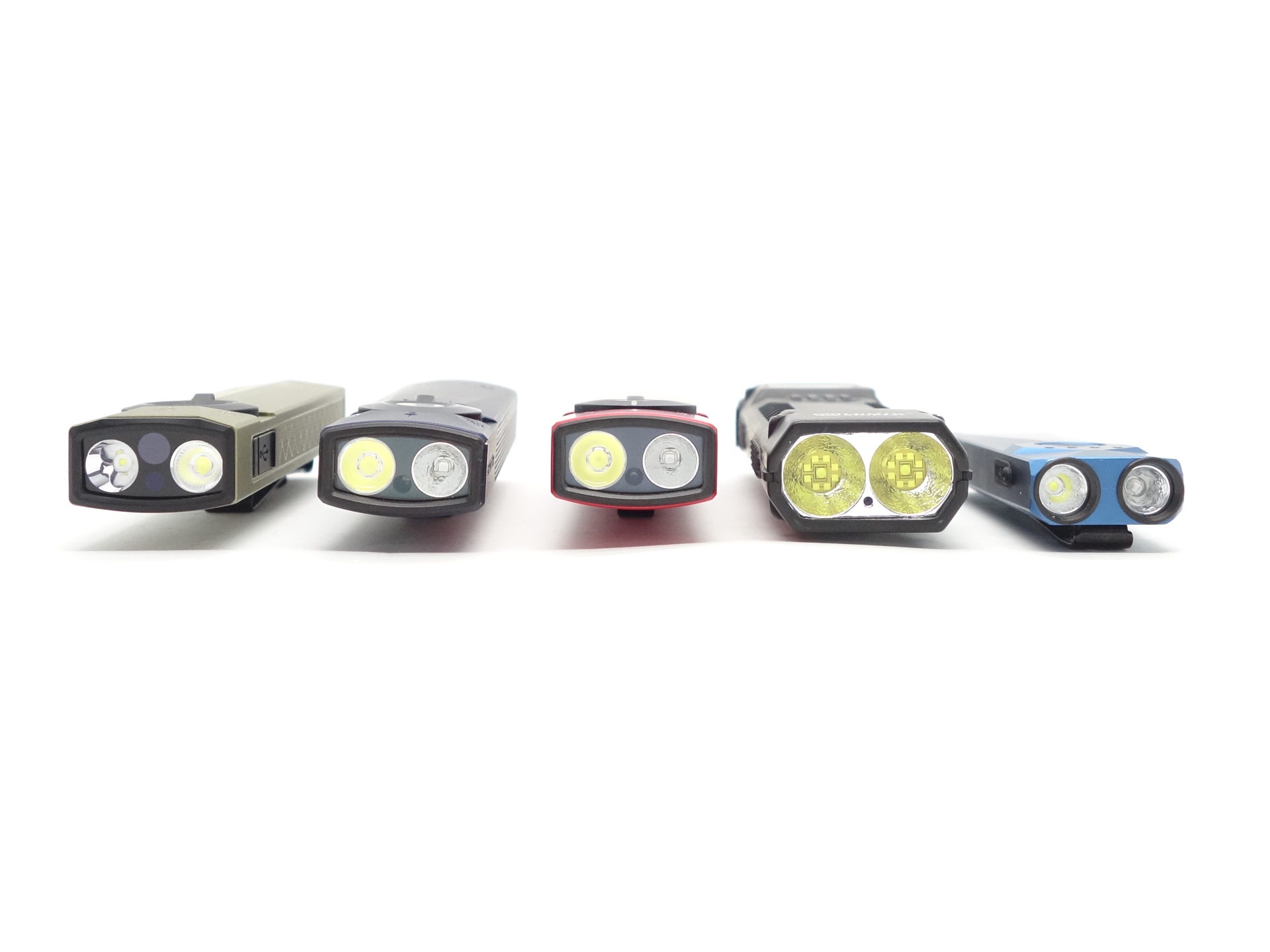
From left to right: Olight ArkPro Ultra, Olight Arkfeld Ultra, Olight Arkfeld Pro, Nitecore EDC29, VTIGER S2 UV
User interface#
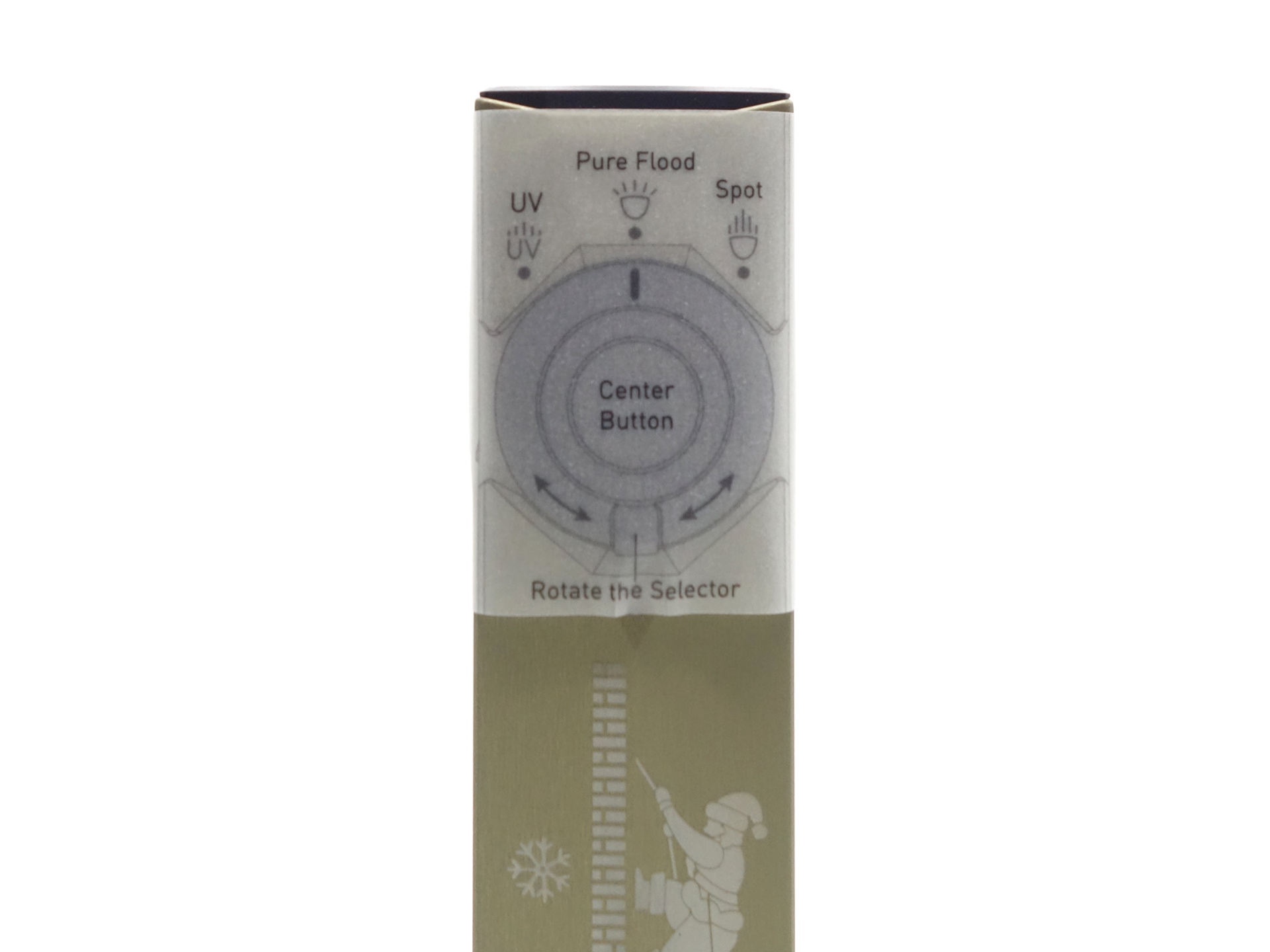
The Olight ArkPro Ultra can be controlled with: a Center Button, a Rotary Switch and a Laser Button.
The Rotary Switch can select:
- UV Light
- Pure White
- Spotlight
The Laser Button can be used to turn the laser point on while one of the other lights is on or off.
There are three levels (Low, Medium, High) in the main group for Pure White and Spotlight. And there are shortcuts to Moonlight, Turbo and Strobe.
There are two levels (Low, High) for the UV Light.
There is one blinky mode: Strobe.
Pure Flood and Spotlight Modes#
| State | Action | Result |
|---|---|---|
| Any | Press and hold the button for 1 to 2 seconds | Moonlight |
| Off | Click the Center Button | On (mode memory) |
| On | Press and hold the Center Button | Cycle (Low, Medium, High) |
| On | Click the Center Button | Off |
| Any | Double click the Center Button | Strobe |
| Any | Triple click the Center Button | Turbo |
| Off | Press and hold the button for > 2 seconds | Lockout |
| Lockout | Press and hold the button for > 1 second | Unlock |
Laser Mode#
| Laser | Action | Result |
|---|---|---|
| Off | Click the Laser Button | Laser On |
| On | Click the Laser Button | Laser Off |
| Off | Press and hold the Laser Button | Momentary Laser On |
UV Light Mode#
| State | Action | Result |
|---|---|---|
| Off | Click the Center Button | UV Light On (Low) |
| On | Press and hold the Center Button | Cycle (Low, High) |
| On | Click the Center Button | Off |
| Off | Press and hold the button for > 2 seconds | Lockout |
| Lockout | Press and hold the button for > 1 second | Unlock |
Mode memory#
There is mode memory for the White Light.
Pure Flood and Spotlight:
Moonlight, Low, Medium and High are memorised when the torch is turned off and on.
If the last used mode was Turbo then it will drop to High when the torch is turned on.
After charging the torch, the mode will drop to Medium if the last used mode was High.
Strobe#
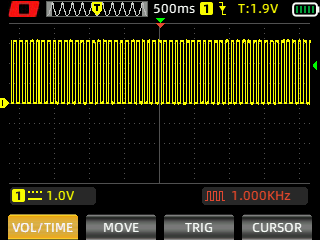
Strobe has a constant frequency.
Pure Flood (Strobe)
Spotlight (Strobe)
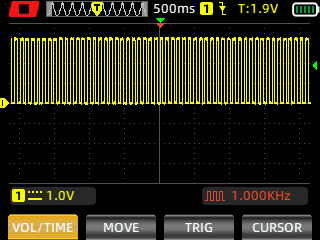
I measured Strobe with a Zoyi ZT-703S oscilloscope using High Speed mode.
Battery level indicator#
There is a battery level indicator integrated into the right side of the Rotary Switch. The indicator will appear when the torch is turned on.
Low voltage protection#
The light turns off when the voltage gets low.
The torch does not turn on when the voltage is too low.
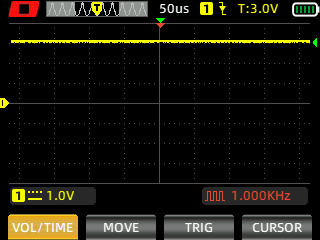
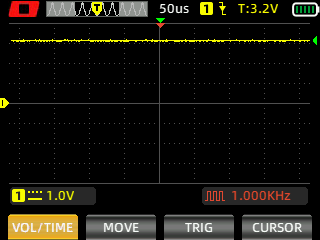
Pulse Width Modulation#
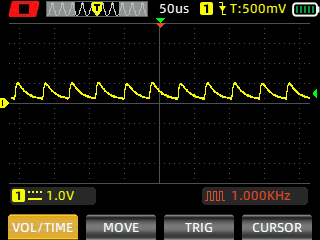
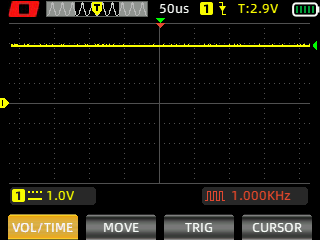
I did not notice any visible PWM (flickering).
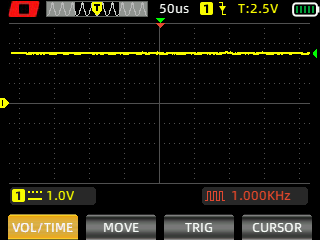
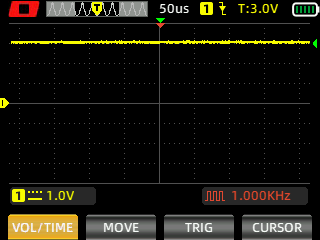
I measured the PWM of the light with a Zoyi ZT-703S oscilloscope.
Spotlight (Low, Medium, High, Turbo)
Pure Flood (Low, Medium, High, Turbo)
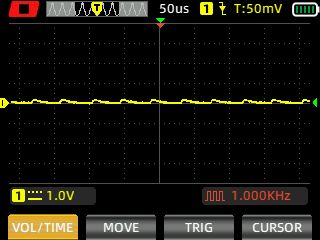
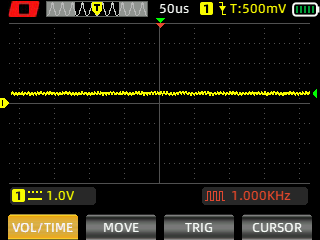
What I like about the UI#
- The Rotary Switch is fun to use.
- The dedicated Laser Button allows the laser pointer to be controlled independently from the White Lights.
- Direct access to Moonlight from off.
- Direct access to Turbo from off.
- Direct access to Strobe from off.
- There is a lockout mode.
What could be improved#
- It would be more consistent if the UV Light had the same user interface as the White Lights (i.e. shortcuts to Moonlight, Turbo, Strobe). It always starts off in Low and then you have to change it to High if you want High.
- A sub-lumen Moonlight mode would be nice for an EDC torch. Moonlight is about 1 lumen. It looks slightly brighter than my Olight Arkfeld Ultra.
Batteries and charging#
Battery#
The Olight ArkPro Ultra has a built-in 2000mAh 3.7V LiPo battery.
Charging#
The Olight ArkPro Ultra has magnetic charging and USB-C charging.
It should take 3 hours to fully charge the torch with magnetic charging and 1.5 hours with USB-C.
Power supply: PinePower Desktop USB-C
USB Meter: ChargerLAB Power-Z KM003C Amazon Australia
Room temperature: 25 C
Magnetic charging#
The magnetic charging cable has an input of 5V 1A and an output of 4.2V 1A.
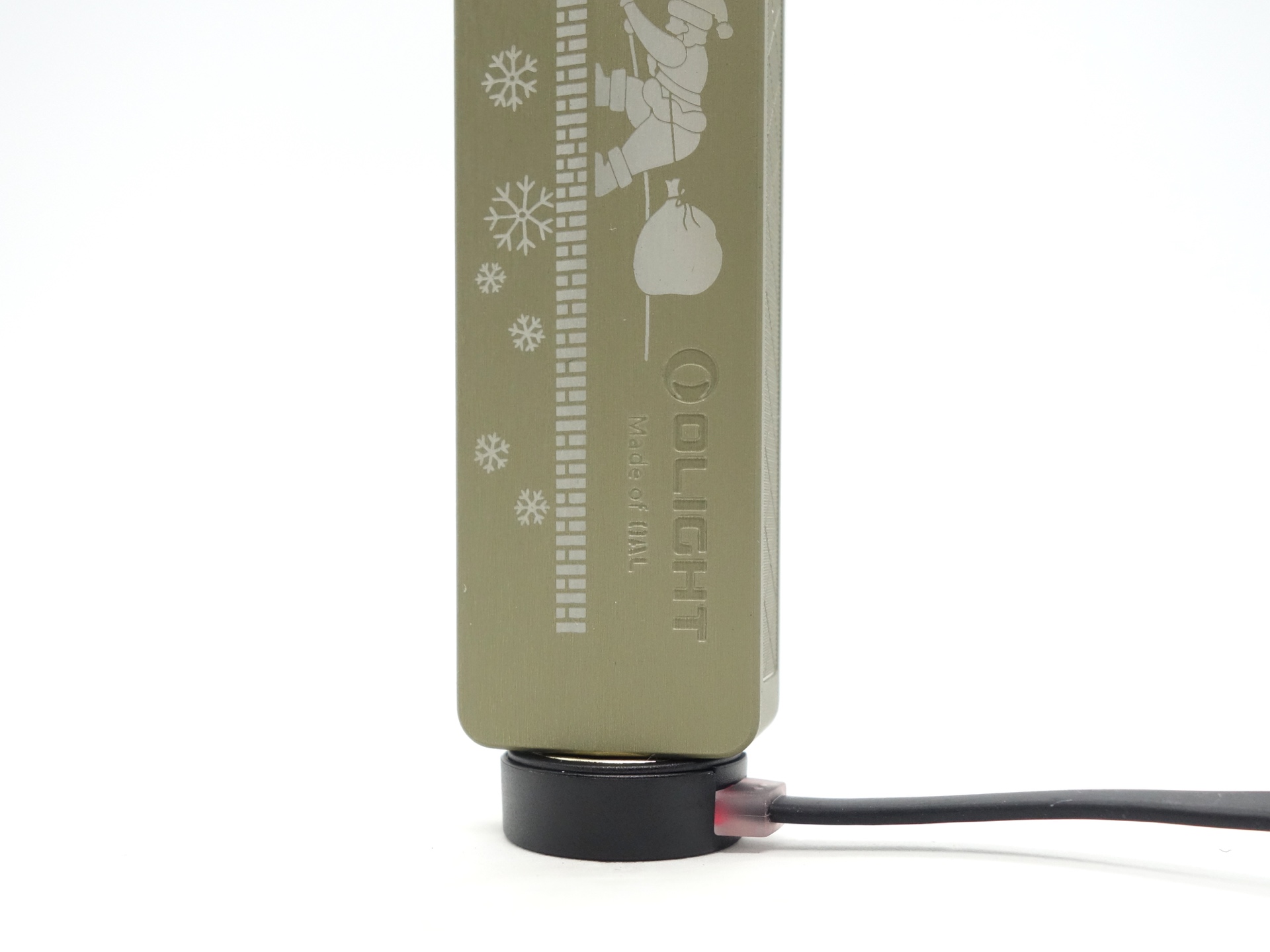
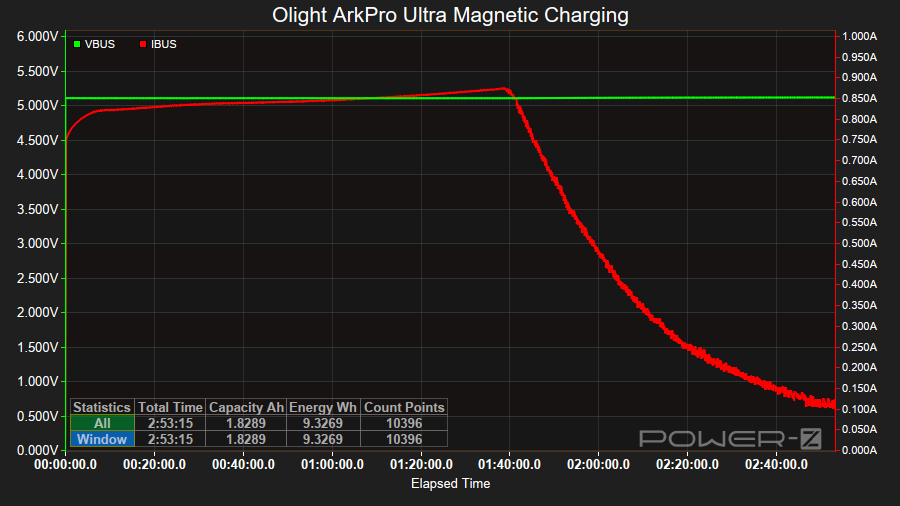
It took about 2 hours 53 minutes to charge the torch at a rate of 5V/0.85A.
The indicator light in the magnetic charging cable changes from red to green when charging is complete.
USB-C charging#
There is a green charging status indicator near the rotary switch.
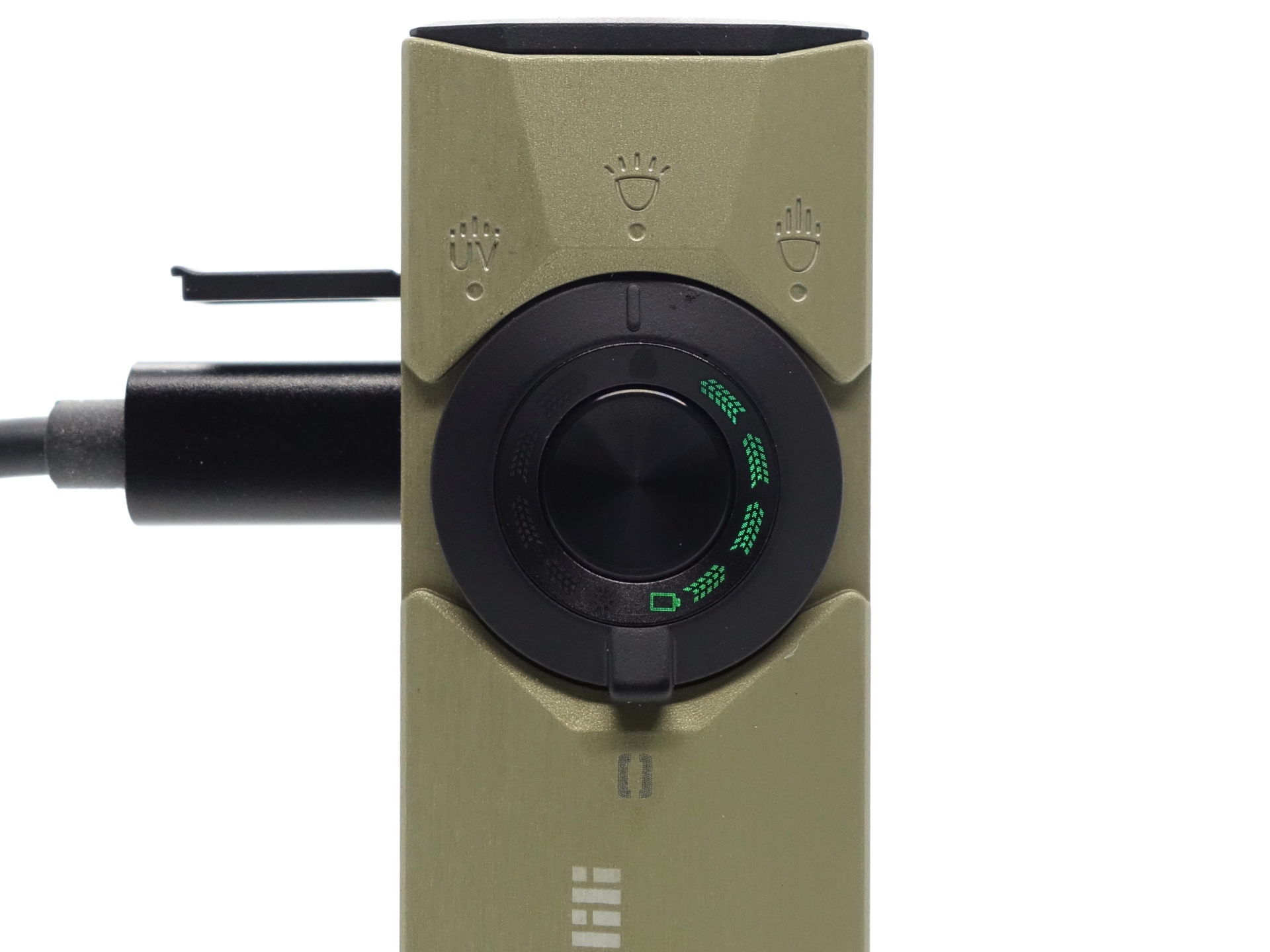
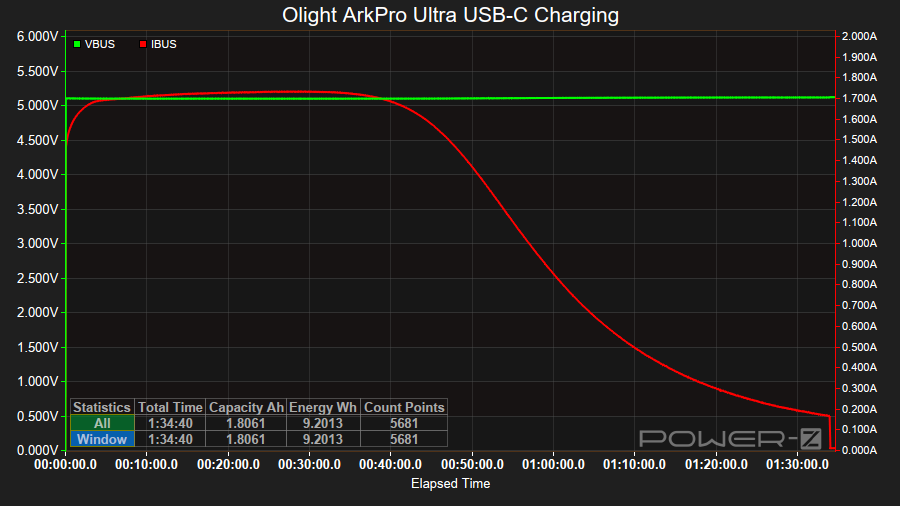
It took 1 hours 34 minutes to charge the torch at a rate of 5V/1.7A.
Power supply compatibility#
I tried the following power supplies with the USB-A magnetic charging cable:
| Power supply | USB Type | Protocol | Does it charge? |
|---|---|---|---|
| Apple 61W Power Adapter | USB-C | PD | Yes |
| PinePower Desktop | USB-C | PD | Yes |
| PinePower Desktop | USB-A | QC | Yes |
| PinePower Desktop | USB-A | Yes |
USB-C to USB-C charging works.
Performance#
Specifications from the manual:
Pure Flood#
| Lumens | Runtime | Throw | Candela | |
|---|---|---|---|---|
| Turbo | 1,700 + 520 | 3 + 140 min | 205 m | 10,640 cd |
| High | 520 + 100 | 155 + 10 min | ||
| Medium | 100 | 13 h | ||
| Low | 15 | 72 h | ||
| Moonlight | 1 | 14 days |
Spotlight#
| Lumens | Runtime | |
|---|---|---|
| Turbo | 800 + 400 | 4 + 130 min |
| High | 420 + 100 | 125 + 10 min |
| Medium | 100 | 10 h |
| Low | 15 | 66 h |
| Moonlight | 1 | 14 days |
UV Light#
| Power | Runtime | Wavelength | |
|---|---|---|---|
| High | 1,200 + 580 mW | 5 + 300 min | 365 nm |
| Low | 360 mW | 8 h | 365 nm |
Laser pointer#
The torch has a green Class 1 (0.39mW) laser pointer with a runtime of 226 hours.
The wavelength is between 510 and 530nm.
Lumen measurements#
| LED | Mode | Specs | Lumens @turn on | Lumens @30 sec | Lumens @10 min |
|---|---|---|---|---|---|
| Spotlight | Moonlight | 1 | 1 | 1 | 1 |
| Spotlight | Low | 15 | 14 | 14 | 12 |
| Spotlight | Medium | 100 | 92 | 92 | 90 |
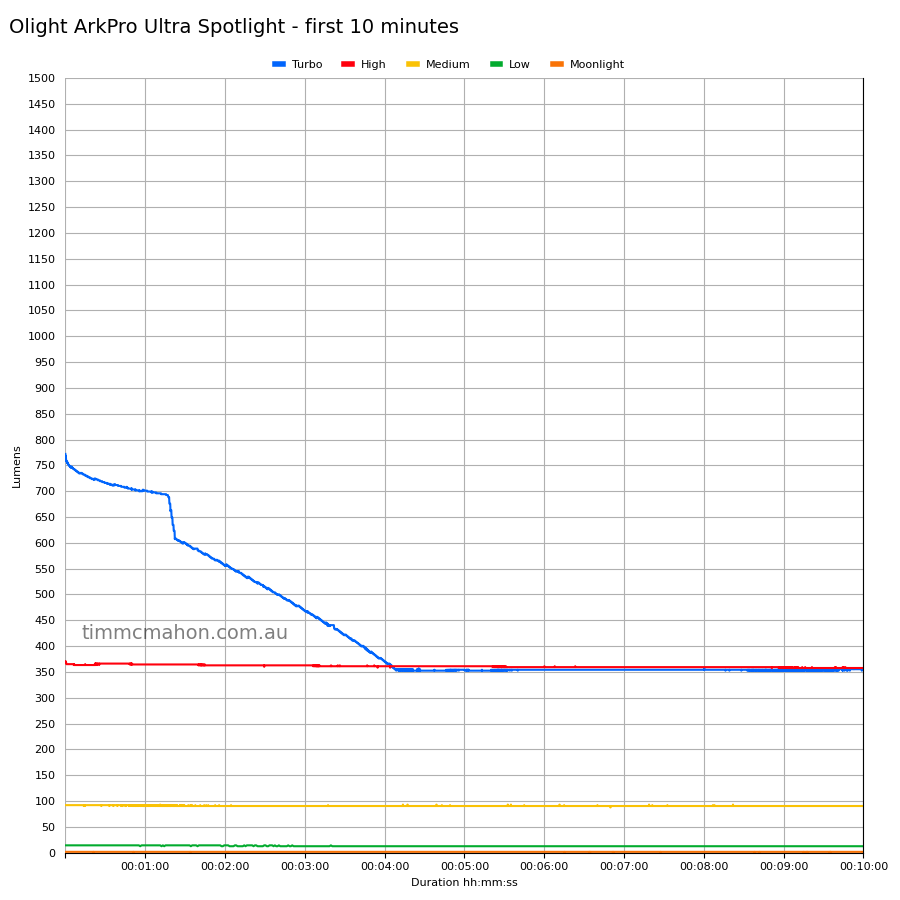
| Spotlight | High | 420 + 100 | 370 | 366 | 357 |
| Spotlight | Turbo | 800 + 400 | 772 | 715 | 355 |
| Pure Flood | Moonlight | 1 | 1 | 1 | 1 |
| Pure Flood | Low | 15 | 12 | 12 | 12 |
| Pure Flood | Medium | 100 | 88 | 86 | 86 |
| Pure Flood | High | 520 + 100 | 424 | 416 | 415 |
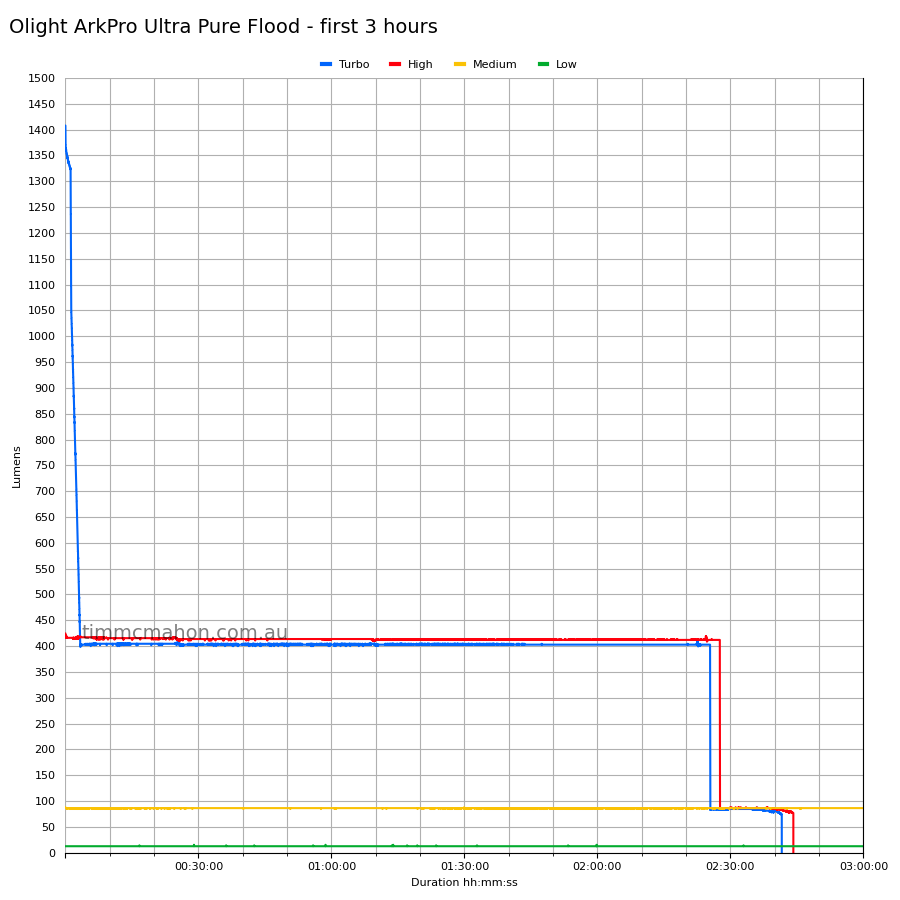
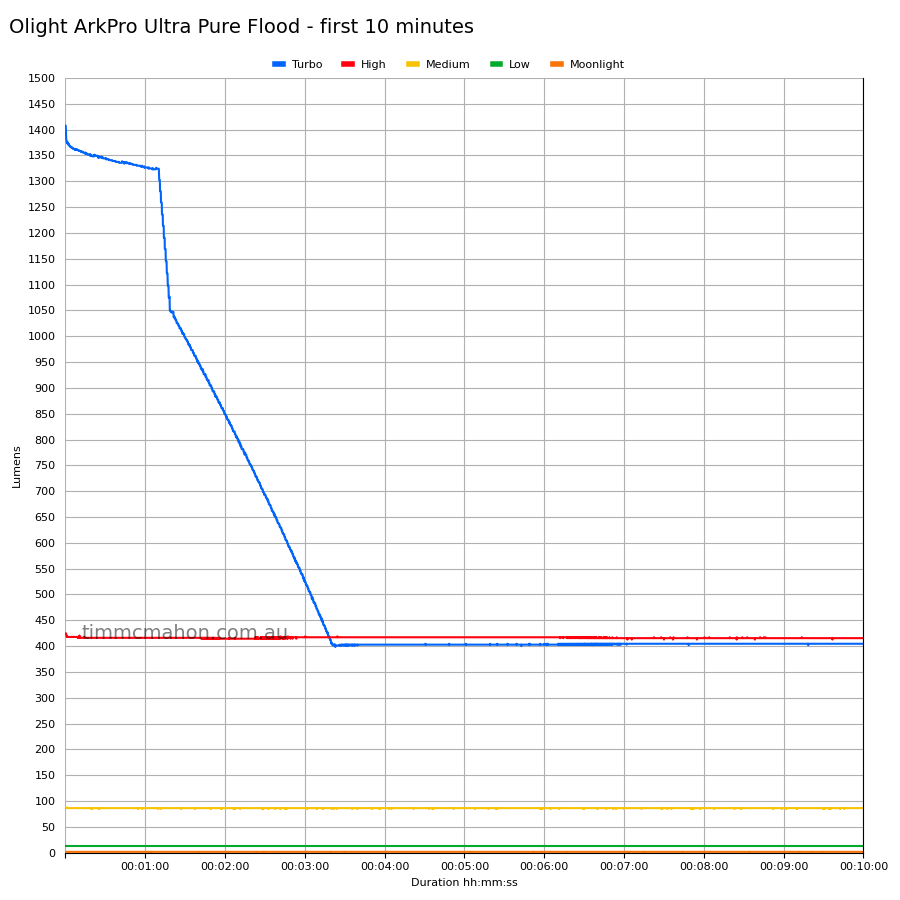
| Pure Flood | Turbo | 1,700 + 520 | 1,407 | 1,344 | 404 |
Note: Lumen measurements may be off by 10% with my DIY lumen tube.
Runtime graphs#
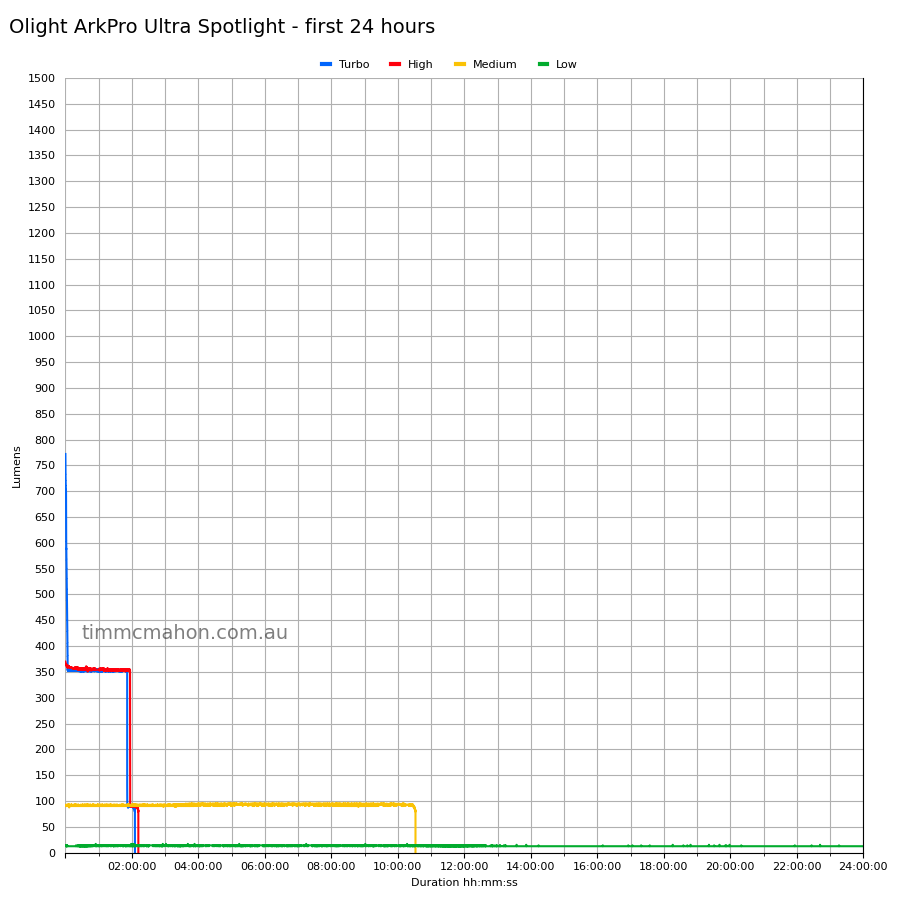
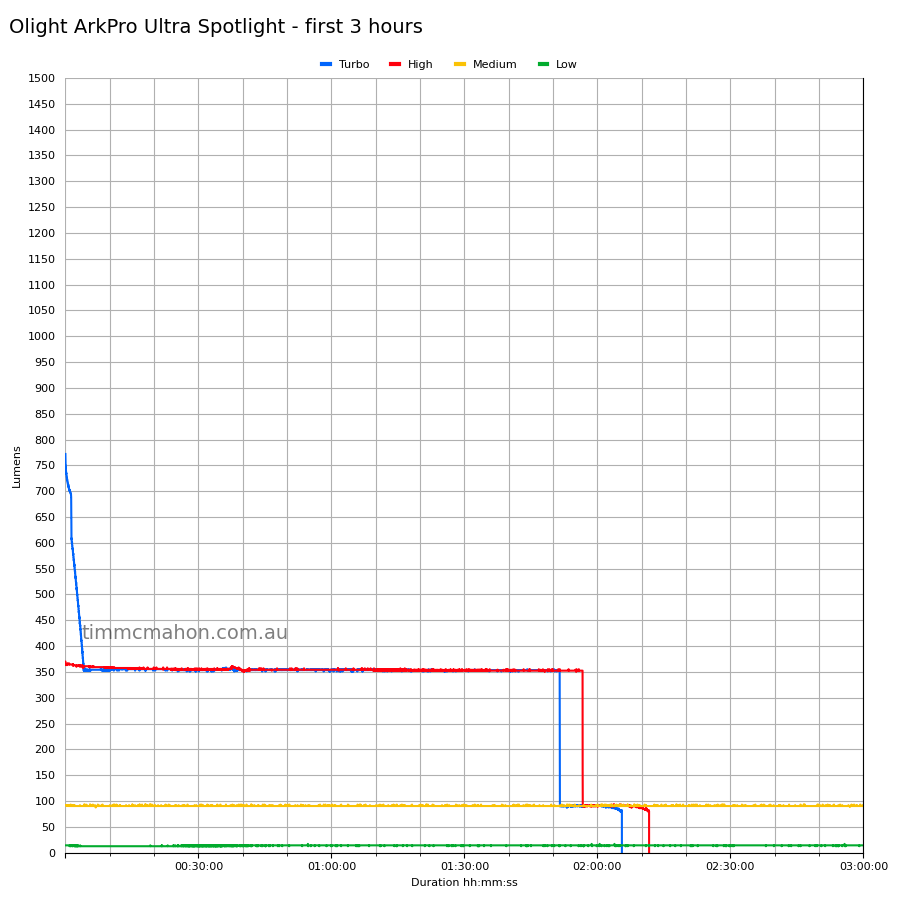
I used my own DIY lumen tube with a TSL2591 sensor and forked bmengineer’s project RuTiTe to record runtimes.
The room temperature was approximately 25 C.
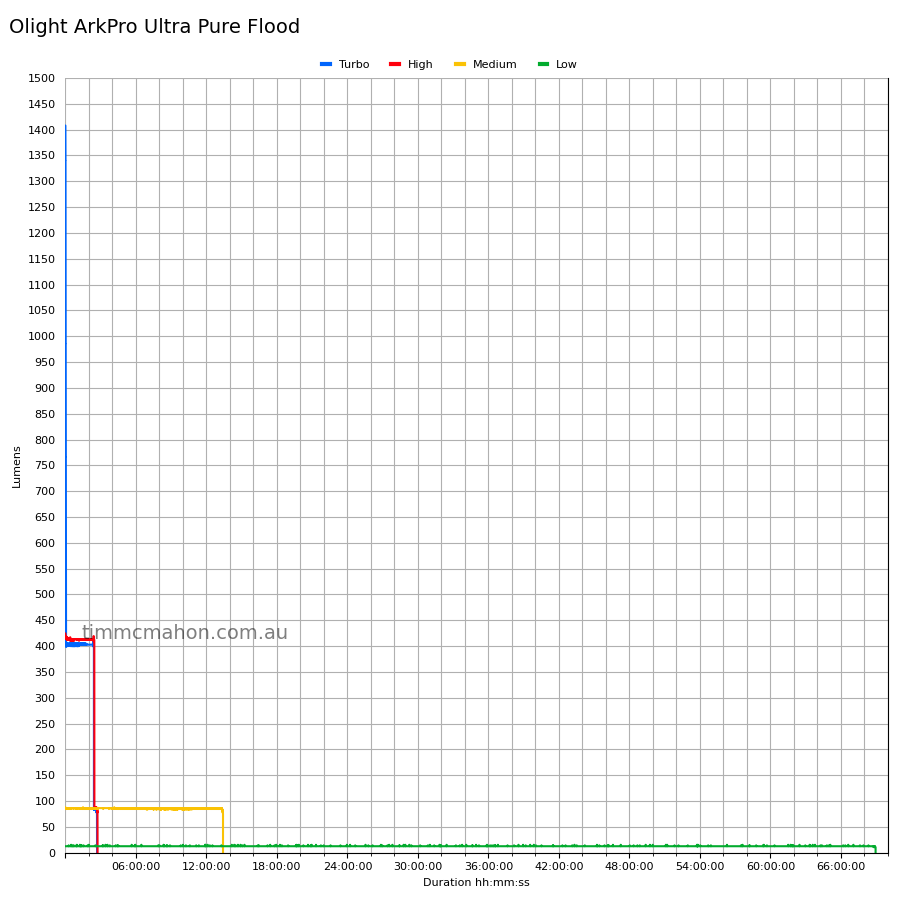
Pure Flood#
Spotlight#
Runtime#
Here is a summary of the runtime results:
| LED | Mode | User manual | Runtime | Turn off |
|---|---|---|---|---|
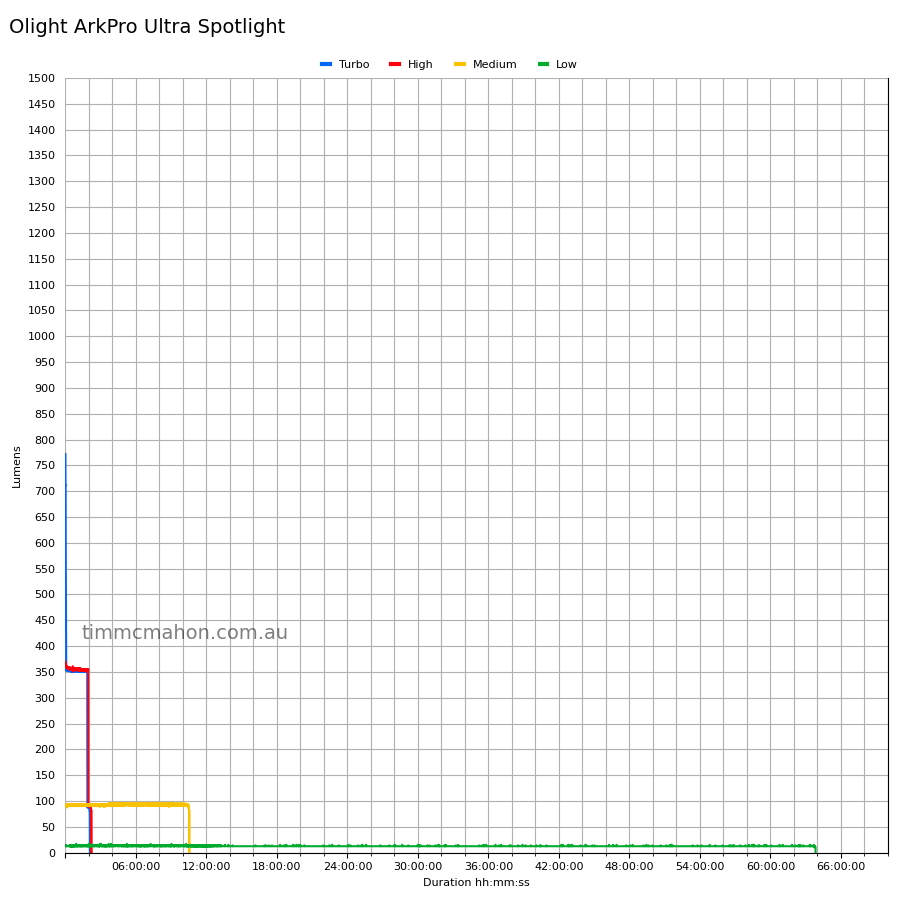
| Spotlight | Turbo | 4 + 130min | 2h 5min 31s | 2h 5min 31s |
| Spotlight | High | 125 + 10min | 2h 11min 39s | 2h 11min 39s |
| Spotlight | Medium | 10h | 10h 31min 51s | 10h 31min 51s |
| Spotlight | Low | 66h | 63h 50min 2s | 63h 53min 2s |
| Spotlight | Moonlight | 14days | 10min+ | 10min+ |
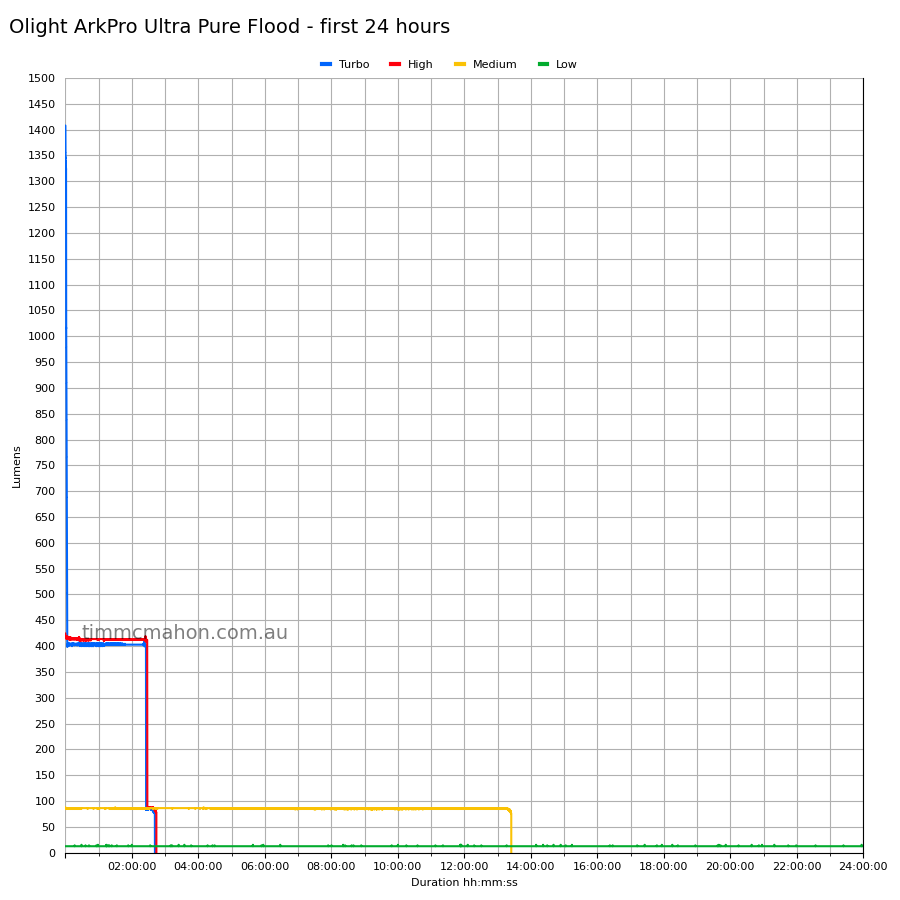
| Pure Flood | Turbo | 3 + 140min | 2h 25min 26s | 2h 41min 35s |
| Pure Flood | High | 155 + 10min | 2h 44min 12s | 2h 44min 12s |
| Pure Flood | Medium | 13h | 13h 24min 44s | 13h 24min 44s |
| Pure Flood | Low | 72h | 68h 56min 37s | 68h 56min 37s |
| Pure Flood | Moonlight | 14days | 10min+ | 10min+ |
“Runtime” is the time until the output reduces to 10% of the output at 30 seconds (as per the ANSI/PLATO FL1 2019 Standard).
“Turn off” is the time until my DIY lumen tube no longer detects more than 1 lumen.
“+” indicates that the light remained on after recording had stopped.
The runtimes are pretty close to what Olight claim.
Low modes fell slightly short.
The output is well regulated.
Throw#
I took lux measurements with a UNI-T UT383BT at 30 seconds. Turbo was measured at five metres.
| LED | Mode | Specs (cd) | Specs (m) | Candela measured (cd) | Distance (m) |
|---|---|---|---|---|---|
| Pure Flood | Turbo | 3,475 | 117 | ||
| Spotlight | Turbo | 10,640 | 205 | 12,600 | 224 |
Beamshots#
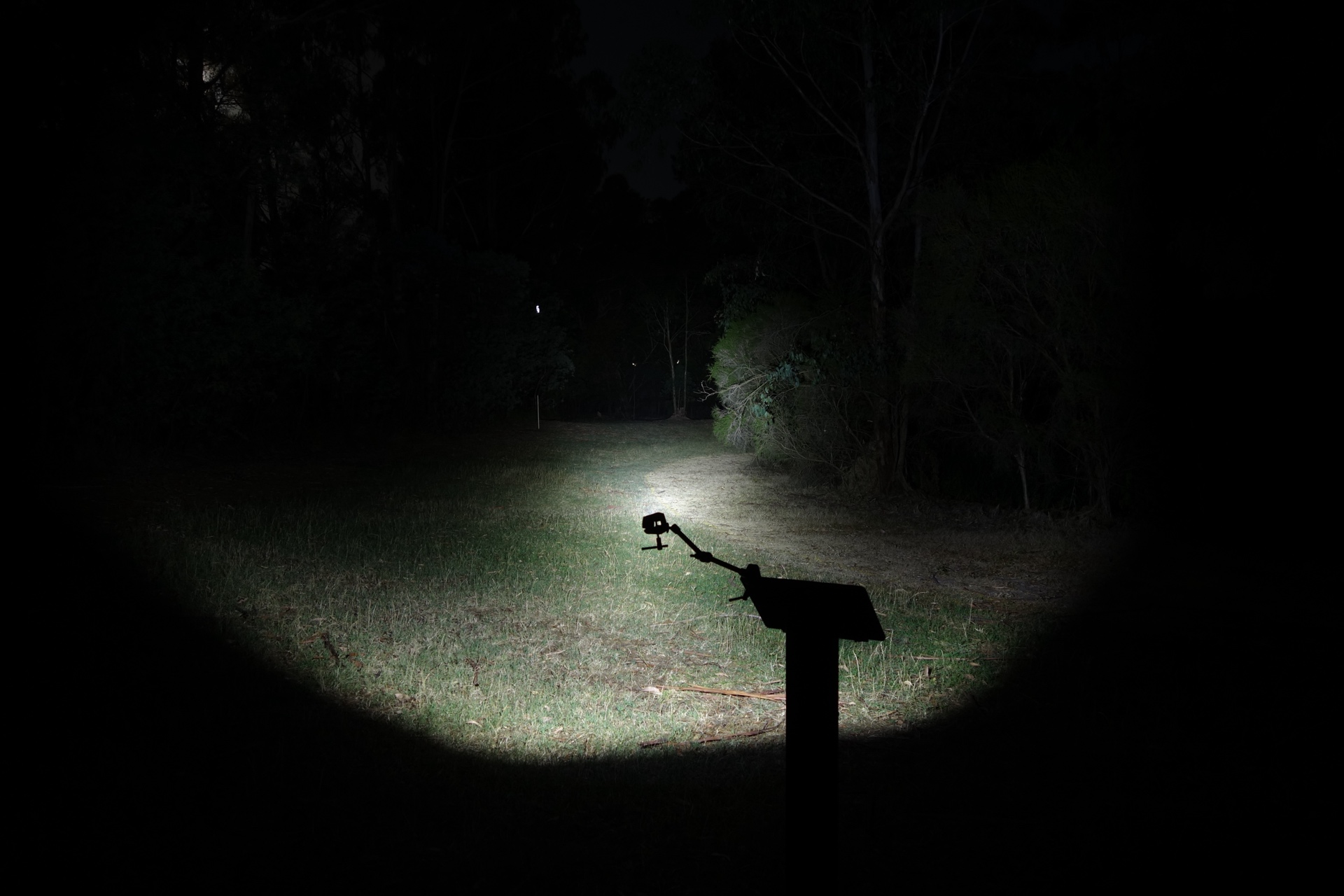
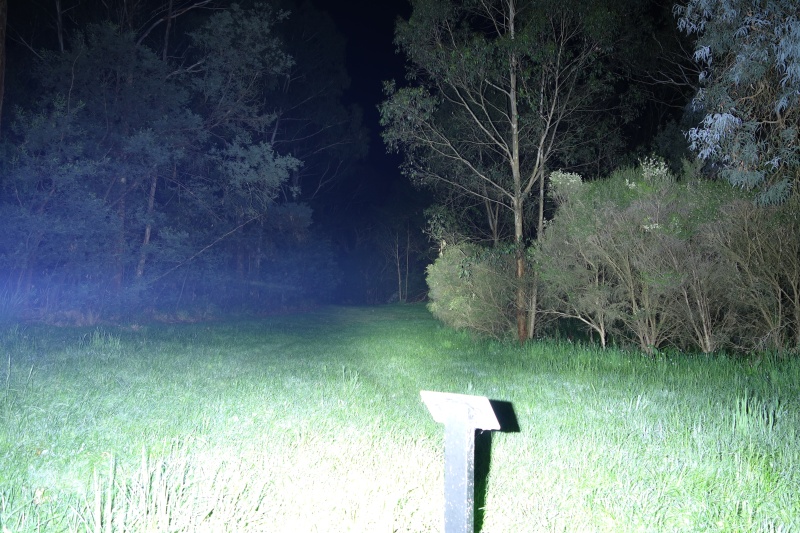
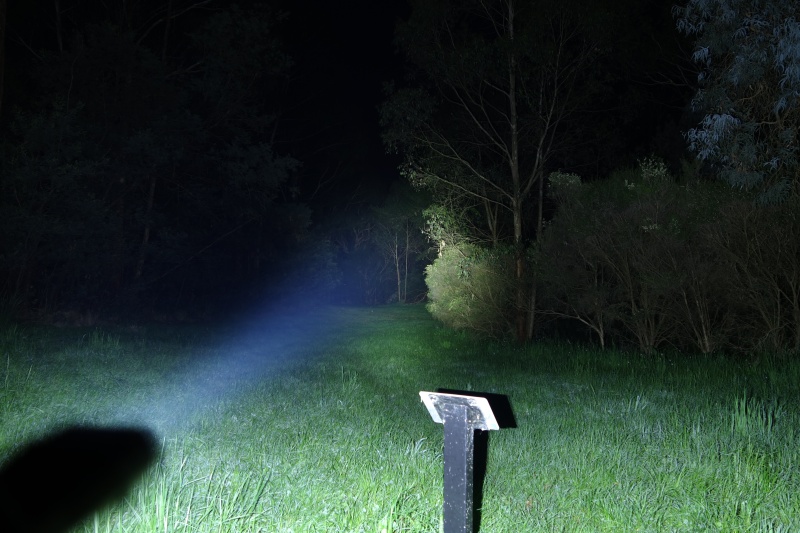
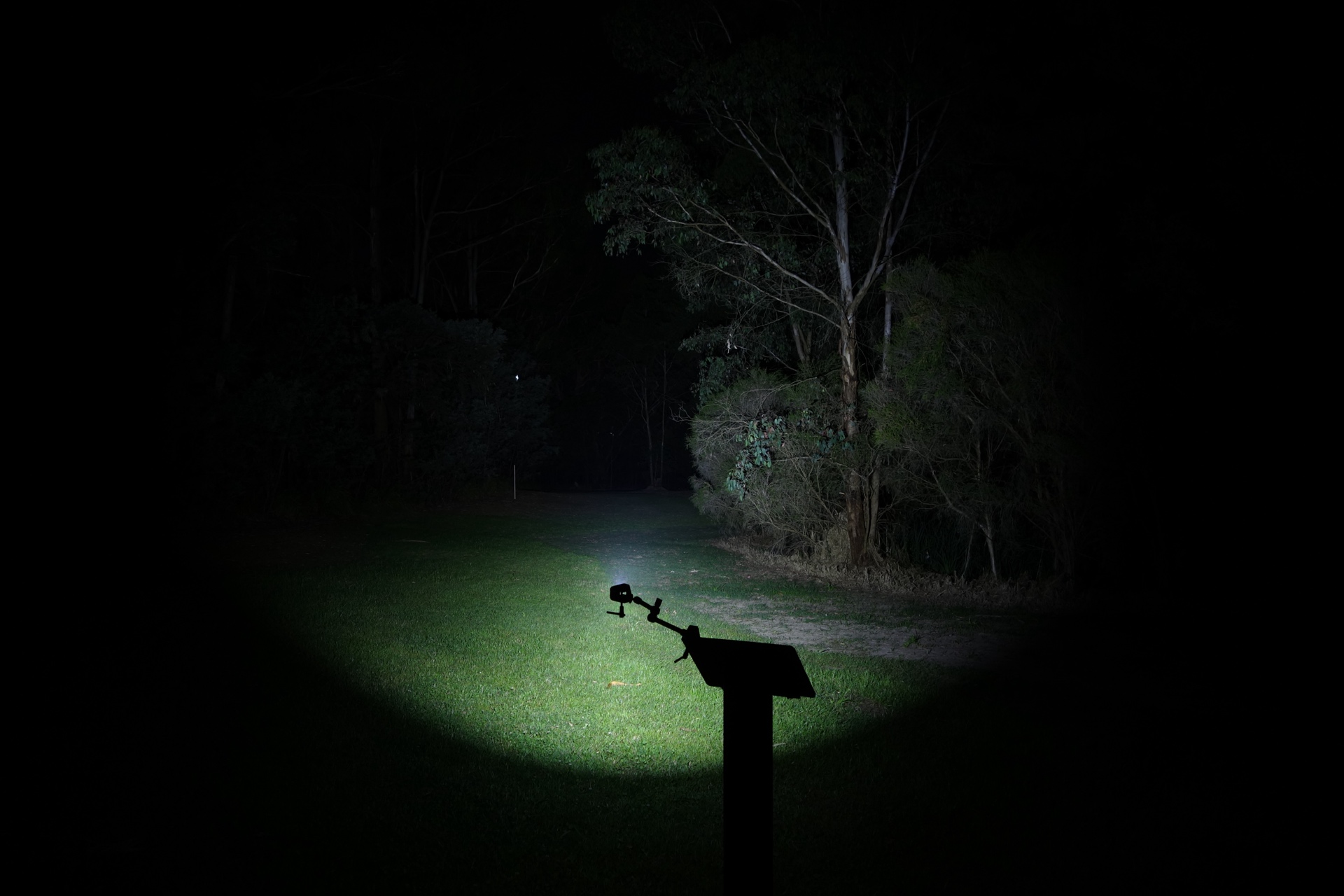
I went to a local park and aimed the Olight ArkPro Ultra at a tree 70 metres away while using Turbo.
Beamshots were taken using a Sony RX100M2 using 3.2", f3.2, ISO 100, 5000K WB.
Olight ArkPro Ultra Spotlight (Turbo)#
Olight ArkPro Ultra Pure Flood (Turbo)#
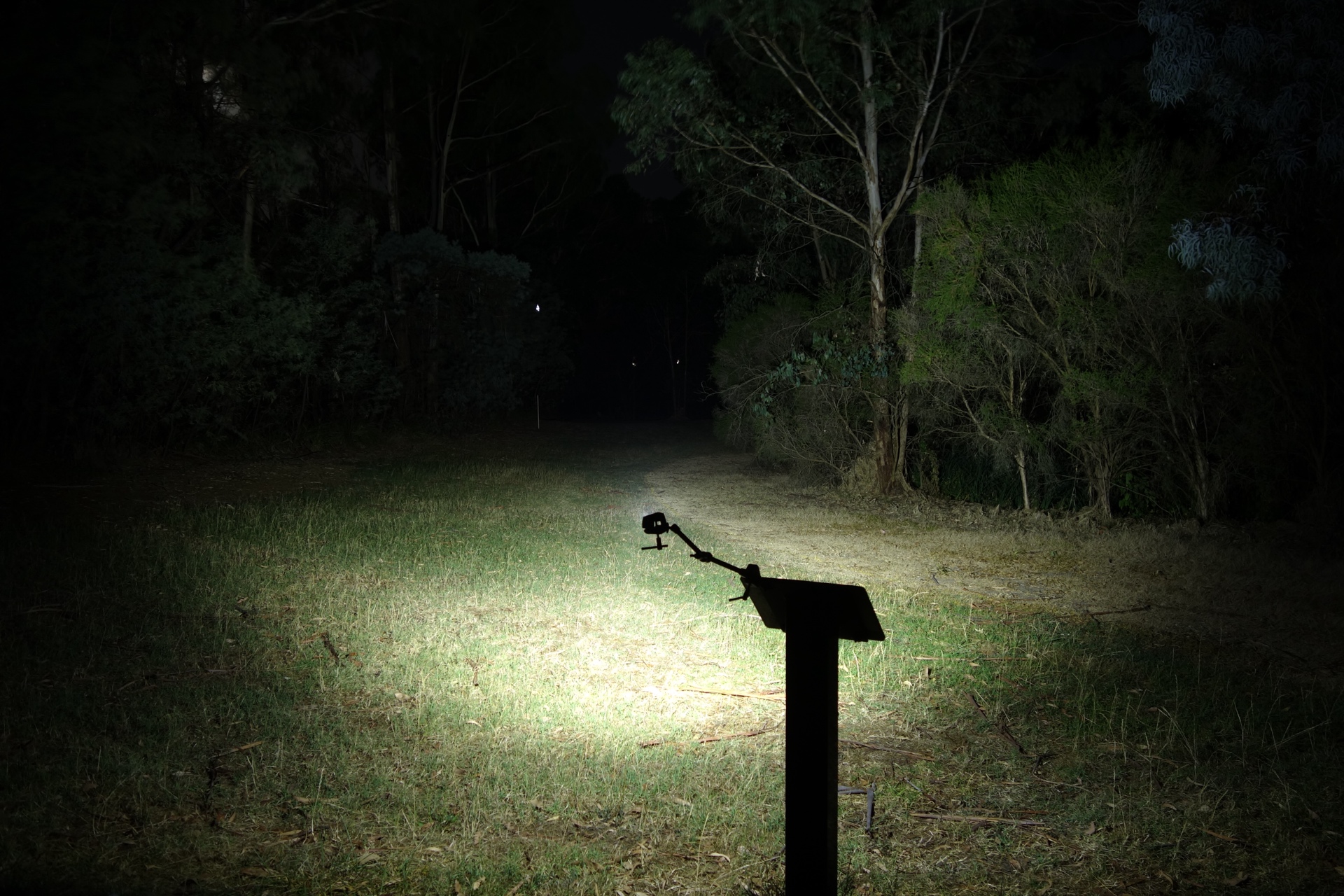
Olight Arkfeld Ultra (Turbo)#
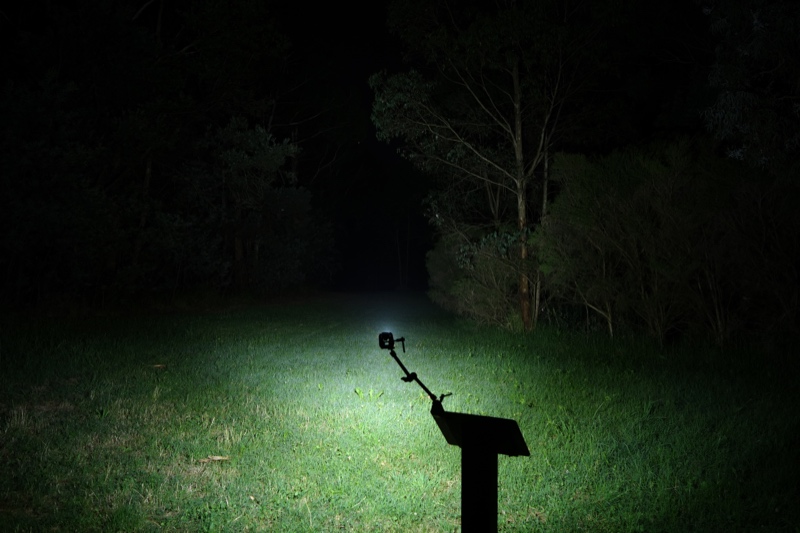
Olight Arkfeld Pro (Turbo)#
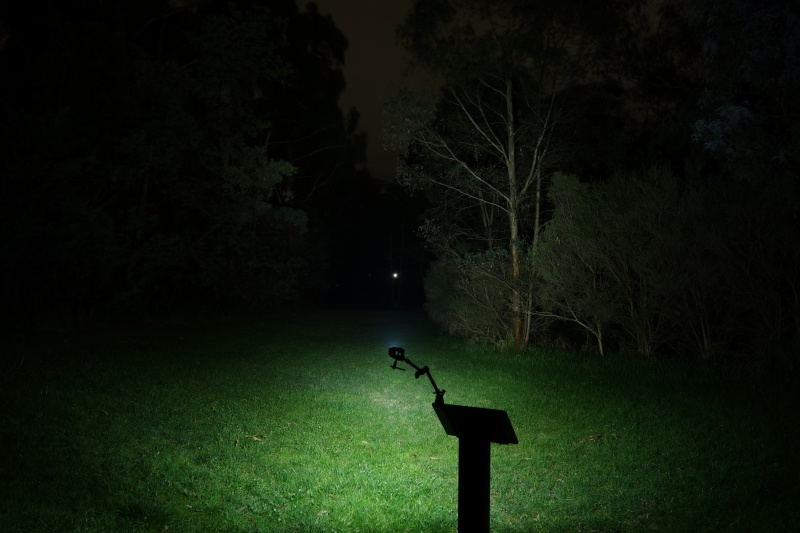
Wurkkos HD01 Spot (Turbo)#
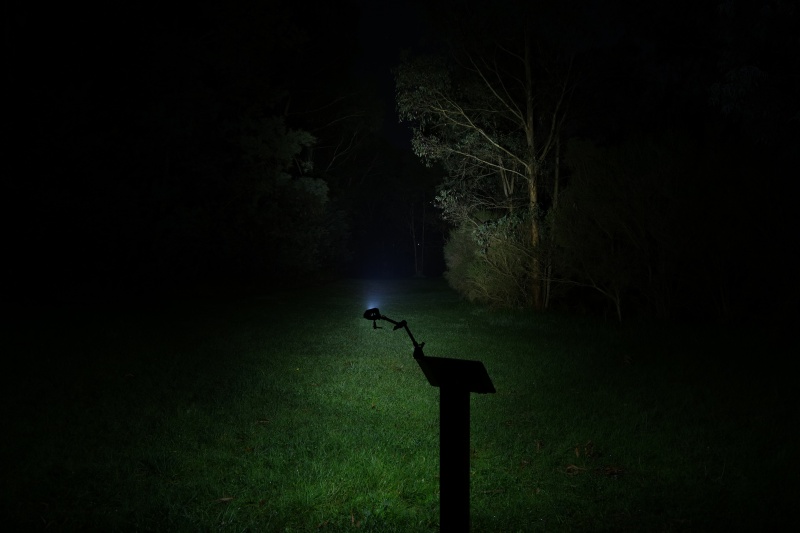
Nitecore EDC29 (LUMIN SHIELD)#
Nitecore EDC29 (SEARCH)#
VTIGER S2 UV (Turbo)#
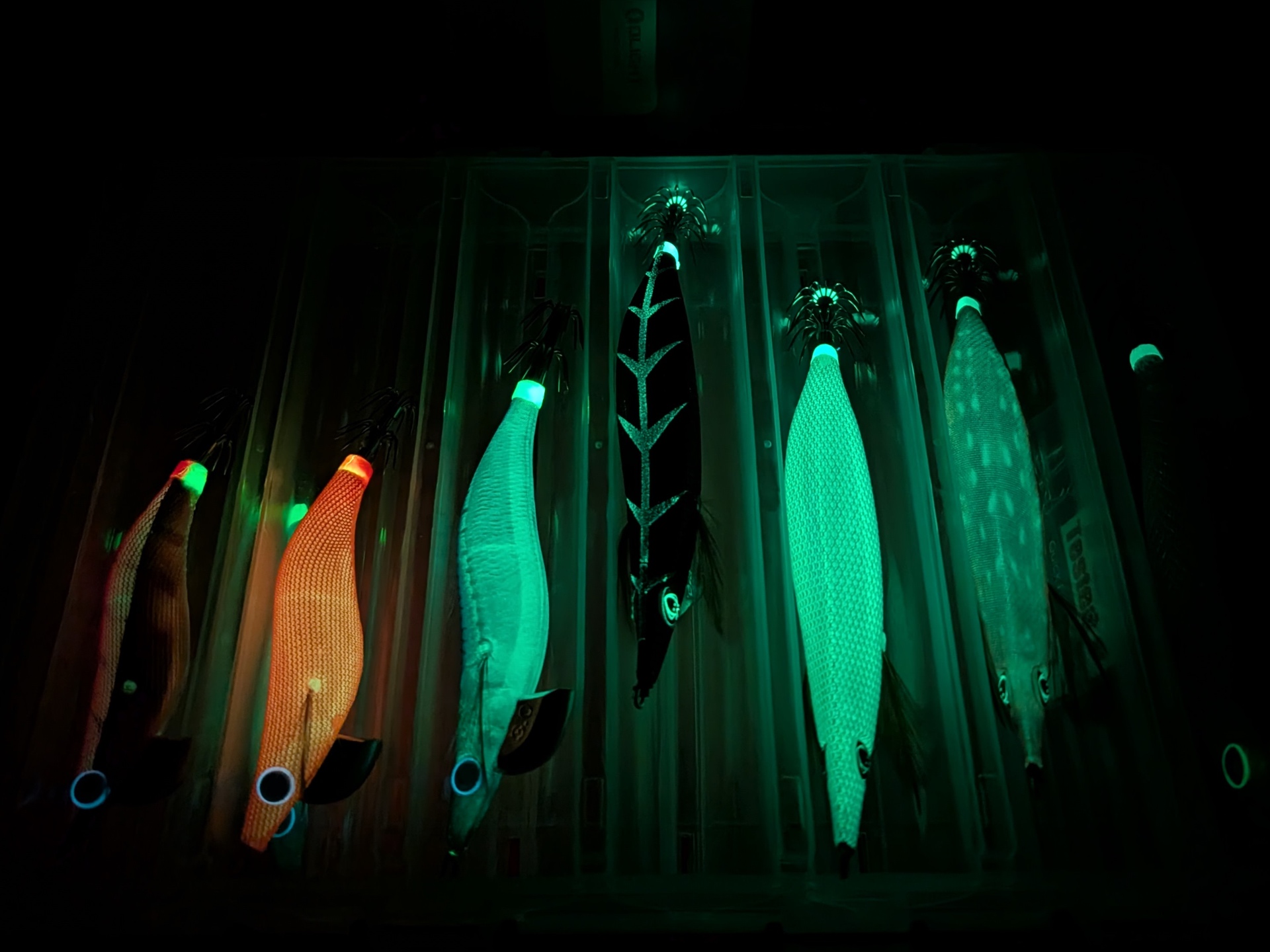
Olight ArkPro Ultra UV (High)#
Thermal Images#
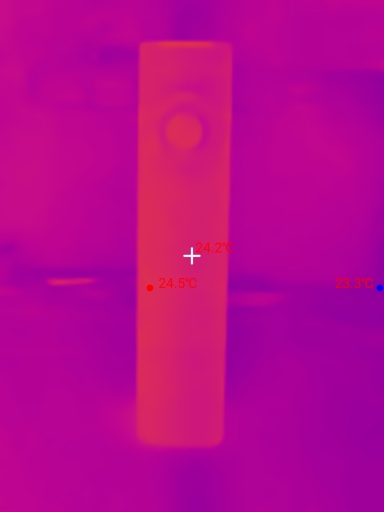
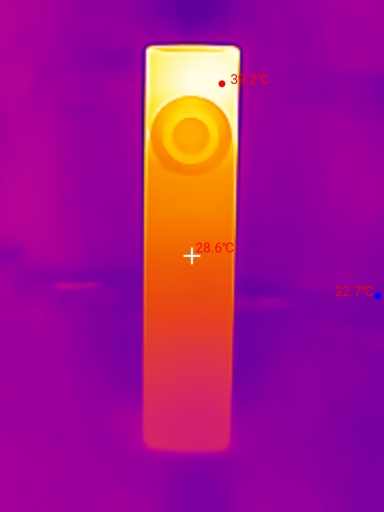
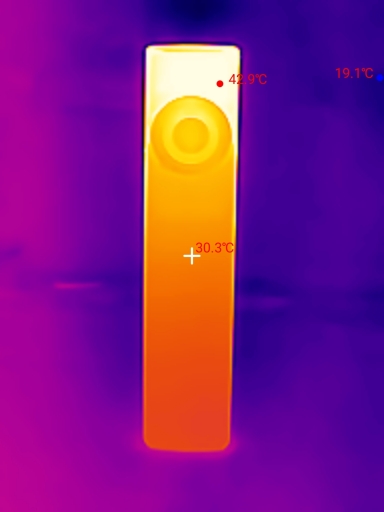
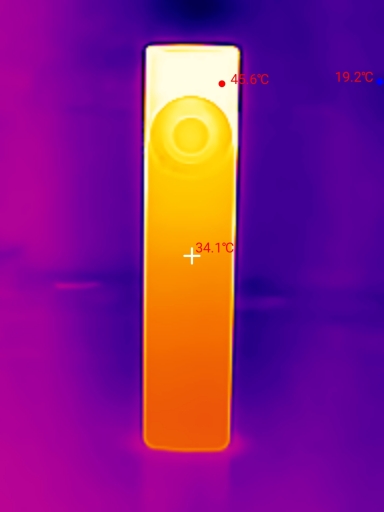
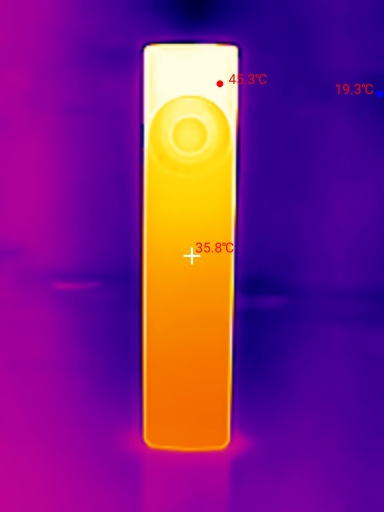
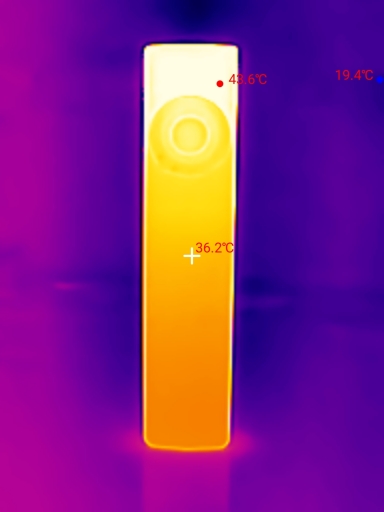
I used a Thermal Master P3 to take thermal images of the torch while using the Spotlight in Turbo mode. Get 10% off the Thermal Master P3 with code Mcmahon10
Room temperature: 19 C
| Time (mm:ss) | Max Temperature |
|---|---|
| 00:00 | 24.5 C |
| 01:00 | 39.2 C |
| 02:00 | 42.9 C |
| 03:00 | 45.6 C |
| 04:00 | 45.3 C |
| 05:00 | 43.6 C |
Conclusion#
The Olight ArkPro Ultra is a welcome upgrade over the Olight Arkfeld Ultra.
I think the best new feature is USB-C charging with a metal cover.
The addition of the Laser Button makes it possible to use the laser pointer while a white light is also on.
ArkBeat is a nice gimmick. It adds a bit of bling to an EDC torch.
I would like to see Olight improve the Spotlight beam on future models so that it does not get cut off by the bezel.
High CRI and warm floodlight emitter options would be nice too.
It is worth upgrading from the magnetic charging only Arkfeld series to this magnetic + USB-C charging ArkPro Ultra. Charging is much faster.
Pros:#
- Good build quality.
- Good throw.
- Lumen output is lower than expected for Turbo.
- Output is well regulated.
- Magnetic and USB-C charging.
- USB-C port has a metal cover.
- Laser pointer can be used idependently.
- Laser pointer has a momentary mode.
- Laser pointer can be turned on and off with a click.
- UV Light has Low and High modes.
Cons:#
- The bezel gets in the way of the Spotlight beam.
- Low CRI.
- OAL chipped relatively easily.
Price#
The Olight ArkPro Ultra is AU$199.95 on amazon.com.au and olight.com
Product page#
Olight ArkPro Ultra at amazon.com.au (affiliate link)
10% off with promo code: TMM10
Olight ArkPro Ultra at olight.com (affiliate link)
I may earn a commission if you use an affiliate link or a promo code. This will help fund future torch reviews and tutorials.