Lumintop Black Cat Keychain Flashlight Review
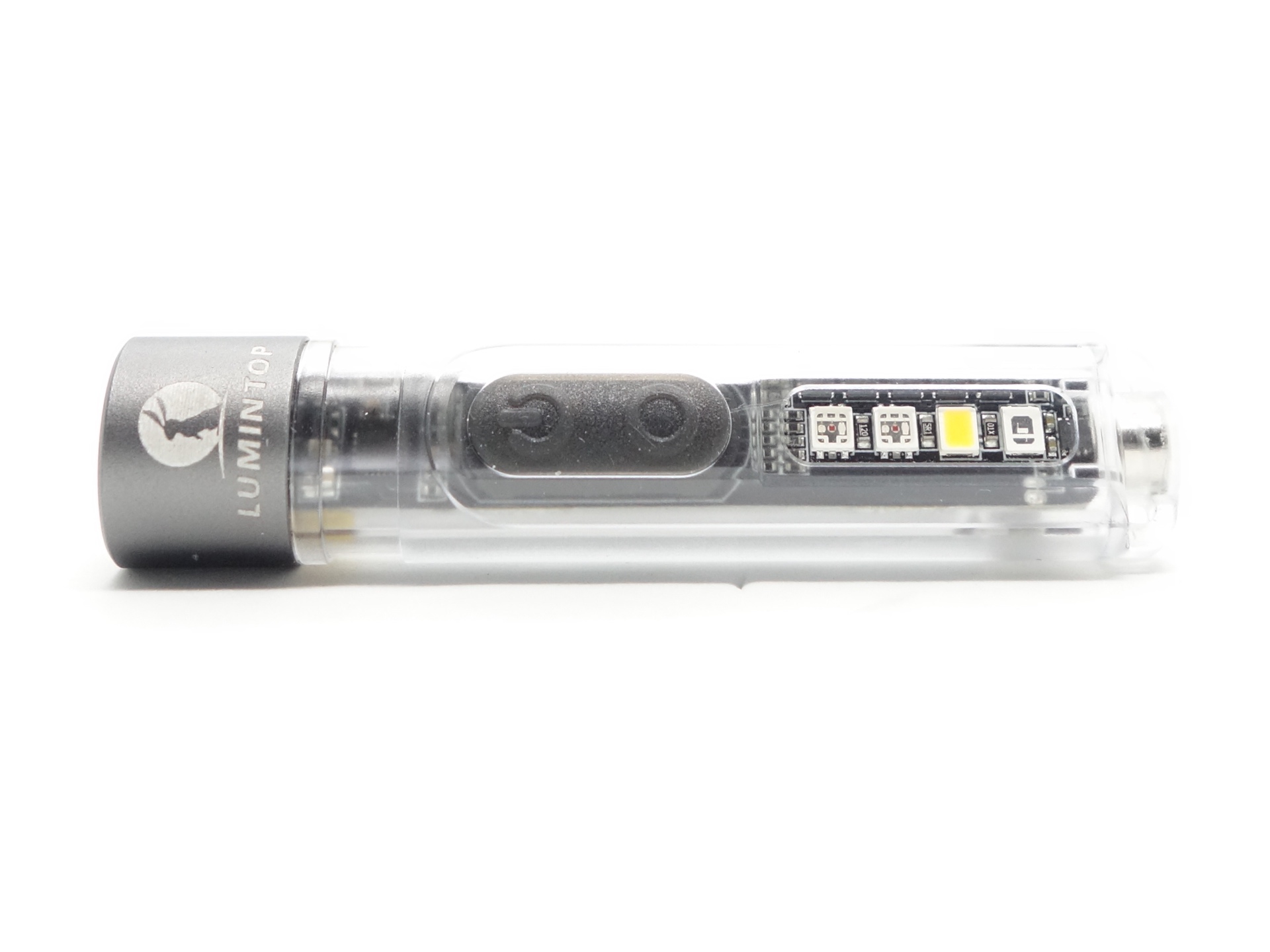
Lumintop Black Cat Keychain Flashlight#
- Specifications
- Introduction
- Torch in use
- Build quality
- LED, bezel, lens, reflector and beam
- Size and comparison
- User interface
- Batteries and charging
- Performance
- Beamshots
- Conclusion
- Price
- Product page
Specifications#
| Brand/model | Lumintop Black Cat |
|---|---|
| LED | 6500K, Warm Side Light, 2xRGB, UV |
| Maximum lumens | 400 lm |
| Maximum beam intensity | 2,025 cd |
| Maximum throw | 90 m |
| Battery | Built-in 450mAh LiPo |
| Onboard charging | Yes (USB-C) |
| Modes | 5 |
| Blinkies | Strobe, SOS, Beacon |
| Reflector | TIR |
| Waterproof | IPX4 |
| Review date | November 2025 |
Introduction#
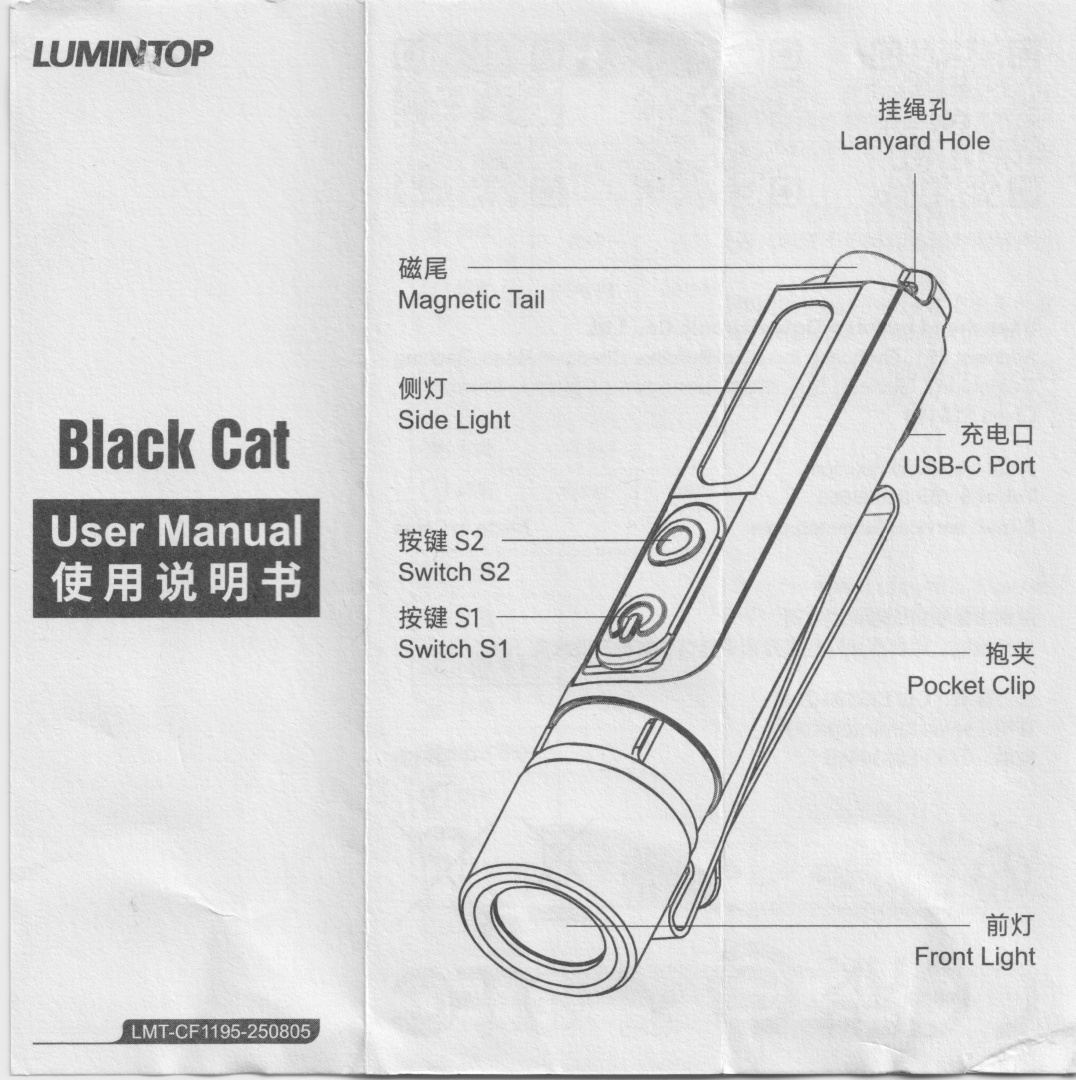
The Lumintop Black Cat is a keychain flashlight with a lot of features packed into a small package! It has a Cool White main light, multiple side lights (2xRGB, Warm White and UV), built-in USB-C charging, a magnet in the tail, a pocket clip and two loops for a keyring.
This dual-switch light has a battery and charging status indicator between the two switches.
Banggood kindly provided this torch for review. I have not been paid for this review nor have I held back my opinions of this torch.
Packaging#
The torch comes in a small white Lumintop branded box with an image of the torch on the front.
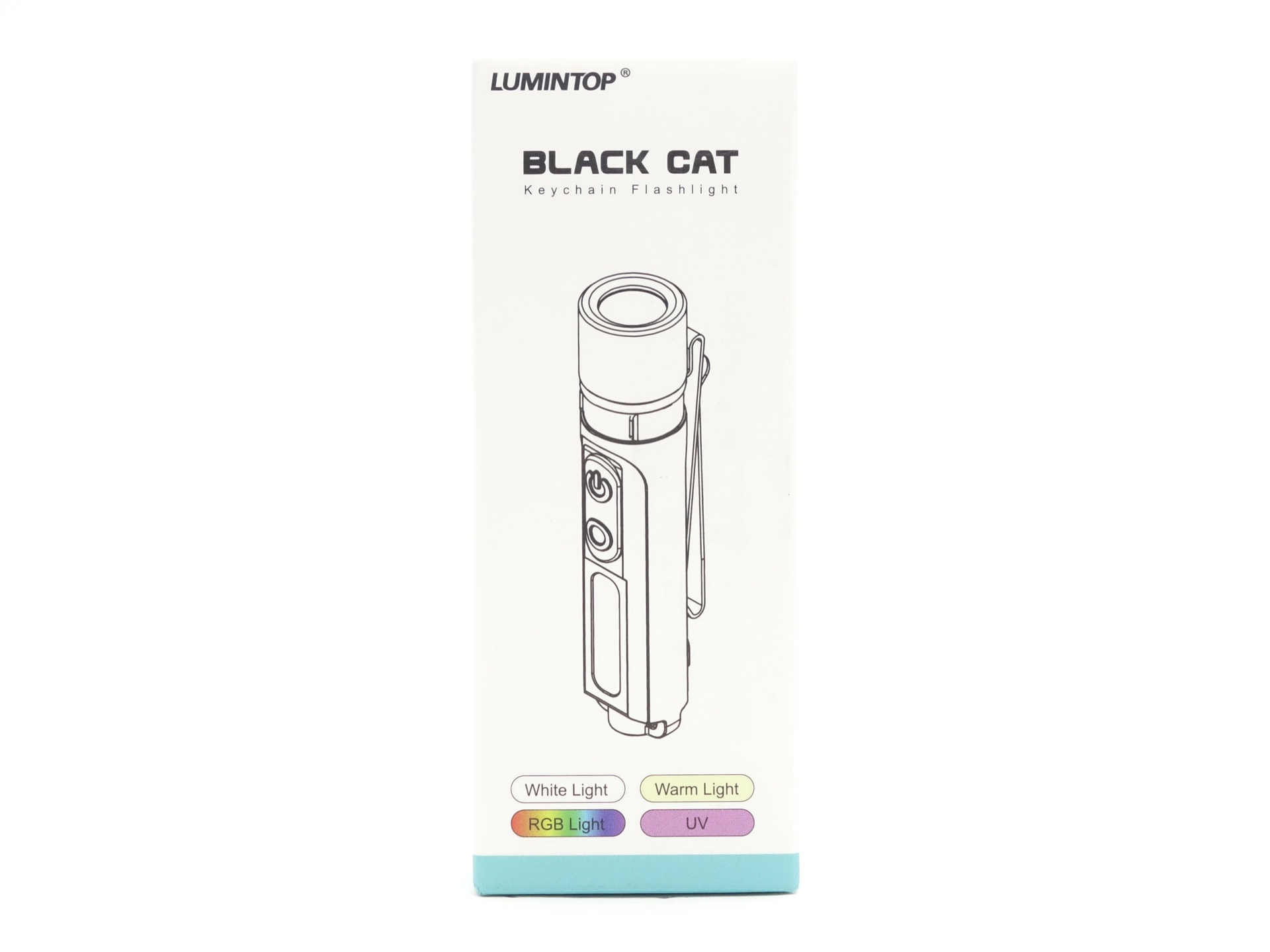
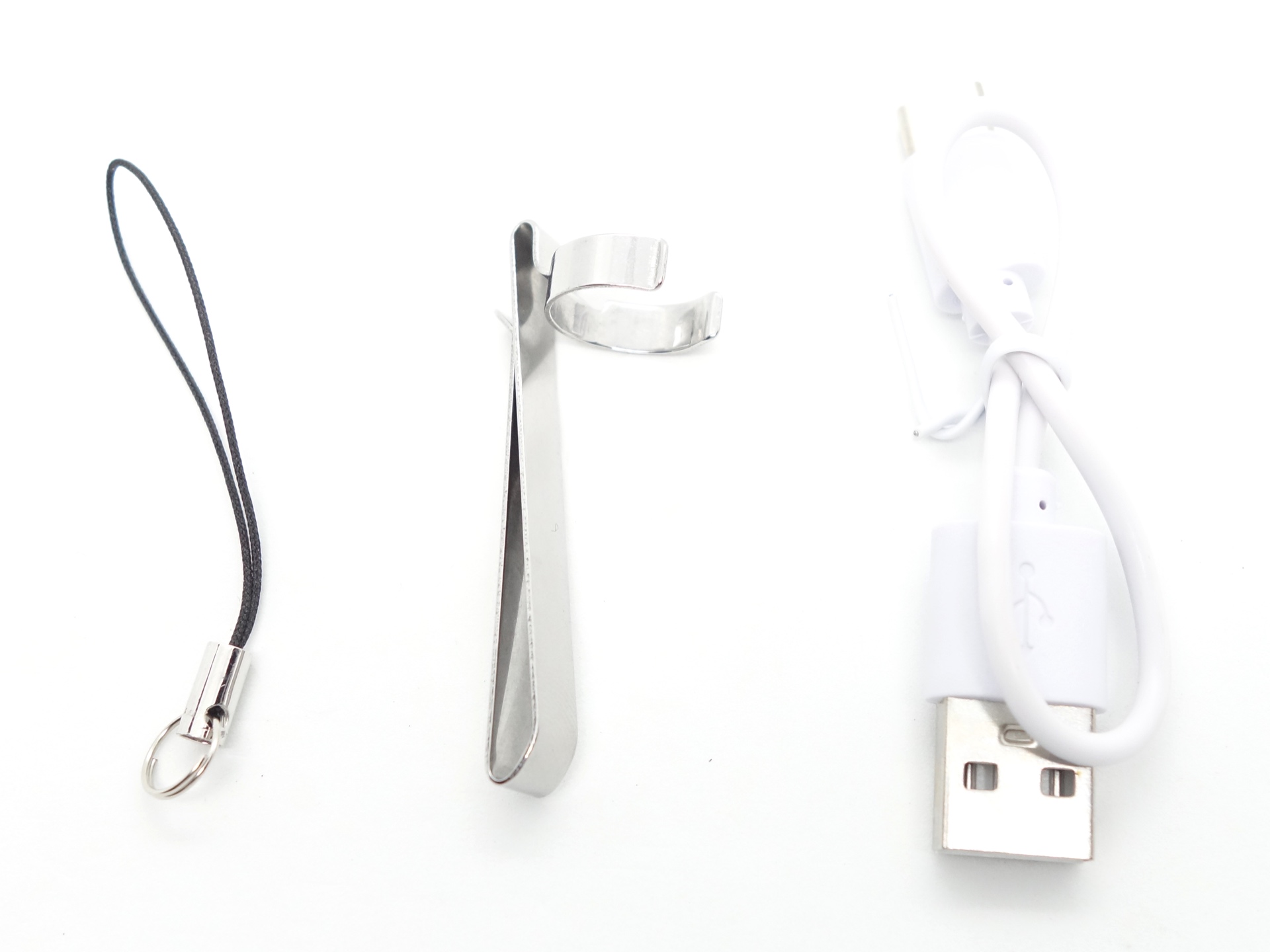
The following is included in the box:
- Lumintop Black Cat.
- USB-A to USB-C charging cable.
- Pocket clip.
- Keyring attachment.
- User manual.
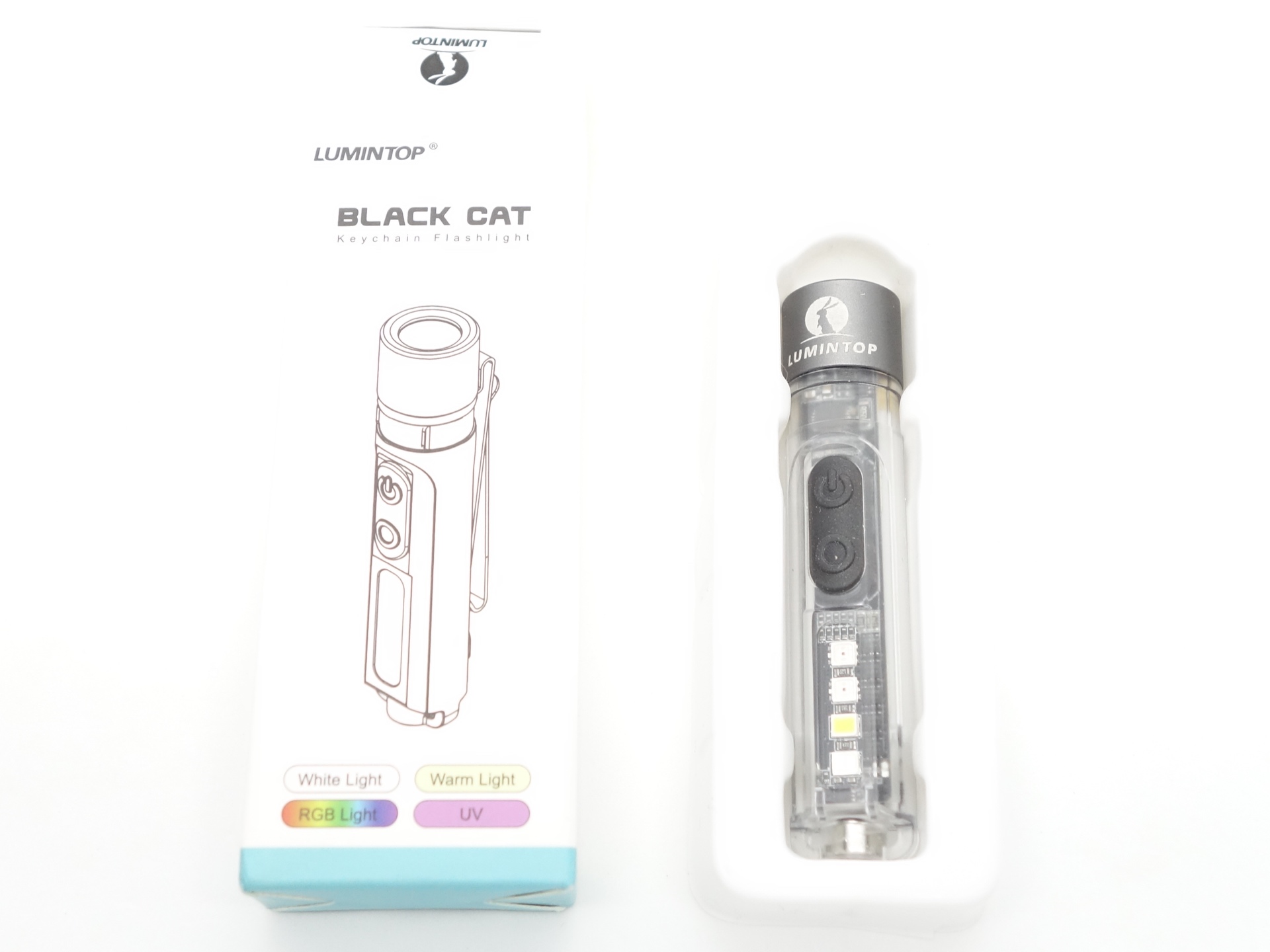
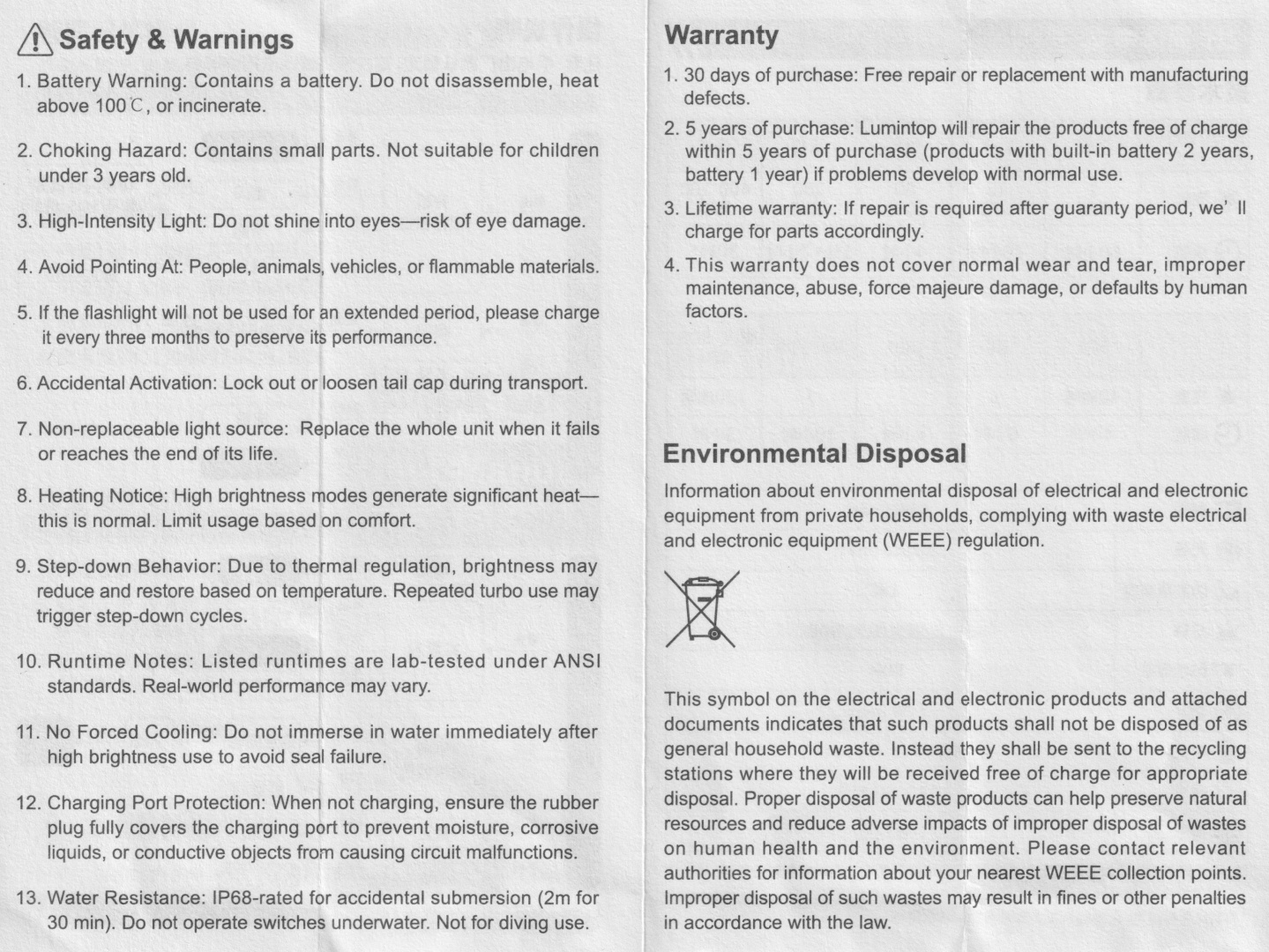
User Manual#
Torch in use#
The torch is relatively long and slim for a keychain flashlight.
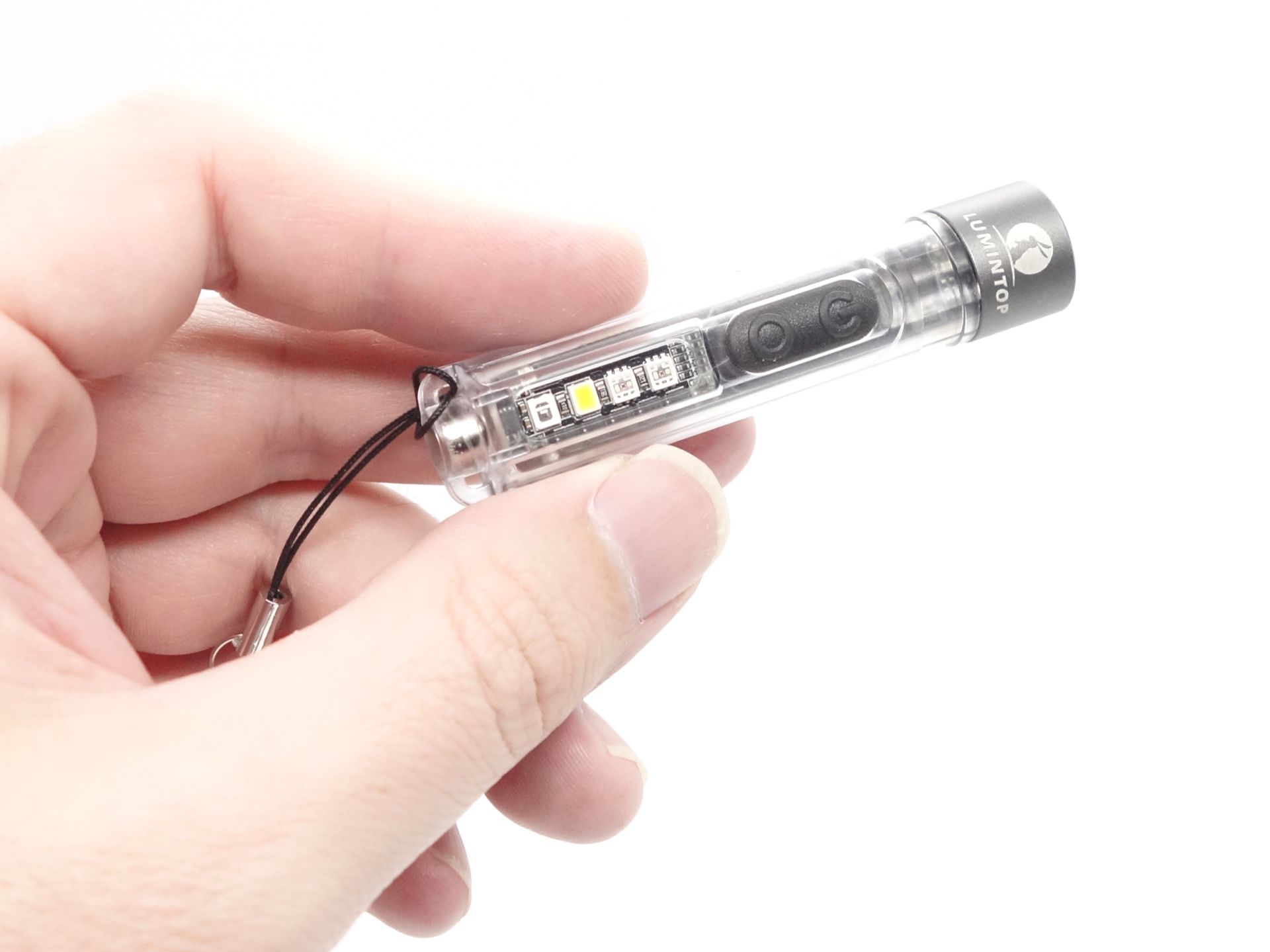
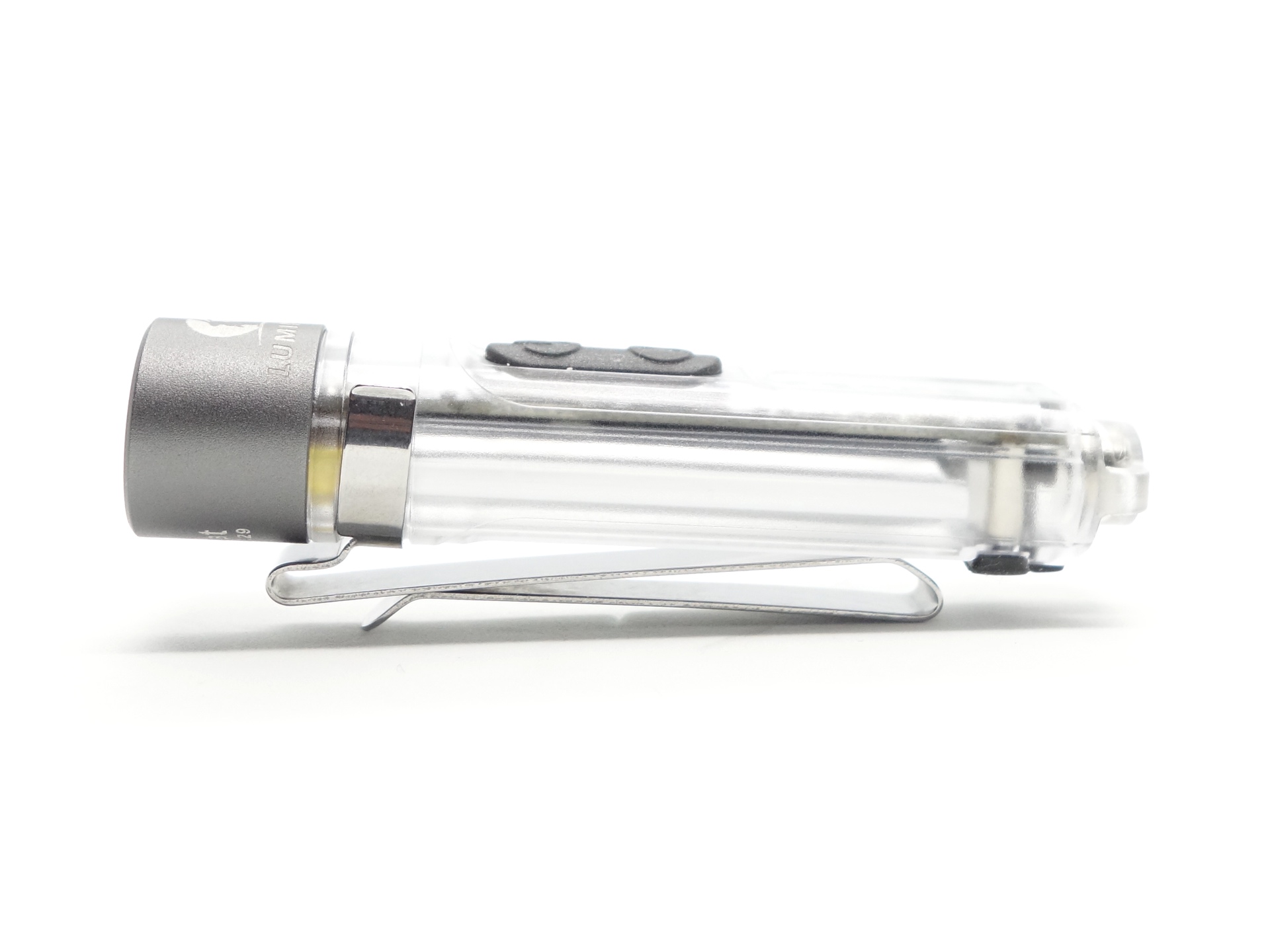
The torch can tailstand and a reversible pocket clip can be attached.
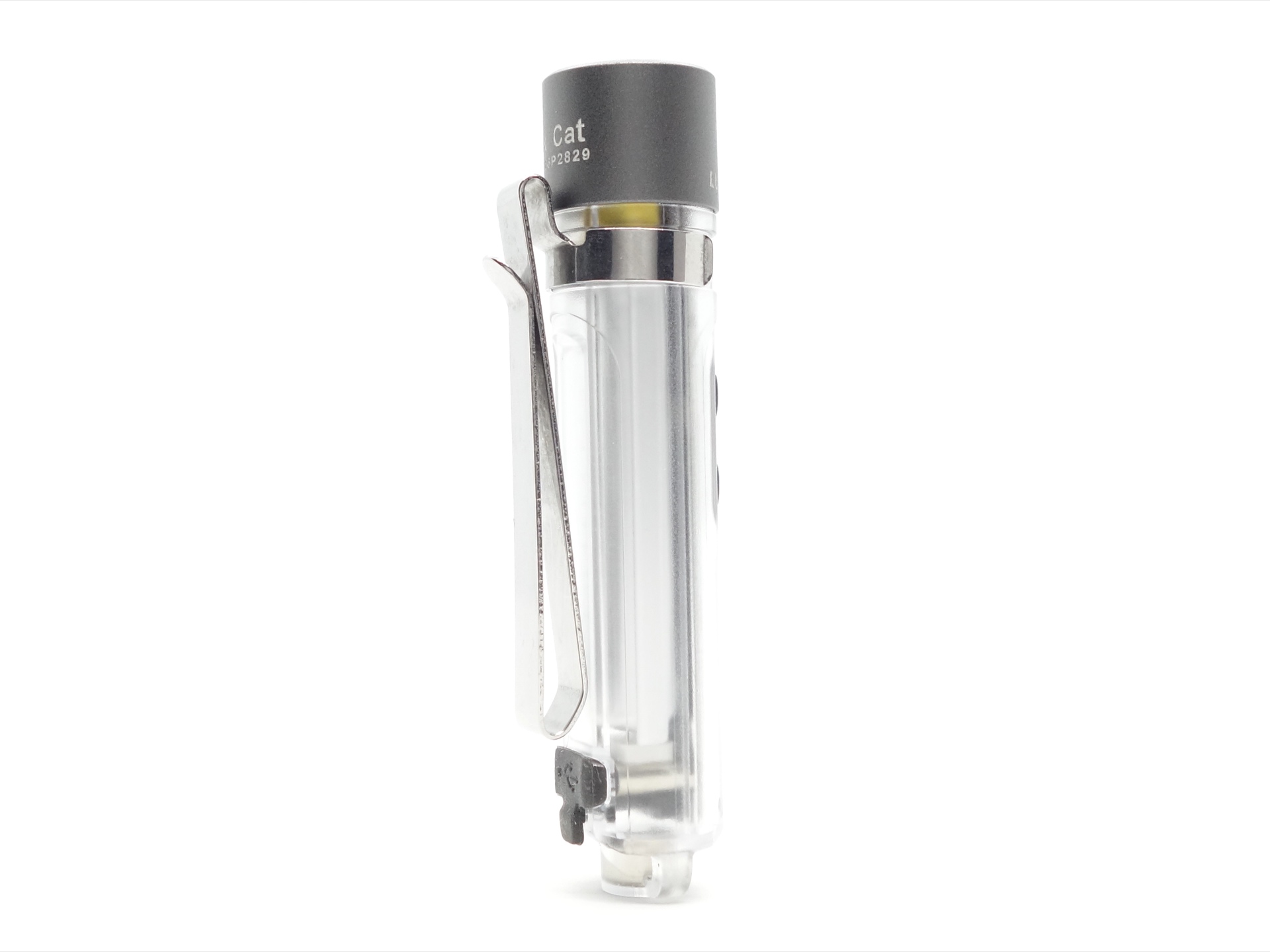
You can see the 450mAh battery taking up most of the space!
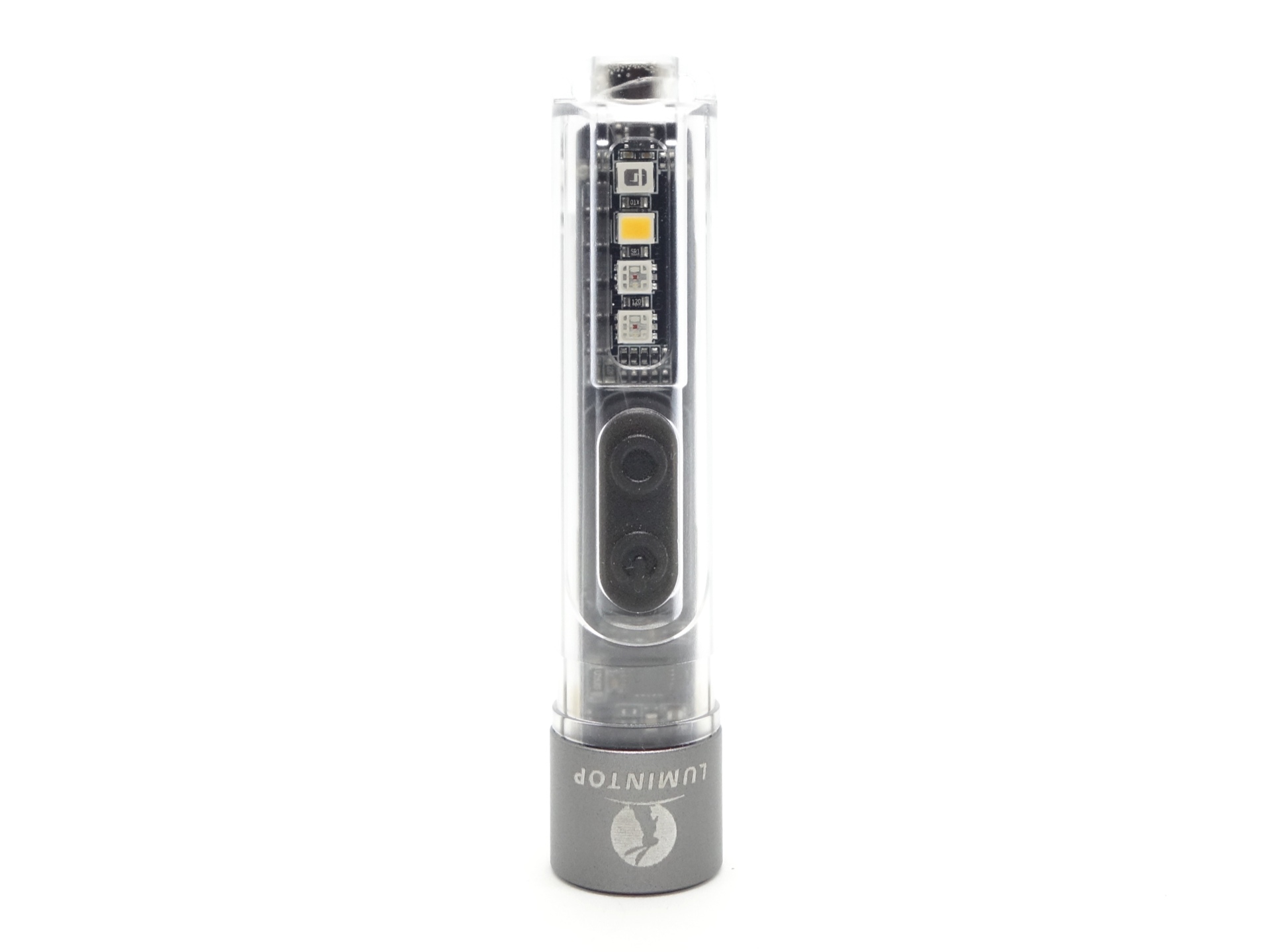
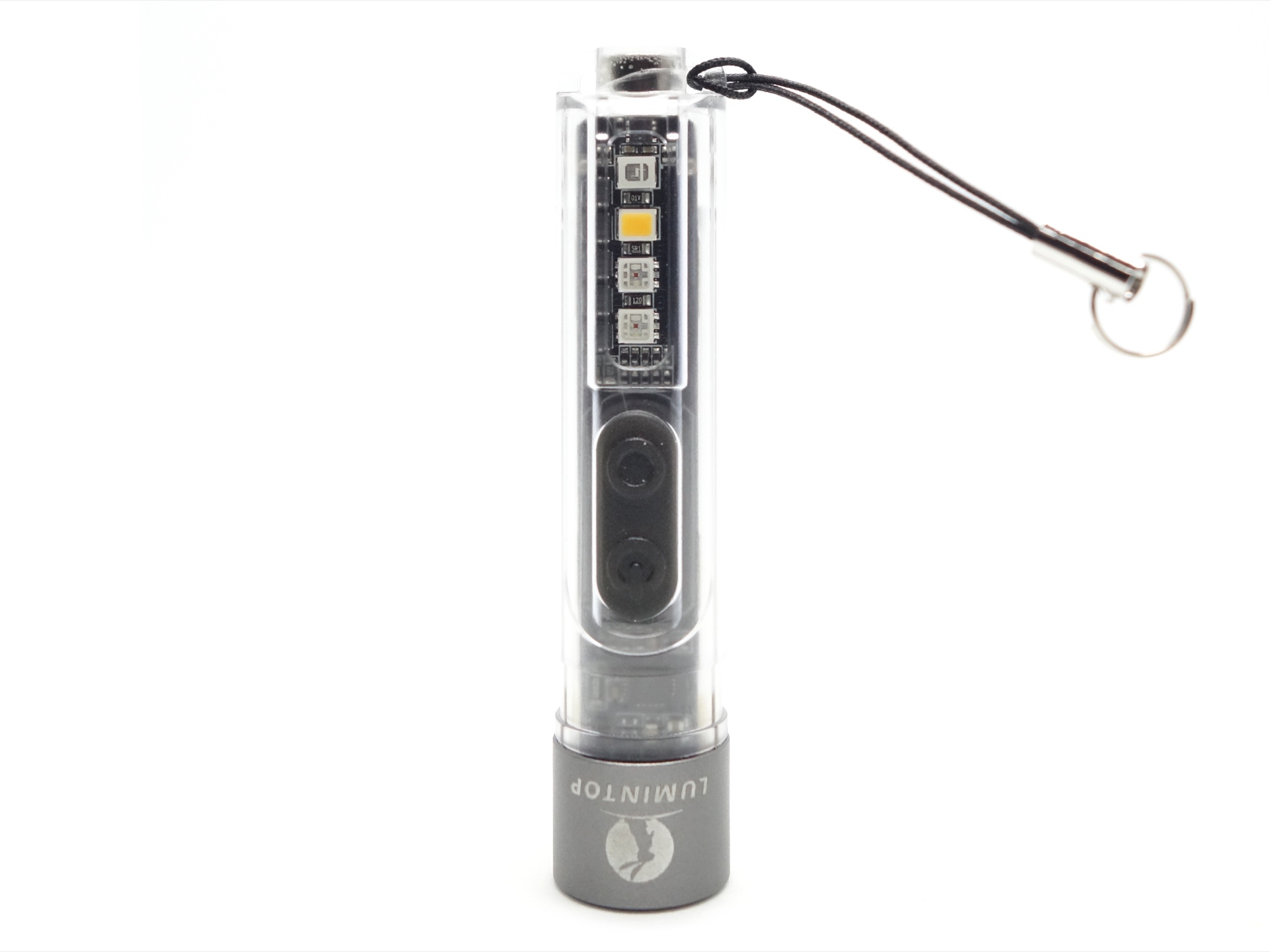
There are two holes either side of the built-in magnet at the tail. The included keyring attached attachment can be threaded through one of the holes. This type of attachment may help reduce the amount of stress imposed on the plastic hole when attached to a keyring and placed in your pocket.
Build quality#
The Lumintop Black Cat is mostly made out of a semi-transparent polycarbonate shell and it has an aluminum bezel at the head.
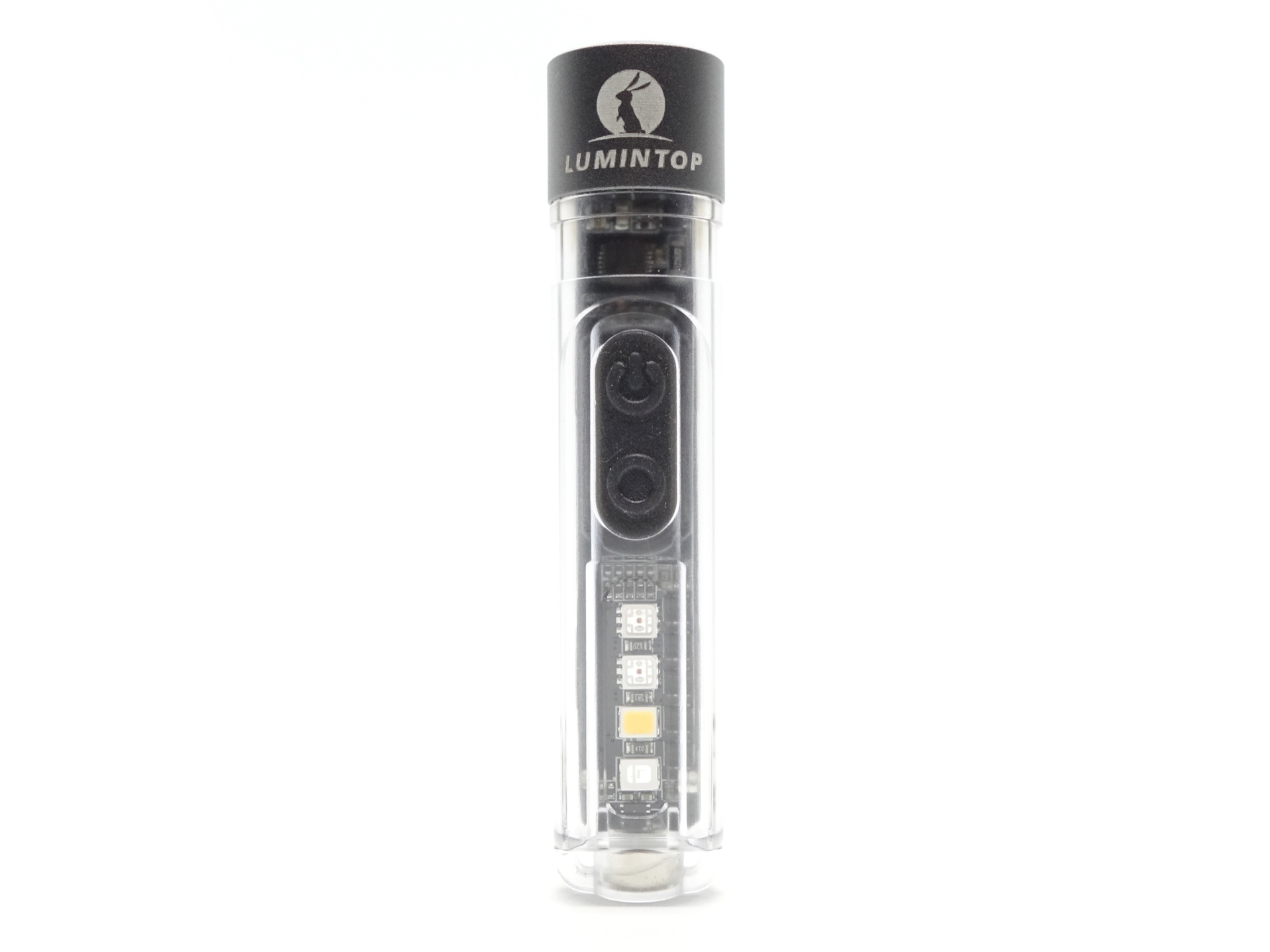
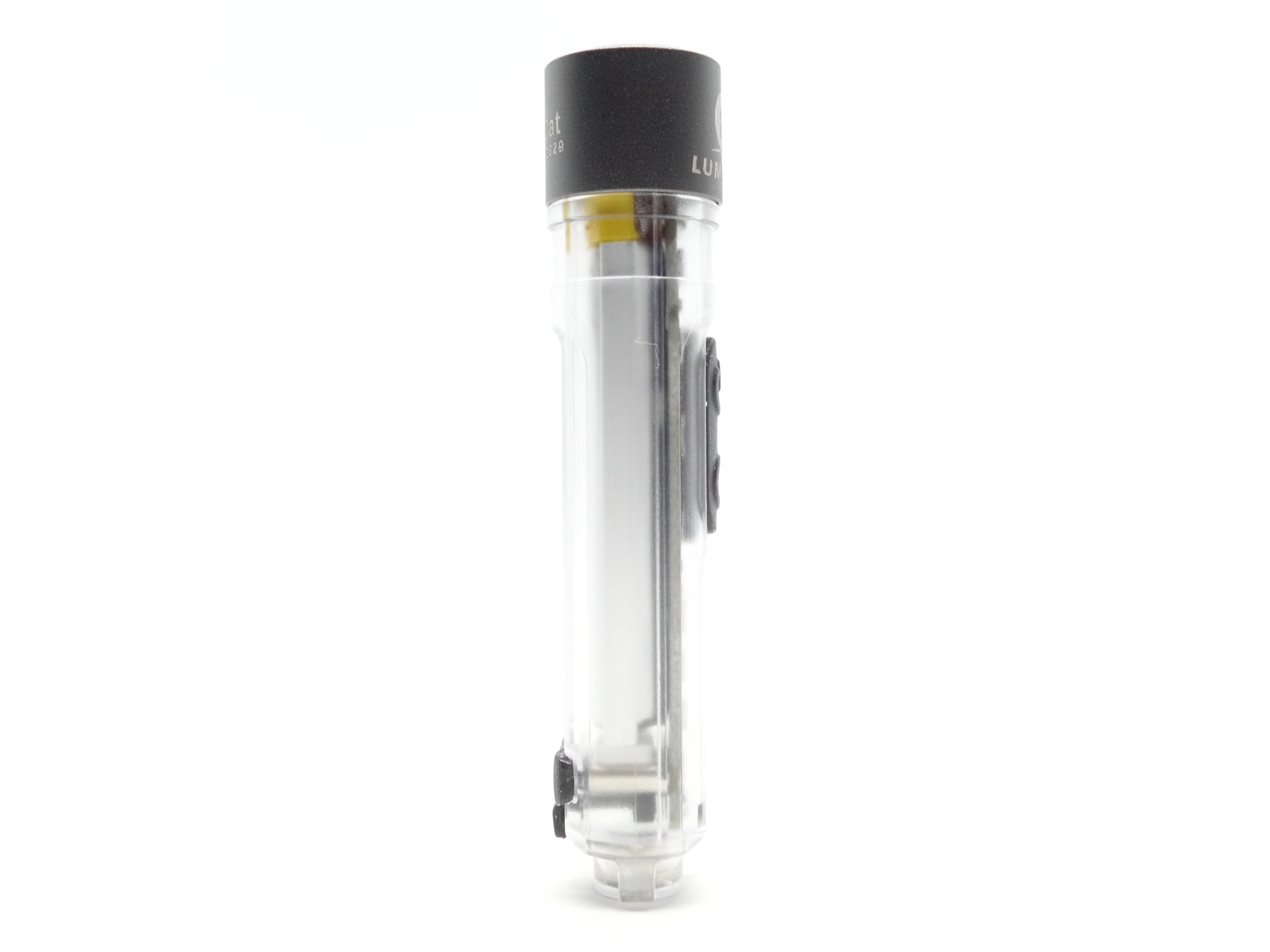
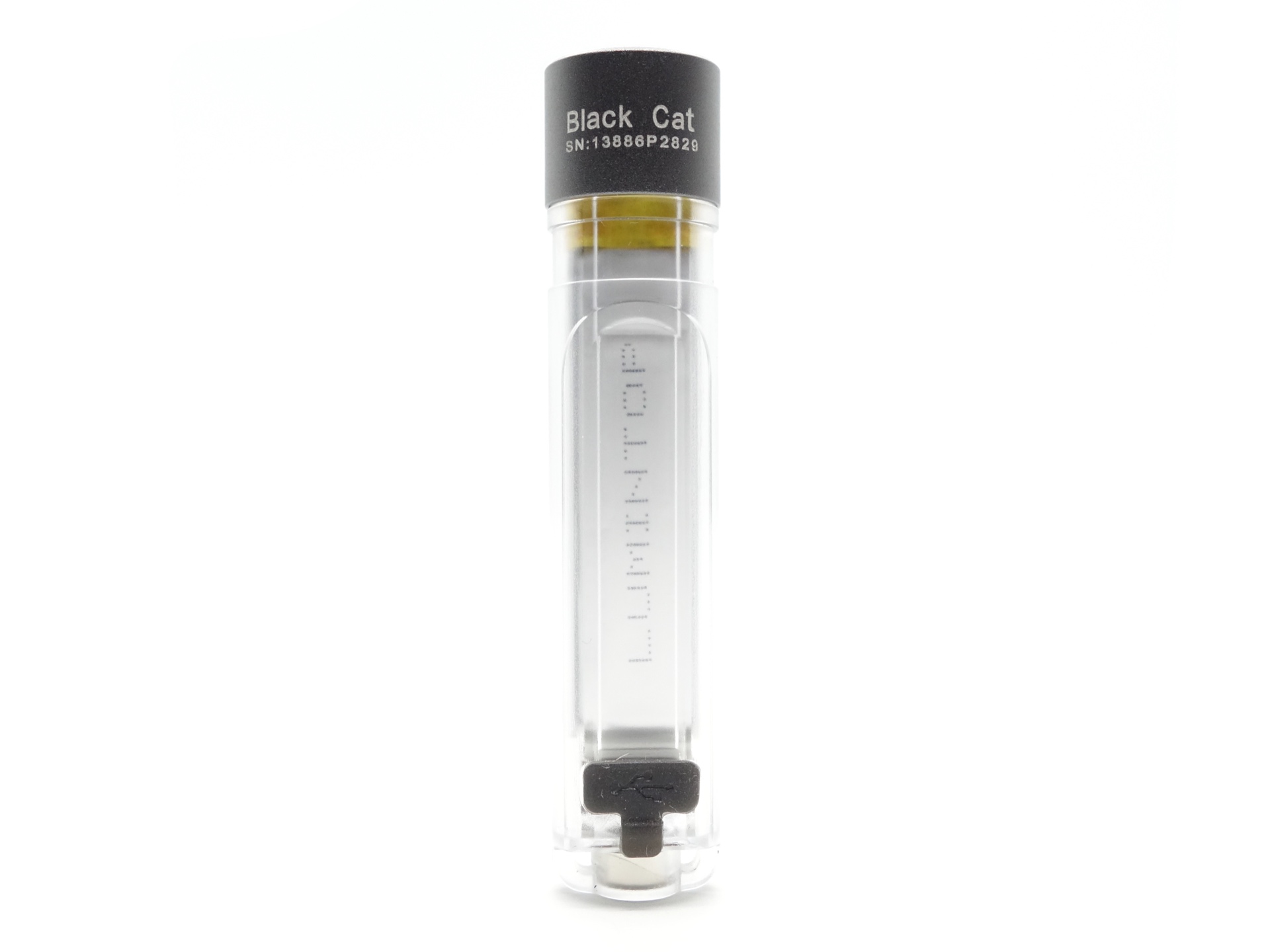
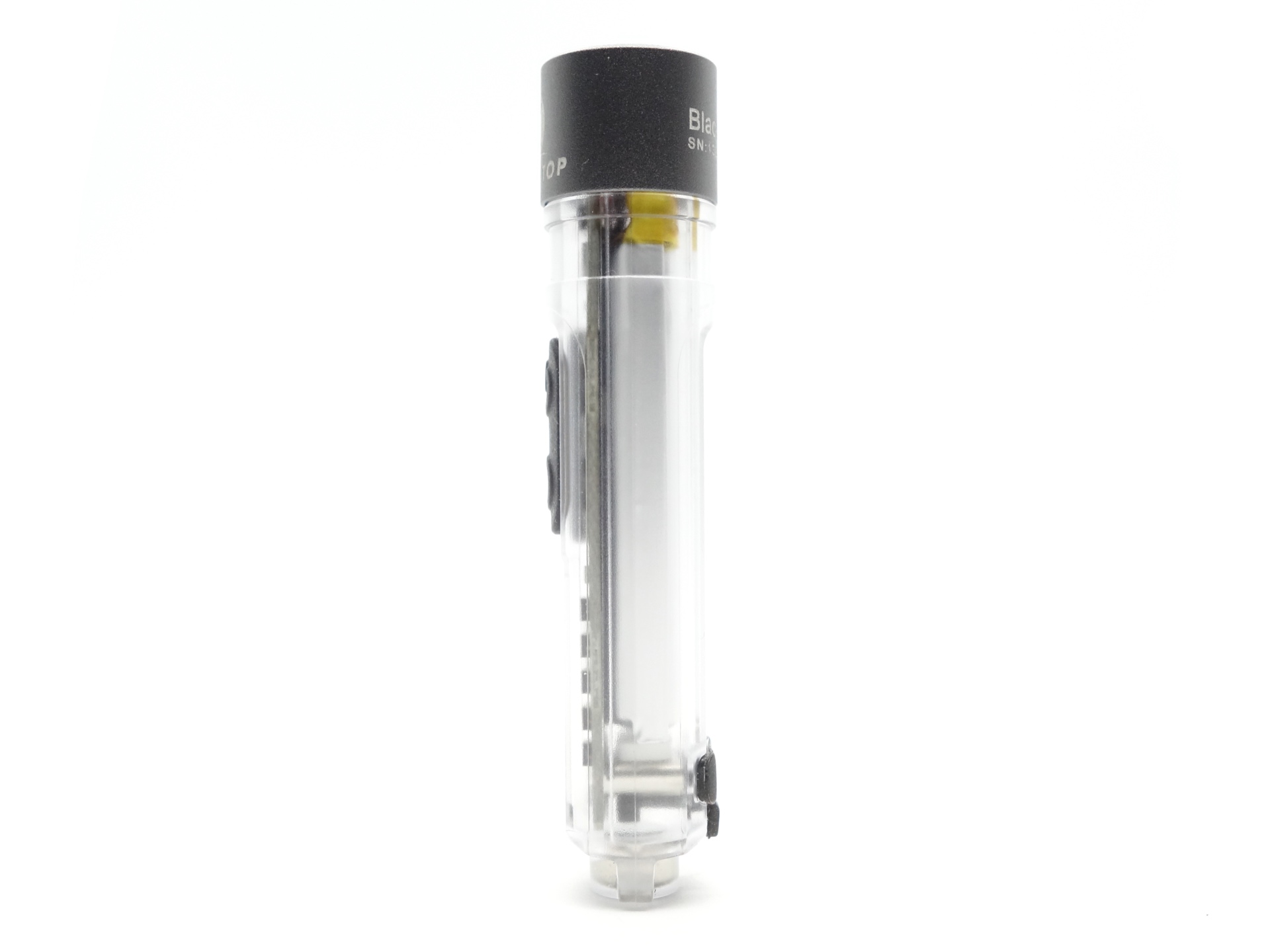
The pocket clip fits securely around a cutout near the head.
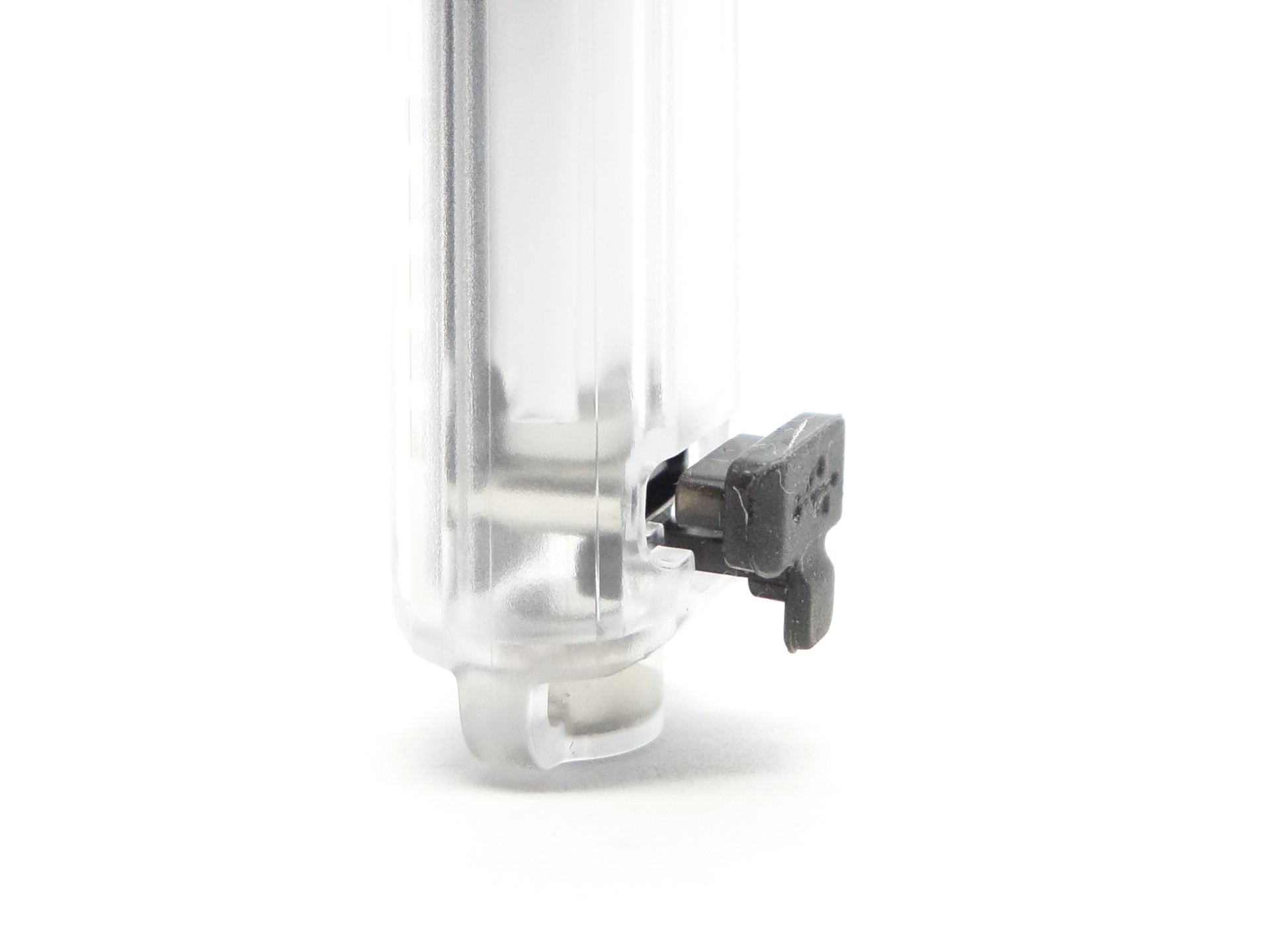
The USB-C port cover has a little tag to assist with pulling it out. I do wonder if this will break over time. I have lost a few USB-C port covers on other keychain lights.
The build quality looks pretty good overall.
LED, bezel, lens, reflector and beam#
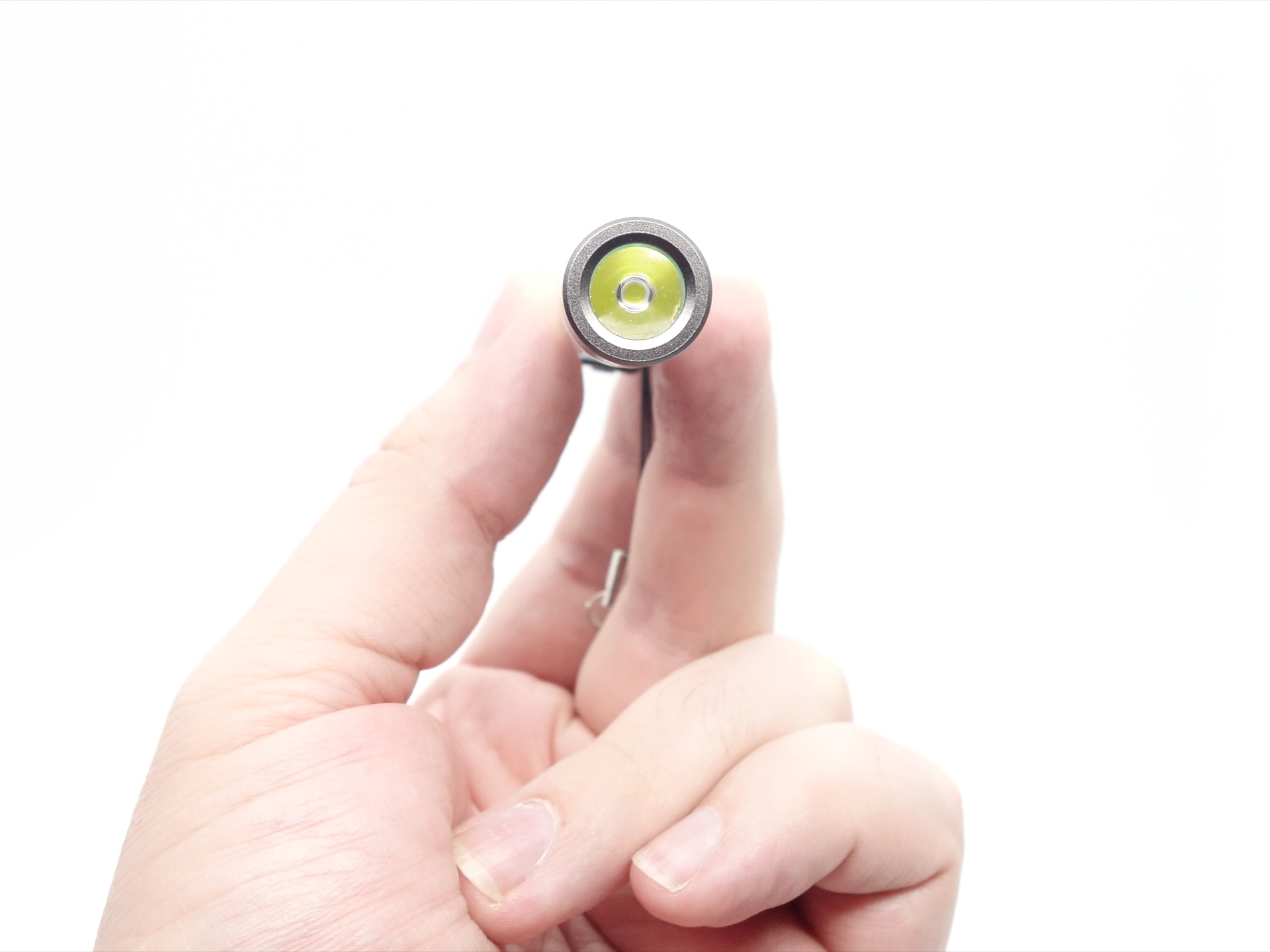
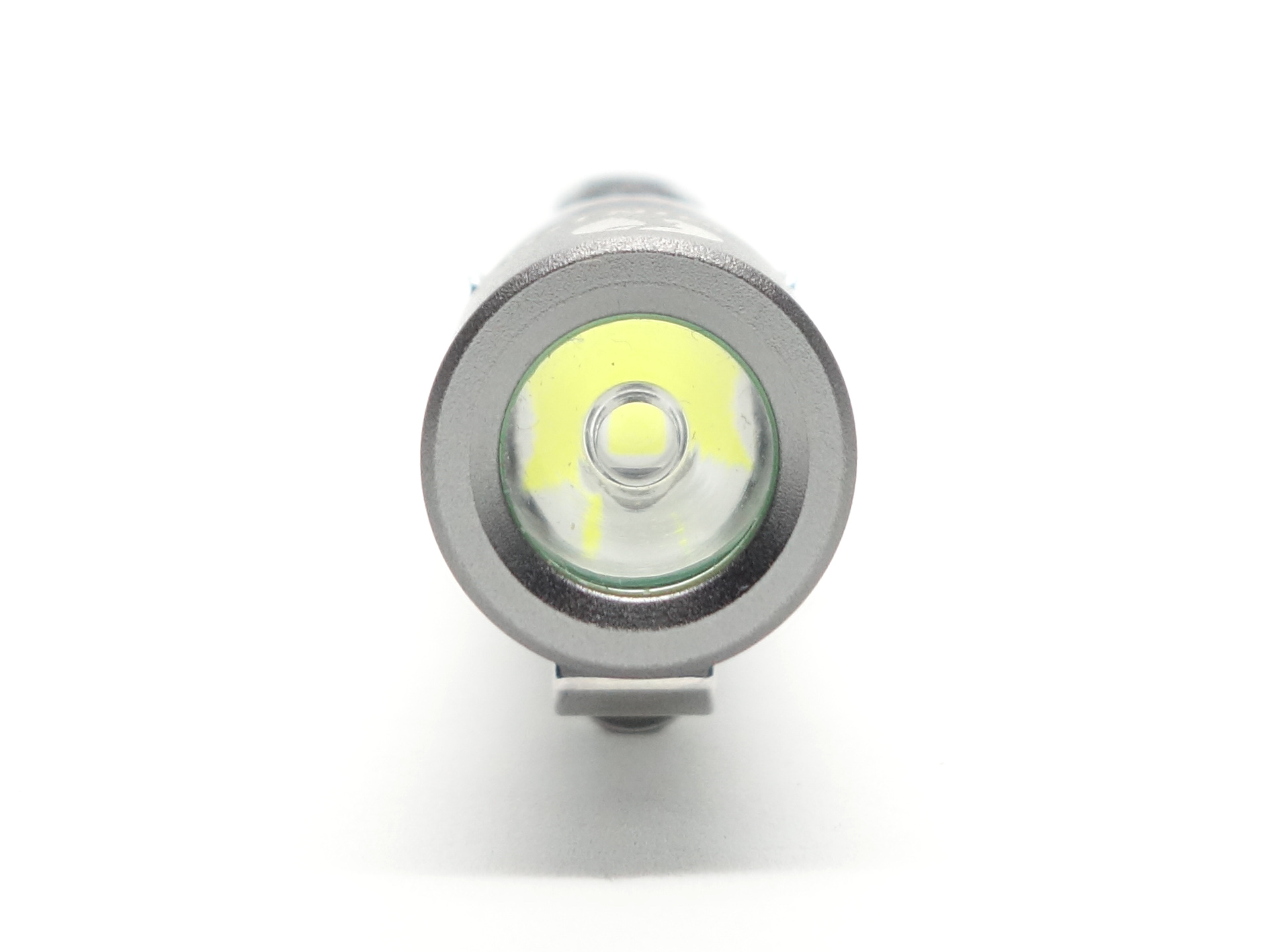
The Lumintop Black Cat has a 6500K Cool White LED with a TIR optic behind a aluminium bezel.
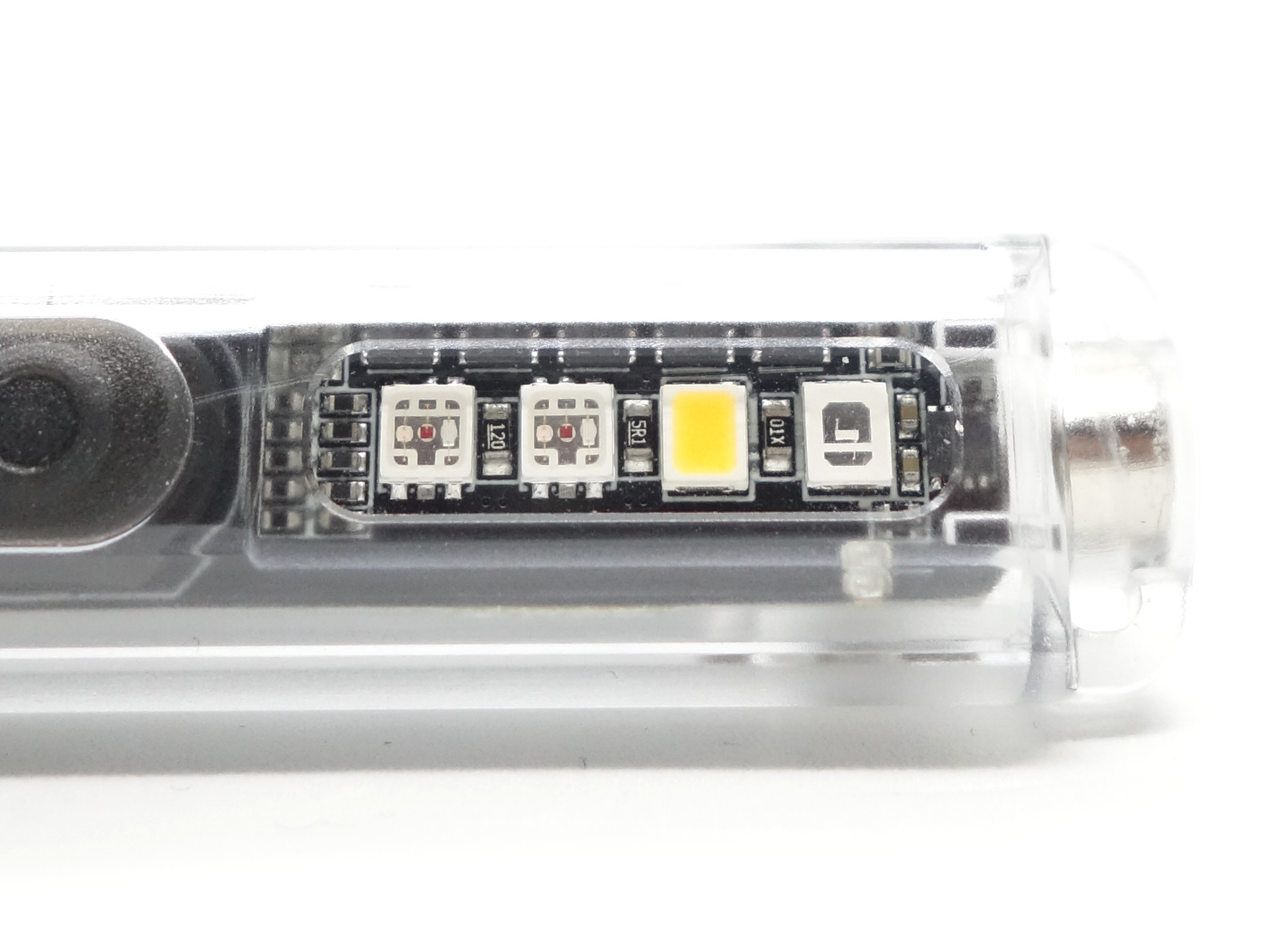
There are four side emitters: 2xRGB, Warm White and UV.
The two RGB emitters light up at the same time.
CCT, CRI, and duv#
I have taken Correlated Colour Temperature (CCT) and Colour Rendering Index (CRI, RA of R1-R8) measurements with the torch positioned less than half a metre away from an Opple Light Master Pro III (G3).
The CCT is around 6167K, the CRI is around 69 and the Delta u, v is slightly positive (green) for the Front Light.
The Front Light produces a narrow beam with an intense white hot spot surrounded by wide corona with a hint of green and a spill with a hint of purple. The TIR optic makes the beam throwy but it adds some artefacts to the beam.
The Warm White Side Light produces a lovely floody 3000K beam with about 79 CRI and a Delta u, v close to pure white.
| LED | Mode | CCT (K) | CRI (Ra) | x | y | Duv |
|---|---|---|---|---|---|---|
| 6500K | Low | 5970 | 68.3 | 0.3221 | 0.3410 | 0.0047 |
| 6500K | Med | 6218 | 69.2 | 0.3176 | 0.3335 | 0.0031 |
| 6500K | High | 6257 | 69.7 | 0.3169 | 0.3328 | 0.0031 |
| 6500K | Turbo | 6224 | 70.9 | 0.3176 | 0.3326 | 0.0026 |
| Warm | Warm Light | 2968 | 79.3 | 0.4400 | 0.4061 | 0.0004 |
Calculate Duv from CIE 1931 xy coordinates
Dimensions and size comparison#
Dimensions#
I took the following measurements using a digital caliper.
| Measurement | Unit (mm) |
|---|---|
| Length | 74.7 |
| Head diameter | 16.0 |
Weight#
I took the following measurements using a digital scale.
| Weight | Unit (g) |
|---|---|
| Torch | 19.1 |
Size comparison with its competition#
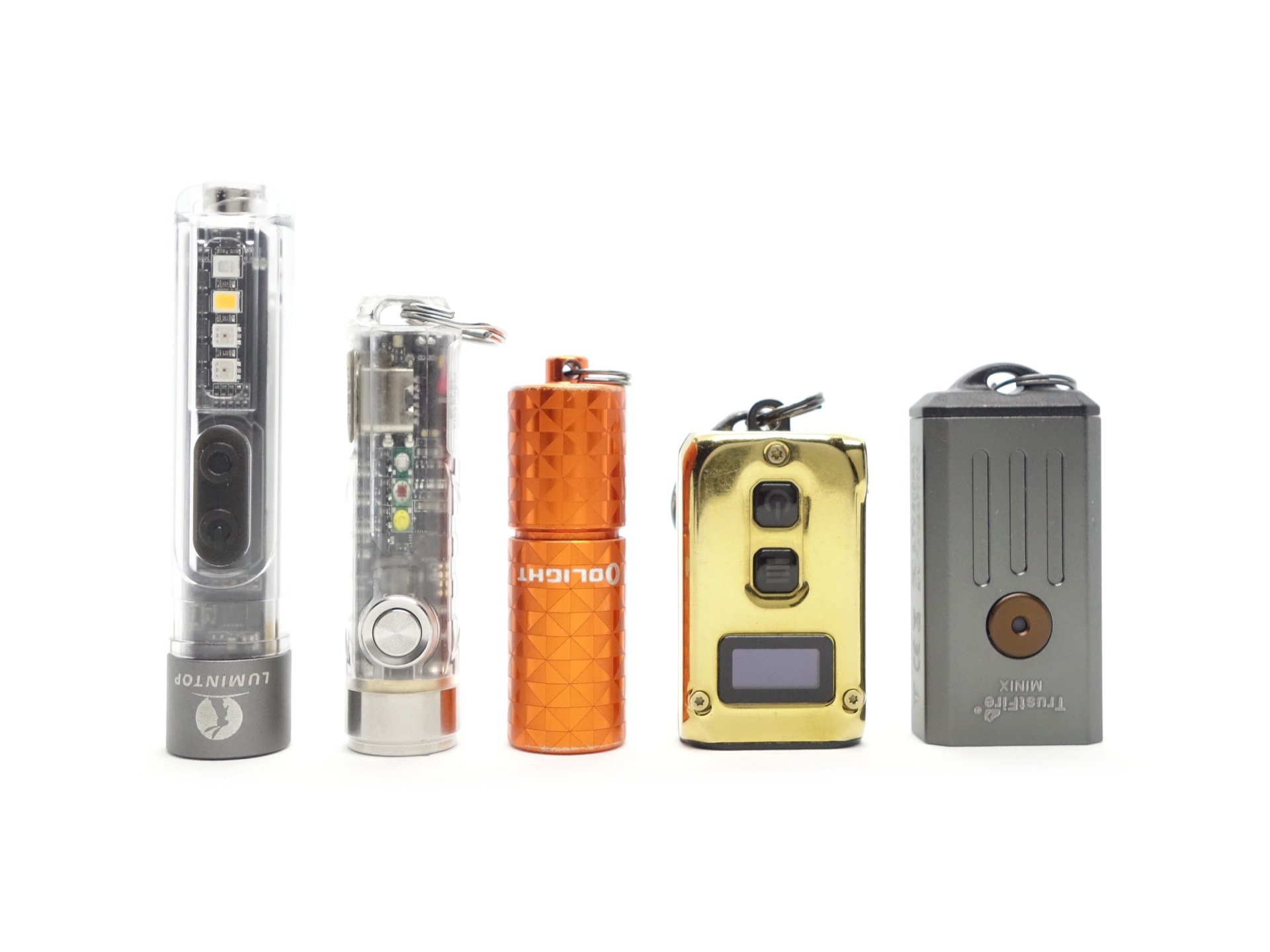
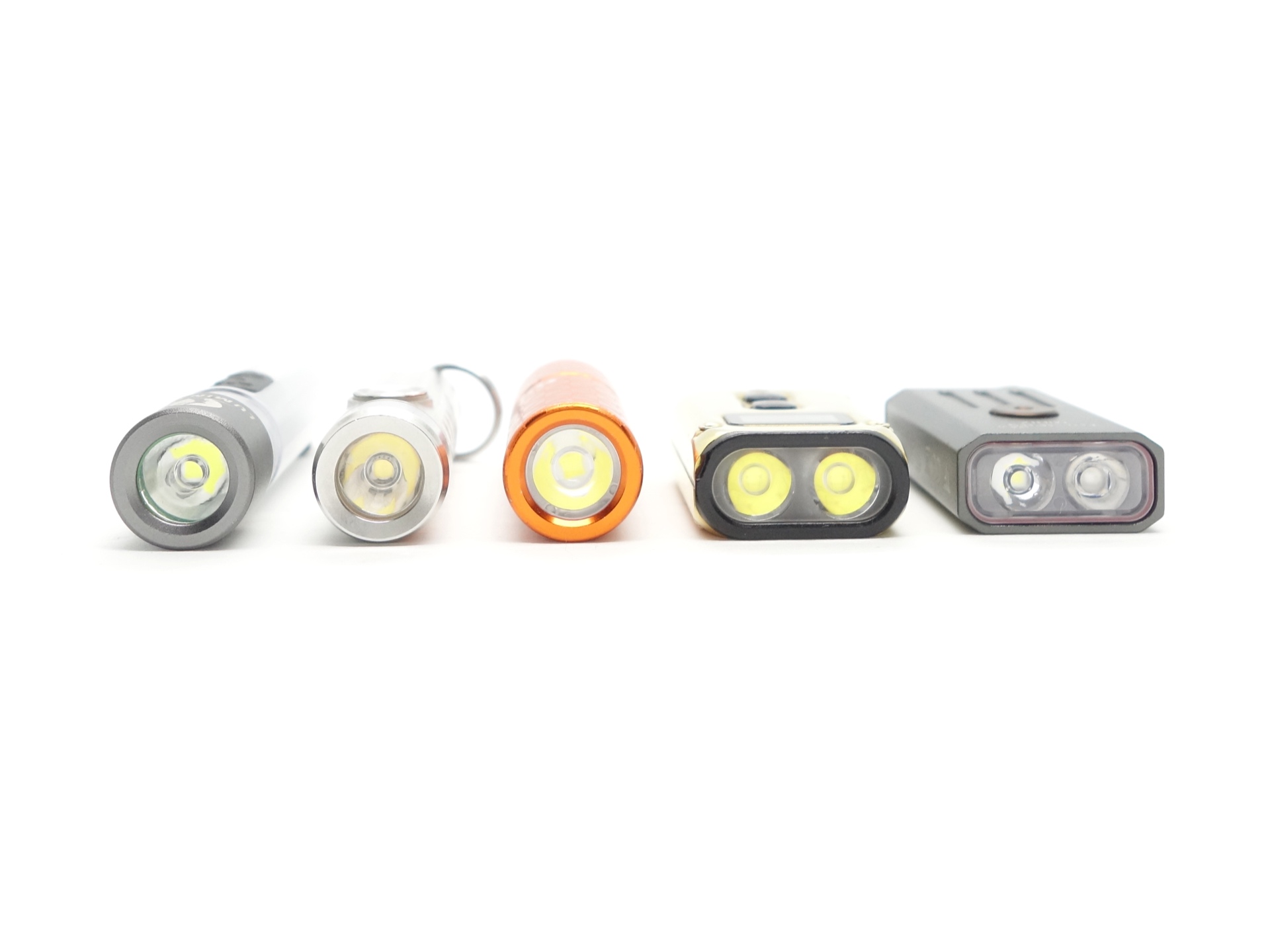
From left to right: Lumintop Black Cat, RovyVon A8, Olight i1R 2, Nitecore Tini2, TrustFire Mini X
User interface#
There are two switches to control the light:
- Switch S1 (Front Light)
- Switch S2 (Side Lights)
The switches operate independently. So you can have the Front Light and the Side Lights on at the same time.
The Front Light has three modes in the main group: Low, Med, High. Shortcuts to Eco, Turbo and Strobe. And there are three blinky modes: Strobe, SOS and Beacon.
The Side Light has a lot of modes. RGB has multiple constant and blinky modes. Warm White has one constant mode. UV has one constant mode.
Switch S1 (Front Light)#
| State | Action | Result |
|---|---|---|
| Off | Press and hold | Momentary Turbo |
| Off | Three clicks | Eco |
| Off | Click | On (mode memory) |
| On, Eco, Strobe | Press and hold | Cycle (Low, Med, High) |
| On, Eco, Strobe | Click | Off |
| On, Off | Two clicks | Strobe |
| Strobe | Two clicks | Cycle (Strobe, SOS, Beacon) |
| Off | Four clicks | Lock |
| Locked | Click | Toggle battery status indicator and momentary Low |
| Locked | Four clicks | Unlock |
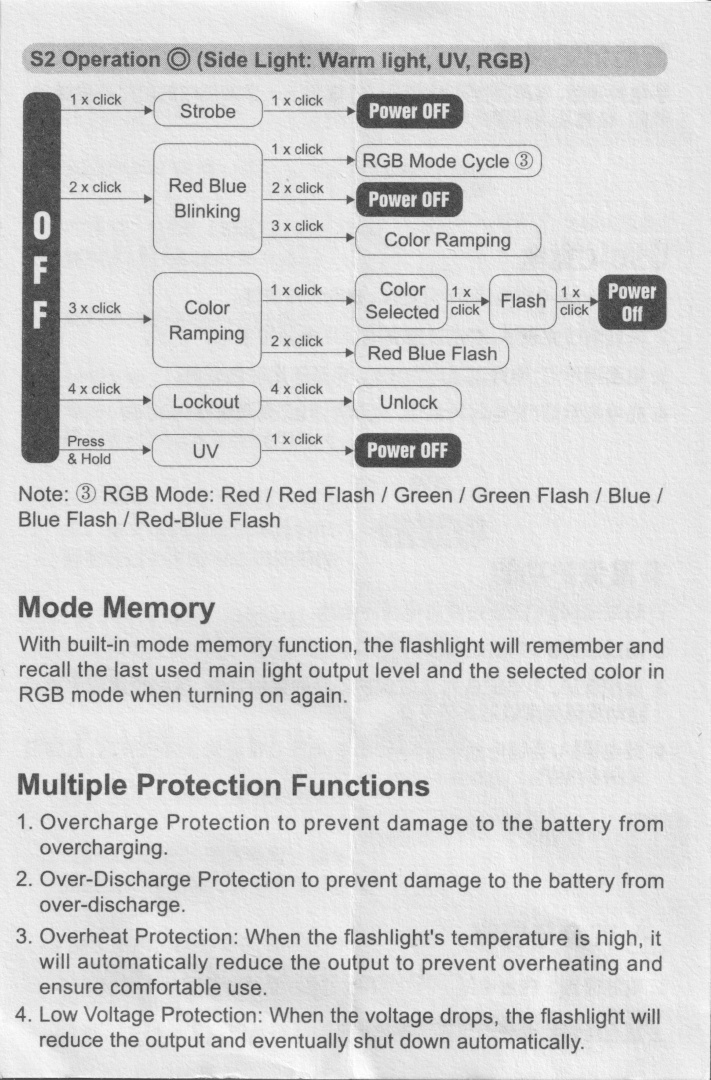
Switch S2 (Side Lights)#
| State | Action | Result |
|---|---|---|
| Off | Press and hold | UV |
| UV | Click | Off |
| UV | Two clicks | Red Blue Flash |
| UV | Three clicks | Colour Ramping |
| Off | Click | Warm White |
| Warm White | Click | Off |
| Warm White | Two clicks | Red Blue Flash |
| Off | Two clicks | Red Blue Flash |
| Off | Three clicks | Colour Ramping |
| Colour Ramping | Click | Select the colour |
| Selected Colour | Click | Flash Selected Colour |
| Selected Colour | Two clicks | Red Blue Flash |
| Colour Ramping | Two clicks | Red Blue Flash |
| Red Blue Flash | Click | RGB Cycle |
| Red Blue Flash | Two clicks | Off |
| Red Blue Flash | Three clicks | Colour Ramping |
| RGB Cycle | Click | Cycle (Red, Red Flash, Green, Green Flash, Blue, Blue Flash, Red Blue Flash) |
| Off | Four clicks | Lock |
| Locked | Click | Toggle battery status indicator and momentary Warm White |
| Locked | Four clicks | Unlock |
Colour Ramping is a mode where the two RGB emitters gradually cycle through a rainbow of colours and you can press S2 to select a colour.
There appears to be a typo in the user manual under S2 Operation where it says that “1 x click” from Off will enter Strobe mode. I found that that actually turns the Warm White side light on.
Mode memory#
There is mode memory.
Low, Med or High are memorised when clicking switch S1.
Strobe#
Strobe has a constant frequency.
Strobe, SOS, Beacon
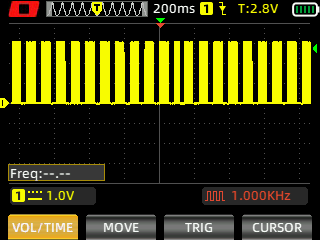
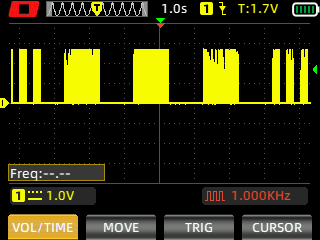
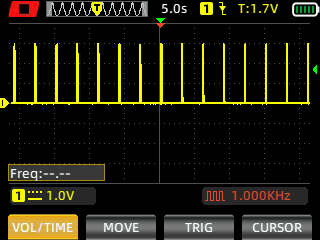
I measured Strobe, SOS and Beacon with a Zoyi ZT-703S oscilloscope.
Battery Status Indicator#
The battery status indicator between the two switches will display green or red for a few seconds when a switch is clicked. Red indicates that the battery needs to be charged.
Pulse Width Modulation#
There is PWM but I did not notice any visible PWM (flickering).
Eco, Low, Med, High, Turbo
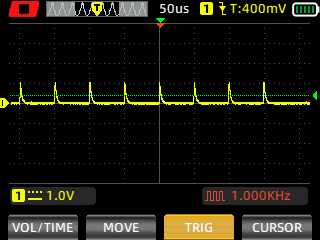
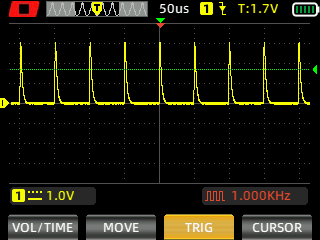
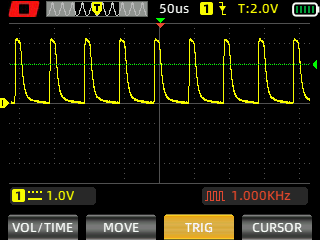
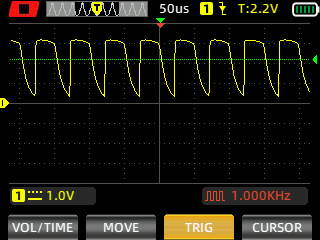
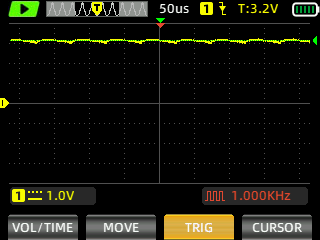
I measured the PWM of the light with a Zoyi ZT-703S oscilloscope.
What I like about the UI#
- Switch S1 controls the Front Light.
- Switch S2 controls the Side Lights.
- The front light is intuitive to control.
- Shortcut to Eco from off.
- Shortcut to Turbo from off.
- Mode memory (Low, Med and High).
What could be improved#
- I wish that the Warm White light has more than one output level. Smooth ramping by pressing and holding S2 would be nice.
- It would be better if “Press and Hold” changed from Red Blue flash to RGB Cycle instead of a single “Click”.
- It would be better if “Press and Hold” cycled through Red, Red Flash, Green, Green Flash, Blue, Blue Flash, Red Blue Flash for RGB Cycle. Instead, you have to click through each step or perform two clicks to turn the light off.
- There is no shortcut to off in Colour Ramping mode. It would be better if “Press and Hold” selected a colour while in Colour Ramping mode and if a single “Click” turned the light off. Instead, you need to click to select a colour, click again to make that colour flash, and click again to turn the light off. Altneratively, you can perform two clicks to go to Red Blue Flash and then another two clicks to turn the light off.
- I wish that the Side Lights used “Press and Hold” as a shortcut to switch between modes and a single “Click” to turn the light off.
- The side lights are complex to control.
Batteries and charging#
Battery#
The torch has a built-in 450mAh LiPo battery.
Charging#
The Lumintop Black Cat has built-in USB-C charging.
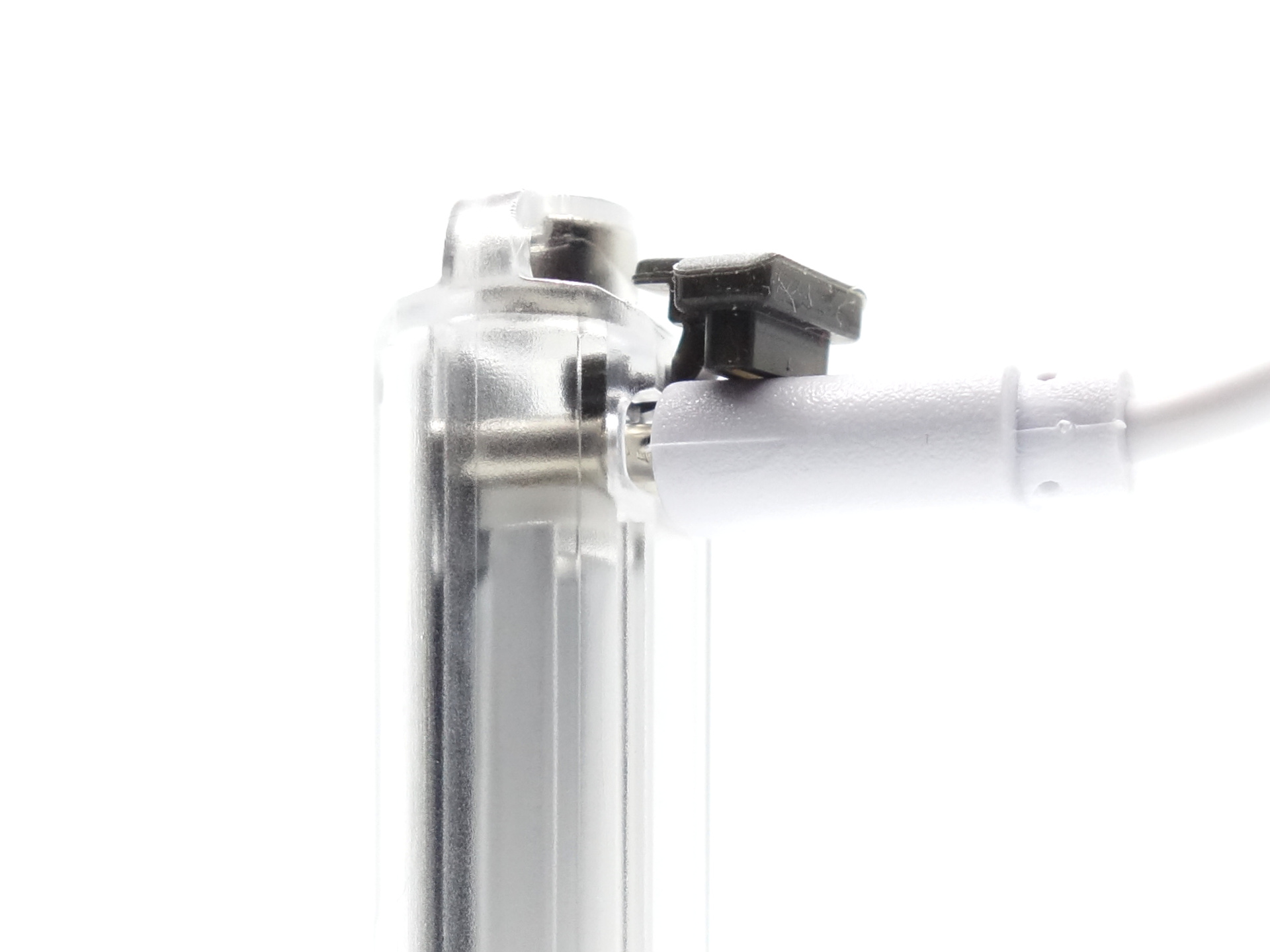
I found that most USB-C cables fit.
Power supply: PinePower Desktop USB-C
USB Meter: ChargerLAB Power-Z KM003C Amazon Australia
Room temperature: 15 C
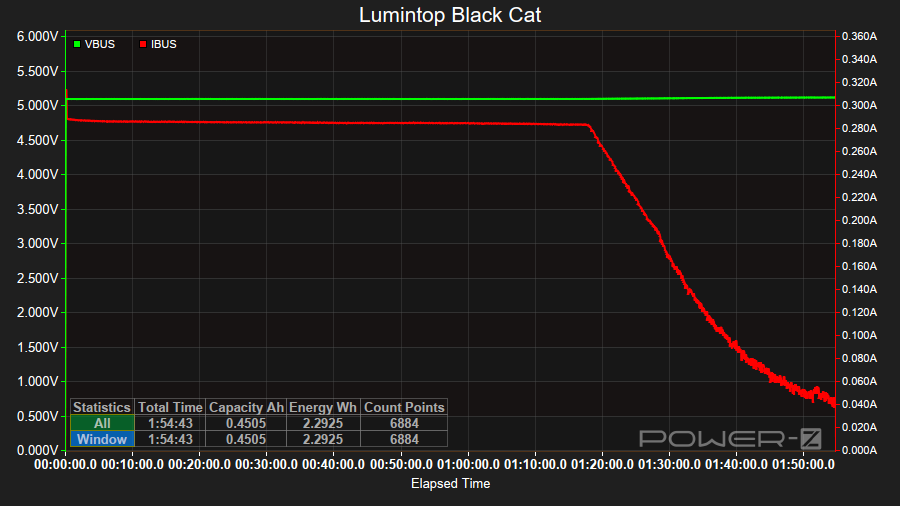
It took about 1 hour 53 minutes to charge the light at a rate of 5V/0.28A.
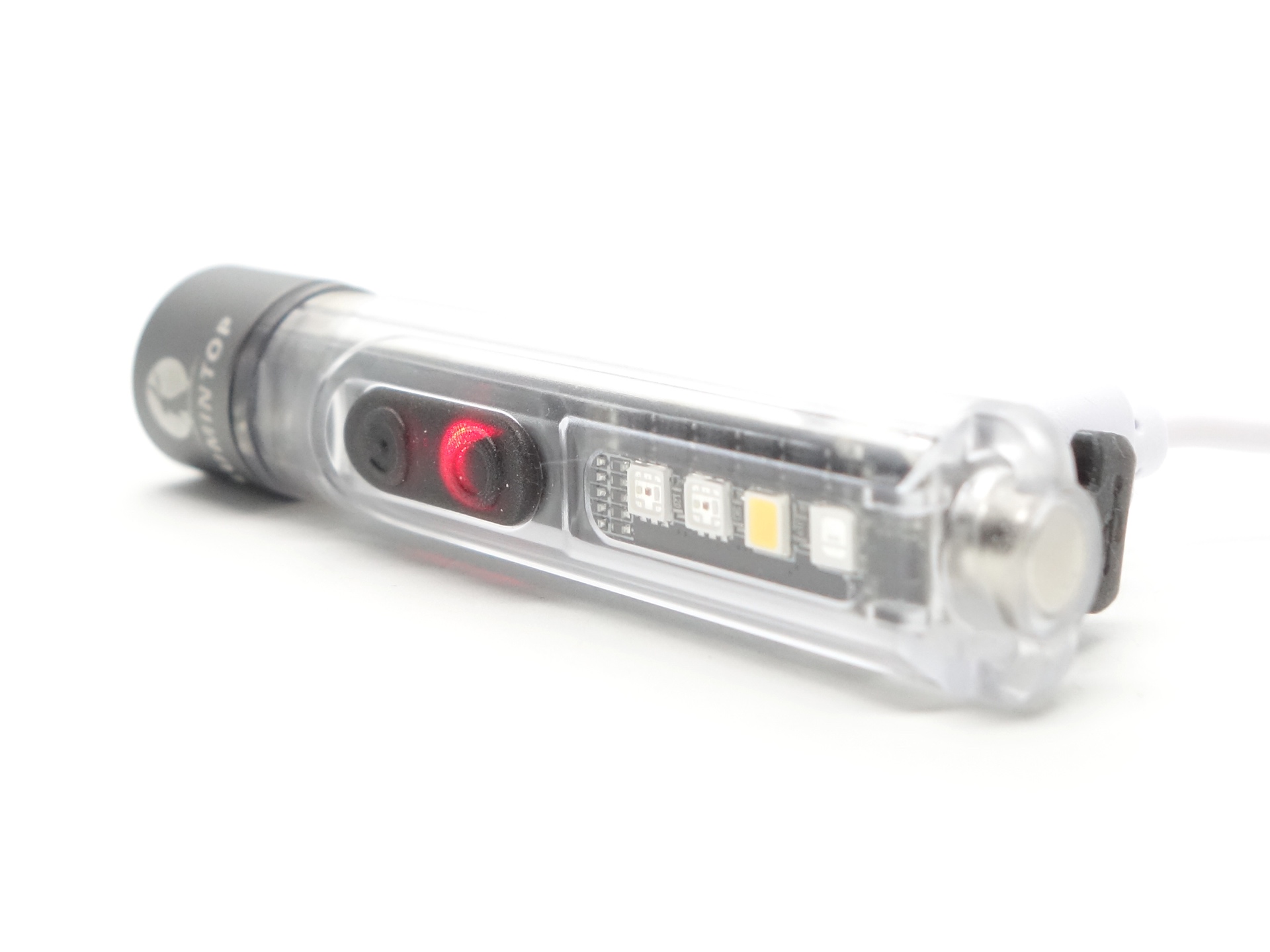
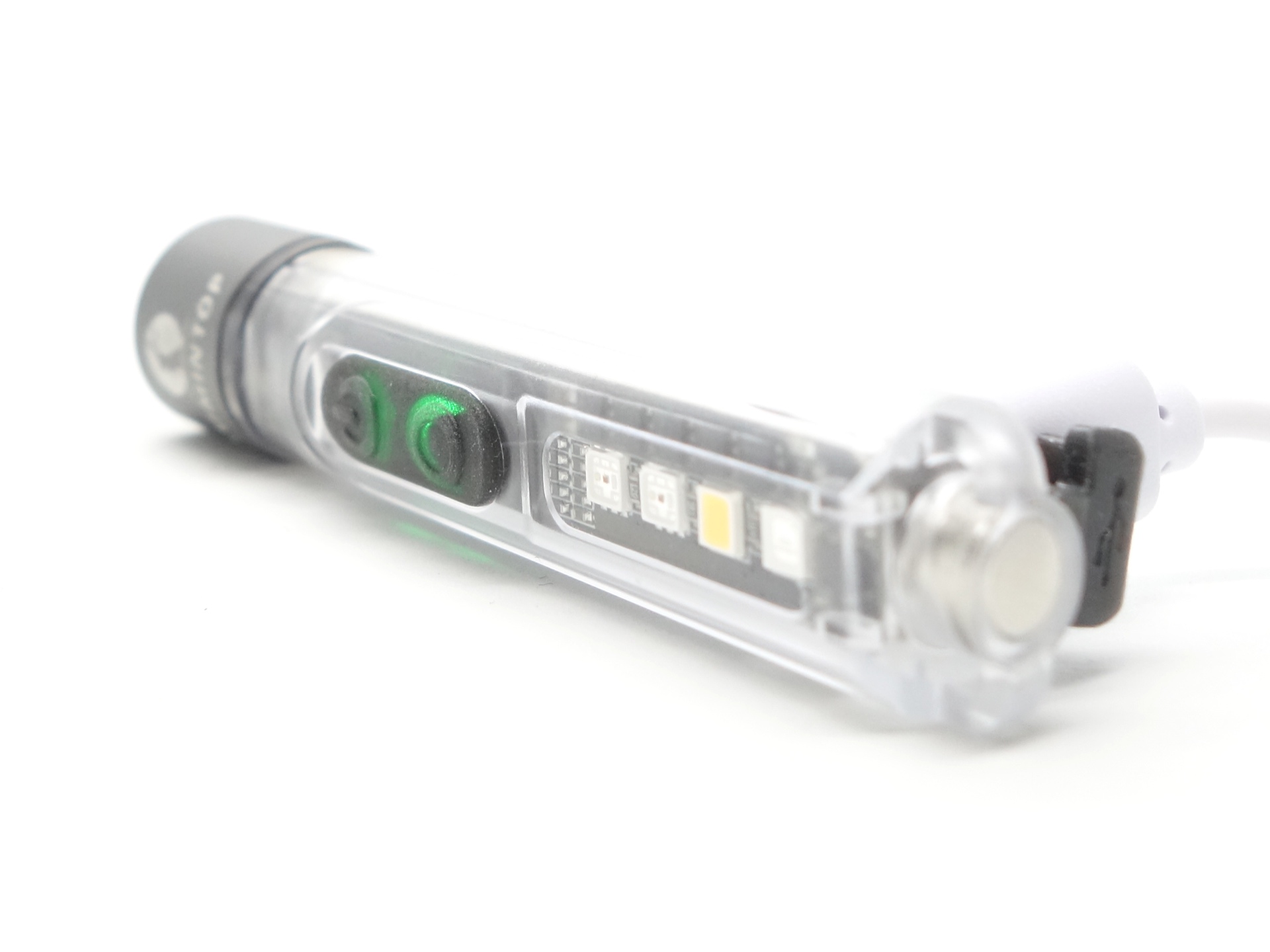
The charging status indicator between the two switches is red while charging and it becomes green when charging is complete.
Power supply compatibility#
I tried the following power supplies with the included 14500 cell:
| Power supply | USB Type | Protocol | Does it charge? |
|---|---|---|---|
| PinePower Desktop | USB-C | PD | Yes |
| PinePower Desktop | USB-A | QC | Yes |
| PinePower Desktop | USB-A | Yes |
USB-C to USB-C charging works.
Performance#
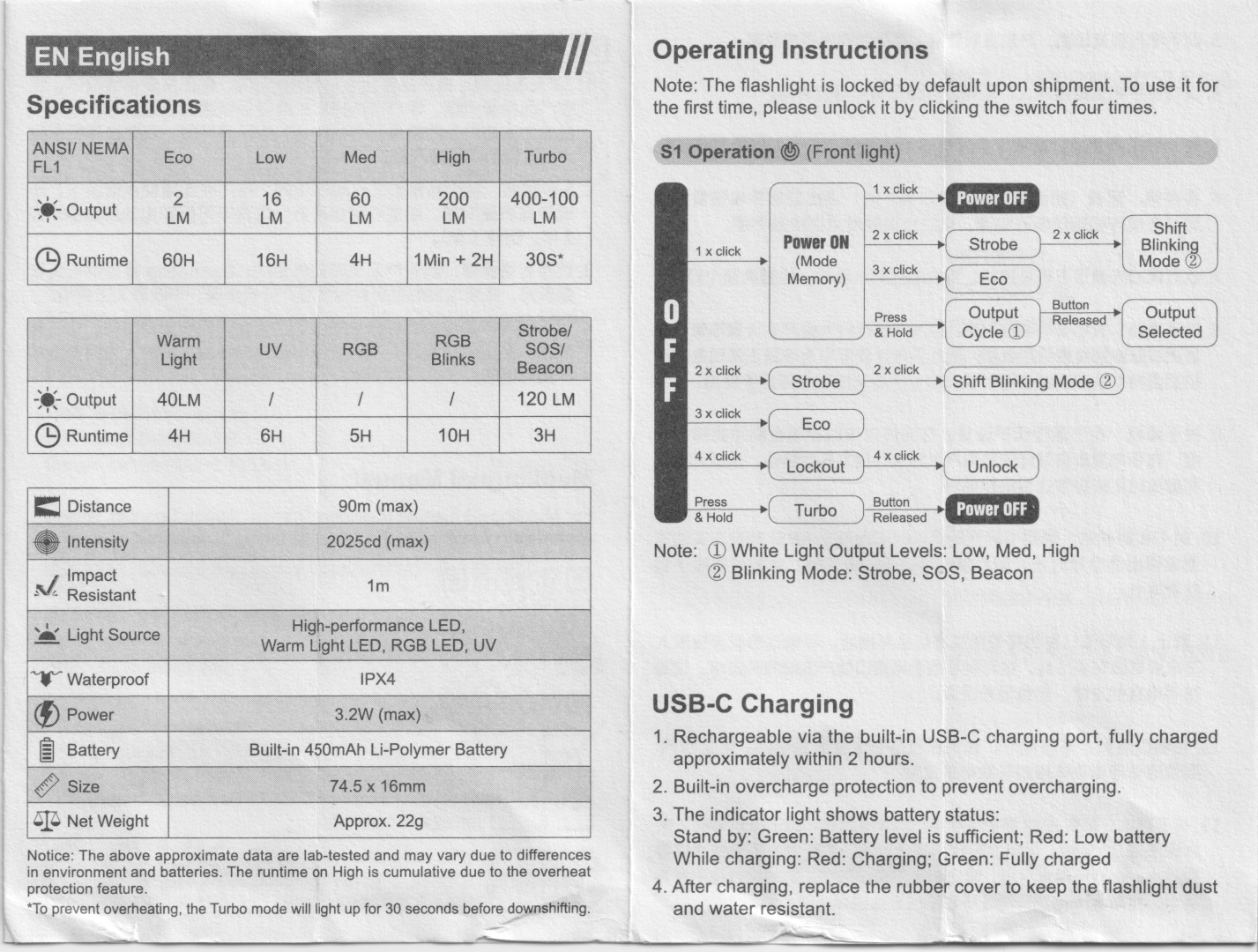
Specifications from the user manual:
6500K
| ANSI/NEMA FL1 | Eco | Low | Med | High | Turbo |
|---|---|---|---|---|---|
| Output (lumens) | 2 | 16 | 60 | 200 | 400 + 100 |
| Runtime | 60h | 16h | 4h | 1min + 2h | 30s* |
| Beam Distance (metres) | 90 | ||||
| Beam Intensity (cd) | 2,025 |
| Warm Light | UV | RGB | RGB Blinks | Strobe / SOS / Beacon | |
|---|---|---|---|---|---|
| Output (lumens) | 40 | 120 | |||
| Runtime | 4h | 6h | 5h | 10h | 3h |
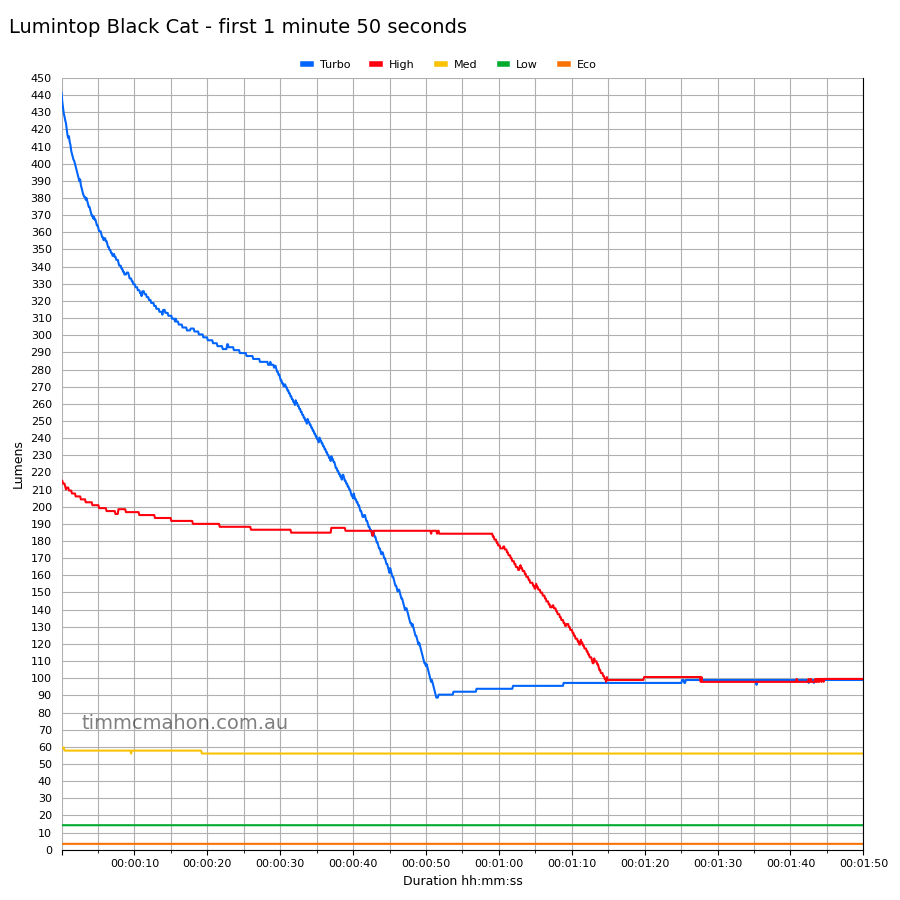
*To prevent oveheating, the Turbo mode will light up for 30 seconds before downshifting.
Lumen measurements#
| Mode | Specs | Lumens @turn on | Lumens @30 sec | Lumens @10 min |
|---|---|---|---|---|
| Eco | 2 | 3 | 3 | 3 |
| Low | 16 | 14 | 14 | 14 |
| Med | 60 | 59 | 56 | 55 |
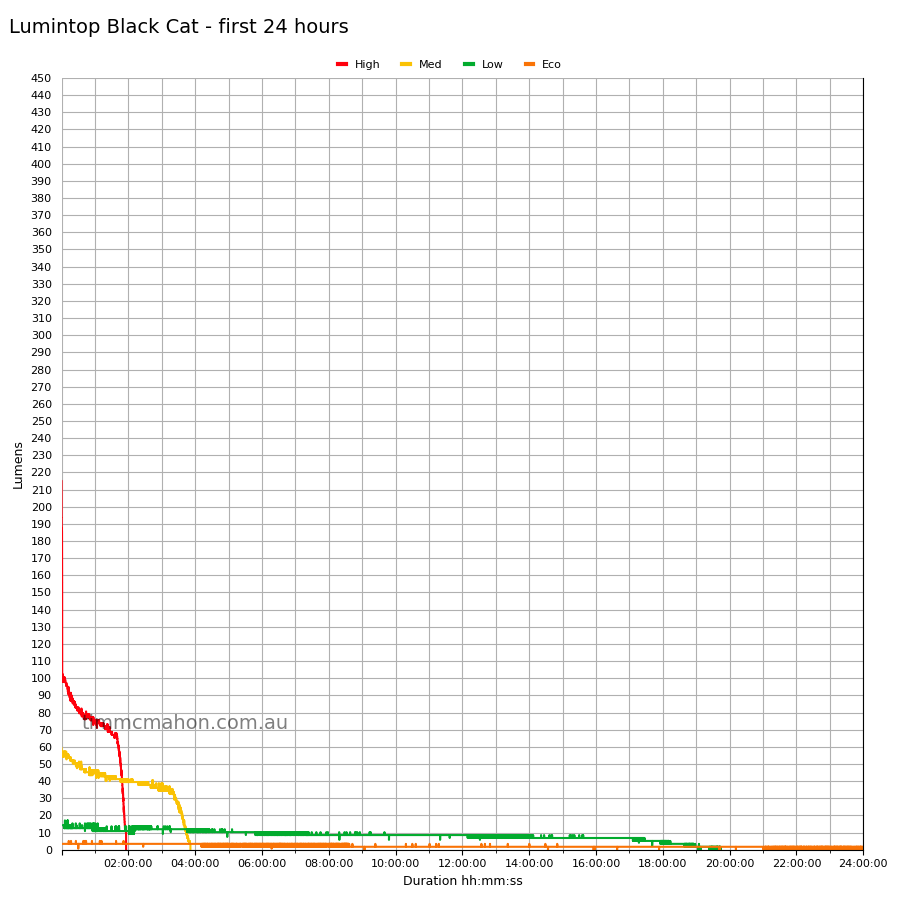
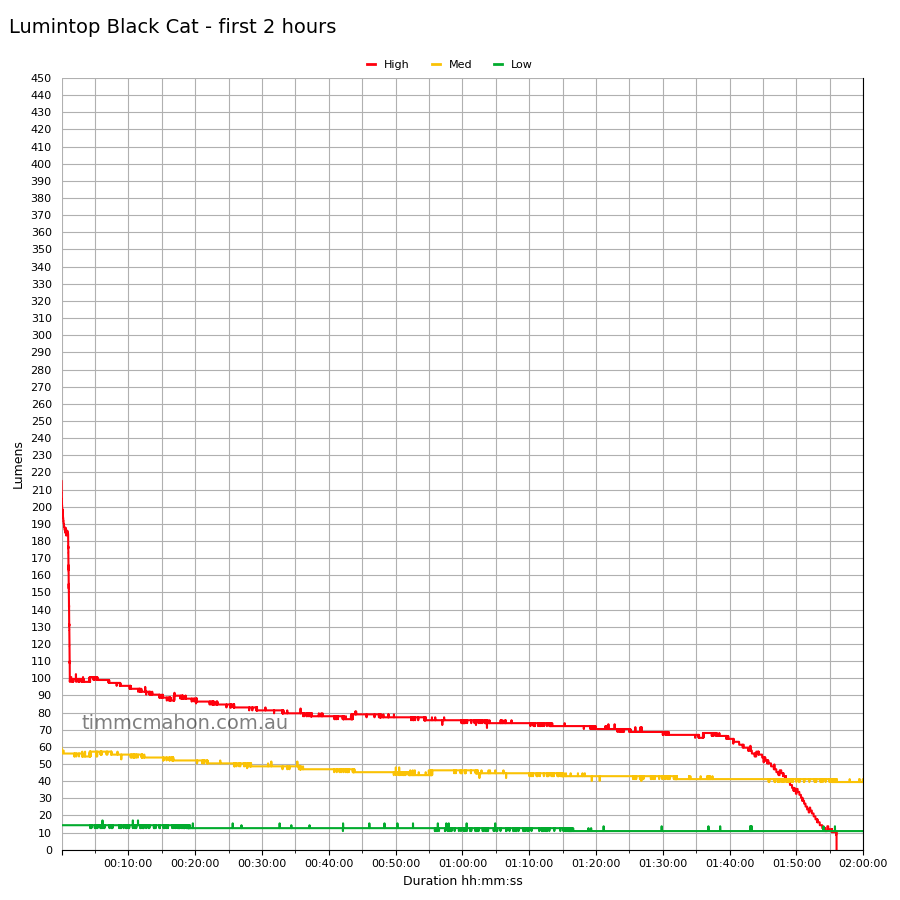
| High | 200 | 215 | 186 | 95 |
| Turbo | 400 + 100 | 441 | 274 |
Note: Lumen measurements may be off by 10% with my DIY lumen tube.
Runtime graphs#
I used my own DIY lumen tube with a TSL2591 sensor and forked bmengineer’s project RuTiTe to record runtimes.
The room temperature was approximately 17 C.
Runtime#
Here is a summary of the runtime results:
| Mode | User manual | Runtime | Turn off |
|---|---|---|---|
| Turbo | 30s | 2min+ | 2min+ |
| High | 1min + 2h | 1h 52min 51s | 1h 56min 1s |
| Med | 4h | 3h 50min 2s | 3h 51min 30s |
| Low | 16h | 19h 23min 53s | 19h 43min 16s |
| Eco | 60h | 24h+ | 24h+ |
“Runtime” is the time until the output reduces to 10% of the output at 30 seconds (as per the ANSI/PLATO FL1 2019 Standard).
“Turn off” is the time until my DIY lumen tube no longer detects more than one lumen.
“+” indicates that the light remained on after recording had stopped.
The driver appears to be direct drive for the Front Light. The output drops gradually as the voltage drops.
The runtime results are pretty close to what Lumintop claimed.
Throw#
I took lux measurements with a UNI-T UT383BT at 30 seconds. Turbo mode was measured at five metres.
| Mode | Specs (cd) | Specs (m) | Candela measured (cd) | Distance (m) |
|---|---|---|---|---|
| Turbo | 2,025 | 90 | 1,600 | 80 |
The beam distance fell slightly short.
Beamshots#
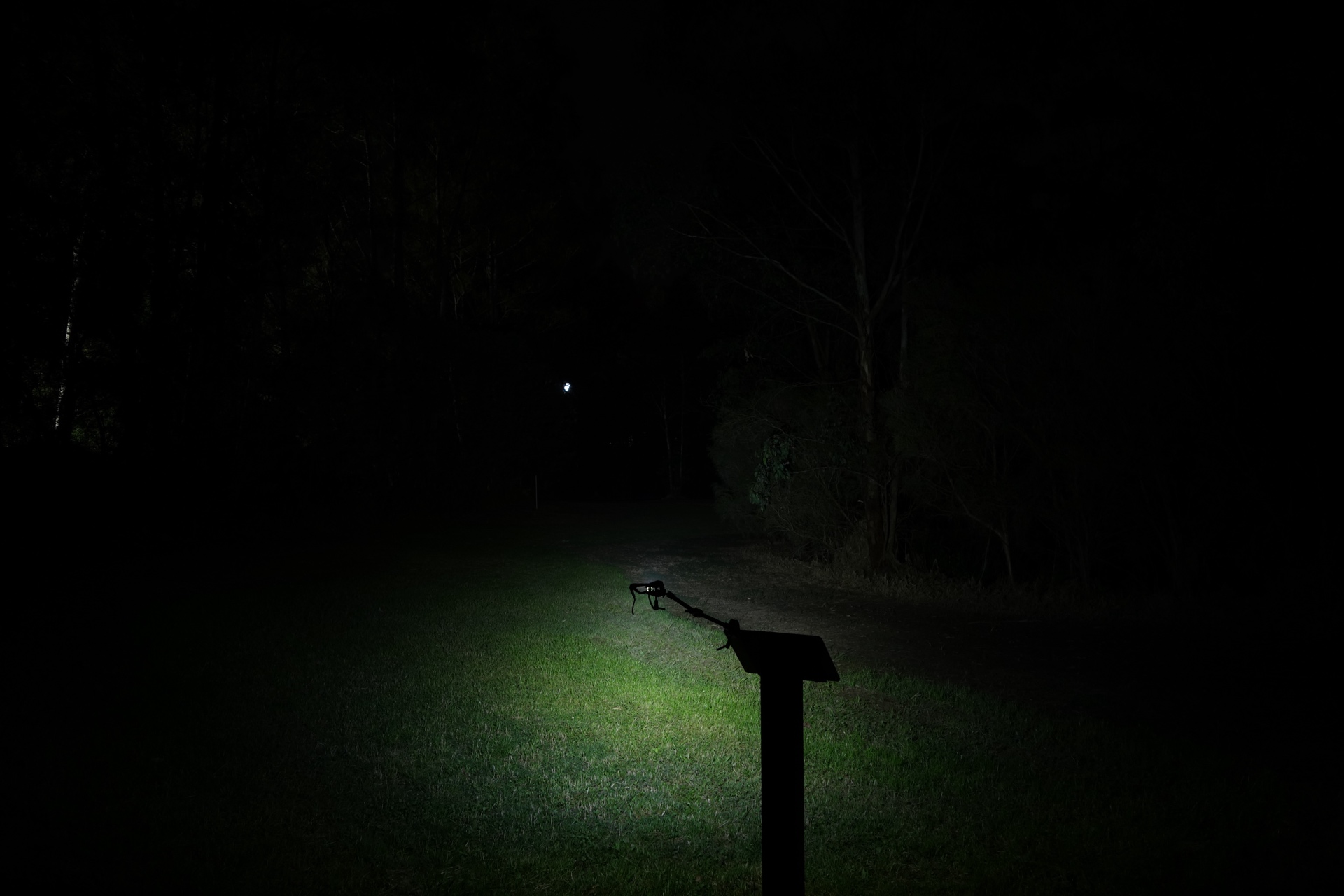
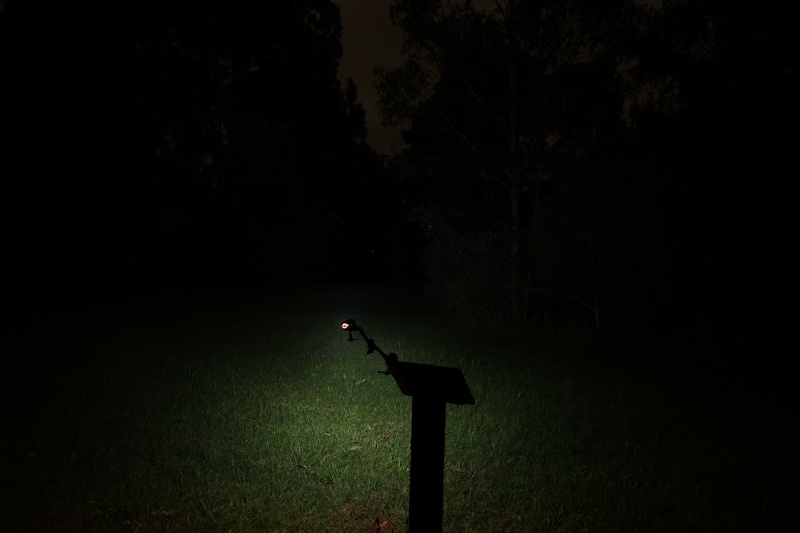
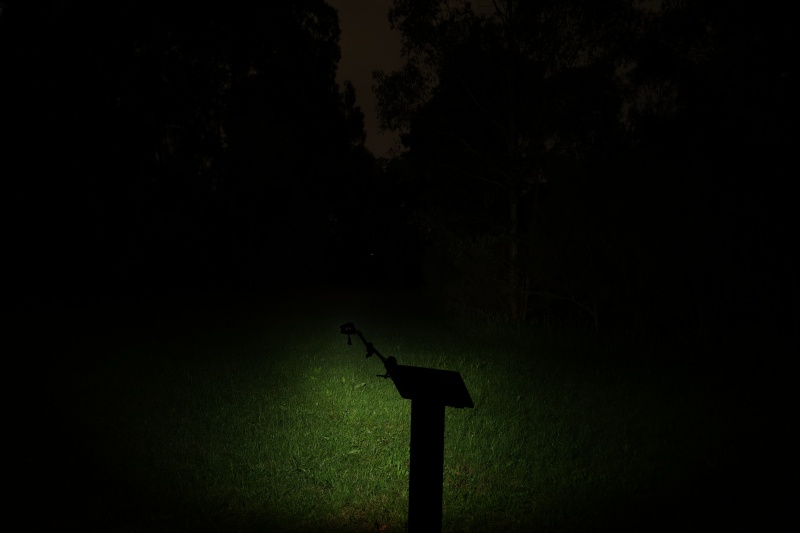
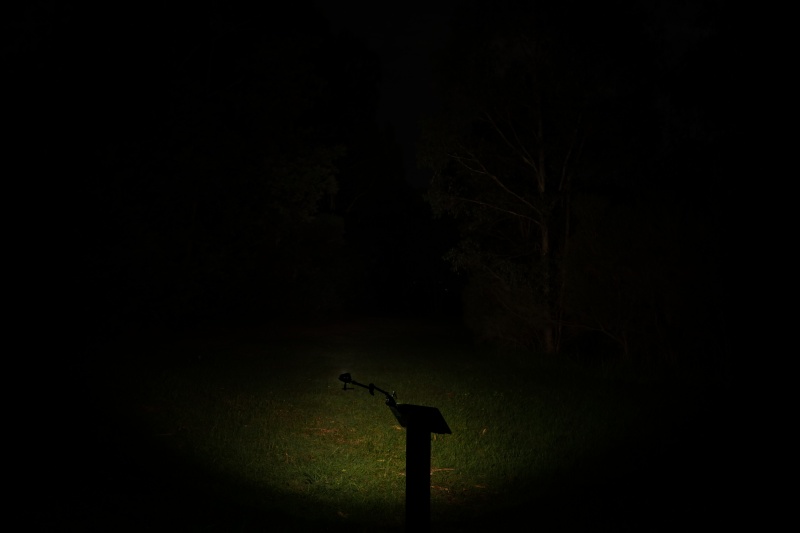
I went to a local park and aimed the torch at a tree 70 metres away while using Turbo.
Beamshots were taken using a Sony RX100M2 using 3.2", f3.2, ISO 100, 5000K WB.
Lumintop Black Cat (Turbo)#
RovyVon A8 (High)#
Olight i1R 2 Pro (High)#
ReyLight Pineapple Mini Green (100%)#
Conclusion#
The Lumintop Black Cat keychain light is pretty good value!
The user interface for the front light is simple. I like how you can access momentary Low while the torch is locked out by pressing and holding the first switch.
The Cool White front light does a good job for a keychain light. If you prefer high CRI and a smooth beam then this might not be for you.
The Warm White light produces a lovely warm beam. And the UV light is simple enough to access.
The RGB lights are bit complex to control.
It would be cool if Lumintop used CNC’d metal buttons instead of some kind of silicone cover. An aluminium USB-C cover could be nice too.
Overall, this would make a good gift and serve you well for a year or so until heavy use eventually wears the switch covers and the USB-C cover down. Lights tend to get scratched and knocked around when attached to a keyring. That is partly why I carry this type of polycarbonate light instead of one with a stainless steel or an aluminium housing. Another key factor is whether the light accidentally turns on in my pocket and burns a hole.
Pros:#
- Good build quality.
- Good lumen output.
- Good runtimes.
- Warm White Side Light has a CRI of 79 and it produces a lovely 3000K beam.
- Simple user interface for the Front Light.
- Built-in USB-C charging.
- Reversible pocket clip.
- Magnet in the tail.
- Two keyring holes and a keyring attachment.
- Battery and charging status indicator.
Cons:#
- Complex user interface for the Side Lights.
- Beam distance fell slightly short.
- Front Light has a CRI of 69.
Price#
The Lumintop Black Cat is about AU$27.09 after GST and shipping to Australia from Banggood.
It might be on sale during Black Friday and cheaper when using a promo code.
I have been using a RovyVon A8 for a while but it is two or three times the price.
Product page#
Promo code: BGCMP1365
Lumintop Black Cat at banggood.com
I may earn a commission if you use an affiliate link or a promo code. This will help fund future torch reviews and tutorials.