LOOP SK05 Pro EDC Torch Review
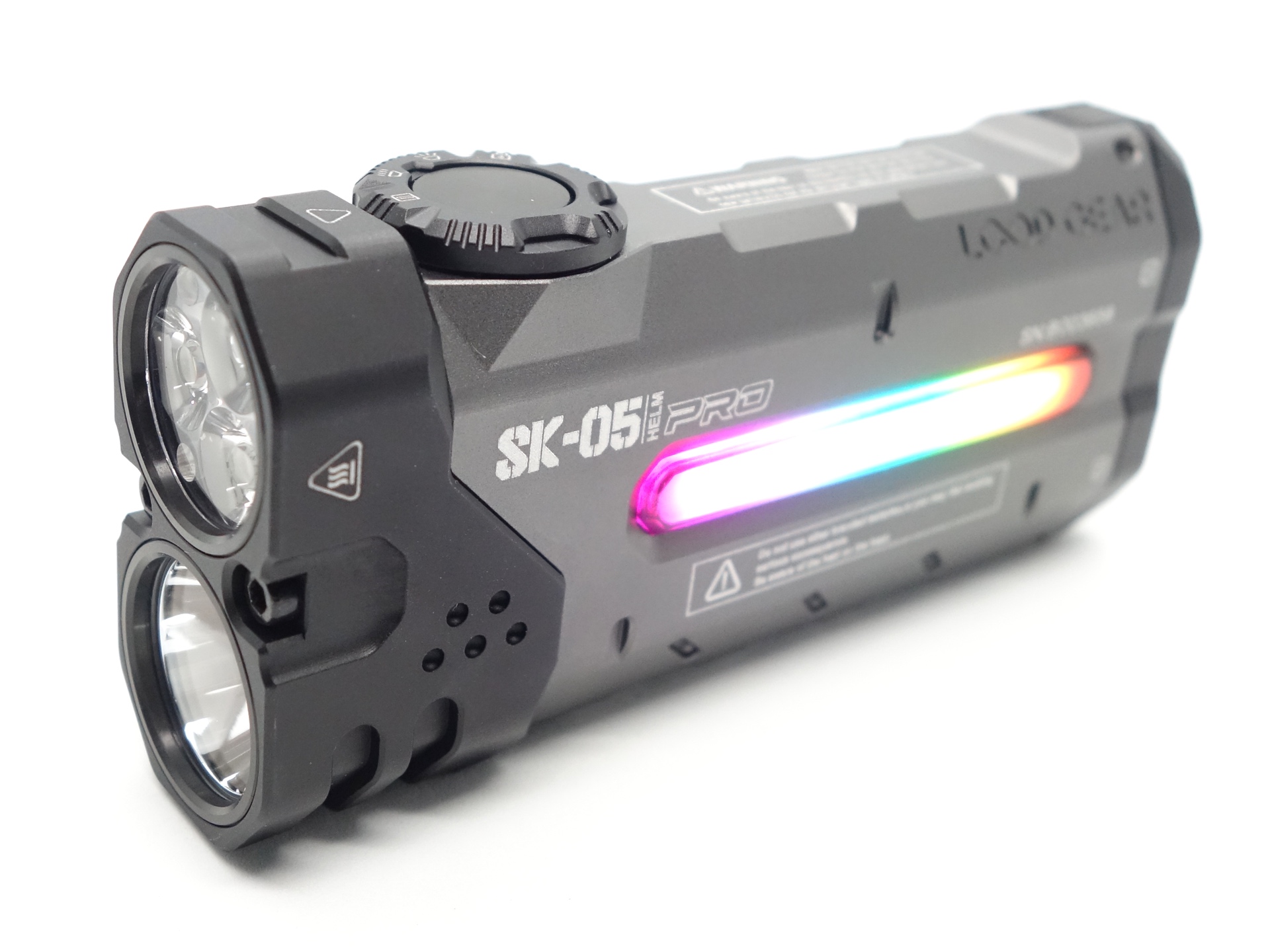
LOOP SK05 Pro#
- Specifications
- Introduction
- Torch in use
- Build quality
- LED, bezel, lens, reflector and beam
- Size and comparison
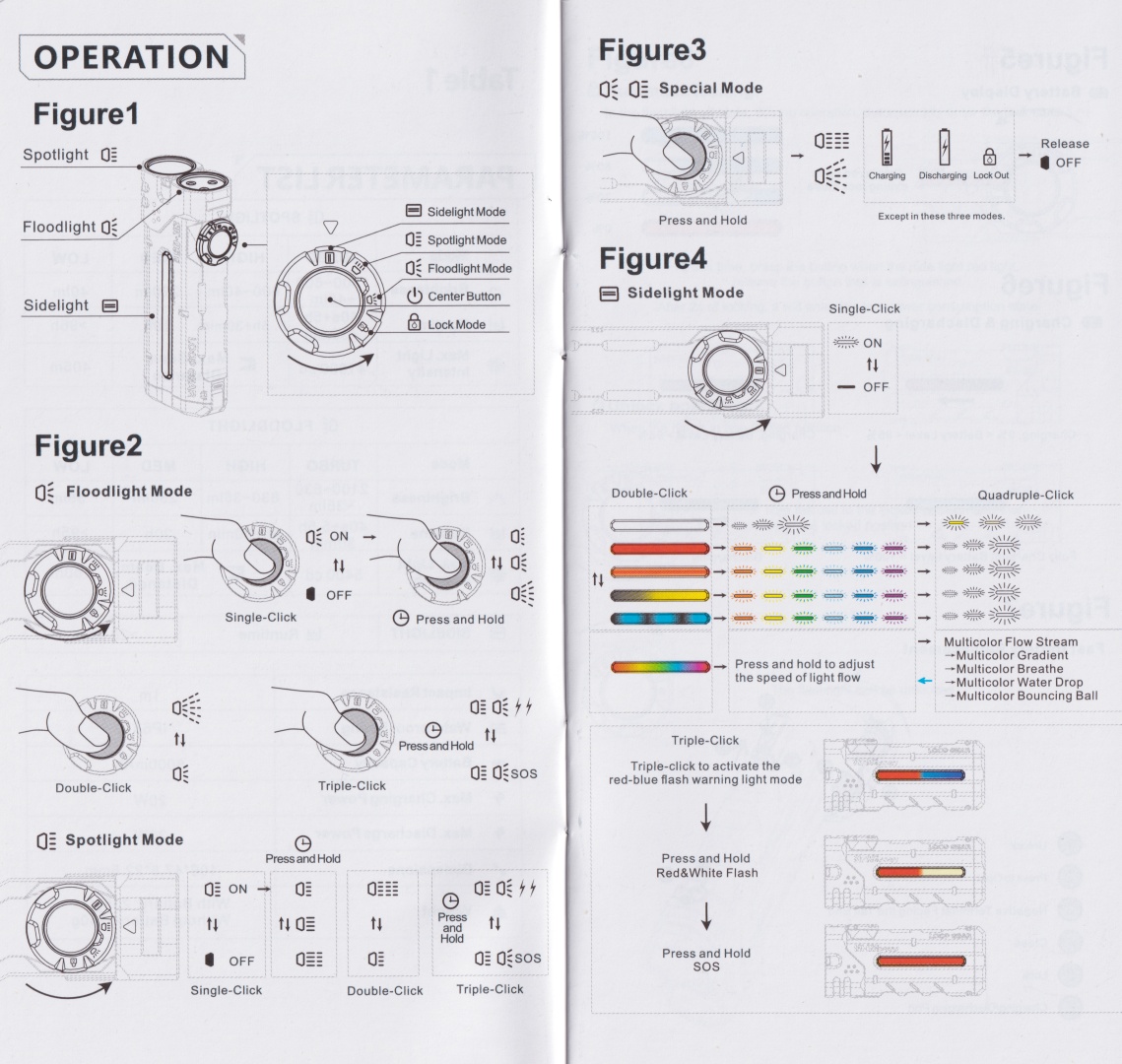
- User interface
- Batteries and charging
- Powerbank
- Performance
- Beamshots
- Conclusion
- Price
- Product page
Specifications#
| Brand/model | LOOP SK05 Pro |
|---|---|
| LED | Spotlight (Luminus SFT25R), Floodlight (3*Nichia 519A 5700K), RGB Sidelight |
| Maximum lumens | 2,100 lm |
| Maximum beam intensity | 41,000 cd |
| Maximum throw | 405 m |
| Battery | 2*18650 3.7V Li-ion |
| Onboard charging | Yes (USB-C) |
| Powerbank | Yes (USB-C) |
| Material | Aluminium |
| Modes | Spotlight (4), Floodlight (4) |
| Blinkies | Strobe, SOS |
| Reflector | Smooth (Spotlight), TIR (Floodlight) |
| Waterproof | IP68 |
| Review date | September 2025 |
Introduction#
The LOOP SK05 Pro is an EDC torch with a spotlight, a floodlight and a sidelight. The batteries can be recharged or replaced. And it has built-in USB-C fast charging with a powerbank feature.
This is the High CRI version of the LOOP SK05 Pro. There is a High Performance version with a Cool White floodlight.
This review is very similar to my review of the LOOP SK05 Pro MAO but there are a few differences.
The High CRI Nichia emitters instantly spark joy when I turn the floodlight on in Turbo mode! It has such a nice tint.
I have reviewed the following torches by LOOP GEAR:
Here is a video review of the LOOP SK05 Pro MAO where I compared it with this LOOP SK05 Pro:
LOOP GEAR kindly sent this torch for review. I have not been paid for this review nor have I held back my opinions of this torch.
Packaging#
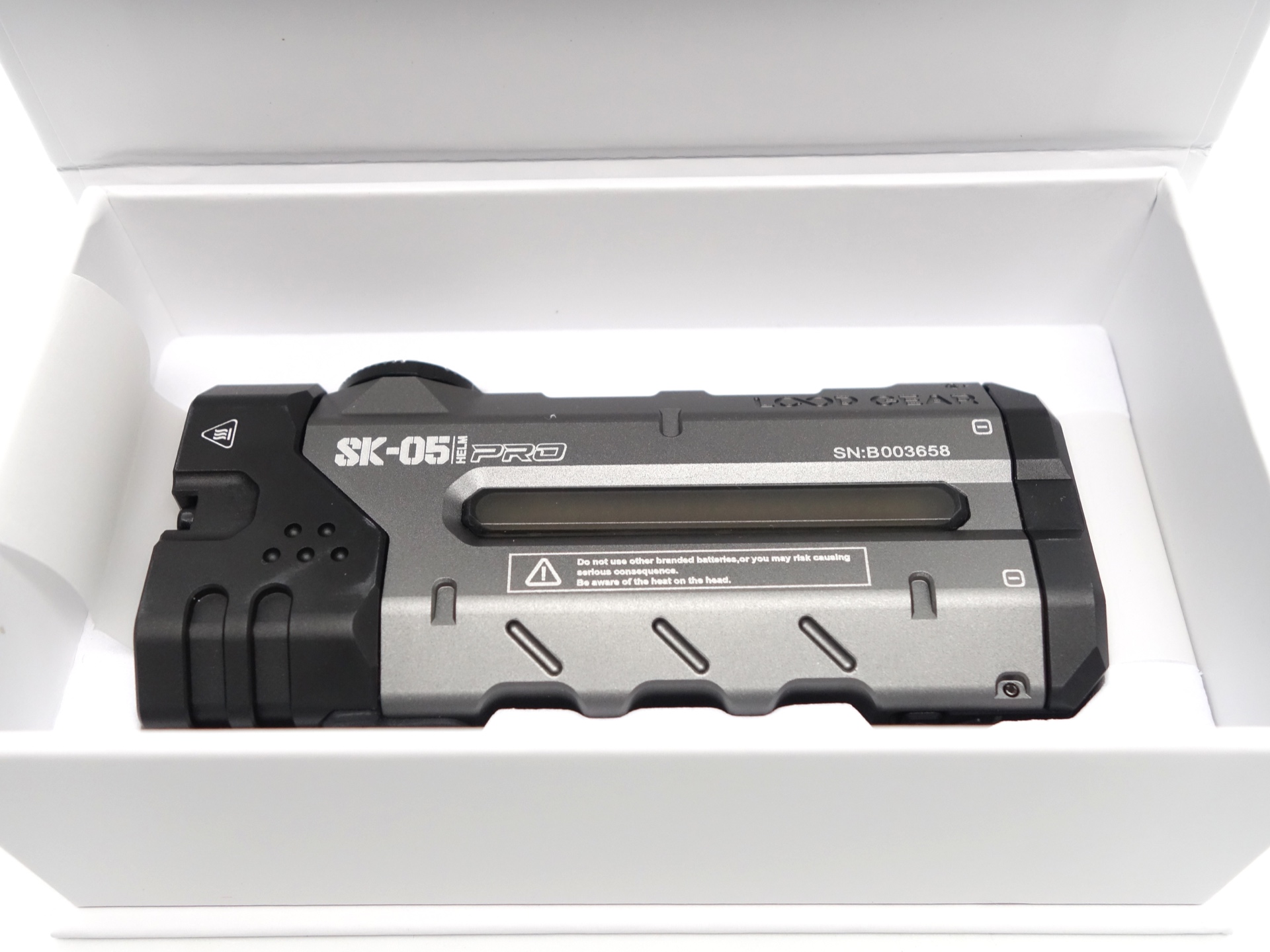
The LOOP SK05 Pro comes inside a white box with LOOP branding.
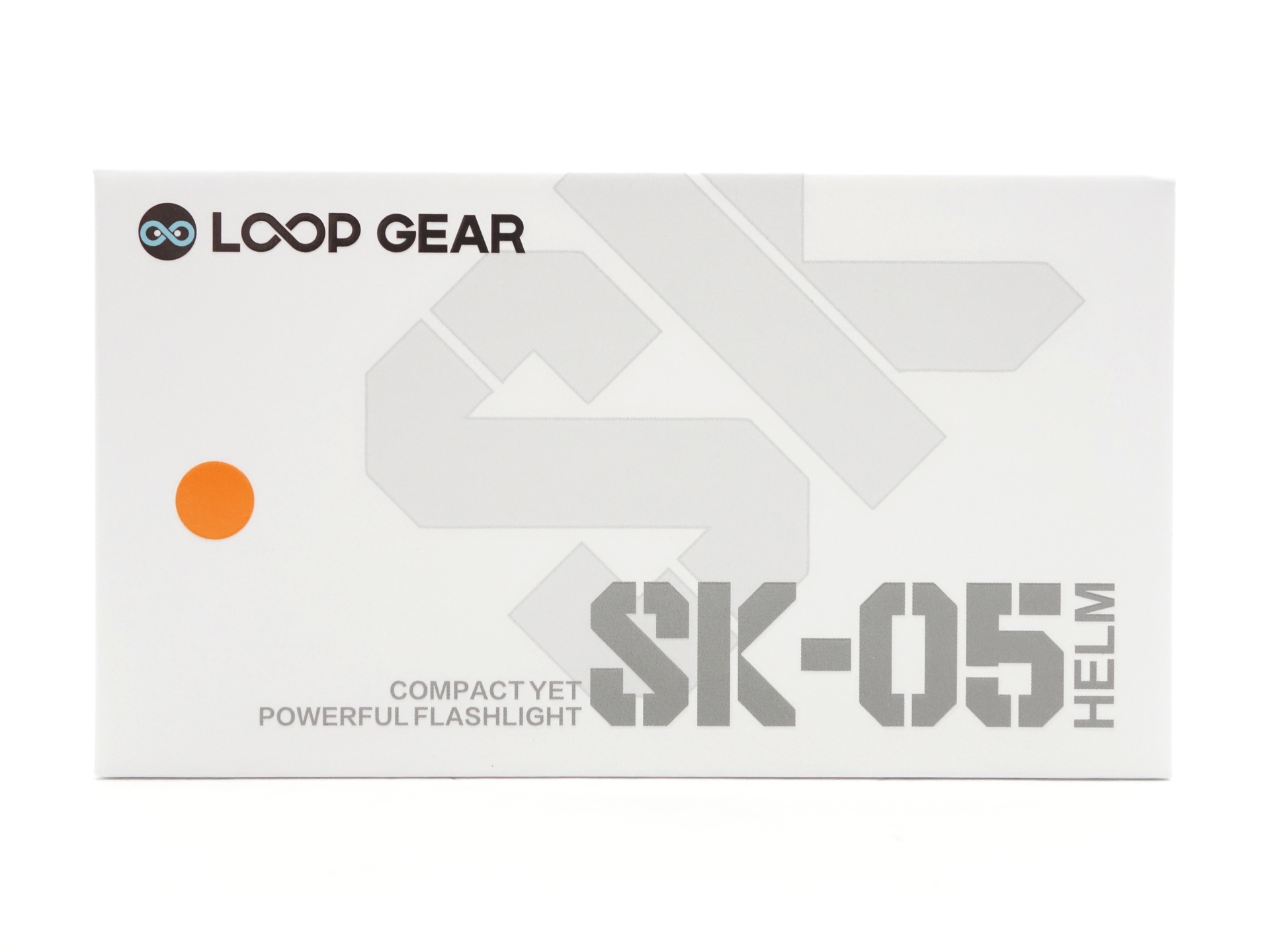
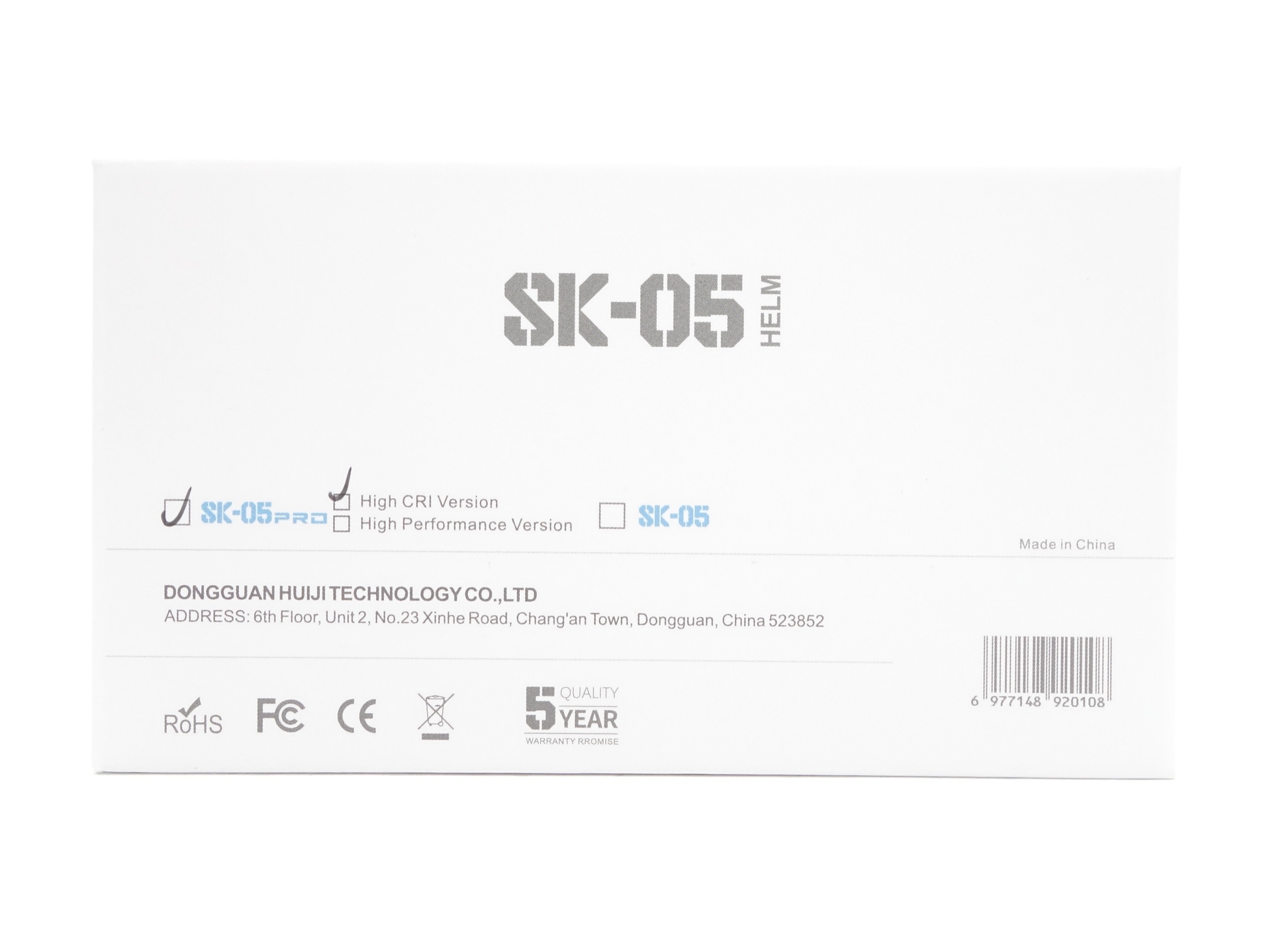
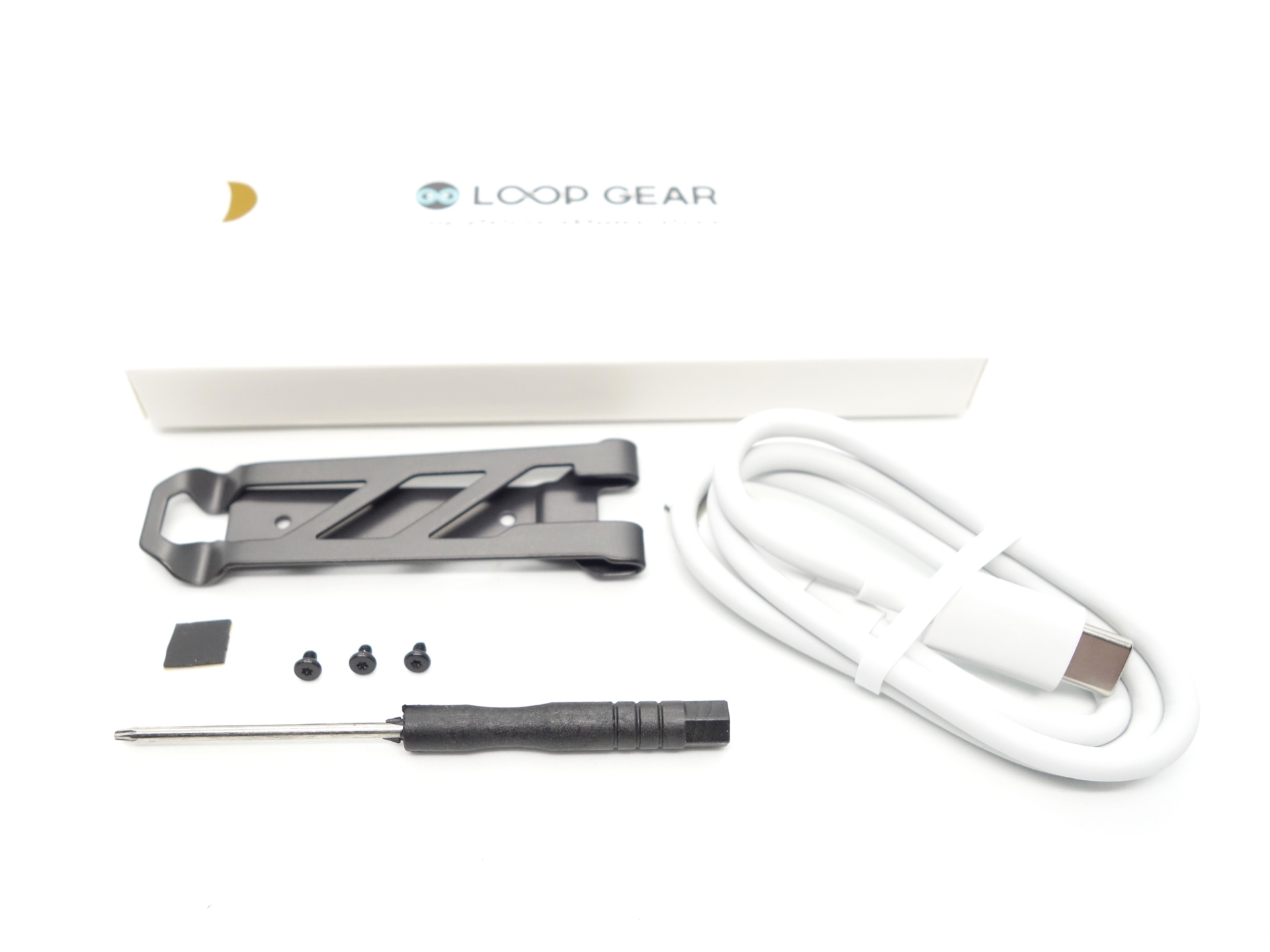
The following is included in the box:
- LOOP SK05 Pro.
- 2*LOOP 18650 3.6V Li-ion 4000mAh cells.
- USB-C to USB-C charging cable.
- Pocket clip with screws and a screwdriver.
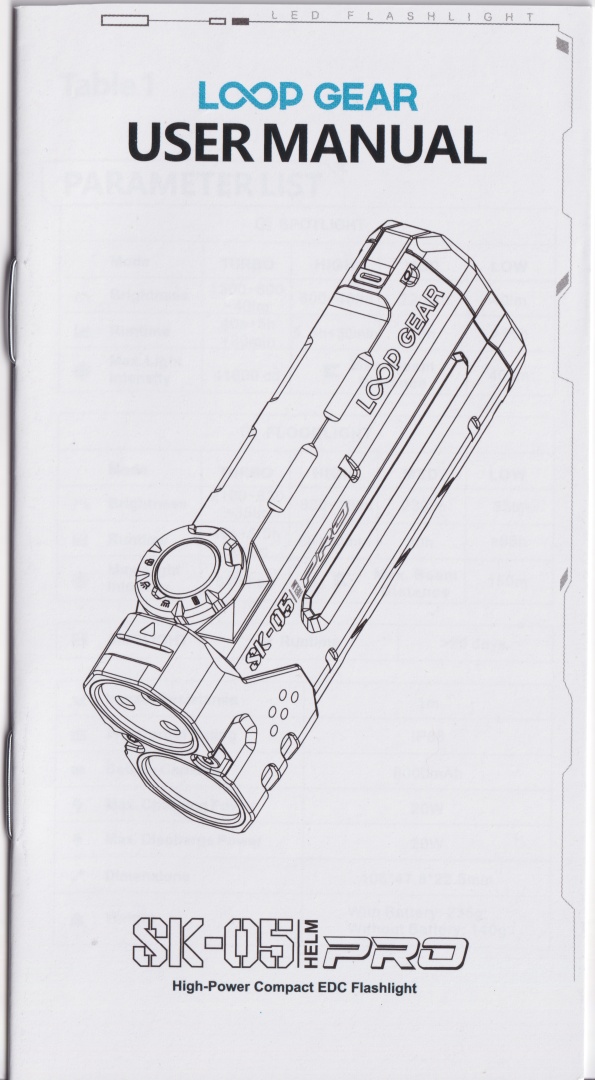
- User manual.
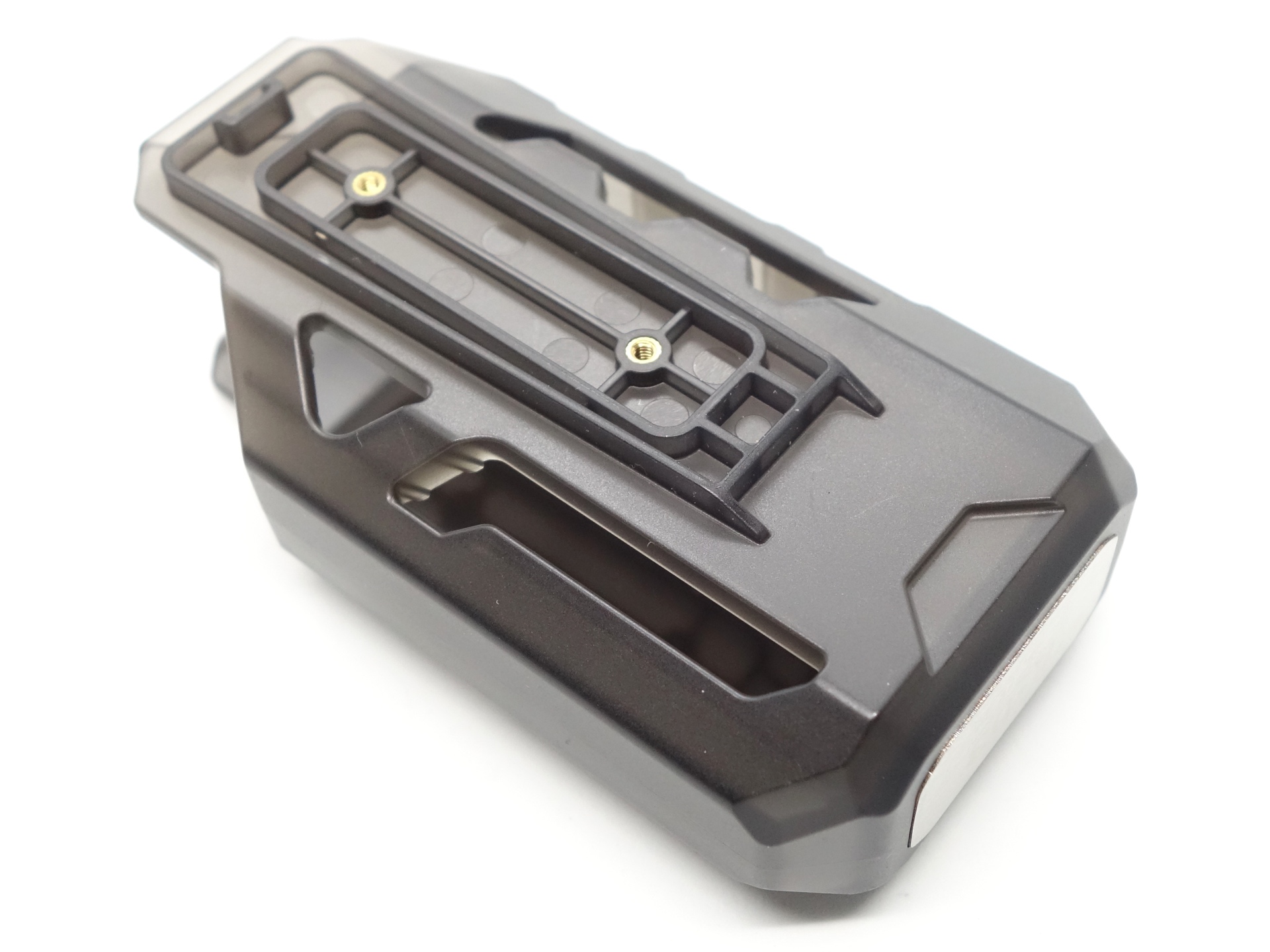
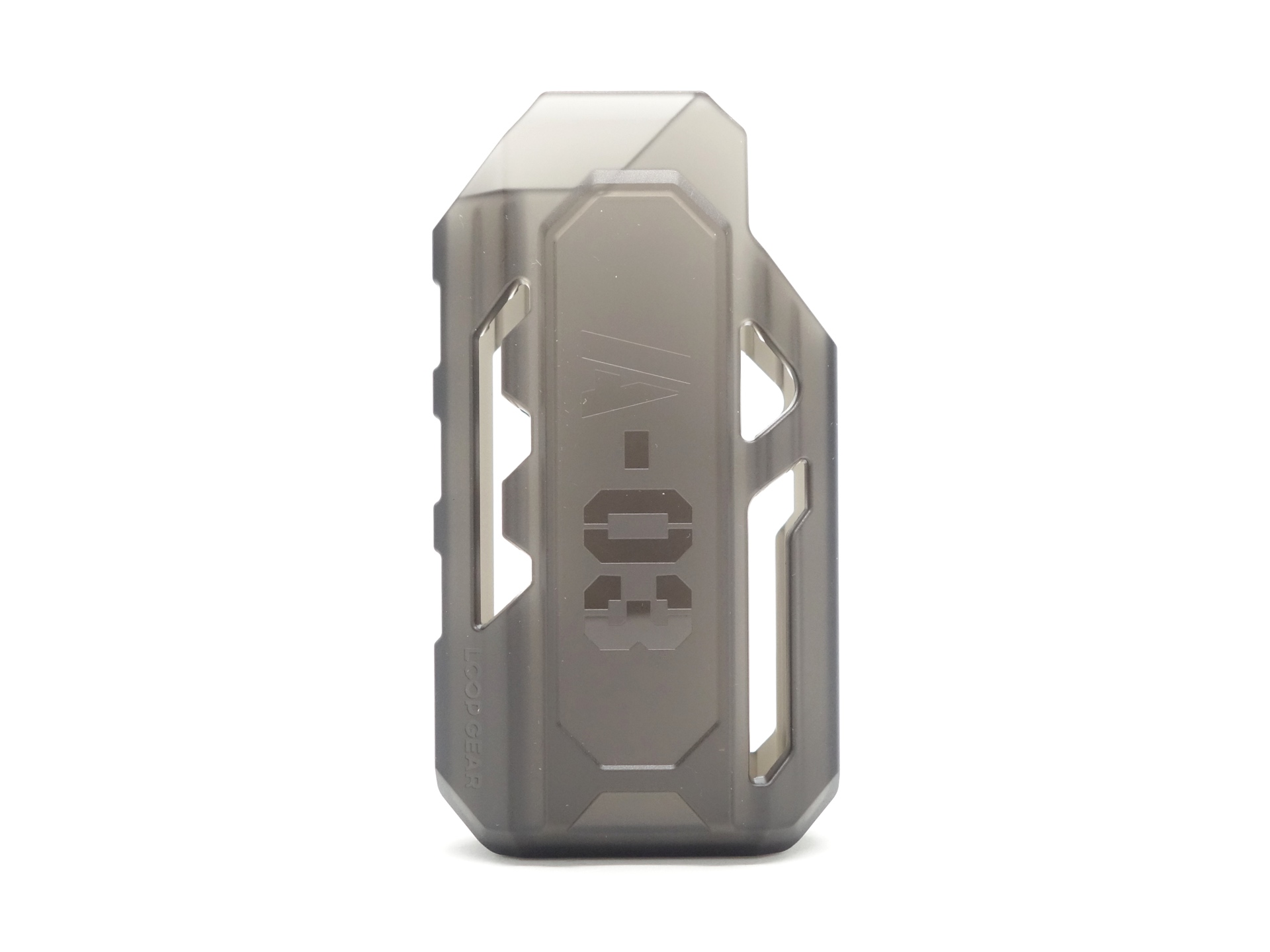
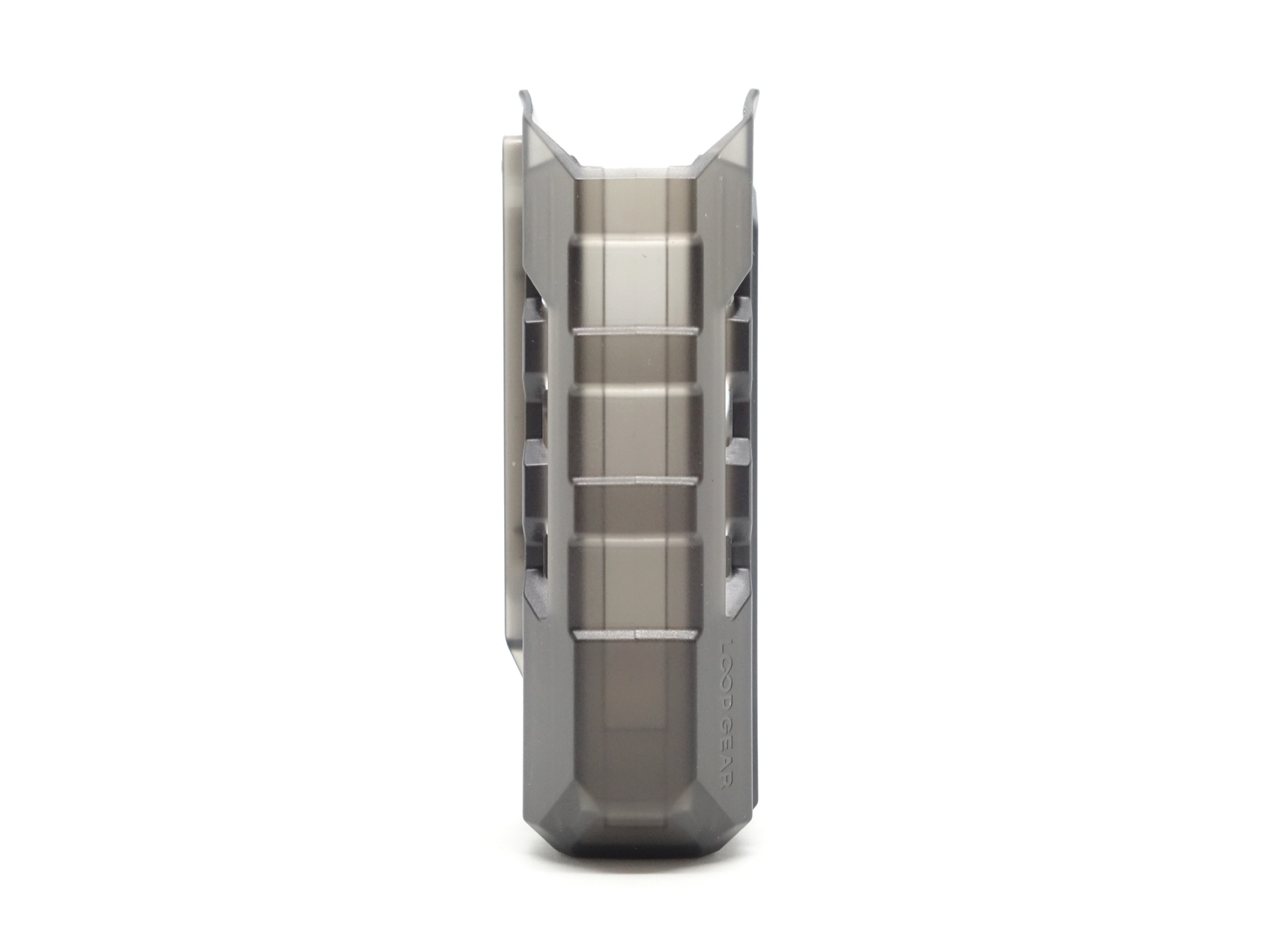
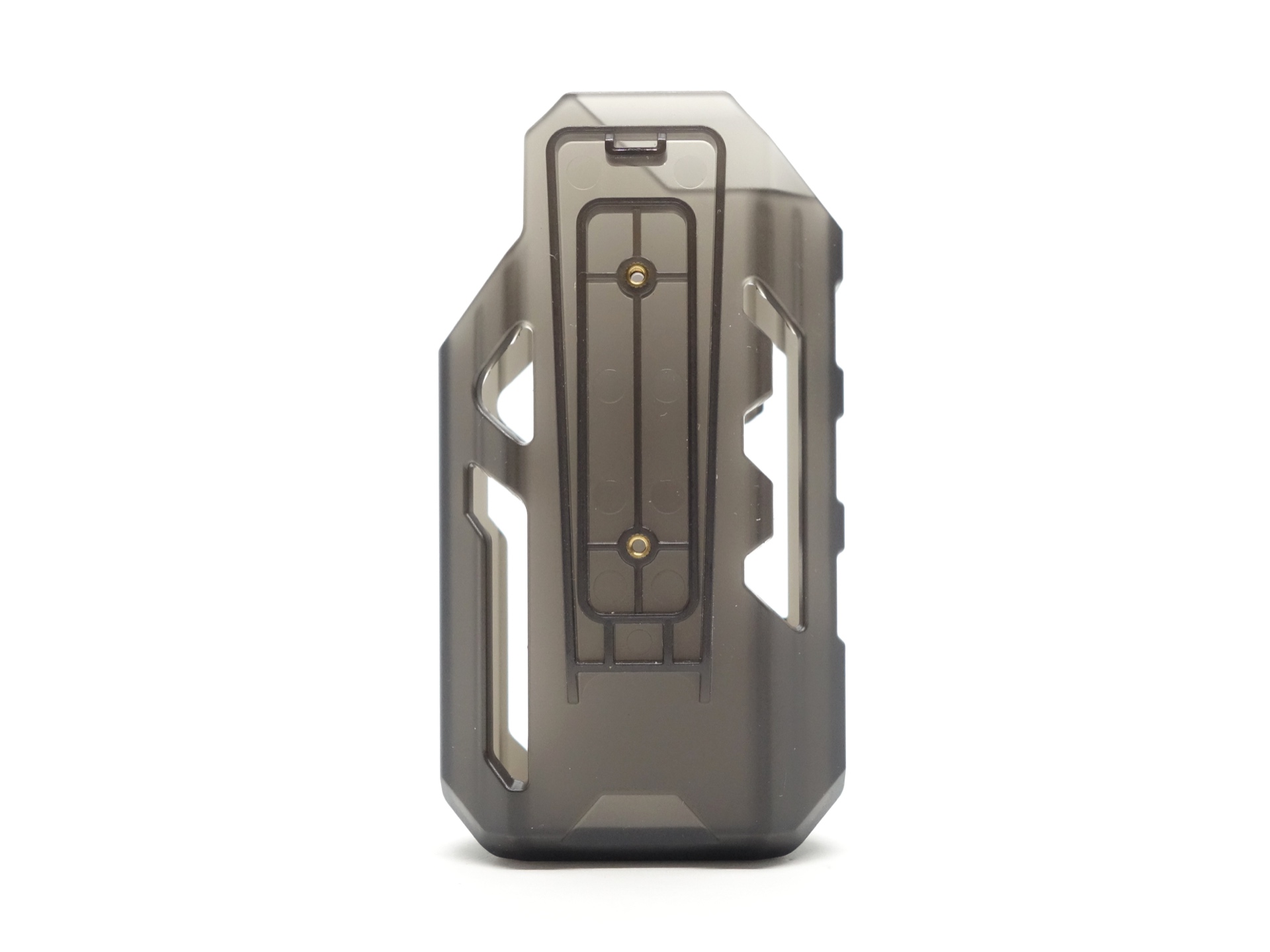
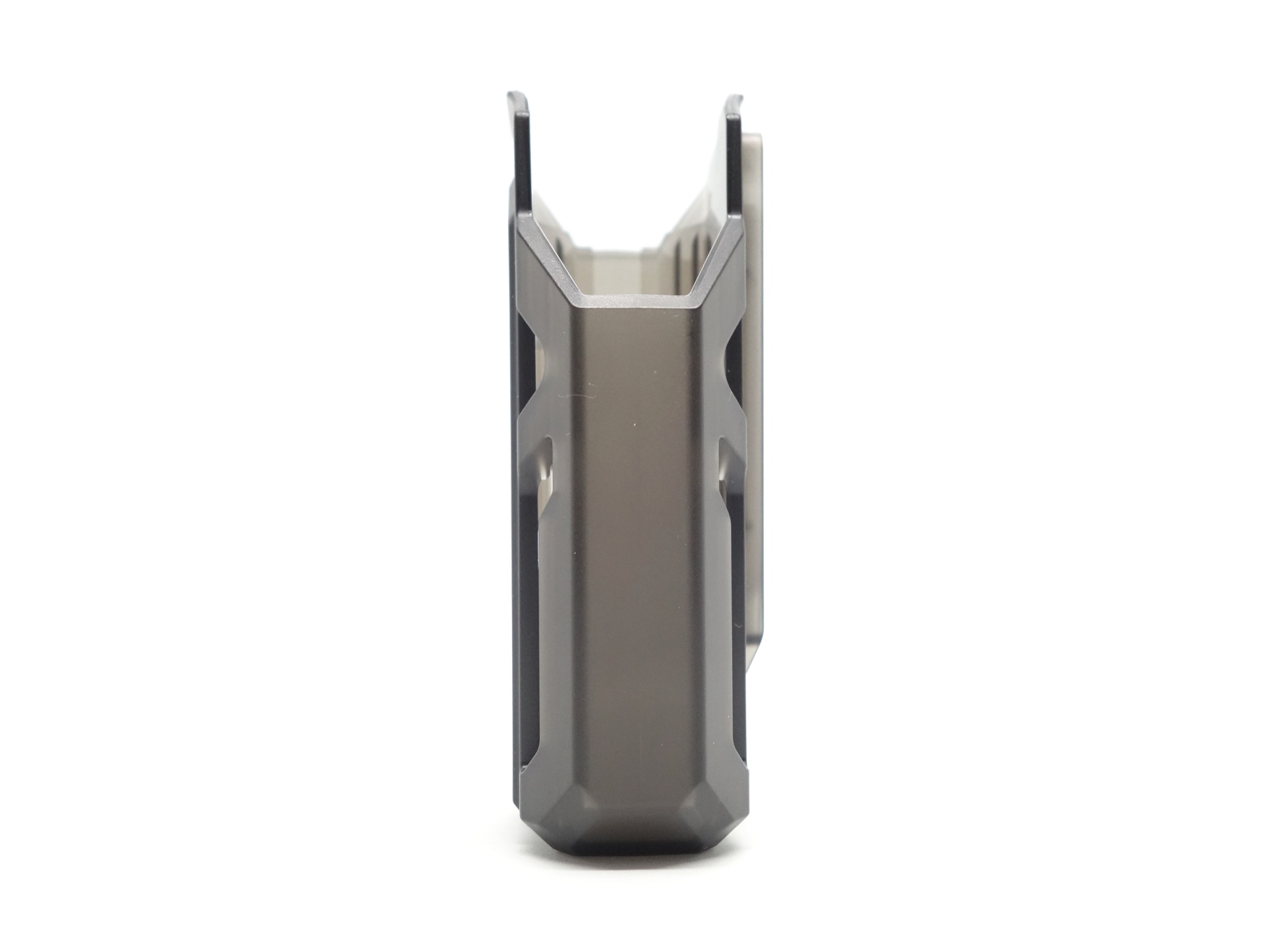
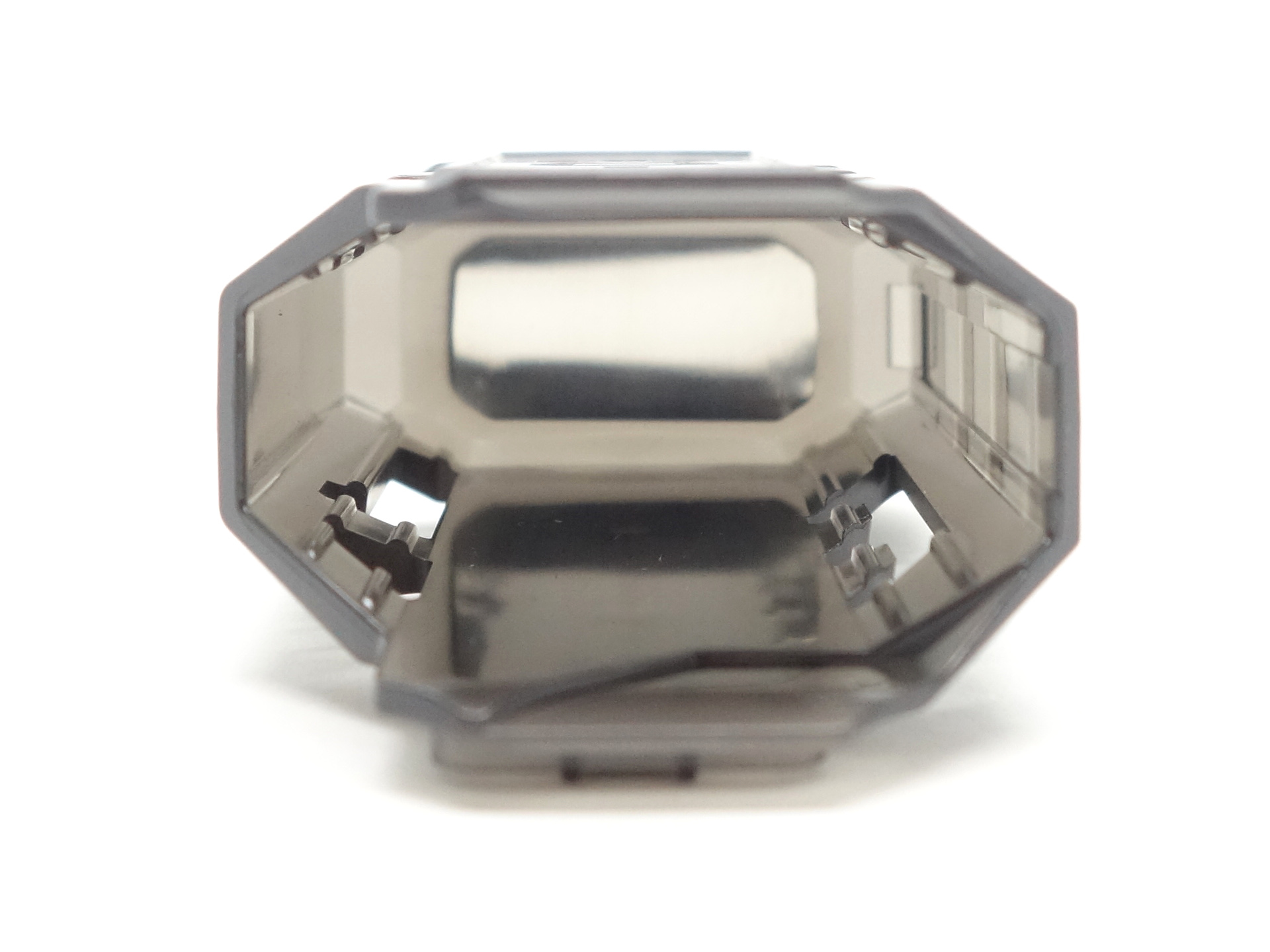
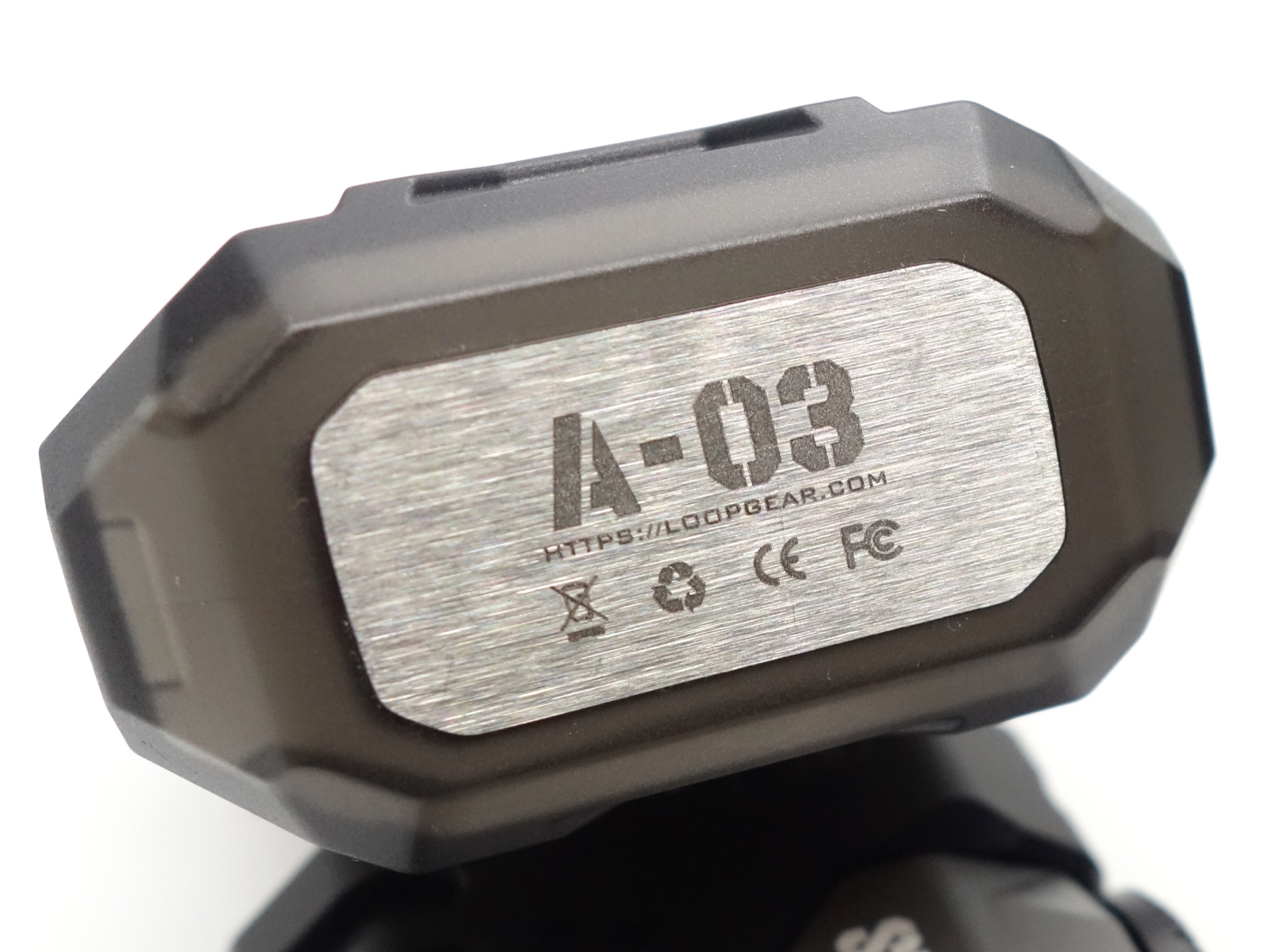
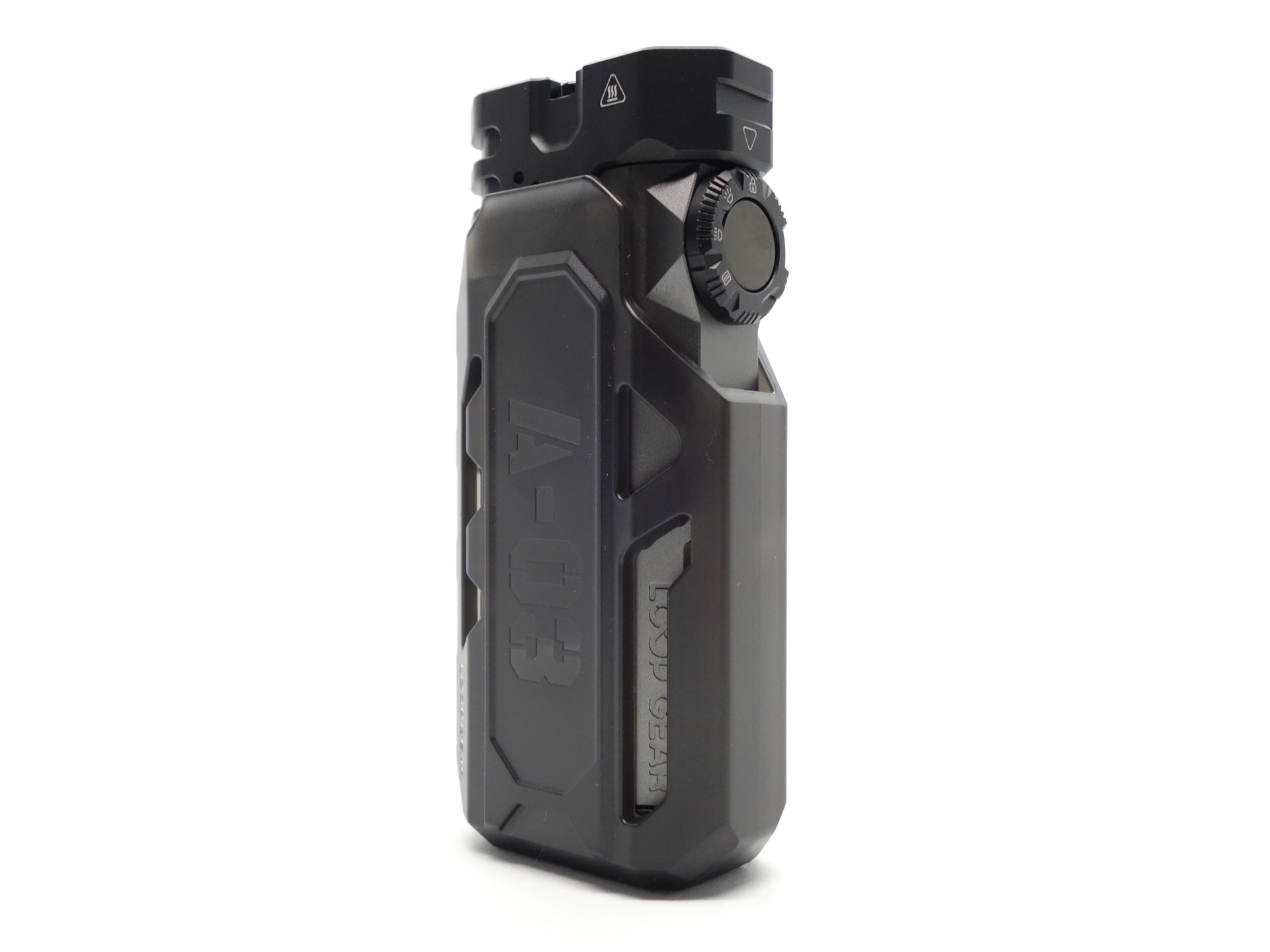
LOOP A03 Holster#
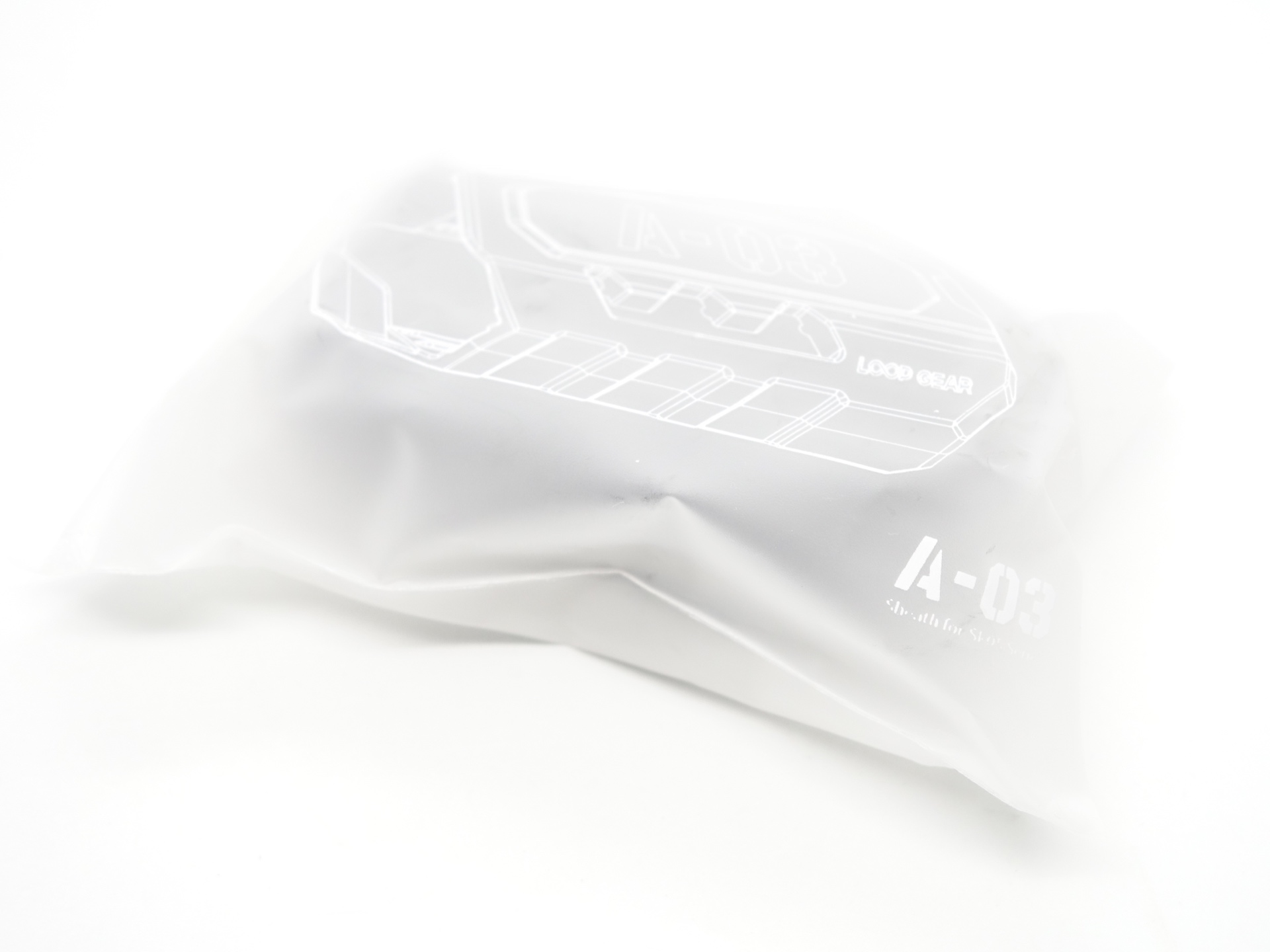
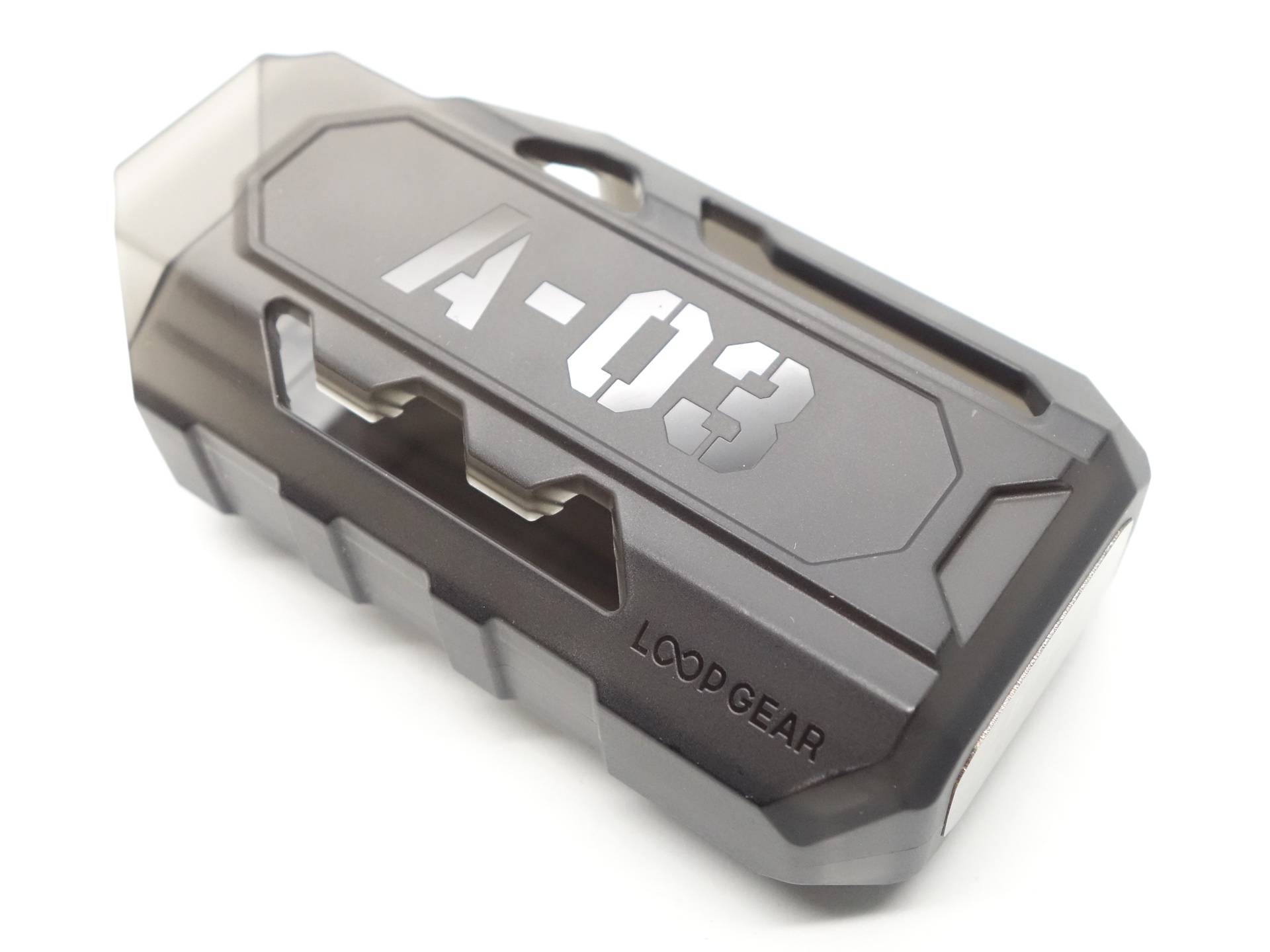
An optional LOOP A03 holster was sent separately for review.
User Manual#
Torch in use#
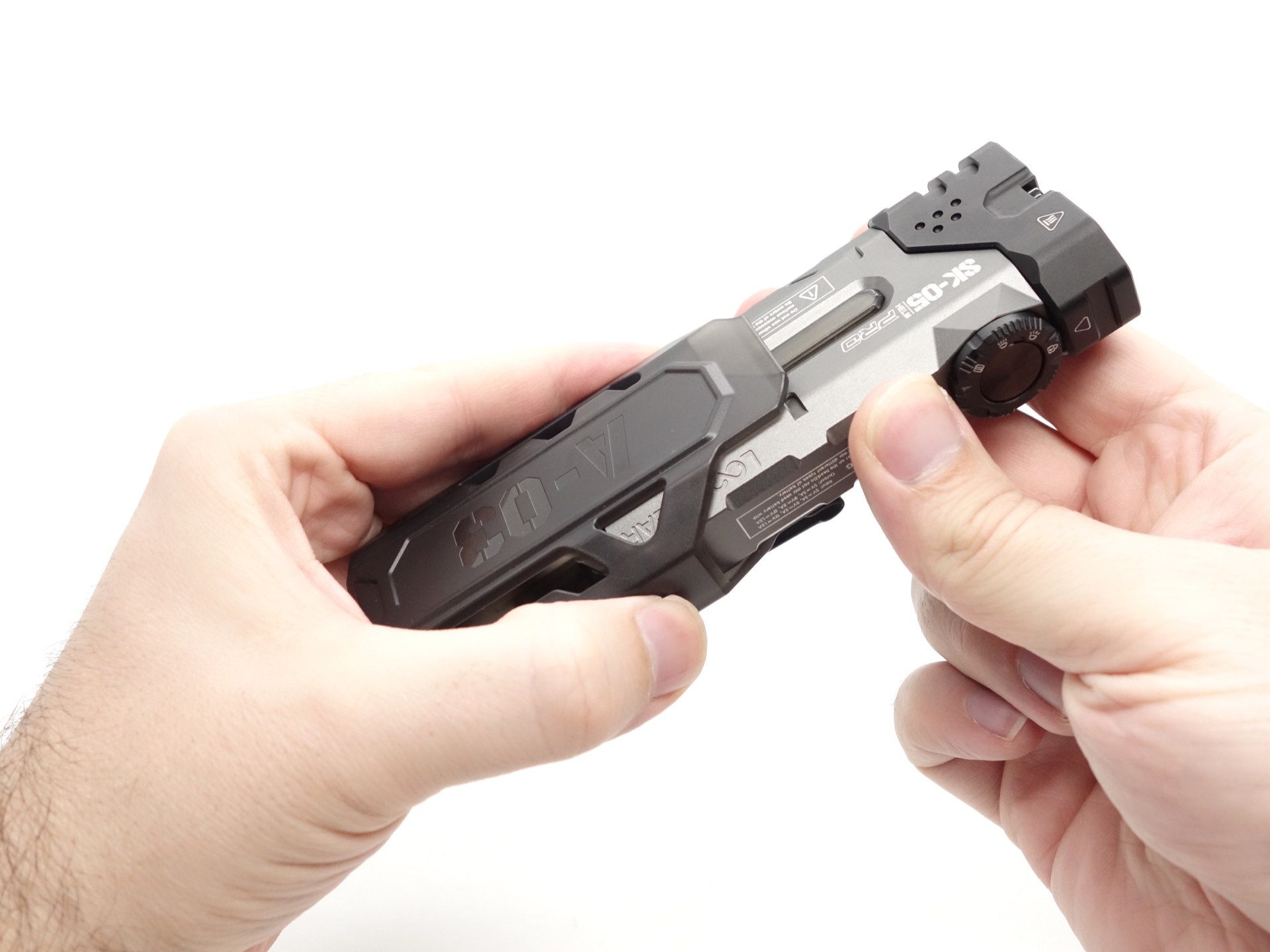
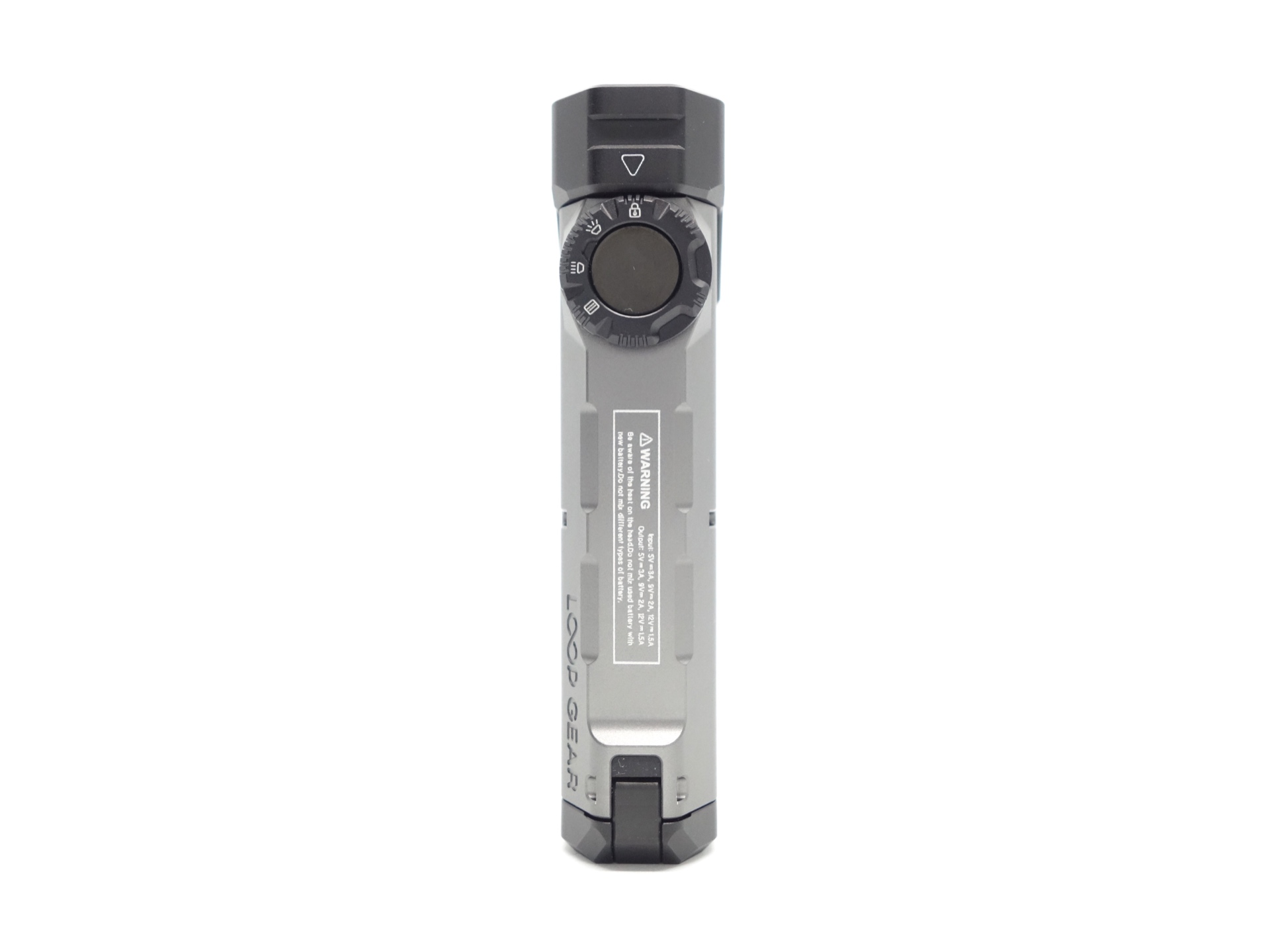
The LOOP SK05 Pro feels pretty good to hold. It has a bit of heft to it.
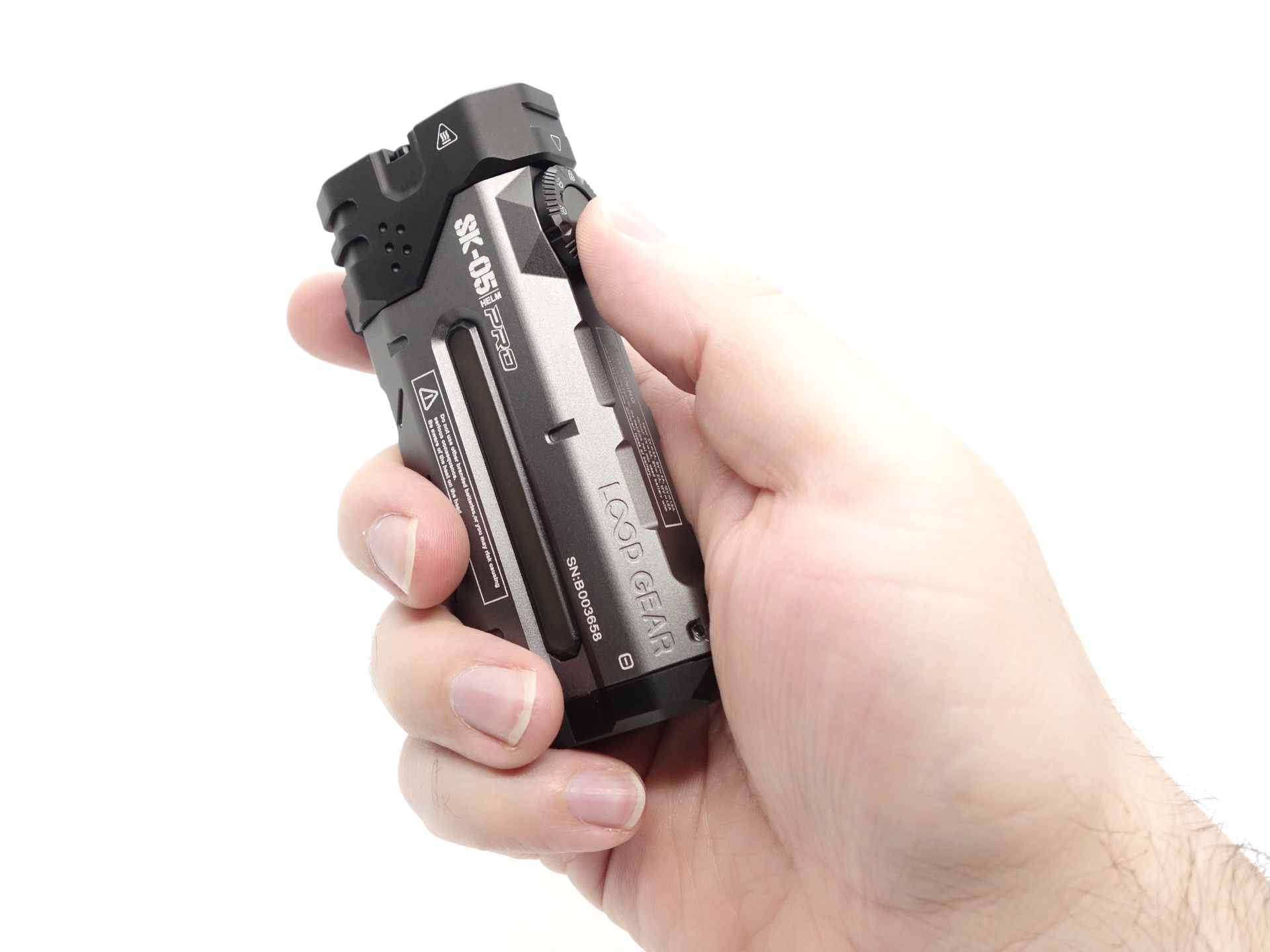
It looks like it has been designed with right-handed people in mind.
My thumb can rest against the center button, or the smooth side of the torch, while my fingers rest naturally against three cut outs along the other side of the torch.
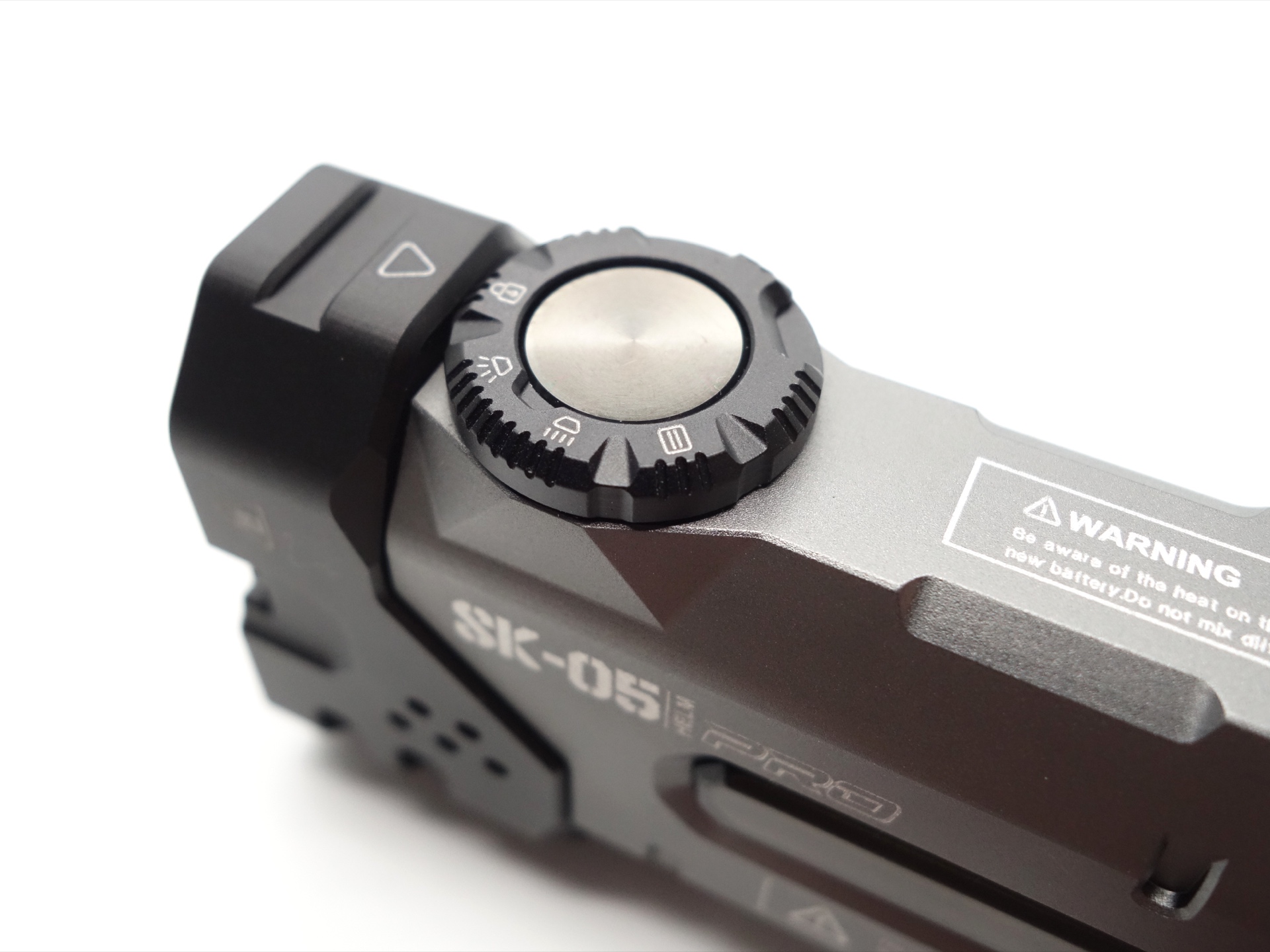
The outer ring and the center button are a lot of fun to play with!
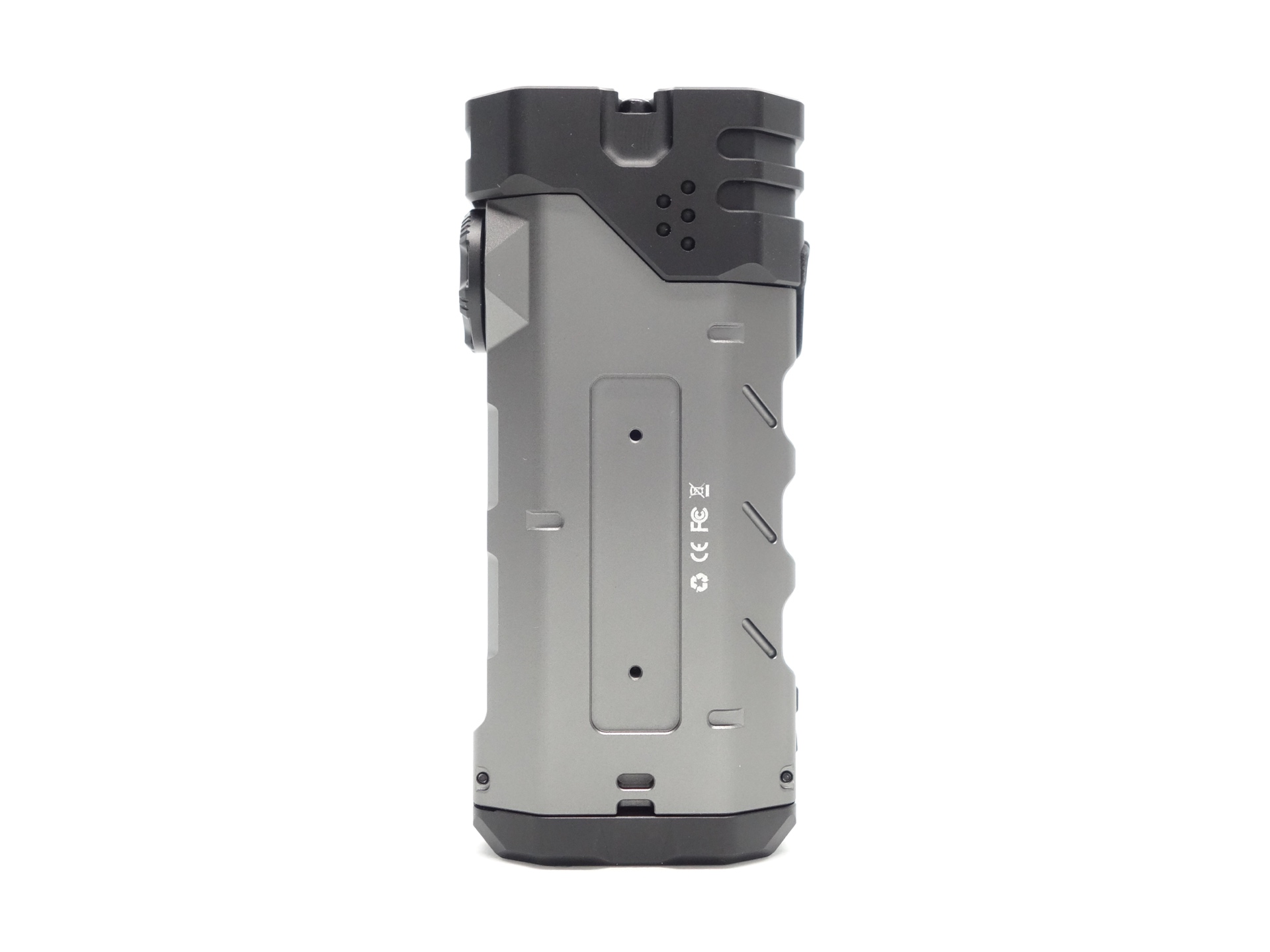
There are two magnets in the tail to allow the torch to be used as a work light. But I would take care because the torch has a bit of weight to it and it might fall off a metal surface. It will support itself at a 90 degree angle but a slight knock could topple it over.
The tail has two rubber strips to help protect a surface. These strips are in front of each magnet.
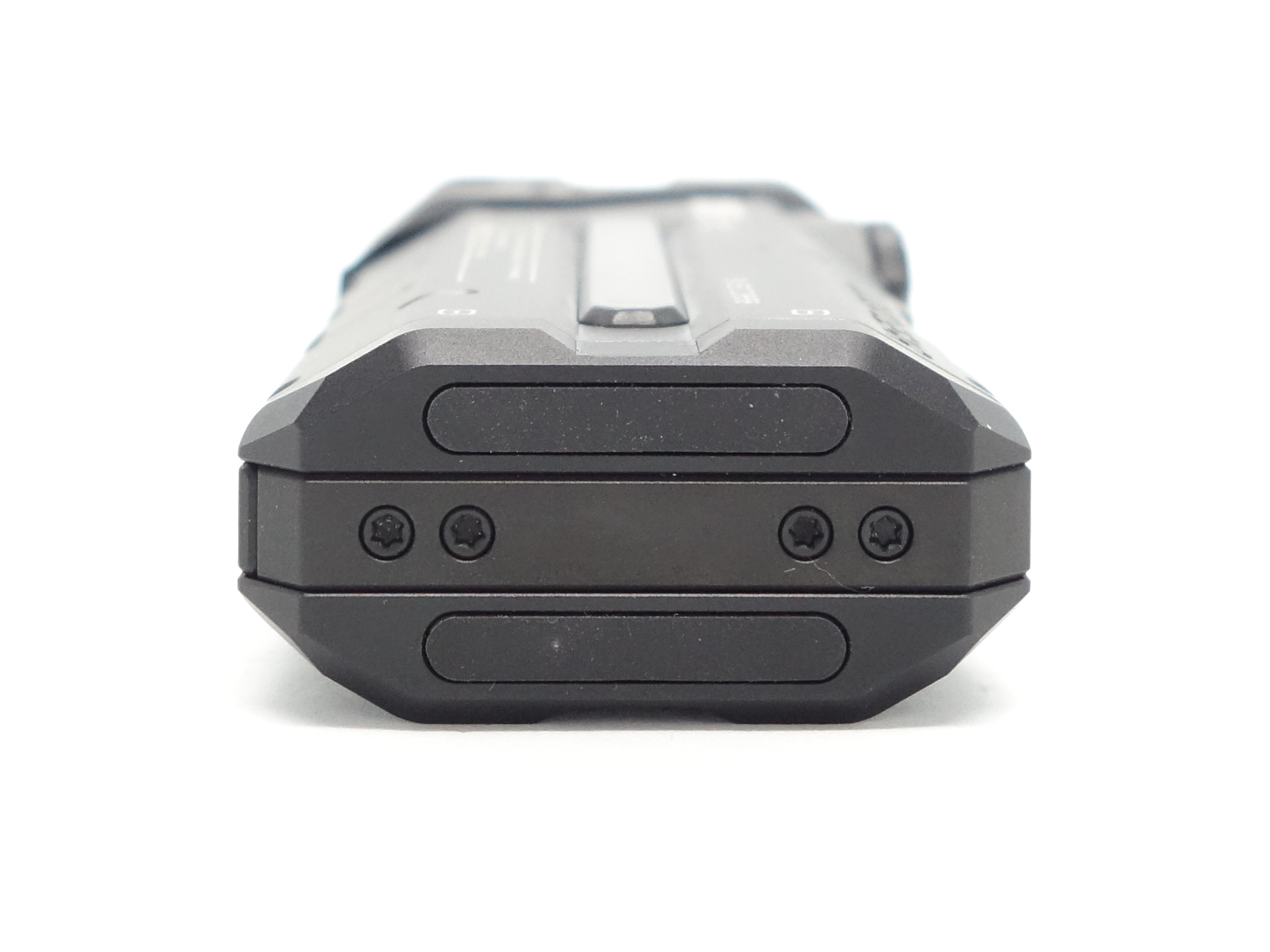
The torch can easily tail stand.
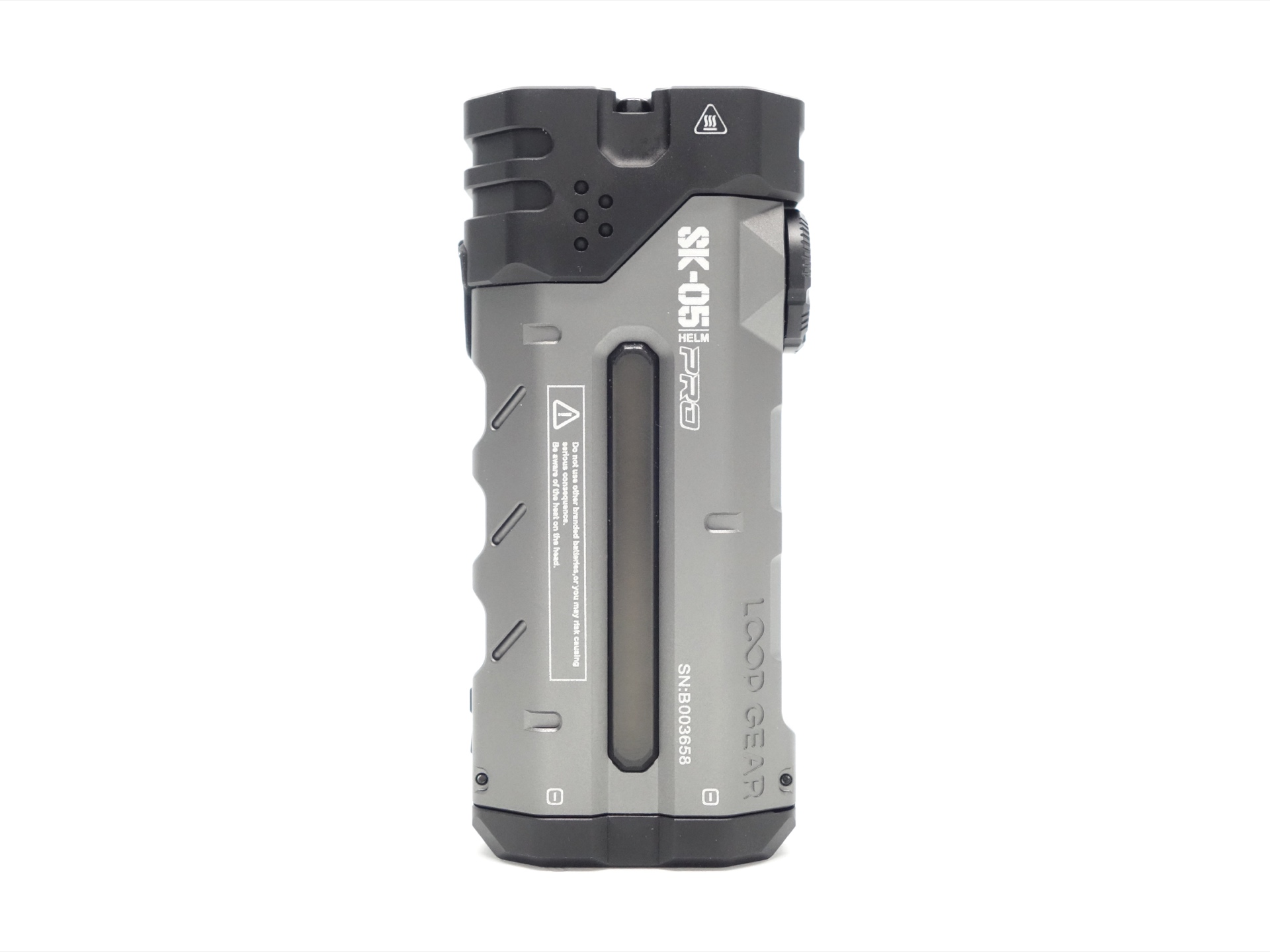
The torch has a lanyard hole and two screw holes for a pocket clip.
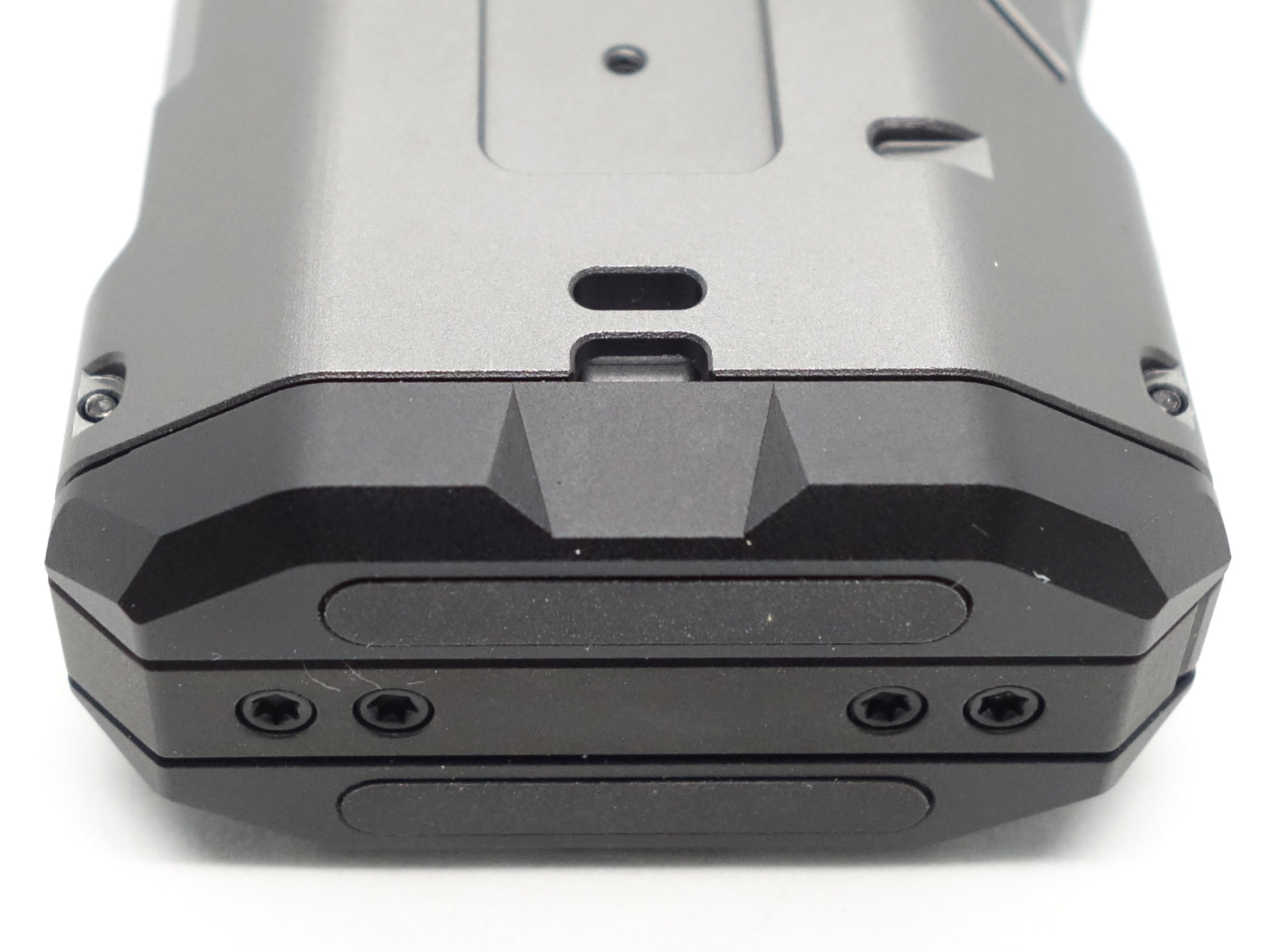
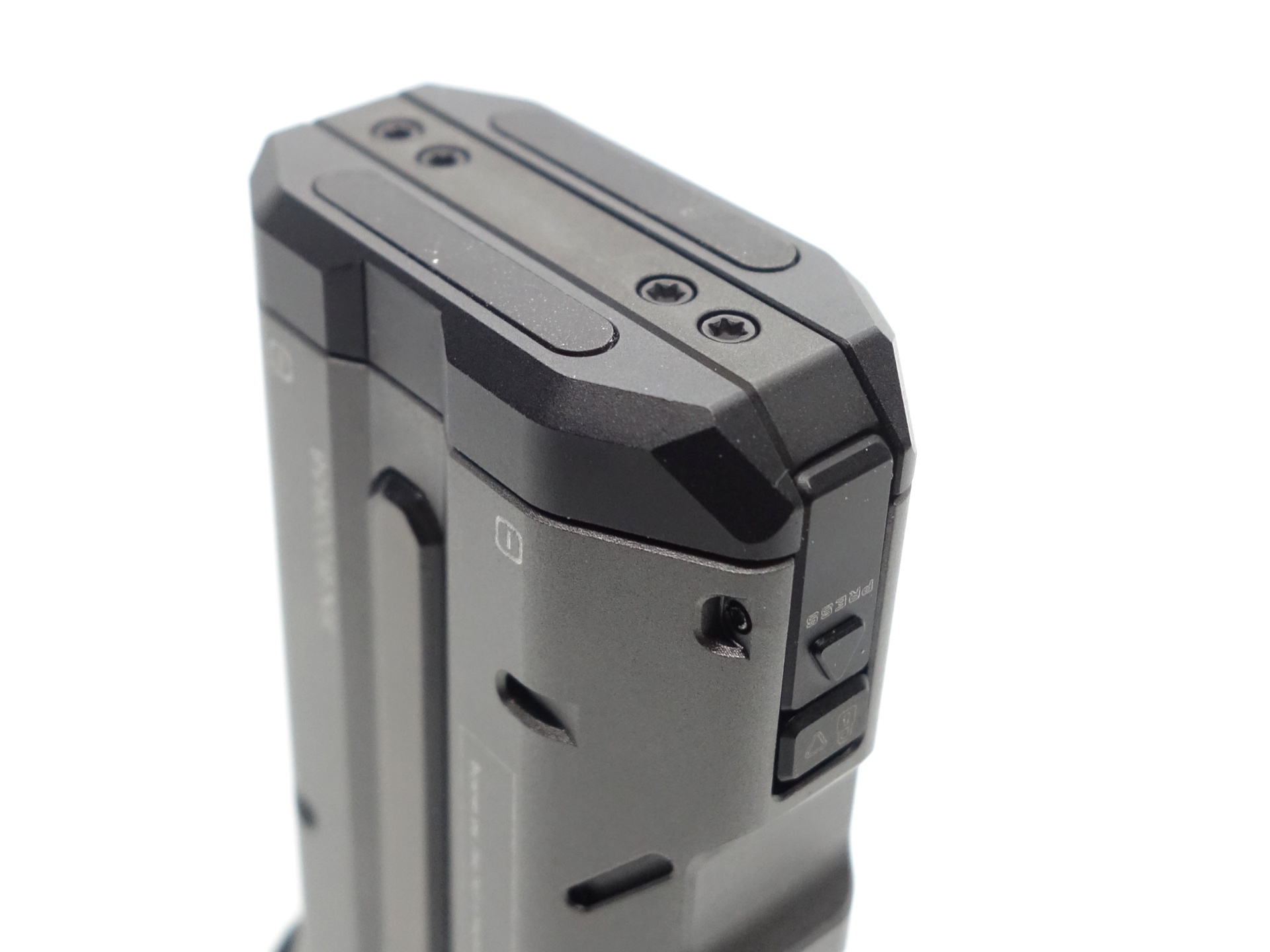
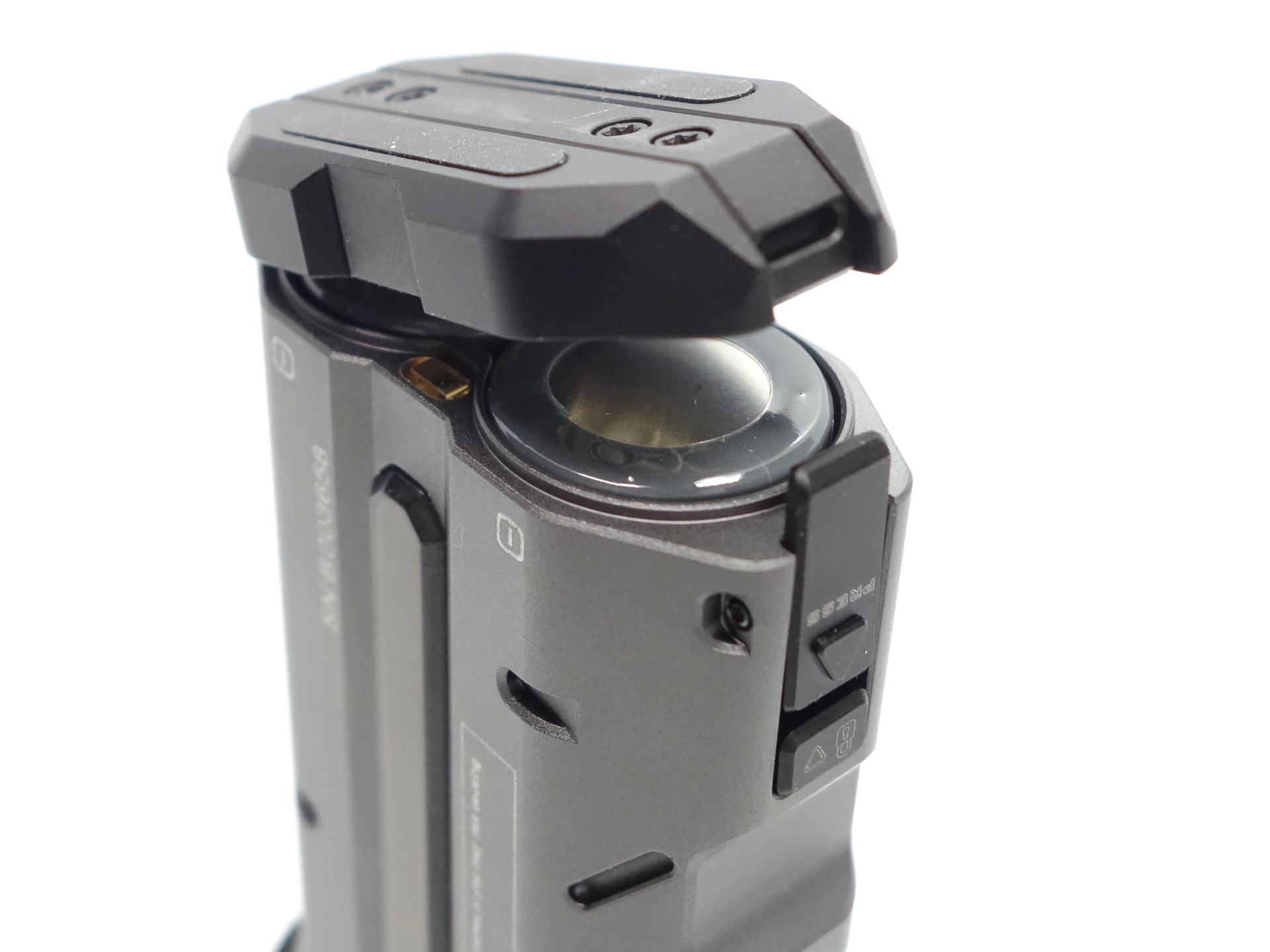
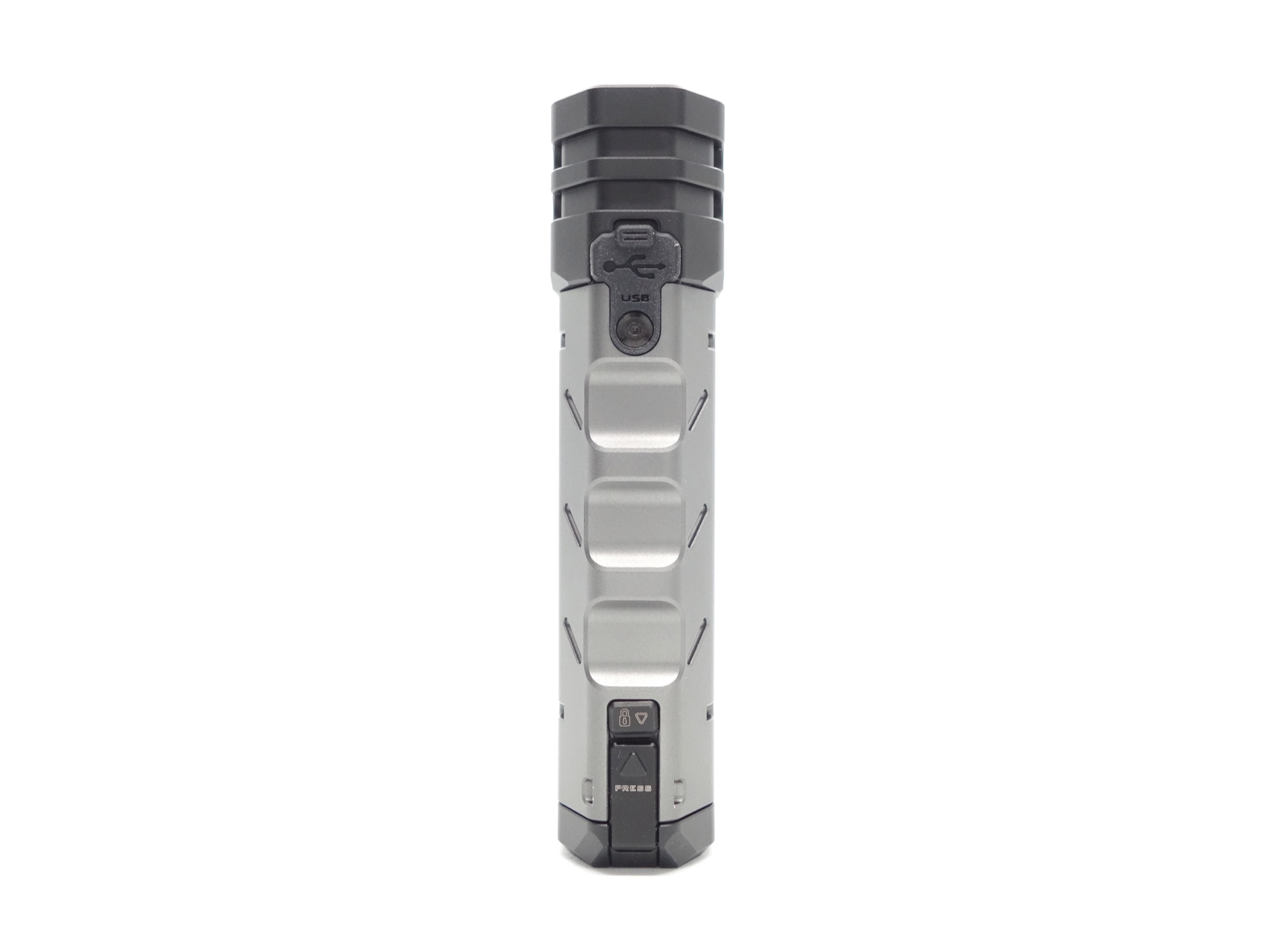
The battery compartment has a lock that can be moved up and a button to press.
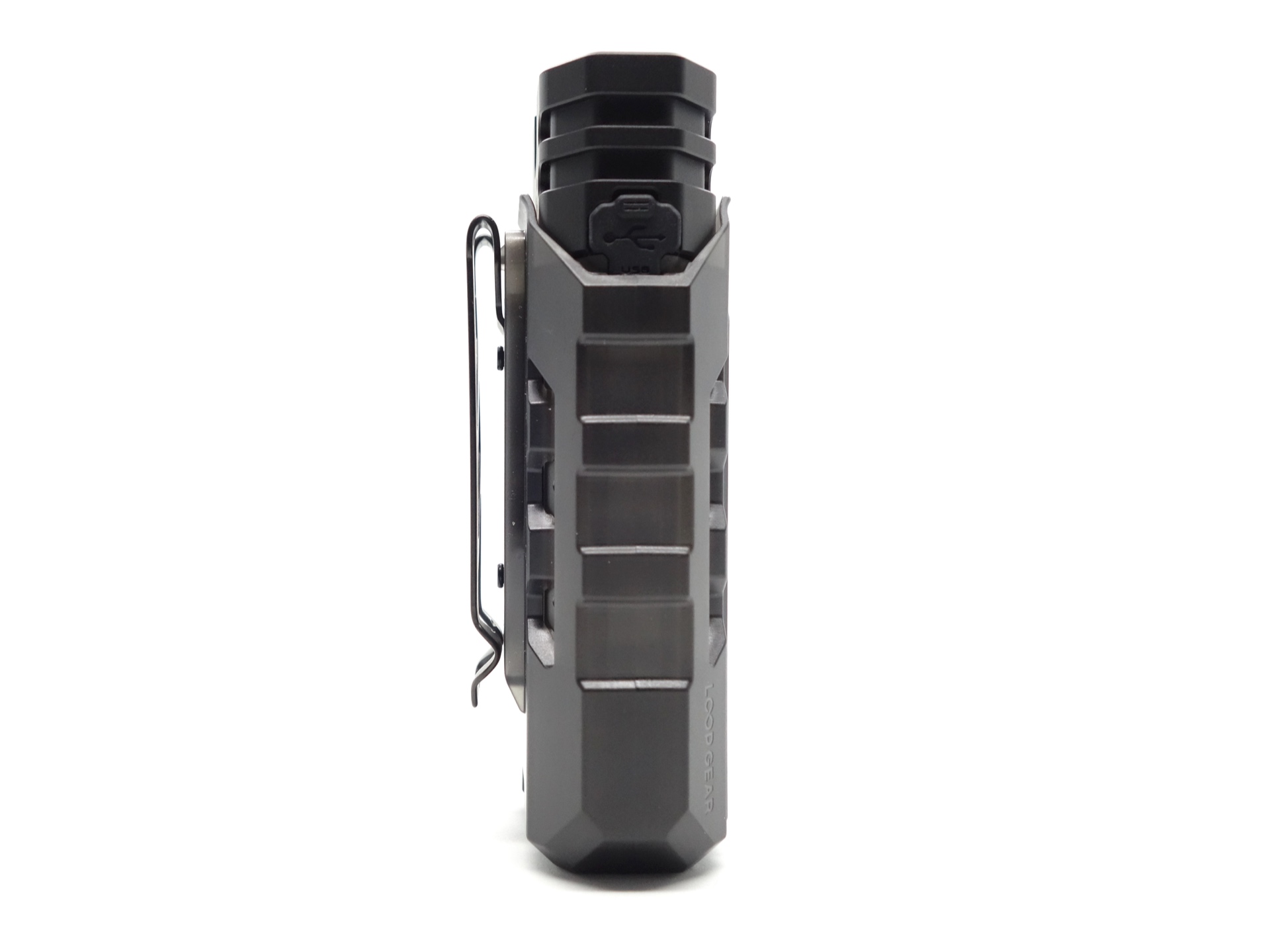
The SK05 Pro fits snugly in the optional LOOP A03 holster.
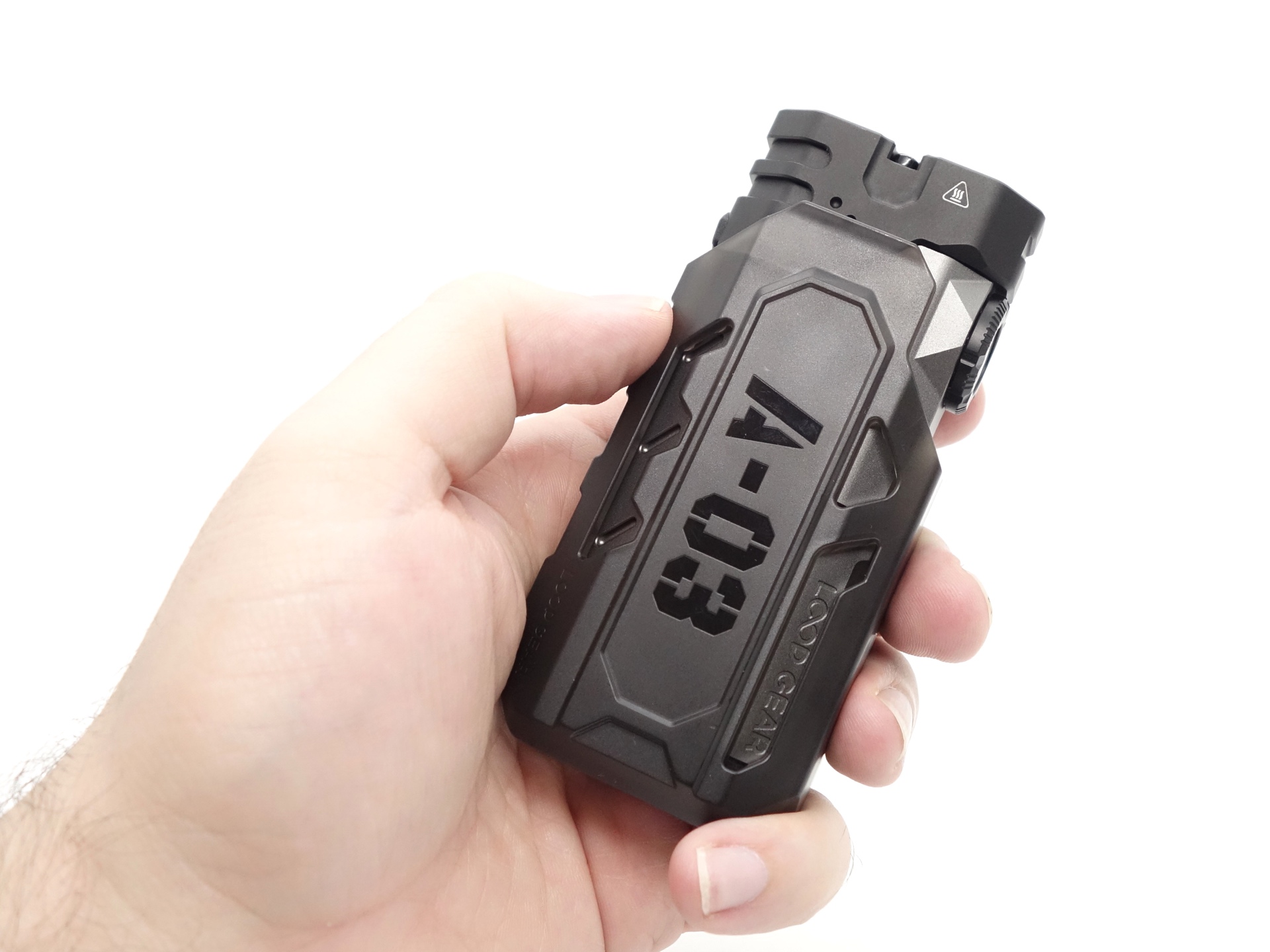
The included pocket clip can be screwed into the back of the torch or into a holster. I opted to install the pocket clip on the holster instead of the torch.
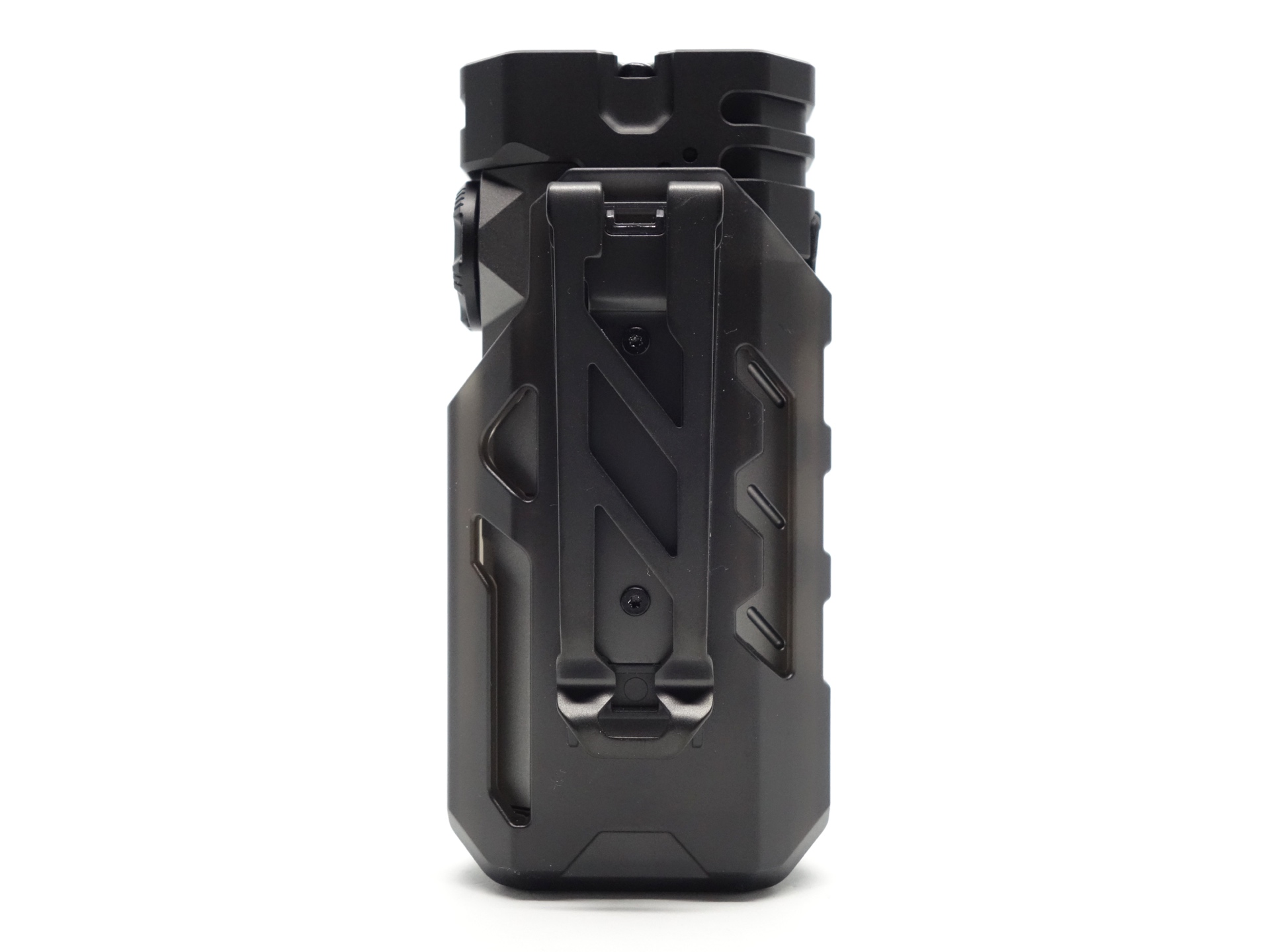
The magnets at the tail end of the torch help keep it in the holster by attaching to the metal plate at the end.
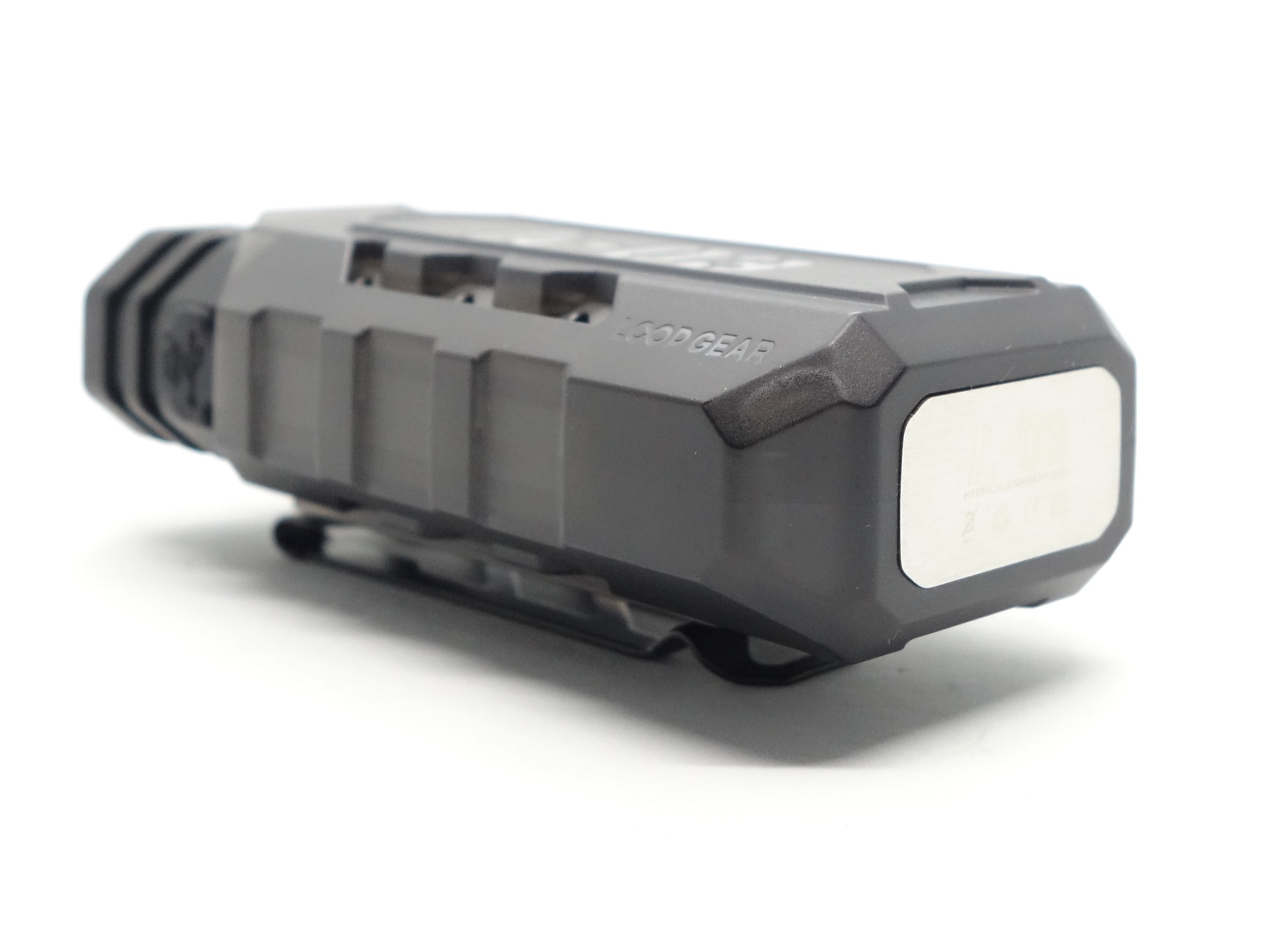
Build quality#
The LOOP SK05 Pro is made of aluminium. This version has a matte gray anodised finish.
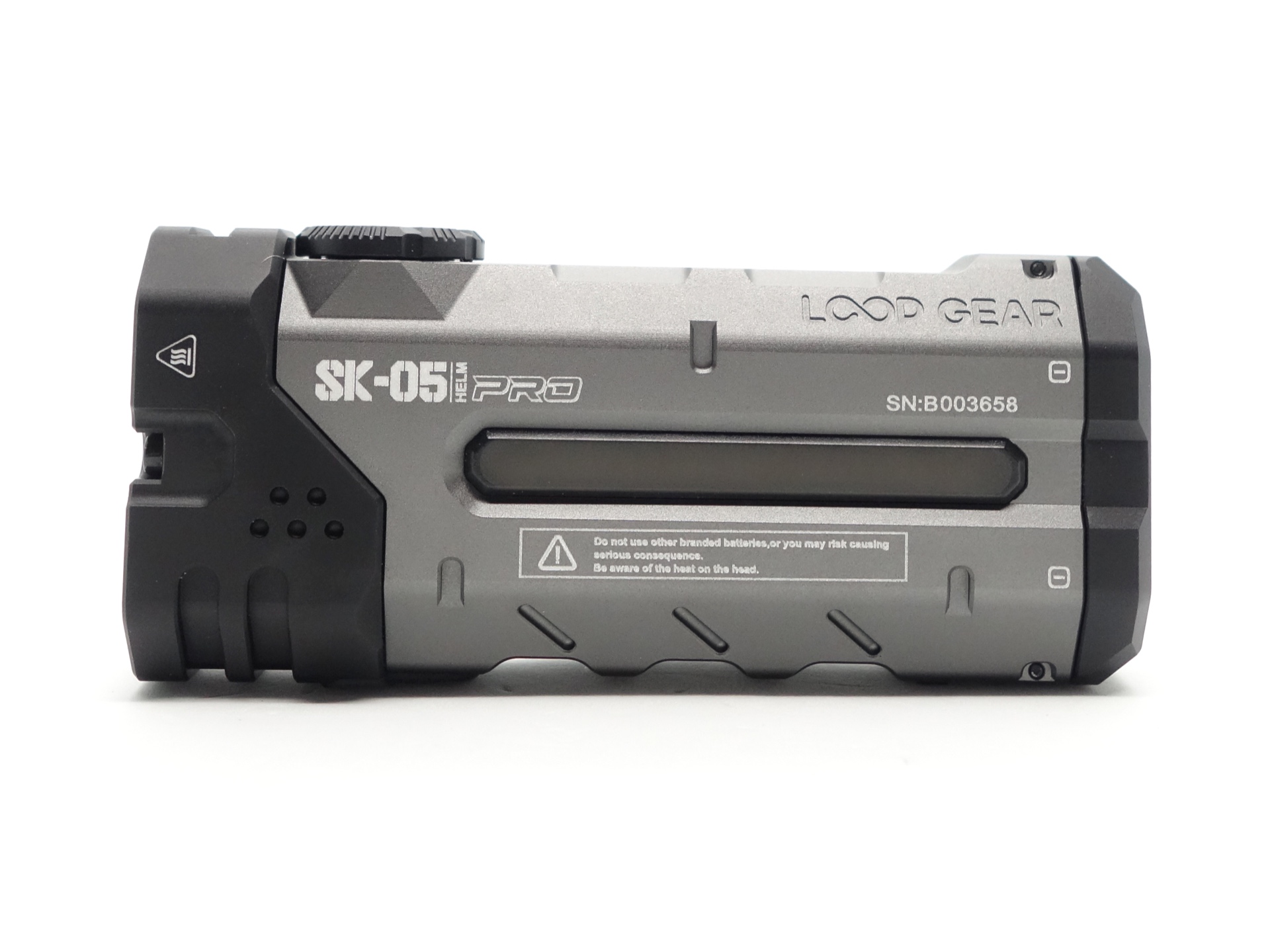
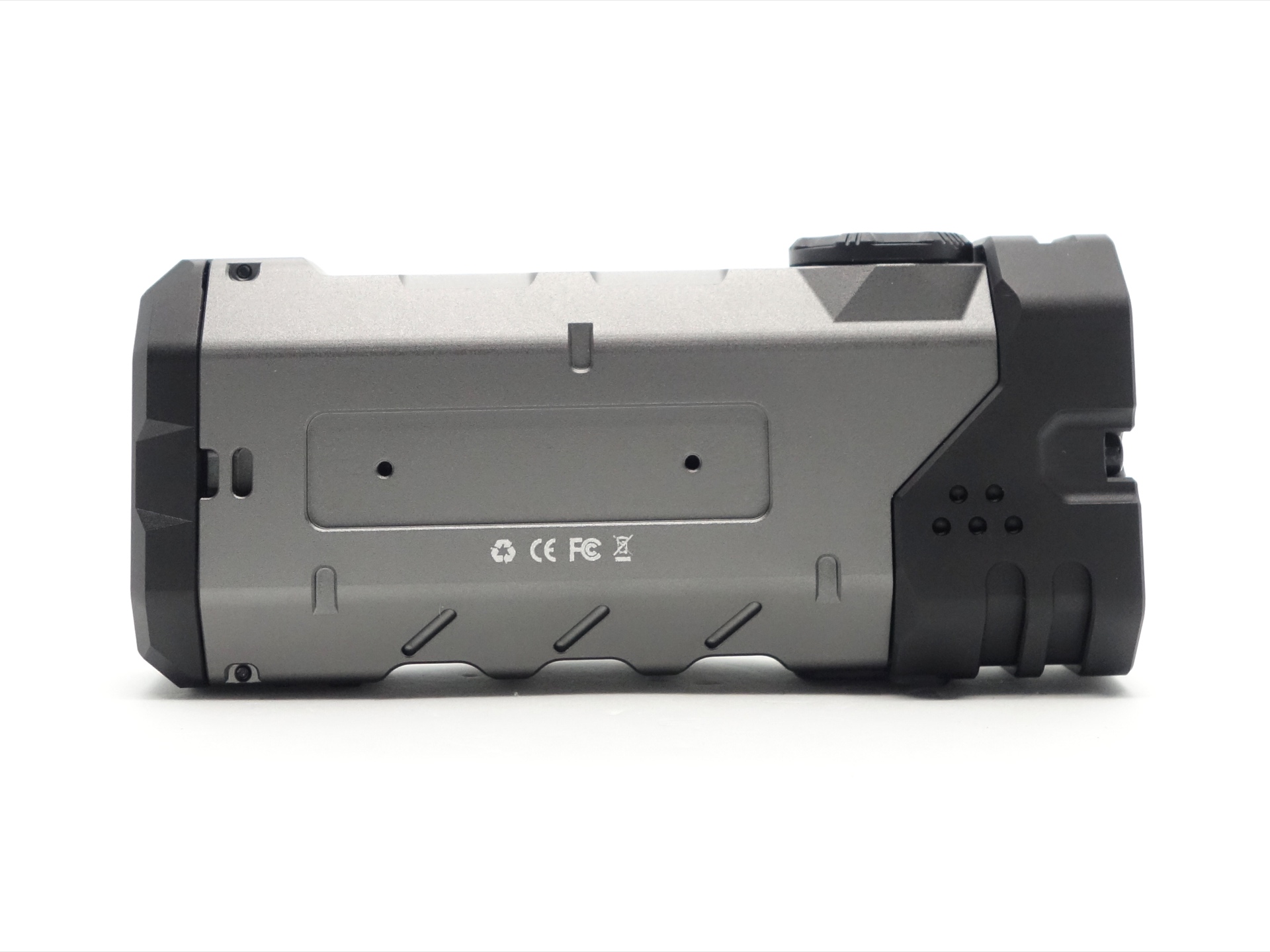
The rotary ring gives a satisfying click when moving it.
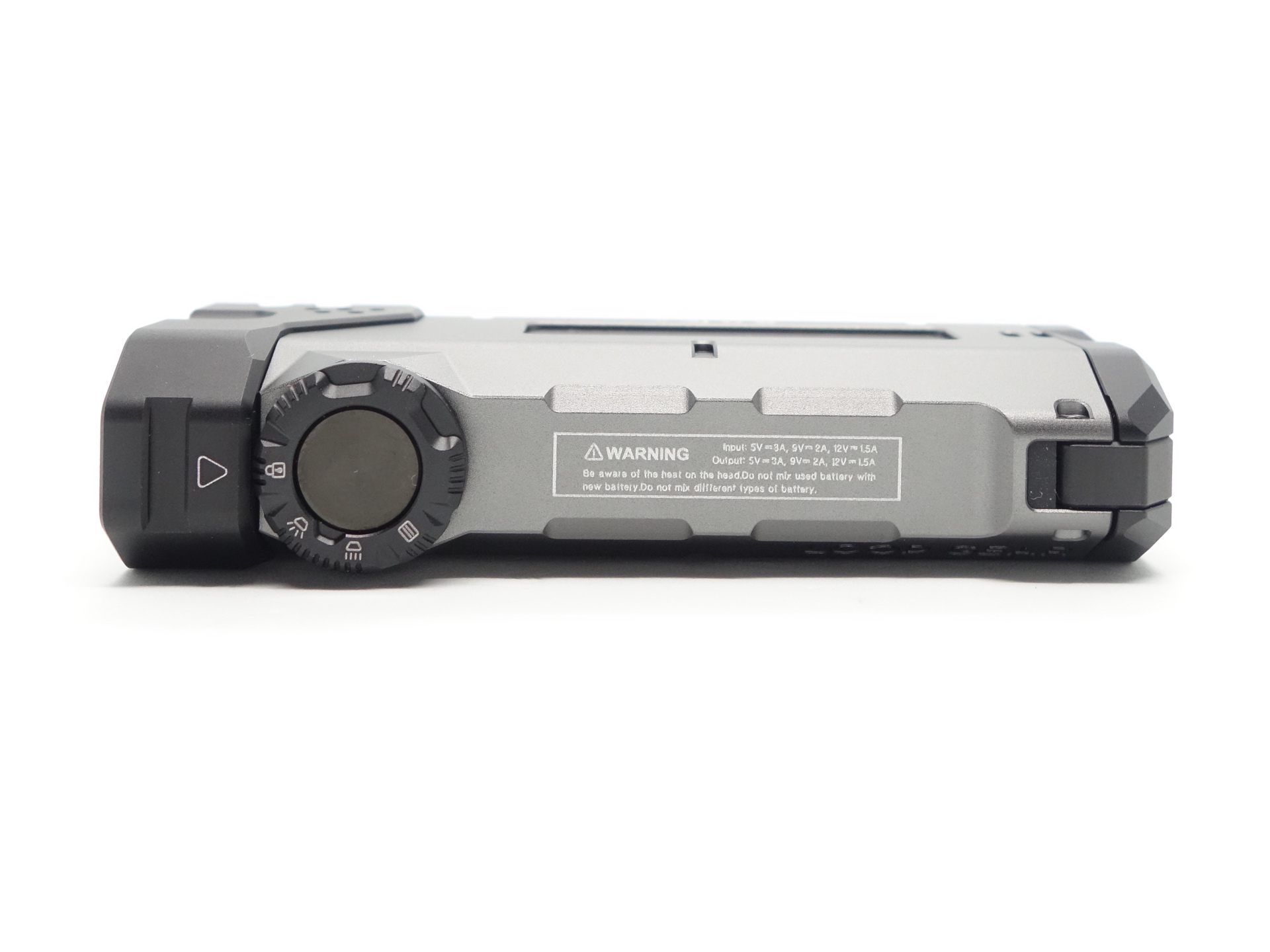
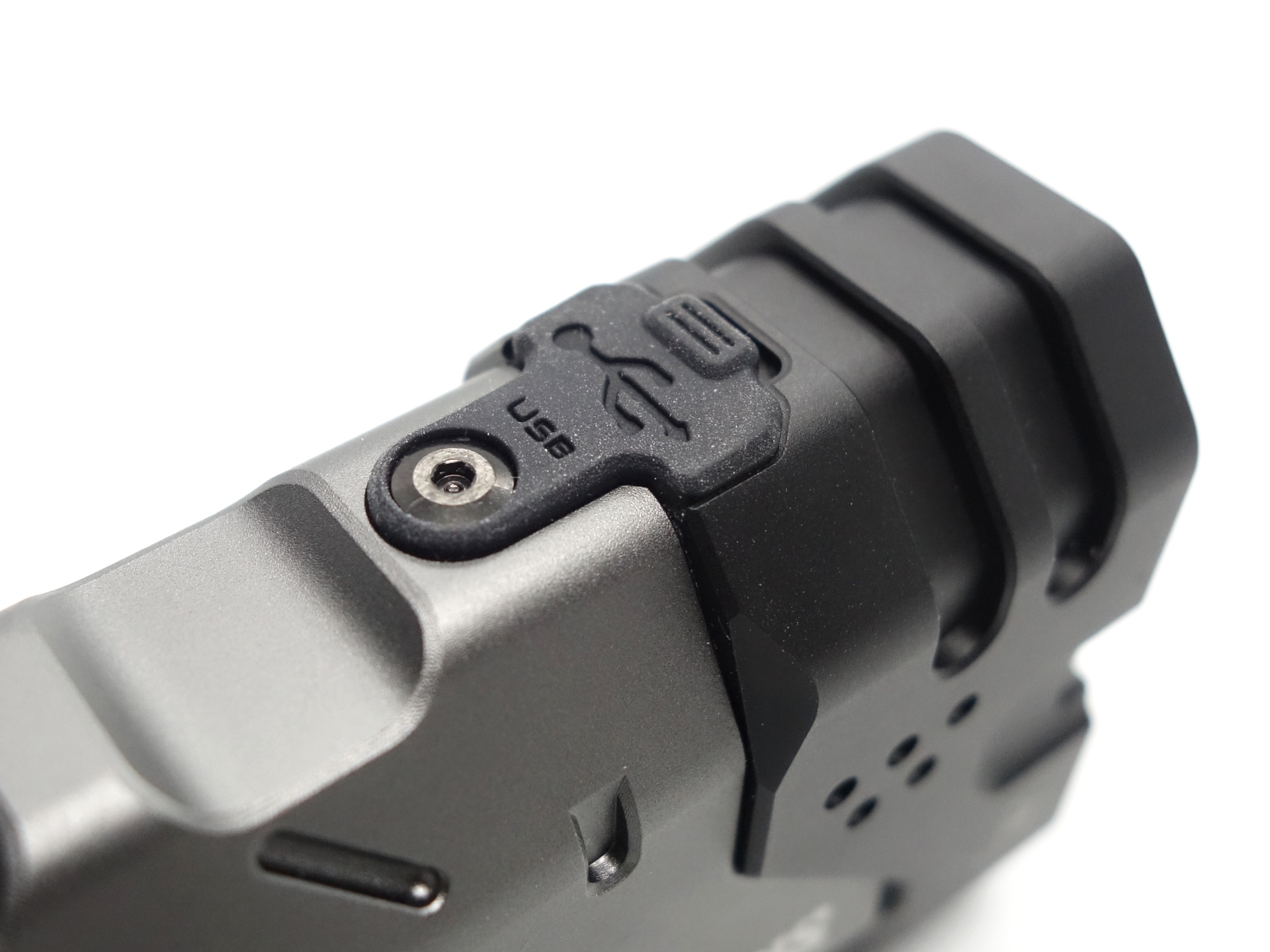
The USB-C cover has been securely screwed into place.
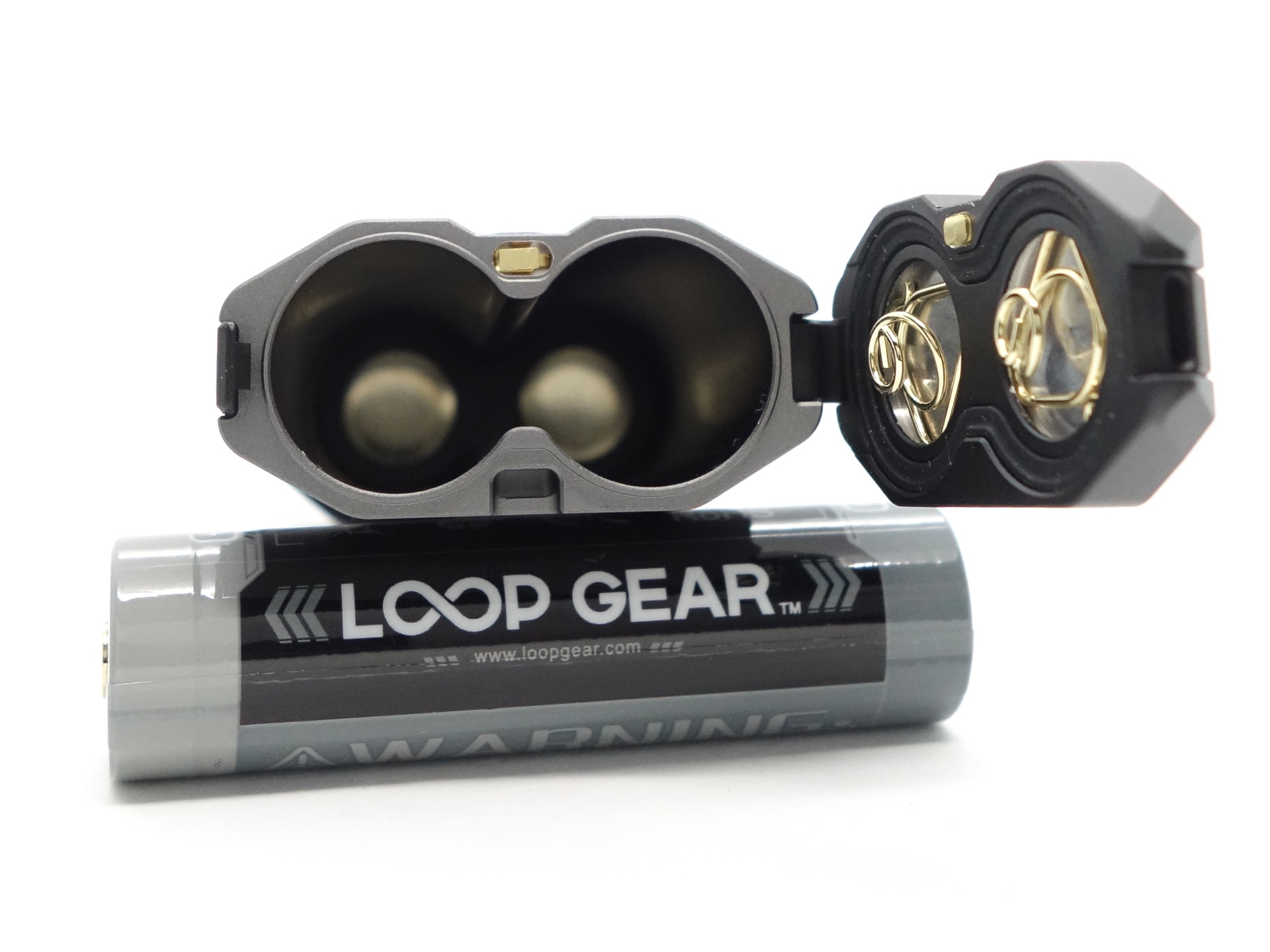
The springs in the battery compartment are a bit too short to allow shorter unprotected flat top 18650 cells to work.
Overall, the build quality is really good.
Reverse polarity protection appears to work.
LED, bezel, lens, reflector and beam#
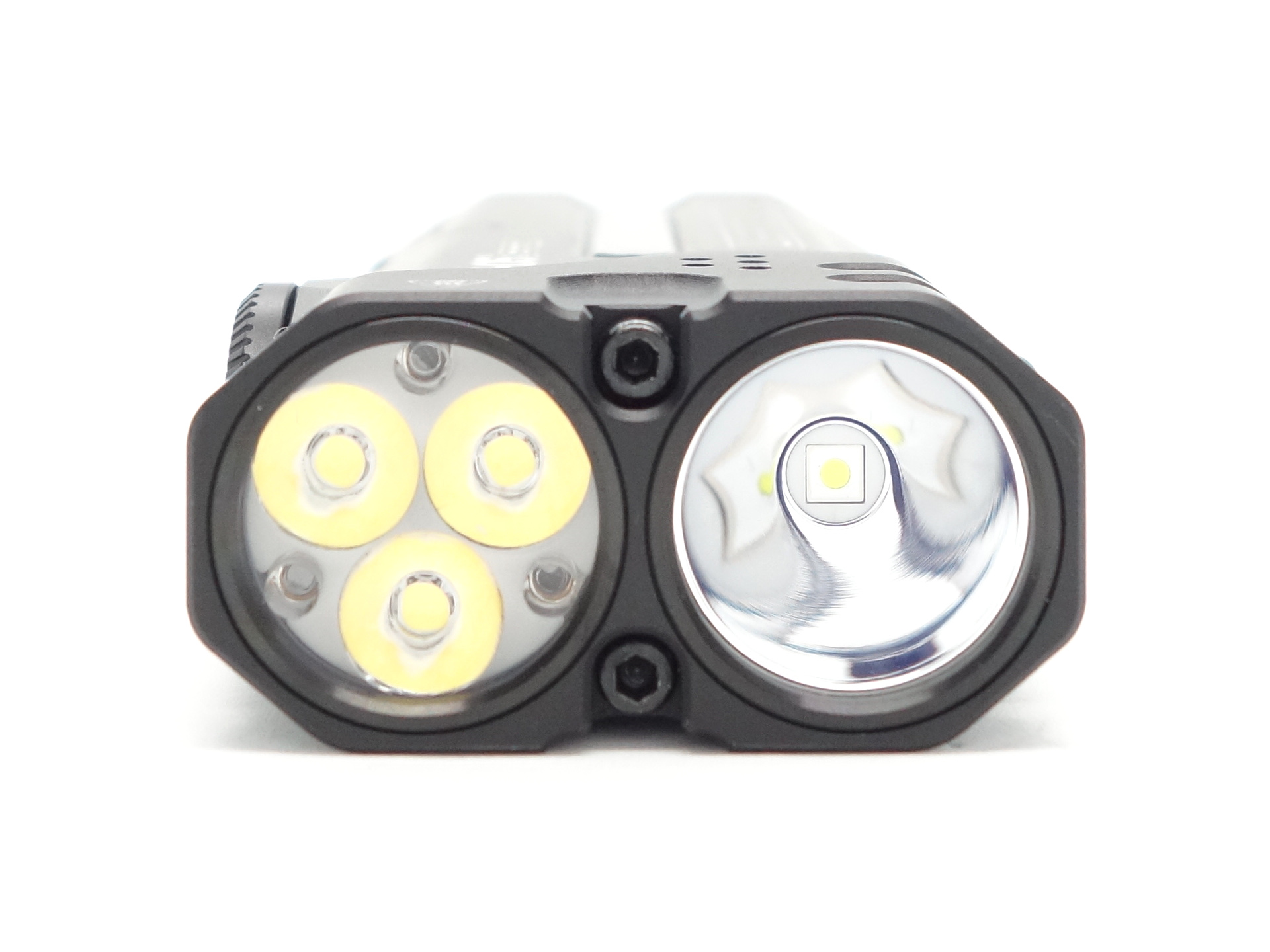
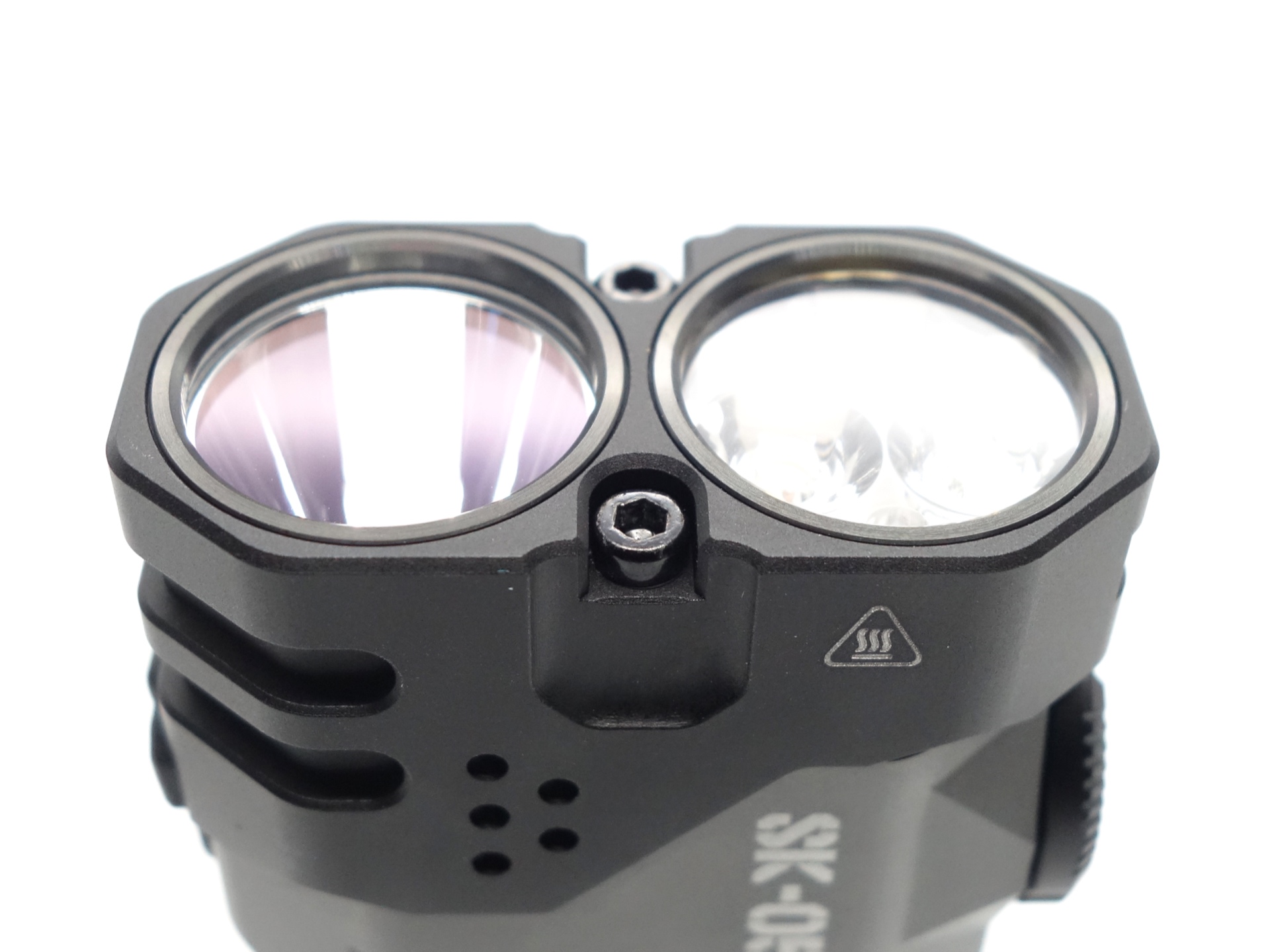
The LOOP SK05 Pro has a Spotlight with one cool white Luminus SFT25R, a Floodlight with three Nichia 519A emitters, and an RGB Sidelight.
The Floodlight has a TIR optic without glass in front of it.
The Spotlight has a glass lens pressed against a smooth reflector. The reflector is centered with a gasket around the SFT25R.
CCT, CRI, and duv#
I have taken Correlated Colour Temperature (CCT) and Colour Rendering Index (CRI, RA of R1-R8) measurements with the torch positioned one metre away from an Opple Light Master Pro III (G3). Turbo (spotlight) was measured at 1.2 metres.
The CCT is around 5280K, the CRI is around 99 and the Delta u, v is near zero (close to pure white) for the floodlight.
The CCT is around 6000K, the CRI is around 65 and the Delta u, v is positive (slightly green) on lower modes and closer to pure white on Turbo for the spotlight.
The beam produced by the floodlight has a wide intense white hotspot that blends smoothly into a slightly purple spill. The TIR optic helps focus the beam without creating a sharp edge.
The beam produced by the spotlight has a narrow intense white hotspot surrounded by small corona with a hint of green and a wide spill. The smooth reflector creates a sharp edge around the spill.
| LED | Mode | CCT (K) | CRI (Ra) | x | y | Duv |
|---|---|---|---|---|---|---|
| Floodlight | Low | 5159 | 99.7 | 0.3409 | 0.3502 | 0.0010 |
| Floodlight | Med | 5203 | 99.6 | 0.3398 | 0.3495 | 0.0011 |
| Floodlight | High | 5284 | 99.3 | 0.3377 | 0.3480 | 0.0013 |
| Floodlight | Turbo | 5479 | 98.0 | 0.3329 | 0.3387 | -0.0014 |
| Spotlight | Low | 5601 | 63.4 | 0.3299 | 0.3593 | 0.0102 |
| Spotlight | Med | 5746 | 64.6 | 0.3266 | 0.3527 | 0.0084 |
| Spotlight | High | 5974 | 66.8 | 0.3219 | 0.3421 | 0.0054 |
| Spotlight | Turbo | 6469 | 69.0 | 0.3136 | 0.3269 | 0.0017 |
Calculate Duv from CIE 1931 xy coordinates
Dimensions and size comparison#
Dimensions#
I took the following measurements using a digital caliper.
| Measurement | Unit (mm) |
|---|---|
| Length | 106.20 |
| Width | 48.23 |
| Depth | 24.55 |
Weight#
I took the following measurements using a digital scale.
| Weight | Unit (g) |
|---|---|
| Torch | 131.13 |
| Batteries | 99.76 |
| Torch with batteries | 230.91 |
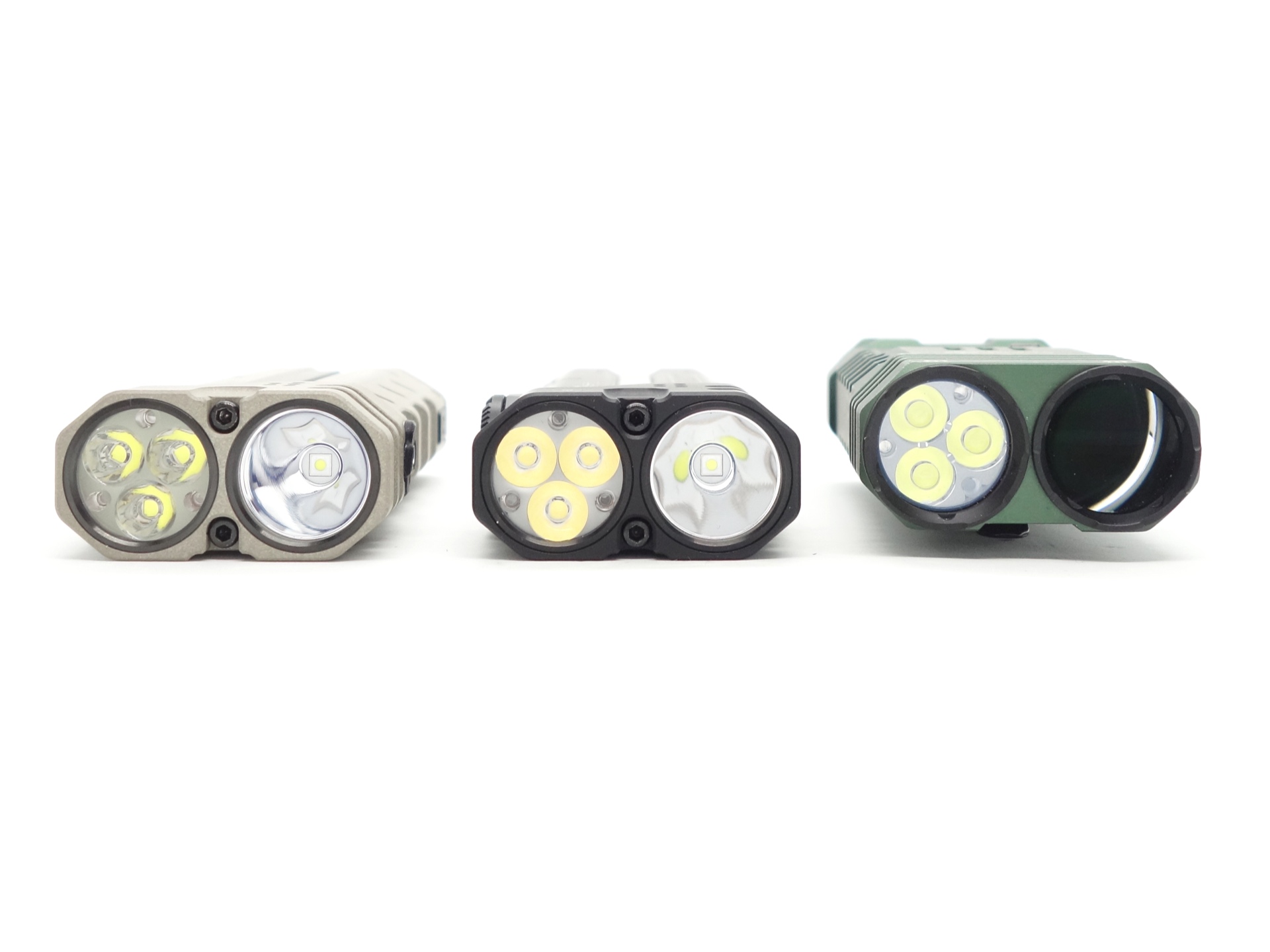
Size comparison with its competition#
From left to right: LOOP SK05 Pro MAO, LOOP SK05 Pro, Acebeam M2
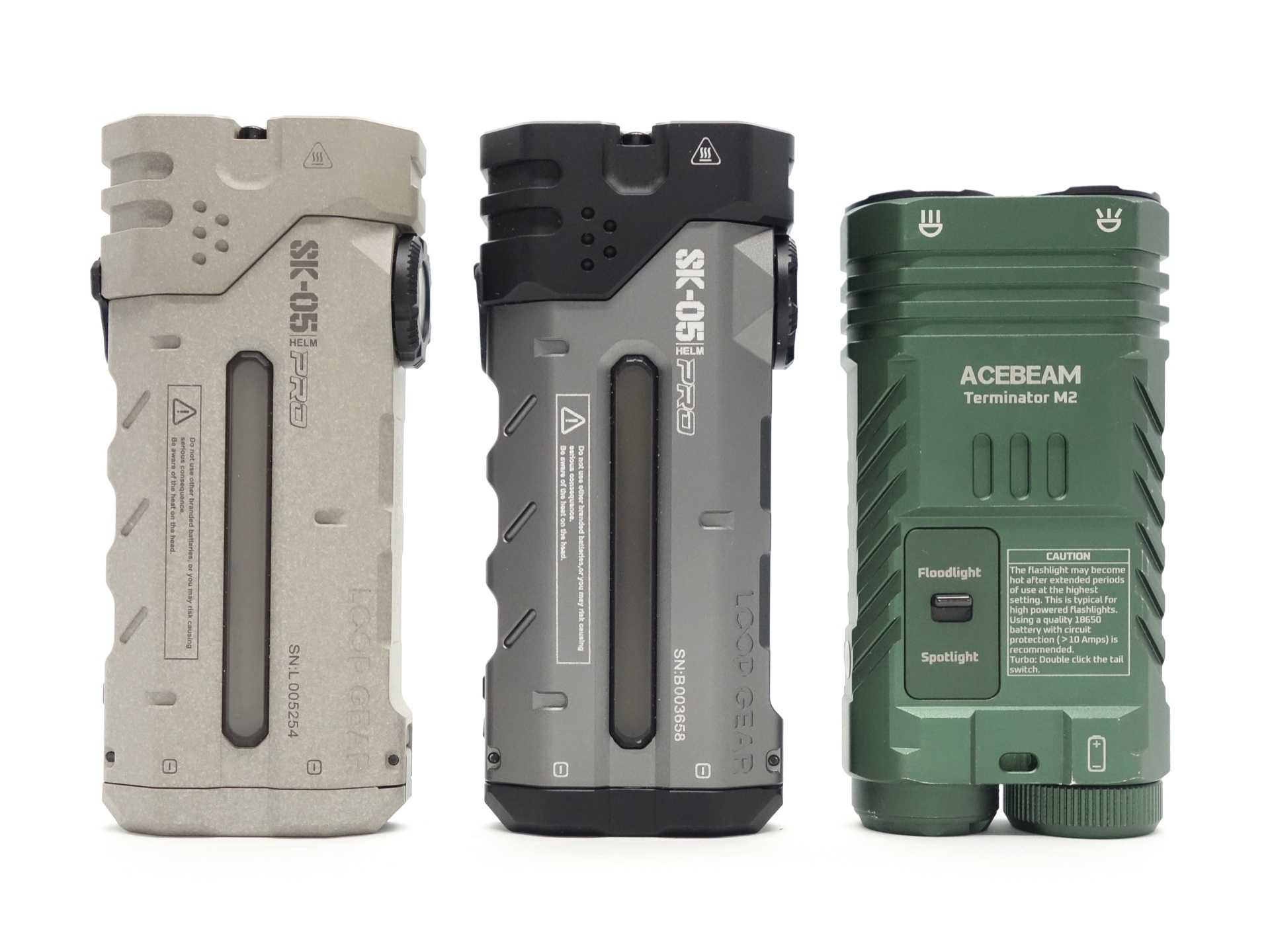
From left to right: LOOP SK05 Pro MAO, LOOP SK05 Pro, Acebeam M2
User interface#
The LOOP SK05 Pro has a rotary switch with a button in the middle.
The rotary switch can be used to select:
- Lock
- Floodlight
- Spotlight
- Sidelight
The button can be pressed to turn the light on and off, adjust the brightness, and change modes.
There are three modes in the main cycle group for the floodlight and the spotlight: Low, Med and High.
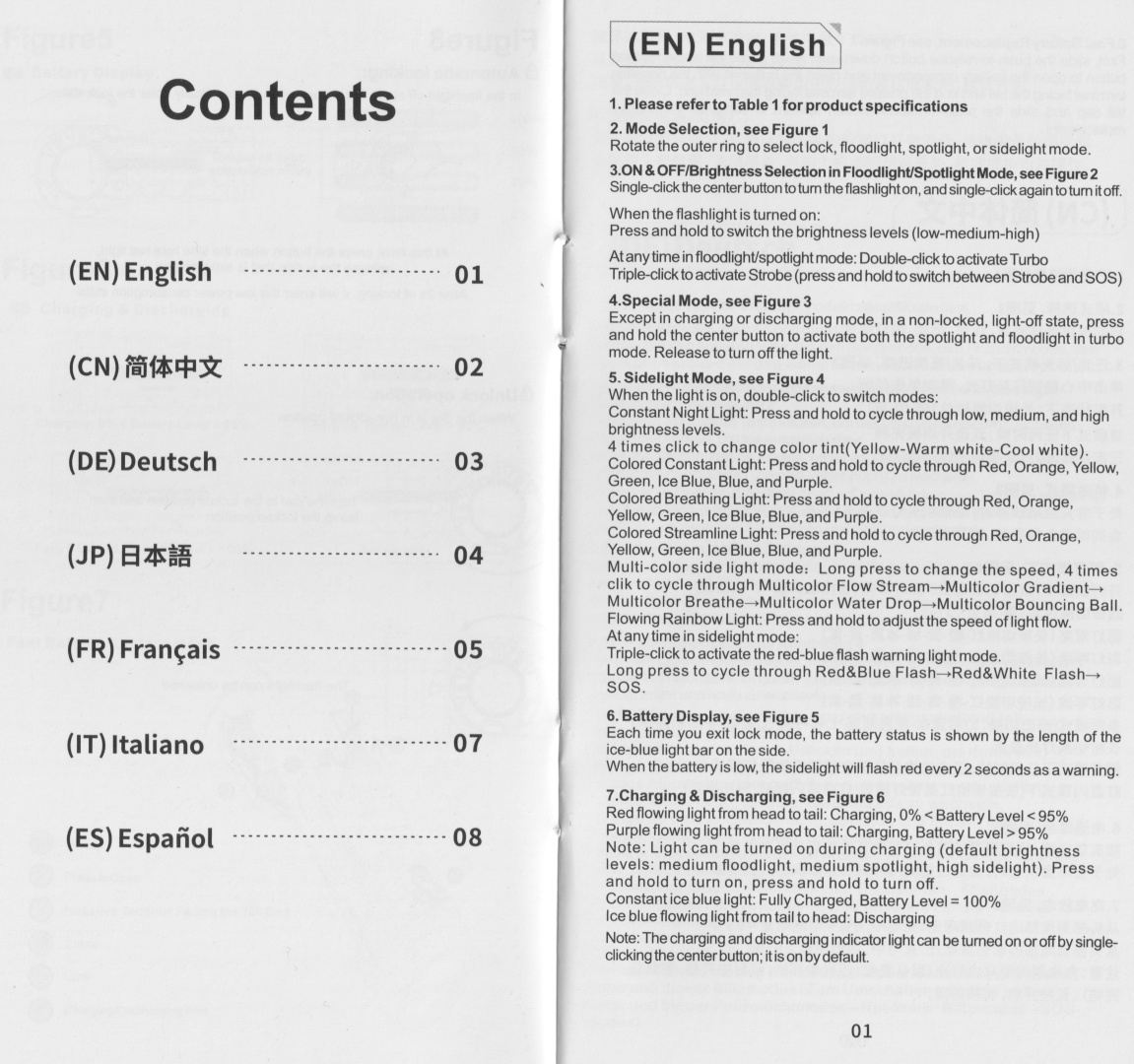
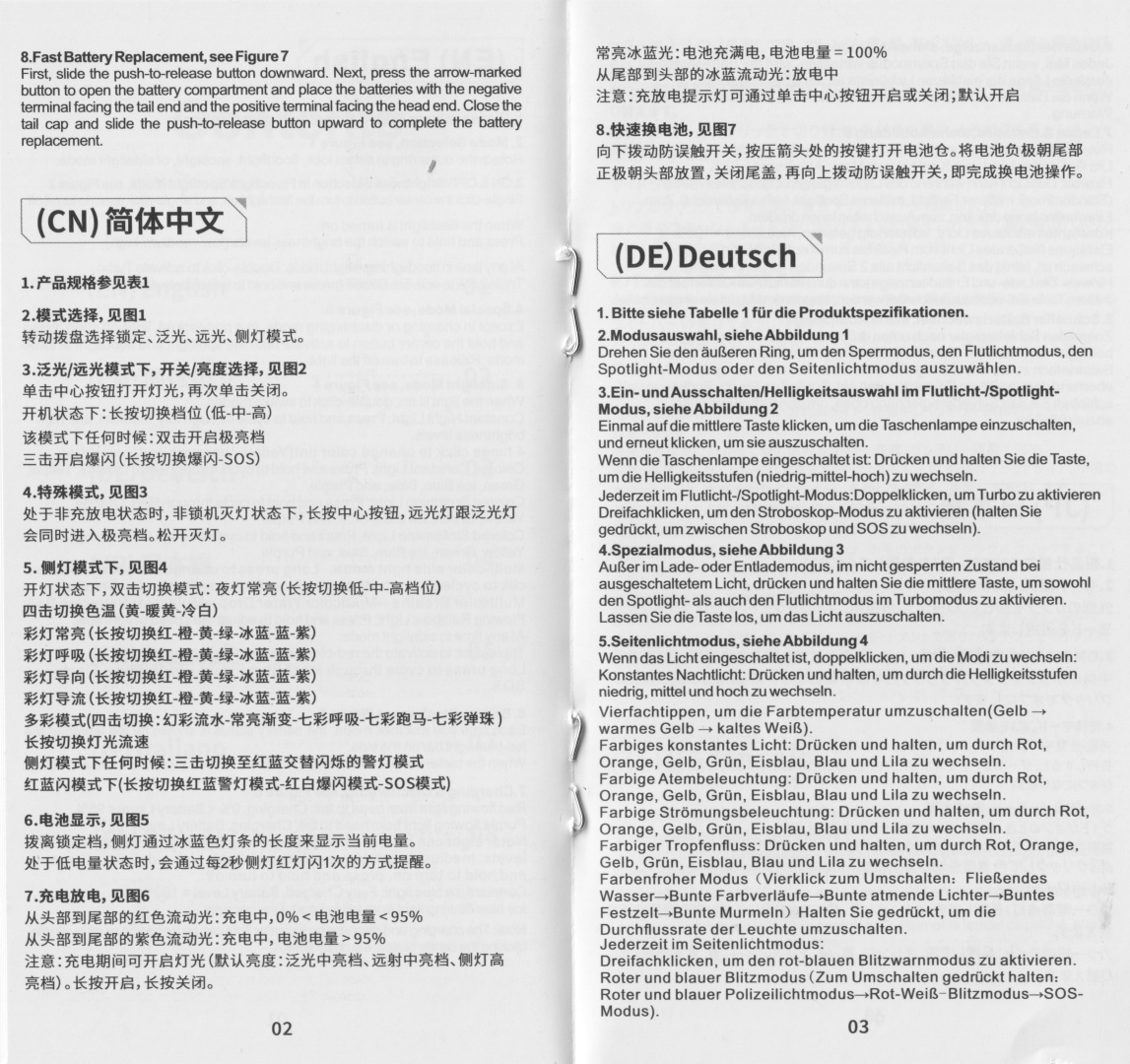
I recommend reading the user manual for more details about the user interface.
Mode memory#
Low, Med and High are memorised for the spotlight and the floodlight. If you turn the light off and on while using Turbo then it will change to the last used mode (Low, Med or High).
The last used mode for the sidelight is memorised.
The brightness, colour and speed of each of the sidelight modes are also memorised.
The brightness level is synced when switching between spotlight and floodlight while in Turbo mode. It is not synced when using Low, Med or High.
Strobe#
Both the spotlight and the floodlight flash when Strobe mode is activated.
Strobe appears to have a constant frequency.
Strobe, SOS
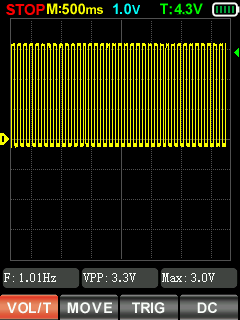
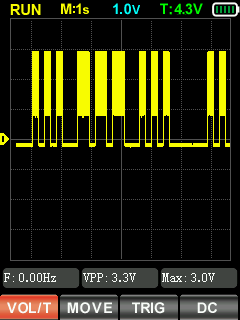
I measured Strobe and SOS with a Zoyi ZT-701 oscilloscope.
Battery level indicator#
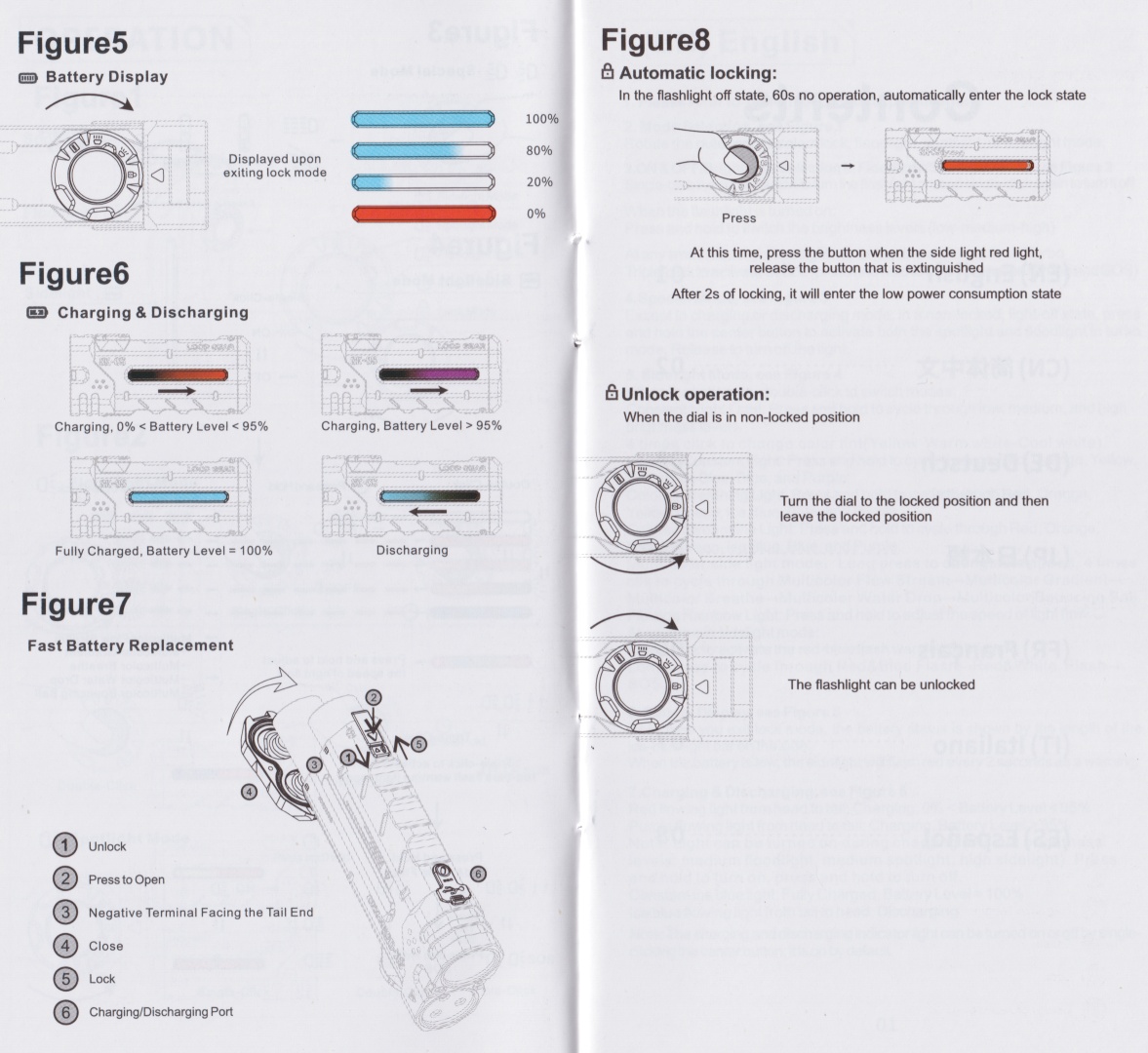
The sidelight acts as battery level indicator. See the user manual for more info.
Automatic lock#
The torch will automatically lock itself when not in use and floodlight, spotlight or the sidelight has been selected.
The sidelight will flash red when the button is pressed to indicate that the torch is locked.
To unlock, simply rotate the rotary dial to the lock position and then back to one of the other positions.
Low voltage protection#
There is low voltage protection. The light turns off around 2.97V.
I tested low voltage protection by connecting the driver of the torch to a bench power supply and then by lowering the voltage from 4.2V to 0V.
What I like about the UI#
- I like the ergonomics of the rotary switch and button.
- The sidelight modes are memorised.
- Shortcut to Turbo from off (two clicks in floodlight or spotlight mode).
- Shortcut to Strobe from off (three clicks in floodlight or spotlight mode).
- Shortcut to Police flash from off (three clicks in sidelight mode).
What could be improved#
- A Moonlight mode of 1 lumen would be nice.
- The light remains off while rotating the dial but I wish that the battery status indicator remained off too.
- Some versions of the SK05 Pro can be configured to disable the automatic lock. The sample that I received does not appear to have this option.
Batteries and charging#
Battery#
The LOOP SK05 Pro comes with two protected button top LOOP 18650 3.6V Li-ion 4000mAh cells. The cells arrived with a voltage of 3.81V.
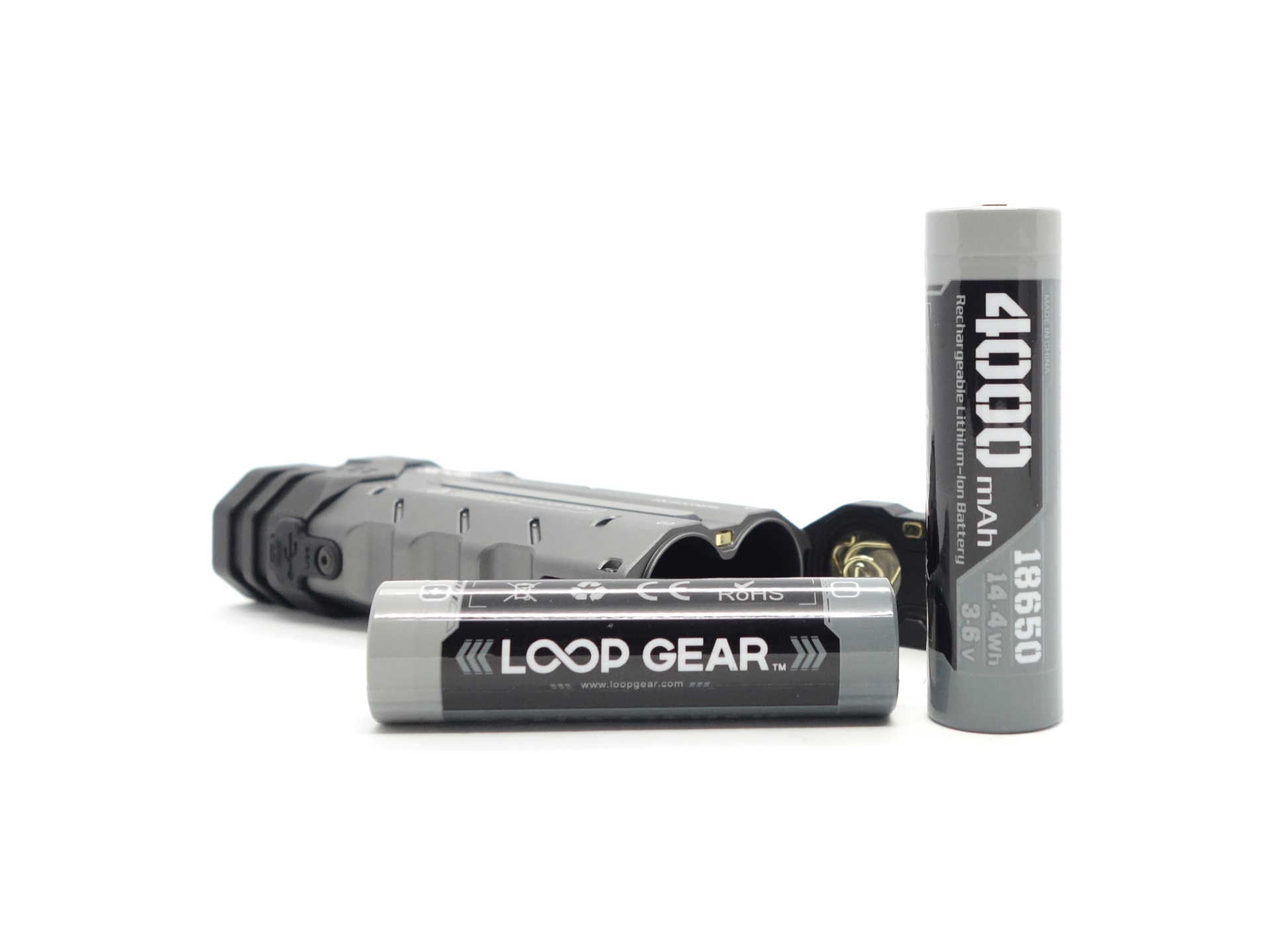
The cells are connected in parallel and they can either be recharged in the torch or replaced by unlocking the battery compartment.
The cells were isolated with a piece of plastic to prevent accidentally turning the torch on.
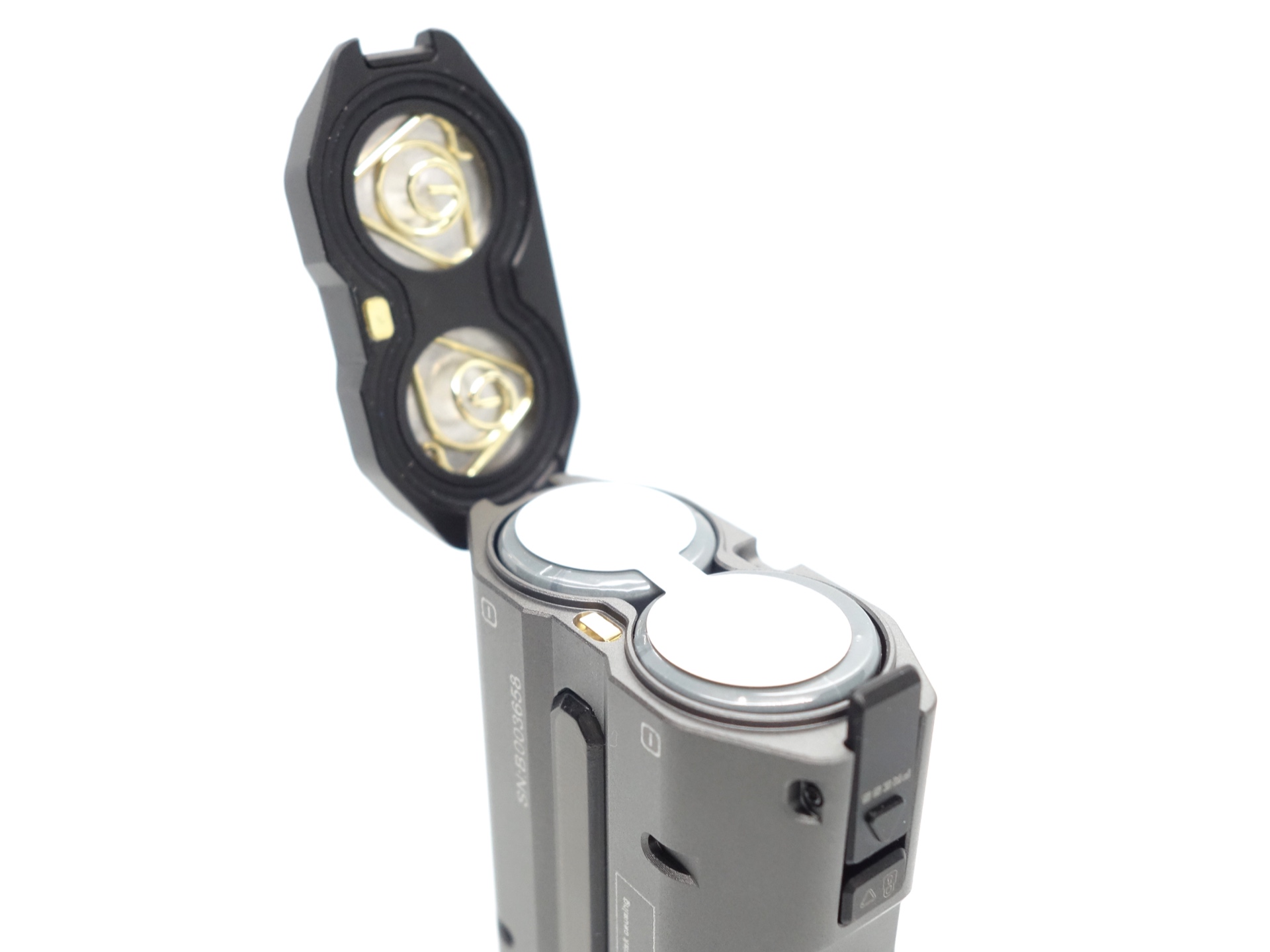
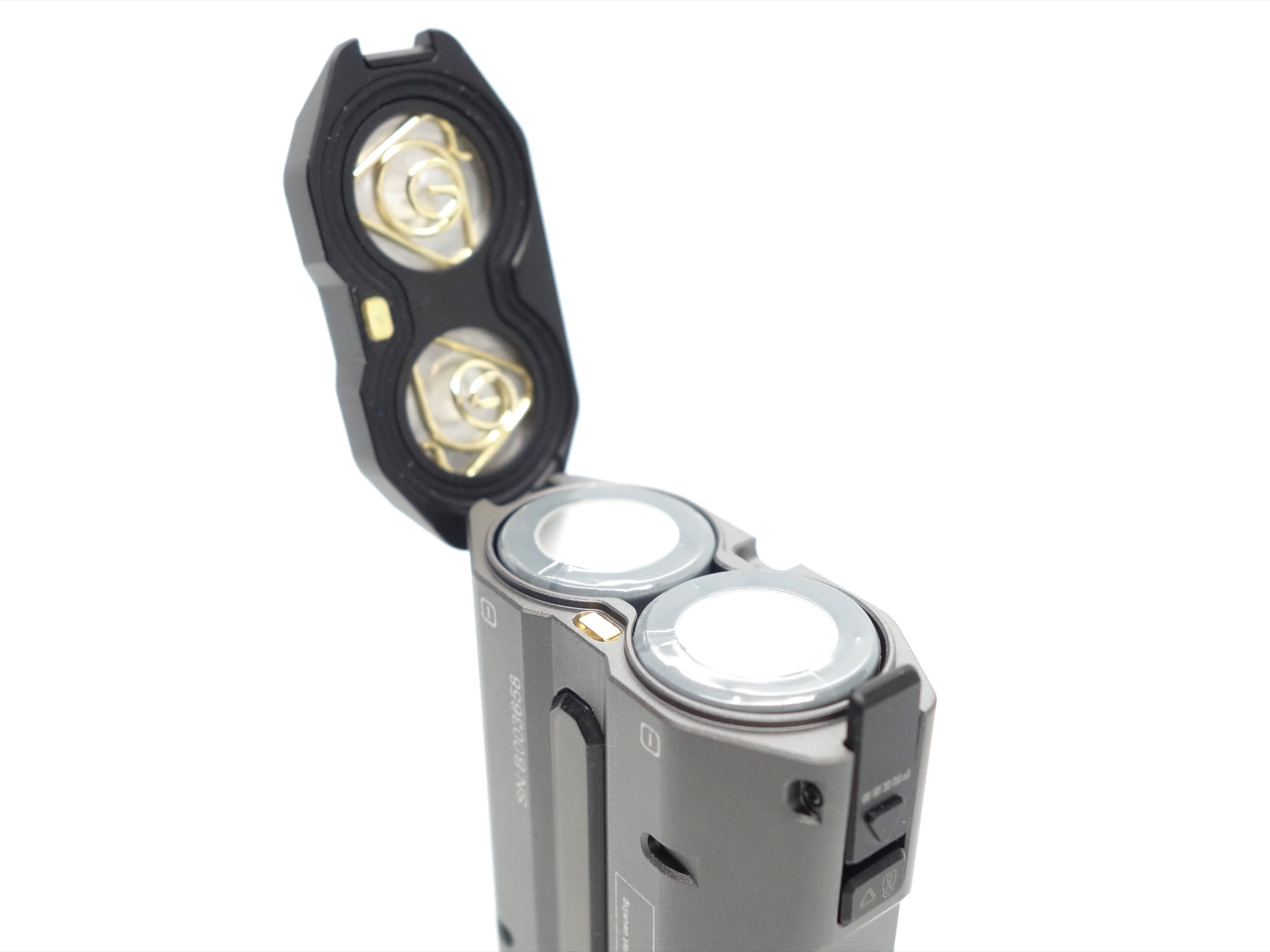
The cells were isolated with a piece of plastic to prevent accidentally turning the torch on.
I tried the following cells:
| Cell | Top | Compatible? | Comment |
|---|---|---|---|
| LOOP 18650 3.6V Li-ion 4000mAh | Button | Yes | |
| Sanyo NCR18650GA 3.7V Li-ion 3450mAh | Flat | No | Too short. |
Charging#
The LOOP SK05 Pro has built-in USB-C charging. It supports USB-C PD and USB-C QC.
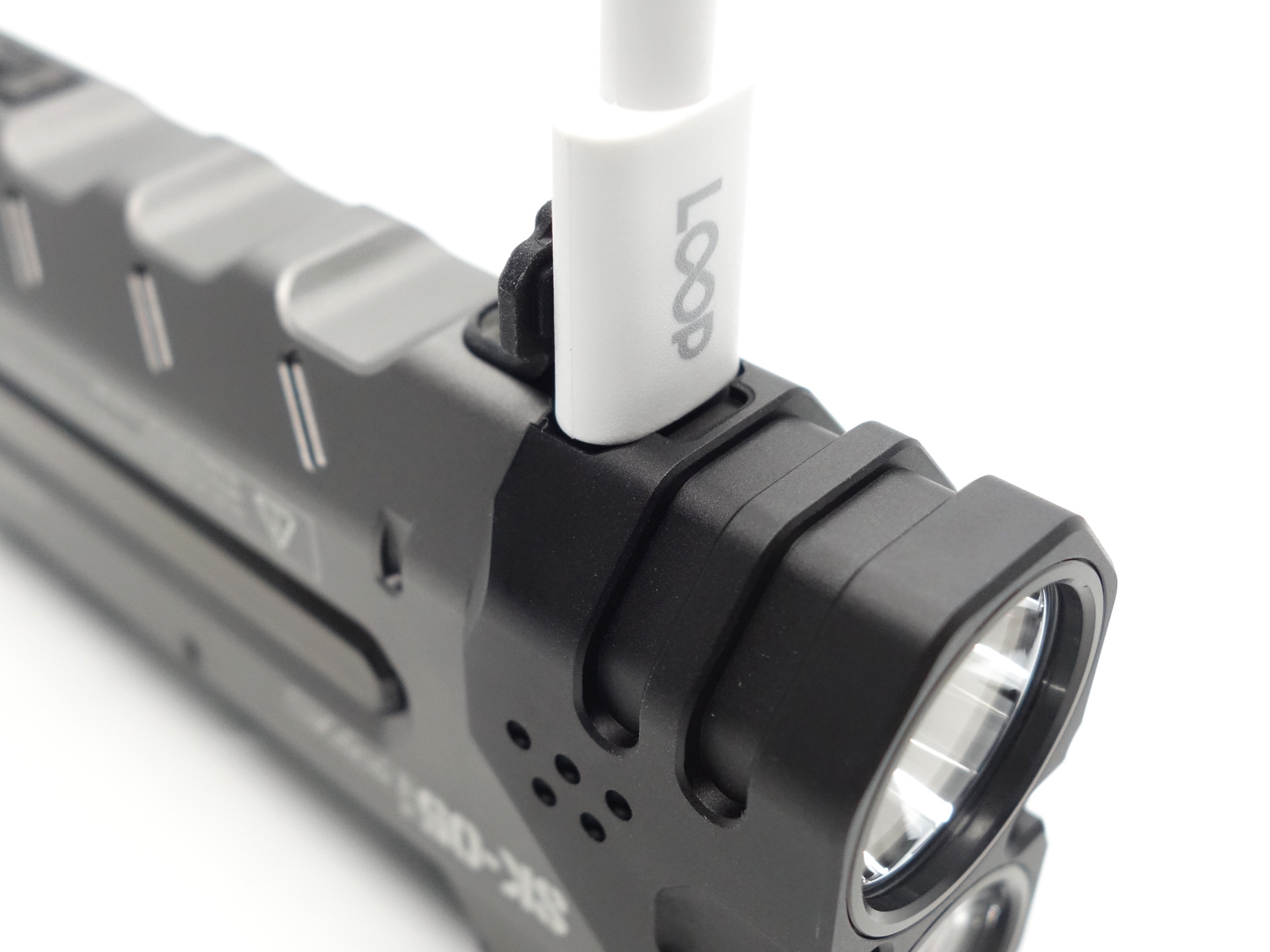
Power supply: PinePower Desktop USB-C
USB Meter: ChargerLAB Power-Z KM003C Amazon Australia
Room temperature: 18 C
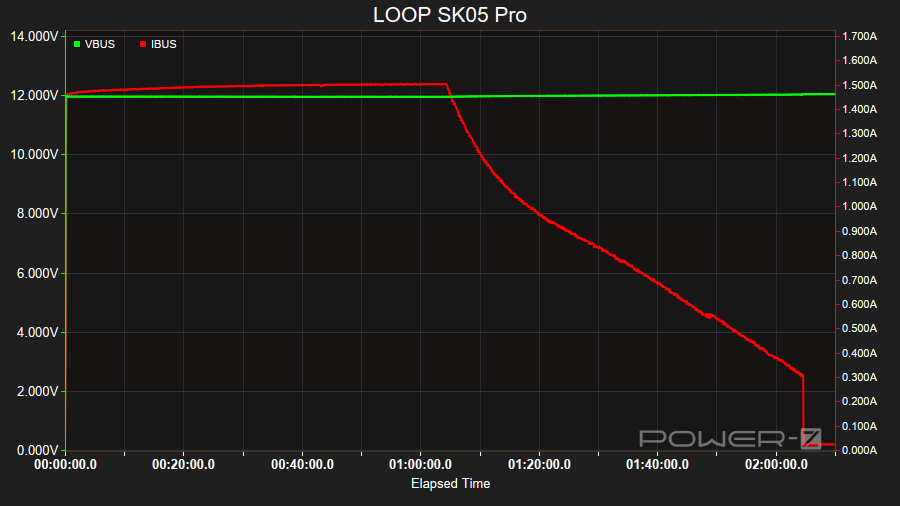
It took 2 hours 10 minutes to charge the cells from 3.25V to 4.15V at a rate of 12V/1.5A.
The sidelight acts as a charging status indicator.
| Status | Sidelight | Battery level |
|---|---|---|
| Fully Charged | Solid blue | 100% |
| Charging | Purple scrolling forward | > 95% |
| Charging | Red scrolling forward | 0 - 95% |
The charging status indicator can be turned off by pressing the button.
Powerbank#
The torch can be used as a powerbank with 20W output.
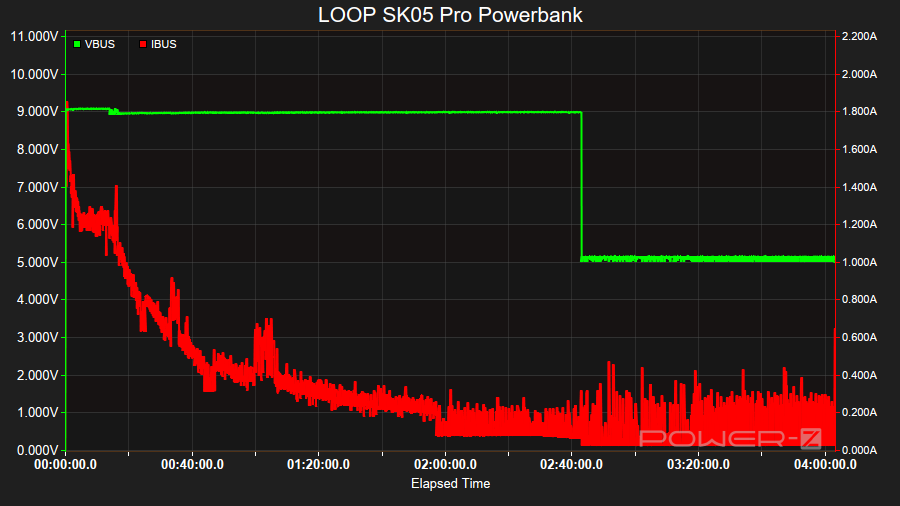
I used the torch to fast charge my phone at 9V/1.8A. The voltage stepped down to 5V and the current continued to drop as my phone became fully charged.
The sidelight acts as a discharging status indicator.
| Status | Sidelight |
|---|---|
| Discharging | Blue scrolling backward |
The discharging status indicator can be turned off while charging a device by pressing and holding the center button.
Power supply compatibility#
I tried the following power supplies with the built-in USB-C charger:
| Power supply | USB Type | Protocol | Does it charge? |
|---|---|---|---|
| Apple 61W Power Adapter | USB-C | PD | Yes |
| Google Pixel Power Adapter | USB-C | PD | Yes |
| PinePower Desktop | USB-C | PD | Yes |
| PinePower Desktop | USB-A | QC | Yes |
| PinePower Desktop | USB-A | Yes |
USB-C to USB-C charging works.
Performance#
Specifications from the product page:
1* Luminus SFT25R
| Spotlight | Turbo | High | Med | Low |
|---|---|---|---|---|
| Output (lumens) | 1,300 + 600 + 40 | 600 + 40 | 220 | 40 |
| Runtime | 40s + 5h + 30min | 5h 30min + 30min | 19h | >20 days |
| Beam Distance (metres) | 405 | |||
| Beam Intensity (cd) | 41,000 |
3* Nichia 519A 5700K
| Floodlight | Turbo | High | Med | Low |
|---|---|---|---|---|
| Output (lumens) | 2,100 + 630 + 35 | 630 + 35 | 230 | 35 |
| Runtime | 40s + 5h 30min + 30min | 6h + 30min | 20h | >20 days |
| Beam Distance (metres) | 150 | |||
| Beam Intensity (cd) | 10,000 |
| Sidelight | On |
|---|---|
| Runtime | >20 days |
Lumen measurements#
I used a bench power supply to measure the current at turn on for most modes.
| LED | Mode | Amps at start | Specs | 3umens @turn on | Lumens @30 sec | Lumens @10 min |
|---|---|---|---|---|---|---|
| Spotlight | Low | 0.15 A | 40 | 75 | 75 | 75 |
| Spotlight | Med | 0.53 A | 220 | 287 | 282 | 280 |
| Spotlight | High | 1.57 A | 600 + 40 | 693 | 678 | 665 |
| Spotlight | Turbo | 6.75 A | 1,300 + 600 + 40 | 1,676 | 1,437 | 660 |
| Floodlight | Low | 0.19 A | 35 | 103 | 100 | 100 |
| Floodlight | Med | 0.59 A | 230 | 338 | 332 | 330 |
| Floodlight | High | 1.65 A | 630 + 35 | 832 | 810 | 797 |
| Floodlight | Turbo | 9.05 A | 2,100 + 630 + 35 | 2,882 | 2,439 | 792 |
| Both | Turbo | 10.16 A |
Standby drain#
113 µA
Runtime graphs#
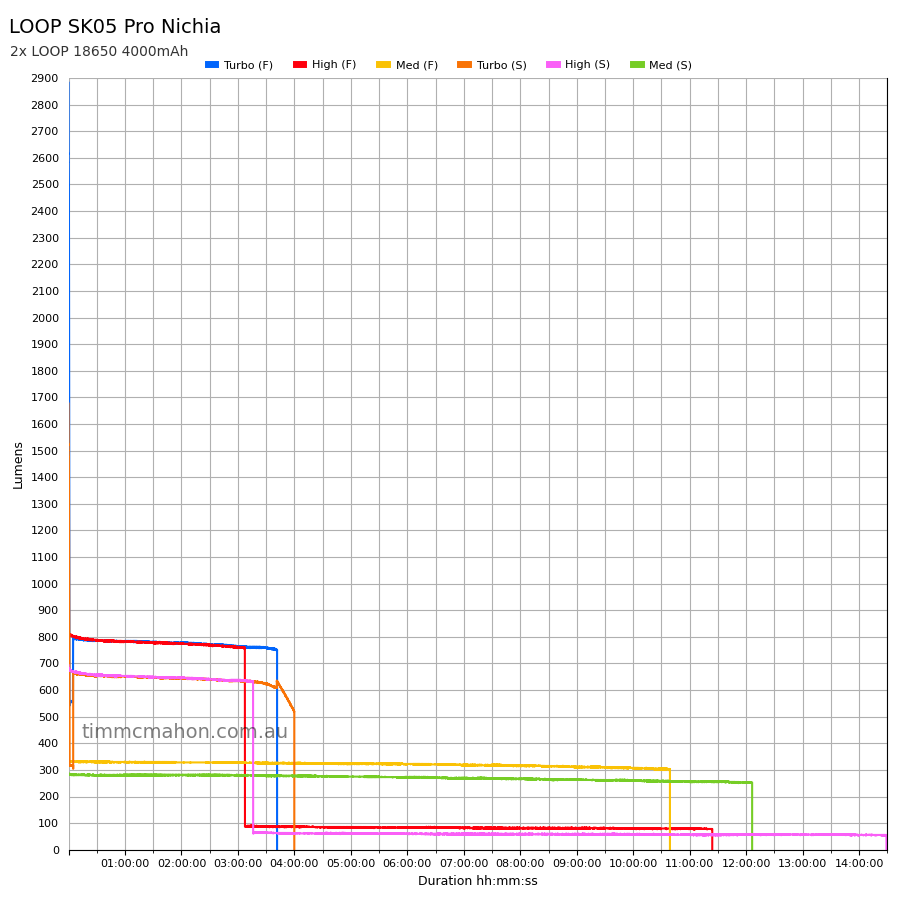
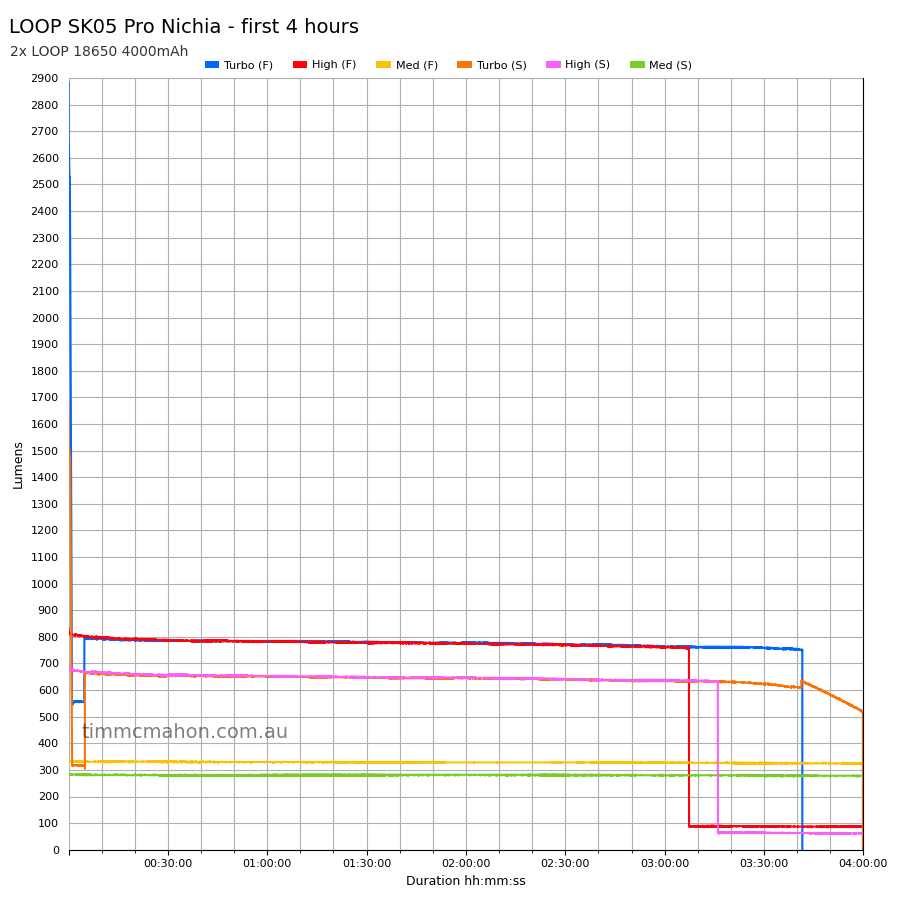
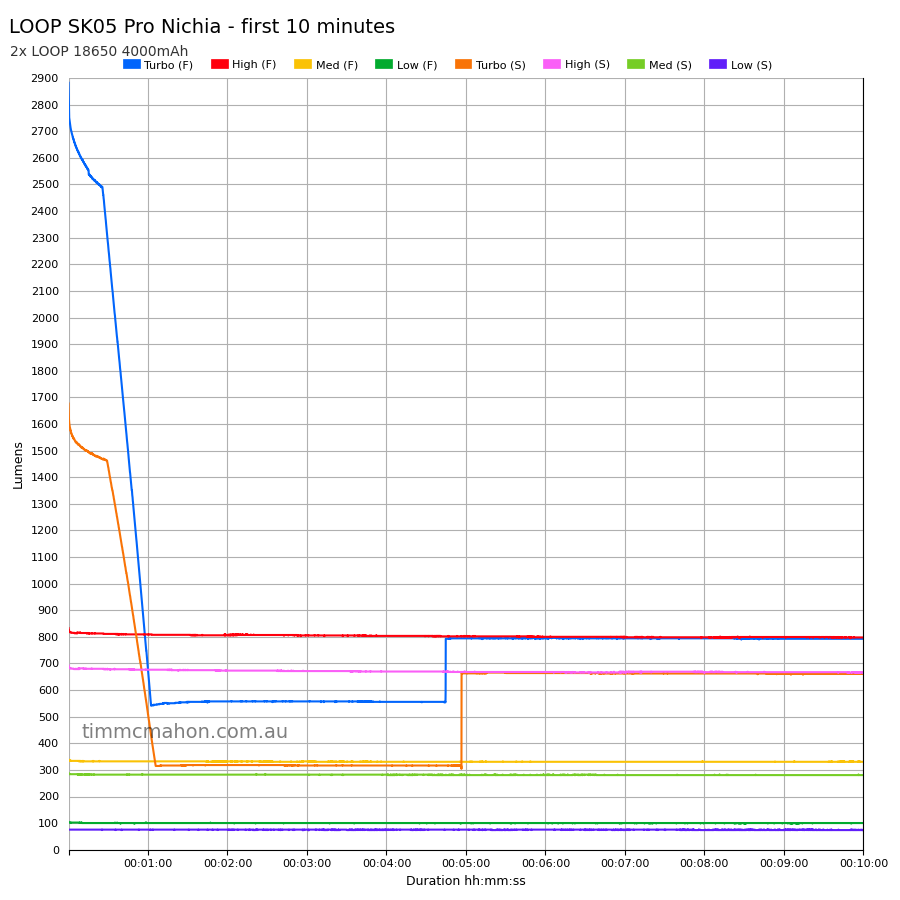
I used my own DIY lumen tube with a TSL2591 sensor and forked bmengineer’s project RuTiTe to record runtimes.
Note: Lumen measurements may be off by 10% with my DIY lumen tube.
The room temperature was approximately 18 C.
Runtime#
Here is a summary of the runtime results:
| LED | Mode | User manual | Runtime | Turn off | Final voltage |
|---|---|---|---|---|---|
| Spotlight | Turbo | 40s + 5h + 30min | 3h 58min 6s | 3h 58min 6s | 3.16, 3.16 |
| Spotlight | High | 5h 30min + 30min | 3h 16min 3s | 14h 29min 1s | 3.07, 3.07 |
| Spotlight | Med | 19h | 12h 4min 33s | 12h 4min 33s | 3.12, 3.12 |
| Spotlight | Low | >20 days | 10min+ | 10min+ | |
| Floodlight | Turbo | 40s + 5h 30min + 30min | 3h 39min 37s | 3h 39min 37s | 3.17, 3.17 |
| Floodlight | High | 6h 30min | 7h 31min 39s | 11h 22min 14s | 3.06, 3.06 |
| Floodlight | Med | 20h | 10h 37min 46s | 10h 37min 46s | 3.14, 3.14 |
| Floodlight | Low | >20 days | 10min+ | 10min+ |
“Runtime” is the time until the output reduces to 10% of the output at 30 seconds (as per the ANSI/PLATO FL1 2019 Standard).
“Turn off” is the time until my DIY lumen tube no longer detects more than one lumen.
“+” indicates that the light remained on after recording had stopped.
The protected cells are cutting out around 3.17V. This may be causing the runtimes to be shorter than expected.
The output is well regulated.
Throw#
I took lux measurements with a UNI-T UT383BT at 30 seconds. Each mode was measured at five metres.
| LED | Mode | Specs (cd) | Specs (m) | Candela measured (cd) | Distance (m) |
|---|---|---|---|---|---|
| Floodlight | Low | 150 | 24 | ||
| Floodlight | Med | 825 | 57 | ||
| Floodlight | High | 2,225 | 94 | ||
| Floodlight | Turbo | 10,000 | 150 | 7,225 | 170 |
| Spotlight | Low | 2,700 | 103 | ||
| Spotlight | Med | 10,800 | 207 | ||
| Spotlight | High | 27,150 | 329 | ||
| Spotlight | Turbo | 41,000 | 405 | 58,575 | 484 |
Pulse Width Modulation#
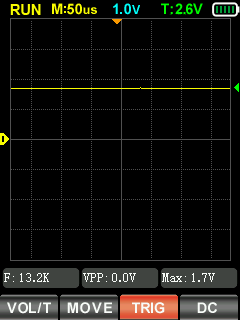
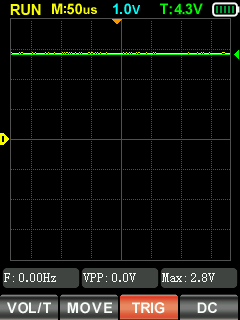
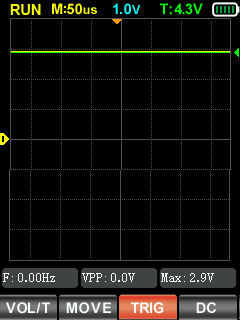
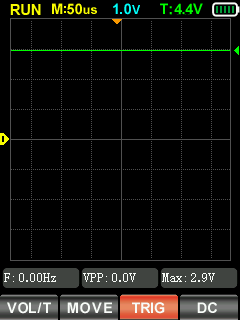
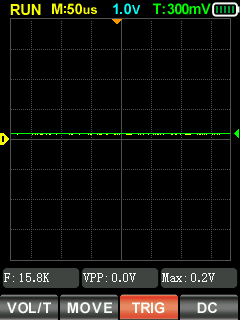
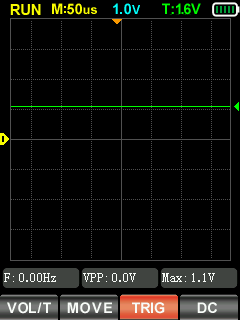
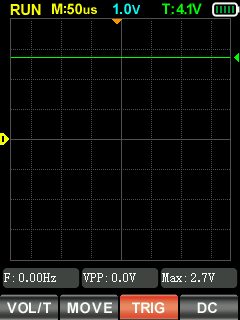
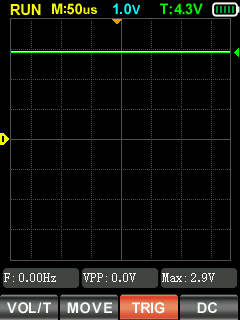
I did not notice any visible PWM (flickering).
I measured the PWM of the light with a Zoyi ZT-701 oscilloscope.
Spotlight (Low, Med, High, Turbo)
Floodlight (Low, Med, High, Turbo)
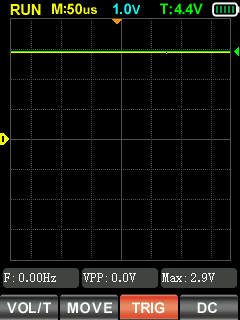
Spotlight + Floodlight (Turbo)
Beamshots#
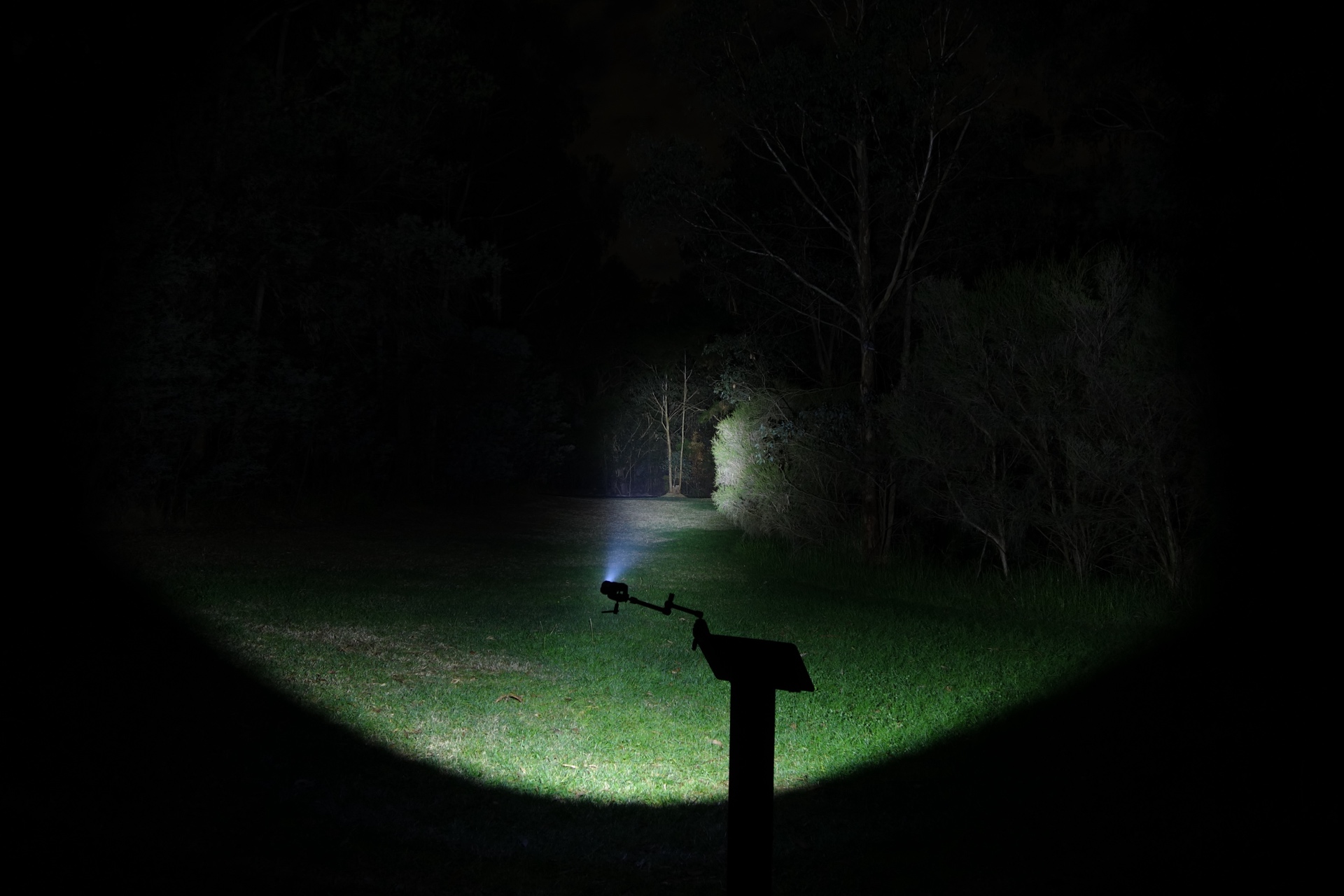
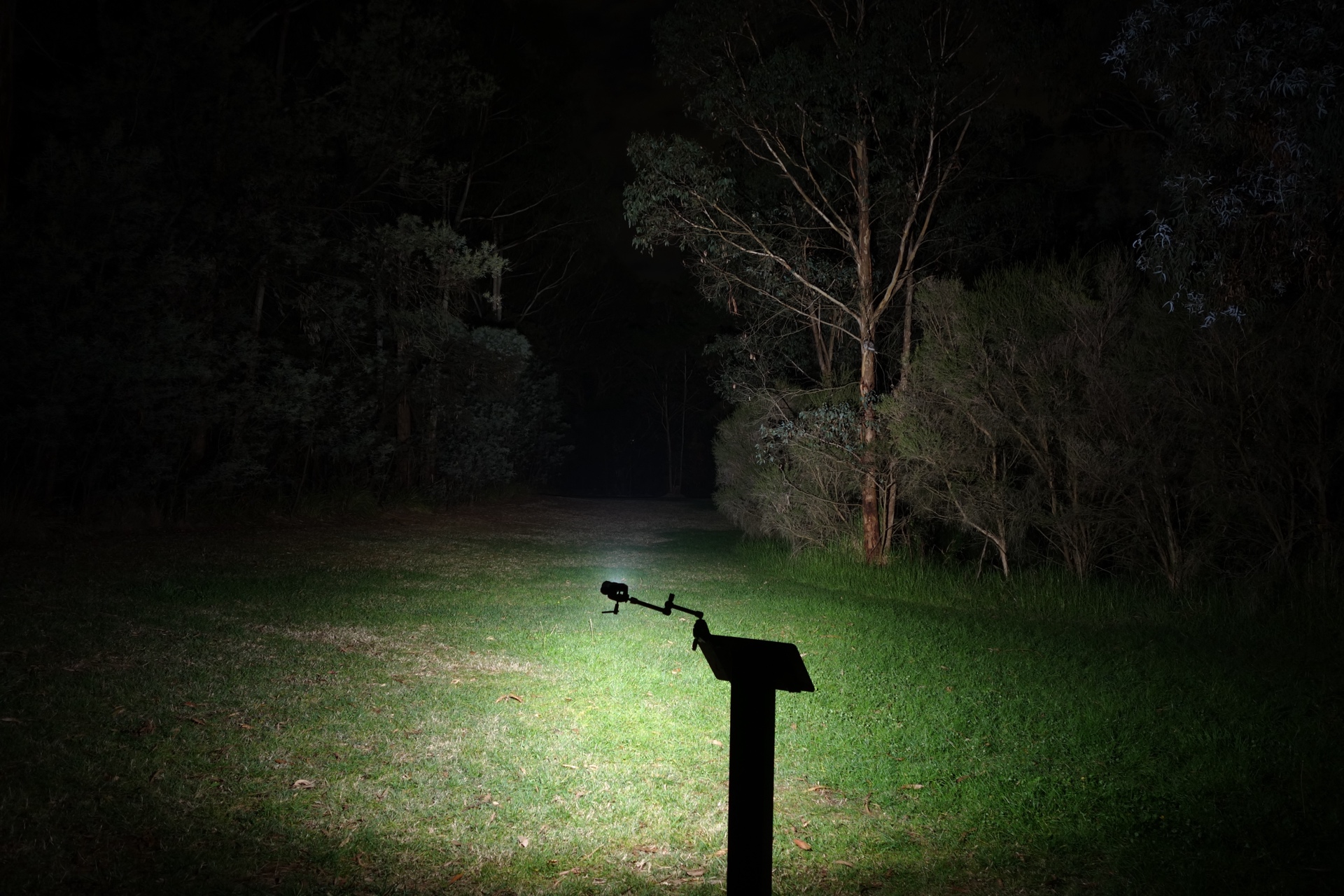
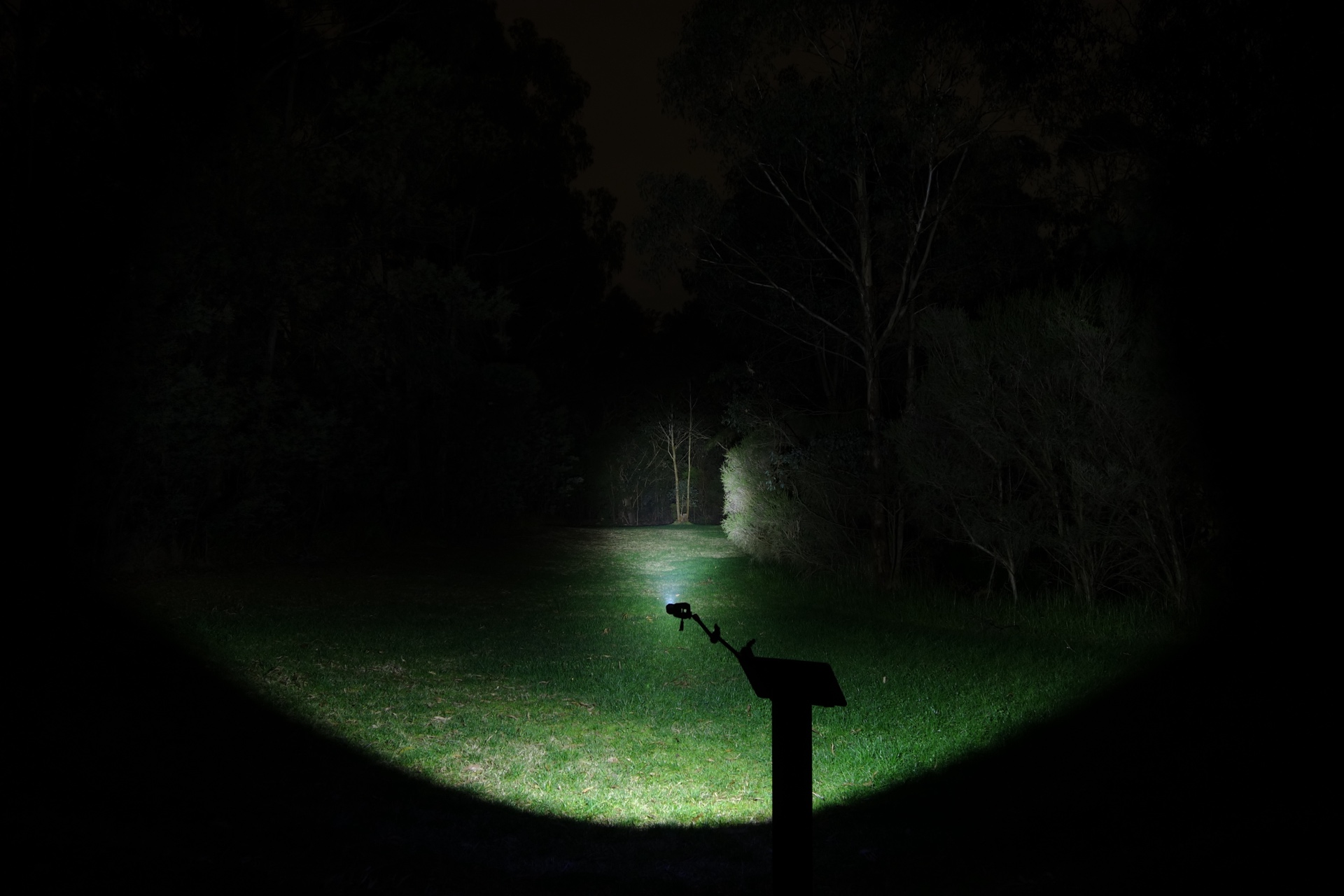
I went to a local park and I aimed the torch at a tree 70 metres away.
Beamshots were taken using a Sony RX100M2 using 3.2", f3.2, ISO 100, 5000K WB.
LOOP SK05 Pro Spotlight (Turbo)#
LOOP SK05 Pro Floodlight (Turbo)#
LOOP SK05 Pro MAO Spotlight (Turbo)#
LOOP SK05 Pro MAO Floodlight (Turbo)#
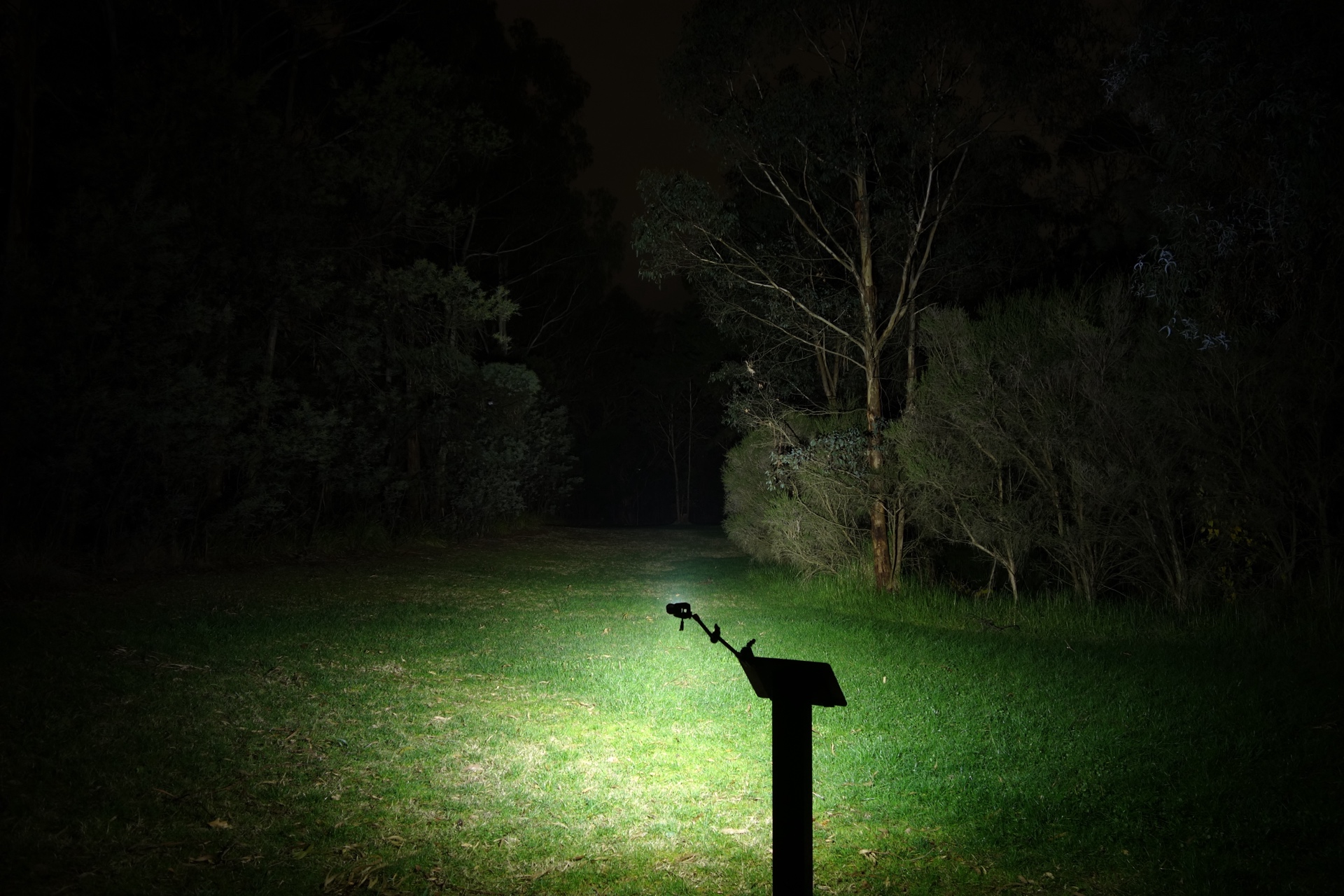
LOOP SK05 Spotlight (Turbo)#
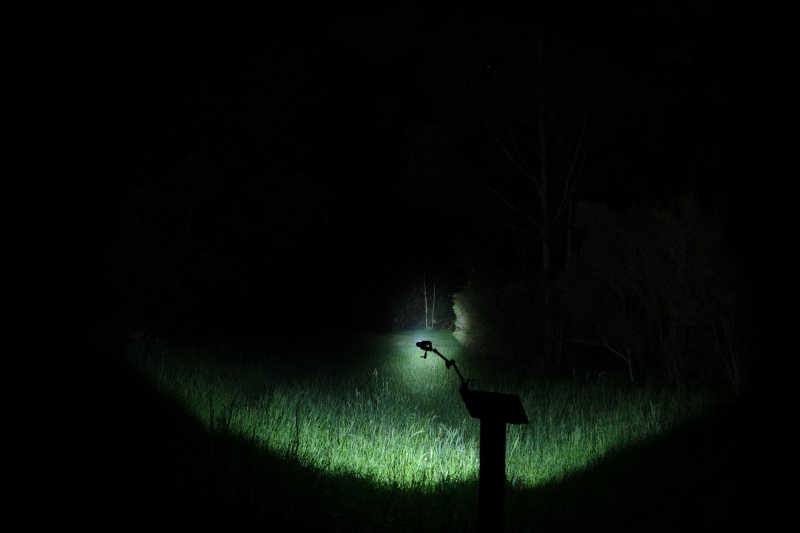
LOOP SK05 Floodlight (Turbo)#
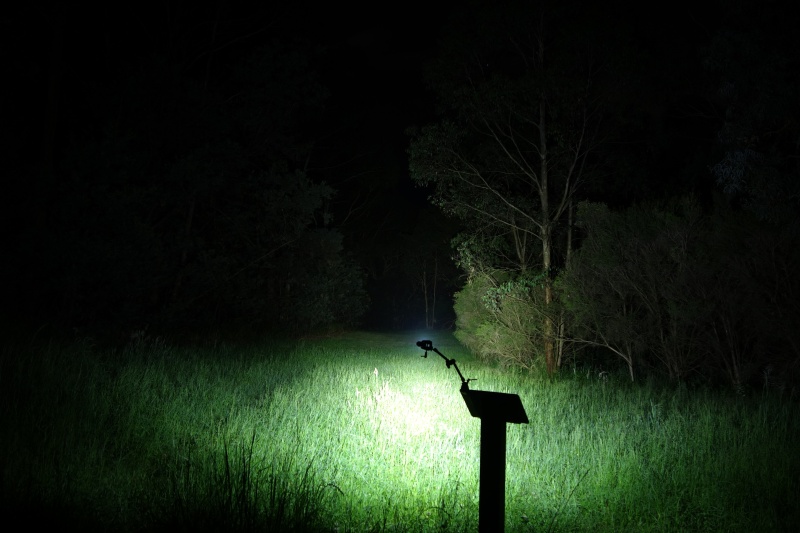
Acebeam M2 Spotlight (High)#
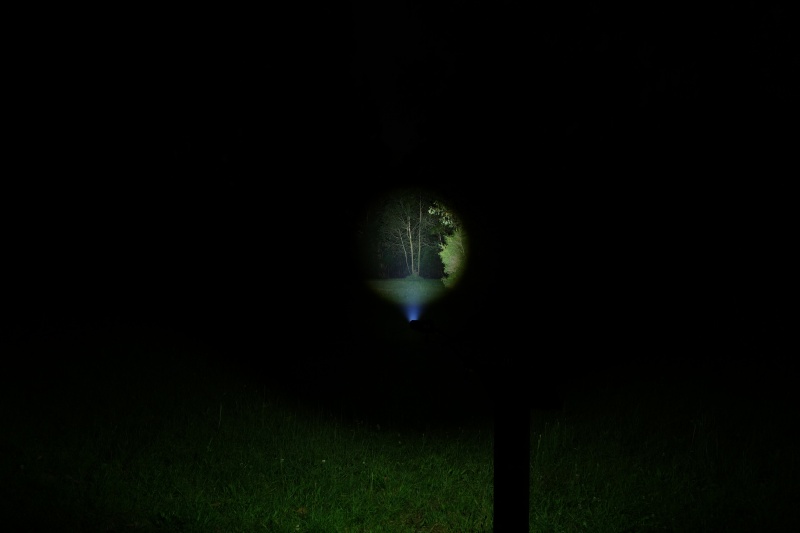
Acebeam M2 Floodlight (Turbo)#
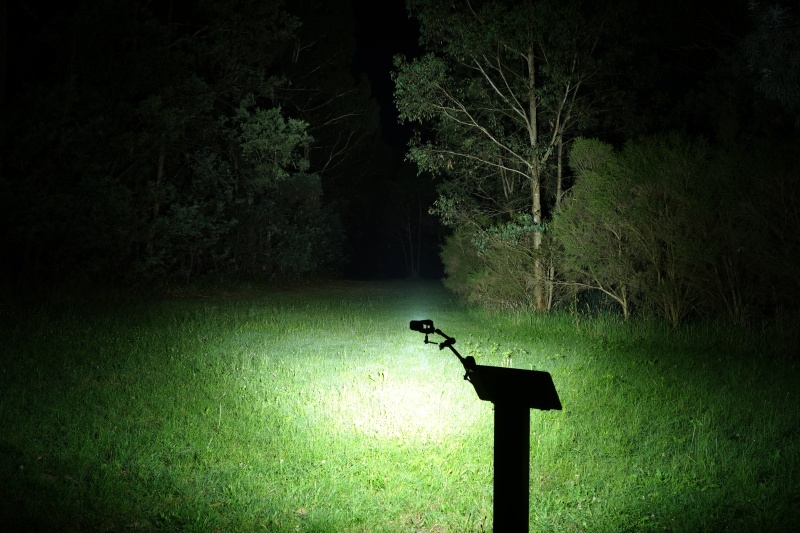
Acebeam M2 Both (High)#
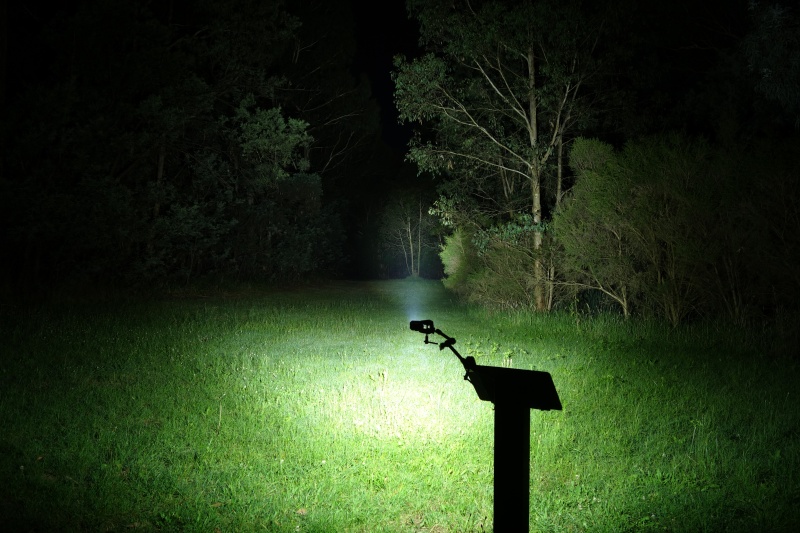
Conclusion#
The LOOP SK05 Pro is a light for EDC and flashlight enthusiasts.
The beam distance and the lumen output are better than expected but the runtime could be improved.
I highly recommend this High CRI Nichia version! The floodlight beam looks so good.
Pros:#
- Excellent build quality.
- Lumen output is better than expected.
- Beam distance is better than expected.
- High CRI.
- Output is well regulated.
- USB-C power bank.
- Built-in USB-C charging.
Cons:#
- Runtime is shorter than expected.
- No Moonlight mode.
Price#
The LOOP SK05 Pro is US$107.09 at loopgear.com (affiliate link)
Product page#
LOOP SK05 Pro at amazon.com (affiliate link)
Use promo code: TorchHacker
LOOP SK05 Pro at loopgear.com (affiliate link)
I may earn a commission if you use an affiliate link or a promo code. This will help fund future torch reviews and tutorials.