LOOP DOT Pixel Display EDC Torch Review
LOOP DOT#
- Specifications
- Introduction
- Torch in use
- Build quality
- LED, bezel, lens, reflector and beam
- Size and comparison
- User interface
- Batteries and charging
- Powerbank
- Performance
- Beamshots
- Conclusion
- Price
- Product page
Specifications#
| Brand/model | LOOP DOT |
|---|---|
| LED | Spotlight, Floodlight, RGB Display |
| Maximum lumens | 400 lm |
| Maximum beam intensity | 2,400 cd |
| Maximum throw | 100 m |
| Battery | Built-in 600mAh |
| Onboard charging | Yes (USB-C) |
| Material | Aluminium, Glass |
| Modes | Many |
| Blinkies | Strobe |
| Reflector | TIR |
| Waterproof | IPX6 |
| Review date | August 2025 |
Introduction#
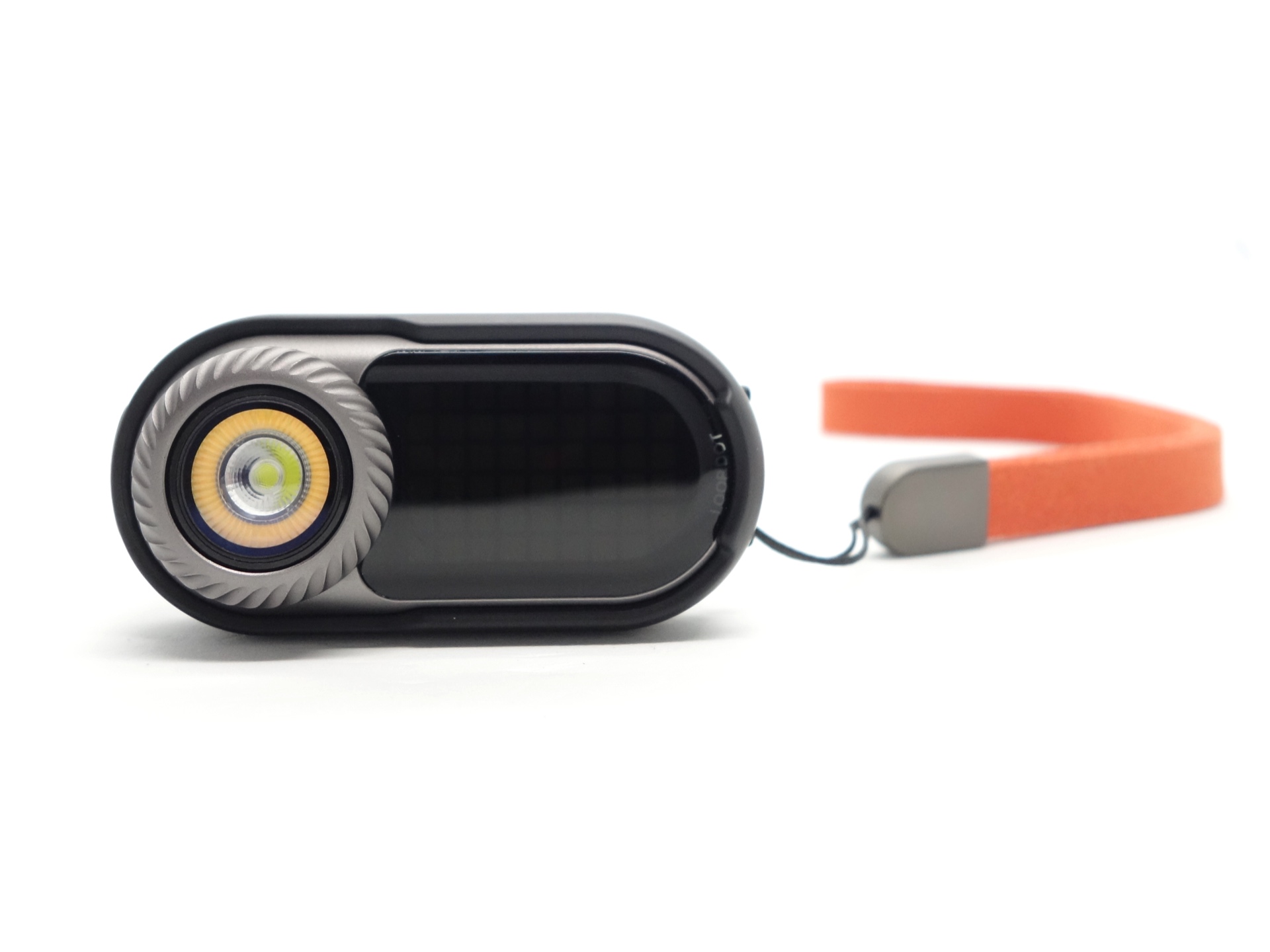
The LOOP DOT is an innovative new EDC flashlight by LOOP GEAR! It features an RGB Pixel Display with games and ambient lighting, a mechanical fidget dial, two light sources (a warm 90 CRI floodlight and a cool white spotlight) and built-in USB-C charging. It even has games that respond by shaking the device!
LOOP GEAR kindly sent an early sample of the crowdfunding edition of the LOOP DOT. It is not the final mass-produced version. LOOP GEAR has already added more features and improvements at the time of writing based on early feedback.
Here is a video demonstrating the LOOP DOT:
Packaging#
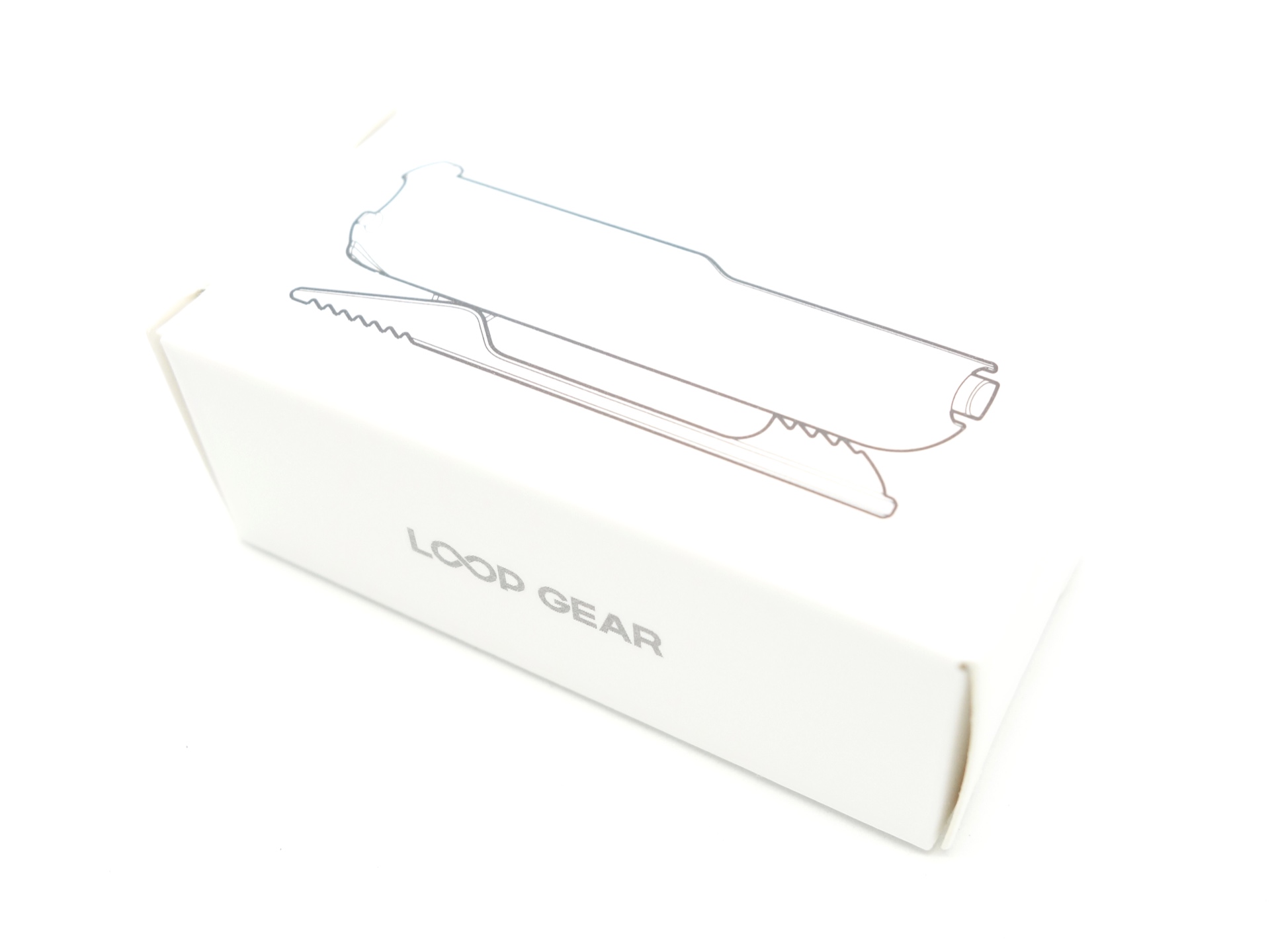
The LOOP DOT comes inside a white box with LOOP GEAR branding.
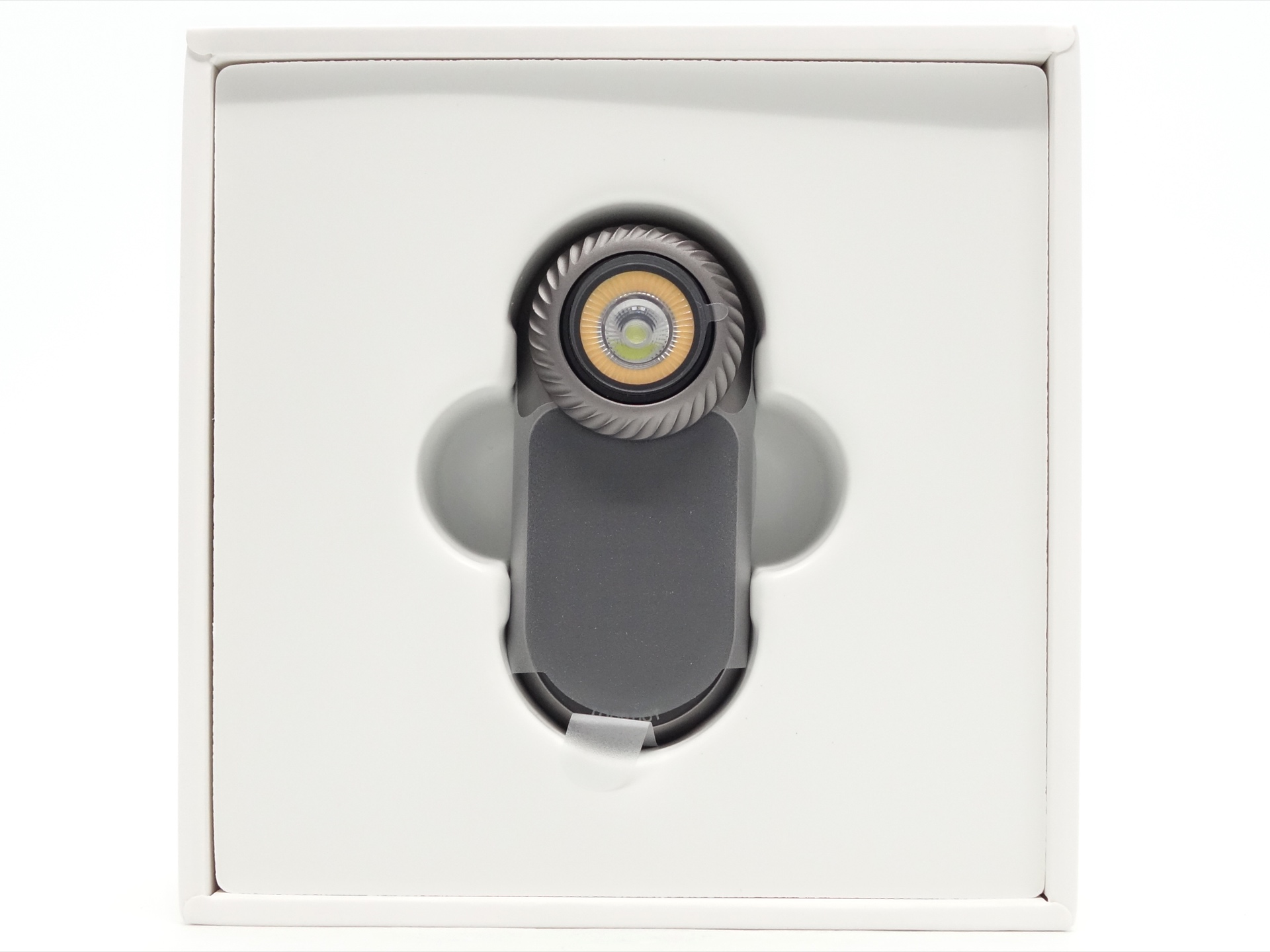
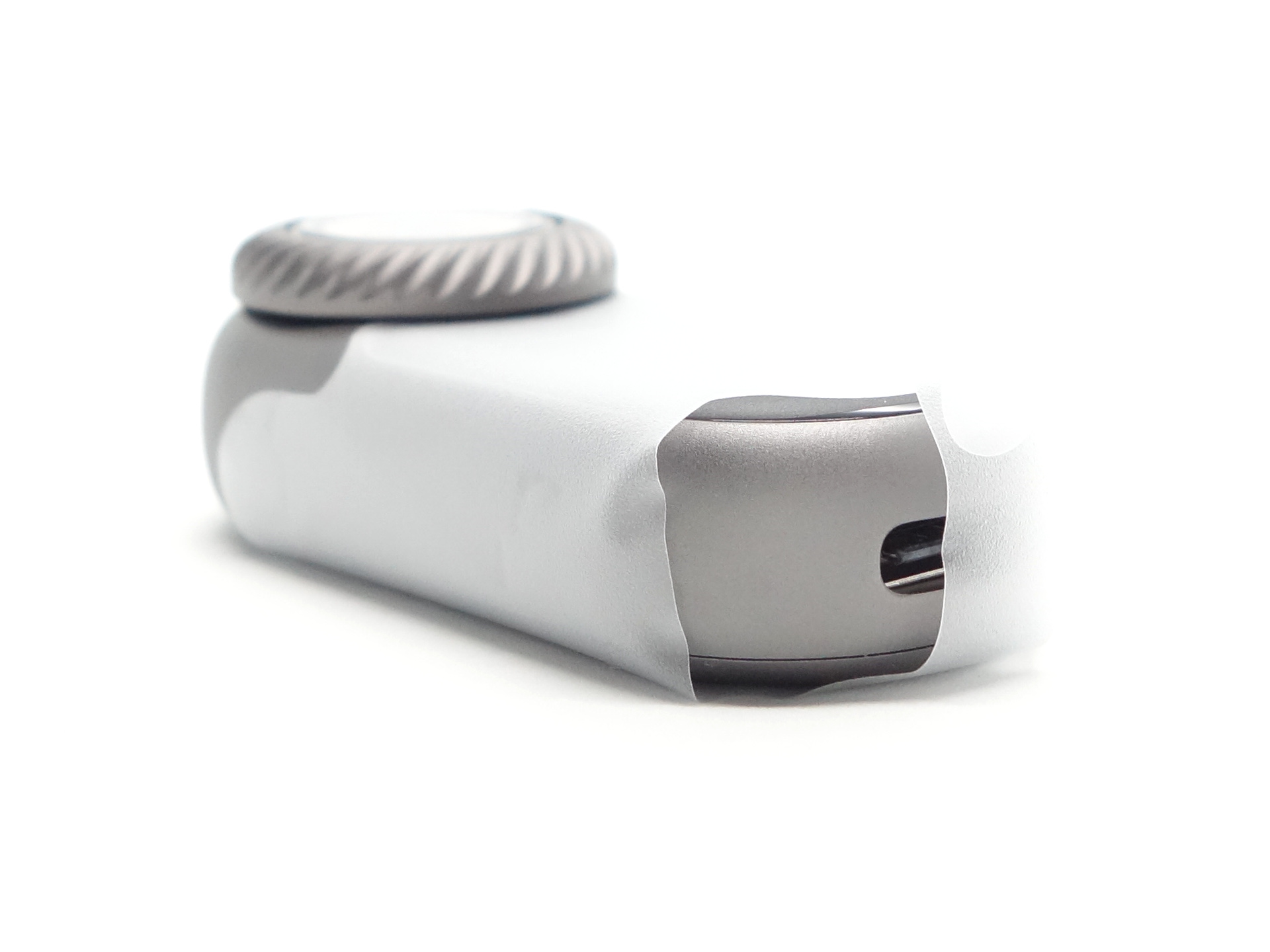
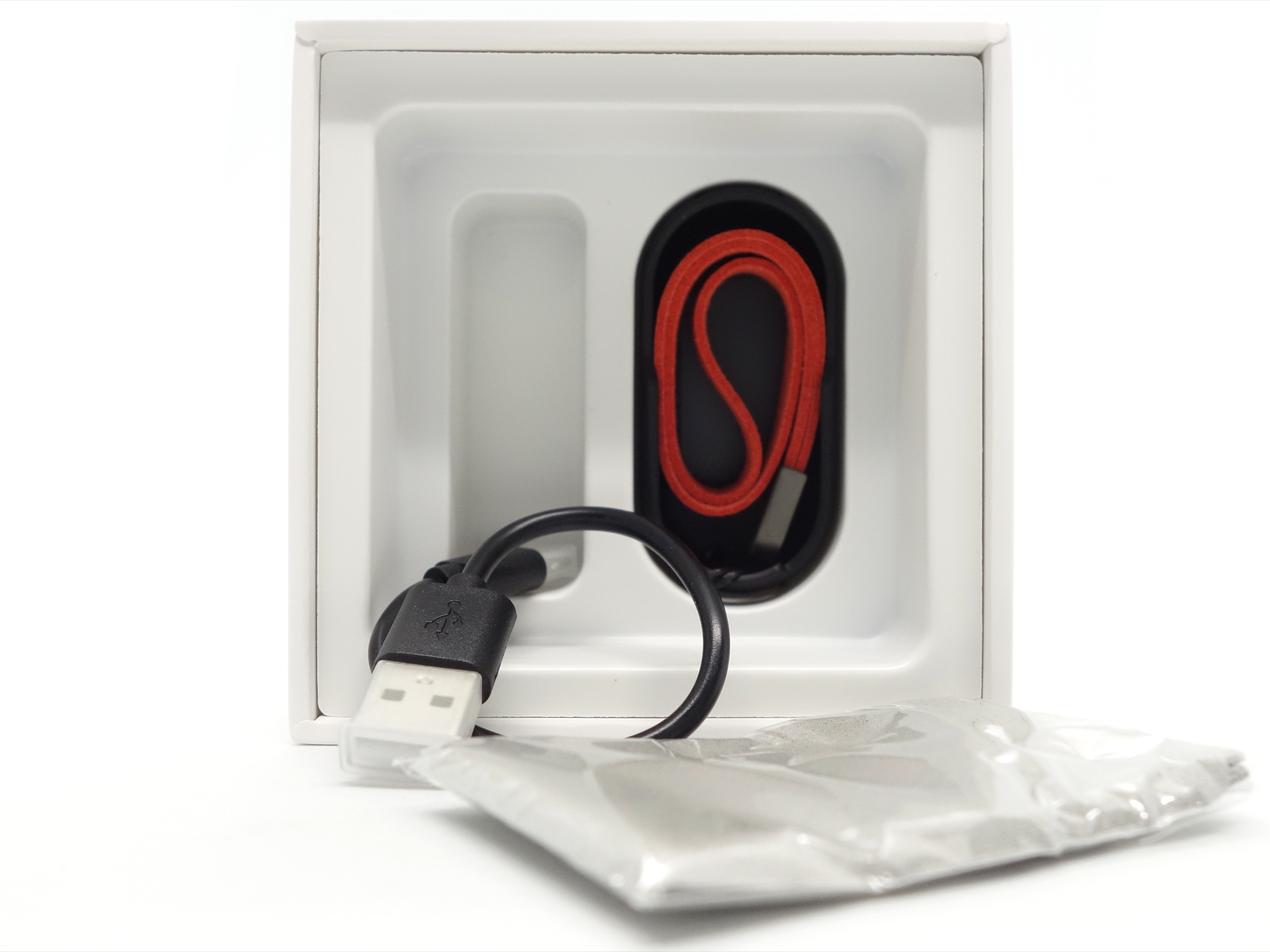
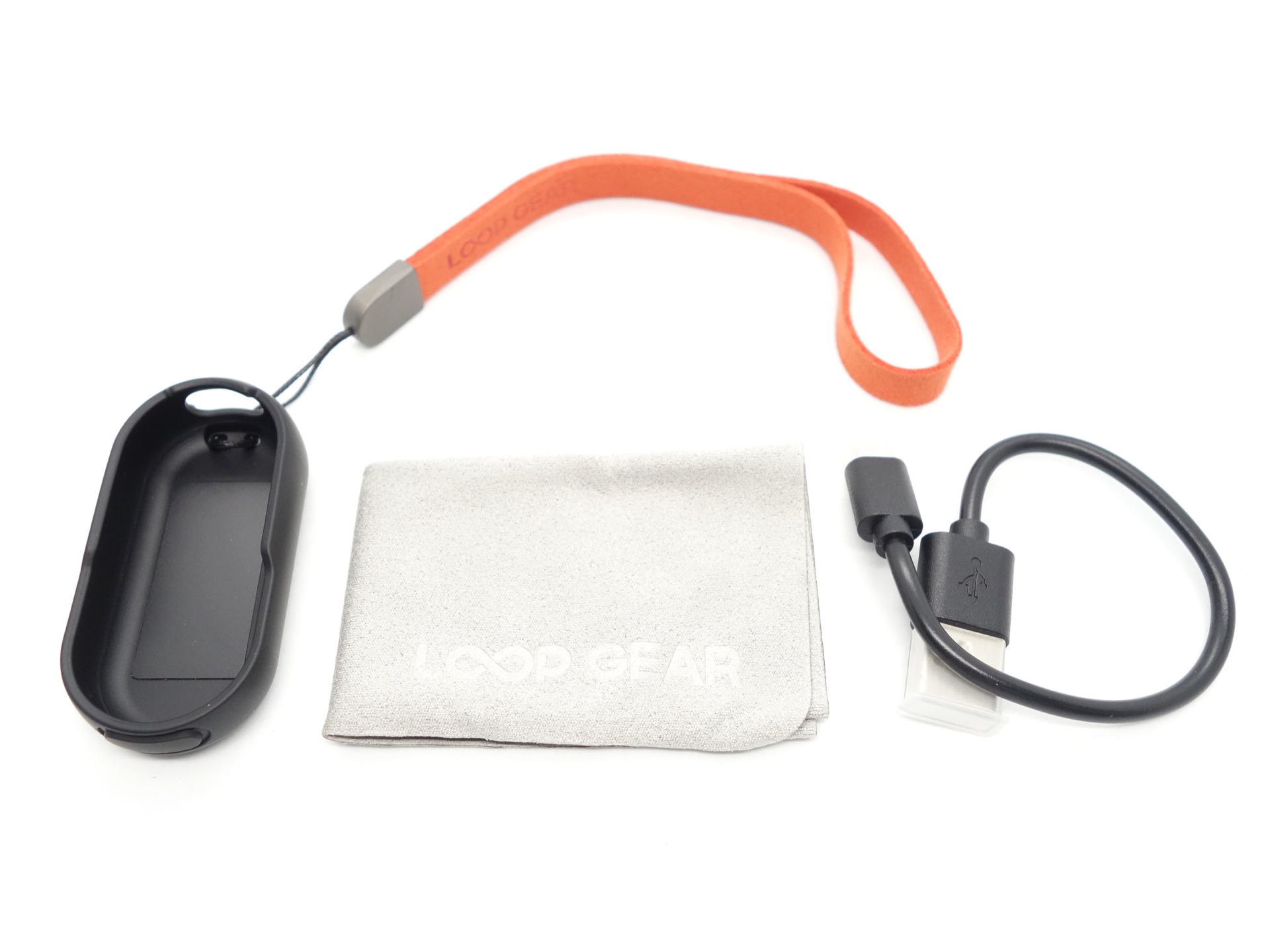
The following was included in the box:
- LOOP DOT.
- Protective case with a lanyard.
- USB-A to USB-C charging cable.
- Cleaning cloth.
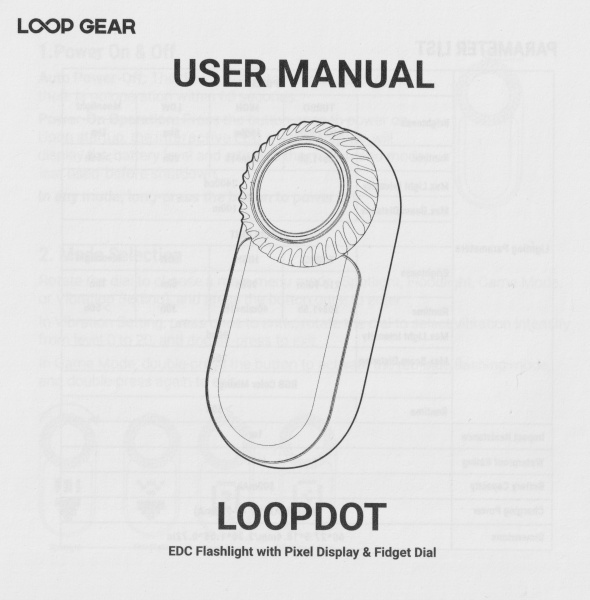
- User manual.
Clip#
LOOP GEAR kindly included an optional clip.
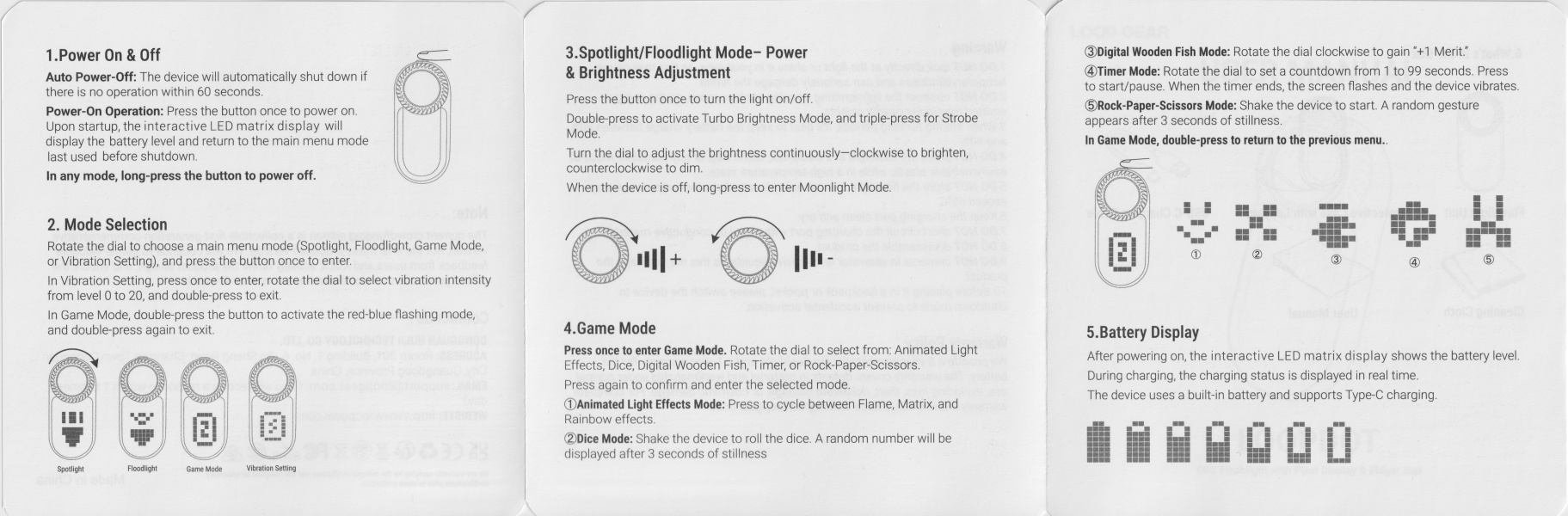
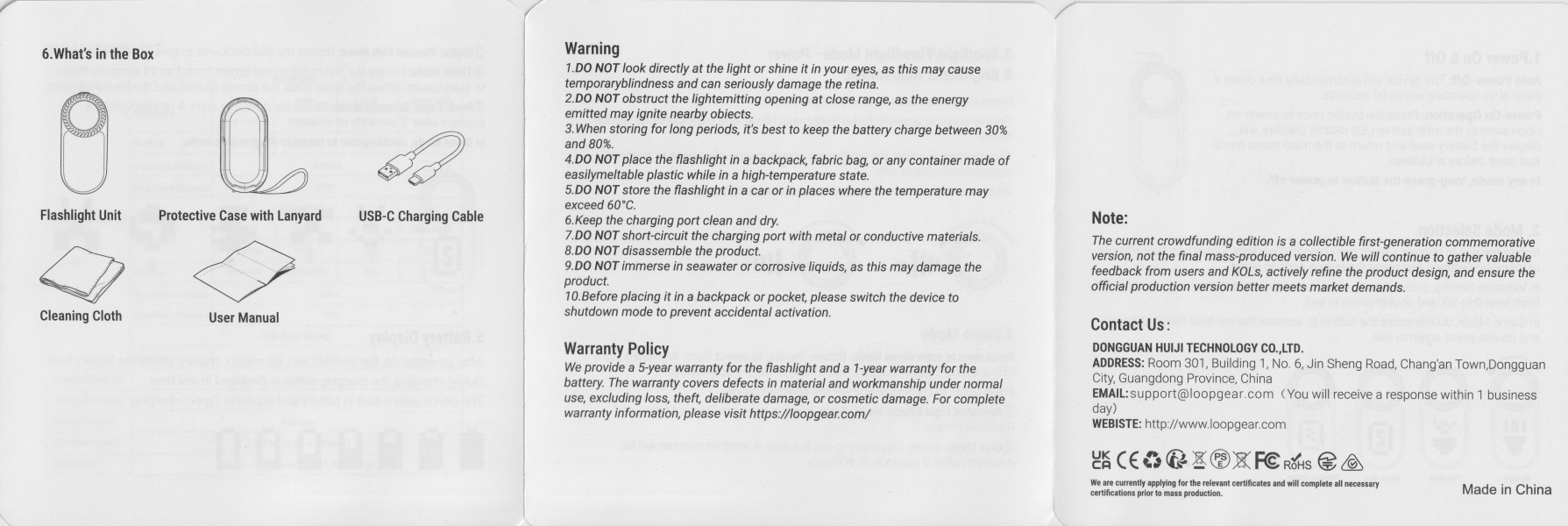
User Manual#
Torch in use#
The LOOP DOT is intended for EDC use.
This thing is so much fun!
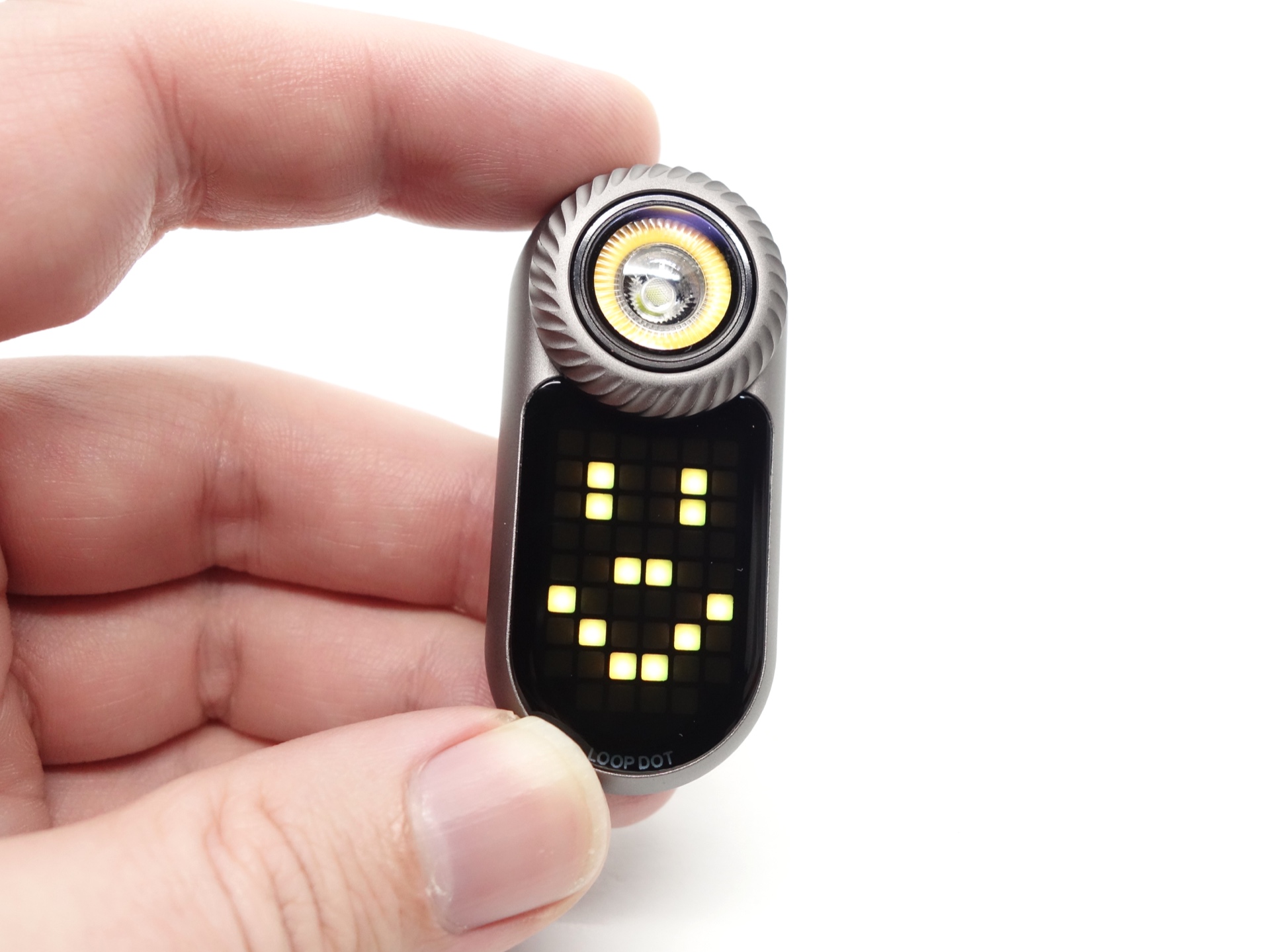
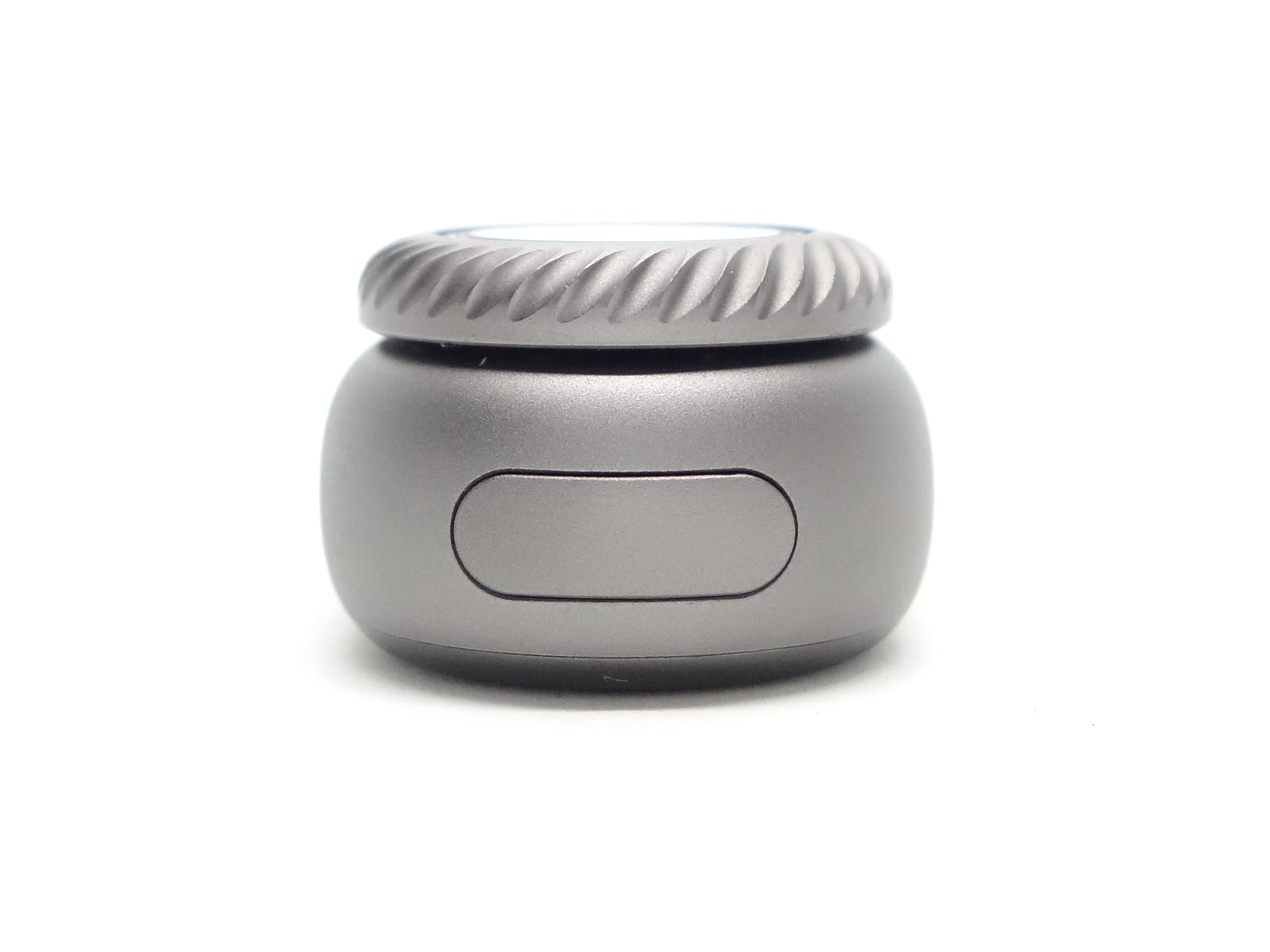
It has a button on the top and there is a rotary dial with tactile feedback.
The LOOP DOT can vibrate when turning the wheel or while playing certain games!
The vibrationn intensity can be adjusted from 0 to 20 in the settings.
There is a magnet at the back of the included protective case. I highly recommend using the lanyard and the protective case to avoid accidentally dropping the LOOP DOT.
Build quality#
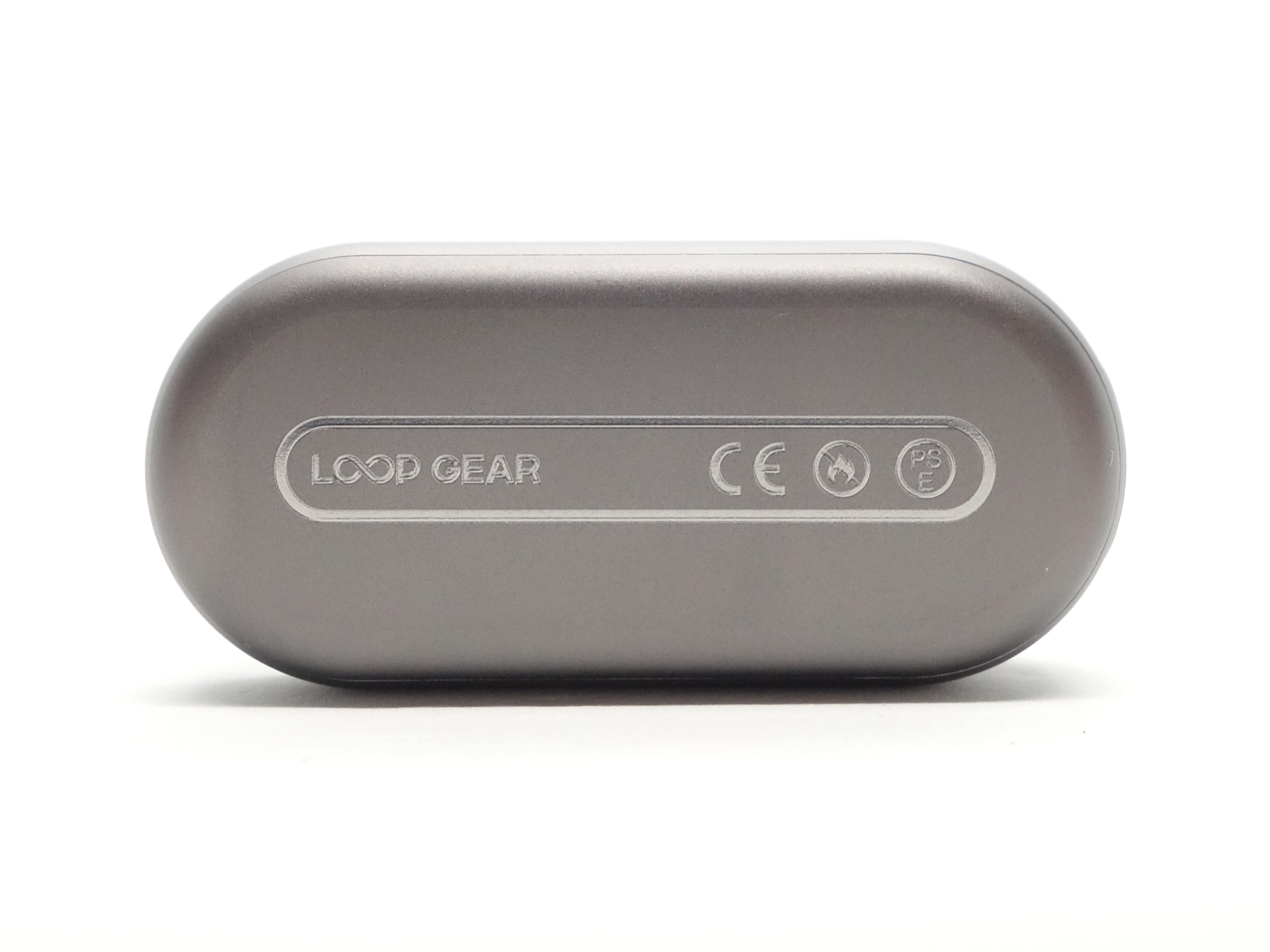
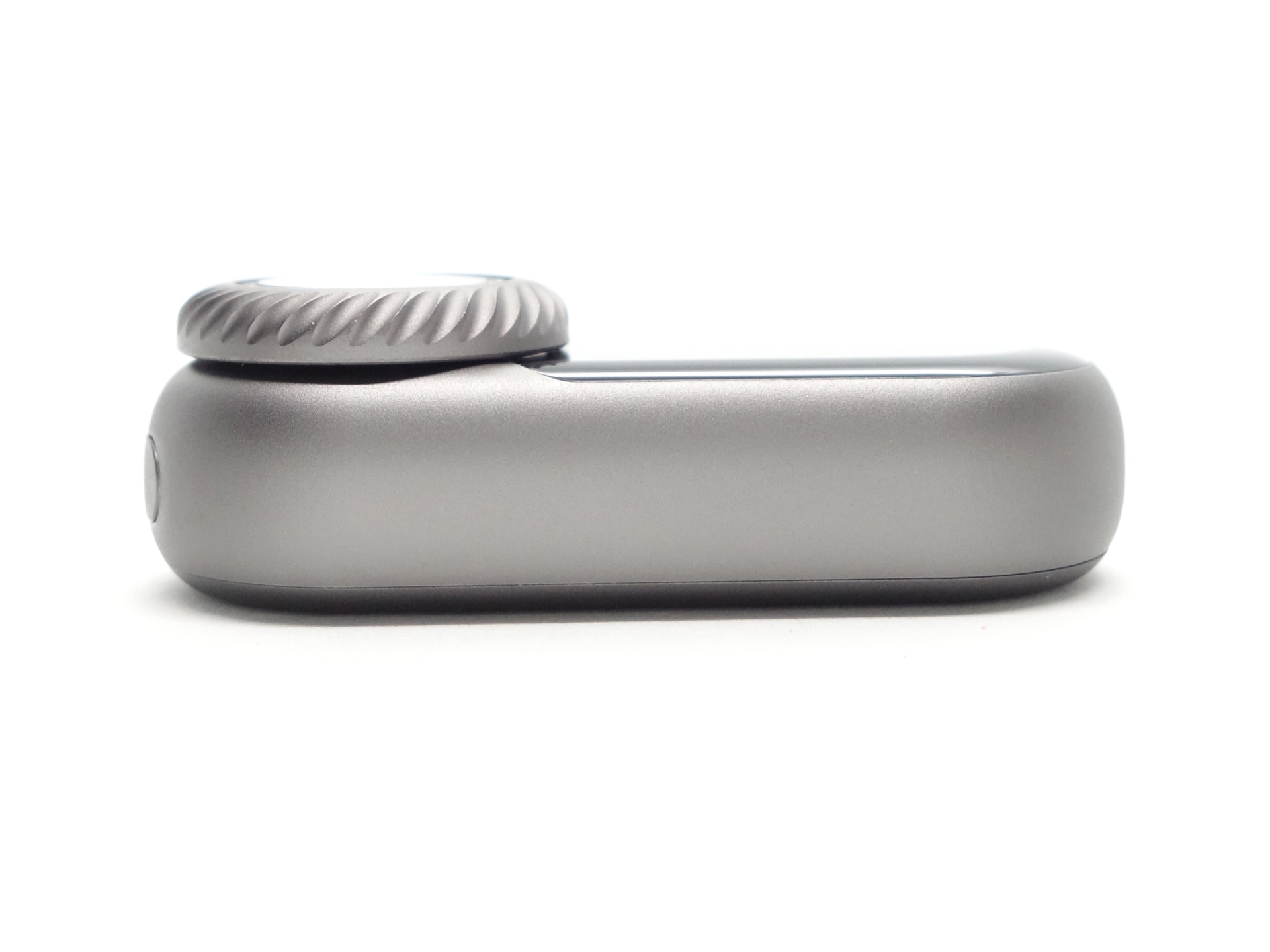
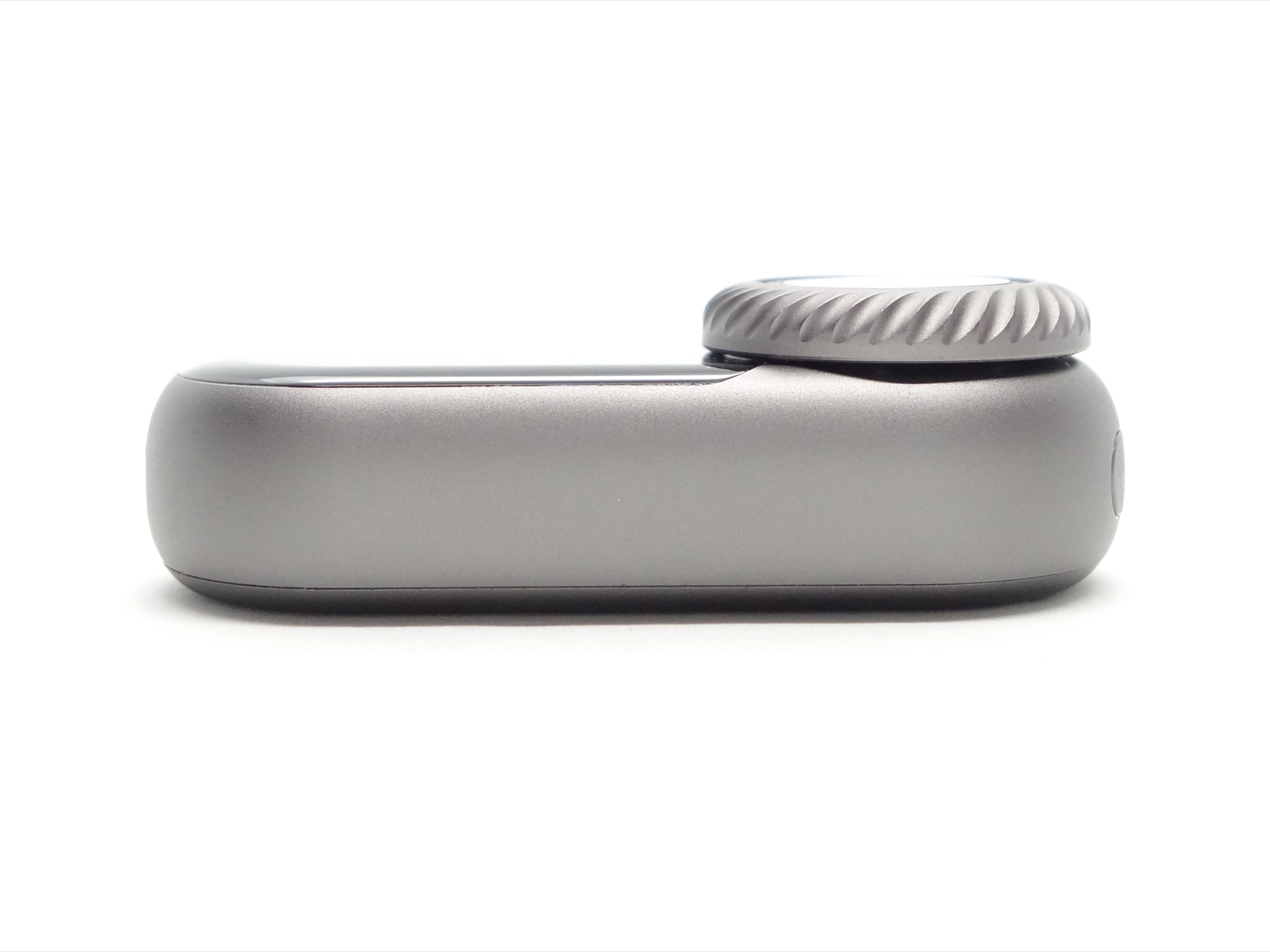
The LOOP DOT is made of aluminium and it has a matte grey anodised finish.
The display has a glass cover and the dual lights have what appears to be a glass lens.
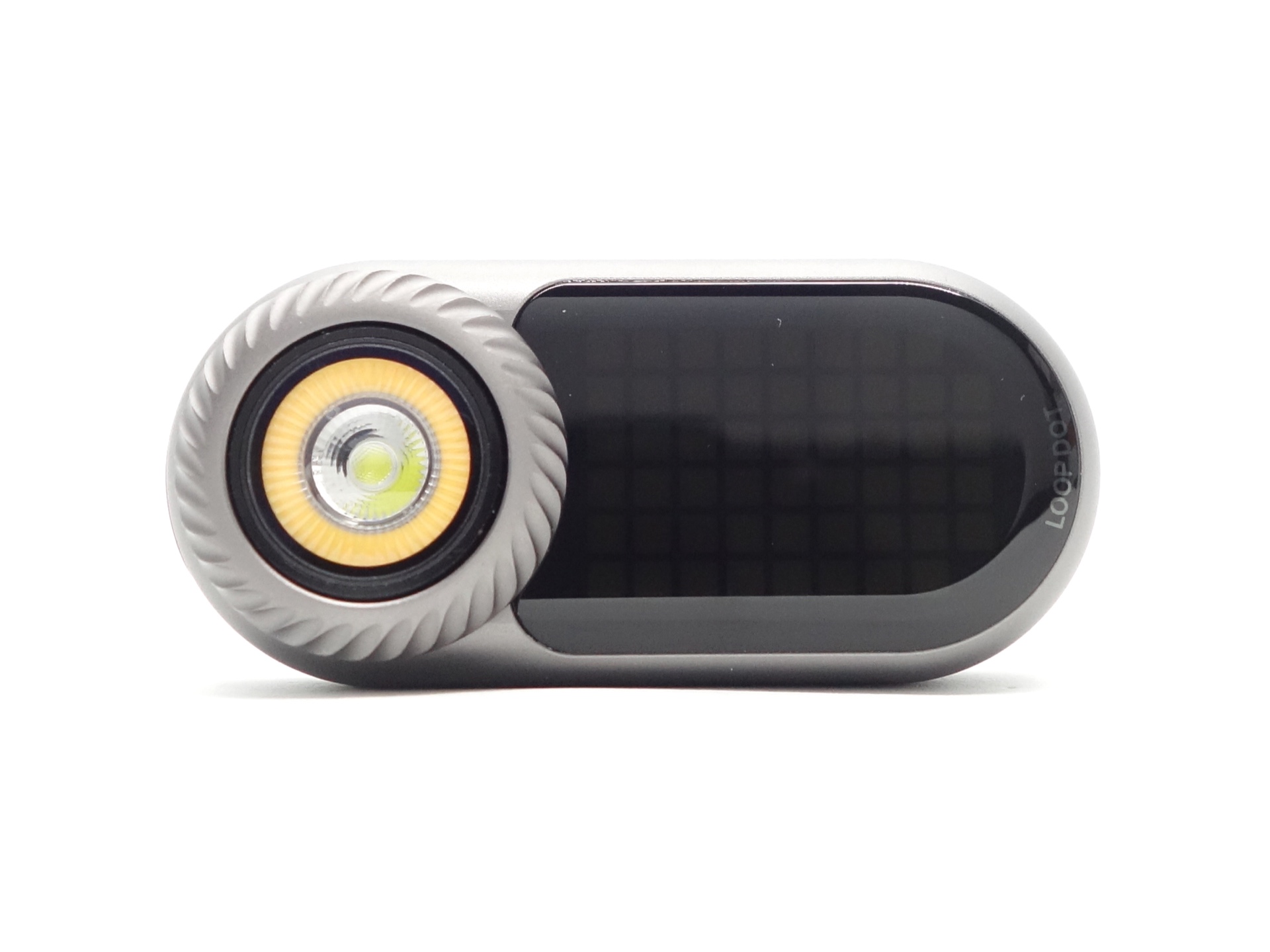
The rotary dial feels like it has multiple ball bearings with indents cut into the body so that it “clicks” and provides tactile feedback.
It is fun to fidget with!
The optional clip fits the LOOP DOT snugly.
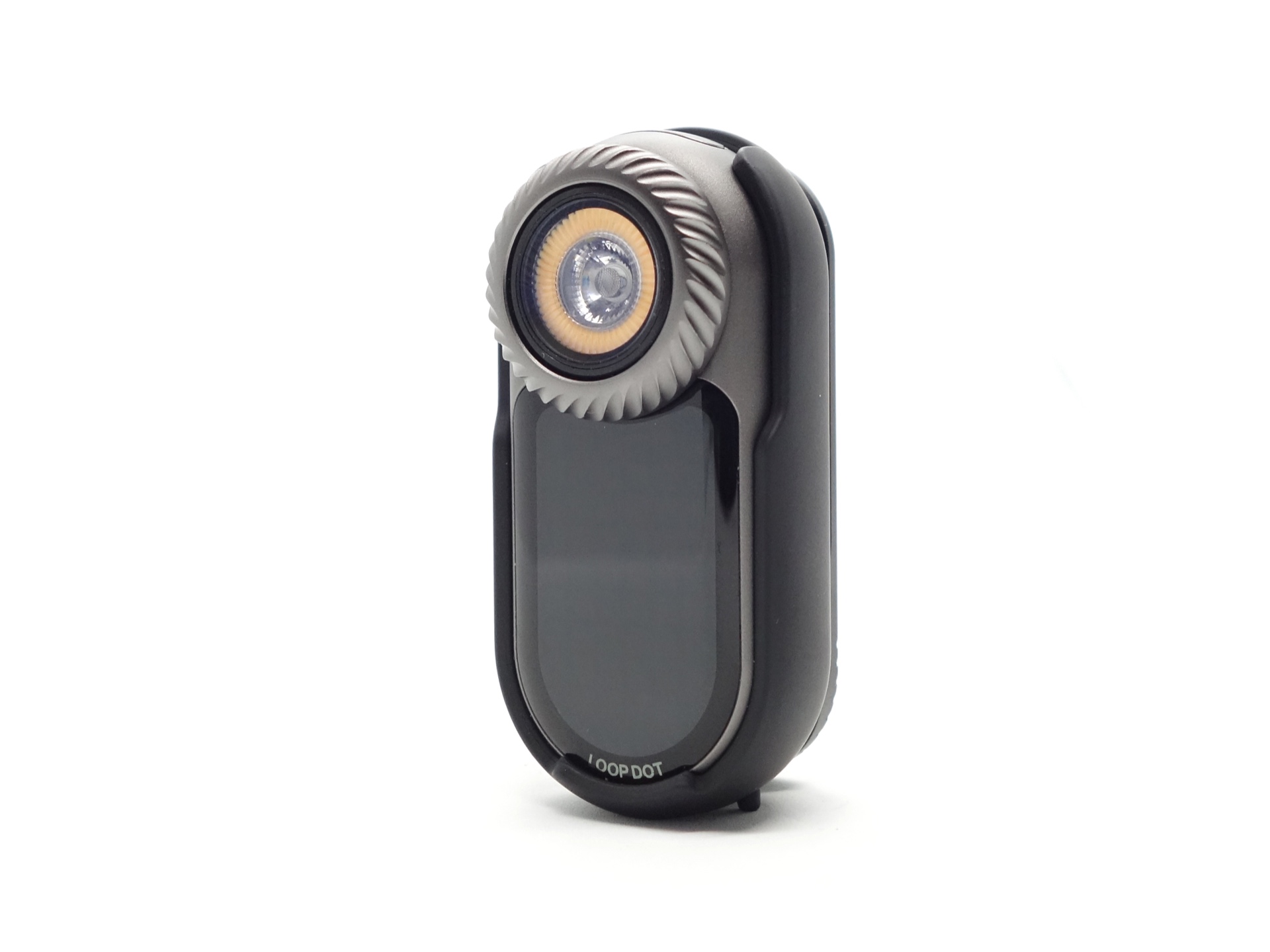
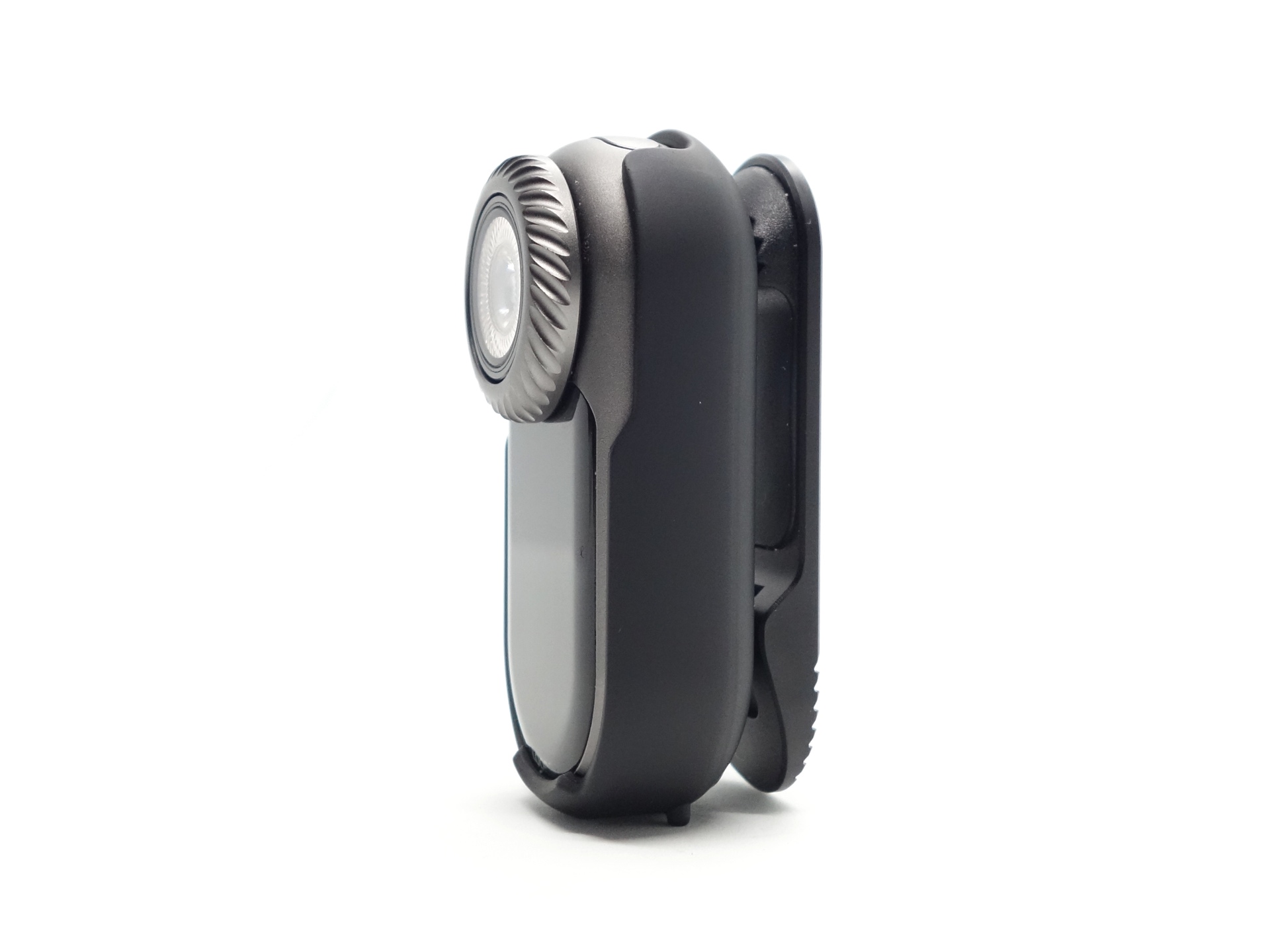
The clip mechanism appears to be made of aluminium and it has a rubber inner grip to latch onto something.
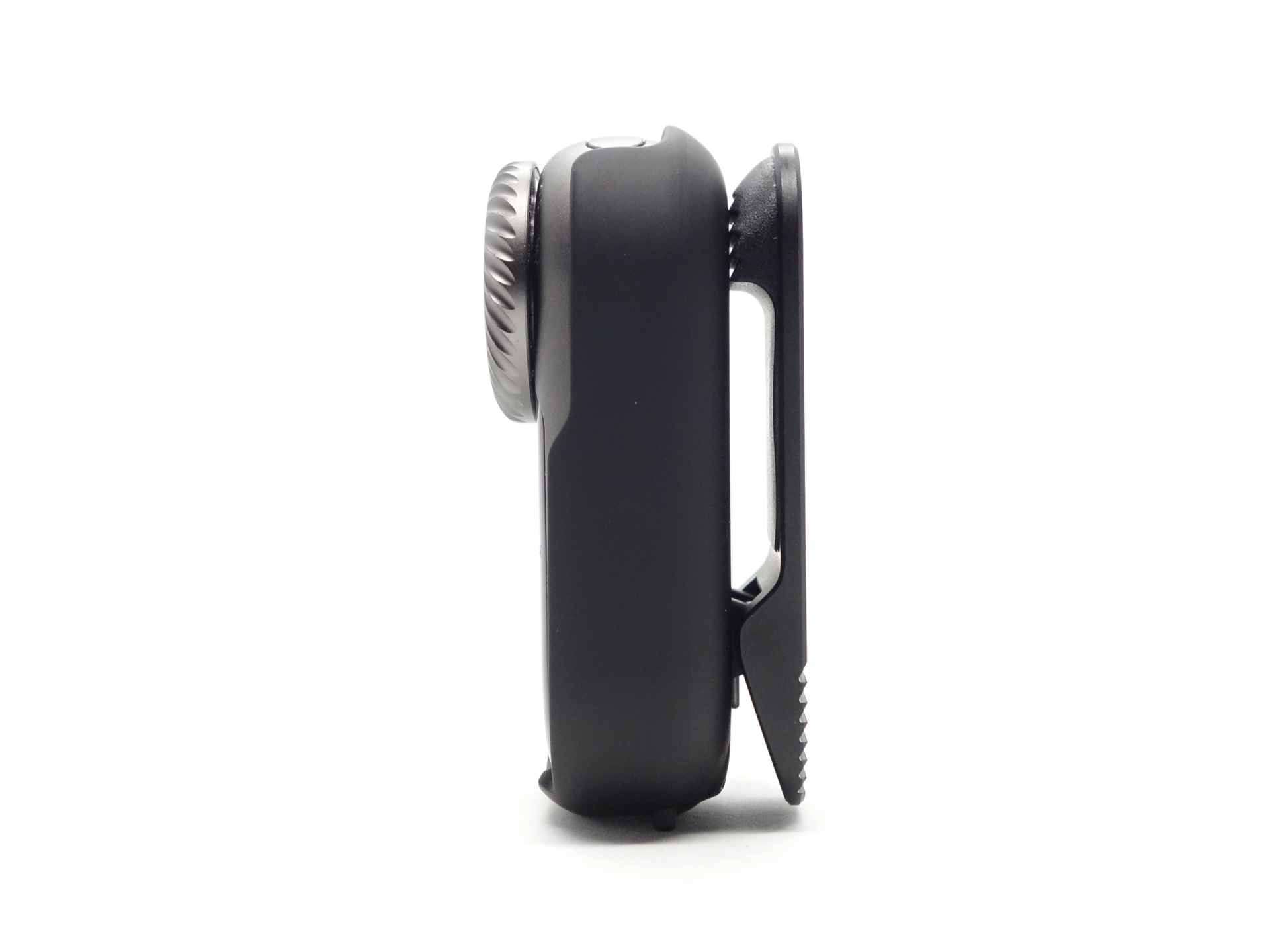
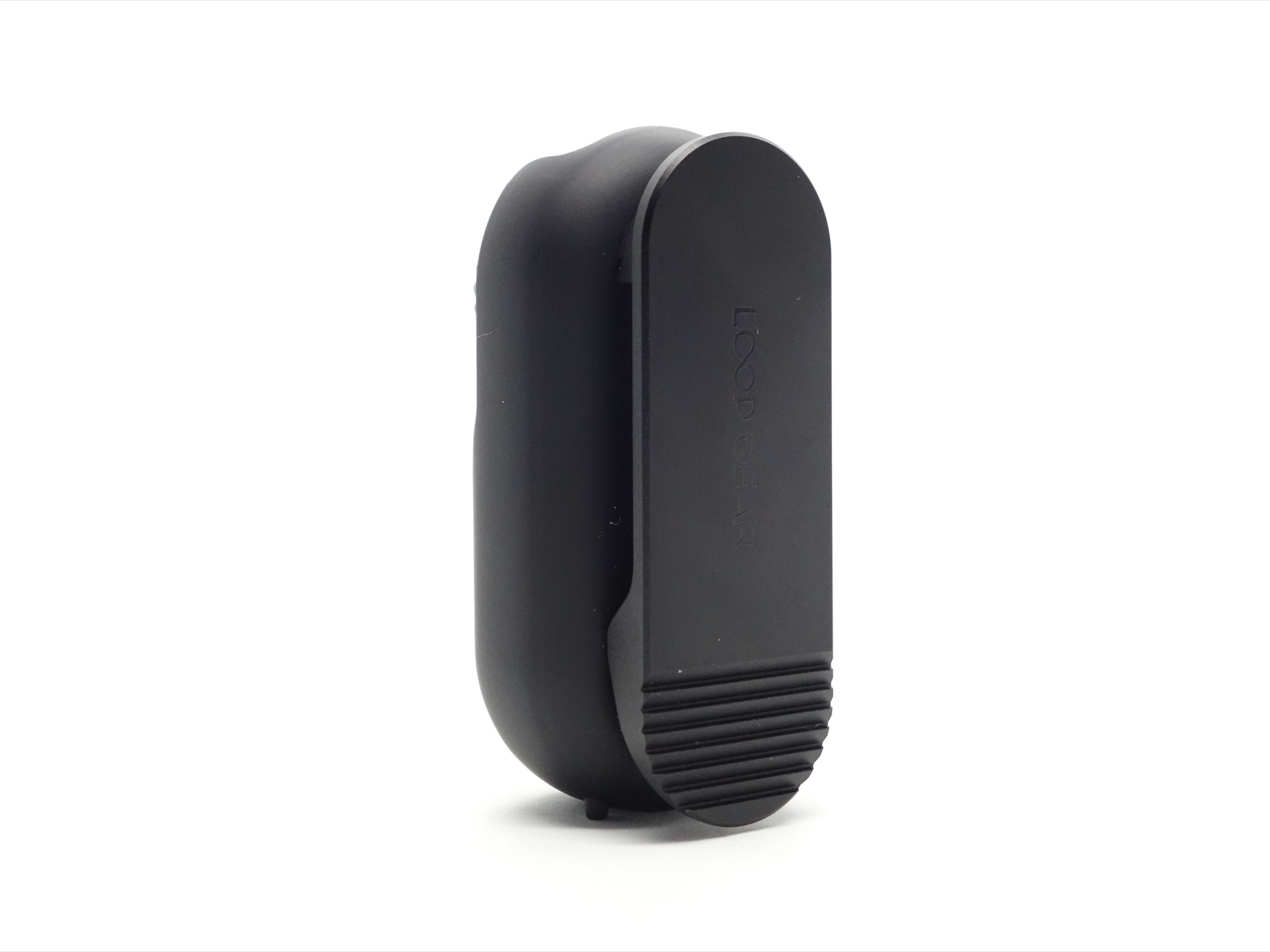
The clip has a larger cutout for easy access to the button.
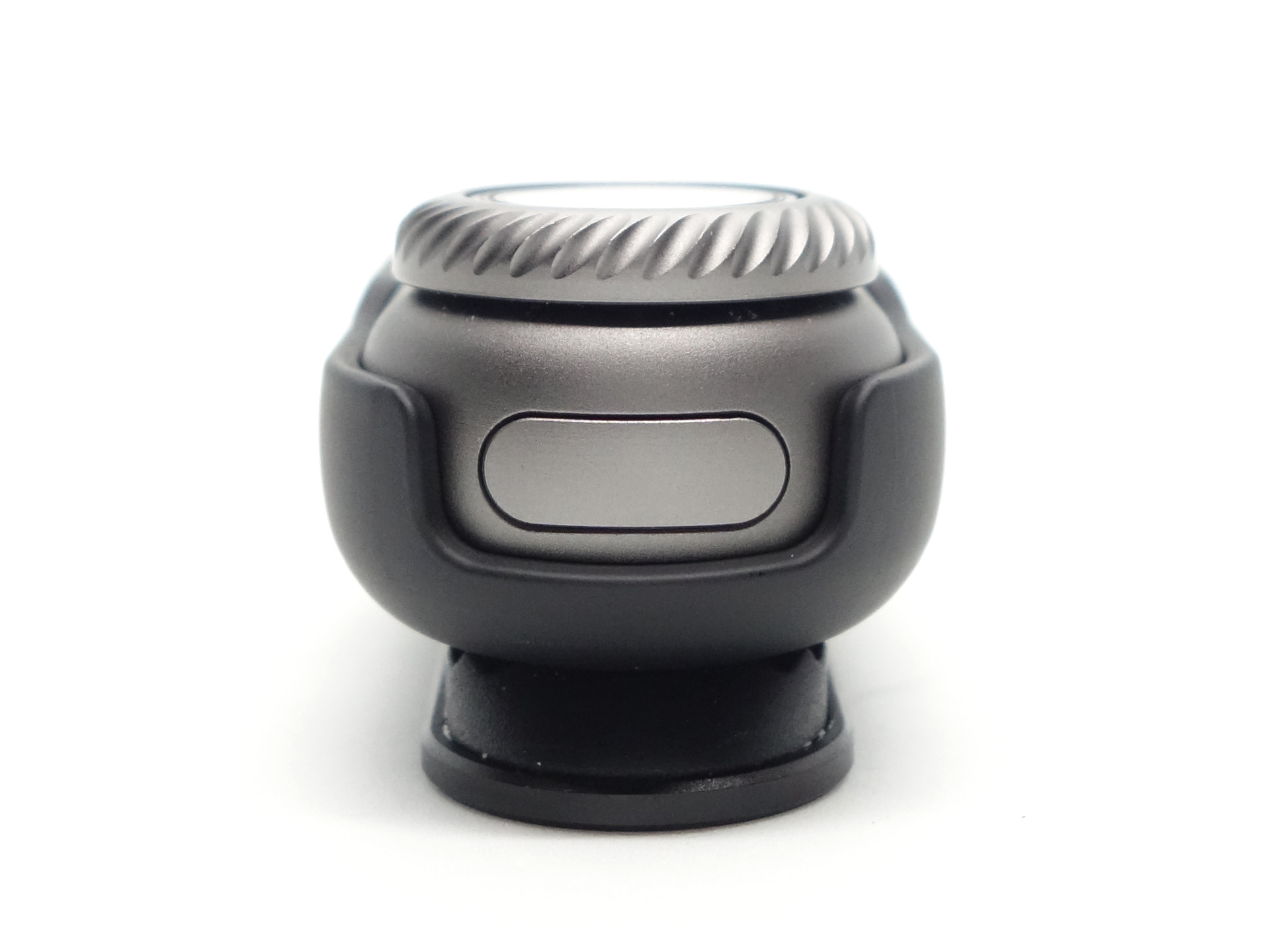
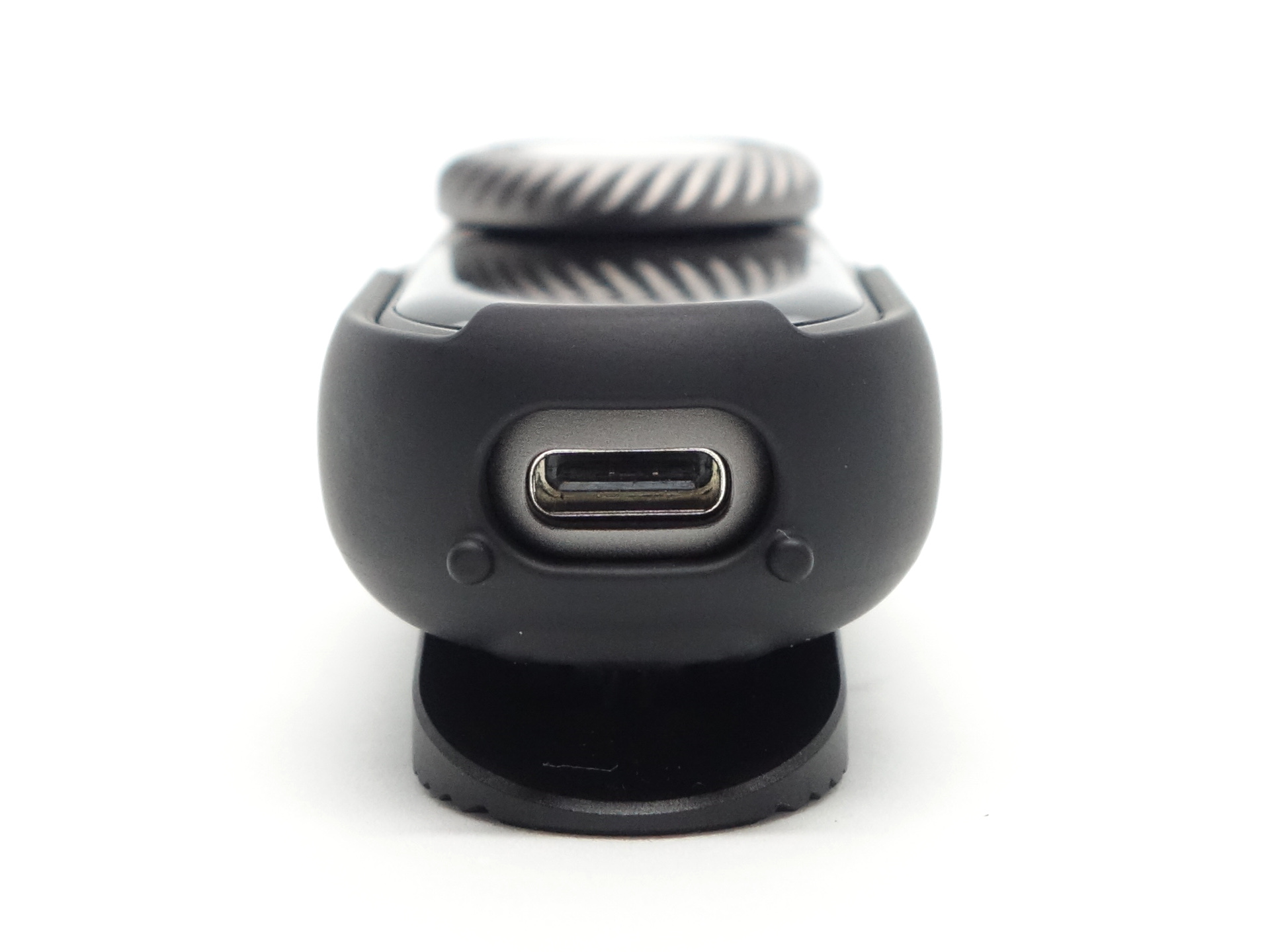
There is a magnet at the back of the clip to attach it to a metal surface.
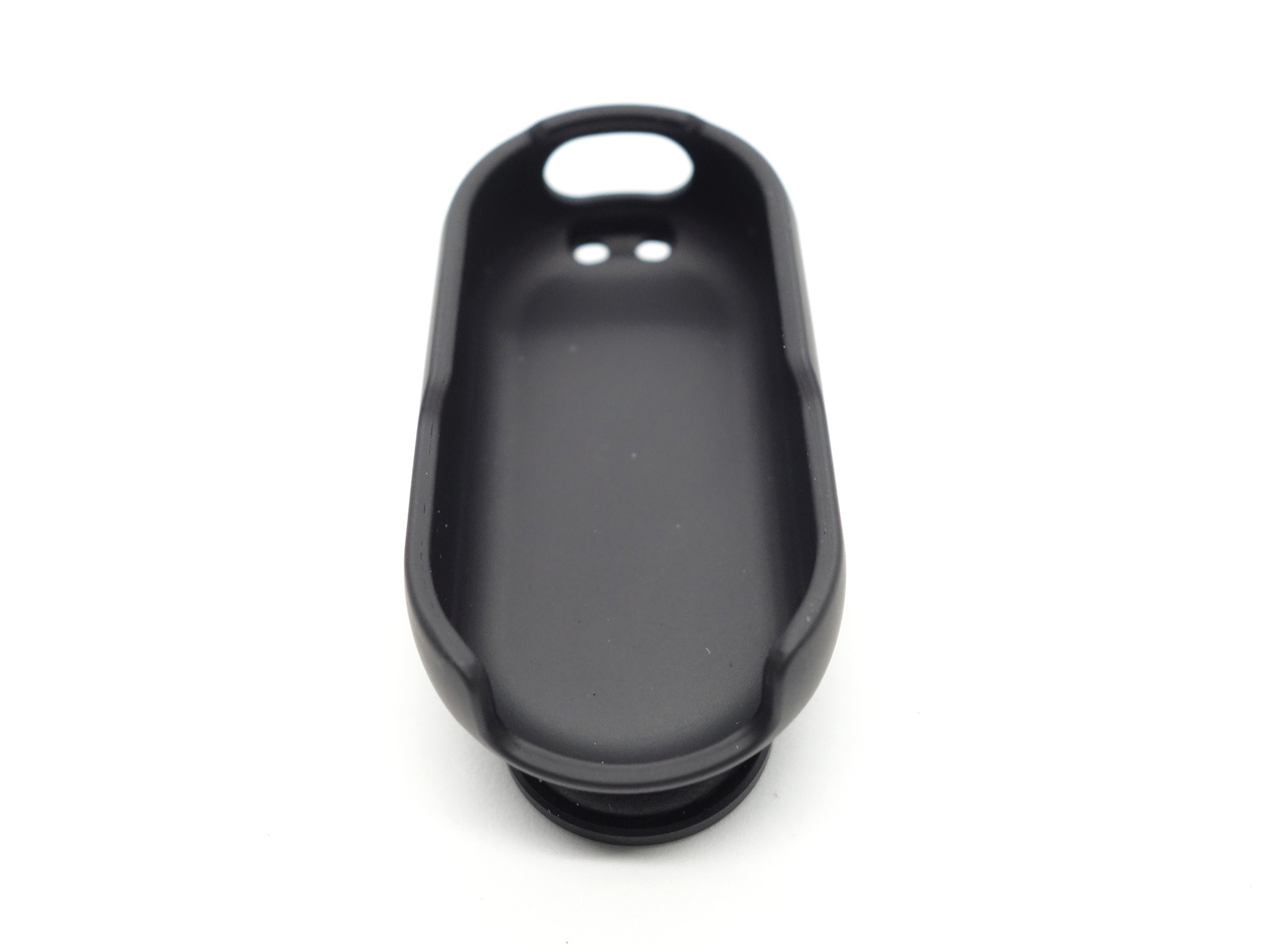
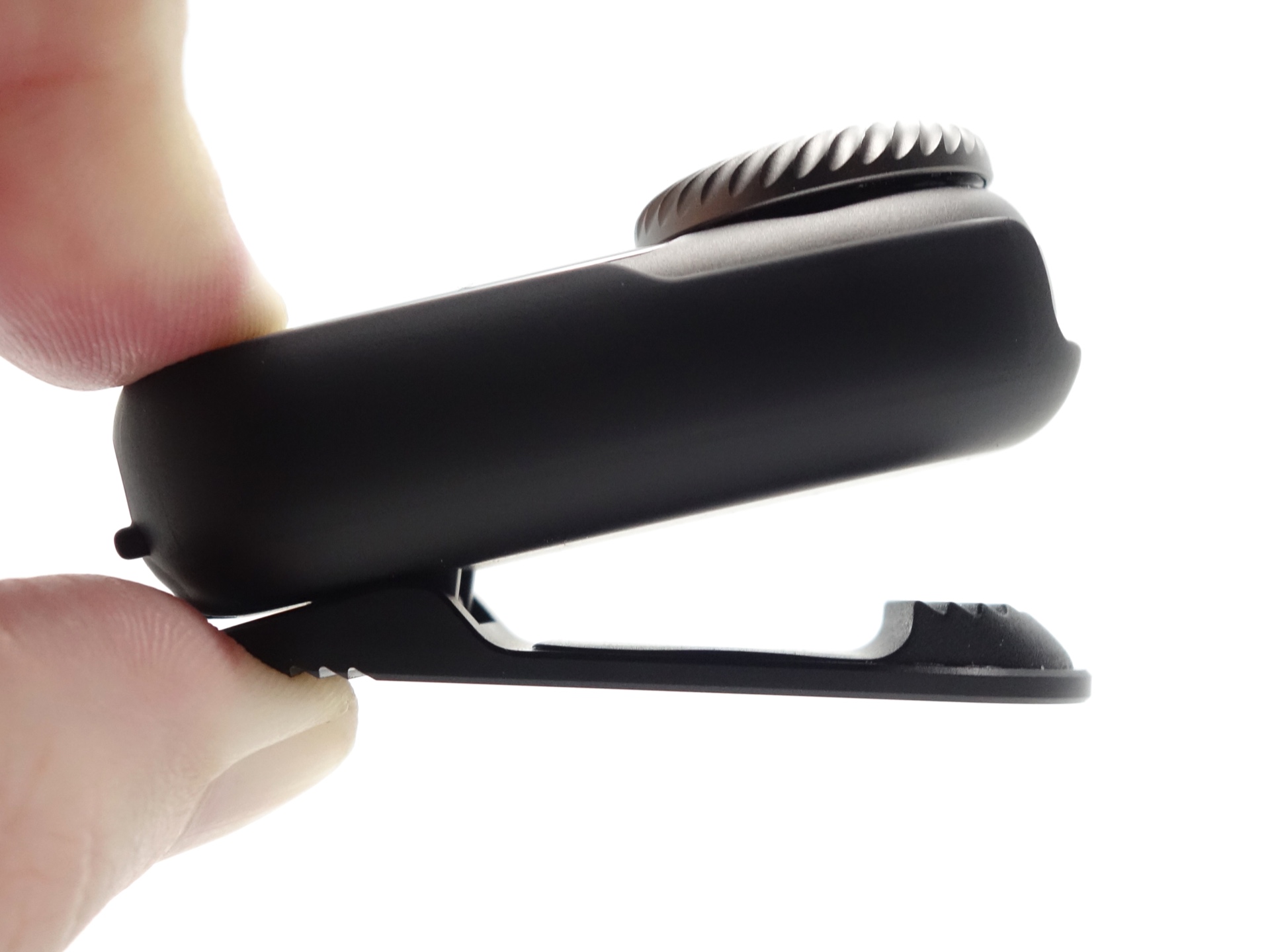
It is a bit difficult to thread the lanyard through the holes in the clip case due to he position of the clip.
LED, bezel, lens, reflector and beam#
The LOOP DOT has a warm white 90 CRI floodlight and a cool white spotlight behind what appears to be a glass lens.
The RGB Pixel Display consists of 52 “Pixels” and it has a glass cover.
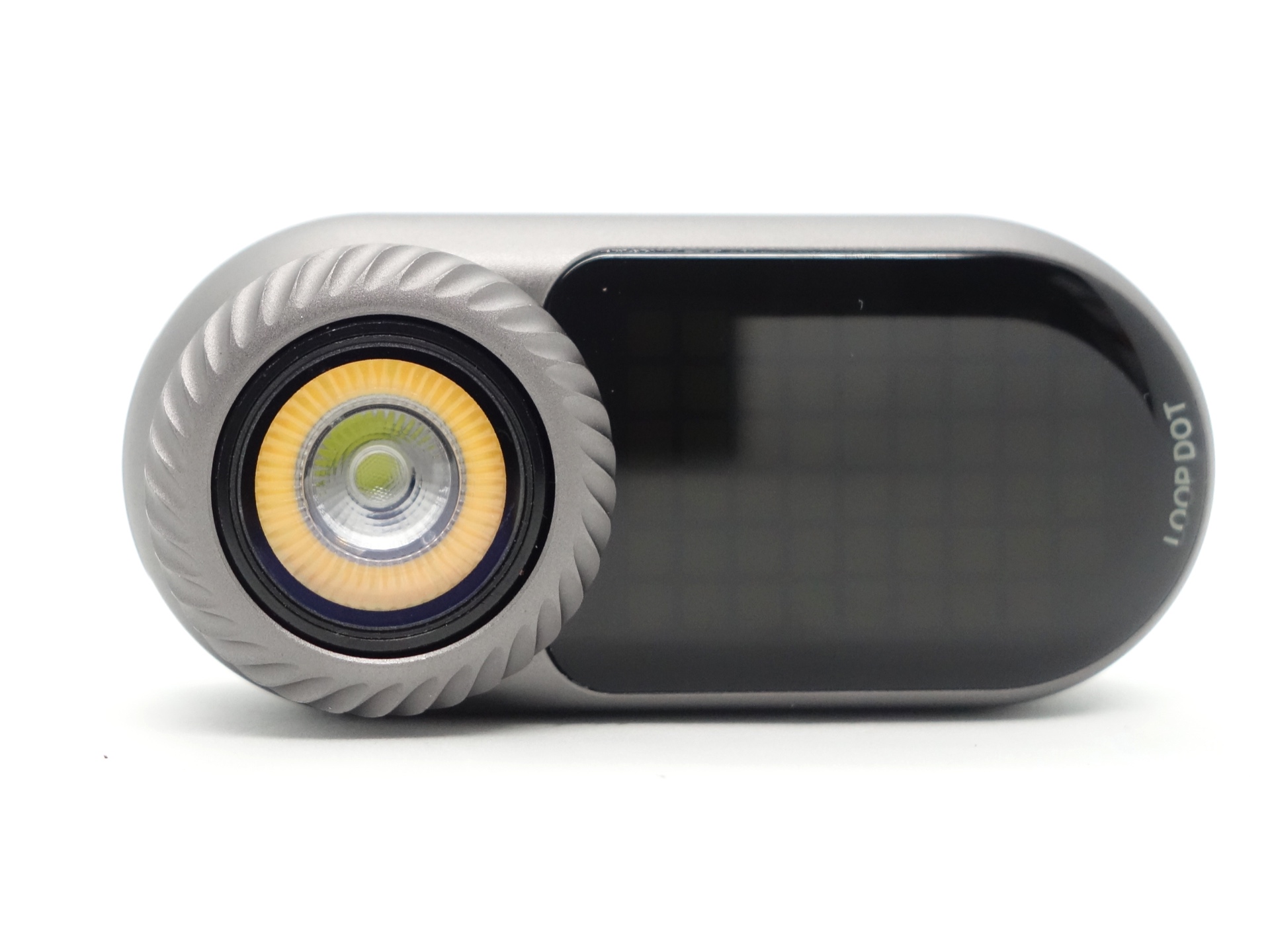
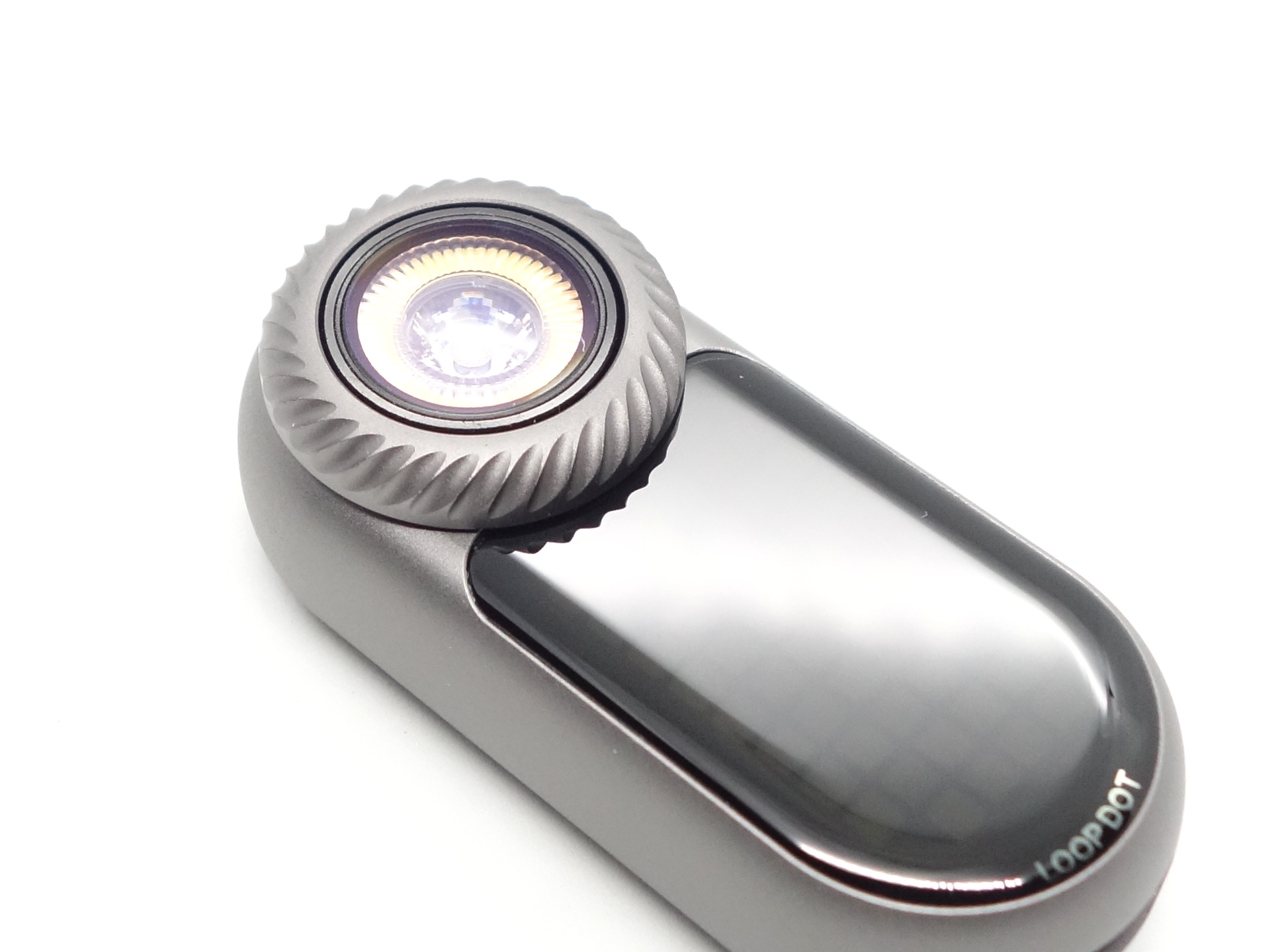
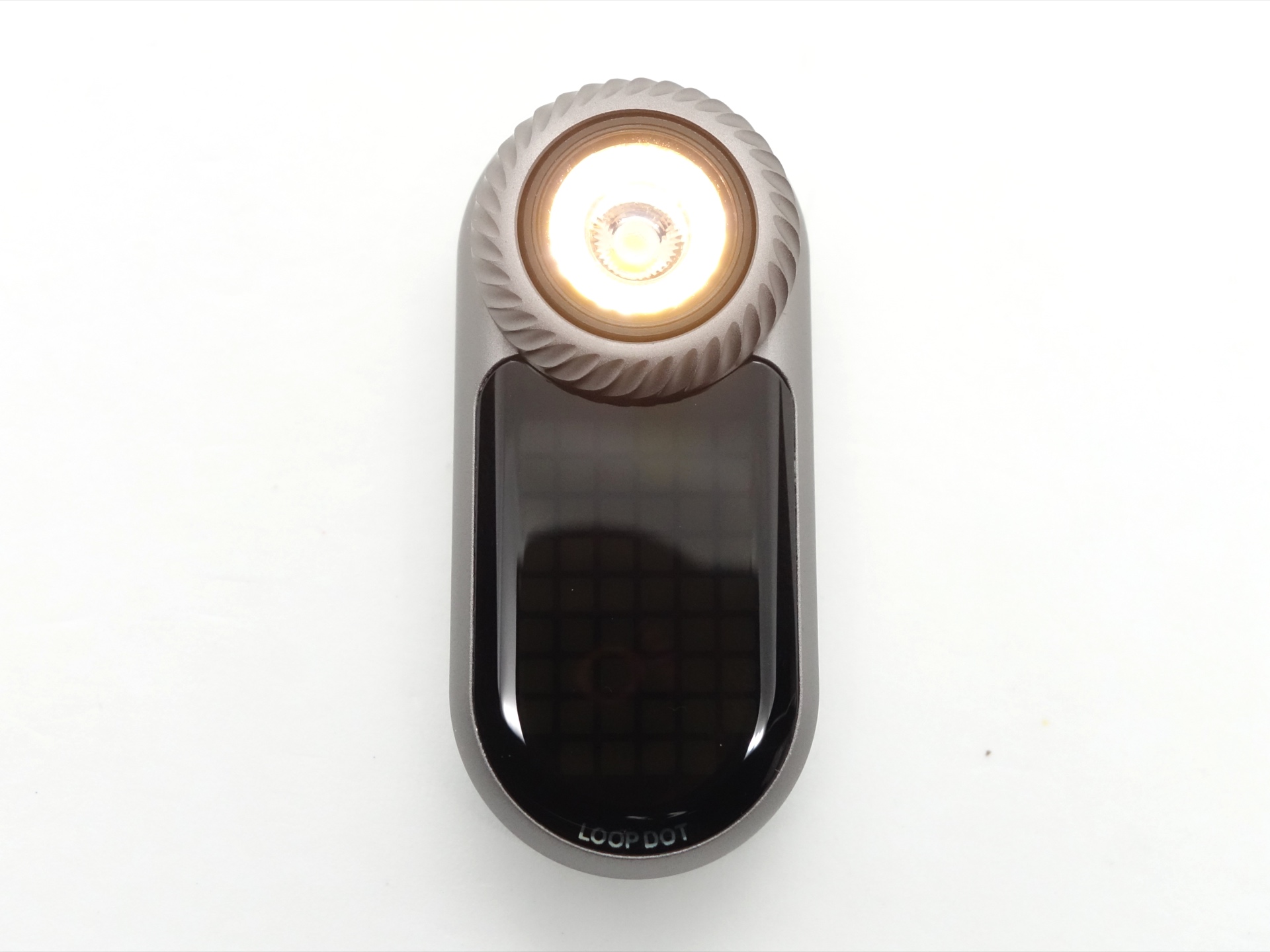
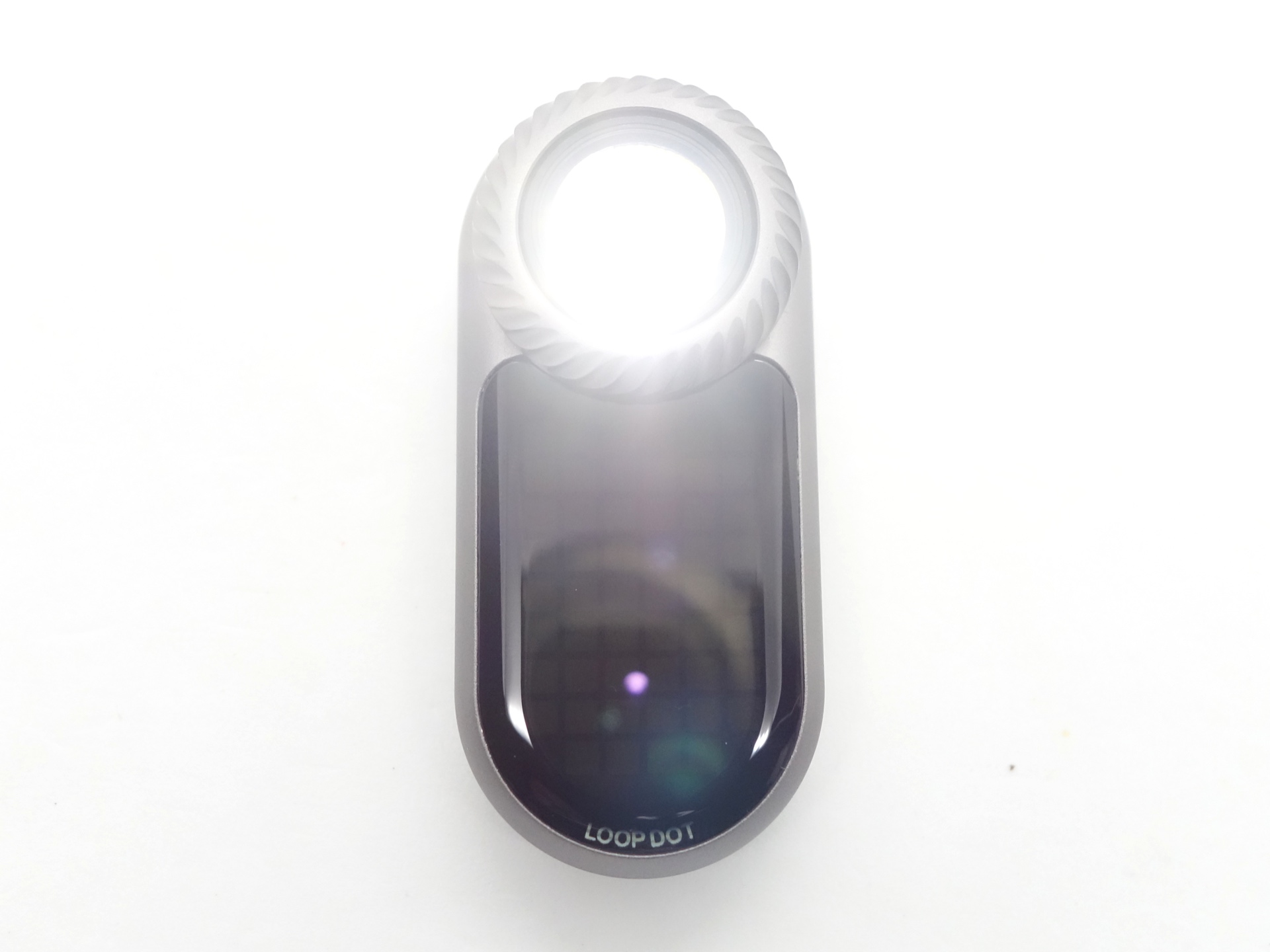
Despite being glass, I do not recommend trying to cut it. I did, and I managed to put two big scratches on the lens and the display.
CCT, CRI, and duv#
I have taken Correlated Colour Temperature (CCT) and Colour Rendering Index (CRI, RA of R1-R8) measurements with the torch positioned one metre away from an Opple Light Master Pro III (G3).
The CCT is around 3000K, the CRI is around 90 and the Delta u, v is negative (slightly rosy) for the floodlight.
The CCT is around 6900K, the CRI is around 71 and the Delta u, v is positive (slightly green) for the spotlight.
The beam produced by the floodlight is very floody and warm. It does not throw very far. I found the spotlight to be more practical and night when walkingn along a street between streetlights.
The beam produced by the spotlight has an intense white hotspot. It is what you would expect from a TIR optic. Except the LED appears to be slightly off centre so the beam shape is not a perfect circle.
| LED | Mode | CCT (K) | CRI (Ra) | x | y | Duv |
|---|---|---|---|---|---|---|
| Floodlight | Turbo | 3055 | 90.4 | 0.4294 | 0.3943 | -0.0029 |
| Spotlight | Turbo | 6939 | 71.6 | 0.3066 | 0.3199 | 0.0017 |
Calculate Duv from CIE 1931 xy coordinates
Dimensions and size comparison#
Dimensions#
I took the following measurements using a digital caliper.
| Measurement | Unit (mm) |
|---|---|
| Length | 60.00 |
| Height | 18.40 |
| Width | 27.45 |
Weight#
I took the following measurements using a digital scale.
| Weight | Unit (g) |
|---|---|
| LOOP DOT | 40.28 |
Size comparison with its competition#
What should the LOOP DOT be compared with? The Wuben G5?
User interface#
The LOOP DOT is controlled with a button and a rotary dial.
The button can be used to turn the torch on and off.
The rotary dial can be used for stepless dimming and to select games.
I highly recommend reading the user manual.
The user interface is likely to change.
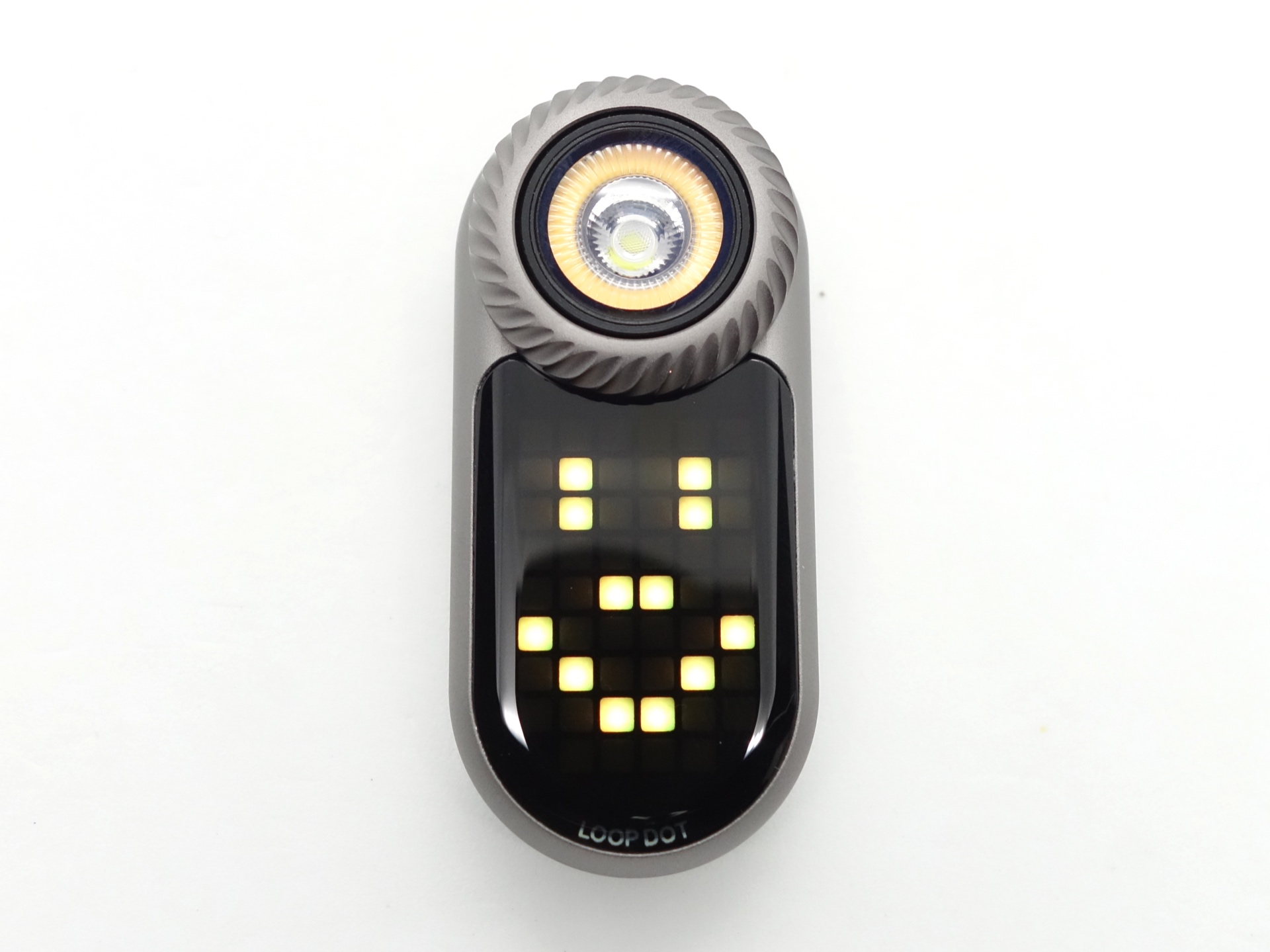
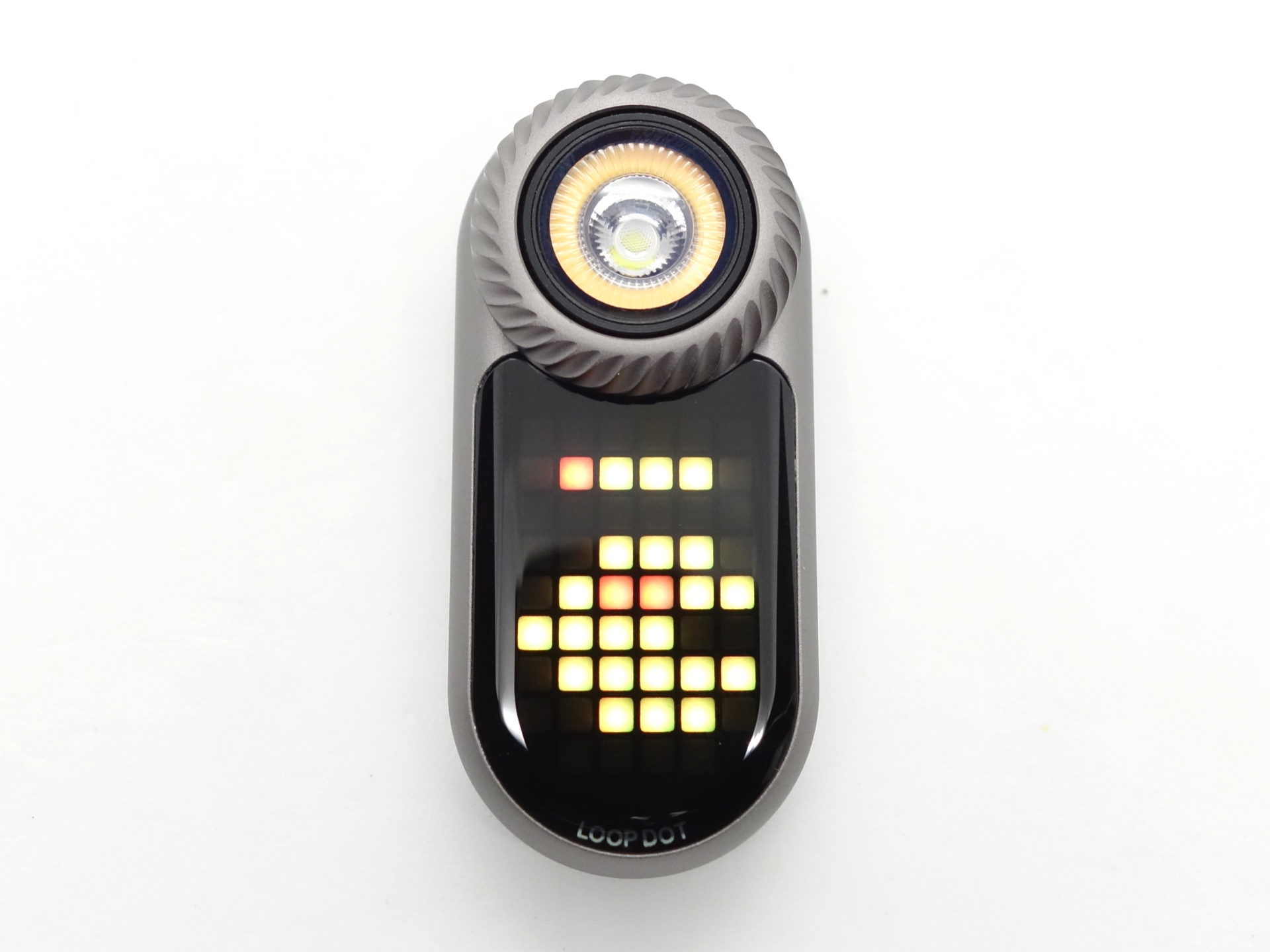
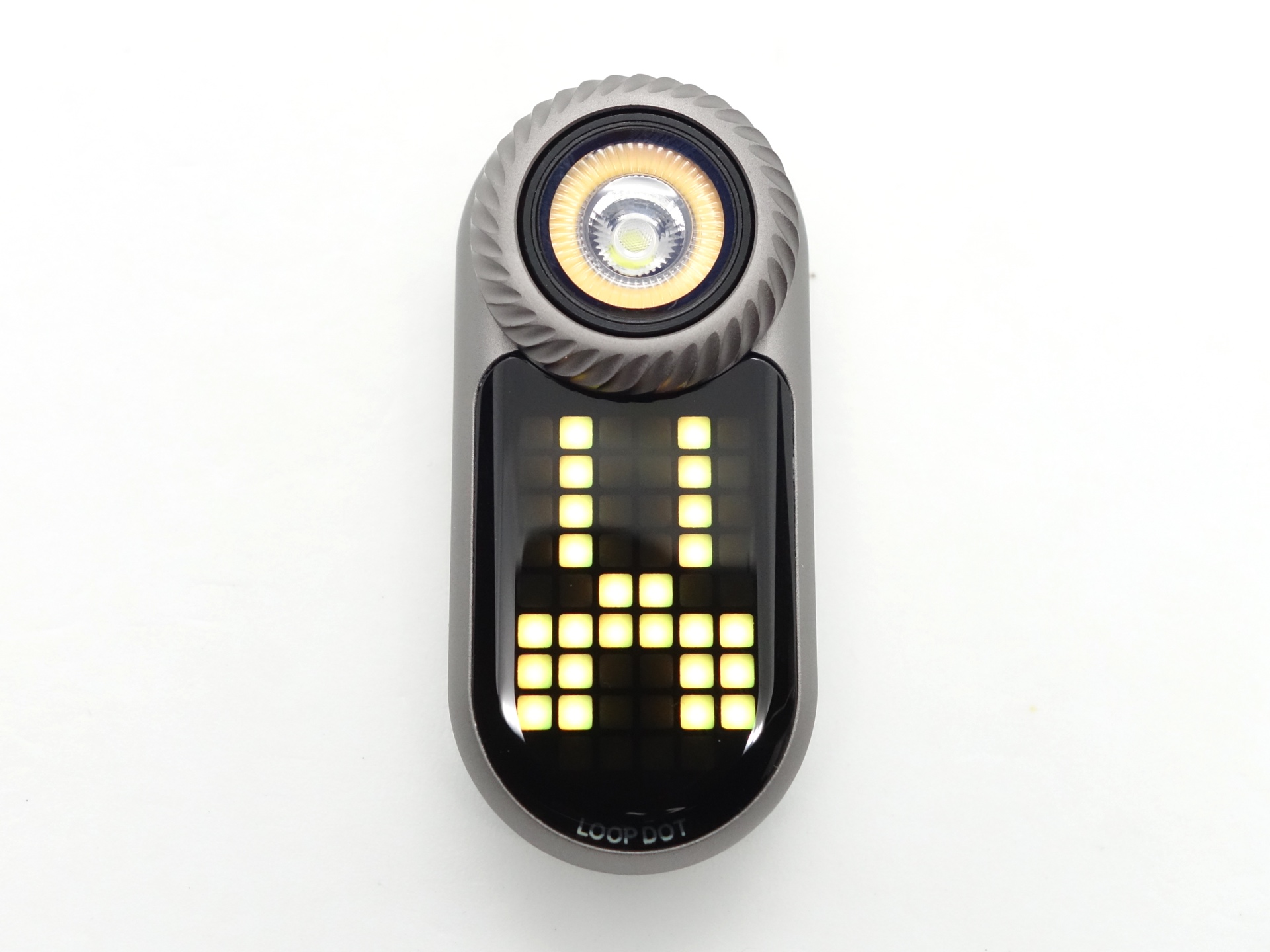
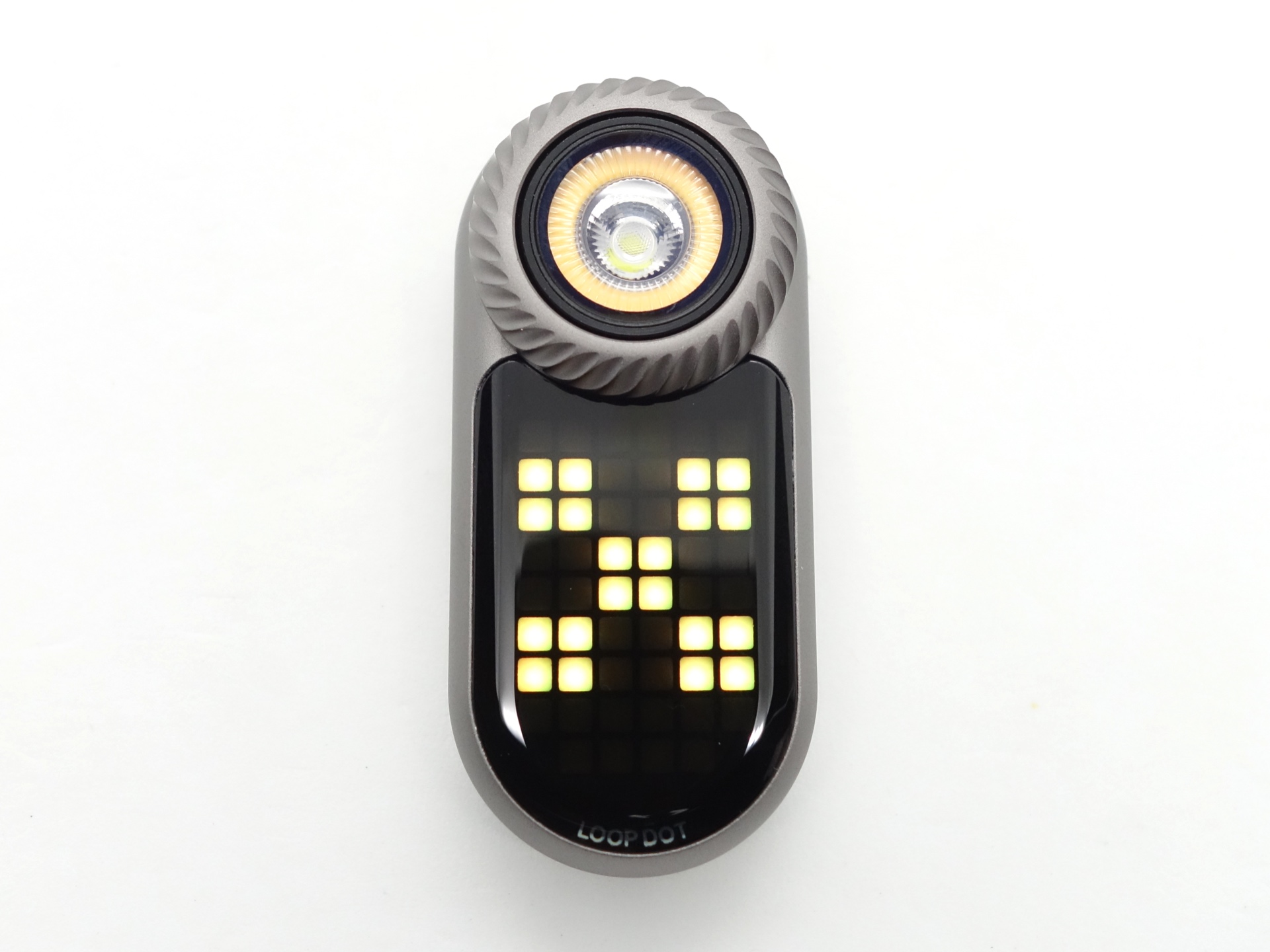
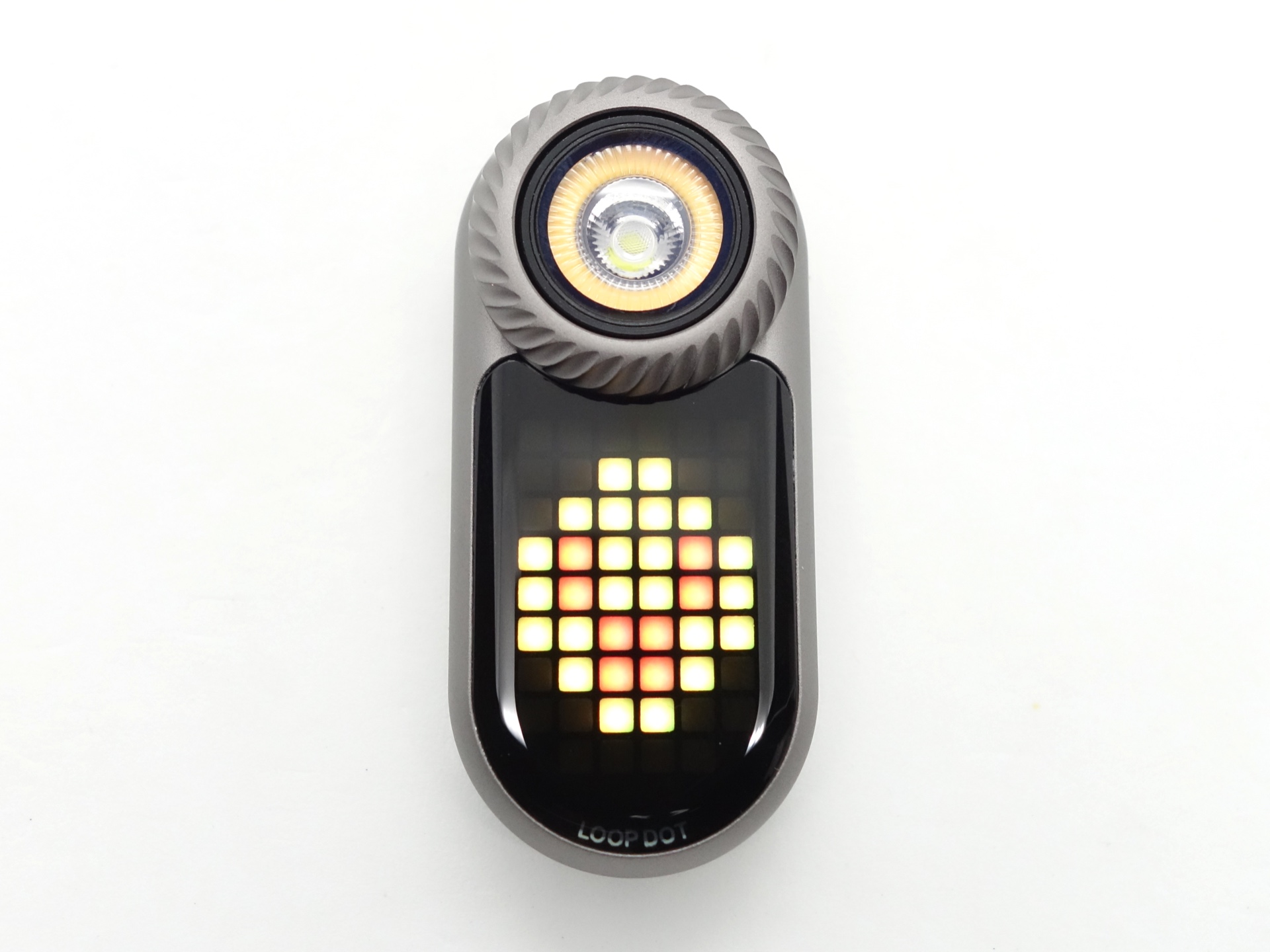
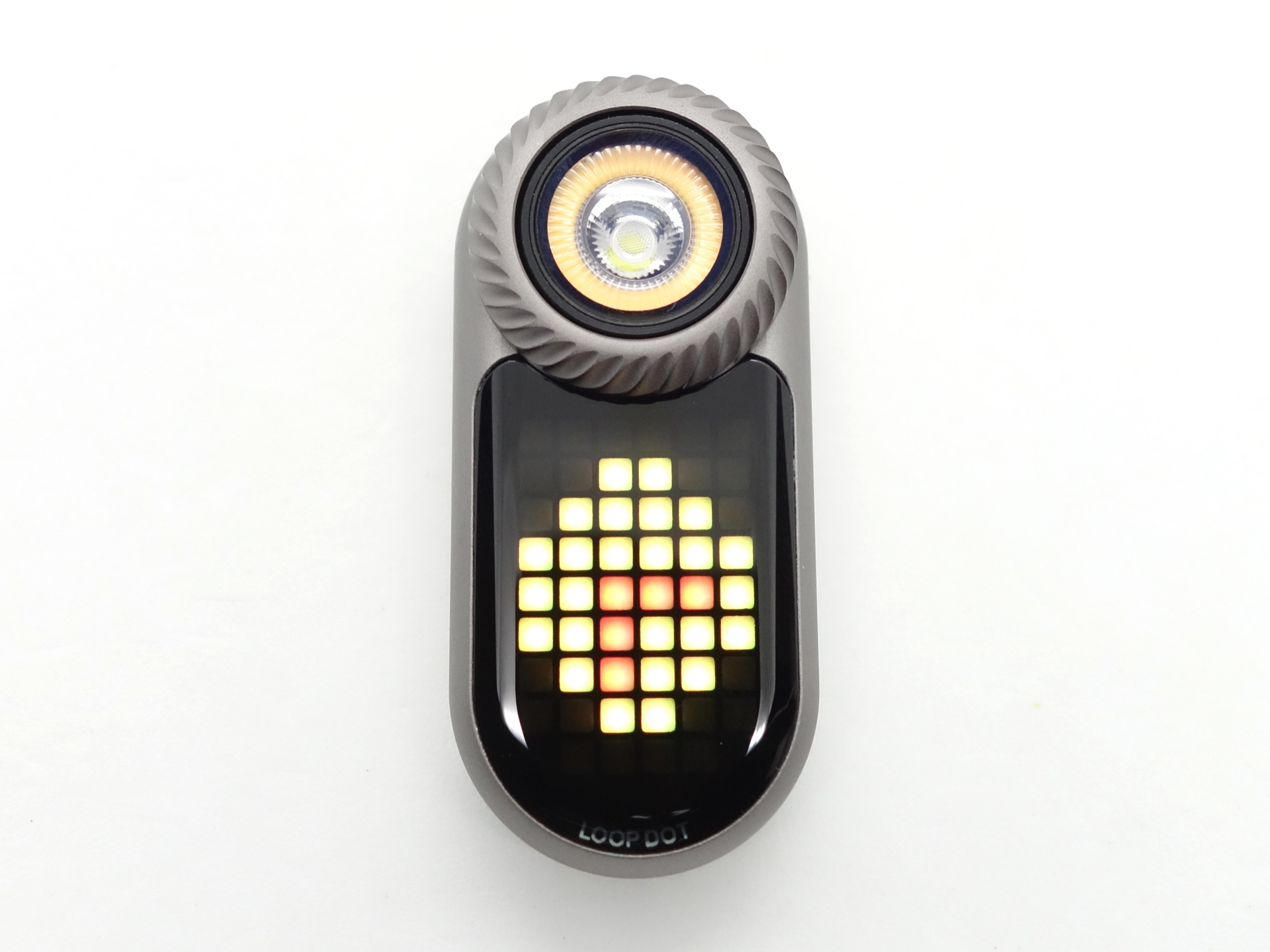
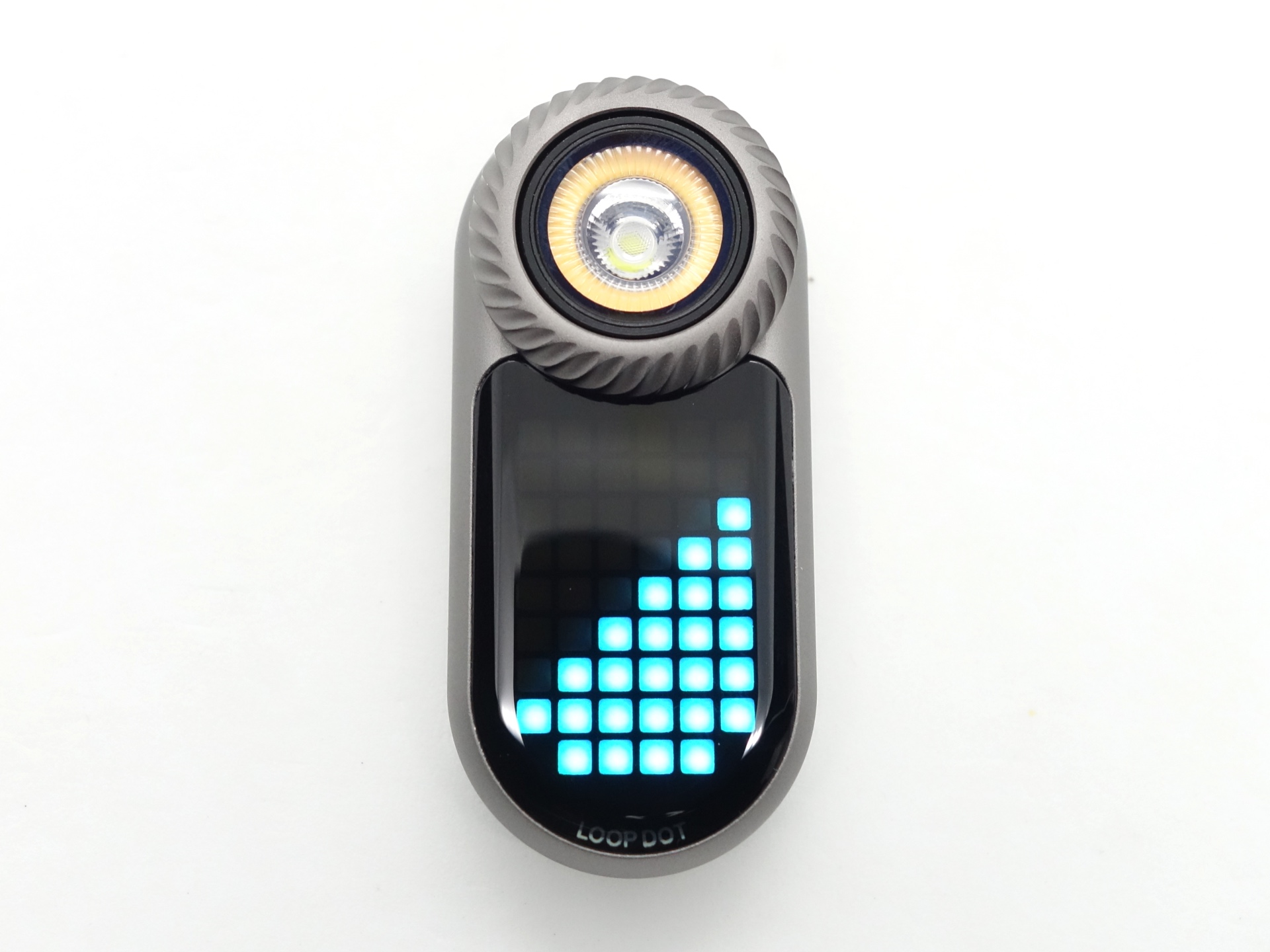
The main menu has: Spotlight, Floodlight, Games and Settings.
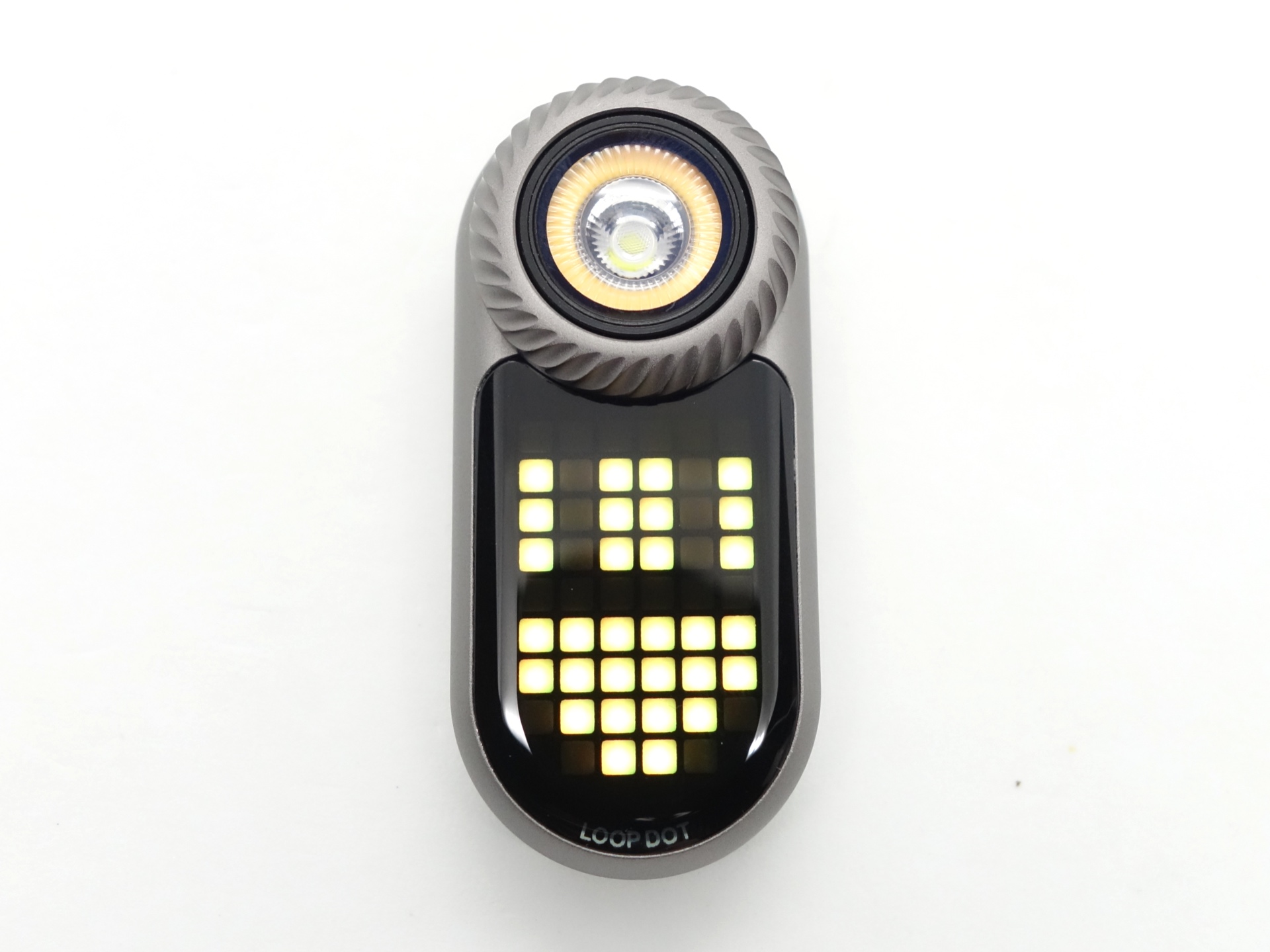
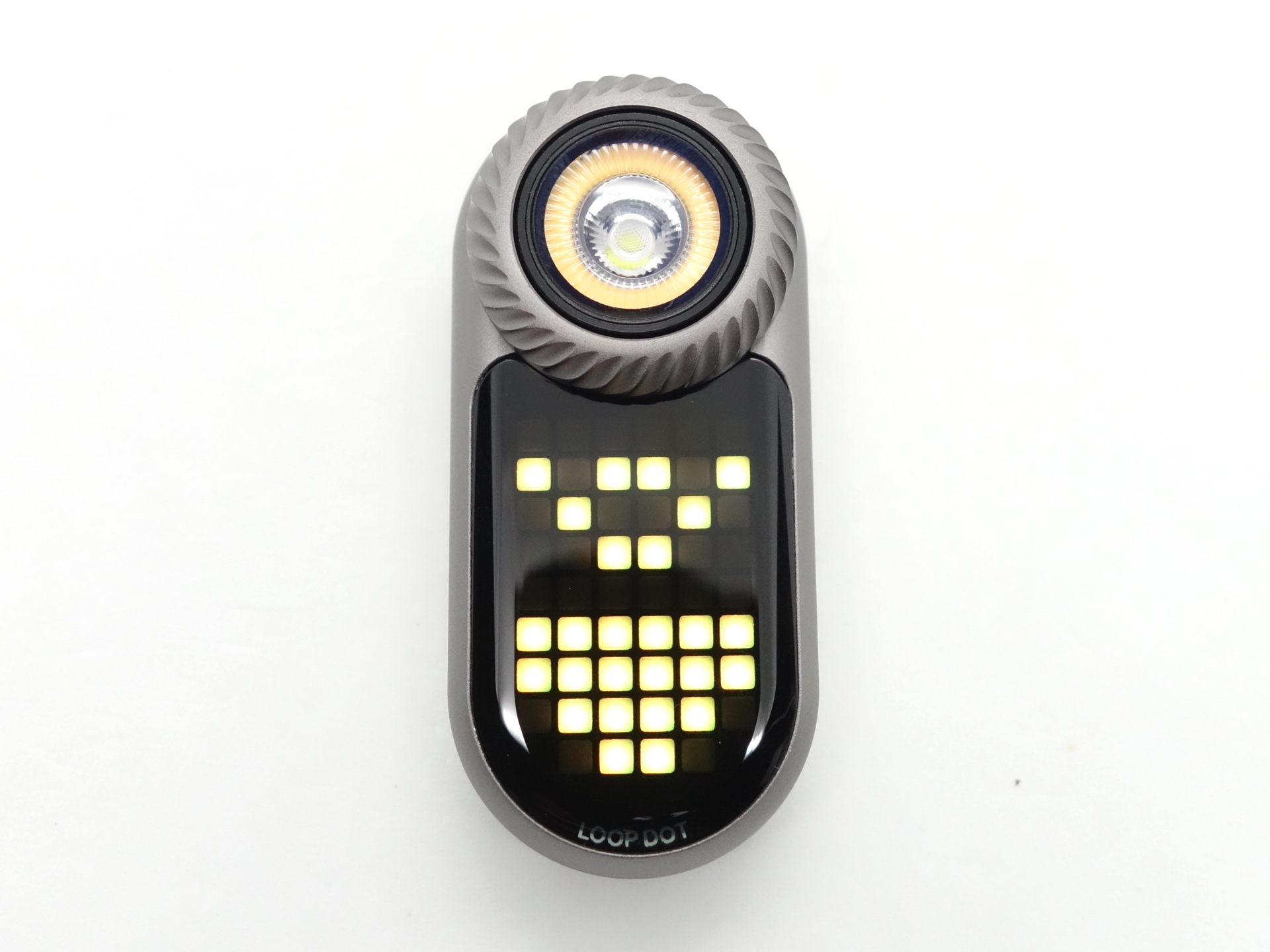
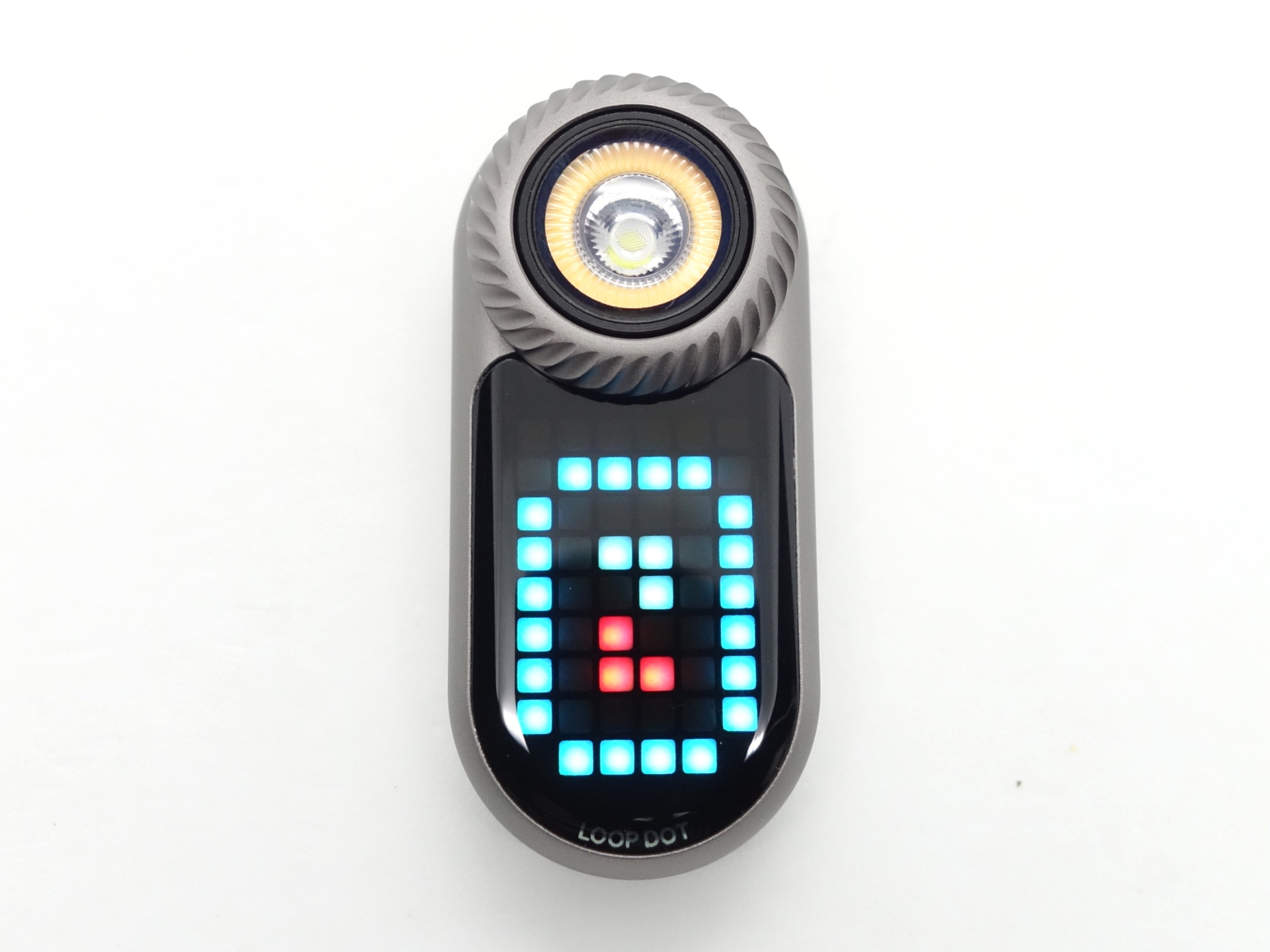
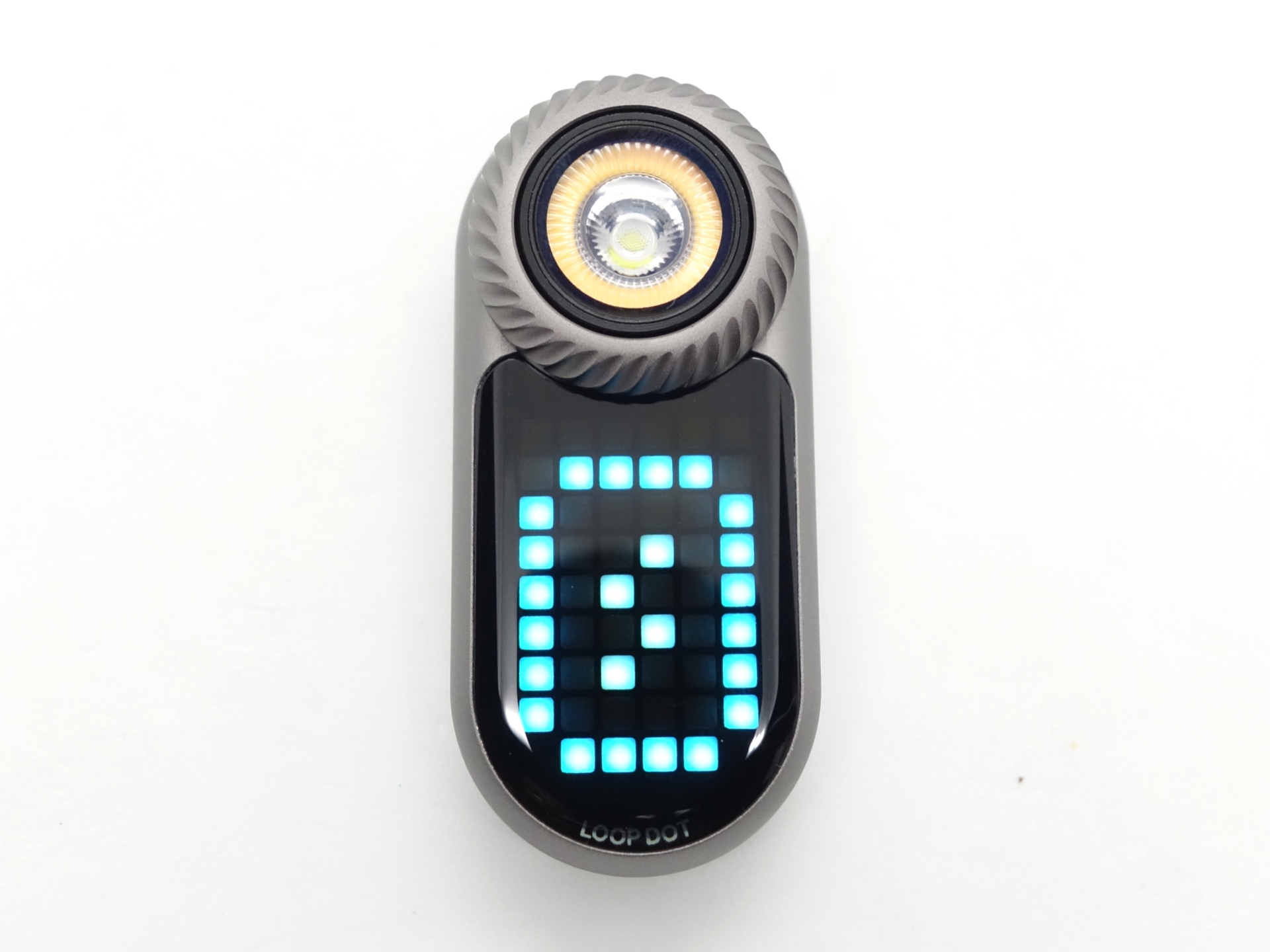
The Games menu has: Animations, Wooden Fish, Rock-Paper-Scissors, Dice, Y/N, Timer and Water.
Mode memory#
There is mode memory.
The brightness level for the floodlight and the spotlight are memorised. A single click while viewing the floodlight or the spotlight menu option will turn the light on in the memorised brightness level.
The last accessed menu item in the Main menu and the Games menu are memorised.
Strobe#
Strobe appears to have a constant frequency.
Strobe (Floodlight, Spotlight)
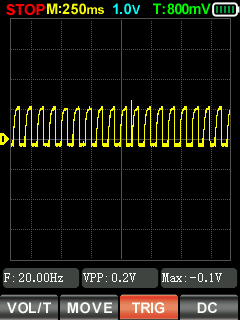
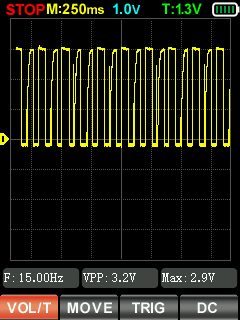
I measured Strobe with a Zoyi ZT-701 oscilloscope.
Battery level#
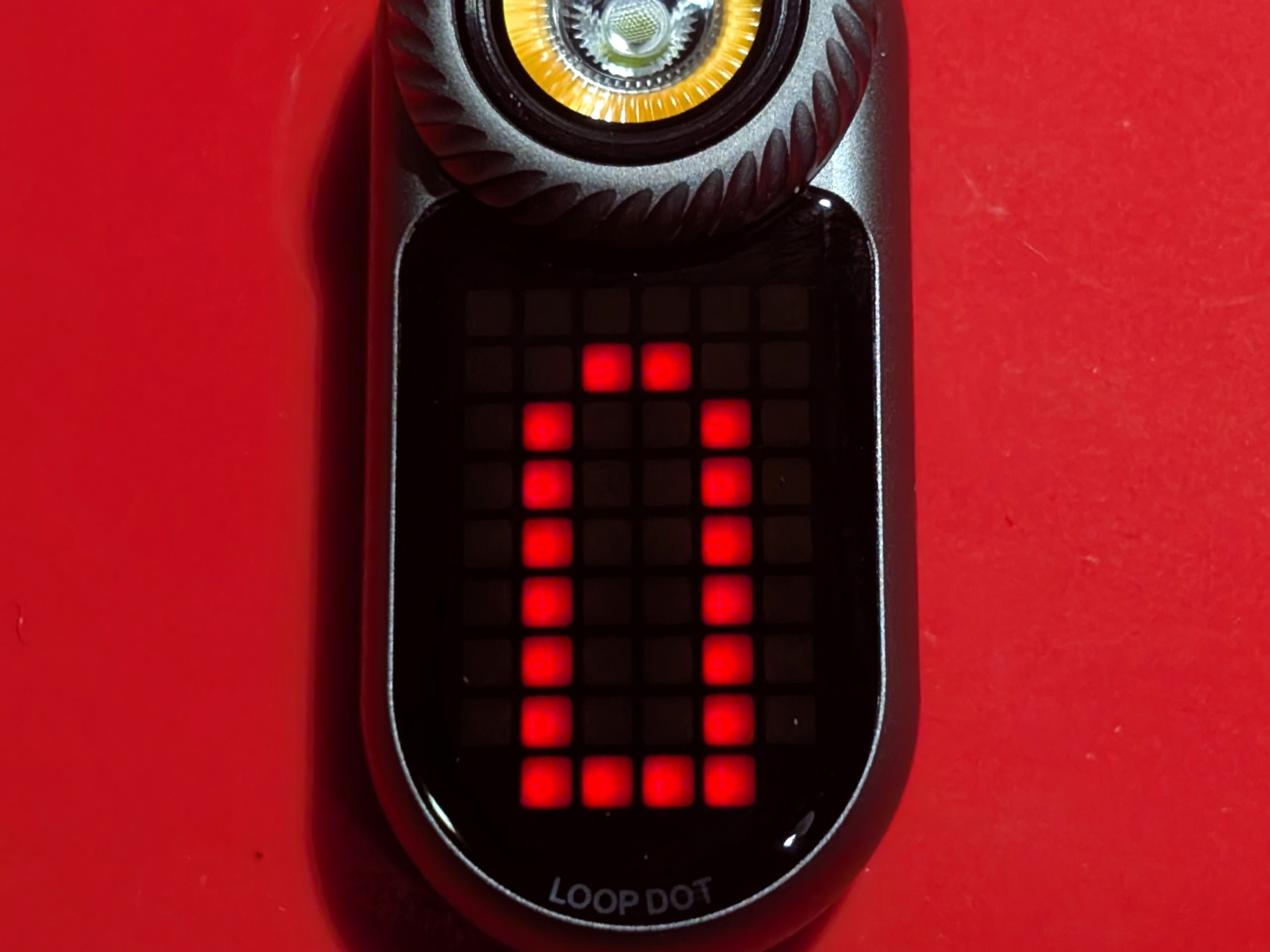
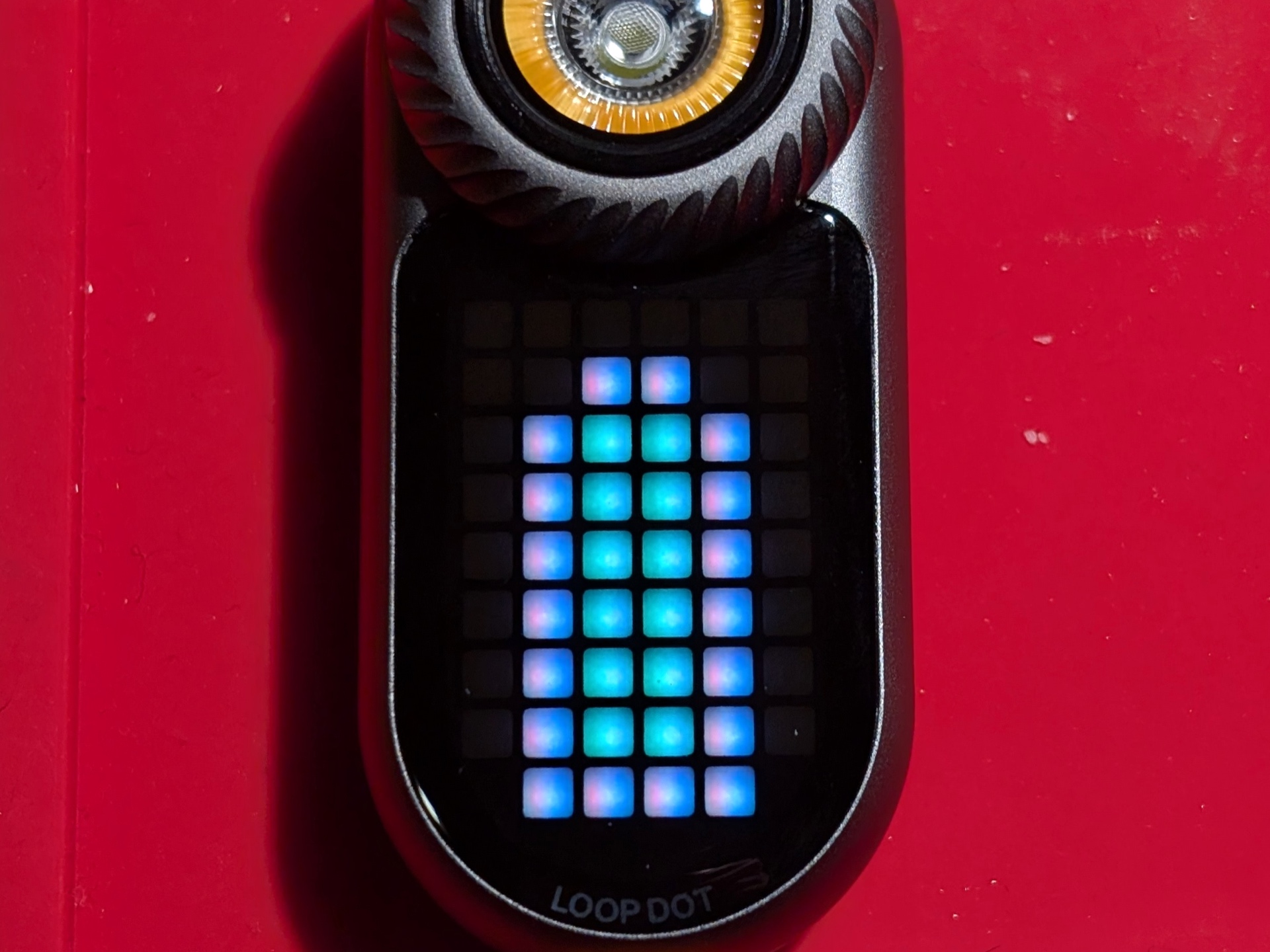
The battery level is displayed after turning the device on.
The “battery” will either by empty, full or show a partially full battery level.
What I like about the UI#
- The single button and rotary dial is easy to use.
- The display shows you what is going on.
- Haptic feedback and adjustable vibration settings.
- Some games do something when you shake the LOOP DOT (dice, rock-paper-scissors).
- Some games do something when you move the LOOP DOT around (water game).
- Shortcut to Moonlight from off.
- Shortcut to Turbo from on and off.
- Shortcut to Strobe from on and off.
- Auto-power off after 60 seconds of inactivity.
What could be improved#
Auto-power off works from the Main menu, Games menu and the Settings menu but it does not turn off if you accidentally leave a game running. It would be nice if the LOOP DOT automatically powered off after 10 minutes of inactivity while playing certain games such as the dice game or rock-paper-scissors.
LOOP GEAR mentioned multiple improvements that are coming:
- Shake-to-switch: Switch between the spotlight and floodlight by shaking the LOOP DOT.
- Automatic Power-Off Timer: Rotate the dial to set your preferred auto-off time (up 99 seconds).
- Lock/Unlock.
- Fix the Timer so that one full turn of the dial is 60 seconds instead of 52 seconds.
- Enhance the charging status indicator.
Batteries and charging#
Battery#
The LOOP DOT has a built-in 600mAh battery.
Charging#
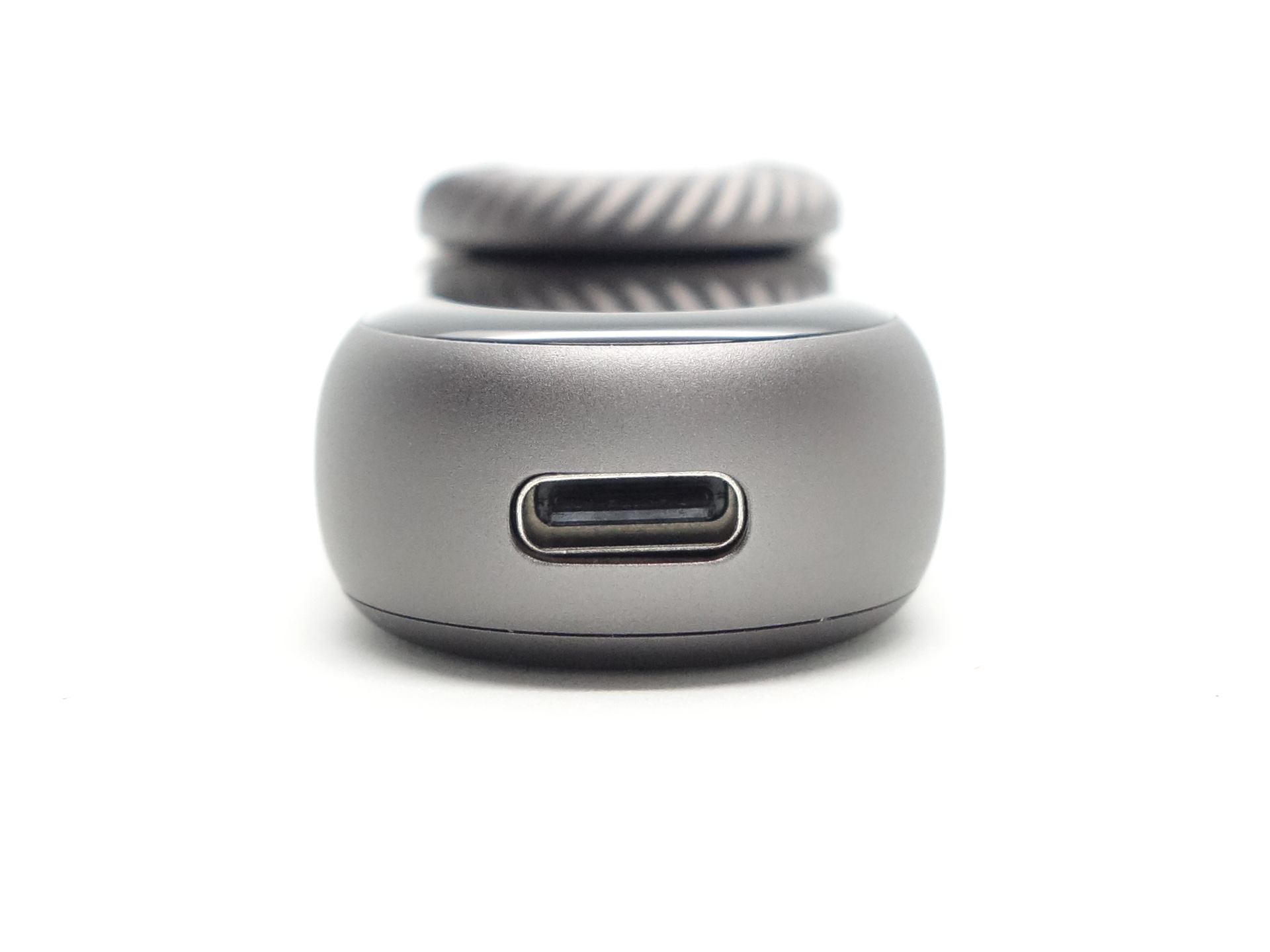
The LOOP DOT has built-in USB-C charging.
It has a maximum charging rate of 2.5W (5V/0.5A).
Power supply: PinePower Desktop USB-C
USB Meter: ChargerLAB Power-Z KM003C Amazon Australia
Room temperature: 13 C
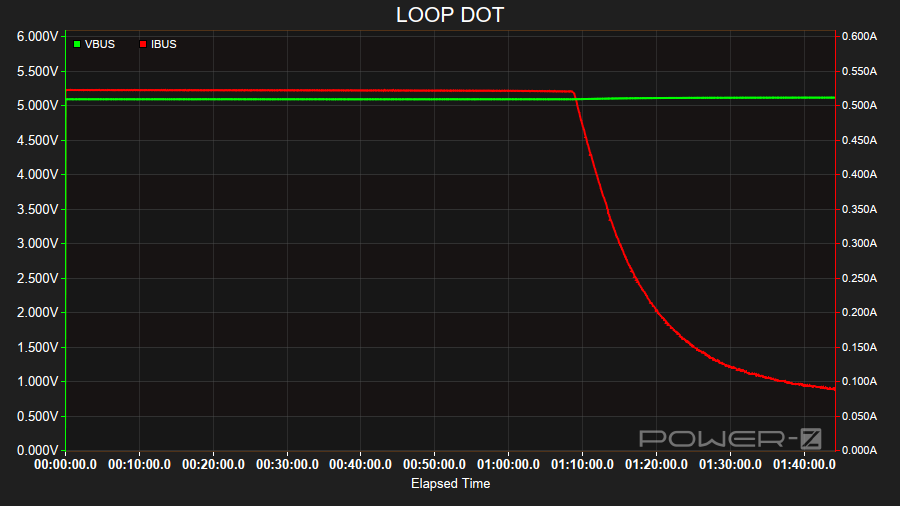
It took a little over 1 hour 40 minutes to fully charge the LOOP DOT at a rate of 5V/0.5A.
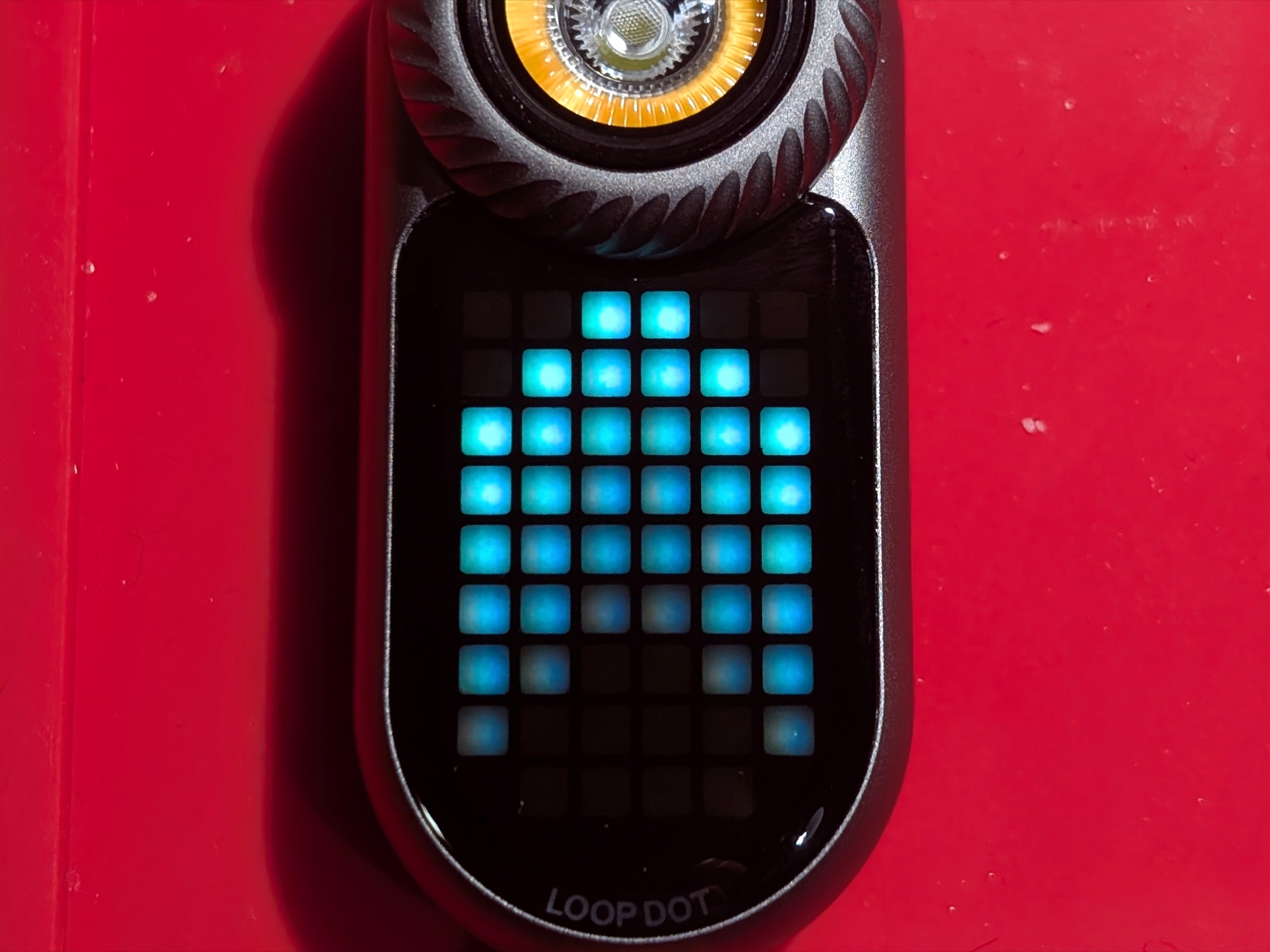
The Pixel Display acts as a charging status indicator.
Power supply compatibility#
I tried the following power supplies with the built-in USB-C charger:
| Power supply | USB Type | Protocol | Does it charge? |
|---|---|---|---|
| Apple 61W Power Adapter | USB-C | PD | Yes |
| Google Pixel Power Adapter | USB-C | PD | Yes |
| PinePower Desktop | USB-C | PD | Yes |
| PinePower Desktop | USB-A | QC | Yes |
| PinePower Desktop | USB-A | Yes |
USB-C to USB-C charging works.
Performance#
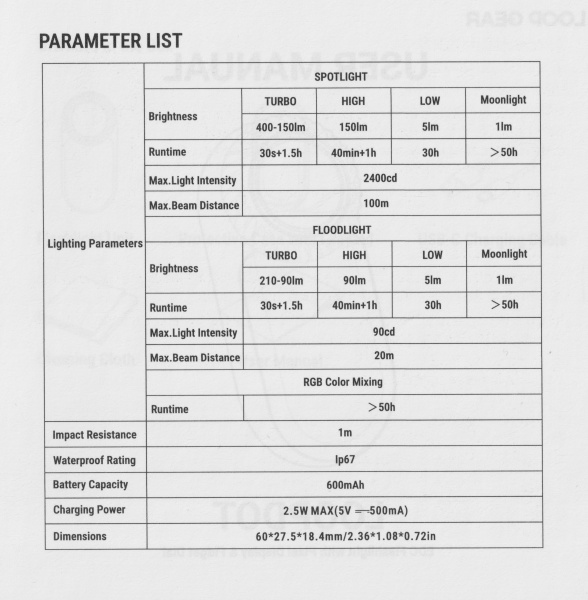
Specifications from the user manual:
| Spotlight | Turbo | High | Low | Moonlight |
|---|---|---|---|---|
| Output (lumens) | 400 + 150 | 150 | 5 | 1 |
| Runtime | 30s + 1h 30min | 40min + 1h | 30h | >50h |
| Beam Intensity (cd) | 2,400 | |||
| Beam Distance (metres) | 100 |
| Floodlight | Turbo | High | Low | Moonlight |
|---|---|---|---|---|
| Output (lumens) | 210 + 90 | 90 | 5 | 1 |
| Runtime | 30s + 1h 30min | 40min + 1h | 30h | >50h |
| Beam Intensity (cd) | 90 | |||
| Beam Distance (metres) | 20 |
| RGB Display | On |
|---|---|
| Runtime | >50h |
Lumen measurements#
| LED | Mode | Specs | 3umens @turn on | Lumens @30 sec | Lumens @10 min |
|---|---|---|---|---|---|
| Spotlight | Low | 5 | 5 | 5 | 3 |
| Spotlight | High | 150 | 117 | 117 | 115 |
| Spotlight | Turbo | 400 + 150 | 392 | 378 | 120 |
| Floodlight | Low | 5 | 3 | 3 | 3 |
| Floodlight | High | 90 | 91 | 91 | 86 |
| Floodlight | Turbo | 210 + 90 | 290 | 224 | 84 |
To enter Low mode I turned the light on, rotated the dial to the bottom of the ramp, and then I rotated the dial 8 clicks to increase the brightness. This produces about 5 lumens.
Runtime graphs#
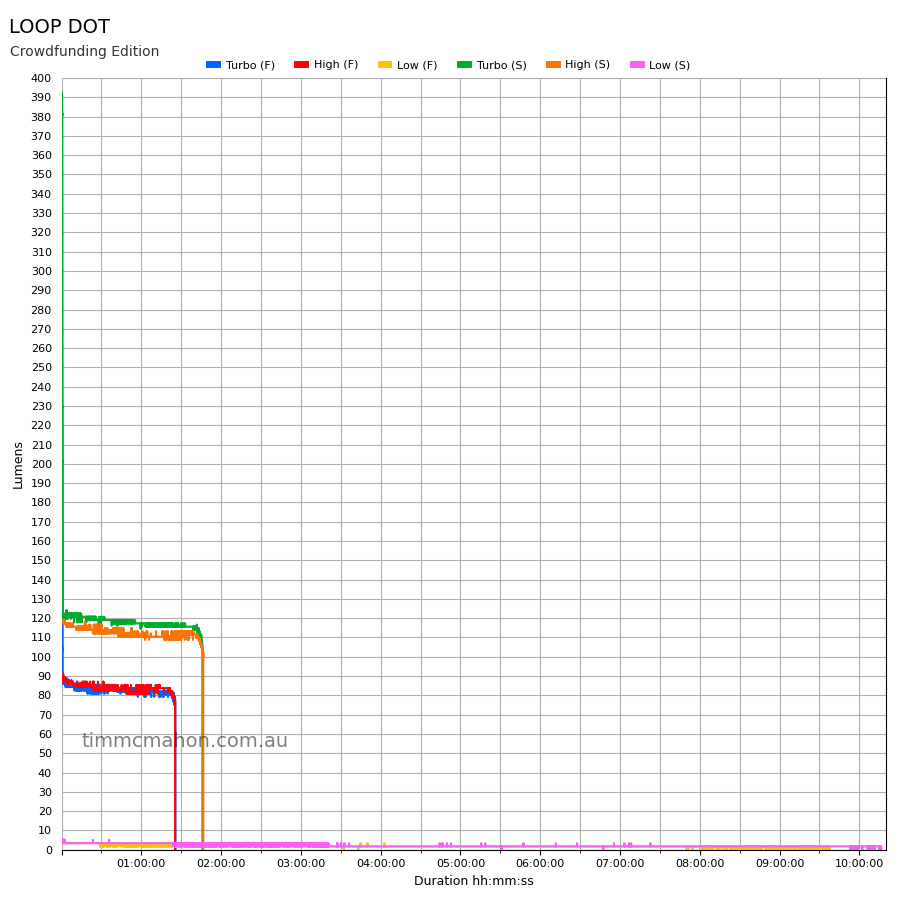
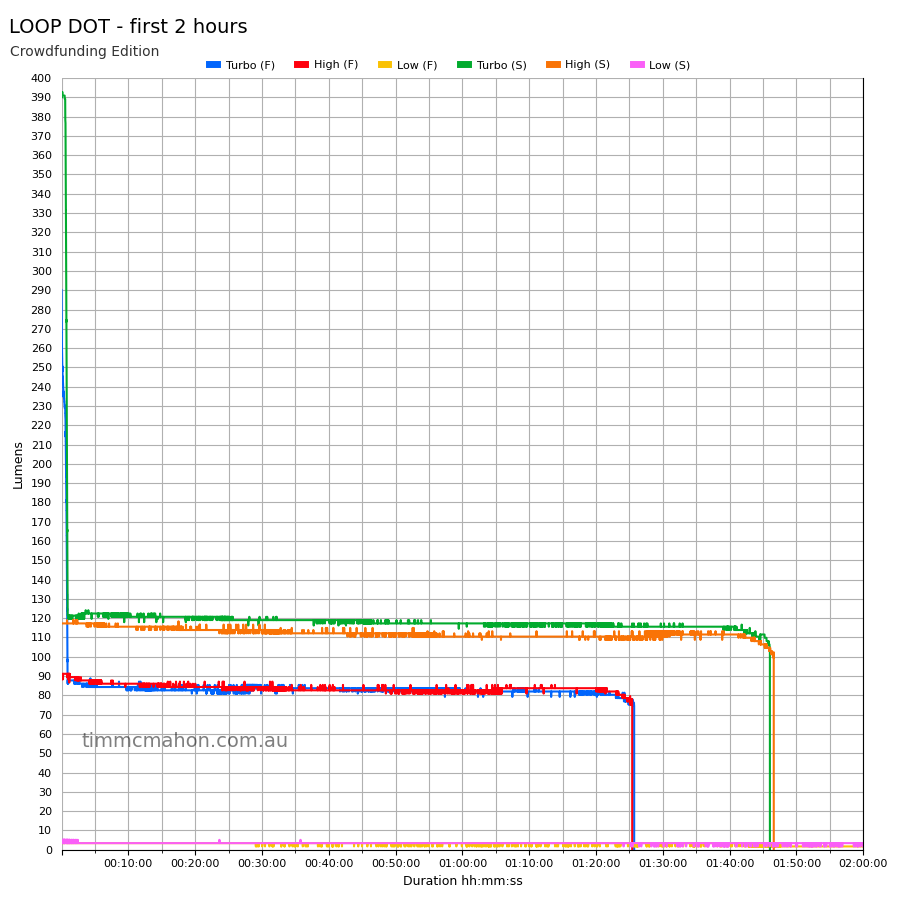
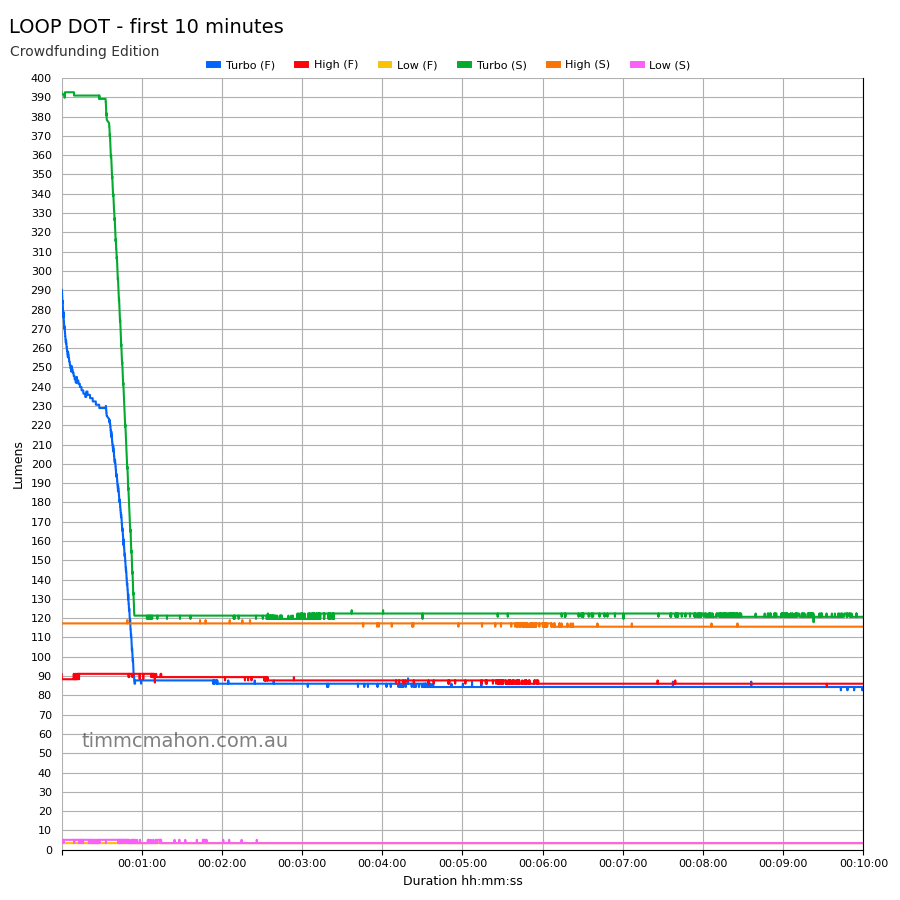
I used my own DIY lumen tube with a TSL2591 sensor and forked bmengineer’s project RuTiTe to record runtimes.
Note: Lumen measurements may be off by 10% with my DIY lumen tube.
The room temperature was approximately 13 C.
Runtime#
Here is a summary of the runtime results:
| LED | Mode | User manual | Runtime | Turn off |
|---|---|---|---|---|
| Spotlight | Turbo | 30s + 1h + 30min | 1h 46min 28s | 1h 46min 28s |
| Spotlight | High | 40min + 1h | 1h 47min 14s | 1h 47min 14s |
| Spotlight | Low | 30h | 10h 16min 27s | 10h 16min 27s |
| Spotlight | Moonlight | >50h | 10min+ | 10min+ |
| Floodlight | Turbo | 30s + 1h + 30min | 1h 25min 35s | 1h 25min 35s |
| Floodlight | High | 40min + 1h | 1h 25min 20s | 1h 25min 20s |
| Floodlight | Low | 30h | 9h 39min 49s | 9h 39min 45s |
| Floodlight | Moonlight | >50h | 10min+ | 10min+ |
“Runtime” is the time until the output reduces to 10% of the output at 30 seconds (as per the ANSI/PLATO FL1 2019 Standard).
“Turn off” is the time until my DIY lumen tube no longer detects more than one lumen.
“+” indicates that the light remained on after recording had stopped.
The runtime results are pretty close to what LOOP GEAR claim for Turbo and High.
Low did not last 30 hours. It lasted more than 9 hours.
The output is well regulated.
Throw#
I took lux measurements with a UNI-T UT383BT at 30 seconds. Turbo mode was measured at one metre.
| LED | Mode | Specs (cd) | Specs (m) | Candela measured (cd) | Distance (m) |
|---|---|---|---|---|---|
| Floodlight | Turbo | 90 | 20 | 160 | 25 |
| Spotlight | Turbo | 2,400 | 100 | 2,686 | 103 |
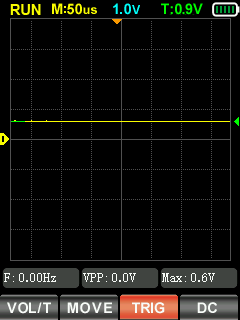
Pulse Width Modulation#
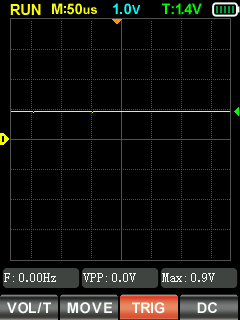
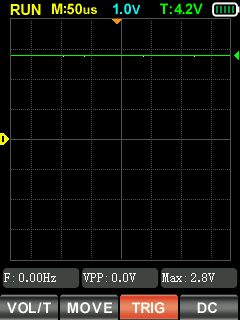
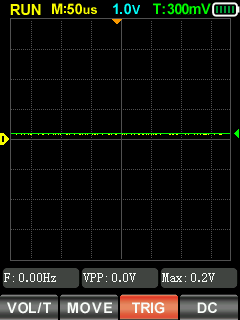
I did not notice any visible PWM (flickering).
I measured the PWM of the light with a Zoyi ZT-701 oscilloscope.
Spotlight (High, Turbo)
Floodlight (High, Turbo)
Beamshots#
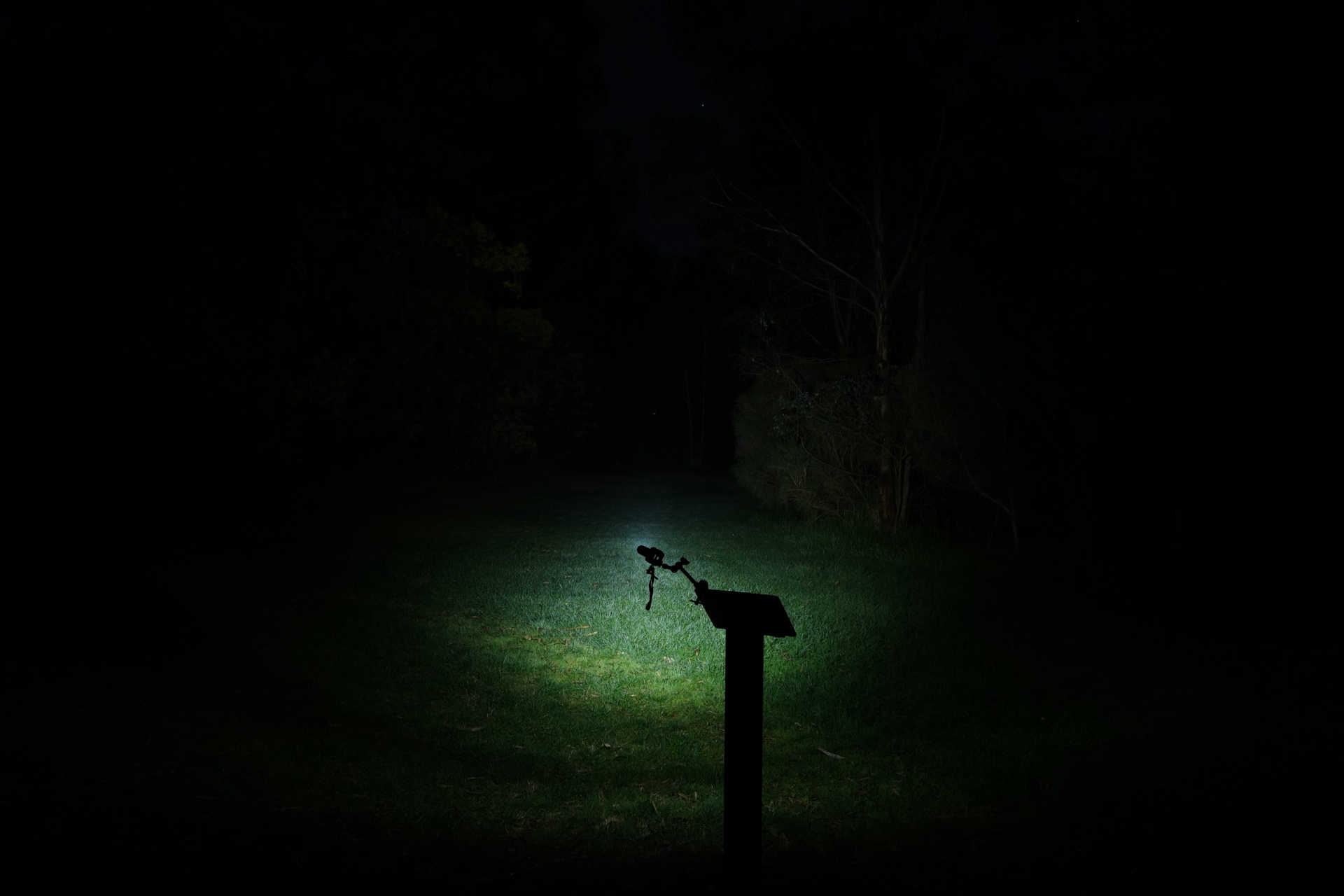
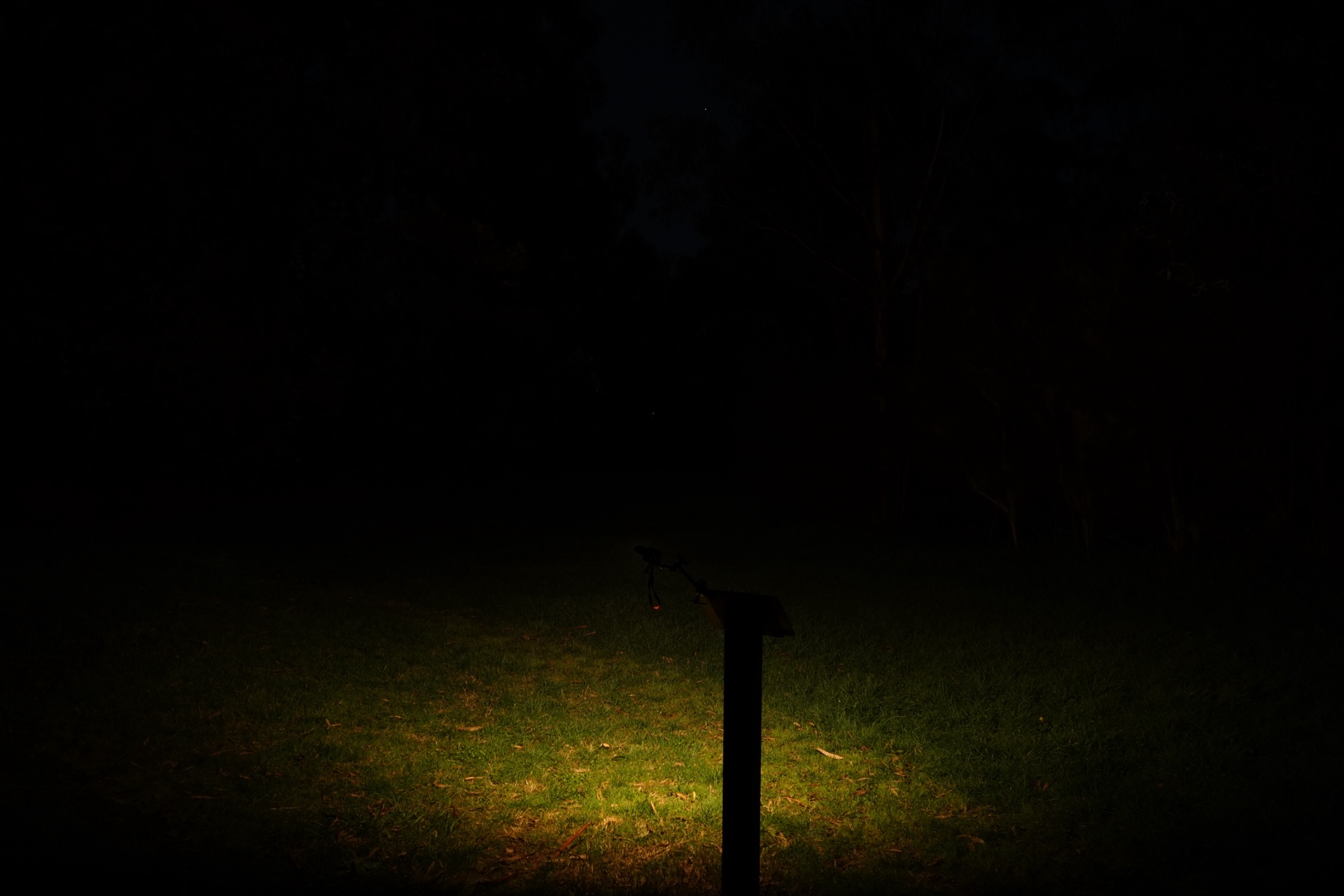
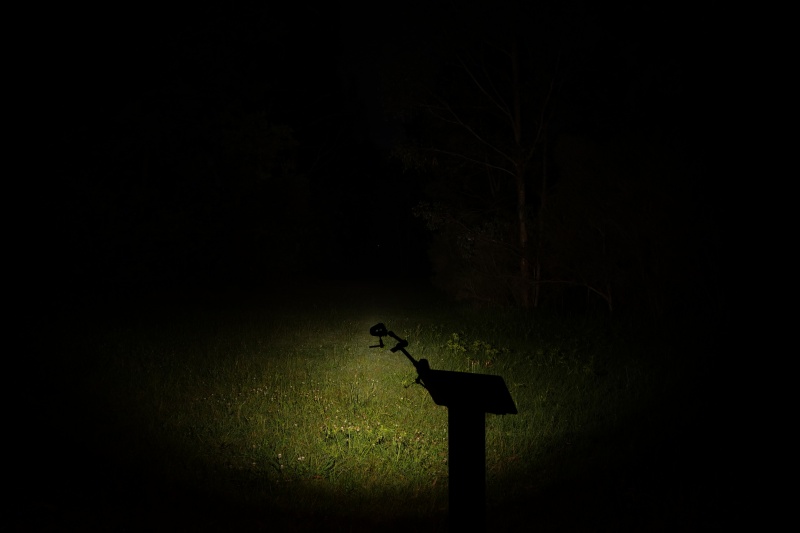
I went to a local park and I aimed the torch at a tree 70 metres away.
Beamshots were taken using a Sony RX100M2 using 3.2", f3.2, ISO 100, 5000K WB.
LOOP DOT Spotlight (Turbo)#
LOOP DOT Floodlight (Turbo)#
ReyLight Pineapple Mini Orange (100%)#
Conclusion#
It is so cool to see LOOP GEAR produce such a unique EDC fidget flashlight!
I saw hints about a ratchet-fidgety device being developed. But the RGB Pixel Display was totally unexpected!
As a light, the LOOP DOT is ok for EDC tasks in a pinch. It goes up to 400 lumens and reaches 100 metres.
I think where the LOOP DOT really shines is with the fidget-ability and the Pixel Display. The Wooden Fish game and the Dice game with haptic (vibration) feedback so much fun!
I can highly recommend the LOOP DOT!
It is available now at kickstarter.com
Pros:#
- Good build quality.
- Heaps of games.
- Adjustable vibration.
- Good beam distance.
- Good runtimes.
- Output is well regulated.
- Rotary dial is a nice fidget feature.
- Stepless dimming.
- High CRI floodlight.
- USB-C charging.
Cons:#
- The runtime for Low (5 lumens) was shorter than expected.
- Spotlight has a slightly oval shape.
Price#
The LOOP DOT is US$35.
The LOOP DOT is available in grey, orange, purple and green.
Product page#
I may earn a commission if you use an affiliate link or a promo code. This will help fund future torch reviews and tutorials.